

Dell Laptops


















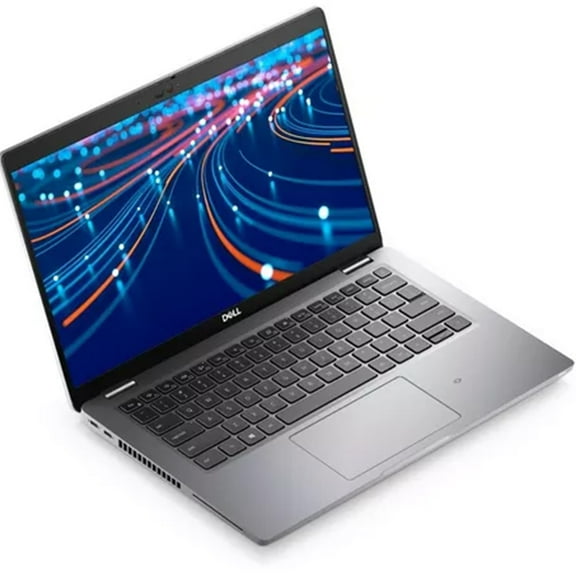

About Dell Laptops - Walmart.com
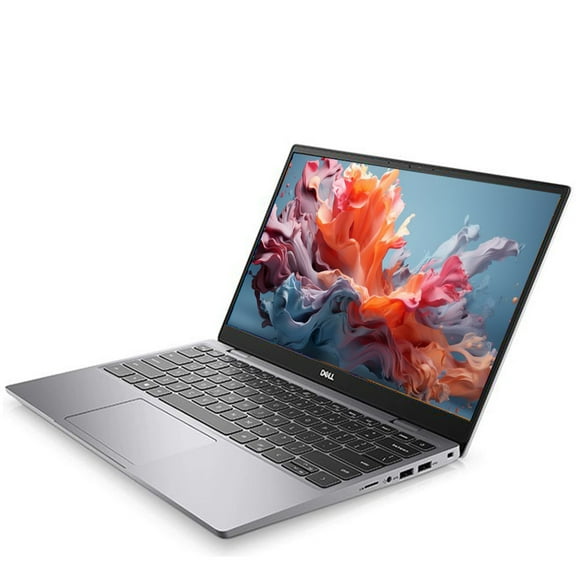
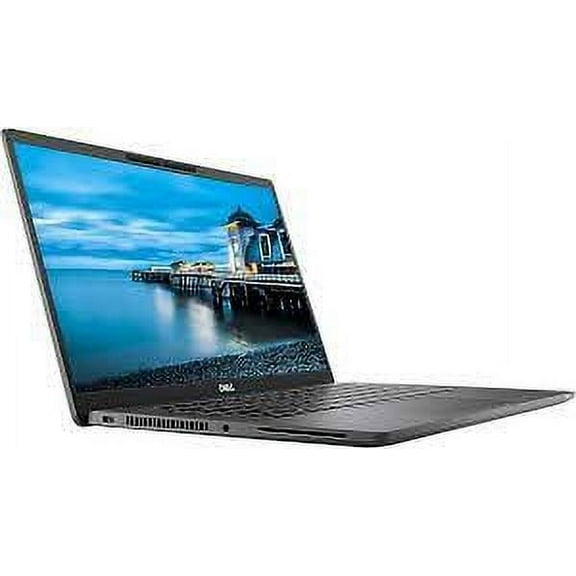
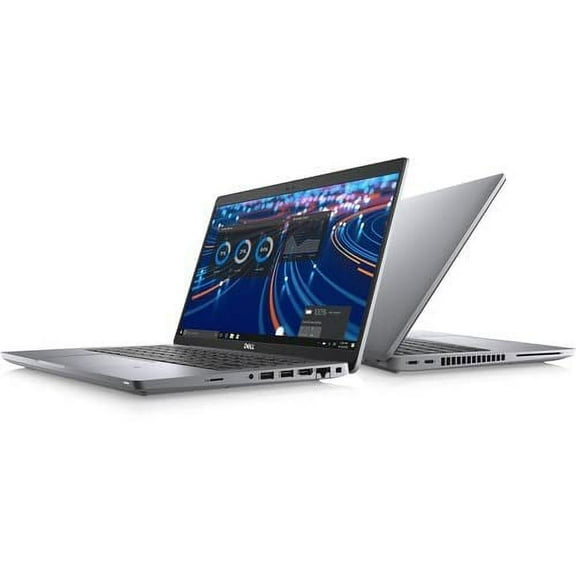
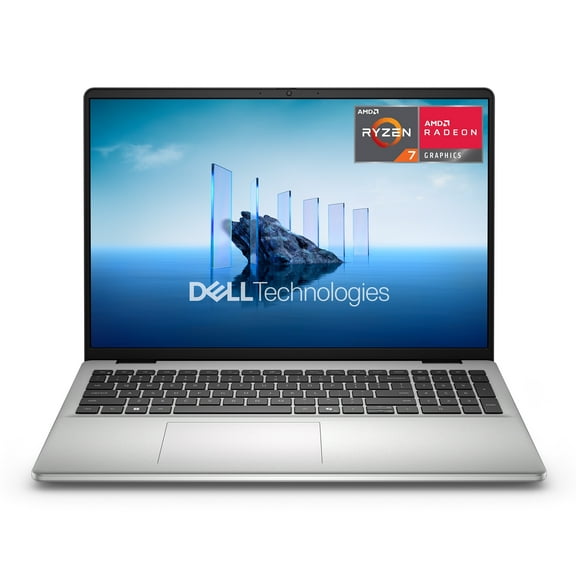
You can compare dell laptops more easily when you focus on series, processor, screen size, and daily use. You’ll also find options that fit school, work, creative projects, and gaming in one brand family.
Choosing the right dell laptops series
You should start with the Dell series because each line serves a different routine. You’ll usually see Inspiron for everyday tasks, XPS for creative work, Latitude for business, and G-Series for gaming.
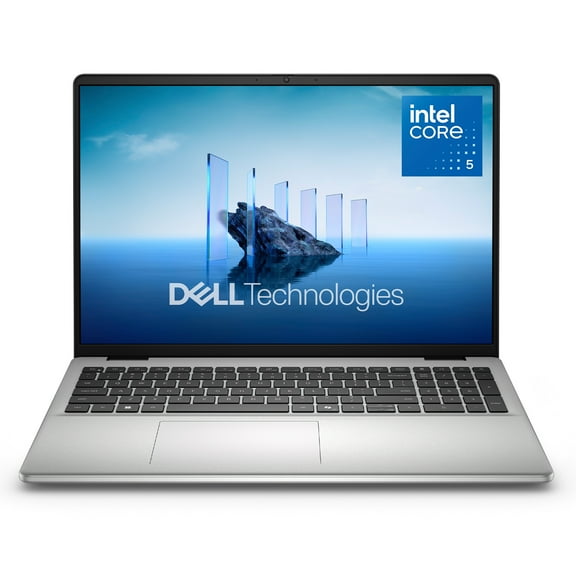
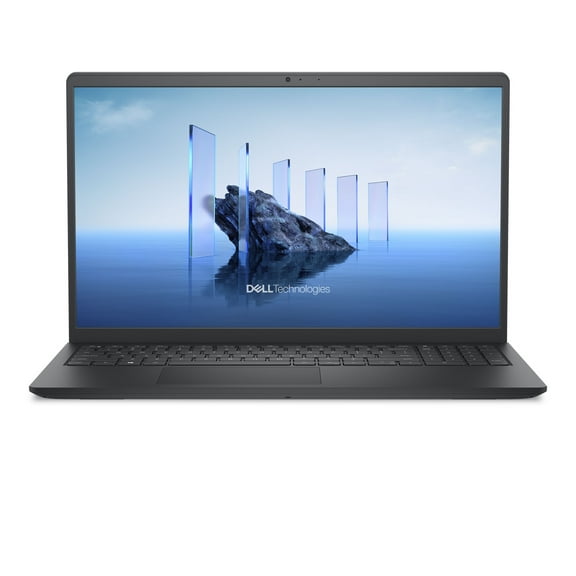
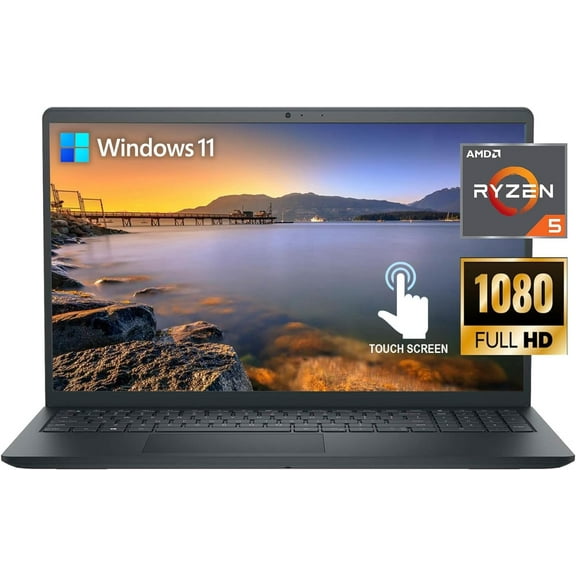
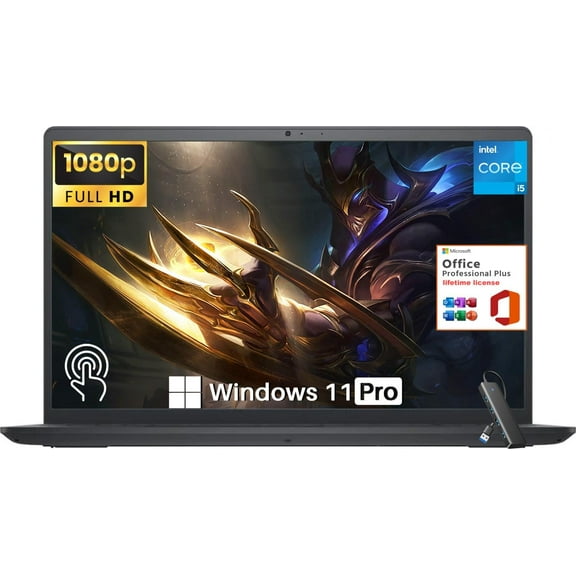
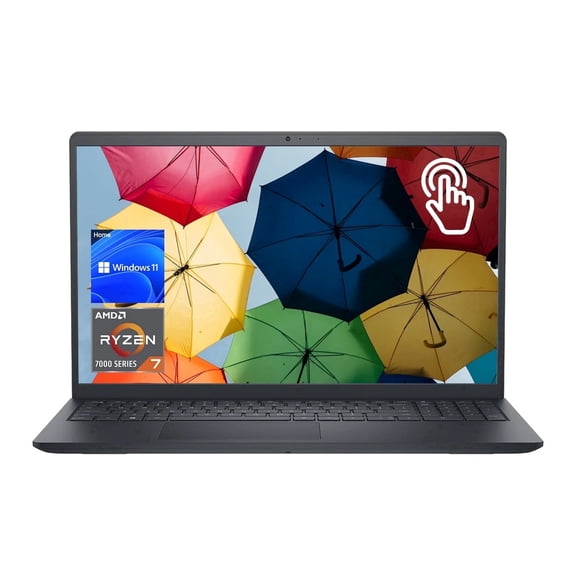
If you want a flexible home or school computer, you may prefer dell inspiron laptops. You’ll often get practical features for browsing, streaming, writing, and video calls.
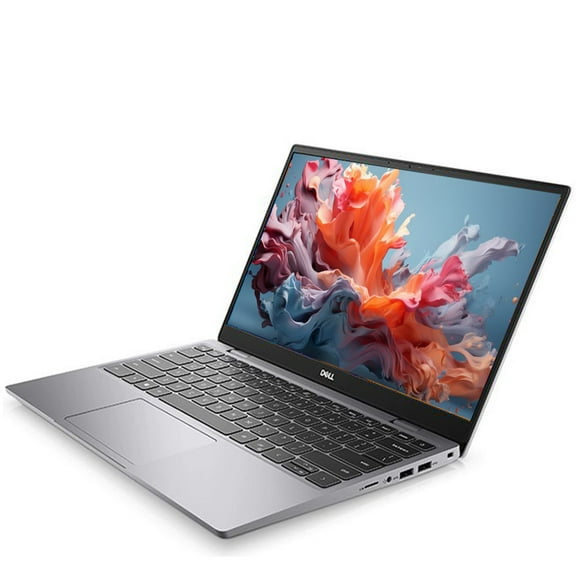
When your workflow includes editing, designing, or detailed visuals, you may compare dell xps laptops. You’ll notice slimmer designs, sharp displays, and a polished feel for portable productivity.
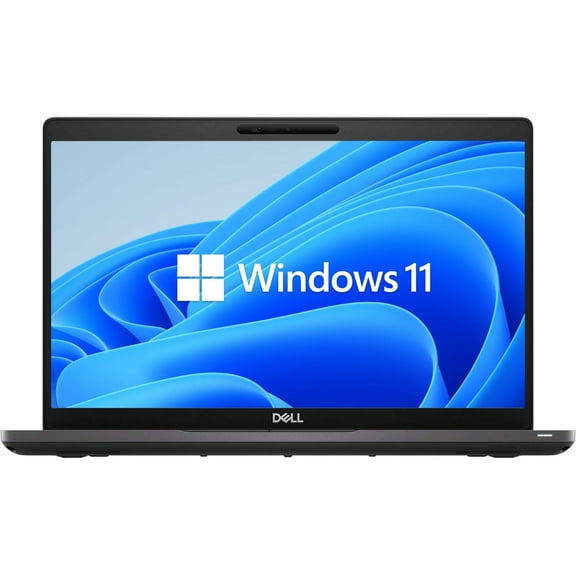
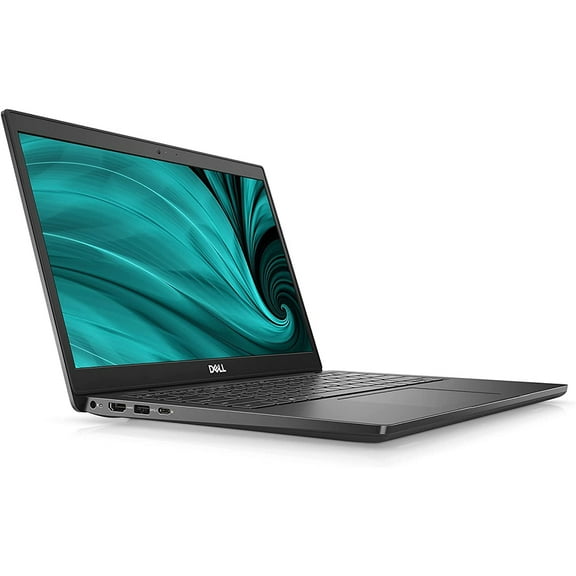
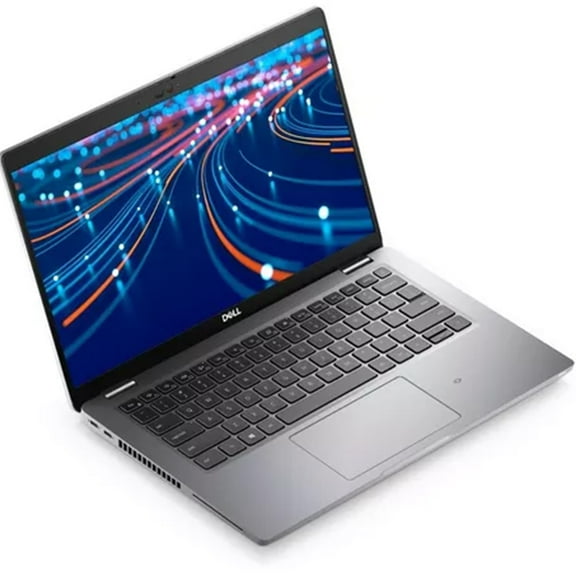
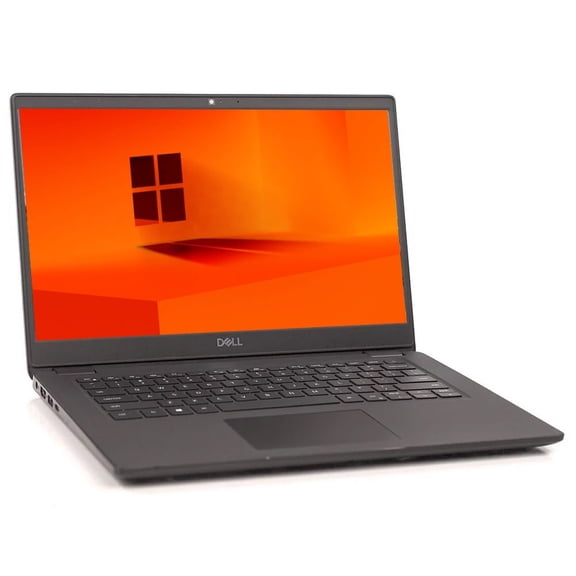
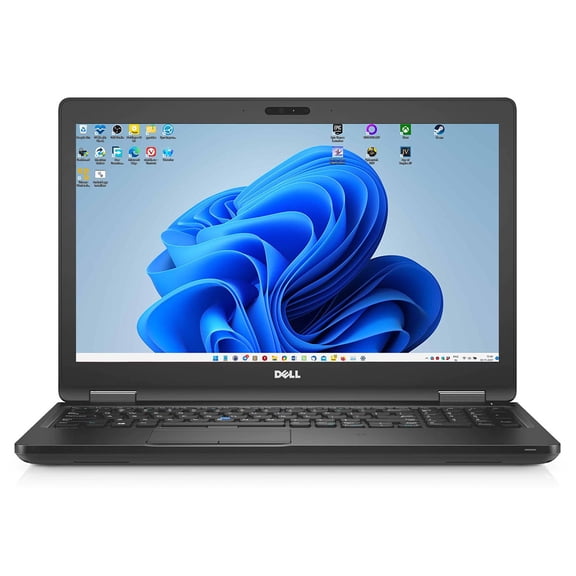
For office setups and travel between meetings, you may look at dell latitude laptops. You’ll often find business-focused designs that support docking, productivity apps, and all-day portability.
If your priority is play after class or work, you may consider dell gaming laptops in the G-Series. You’ll get hardware choices that support fast action, larger files, and heavier multitasking.
What to look for in processor, memory, and storage
You can narrow your options faster when you match internal specs to your routine. You don’t need the same setup for email and documents that you’d choose for gaming or content creation.
- You may choose 8GB RAM if your day centers on web browsing, schoolwork, and streaming.
- You may prefer 16GB or more if you keep many tabs open or run demanding programs.
- You can look for solid-state storage when you want quicker startup times and faster file access.
- You may compare Intel Core i5, Intel Core i7, and AMD Ryzen based on your workload.
If you handle everyday tasks, you’ll likely feel comfortable with an Intel Core i5 or similar AMD Ryzen option. You can expect smooth performance for documents, email, and online classes.
When you edit media or switch between many apps, you may want an Intel Core i7 or a stronger Ryzen chip. You’ll usually get more headroom for multitasking and heavier software.
You should also check storage capacity before you decide. You may want 256GB for lighter files, while 512GB or more fits larger games, photos, and project folders.
Comparing screen size and touchscreen options
You can use screen size to balance portability with viewing comfort. You’ll often see 13-inch models for travel, 15.6-inch models for daily versatility, and 17-inch models for desk-focused use.
If you carry your laptop often, you may lean toward a 13-inch system. You’ll get a compact footprint that fits backpacks, lecture halls, and tighter workspaces.
For a middle ground, you may compare 15.6-inch models across several series. You’ll have enough room for spreadsheets, streaming, and everyday multitasking without stepping up to a larger frame.
When you want a desktop replacement feel, you may consider a 17-inch screen. You’ll notice more space for side-by-side windows, media viewing, and game interfaces.
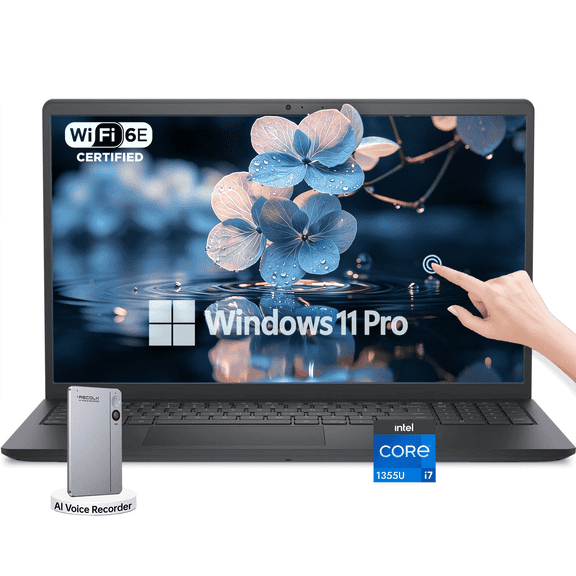
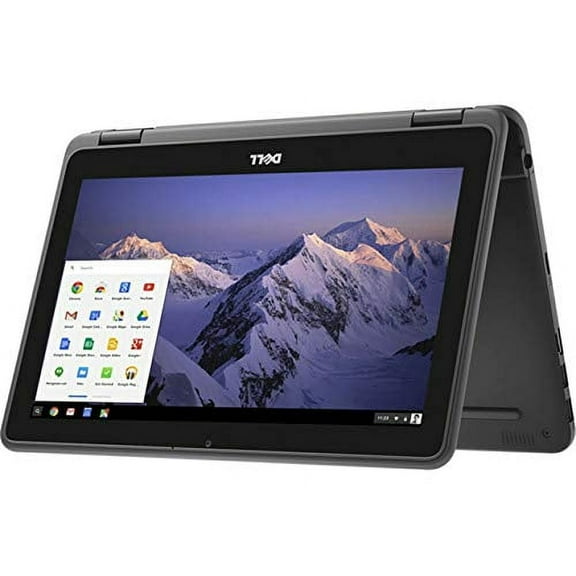
You may also look at dell touchscreen laptops if you want more hands-on navigation. You’ll find touch useful for tapping through apps, scrolling quickly, or sketching ideas on select 2 in 1 laptops.
Matching Dell laptops to everyday use, business, gaming, and college
You can make a smarter choice when you match the laptop to your routine instead of chasing extra specs. You’ll often get the right fit by thinking about where and how you use it.
If your day includes homework, streaming, and browser-based tools, you may like Inspiron or other dell college laptops. You’ll appreciate lighter designs, practical screen sizes, and enough power for campus life.
For business tasks, you may prefer Latitude with a 13-inch or 15.6-inch display and solid multitasking support. You’ll benefit from a setup that travels well and handles presentations, email, and office software.
If your evening includes multiplayer titles or creative software, you may choose G-Series configurations with stronger graphics support. You’ll want at least 16GB RAM and roomier storage for larger files.
When you want one device for many roles, you may compare a 2 in 1 model with touchscreen support. You’ll get laptop productivity with added flexibility for notes, casual viewing, and lighter creative tasks.
How to choose with confidence
You can shop smarter when you compare Dell series, processor type, memory, and screen size together. You’ll end up with a laptop that fits your routine, your workspace, and the tasks you handle most.