

Dell Computers in Shop Computers by Brand




















About Dell Computers in Shop Computers by Brand - Walmart.com
Dell computers give you clear choices for work, school, gaming, and everyday tasks. You can compare form factors, product lines, and core specs faster when you shop this page.
If you need a simple way to narrow options, you can start with how and where you'll use your computer. You can then compare processor power, memory, and storage with more confidence.
How to choose Dell computers by form factor
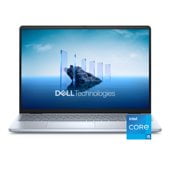
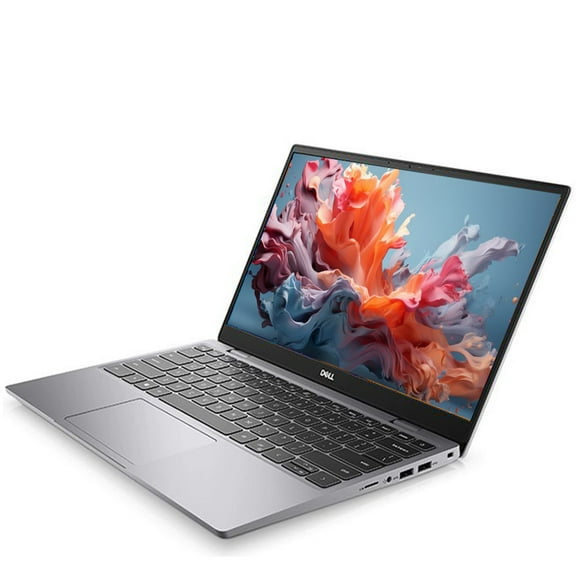
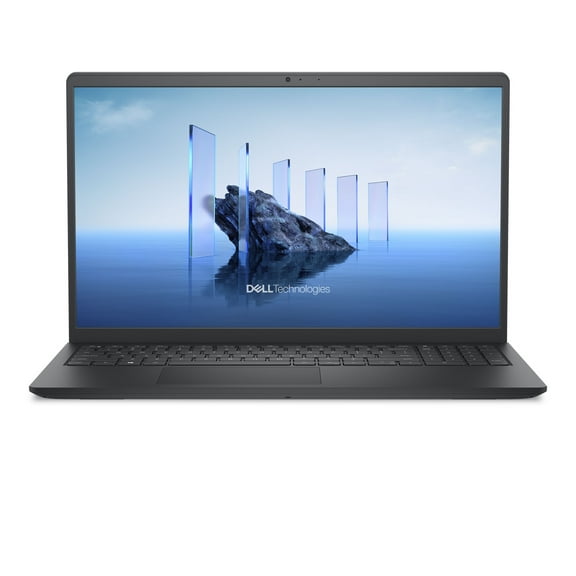
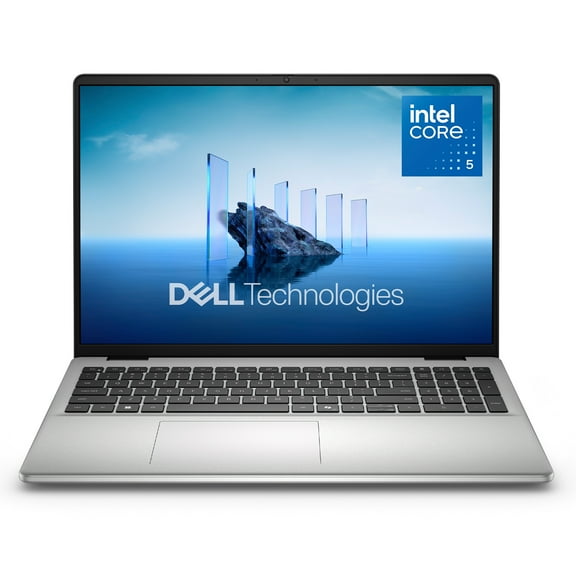
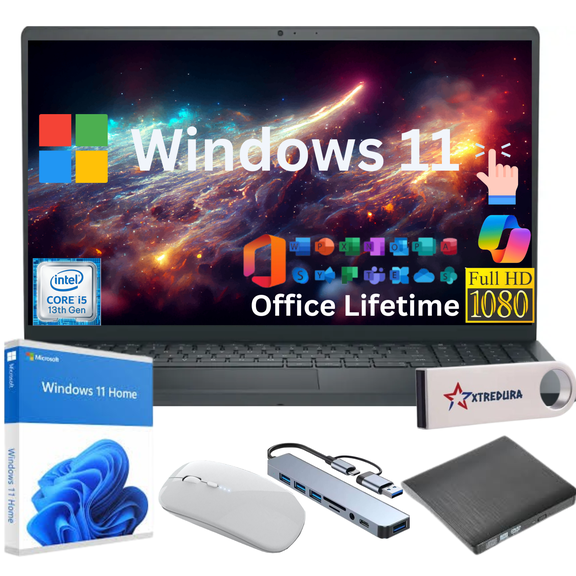
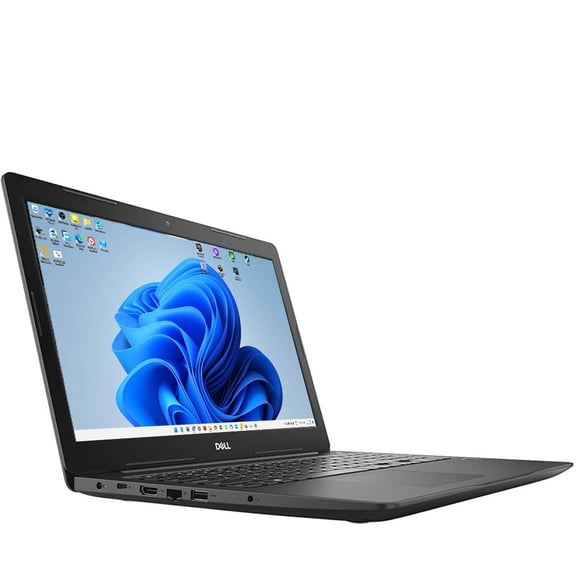
You can start with form factor because it shapes your daily experience right away. If you move between rooms, classes, or meetings, you may prefer dell laptops.
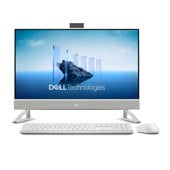
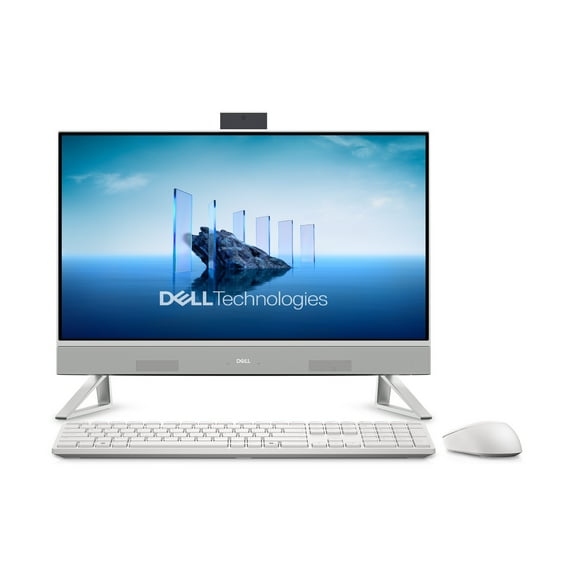
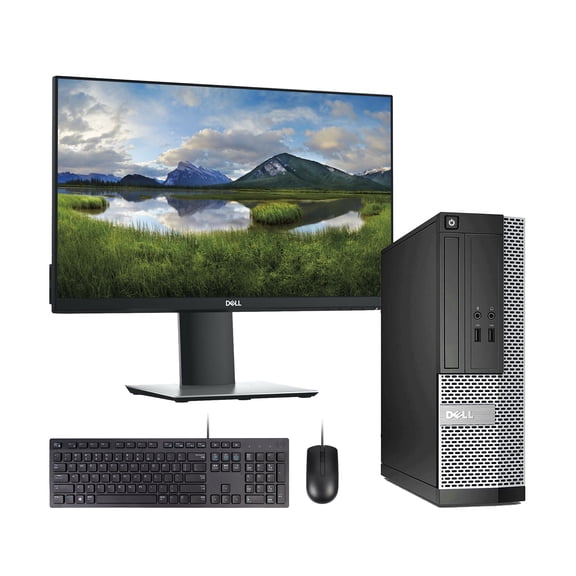
When you want more screen space and room for accessories, you may prefer dell desktop computers. If you want fewer cables, you can compare a dell all in one computer.
You can also consider a 2-in-1 convertible when your routine mixes typing, streaming, and touch-based tasks. That design lets you switch between laptop and tablet-style use.
- You can choose a laptop when your schedule requires portability and battery-powered use.
- You can choose a desktop when your setup stays in one place and needs stronger upgrade flexibility.
- You can choose an all-in-one when you want a cleaner desk with display and computer together.
- You can choose a 2-in-1 when your day includes notes, presentations, and casual browsing.
Choosing between dell inspiron, dell latitude, and dell optiplex
You can compare product lines by matching them to your routine instead of guessing from model names. This step helps you focus on systems designed for your type of work.
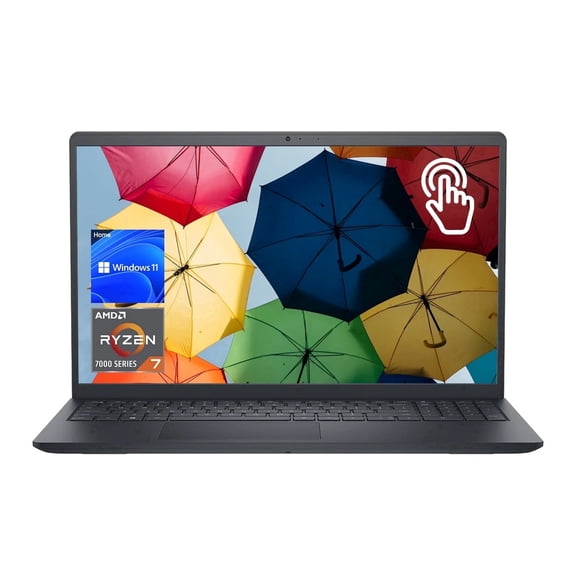
If you want a familiar option for streaming, homework, and everyday tasks, you can look at dell inspiron. That line often fits households, students, and general home use.
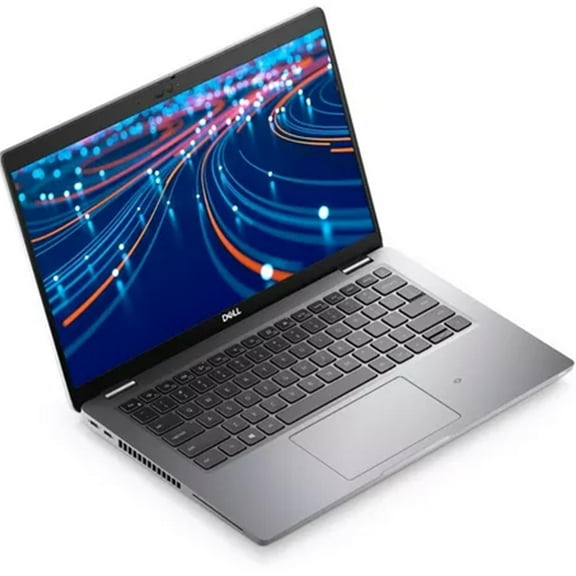
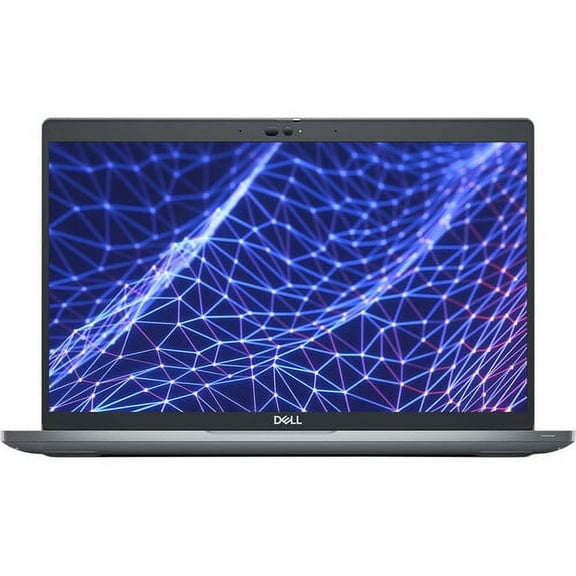
When your day centers on meetings, travel, and office apps, you may compare dell latitude models. You can look for business-focused features that fit mobile work routines.
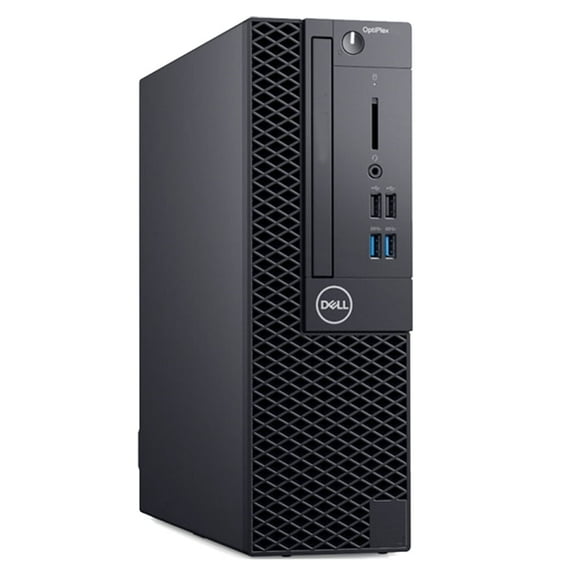
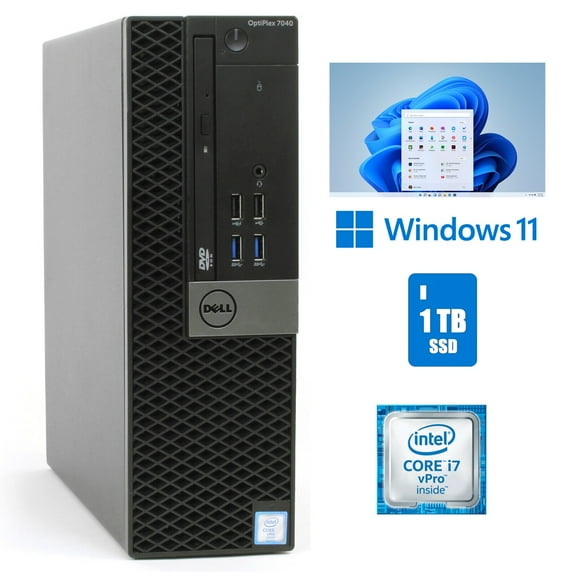
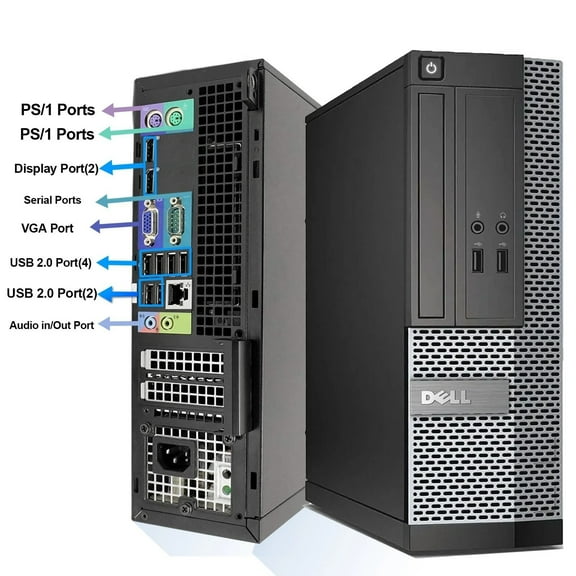
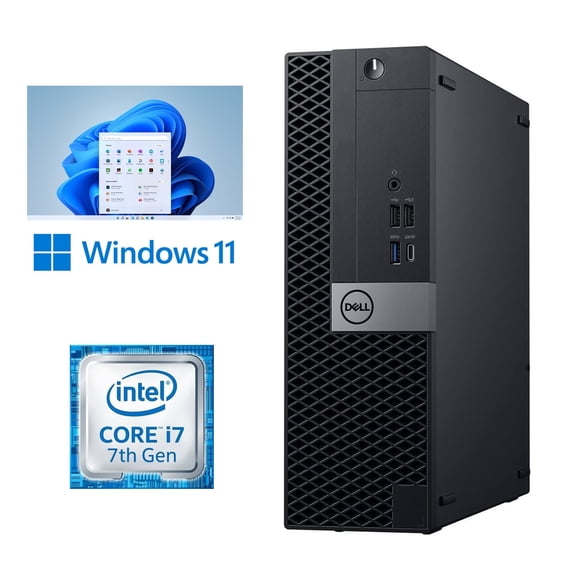
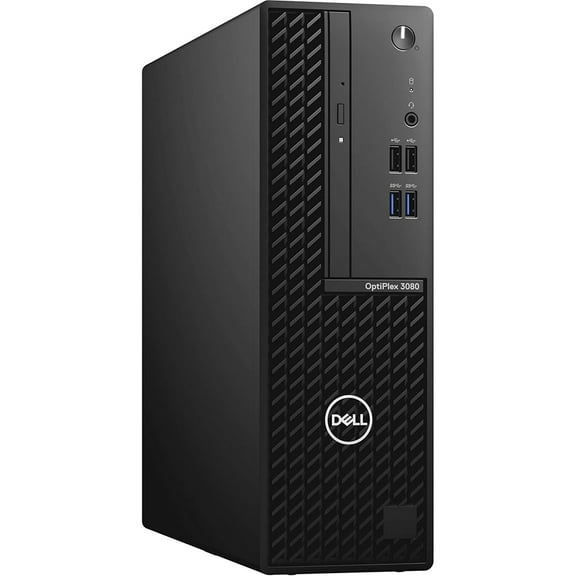
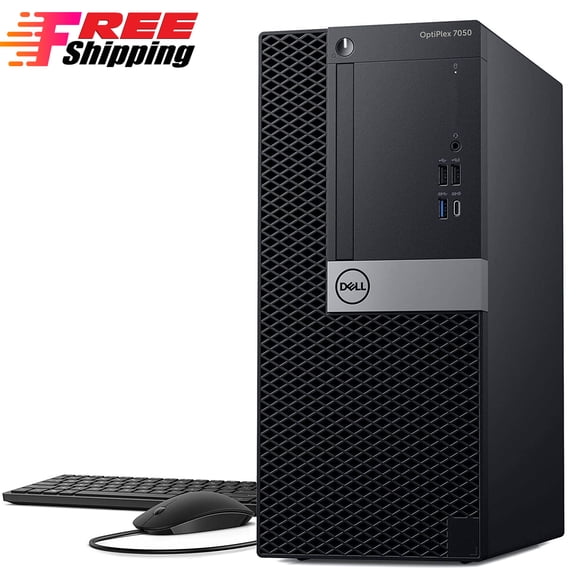
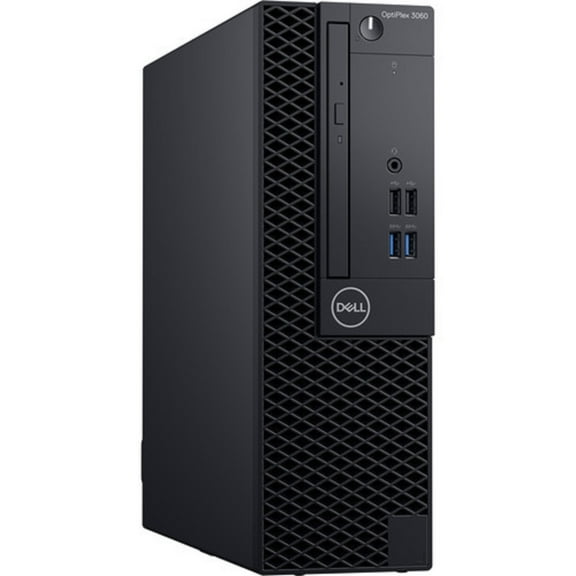
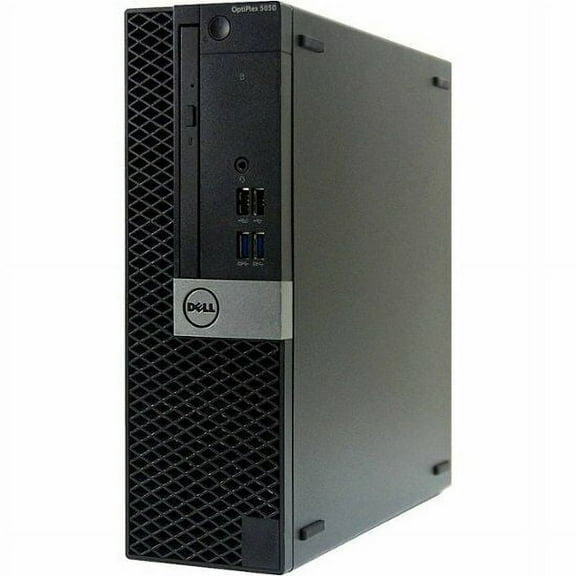
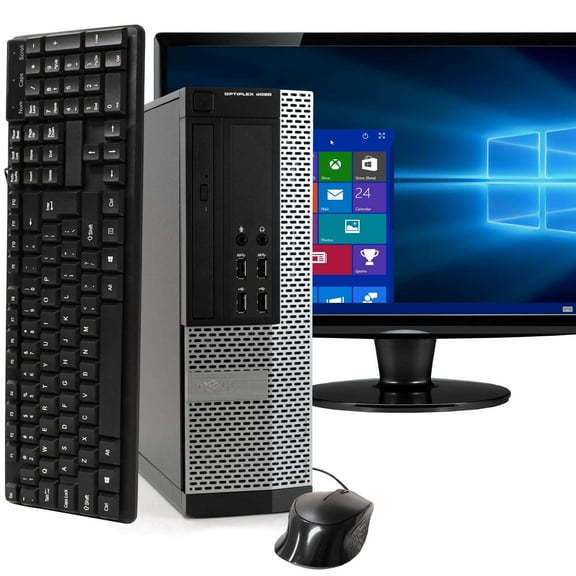
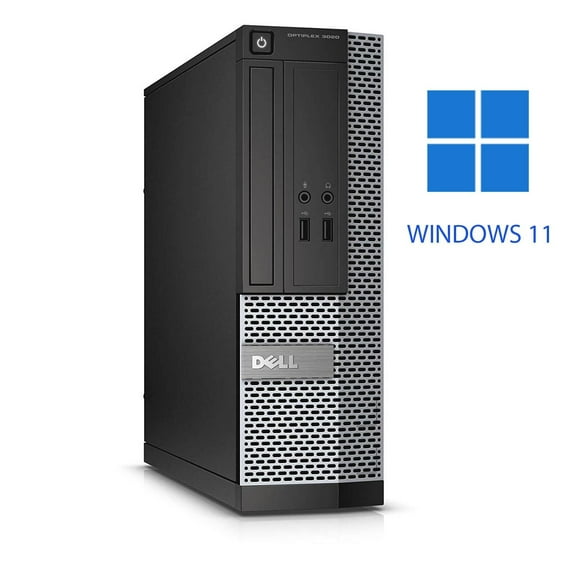
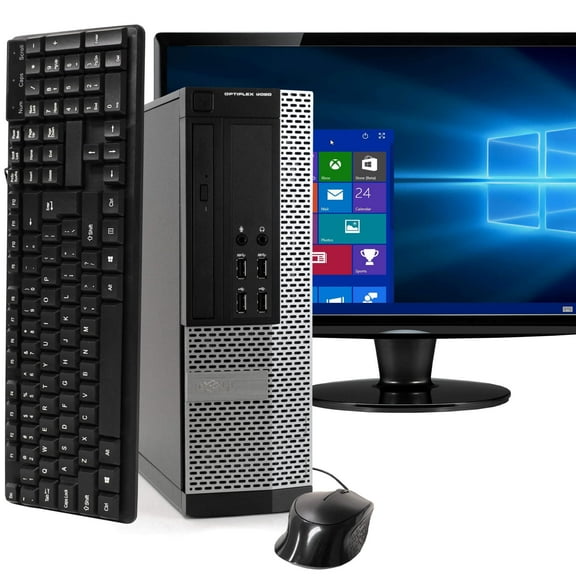
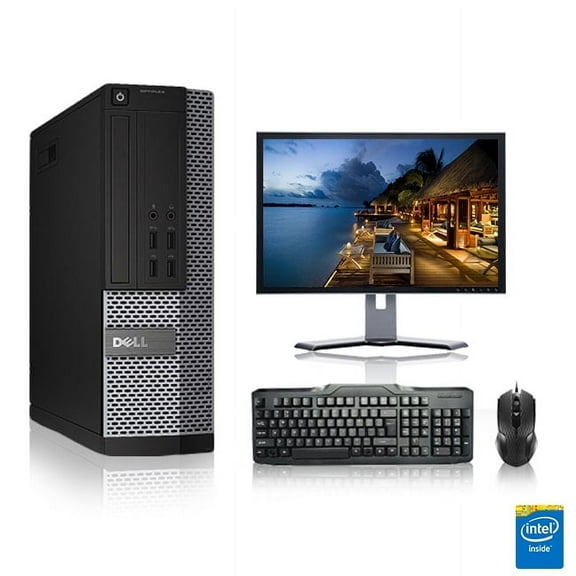
If your desk setup supports office workflows, shared spaces, or front-desk use, you may compare dell optiplex systems. You can use that line to narrow business desktop options quickly.
You may also see XPS and Vostro options while you compare this category. You can treat XPS as design-forward and Vostro as small-business focused when filtering choices.
What to look for in processors, memory, and storage
You can use processor and memory specs to match speed with your workload. If you keep many tabs open, you should compare Intel Core i5, Intel Core i7, and AMD Ryzen options.
An Intel Core i5 or similar AMD Ryzen chip can suit schoolwork, web use, and common office tasks. If your projects run heavier apps, you may want an Intel Core i7.
You should also check RAM because it affects how smoothly your computer handles multitasking. If you switch between video calls, documents, and browsers, you may want more memory.
Storage matters just as much because it shapes boot speed and file access. You can choose SSD storage for faster startup times and quick app loading.
If you keep large photo libraries or many saved files, you may compare higher-capacity drives. You can balance speed and space by checking whether a model emphasizes SSD performance or larger storage.
Matching dell laptops and desktops to how you work
You can narrow choices faster when you map specs to your main use case. If your day includes classes, note-taking, and web research, you may want a lighter laptop.
For home tasks, streaming, and family use, you can compare systems with balanced processors and practical storage. You may not need workstation-level power for email, browsing, and documents.
If you work in spreadsheets, video calls, and cloud apps all day, you can compare business-ready configurations. You may prefer dell latitude or desktop options with room for multitasking.
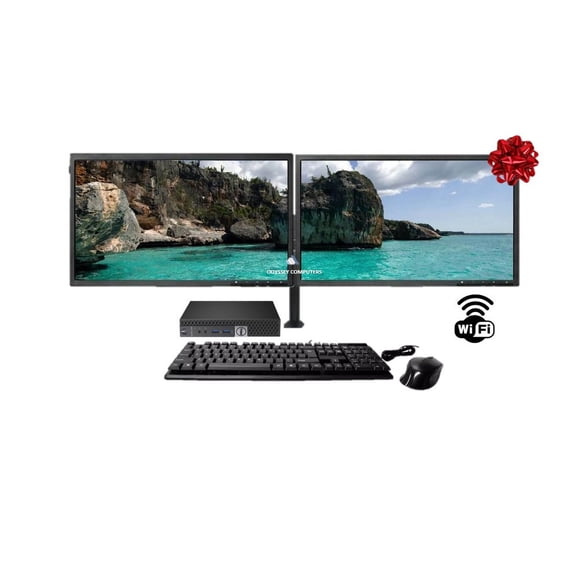
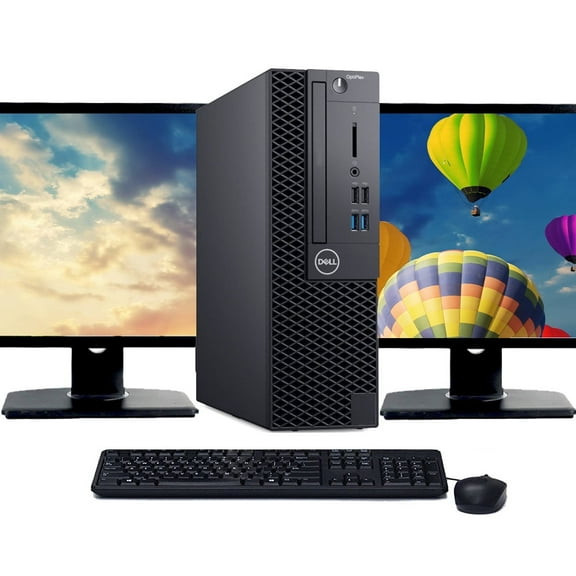
When your setup handles office stations or shared work areas, you can look at dell optiplex towers or compact desktops. You can also compare monitor-friendly layouts and peripheral support.
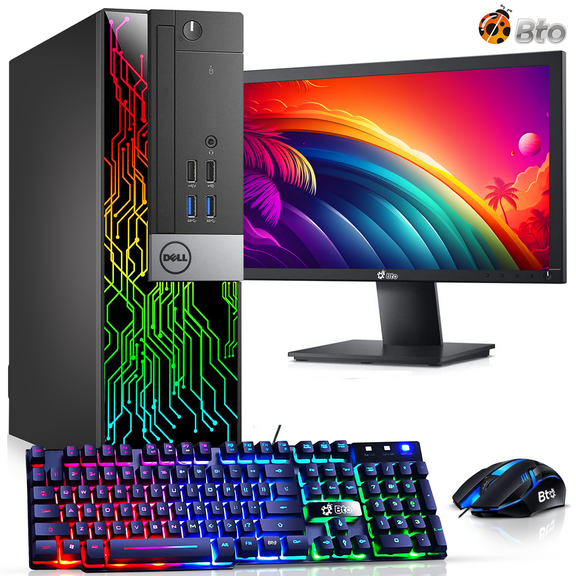
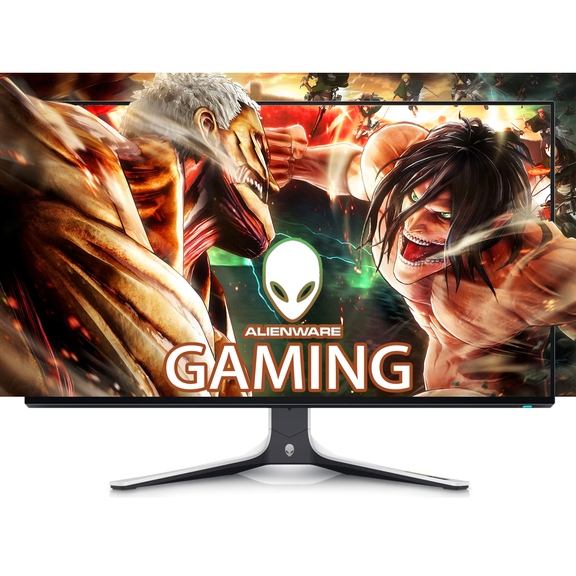
If gaming is part of your plan, you can compare a dell gaming pc with stronger processors and graphics support. You should also check memory and storage so larger games load smoothly.
You may even want different systems for different spaces at home or work. A portable laptop can handle travel, while a desktop can anchor your main desk.
How to compare screen size, setup, and everyday fit
You can also compare display size and desk fit before you choose a model. A larger screen can help you view spreadsheets, schoolwork, or side-by-side windows more comfortably.
If your room or office feels tight, you may prefer a compact laptop or all-in-one design. That choice can keep your setup simple without extra towers and cables.
You should check ports and accessory needs if you use external monitors, keyboards, or storage drives. This step helps you match your computer to the way you already work.
When you compare dell computers with these decision points in mind, you can choose a setup that fits your routine. You end up with the right mix of portability, performance, and everyday usability.