

Checkup Challenge






FAQ
About Checkup Challenge - Walmart.com
You can use the iams checkup challenge 2026 page to understand program steps, key dates, and receipt upload details before you participate. You can also find guidance for dog and cat households, which helps you prepare the right purchase and visit records.
If you're comparing campaign details, you likely want clear instructions instead of broad brand messaging. You can use this page as a practical guide for qualifying IAMS pet food purchases, licensed vet visits, and submission timing.
How to use the iams checkup challenge 2026 page
You should start by checking whether your pet is a dog or cat, since your shopping path may differ. You can then confirm that your purchase matches eligible IAMS pet food listed in the program rules.
When you review a check up challenge for pets, you should look for the steps in order. You can usually move from purchase confirmation to vet visit planning, then to receipt upload and invoice validation.
You may want a simple checklist before you begin, especially if you're planning around a busy schedule. You can use these points to stay organized during the campaign period.
- You should confirm the 2026 program dates before you buy.
- You should keep your store receipt with the purchase date visible.
- You should keep your vet invoice with provider details and visit date.
- You should check whether your veterinarian is licensed before submission.
- You should review eligible dog or cat food requirements in the rules.
Choosing pet type, offer type, and qualifying purchases
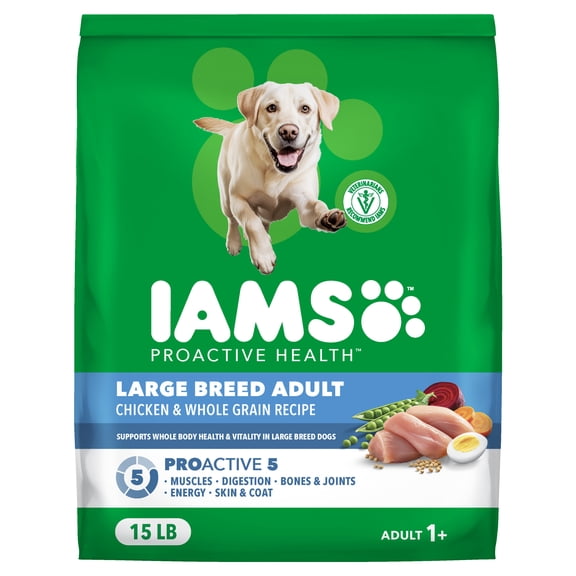
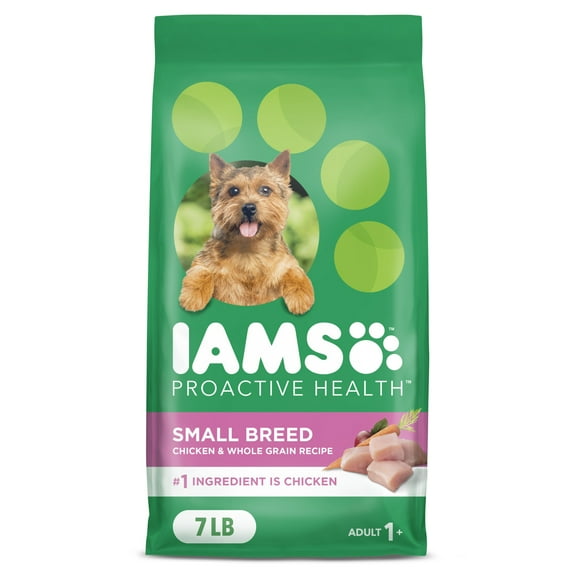
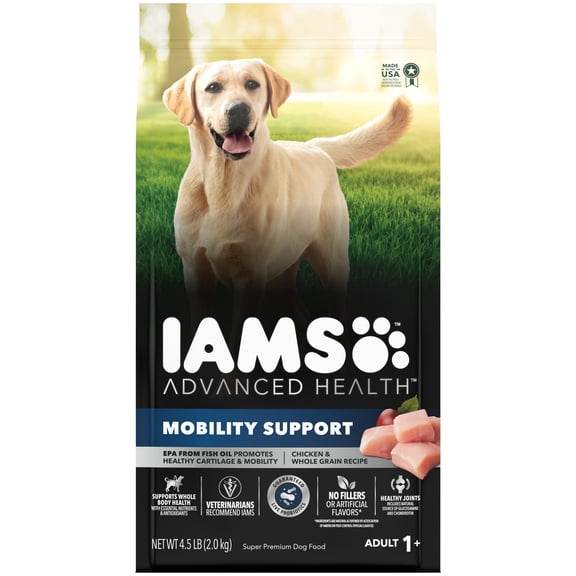
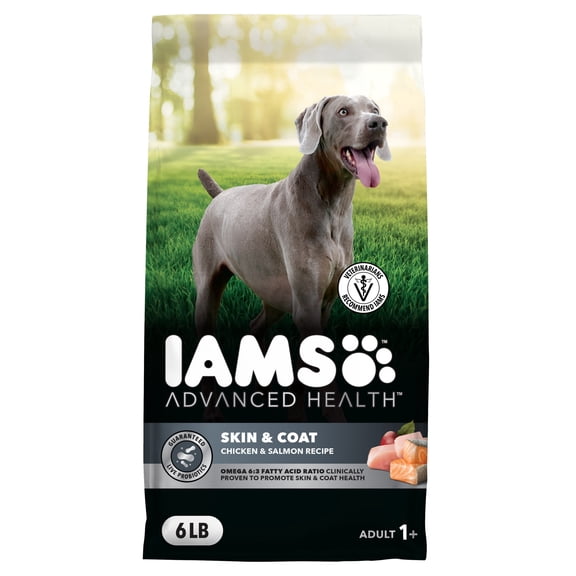
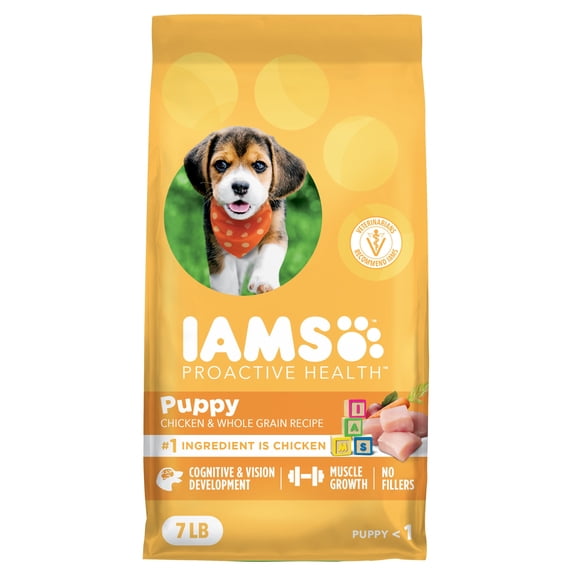
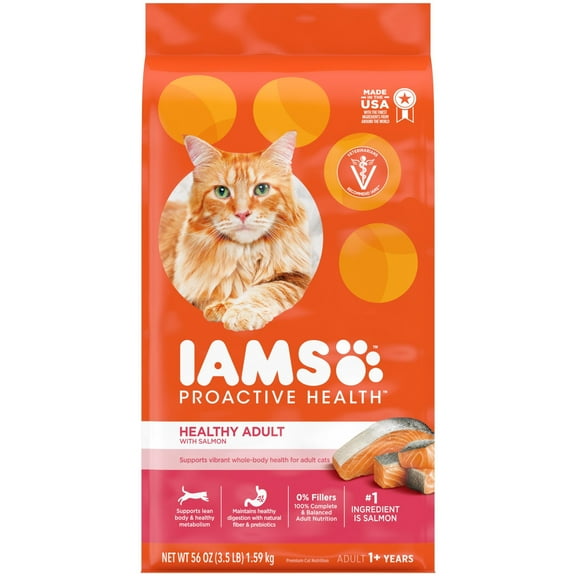
If you're entering for a dog, you should review iams dog check up challenge details and qualifying food options. If you're entering for a cat, you should review iams cat check up challenge guidance and keep cat purchase records separate.
You may see the offer described as a vet challenge, a check up, or an iams free vet visit. You should treat those phrases as parts of one campaign path, then confirm the exact wording in current rules.
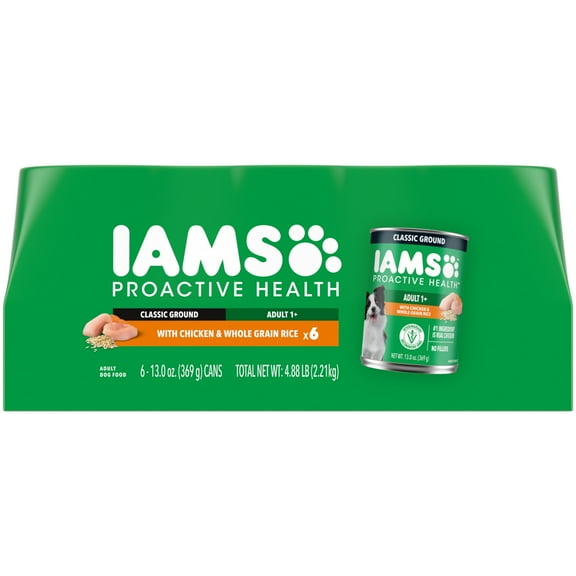
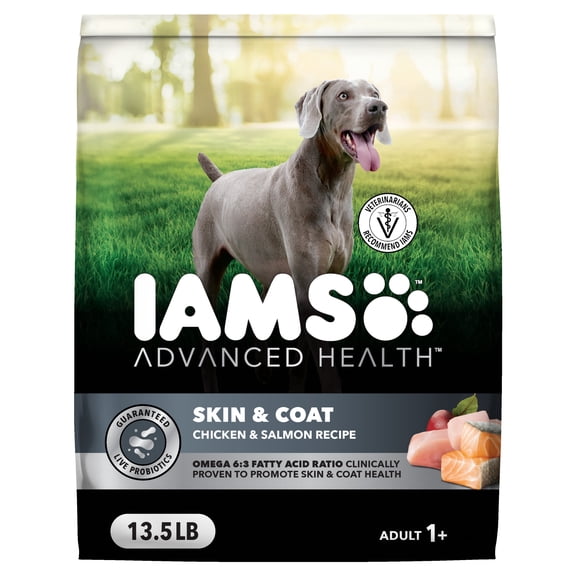
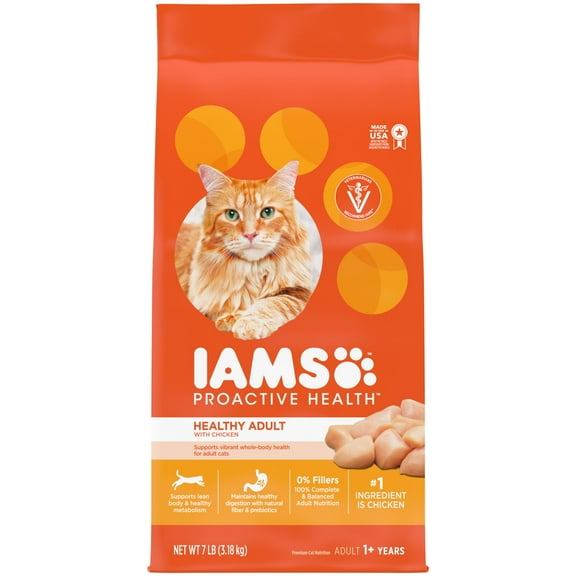
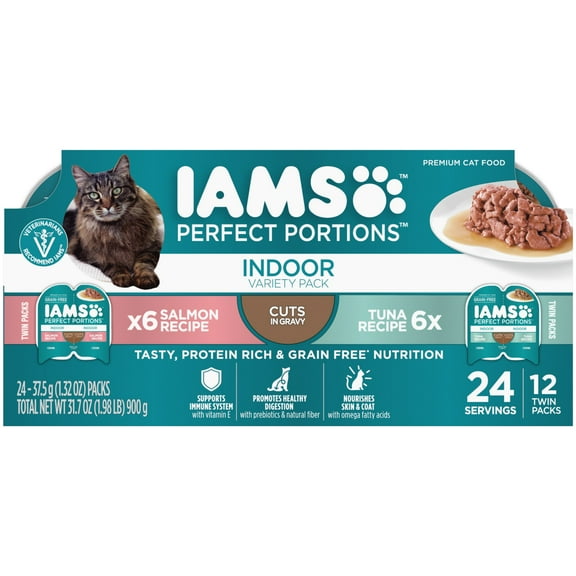
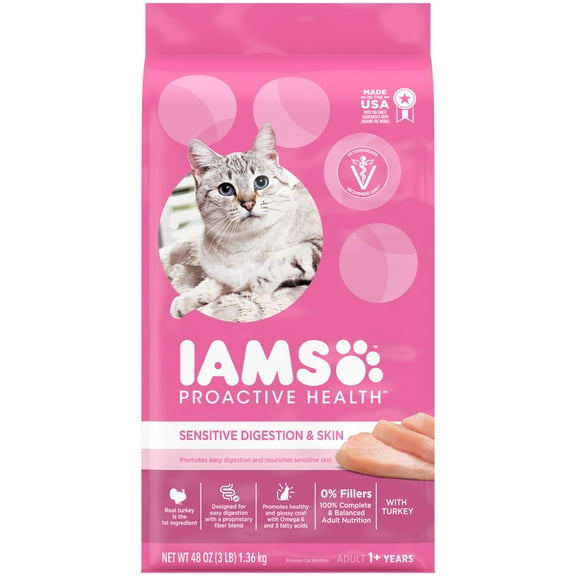
When you compare qualifying purchases, you should focus on eligible IAMS pet food rather than general pet supplies. You can avoid delays when your receipt clearly shows the correct items, date, and retailer information.
You should also check package names against the listed eligible products before you upload anything. You can make submission easier when your receipt line items match the program requirements closely.
Understanding iams free vet visit details and dates
If you're planning participation around appointments, you should review iams checkup challenge 2026 dates early. You can avoid missed steps when you know the purchase window, visit window, and submission deadline.
You may search for iams vet challenge 2026 information because you want one place for timing details. You should look for the campaign calendar, since date rules can affect whether your records qualify.
When you schedule a visit, you should confirm that your veterinarian is licensed and that the invoice shows the clinic details. You can reduce back-and-forth later when the document includes the visit date and provider information.
You should keep your purchase receipt and vet invoice together from the start. You can move through invoice validation faster when each document is clear, complete, and easy to read.
How receipt upload and invoice validation work
If you're preparing for receipt upload, you should check that your image is readable before submitting. You can help the review process when dates, item names, totals, and store details appear clearly.
You should treat invoice validation as a document check, not a guessing step. You can improve accuracy when your vet invoice includes the clinic name, licensed provider details, and appointment date.
When you upload files, you should use the exact records tied to your qualifying purchase and checkup. You can avoid confusion when your receipt and invoice align with the same household and campaign timeline.
You may also want to review file requirements before you start scanning or taking photos. You can finish faster when you crop your documents cleanly and each detail remains easy to verify.
Using the challenge for dog and cat households
If you shop for one pet, you should match the program steps to that pet type first. You can keep your submission simple when your dog or cat records stay organized in one folder.
If you care for both dogs and cats, you should separate receipts and visit paperwork by pet. You can track your iams pet check up challenge details more clearly when each set of records stands on its own.
You might use this campaign page while planning a routine checkup, replacing food, or organizing household pet paperwork. You can also use it to confirm whether your visit timing fits the published 2026 rules.
Before you submit, you should review dates, eligible food, licensed vet requirements, and document quality one more time. You can approach the challenge with more confidence when every record supports a smooth review.
You want campaign details that are easy to follow and specific to your pet, your paperwork, and your timeline. This page helps you prepare complete records for the IAMS checkup process, so your submission feels straightforward.