

Brother in Electronics by Brand











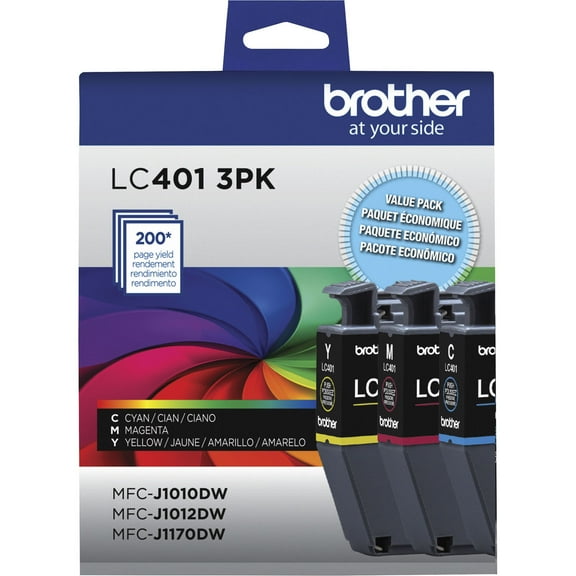
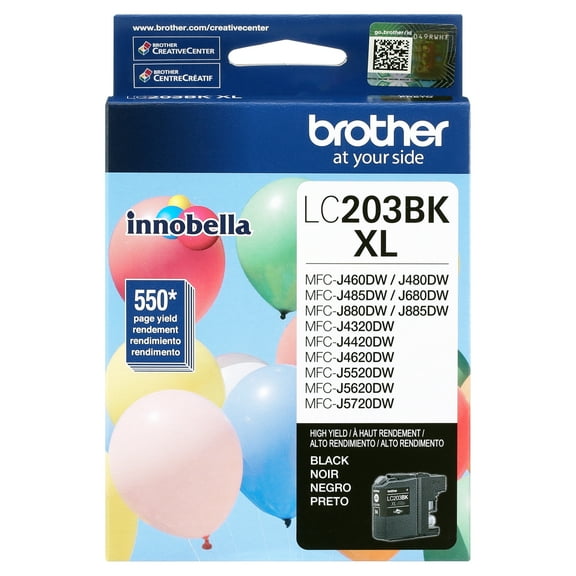
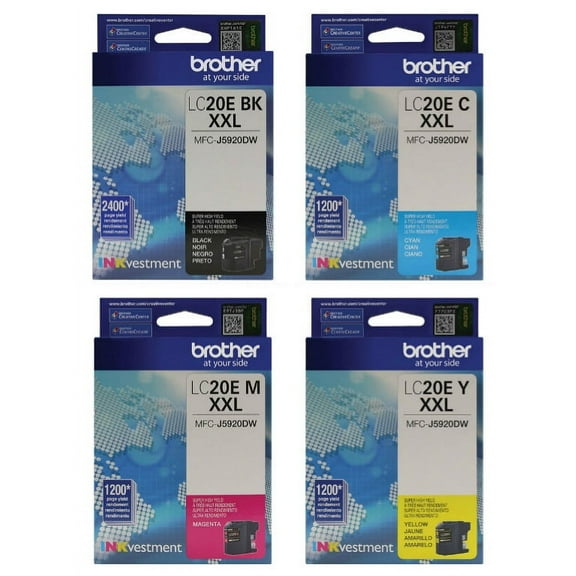

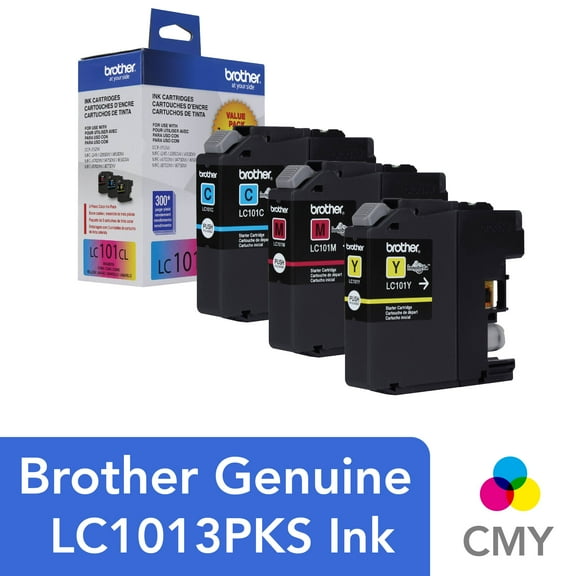


About Brother in Electronics by Brand - Walmart.com
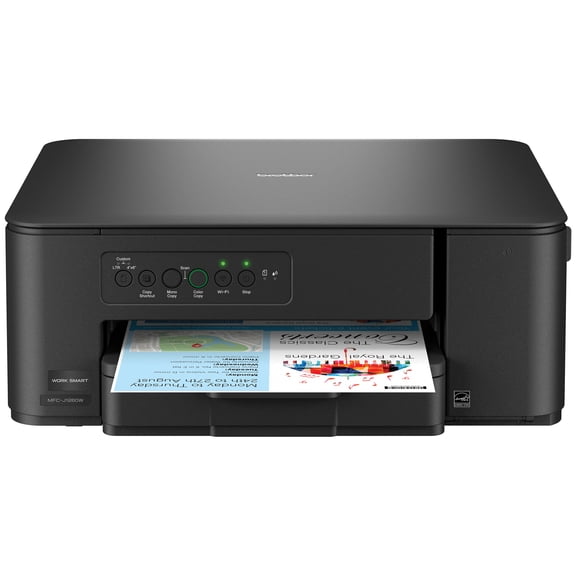
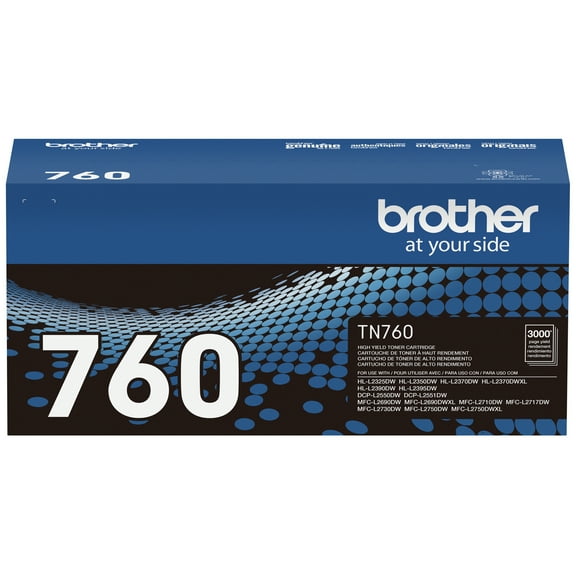
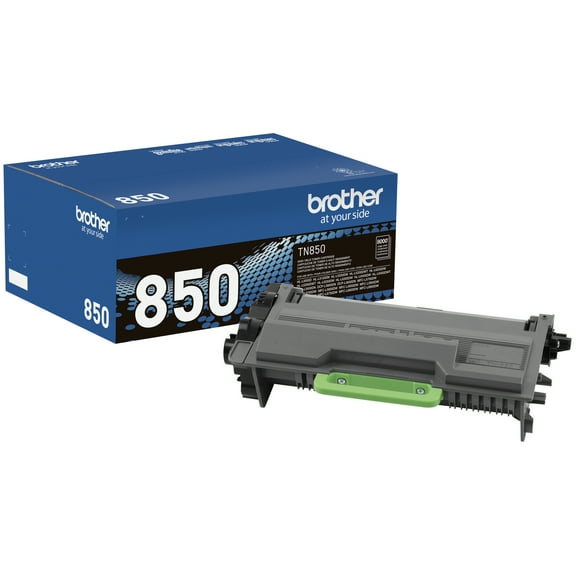
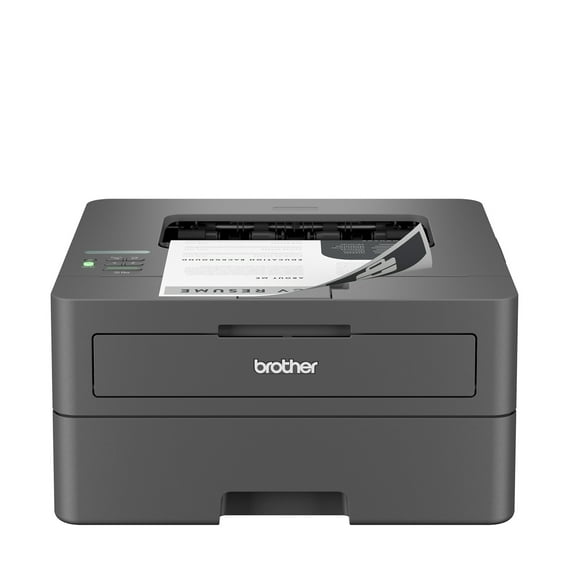
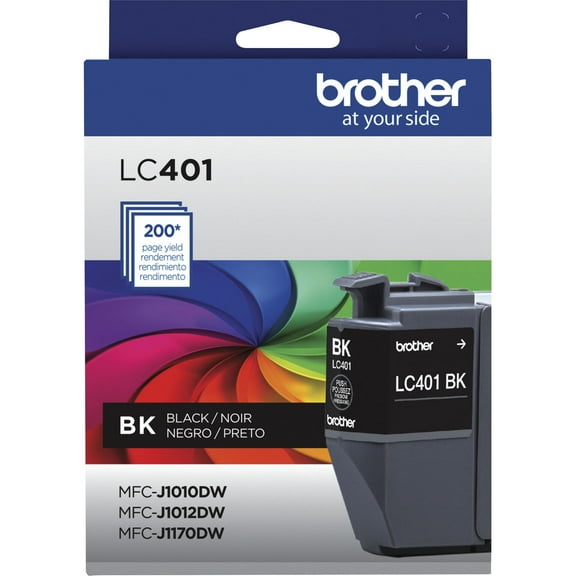
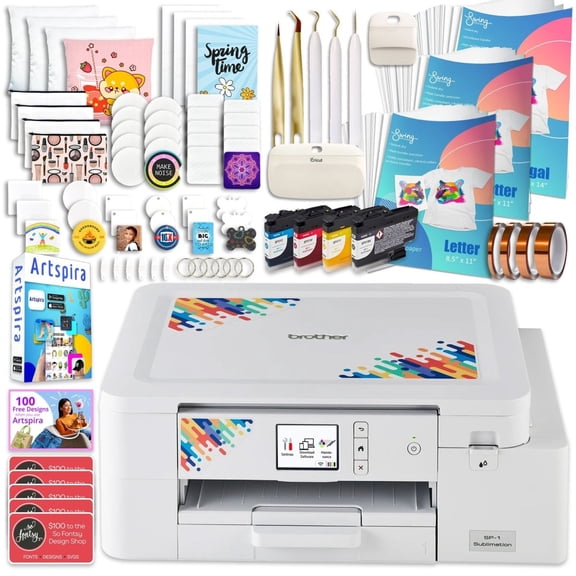
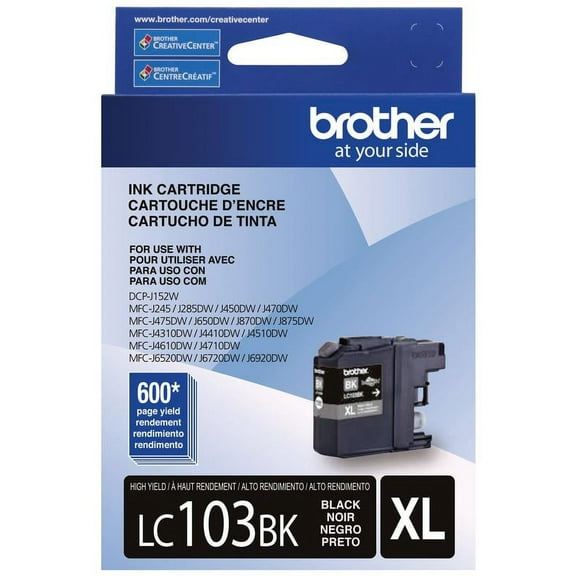
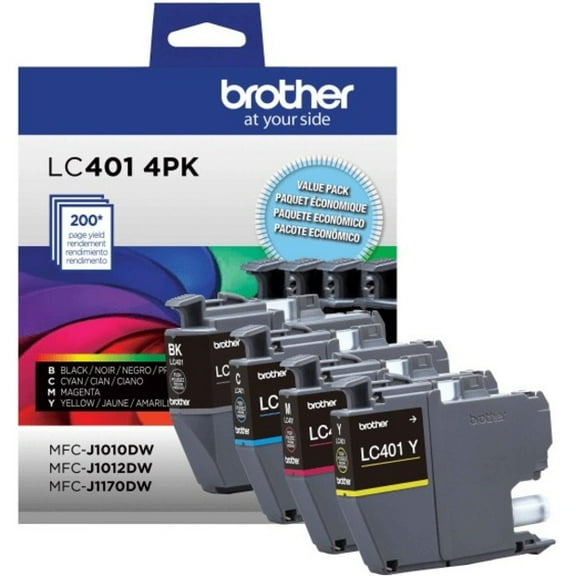
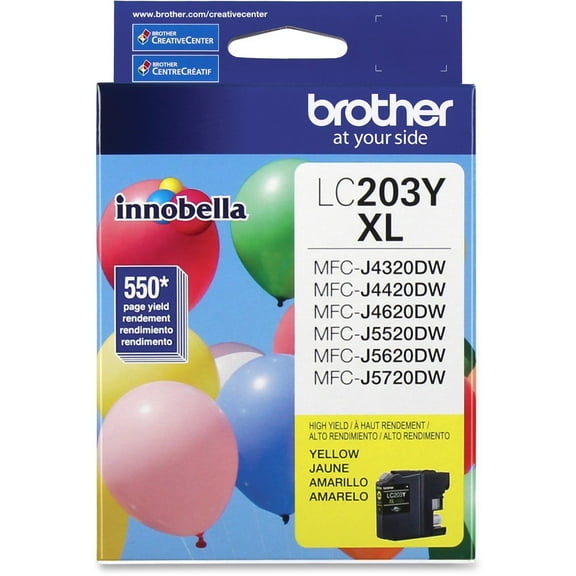
Brother printer genuine supplies help you match your printer with original ink, toner, drums, parts, and label tape. You can use this page to compare OEM options by product type, compatibility, yield, and authenticity.
If you print contracts, shipping labels, school pages, or office packets, you need supplies that fit correctly the first time. You can narrow your choice quickly when you understand how Brother model series, page yield, and original parts work together.
How to choose Brother printer genuine supplies
You should start with product type because each item supports a different printing job inside your machine. You may need ink for select inkjet models, toner for laser printers, drums for image transfer, parts for upkeep, or label tape for labeling systems.
When you compare these categories, you can avoid ordering a cartridge when your printer actually needs a drum unit. You can also match label tape width and color to your labeling task before you check out.
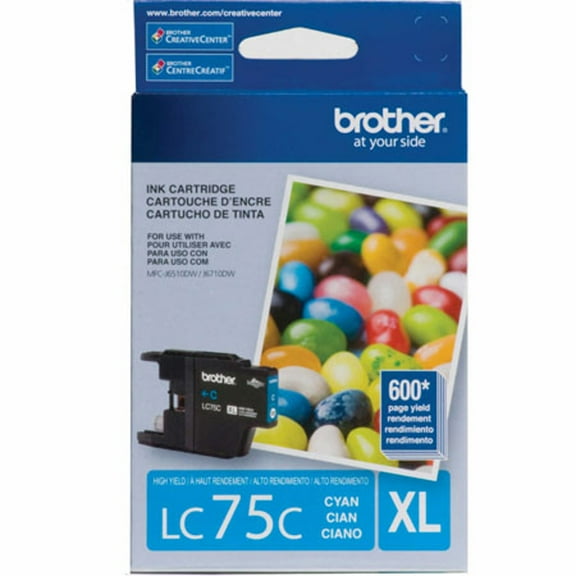
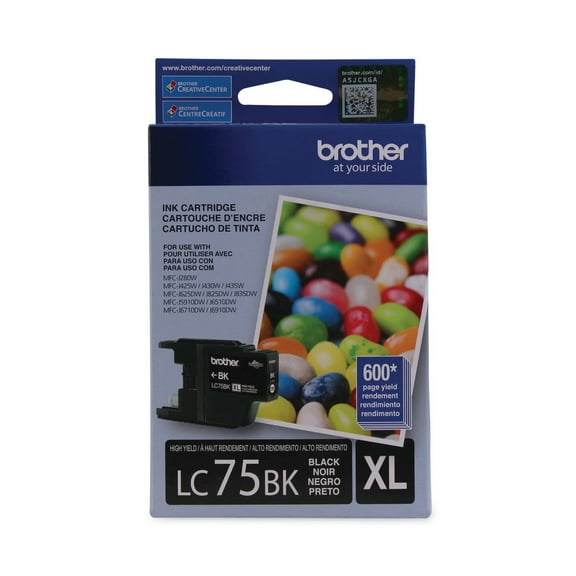
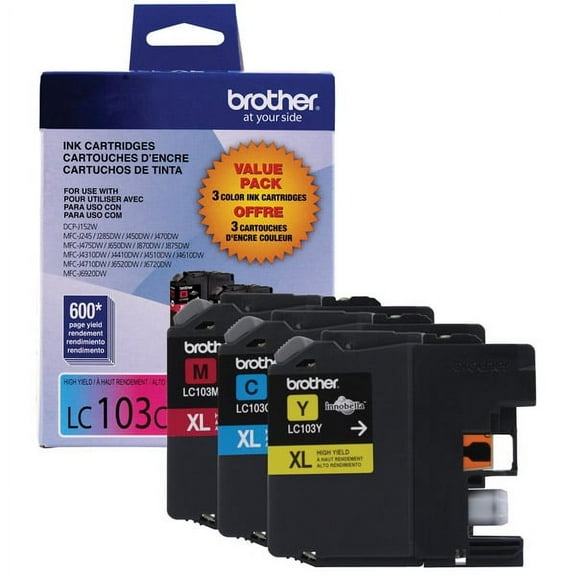
- You can select ink when your Brother model uses liquid cartridges for everyday documents and color pages.
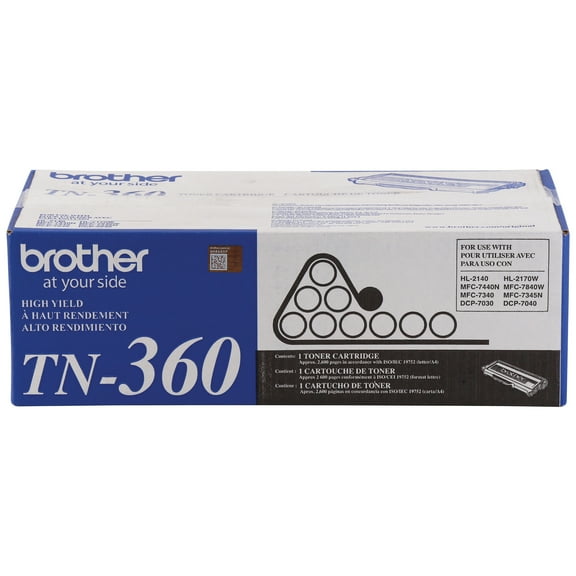
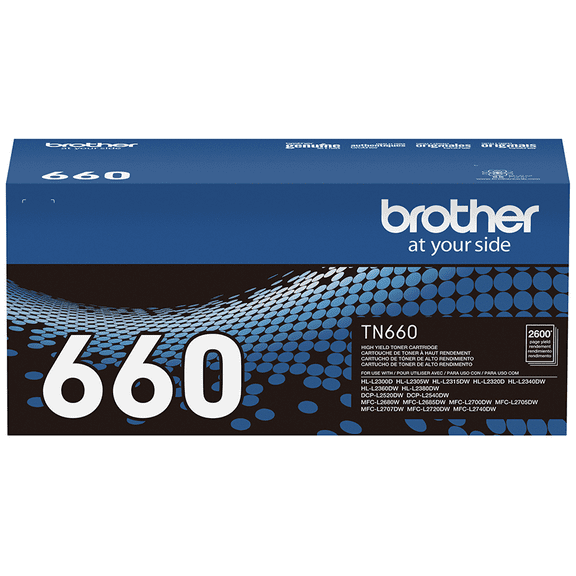
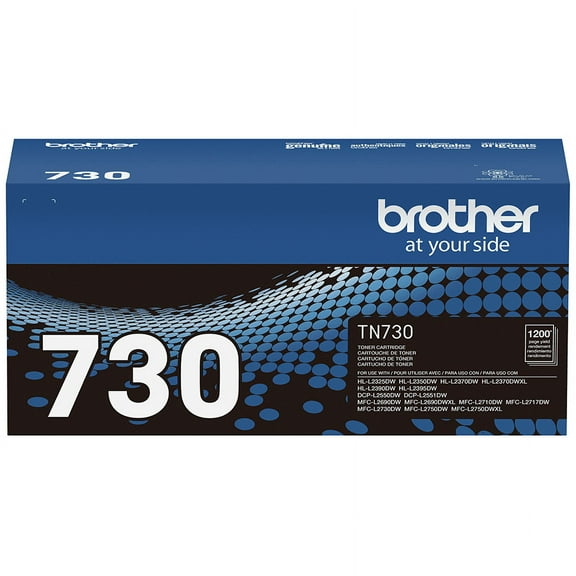
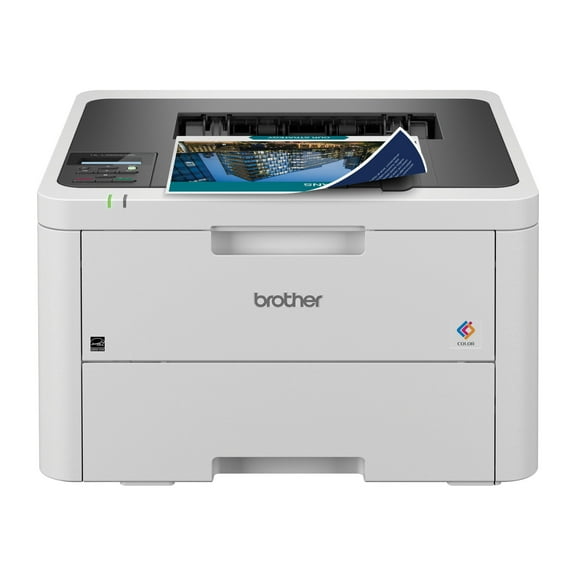
- You can choose toner when your laser printer needs crisp black text or frequent office printing.
- You can replace a drum when your printer uses a separate imaging unit from the toner cartridge.
- You can look at Brother printer parts when rollers, trays, or other fit-specific components need replacement.
- You can pick label tape when your Brother labeling device needs the right cassette for clear, readable labels.
You can use product type as your first filter because Brother printers and label makers don't use the same refill format. You can organize your search when you separate ink, toner, drums, parts, and tape before checking model numbers.
Choosing compatibility for your Brother series
You should check your exact model number before anything else because compatibility is the key decision on this page. You can often narrow choices by series first, including HL Series, MFC Series, DCP Series, and PocketJet models.
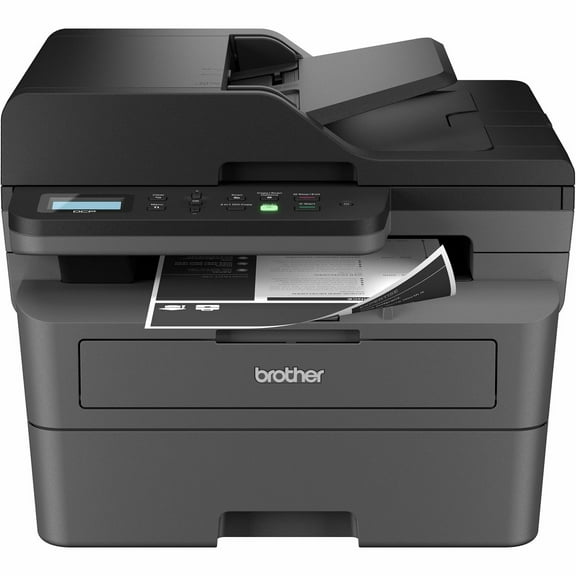
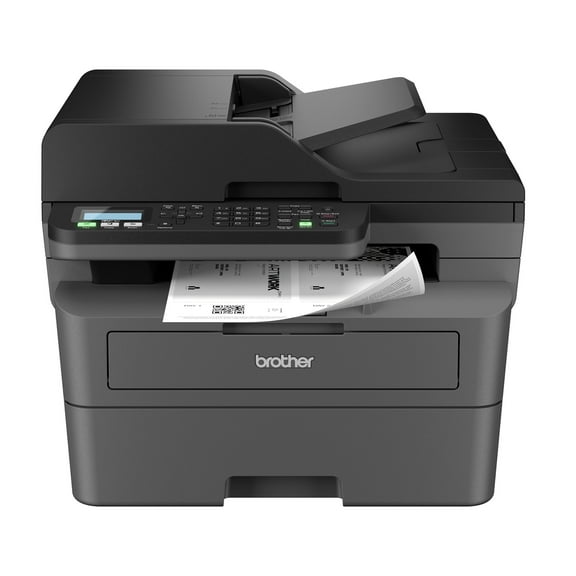
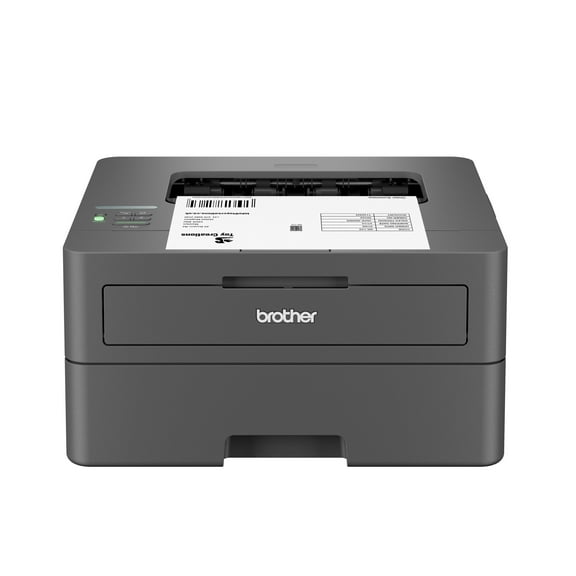
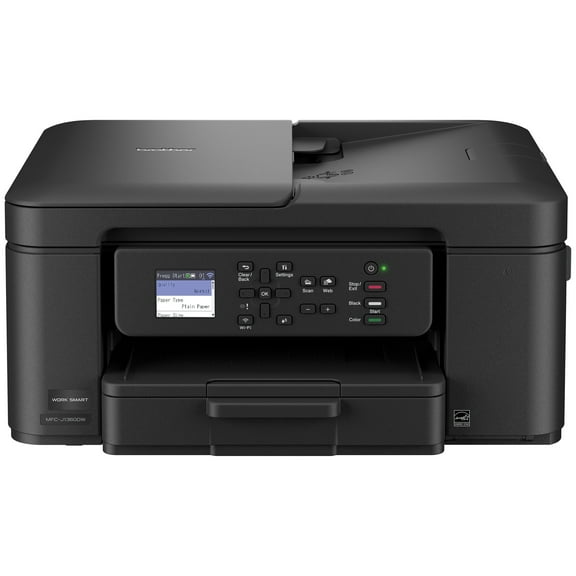
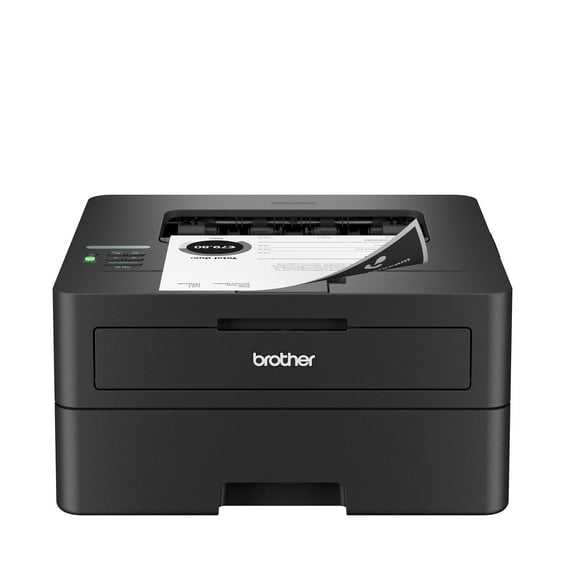
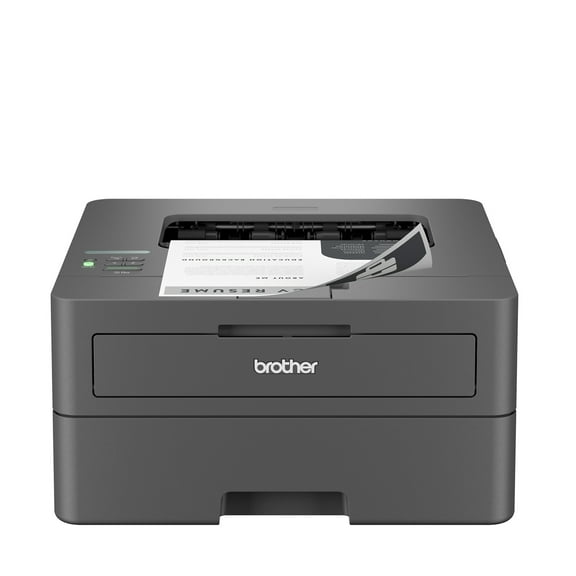
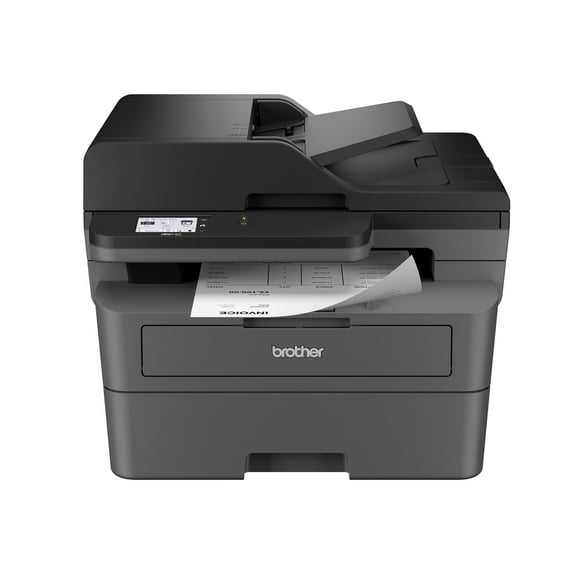
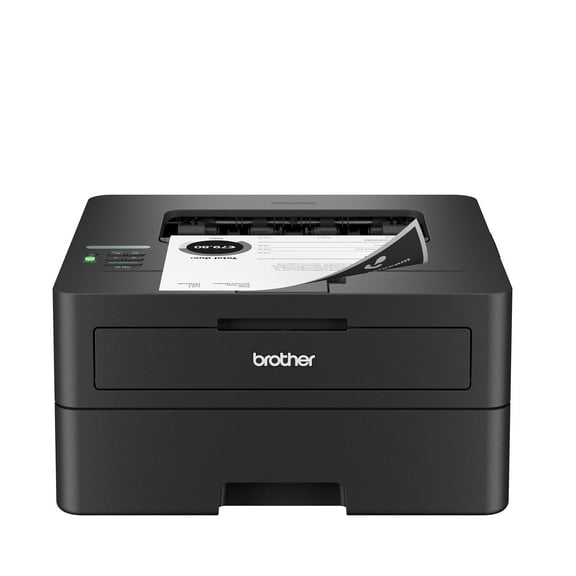
If your printer belongs to the HL Series, you may need supplies built for compact laser printing and frequent text output. If your printer belongs to the MFC Series, you may need options that support print, scan, copy, and fax workflows.
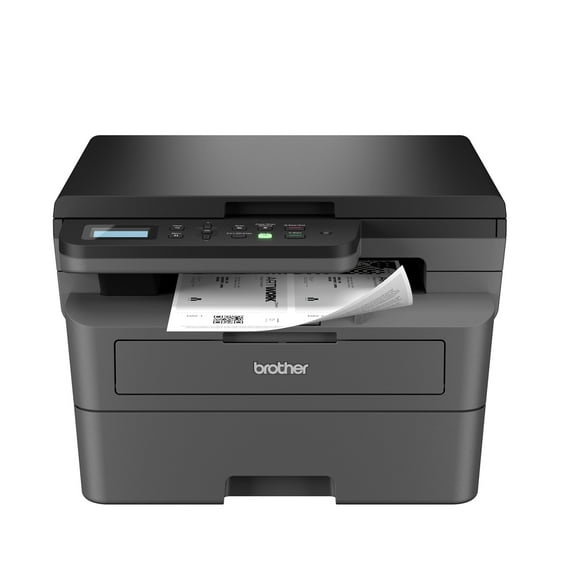
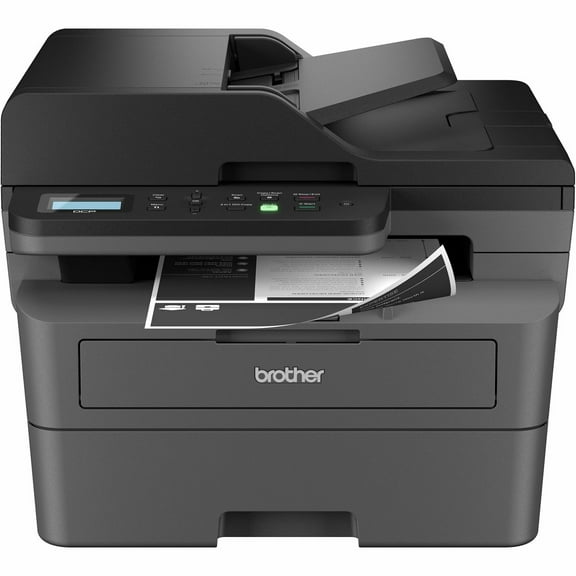
For DCP Series models, you can look for supplies that align with home or small office multifunction printing. For PocketJet printers, you should check mobile printing formats and part numbers very carefully.
You can avoid mismatches by comparing the item listing with your full printer model, not just the series name. You should confirm every letter and number because close model names can use different cartridges or drums.
When you compare Brother printer genuine options, you should treat model numbers as your final checkpoint. You can reduce returns when your cartridge code, drum code, or tape cassette matches your device exactly.
What yield means for genuine Brother toner
You should compare yield type when you want the right balance between replacement frequency and print volume. You can usually choose from standard yield, high yield, super high yield, and ultra high yield options.
Standard yield works well when you print light volumes and want a standard cartridge size. High yield and above fit heavier routines when you print reports, invoices, forms, or classroom materials often.
You can think of yield as how many pages a cartridge supports before replacement. You may prefer a high-yield option when your printer handles frequent daily jobs and you want infrequent cartridge changes.
When you compare genuine Brother toner choices, you should also check whether your printer accepts every yield level listed. You can save time by matching both the cartridge family and the yield type to your exact model.
You may also compare page output across shared printers, front desks, and classroom devices. You can use that comparison to separate light personal use from steady group printing.
Understanding OEM genuine and original Brother options
You may see OEM genuine or original Brother wording, and both point you toward manufacturer-made supplies. You can use these terms to focus on items designed for Brother printer fit and recognized model compatibility.
If authenticity matters in your buying decision, you should compare listings that clearly identify original Brother supply types. You can use that detail to separate manufacturer supplies from third-party compatible alternatives.
For many shoppers, Brother printer genuine choices matter because you want predictable installation and straightforward model matching. You can also use original Brother supplies when you need a consistent replacement path across the same printer fleet.
You should look for authenticity wording when you manage several devices with different cartridge families. You can keep reordering straightforward when the listing clearly states OEM genuine or original Brother.
Using genuine Brother ink, toner, drums, and parts by task
You can match genuine Brother ink to color-heavy pages, school handouts, and mixed photo-text printing on supported models. You can match toner to sharp text documents, shipping paperwork, and steady office output.
When your printer uses a separate drum, you should replace the correct unit for continued image transfer inside the machine. When your device needs upkeep items, you can review Brother printer parts that align with your printer's specific design.
If you manage several devices, you should organize purchases by series, model number, and print volume. You can also separate standard-yield supplies for light-use desks from high-yield cartridges for shared printers.
For labeling workflows, you can choose label tape by cassette type, tape width, and intended surface. You should check your Brother labeling device model so your tape clicks in properly and prints clean, readable labels.
You can shop with confidence when you compare product type, compatibility, yield, and authenticity in one place. Brother printer genuine supplies help you keep your Brother devices matched to the right original consumables and replacement parts.