

Acer in Electronics by Brand






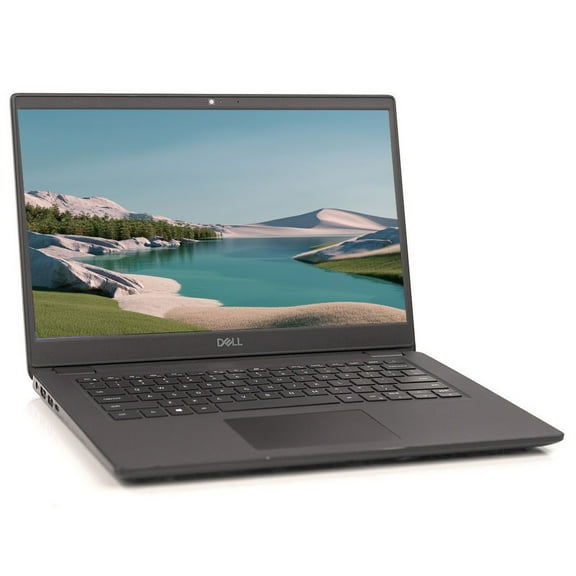


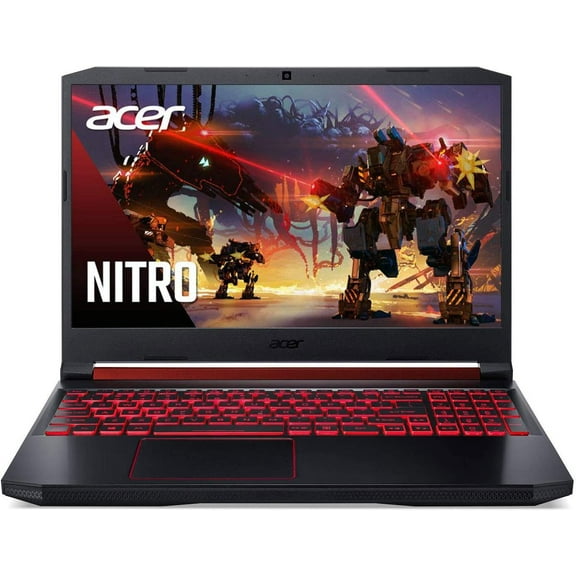
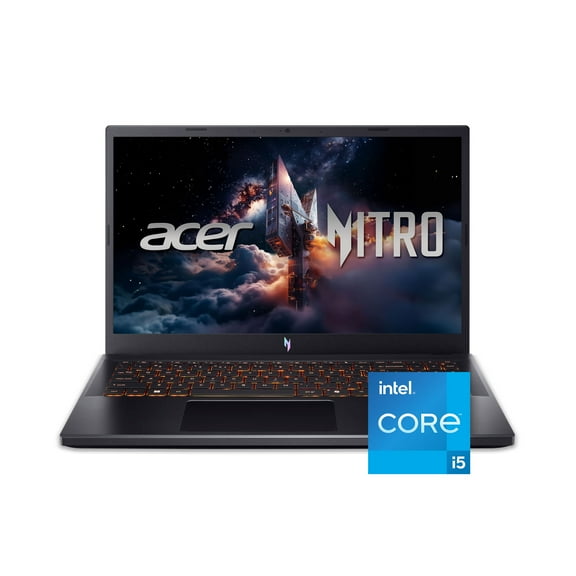

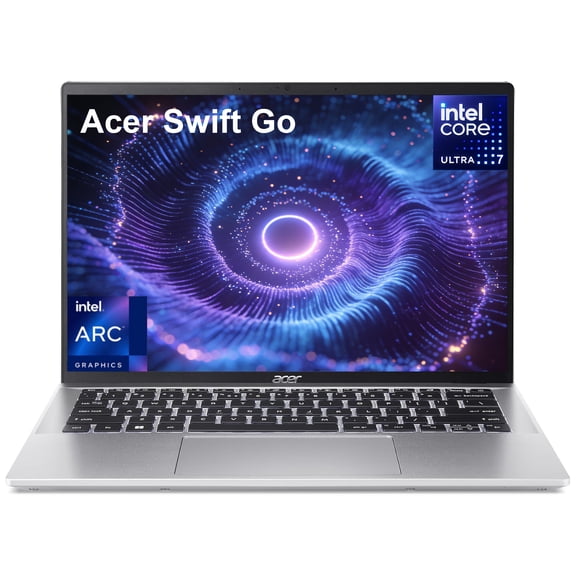
















About Acer in Electronics by Brand - Walmart.com
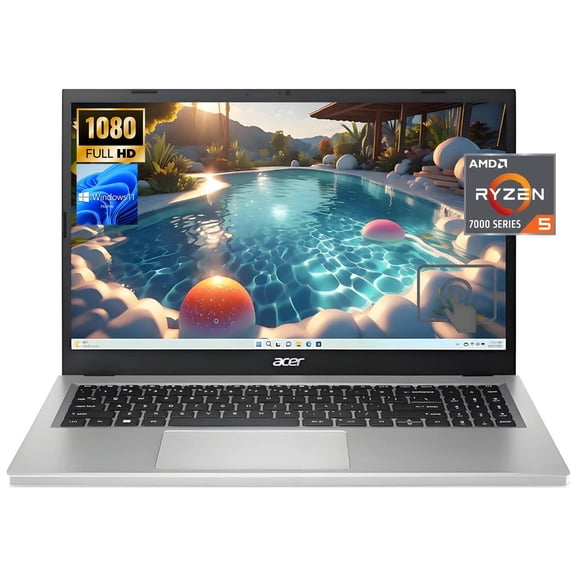
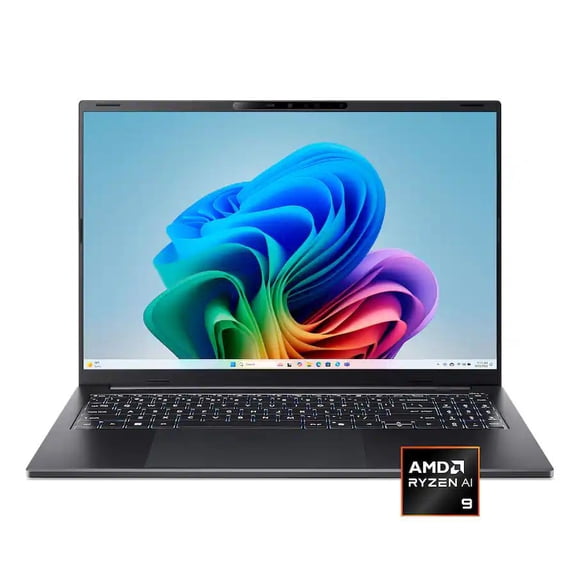
Acer electronics help you compare laptops, monitors, Chromebooks, and desktops in one place. You can narrow your choice by device type, screen size, and daily use with less guesswork.
If you’re replacing an older computer, you may want clear differences between Acer lines and formats. You can use this guide to compare Aspire, Predator, Nitro, Swift, and Spin models with added confidence.
How to choose Acer electronics by device type
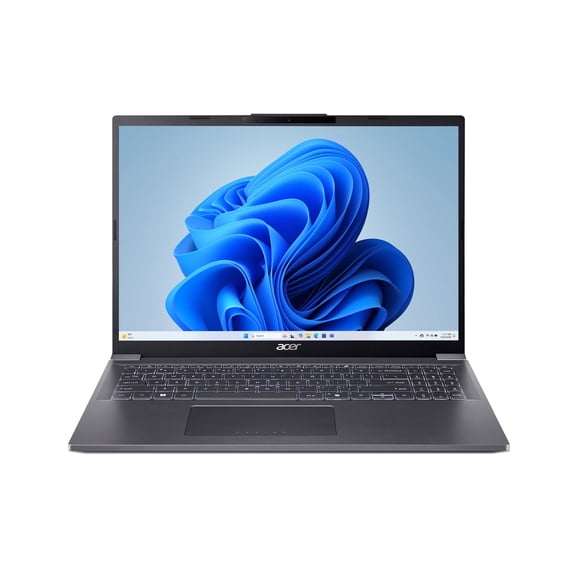
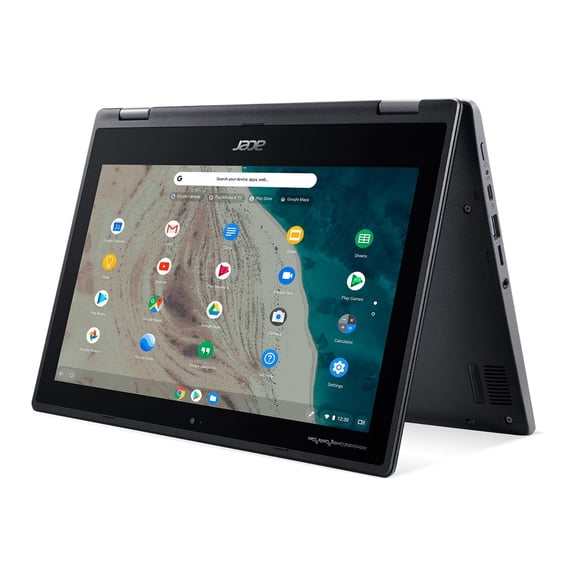
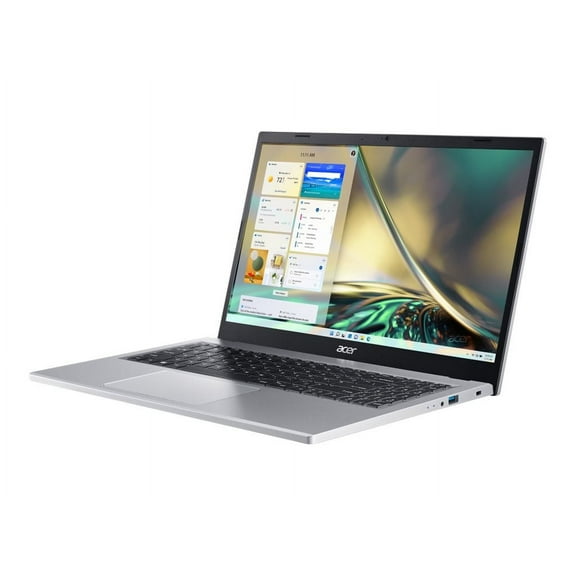
You should start with device type because it shapes how you work, play, and stream. You may prefer Acer laptops or Acer Chromebooks when you need portability and simple setup.
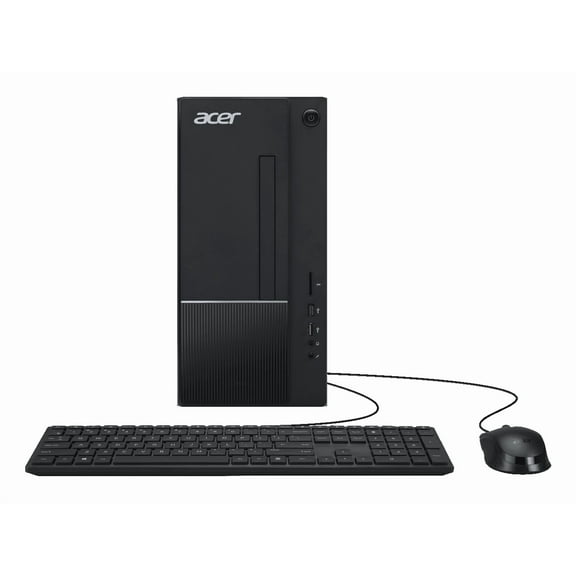
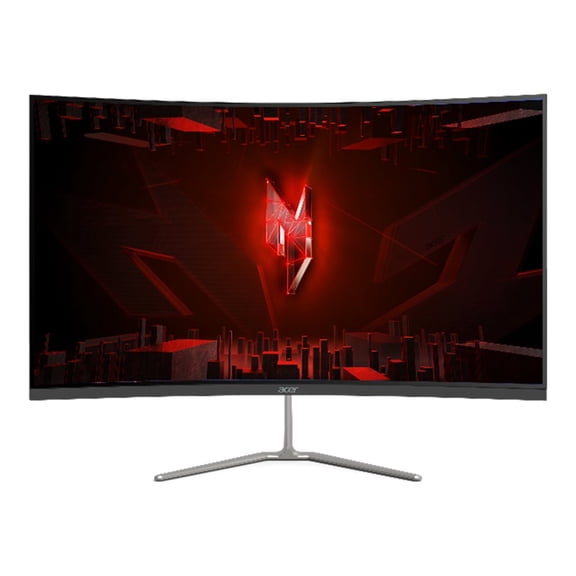
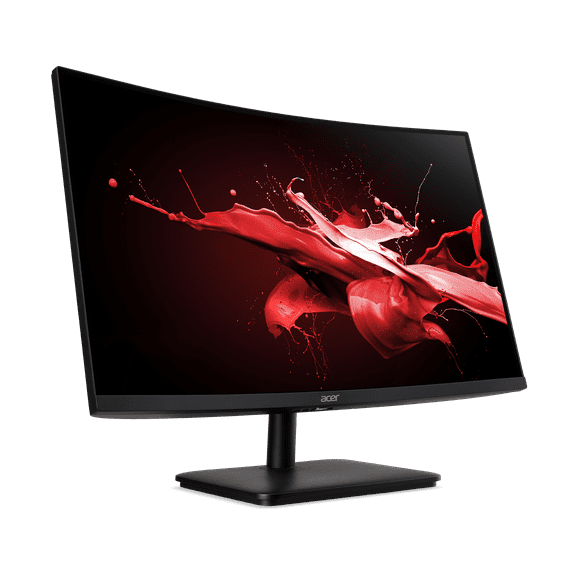
If you mostly stay at one desk, you may prefer Acer desktops for roomy work areas and simple accessory connections. You can also compare Acer monitors when you need extra screen space for gaming, design, or multitasking.
When you match device type to your routine, you can keep your search focused and practical. You can compare options by setup style, daily tasks, and where you use them most.
- You can choose laptops for portable work, school tasks, and daily browsing.
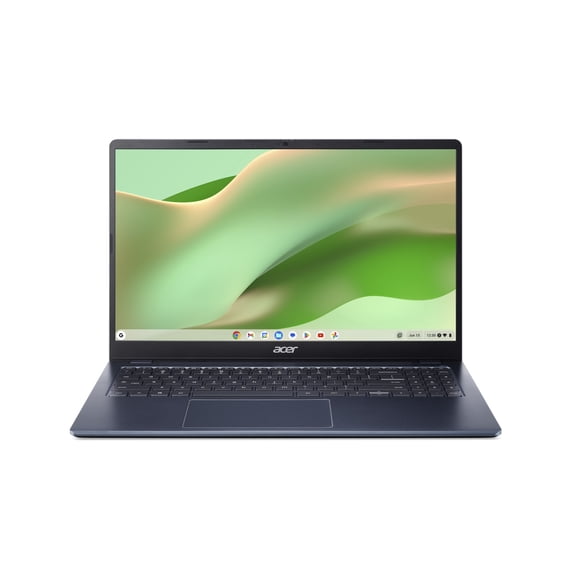
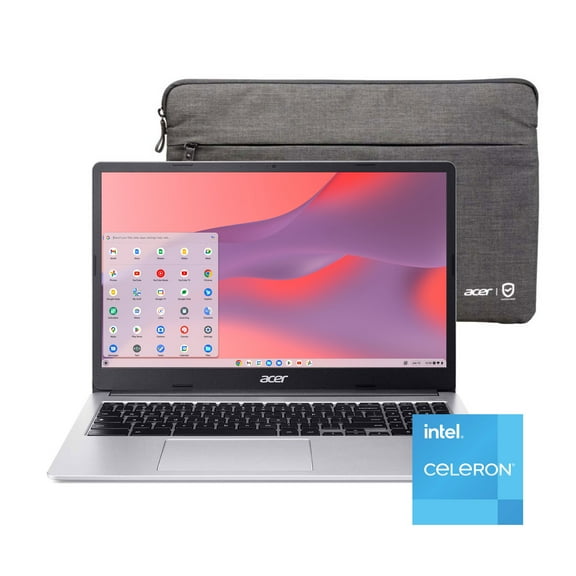
- You can choose Chromebooks for web-based routines, streaming, and lightweight homework needs.
- You can choose desktops for fixed setups, expanded connections, and room for wide displays.
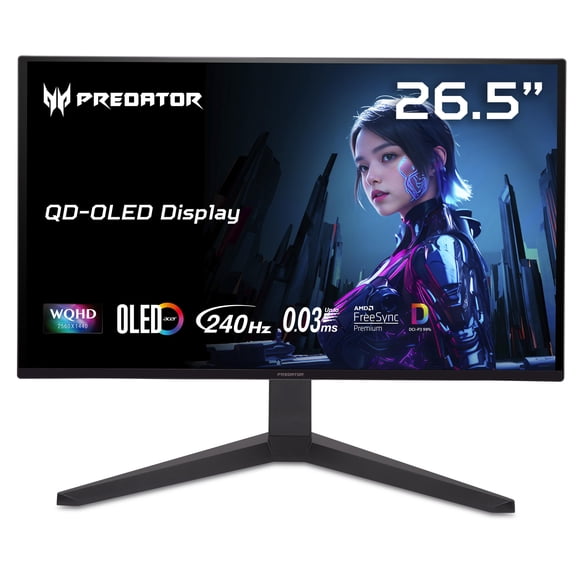
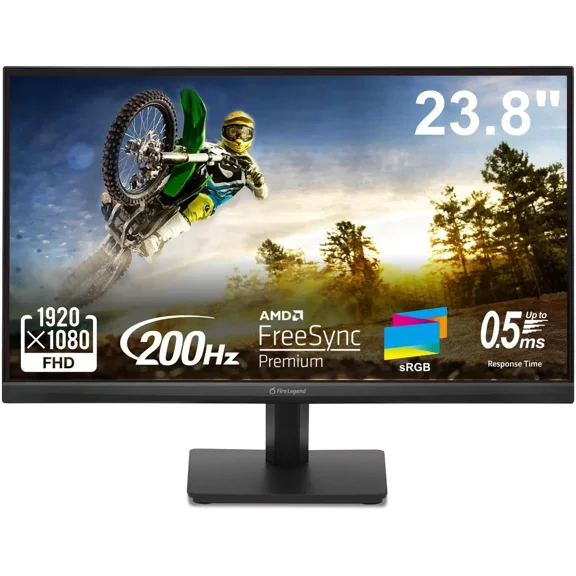
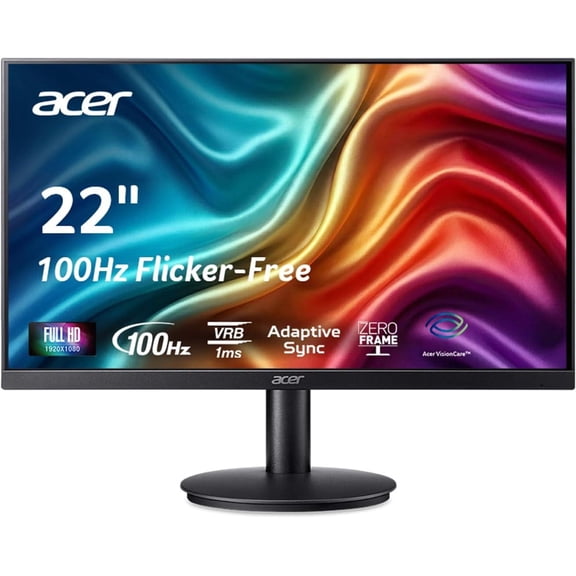
- You can choose monitors for added screen space, sharp visuals, and fluid gameplay.
Choosing Acer electronics by product line and screen size
You can use product lines to match features to your priorities. Aspire often fits everyday computing, while Swift often focuses on thin designs and portable carry.
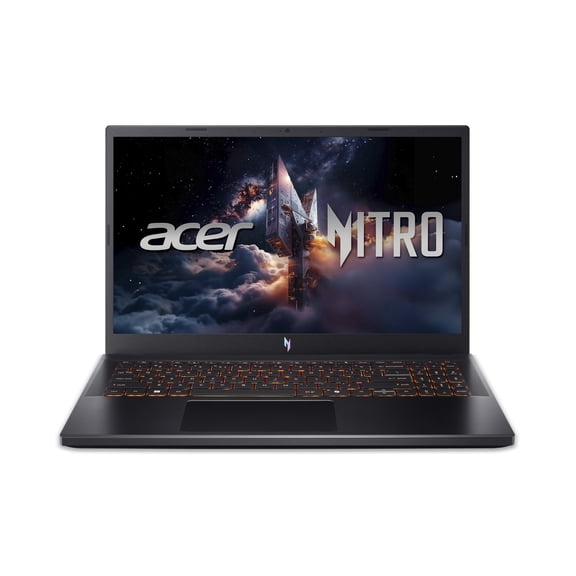
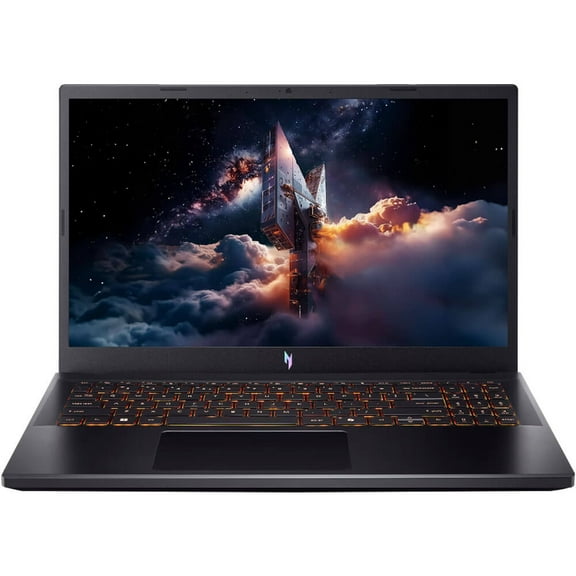
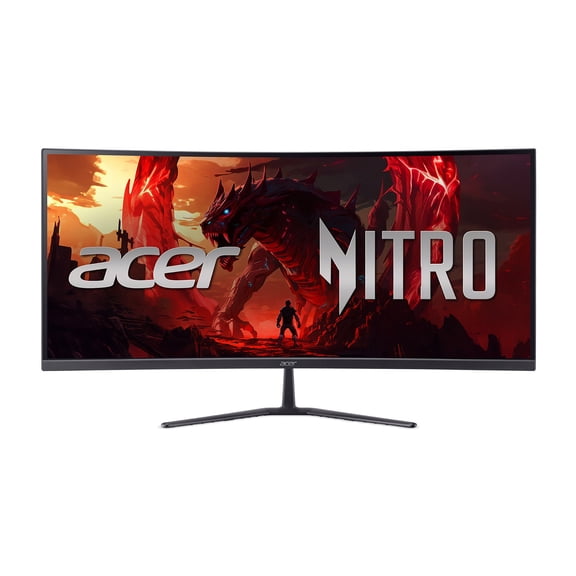
If you want flexible use, you may compare Spin models with touchscreen-friendly designs. If gaming is your main priority, you may look at Predator or Nitro lines for displays and hardware tuned for fast action.
Screen size changes how your device fits your desk, bag, or dorm setup. You may like 11.6 inch or 14 inch models when you carry your computer often.
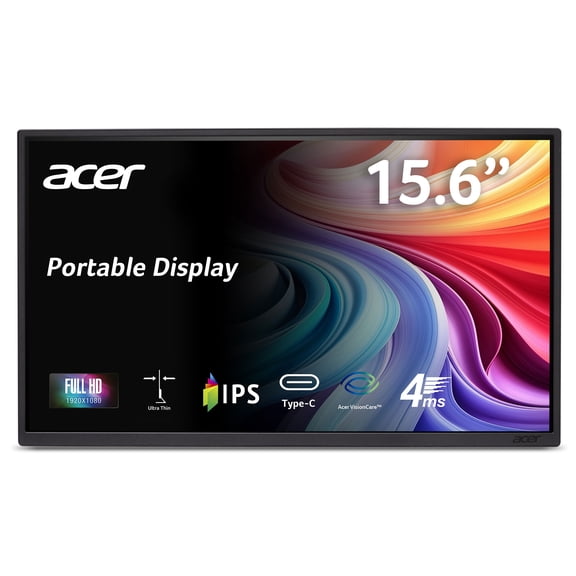
A 15.6 inch display can give you extra room for spreadsheets, streaming, and split-screen work. If you’re choosing Acer monitors, you may compare 27 inch screens for immersive viewing and wide desktop layouts.
You should check whether the size fits your viewing distance and work surface. You can avoid mismatches when you measure your space before you choose.
What to look for in Acer electronics performance
You should compare RAM, storage capacity, and processor speed before a spec sheet starts to blur together. You can use these details to judge startup pace, app switching, and daily task handling.
If you keep many tabs open, you may want enough RAM for responsive multitasking. You should also check storage capacity when you keep school files, photos, games, or work documents.
Processor speed matters when you edit content, join video calls, or run demanding programs. You may want stronger gaming-focused hardware in Predator or Nitro lines when gaming is your main priority.
For lighter workloads, you may compare Aspire, Swift, or Spin models that balance portability with everyday computing. You can also consider a convertible Spin design when your routine shifts between typing and touch input.
Display details matter too, especially when you compare Acer monitors or gaming systems. You should check resolution, refresh rate, and panel type because each one shapes how your screen looks.
Resolution can affect text detail and image definition during work or entertainment. Refresh rate can affect motion presentation, which you may notice during gaming or fast-moving video.
Matching Acer electronics to your daily use
You can get a solid fit when you match the device to your routine instead of chasing specs alone. If you’re a student, you may focus on portability, battery life, and easy document handling.
If you work on the go, you may prefer systems that travel easily between meetings and shared spaces. You should also compare battery life when you need extended sessions away from an outlet.
If you shop for business use, you may look for dependable multitasking, webcam-ready performance, and simple desktop organization. You can pair a laptop with Acer monitors when you need room for email, reports, and video calls.
For gaming, you may want to compare refresh rate, processor speed, and graphics-focused product lines. You may also prefer a separate monitor or a wide display for an immersive setup.
For everyday use, you may need a device for streaming, browsing, shopping, and light productivity. You can keep your search focused by comparing storage, screen size, and touch or clamshell designs.
When you compare Acer electronics across device type, product line, screen size, and use case, you can choose with clear expectations. You can end up with a setup that fits your routine from day one.