

Subscriptions
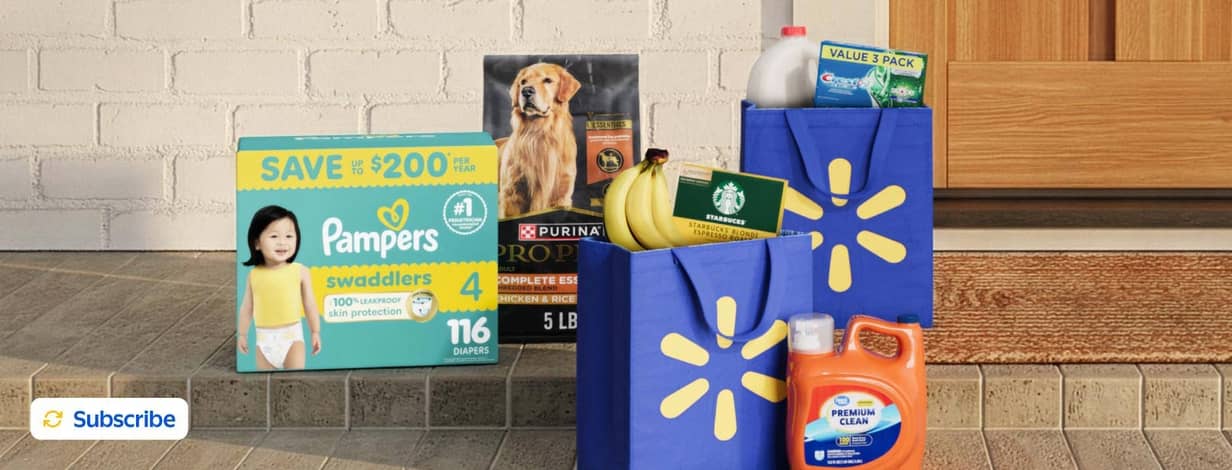
Subscriptions on your schedule
Never run out of essentials with reoccurring deliveries.Schedule todaySubscription perks

Flexible scheduling
Change the frequency of deliveries, skip a delivery or cancel anytime.

Ultimate convenience
Effortless refills delivered straight to your door, so you never run out.

It's free to subscribe
There's no charge to subscribe to items & Walmart+ members get free delivery.
Don't run out- Subscribe to what you purchase most

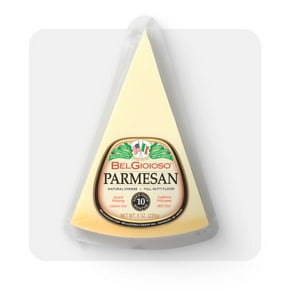
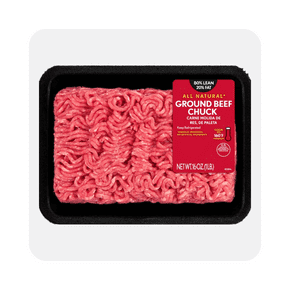
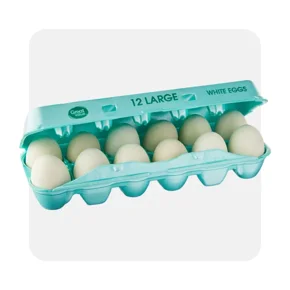





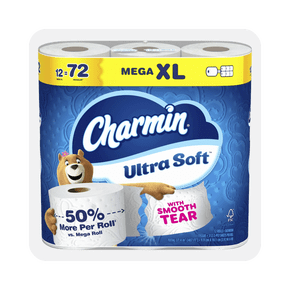
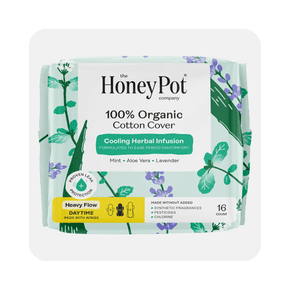



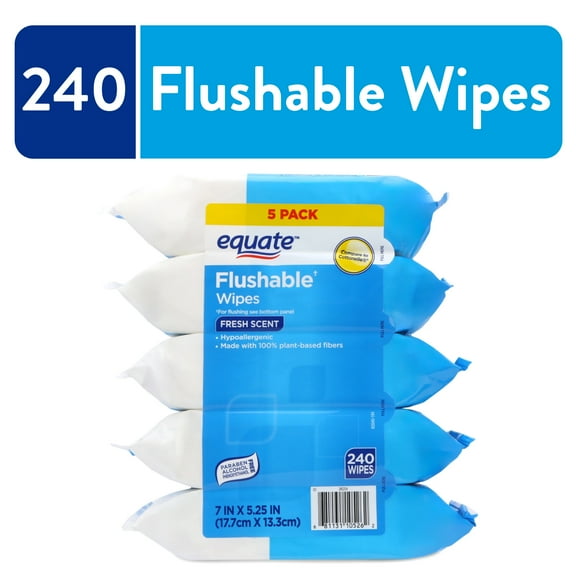
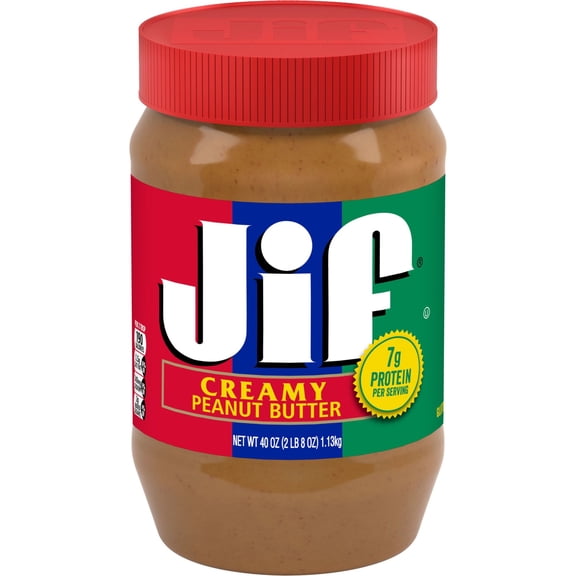
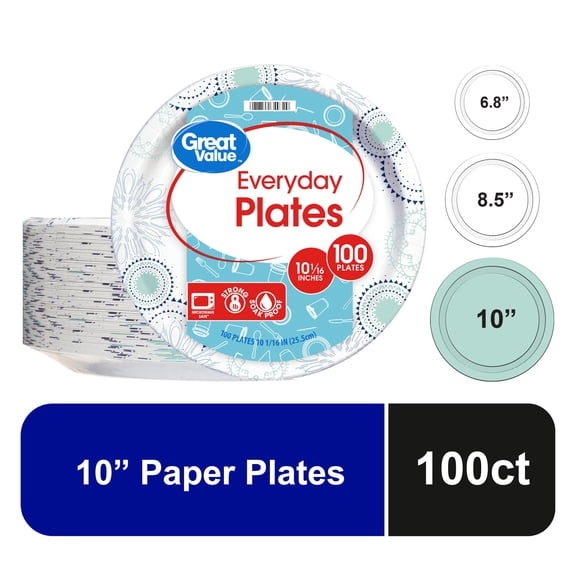
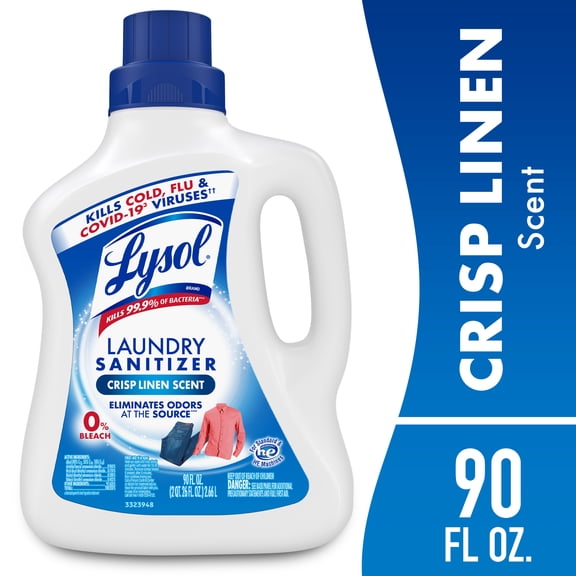
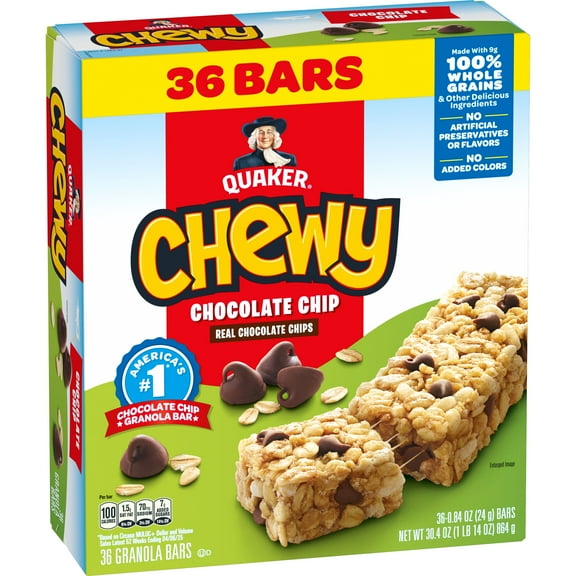
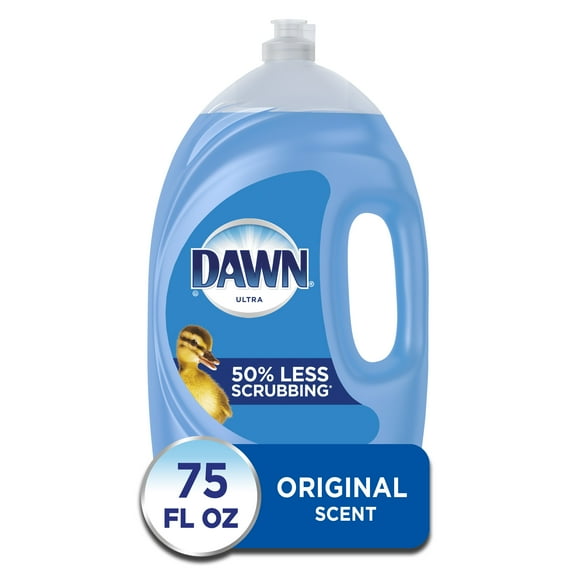
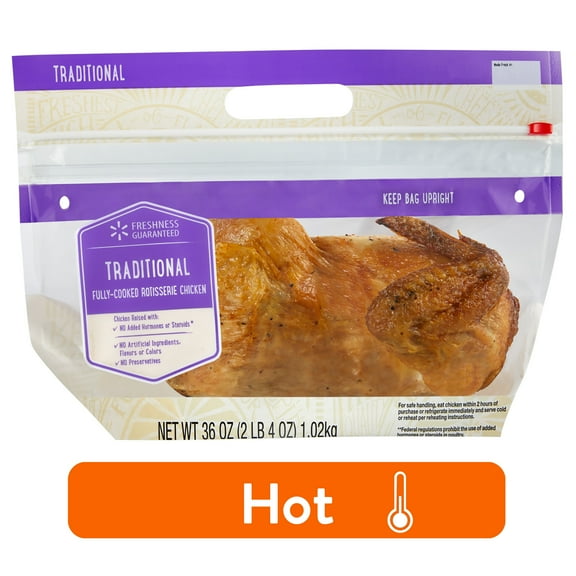
Customer-fave subscriptions
The most-loved items you have to have.




















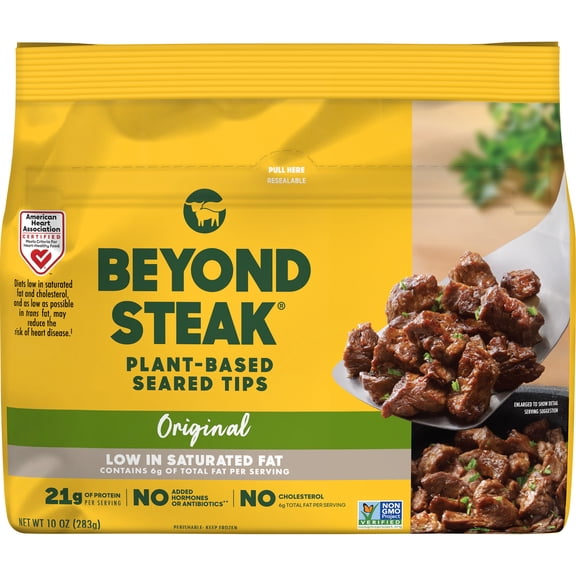
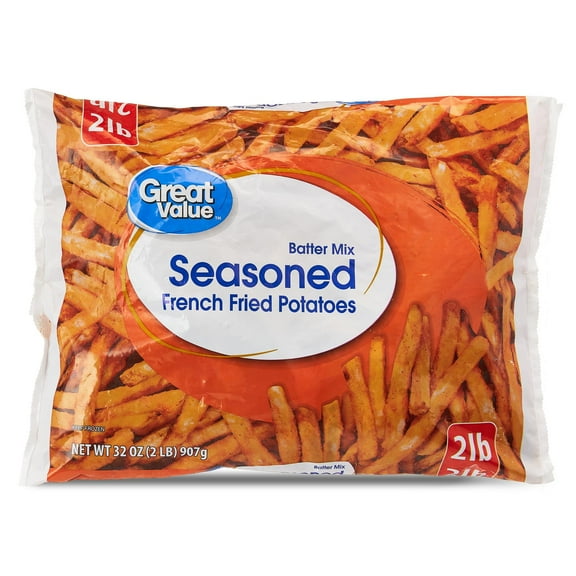

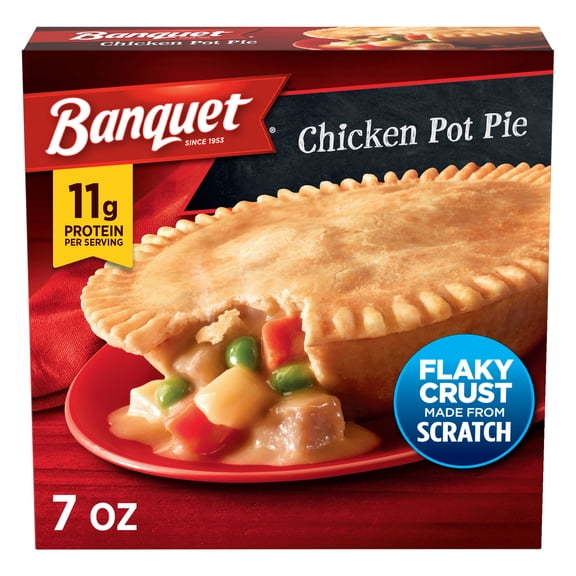

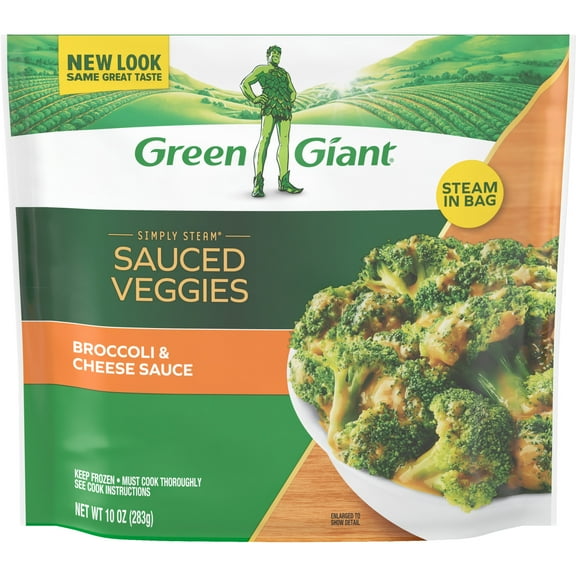

Subscription FAQ
About Subscriptions - Walmart.com
With subscriptions online, your repeat deliveries can keep everyday essentials on schedule with less manual reordering. At Walmart, your account can organize pantry items, household basics, pet supplies, and beauty staples in one place.
If your home reorders the same products often, your routine can feel simpler with auto-delivery essentials. Instead of rebuilding carts, your account can keep key items moving on a cadence that matches your household.
How to choose subscriptions online for everyday needs
When you compare subscriptions services, your first step is identifying items you replace regularly. Your list might include paper towels, laundry detergent, coffee, cat litter, shampoo, or baby care basics.
A steady reorder pattern usually makes subscriptions easier to manage. If your home uses the same essentials each week or month, your deliveries can follow that pace.
- You can keep household cleaning products subscription items arriving on a regular cadence.
- You can group pantry staples and auto-delivery essentials into one repeat routine.
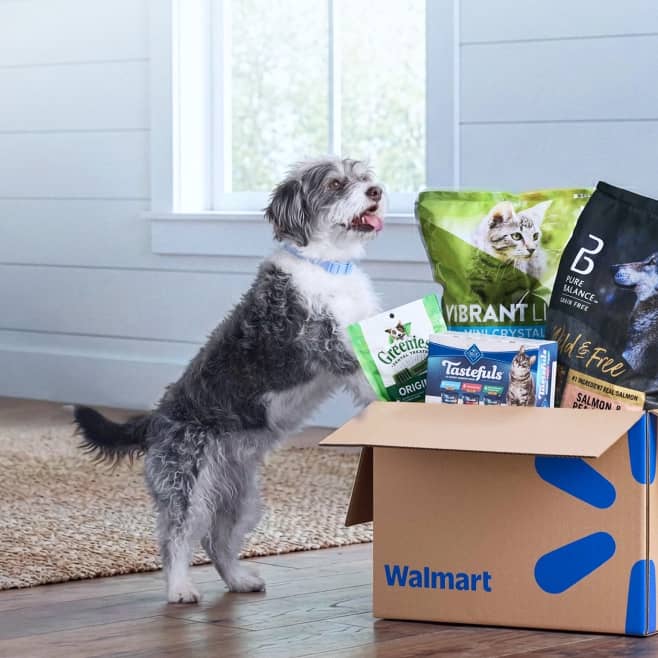
- You can support pet care with scheduled orders for food, litter, and treats.
- You can replenish beauty and personal care basics without repeated manual ordering.
Flexibility matters when your household size, season, or weekly rhythm changes. Your plan can shift through skips, quantity updates, or timing adjustments.
Another advantage is simpler account management across several categories. With subscriptions online, your repeat purchases stay organized without extra checkout steps each time.
Choosing delivery frequency and subscription benefits
Delivery frequency is one of your main choices when you set up auto-delivery options. You can compare weekly, bi-weekly, monthly, and every 3 months based on how quickly your household uses each item.
Shorter intervals often fit paper goods, detergent, pet food, or other fast-moving staples. Longer intervals can fit razors, specialty pantry items, or products you store for later use.
You should also consider how school schedules, holidays, or travel affect your usage. If your routine changes, your frequency can change too, which keeps your plan practical.
When you review subscription benefits, your focus should stay on item eligibility and order habits. You can check whether an item includes recurring order benefits before you confirm your schedule.
This decision works well when your timing matches real household use instead of guesswork. A thoughtful schedule can help your home stay stocked without extra buildup.
What to look for in eligible product categories
Product category is another key decision when you build a subscription plan for your home. Your primary options are usually household essentials, pantry, pet supplies, and beauty and personal care.
For household essentials, your recurring list may include cleaning sprays, dish soap, laundry detergent, trash bags, and paper products. In pantry, your schedule might cover cereal, snacks, coffee, canned goods, and cooking basics.
Pet supplies often work well for repeat delivery because your usage stays fairly predictable. Your plan may include pet food, litter, pads, treats, or other daily care items.
Beauty and personal care subscriptions can also simplify your regular routine. You might choose shampoo, deodorant, shaving supplies, or skin care basics that you replace on a steady cycle.
Before choosing categories, you should measure your storage space and your typical reorder pace. That check helps your schedule align with what your household actually uses.
How do I set up auto-delivery for household essentials like cleaning supplies?
You can start by selecting an eligible item and choosing a recurring delivery option during checkout. Then your next step is picking timing that matches how often your home uses cleaning supplies or paper goods.
After setup, your account lets you review subscription details in simple steps. You can update quantity, change frequency, skip a delivery, or cancel anytime when your needs shift.
Separate schedules can help when your products move at different speeds. Your detergent might fit a monthly plan, while paper towels or pet food may need a shorter interval.
That kind of control keeps your routine realistic instead of rigid. Your subscriptions should match your household habits, not force every item into one timeline.
Frequently asked questions about subscriptions services
You may wonder who offers auto-delivery options for household essentials, and this page addresses that need clearly. Through Walmart subscriptions services, your repeat purchases can stay organized in one account.
Another common question is how to modify or cancel your subscription after setup. In your account, you can change frequency, skip an order, or stop future deliveries whenever your routine changes.
You might also ask which products are eligible for recurring orders. In many homes, predictable items like cleaning supplies, pantry basics, pet food, and toiletries fit auto-delivery well.
Questions about delivery schedules are common because each household uses products differently. Your options can start weekly and extend to every 3 months, so your plan can reflect actual usage.
You may also look for details on recurring order benefits before setting up a subscription. Eligible items can include subscription benefits alongside everyday low prices, which makes repeat ordering easier to plan.
If your goal is a steadier home routine, this page gives you useful control over timing, category choice, and account changes. Your essentials can keep arriving on a schedule that supports everyday life.