













Smart Home
Headphones by Brand
- Apple Airpods
- Beats by Dr. Dre
- Sony Headphones
- JLab Headphones
- onn. Headphones
- JBL Headphones
- Skullcandy Headphones
- JVC Headphones
- Samsung Headphones
- Senheiser Headphones
- Soundcore by Anker Headphones
- LG Headphones
- Panasonic Headphones
- Jabra Headphones
- Shokz Headphones
- Bose Headphones
- Sonos Headphones
Shop by category
Smart Home savings
Don't miss these
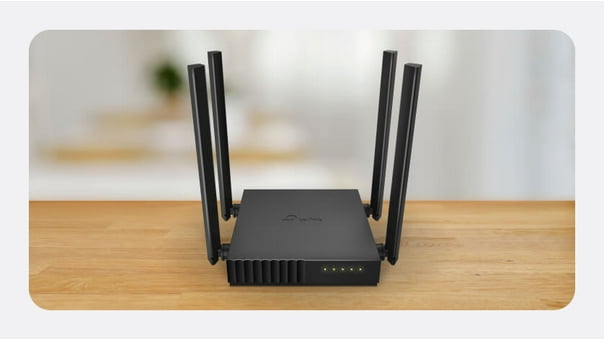
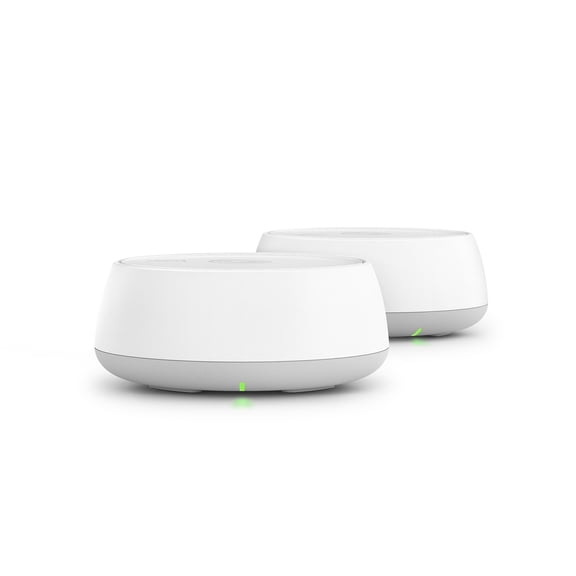
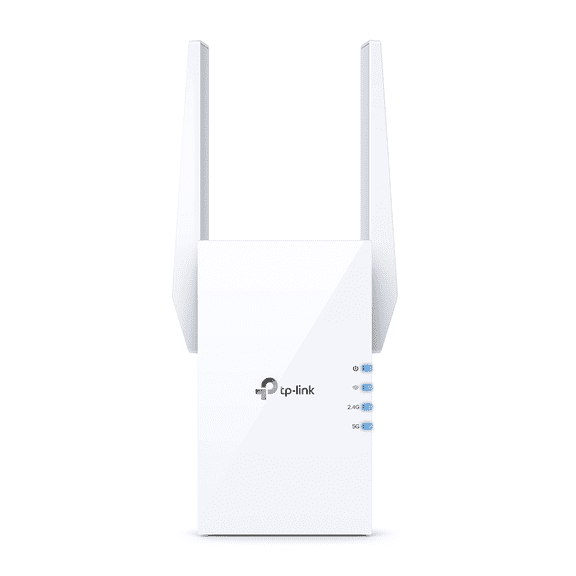
Strong, reliable coverage

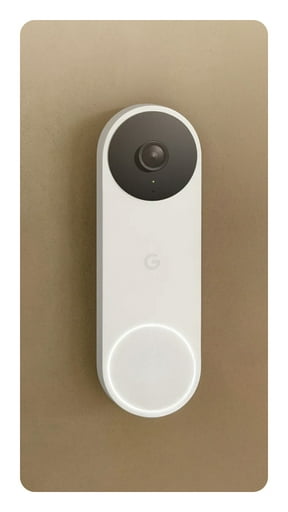

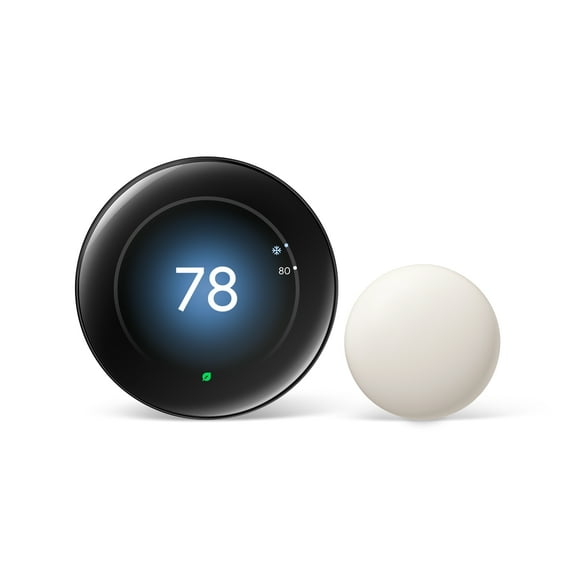
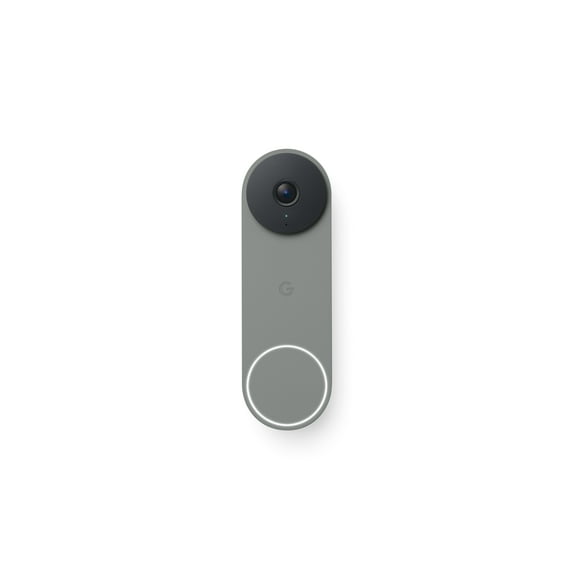
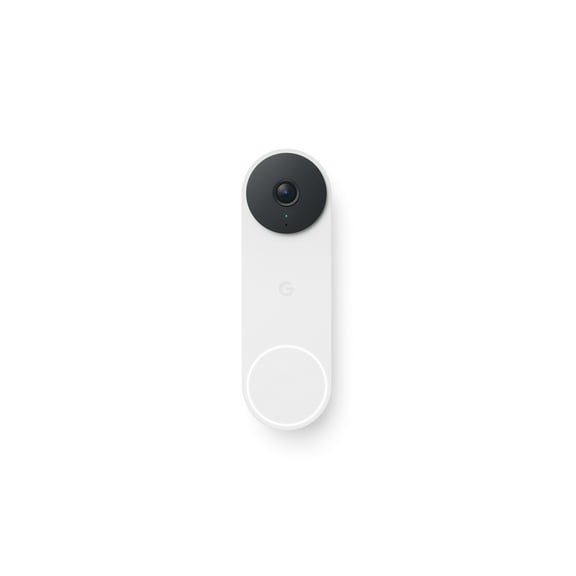
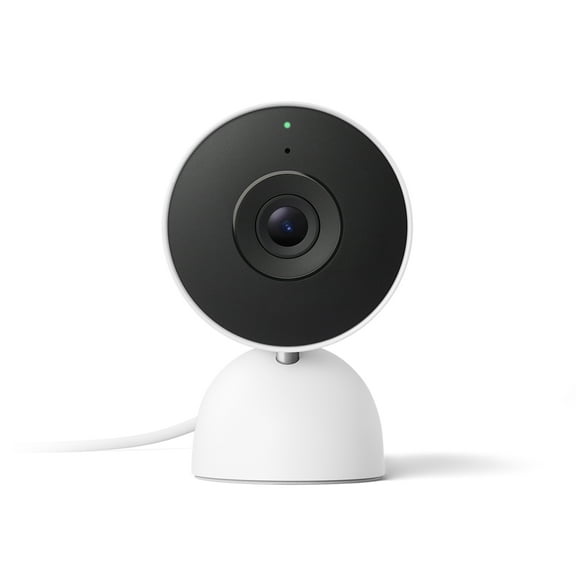
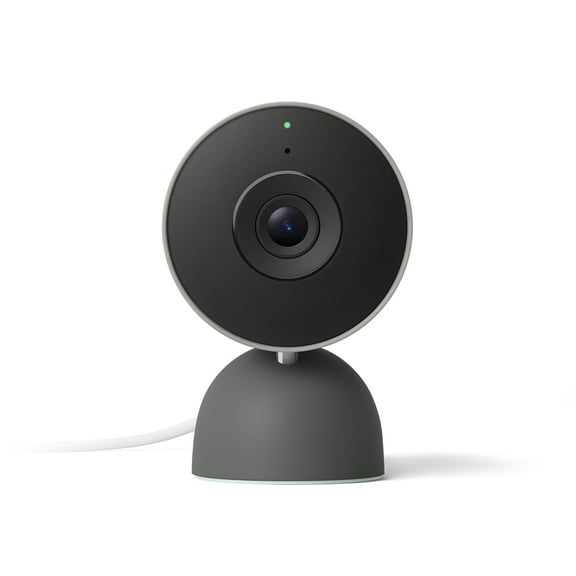
Google Nest
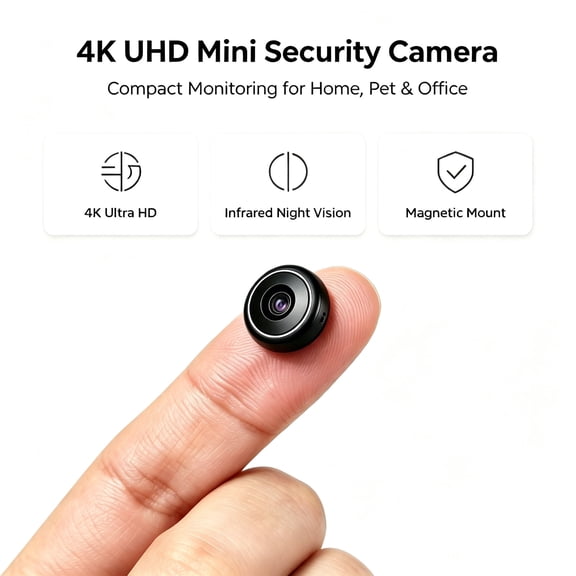
Now smarter & sharper


Make space for more


Control from anywhere
Geeni smart lighting
Switch lights on from the sofa or farther away, from $27.99.Shop nowSmart home help







New arrivals
Uses external data. Price when purchased online





















FAQ
About Smart Home - Walmart.com
Smart home devices help you organize lighting, entry alerts, and camera views through one connected setup. You can compare compatibility, power source, and placement before you choose devices for your home.
If you're planning around cameras, doorbells, hubs, or plugs, you need guidance that matches real installation decisions. You also need clear details on storage, voice control, and daily routines across multiple rooms.
Choosing smart home devices by device type
You should start with device type because each category supports a different household task. You can use smart cameras for room or yard views, doorbells for entry monitoring, hubs for routines, and plugs for simple scheduling.
When you compare these options, you can build a setup that fits how your home actually runs. You won't need the same mix for an apartment entry, a front porch, and a full multiroom layout.
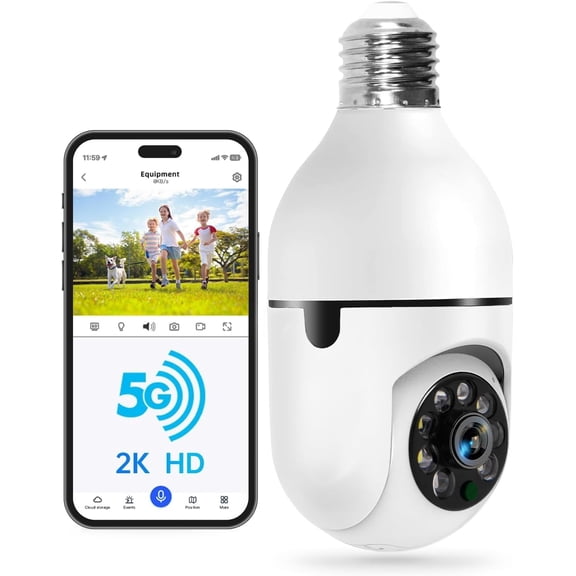
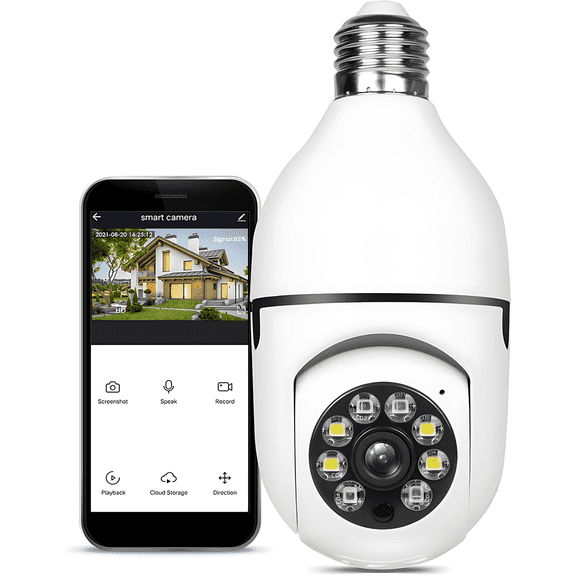
- You can use smart cameras to view nurseries, hallways, garages, driveways, and backyard spaces.
- You can choose video doorbells when you want app alerts and front-door visibility.
- You can add smart hubs when you want one place to manage routines and connected accessories.
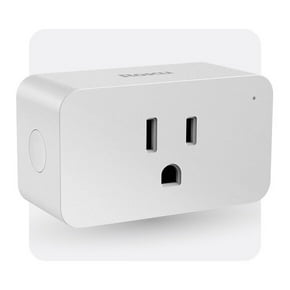
- You can use smart plugs when you want lamps or small appliances on a schedule.
As you narrow your options, you should match each device to a specific room or routine. You'll create a cleaner system when each device has a clear purpose in your home.
Choosing smart home devices by ecosystem compatibility
You should check ecosystem compatibility before you expand beyond one device. You can compare support for Google Assistant, Amazon Alexa, Apple HomeKit, Matter, and Thread to keep control simple.
If you already use google home devices, you should look for products that join that ecosystem smoothly. You can make daily control easier when your camera, plug, and speaker respond inside the same app.
When you review a google home camera system, you should compare voice commands, automations, and shared household access. You'll notice routine setup feels simpler when connected devices use the same assistant and account structure.
You may also want to compare Matter and Thread support in plain terms. You can use those standards to connect more brands together without rebuilding your setup from the beginning.
Comparing hardwired, battery-powered, and plug-in options
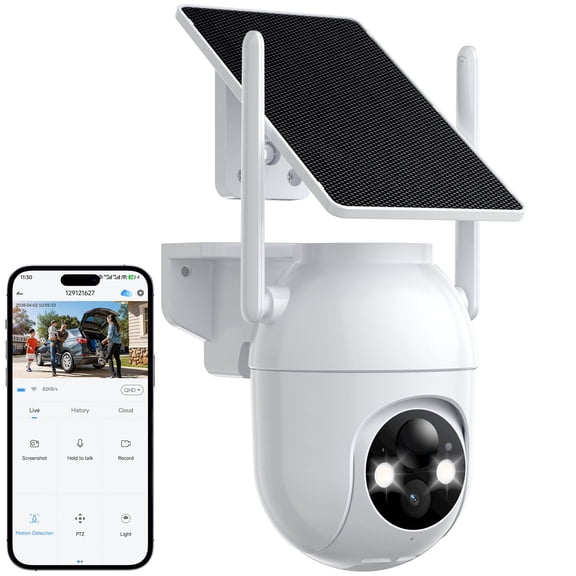
You should compare power source early because it affects placement, upkeep, and installation time. You can choose hardwired, battery-powered, or plug-in options based on how fixed you want the setup.
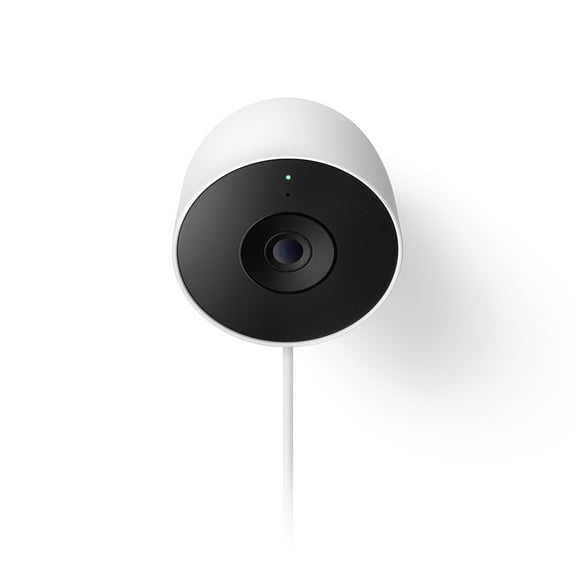
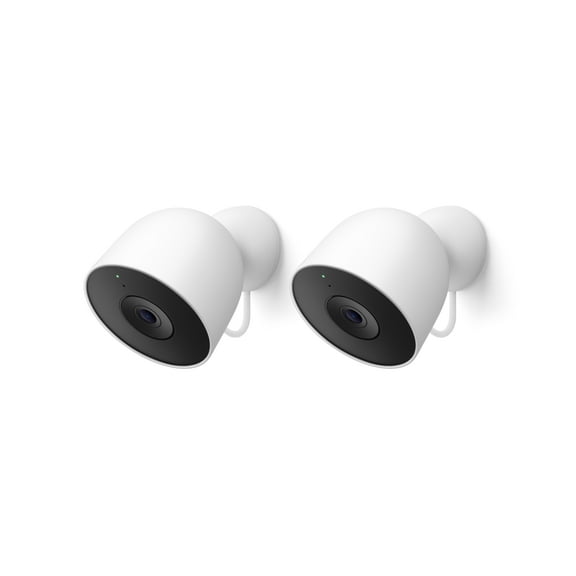
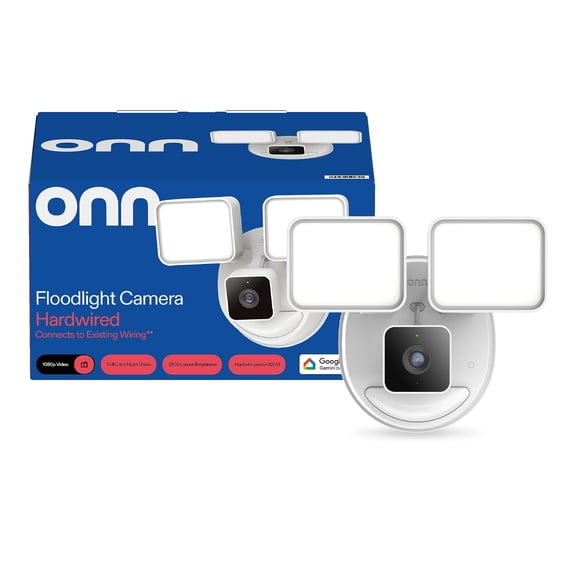
If you're considering a google nest outdoor camera wired or a google nest cam wired, you should confirm outlet access and cable routing. You'll usually get steady power, which suits fixed viewing areas around porches, garages, and walkways.
When you compare a wired nest cam outdoor setup with battery-powered models, you can weigh flexibility against charging routines. You'll place battery models more freely, while wired options fit spots where continuous power matters.
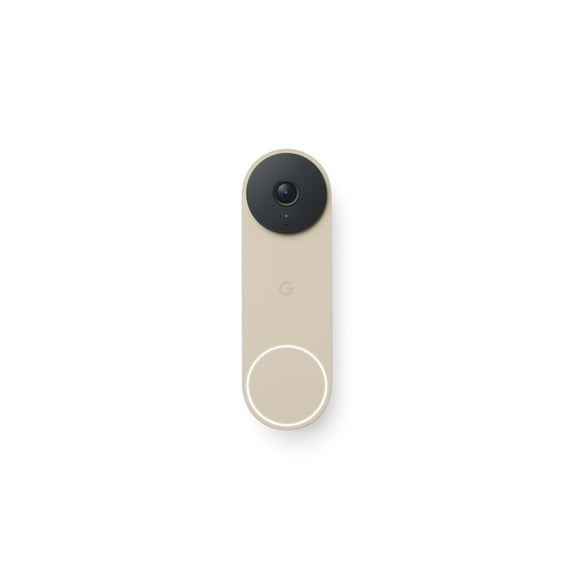
Doorbells need the same practical review before you commit to one style. If you want a google nest doorbell wired, you should check existing doorbell wiring and transformer compatibility.
Choosing indoor or outdoor placement
You should choose placement based on the space you want to view each day. You can compare indoor and outdoor options by mounting style, viewing angle, and where power is available.
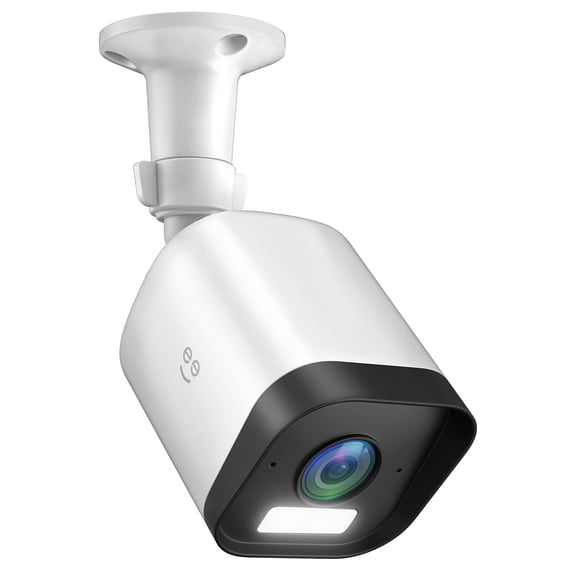
For indoor use google nest camera options, you may focus on nurseries, hallways, or shared living spaces. You can benefit from compact designs and quick app access when you want to check key rooms.
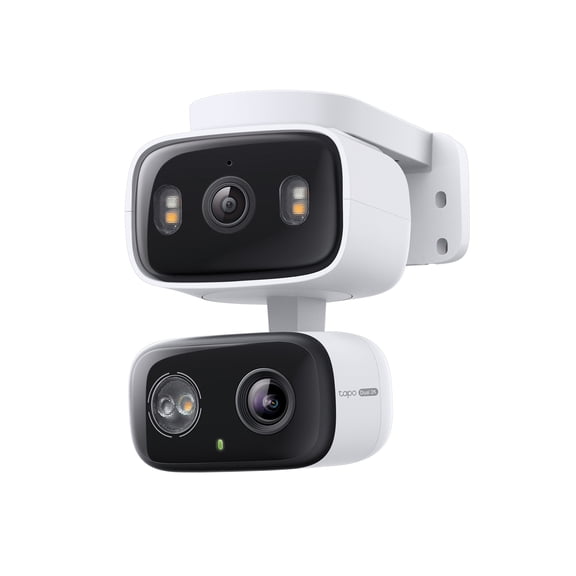
Outdoor placement needs more planning because your camera has to cover a larger area. You should measure your porch, driveway, garage, or backyard so your view matches the space you want.
If you're considering a google nest hardwired camera or google nest cam outdoor wired, you should check cable reach and mounting height. You'll also want to compare field of view for doors, packages, and vehicle areas.
Comparing video quality, field of view, and storage
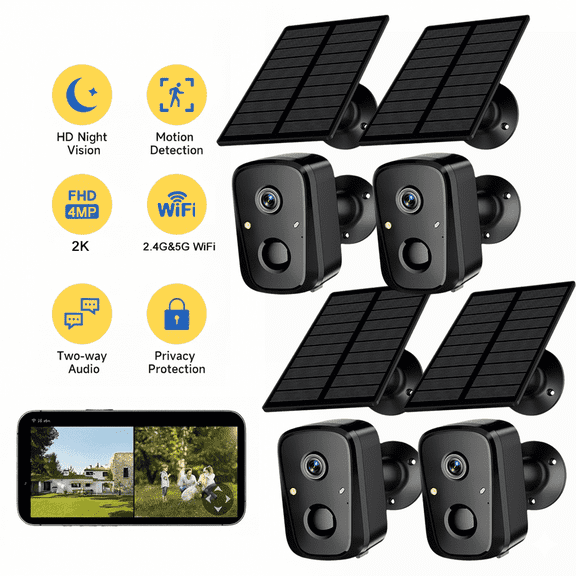
You should compare video specs because image detail changes how clearly you can review daily activity. You can look at 1080p, 2K, HDR, and field of view to match your room or entryway.
If you need wider coverage, you should check field of view before you choose a camera or doorbell. You'll usually want broader angles for porches, open rooms, garages, and shared outdoor paths.
You should also compare storage options because clip access affects everyday use. You can review cloud plans, local storage, and event history lengths before you choose your preferred setup.
If you want fewer monthly decisions, you may prefer local storage where available. If you want longer event history and app-based review tools, you may prefer cloud storage plans.
Matching combinations to your daily routines
You should match device combinations to the way you enter, leave, and monitor your home. You can pair a wired doorbell with outdoor cameras and smart plugs for porch lighting routines.
If you live in an apartment, you may prefer plug-in cameras and smart plugs that need less permanent installation. You can still use voice control and app routines through compatible speakers or hubs.
For larger homes, you should start with ecosystem compatibility before you add more rooms. You'll keep alerts, schedules, and camera views easier to manage when devices share one platform.
If you're building your first setup, you can begin with one camera, one plug, and one doorbell or hub. You'll learn which power style, storage option, and control method fit your space.
With smart home devices, you can build a connected setup that matches your wiring, rooms, and preferred assistant. You'll choose more confidently when you compare compatibility, power, placement, and video details together.