

Westinghouse Outlet Timer(1)
Westinghouse 94013 Sure Series Wi-fi Dual-Outlet Smart Plug $24.99 $24.99/ca

Westinghouse 94013 Sure Series Wi-fi Dual-Outlet Smart Plug
Other options to consider(4)
Flash Deal, Linkind Matter Smart Plug, WiFi Smart Outlet 15A 1800W, Works with Apple Home Siri Alexa Google Home SmartThings, App Remote Control, Voice Control, Timer Schedule, 2.4GHz WiFi, FCC Certified, 4 Pack From $18.99
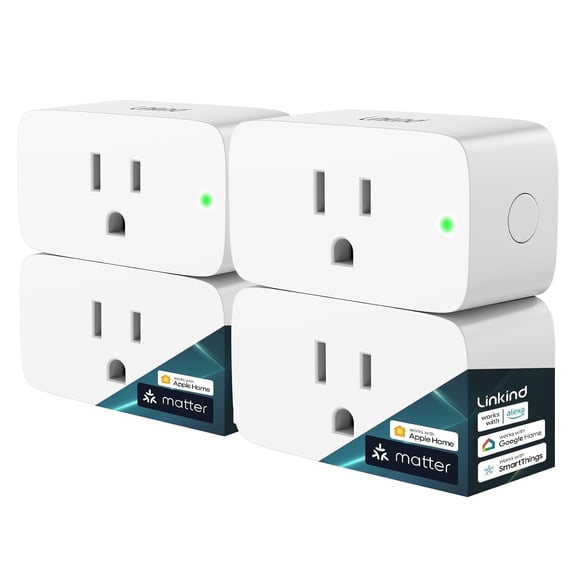
Linkind Matter Smart Plug, WiFi Smart Outlet 15A 1800W, Works with Apple Home Siri Alexa Google Home SmartThings, App Remote Control, Voice Control, Timer Schedule, 2.4GHz WiFi, FCC Certified, 4 Pack
Kasa Outdoor Smart Plug KP401, Smart Home Wi-Fi Outlet Timer
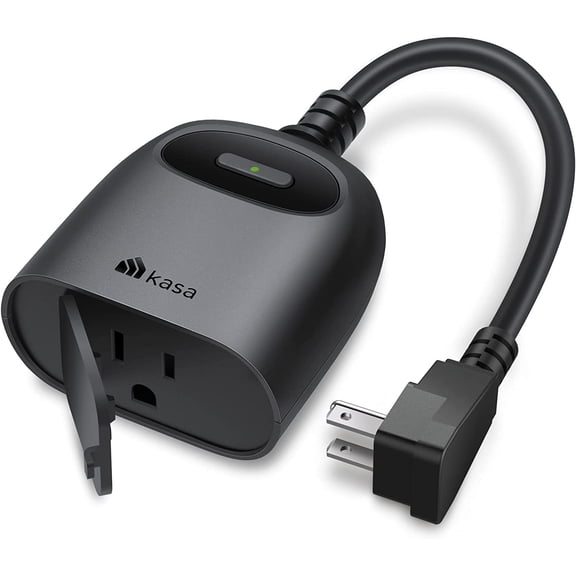
Kasa Outdoor Smart Plug KP401, Smart Home Wi-Fi Outlet Timer
DEWENWILS Indoor Wireless Remote Control Outlet, Remote Light Switch Kit, for Halloween and Christmas, Wireless On Off Power plug switch, 100ft RF Range, White
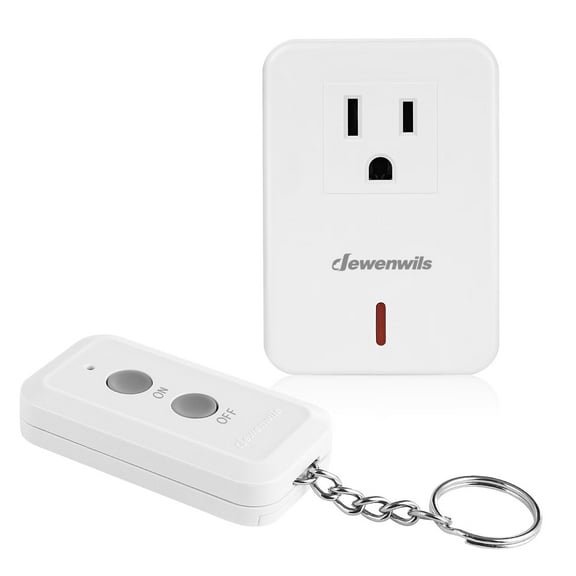
DEWENWILS Indoor Wireless Remote Control Outlet, Remote Light Switch Kit, for Halloween and Christmas, Wireless On Off Power plug switch, 100ft RF Range, White
Hyper Tough Outdoor Wireless Remote Control, 3 Outlets, Model WM-60117 $28.62
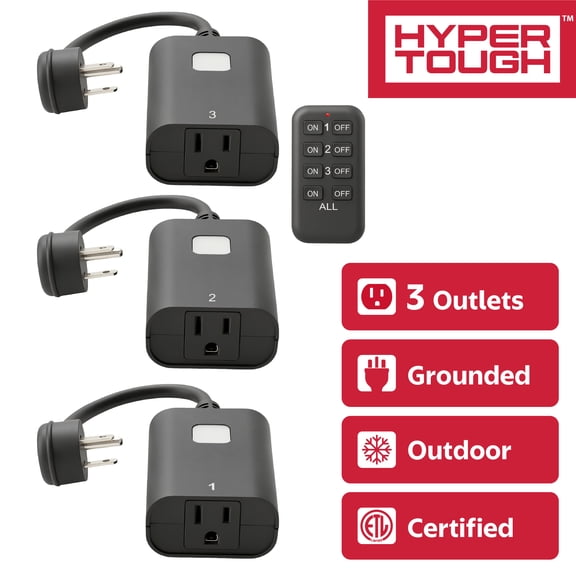
Hyper Tough Outdoor Wireless Remote Control, 3 Outlets, Model WM-60117
FAQ
How do I set up my outlet timer?
Setting up your outlet timer is pretty straightforward. Start by plugging the smart plug into a wall outlet, then download the compatible app on your smartphone. Follow the app's prompts to connect the timer to your Wi-Fi network. Once connected, you can schedule when your devices turn on or off using the app's timer feature. Tip: Make sure your phone and the outlet timer are on the same Wi-Fi network during setup for a smoother experience.
Why isn’t my outlet timer working right?
- Check the Wi-Fi connection: Make sure your timer is within range and connected to your home network.
- Review your app settings: Double-check your scheduled times and ensure the timer is enabled.
- Try resetting: Unplug the timer for a few seconds, then plug it back in and reconnect through the app.
If you’re still having trouble, consult the product manual or reach out to customer support for more help.
Can I use this timer for outdoor lights?
Some outlet timers are designed for indoor use only, while others may be suitable for outdoor lighting. Always check the product specifications and look for weather-resistant features if you plan to use it outside. For outdoor setups, make sure the timer is protected from moisture and extreme temperatures to help it last longer.
Do I need an app to control the timer?
Most Wi-Fi outlet timers require a companion app for setup and scheduling. The app lets you customize timers, monitor usage, and control your devices remotely. If you prefer manual operation, look for models with physical buttons or switches, but keep in mind that app-based timers offer more flexibility and convenience.
What devices can I plug into a smart outlet timer?
- Small appliances like lamps, fans, or coffee makers
- Holiday decorations or string lights
- Electronics that don’t exceed the timer’s power rating
Always check the timer’s maximum wattage and avoid plugging in high-powered devices like heaters or large appliances. This helps keep your setup safe and ensures the timer works as intended.