

Wd Caviar(2)
Restored WD 3.5" 1TB SATA 3-6Gb/s - 7200RPM - 64MB Cache - WD Caviar Blue - WD10EZEX $65.99

Restored WD 3.5" 1TB SATA 3-6Gb/s - 7200RPM - 64MB Cache - WD Caviar Blue - WD10EZEX
WD Caviar WD800JB 80 GB Hard Drive, Internal, IDE $99.99

WD Caviar WD800JB 80 GB Hard Drive, Internal, IDE
Other options to consider(3)
1TB Cavier Blue SATA 6Gbs $99.99
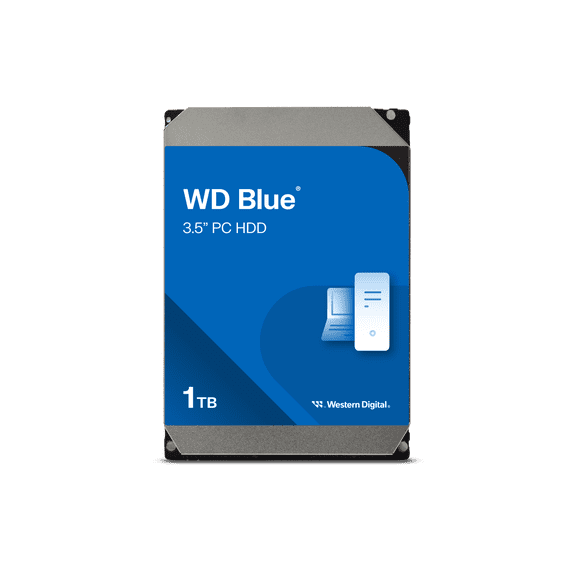
1TB Cavier Blue SATA 6Gbs
Western Digital Bulk 1TB Cavier Blue SATA 6Gb-s $179.19
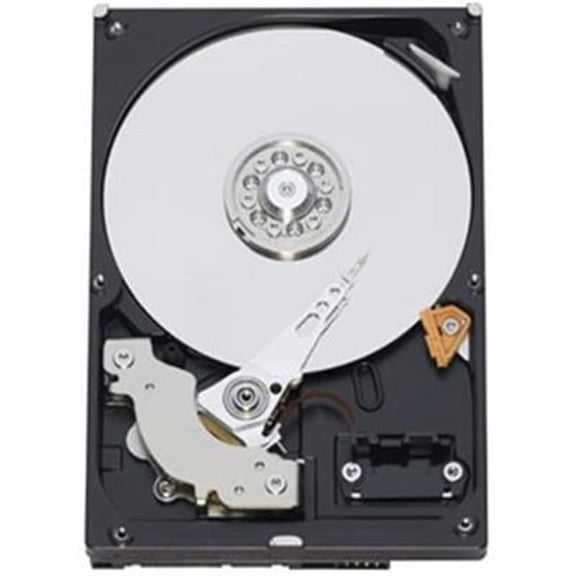
Western Digital Bulk 1TB Cavier Blue SATA 6Gb-s
500GB SATA 6Gbs 3.5 in. Internal $149.66
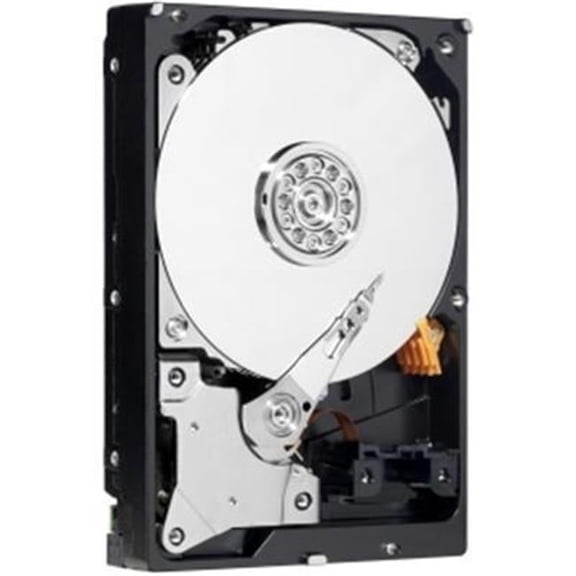
500GB SATA 6Gbs 3.5 in. Internal
FAQ
How do I know if this hard drive fits my computer?
To check if a hard drive fits your computer, look at the type and size your system supports. Most desktop PCs use 3.5-inch internal hard drives with SATA or IDE connections. Laptops often use smaller 2.5-inch drives.
- Check your computer's documentation or open the case to see the existing drive's size and connector.
- Compare your computer's connection (SATA or IDE) to the new drive's interface.
- If unsure, you can bring details or photos to your local Walmart for extra help.
Making sure the connection and size match helps with smooth installation.
Can I use this hard drive for extra storage?
Yes, you can use an internal hard drive to add extra storage to a desktop computer. Many systems have space for more than one internal drive.
- Make sure your computer has a free drive bay and the right connections (SATA or IDE).
- You may need a screwdriver and basic tools to install it securely.
- After installing, you'll need to format the drive in your operating system to start using it.
This can give you more room for files, photos, and projects.
What rpm means for a hard drive?
RPM stands for 'revolutions per minute' and measures how fast the hard drive's disks spin. A higher RPM generally means the drive can read and write data faster.
- Common speeds are 5400rpm and 7200rpm.
- Faster drives may load files more quickly, but also might use slightly more power.
- For everyday use, either speed can work, depending on your needs.
Choosing the right RPM depends on how you'll use your computer and what matters most to you—speed or energy savings.
How do I safely install an internal hard drive?
Installing an internal hard drive is usually straightforward, but safety is important. Start by turning off your computer and unplugging it from power.
- Wear an anti-static wristband or touch a metal surface to avoid static damage.
- Open the computer case and locate a free drive bay and the right cable connection.
- Secure the drive with screws and connect it to power and data cables.
- Close the case and plug the computer back in before turning it on.
Check your system's manual or look up simple guides if you need extra help.
How should I store a hard drive not in use?
When you're not using a hard drive, proper storage helps protect it.
- Keep the drive in an anti-static bag to prevent electrical damage.
- Store it in a cool, dry place away from sunlight and moisture.
- Avoid dropping or bumping the drive, as hard drives are sensitive to shock.
These steps can help the drive stay in good condition until you're ready to use it again.
Popular in WD Caviar Hard Drives for Storage and Backup
Related Products
WD Red 3TB NAS Hard Disk Drive - 5400 RPM Class SATA 6Gb/s 64MB Cache 3.5 Inch - WD30EFRX
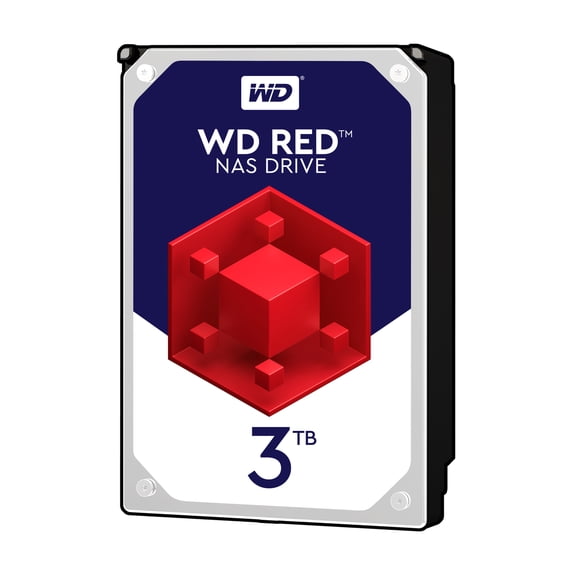 WD Red 3TB NAS Hard Disk Drive - 5400 RPM Class SATA 6Gb/s 64MB Cache 3.5 Inch - WD30EFRX$263.22current price $263.22
Sabrent M.2 SSD to 2.5-Inch SATA III Aluminum Enclosure Adapter (EC-M2SA)
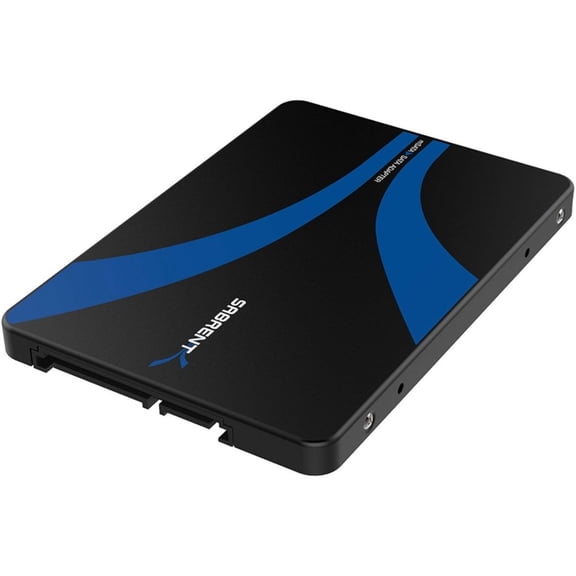 Sabrent M.2 SSD to 2.5-Inch SATA III Aluminum Enclosure Adapter (EC-M2SA)$10.79current price $10.79
MaxDigitalData 8TB 7200 RPM 256MB Cache SATA 6.0Gb/s 3.5inch Internal Hard Drive for Surveillance (MD8000GSA25672DVR) - 3 Years Warranty
 MaxDigitalData 8TB 7200 RPM 256MB Cache SATA 6.0Gb/s 3.5inch Internal Hard Drive for Surveillance (MD8000GSA25672DVR) - 3 Years Warranty$309.99current price $309.99
Power Adapter Compatible with WD My Book Essential External Hard Drive 160 320 500 750GB 1TB 2TB 3TB 4TB WD5000H1U-00 WD3200H1U-00 WD1600H1U-00 WD10000H1U-00 WD3200B007 WD3200B012 AC Charger Supply
 Power Adapter Compatible with WD My Book Essential External Hard Drive 160 320 500 750GB 1TB 2TB 3TB 4TB WD5000H1U-00 WD3200H1U-00 WD1600H1U-00 WD10000H1U-00 WD3200B007 WD3200B012 AC Charger Supply$12.98current price $12.98
Western Digital 12TB WD Elements Desktop, External Hard Drive HDD - WDBWLG0120HBK-NESN
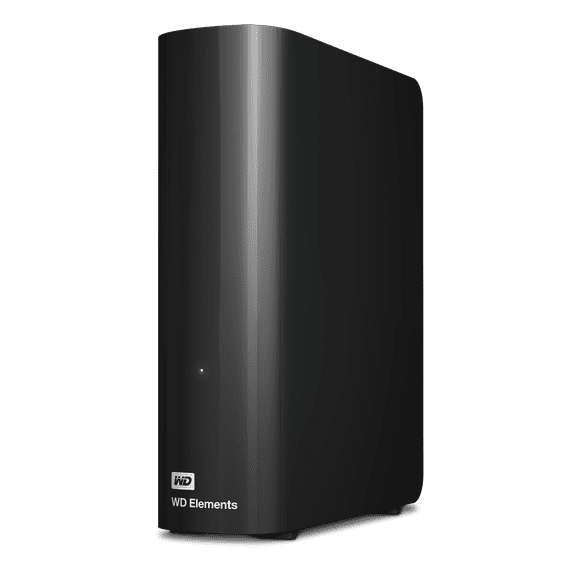 Western Digital 12TB WD Elements Desktop, External Hard Drive HDD - WDBWLG0120HBK-NESN$602.86current price $602.86
MaxDigitalData 4TB 5900PM 64MB Cache 6.0Gb/s 3.5" Internal Hard Disk Drive
 MaxDigitalData 4TB 5900PM 64MB Cache 6.0Gb/s 3.5" Internal Hard Disk Drive$158.50current price $158.50
MaxDigitalData (MD14000GSA25672) 14TB 7200RPM SATA 6Gb/s 128MB Cache 3.5" Internal Desktop Hard Drive - 3 Years Warranty
 MaxDigitalData (MD14000GSA25672) 14TB 7200RPM SATA 6Gb/s 128MB Cache 3.5" Internal Desktop Hard Drive - 3 Years Warranty$359.99current price $359.99
Seagate IronWolf Pro 20TB SATA III 3.5" Internal NAS HDD, 7200 RPM (CMR)
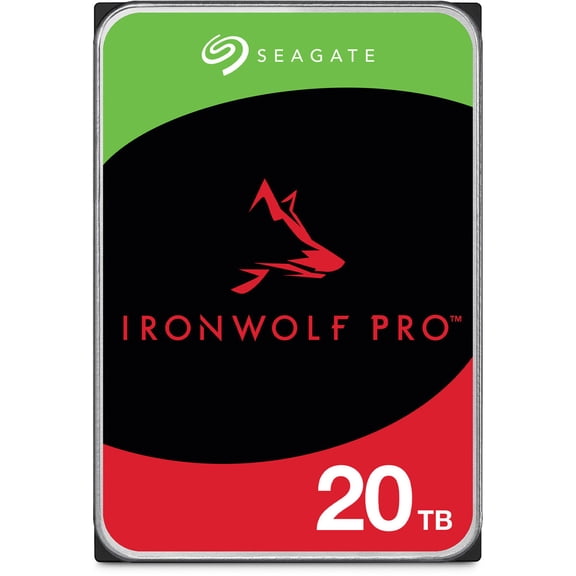 Seagate IronWolf Pro 20TB SATA III 3.5" Internal NAS HDD, 7200 RPM (CMR)$879.99current price $879.99
Seagate ST4000DM000 Desktop 4TB SATA 3.5" Internal Hard Drive
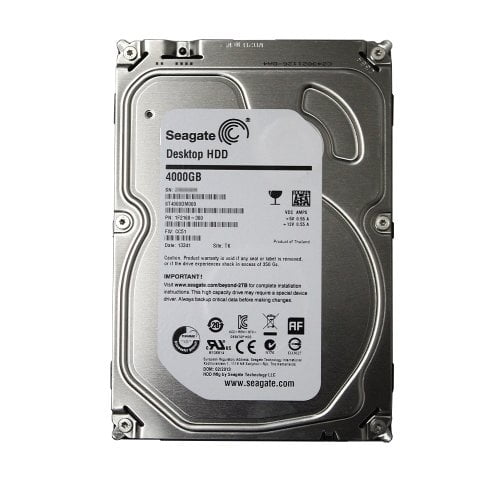 Seagate ST4000DM000 Desktop 4TB SATA 3.5" Internal Hard Drive$244.81current price $244.81
Western Digital 12TB WD Purple Pro Surveillance SATA HDD, 3.5" Internal Hard Drive, 7200 RPM, 512MB Cache, CMR - WD122PURP
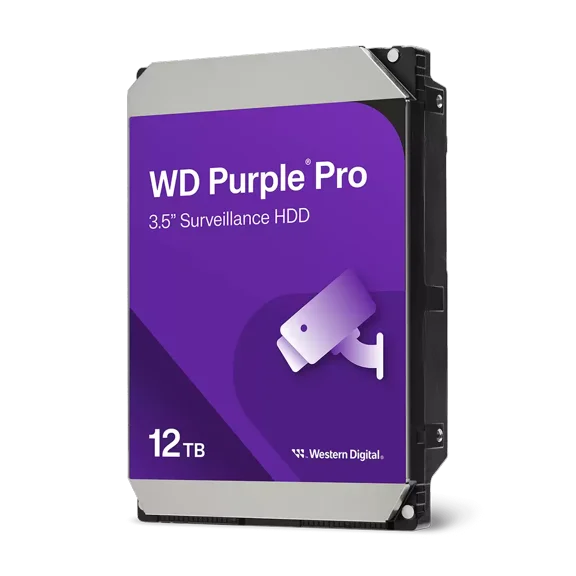 Western Digital 12TB WD Purple Pro Surveillance SATA HDD, 3.5" Internal Hard Drive, 7200 RPM, 512MB Cache, CMR - WD122PURP$817.16current price $817.16
Seagate IronWolf Pro ST12000NT001 12TB 7200 RPM 256MB Cache SATA 6.0Gb/s 3.5" Internal Hard Drive
 Seagate IronWolf Pro ST12000NT001 12TB 7200 RPM 256MB Cache SATA 6.0Gb/s 3.5" Internal Hard Drive$579.99current price $579.99
Seagate IronWolf ST4000VN006 4TB 5400 RPM 256MB Cache SATA 6.0Gb/s 3.5" Internal Hard Drive
 Seagate IronWolf ST4000VN006 4TB 5400 RPM 256MB Cache SATA 6.0Gb/s 3.5" Internal Hard Drive$220.41current price $220.41
Western Digital Gold 20TB 3.5" SATA 7200rpm Internal Hard Disk Drive WD203KRYZ
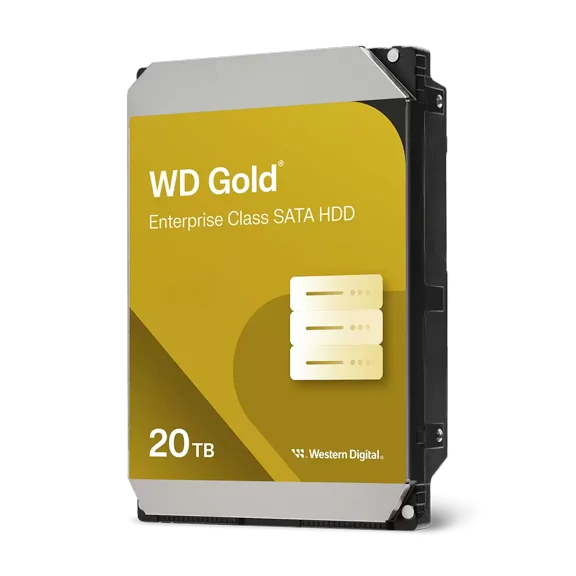 Western Digital Gold 20TB 3.5" SATA 7200rpm Internal Hard Disk Drive WD203KRYZ$1099.99current price $1099.99
WD_BLACK 10TB Gaming SATA HDD, 3.5" Internal Hard Drive HDD, 7200 RPM, 512MB Cache - WD102FZBX
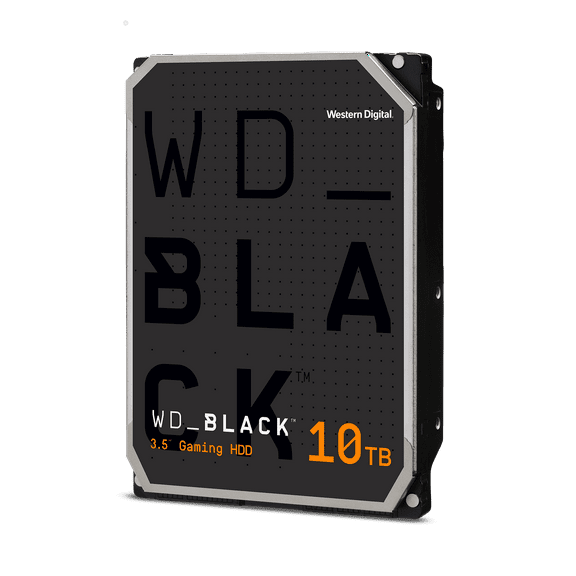 WD_BLACK 10TB Gaming SATA HDD, 3.5" Internal Hard Drive HDD, 7200 RPM, 512MB Cache - WD102FZBX$509.99current price $509.99