

Wd Black Performance Mobile(1)
SN850X NVMe SSD 2tb $429.99
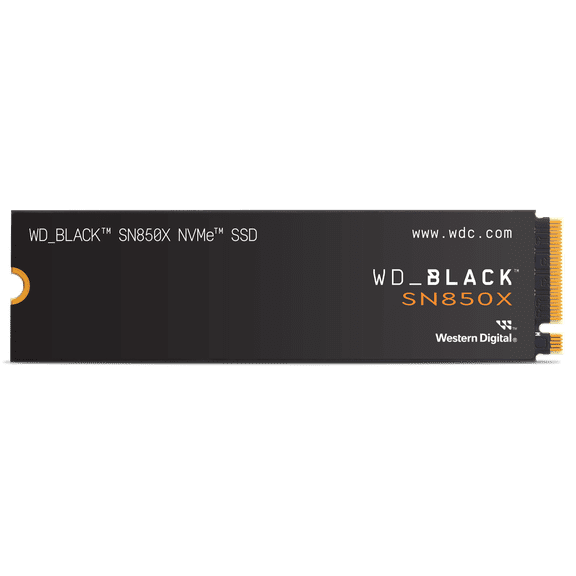
SN850X NVMe SSD 2tb
Other options to consider(7)
Western Digital 4TB WD My Passport, Portable External Hard Drive HDD, Black - WDBPKJ0040BBK-WESN $190.60

Western Digital 4TB WD My Passport, Portable External Hard Drive HDD, Black - WDBPKJ0040BBK-WESN
Wd Black Wd5000lplx 500 Gb 2.5" Internal Hard Drive - Sata - 7200 Rpm - 32 Mb Buffer - Portable - Bulk (wd5000lplxsp) $118.08
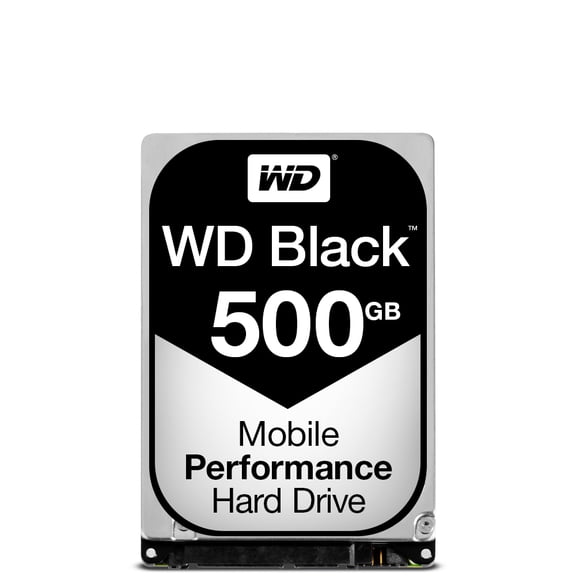
Wd Black Wd5000lplx 500 Gb 2.5" Internal Hard Drive - Sata - 7200 Rpm - 32 Mb Buffer - Portable - Bulk (wd5000lplxsp)
WD My Passport WDBR9S0060BBK-WESN 6 TB Portable Hard Drive - External - Black - USB 3.2 (Gen 1) Micro-B - 256-bit AES Encryption Standard $266.99 $30.51/lb
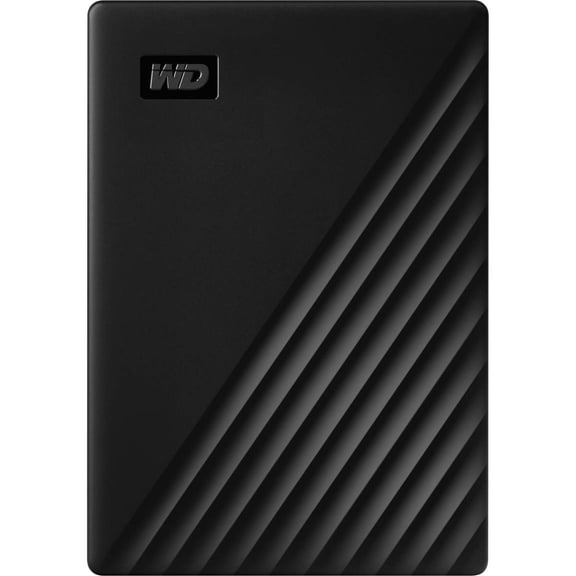
WD My Passport WDBR9S0060BBK-WESN 6 TB Portable Hard Drive - External - Black - USB 3.2 (Gen 1) Micro-B - 256-bit AES Encryption Standard
WD My Passport 4TB Portable Hard Drive Black $254.99

WD My Passport 4TB Portable Hard Drive Black
WD_Black 2TB P10 Portable Game Drive - WDBA2W0020BBK-WESN $200.97
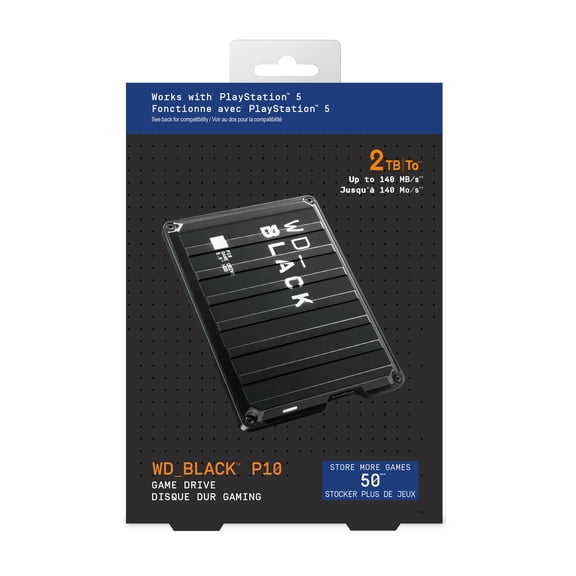
WD_Black 2TB P10 Portable Game Drive - WDBA2W0020BBK-WESN
WD Black WD10JPLX 1TB 2.5" SATA 7200rpm Internal Hard Drive

WD Black WD10JPLX 1TB 2.5" SATA 7200rpm Internal Hard Drive
Western Digital 2TB WD Blue PC Mobile Hard Drive, 2.5" Internal Hard Drive HDD, 5400 RPM, 128MB Cache - WD20SPZX
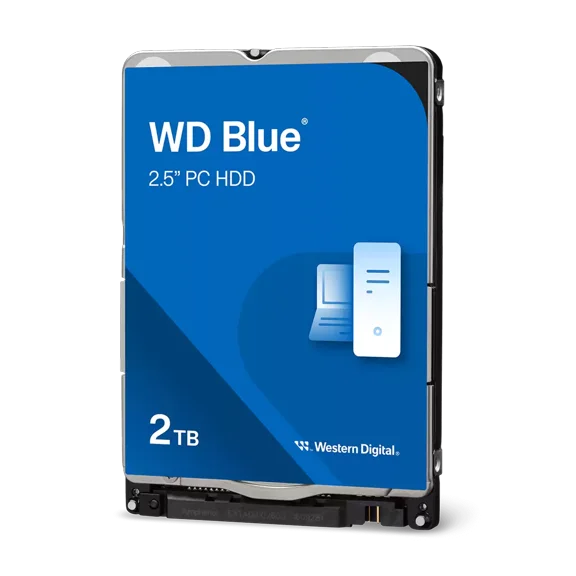
Western Digital 2TB WD Blue PC Mobile Hard Drive, 2.5" Internal Hard Drive HDD, 5400 RPM, 128MB Cache - WD20SPZX
FAQ
What does "performance mobile" mean for storage drives?
"Performance mobile" refers to storage drives designed for high-speed data access and reliability, especially in laptops and portable devices. These drives are built to handle demanding tasks like gaming, video editing, or running multiple applications at once.
- They often feature faster read and write speeds compared to standard drives.
- They're optimized for durability and consistent performance, even when you're on the go.
- Choosing a performance mobile drive can help your device run smoother and load files more quickly, which is great for anyone who needs speed and efficiency.
How do I know if this drive fits my laptop?
To check if a storage drive is compatible with your laptop, start by reviewing your laptop's specifications or user manual. Look for details about supported drive sizes (like 2.5-inch or M.2) and connection types (such as SATA or NVMe).
- Most laptops list compatible drive types in their documentation.
- If you're unsure, you can remove your current drive and compare its size and connector to the new one.
- When shopping online, you can filter drives by size and interface to match your laptop's requirements.
Can I use a performance drive for gaming on my laptop?
Yes, performance storage drives are a popular choice for gaming laptops. They can help reduce game load times and improve overall responsiveness.
- Faster drives allow games to access data quickly, which can enhance your gaming experience.
- They're also useful for storing large game files and updates.
- Be sure to check your laptop's compatibility before upgrading.
How do I transfer files to a new mobile drive?
Transferring files to a new storage drive can be straightforward with the right steps:
- Connect your new drive to your laptop, either internally or using an external enclosure.
- Use file explorer to drag and drop files from your old drive to the new one.
- For a complete system transfer, you may use migration software, which can clone your existing drive.
What should I do if my drive isn't recognized?
If your new storage drive isn't showing up, try these steps:
- Double-check the physical connection to make sure it's secure.
- Restart your laptop to see if the drive appears.
- Open your device's disk management tool to see if the drive needs to be initialized or formatted.
- If you're still having trouble, consult your laptop's support resources or reach out to Walmart's customer service for guidance.
Popular in WD Black Performance Mobile Drives Electronics
Related Products
Sabrent M.2 SSD to 2.5-Inch SATA III Aluminum Enclosure Adapter (EC-M2SA)
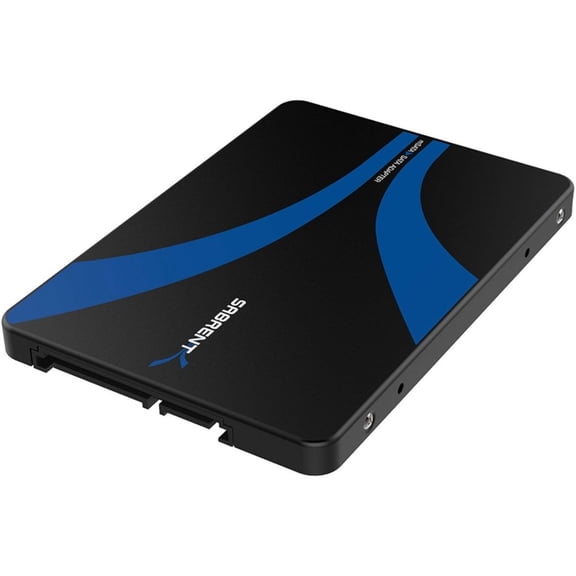 Sabrent M.2 SSD to 2.5-Inch SATA III Aluminum Enclosure Adapter (EC-M2SA)$10.79current price $10.79
Power Adapter Compatible with WD My Book Essential External Hard Drive 160 320 500 750GB 1TB 2TB 3TB 4TB WD5000H1U-00 WD3200H1U-00 WD1600H1U-00 WD10000H1U-00 WD3200B007 WD3200B012 AC Charger Supply
 Power Adapter Compatible with WD My Book Essential External Hard Drive 160 320 500 750GB 1TB 2TB 3TB 4TB WD5000H1U-00 WD3200H1U-00 WD1600H1U-00 WD10000H1U-00 WD3200B007 WD3200B012 AC Charger Supply$12.98current price $12.98
Western Digital 12TB WD Purple Pro Surveillance SATA HDD, 3.5" Internal Hard Drive, 7200 RPM, 512MB Cache, CMR - WD122PURP
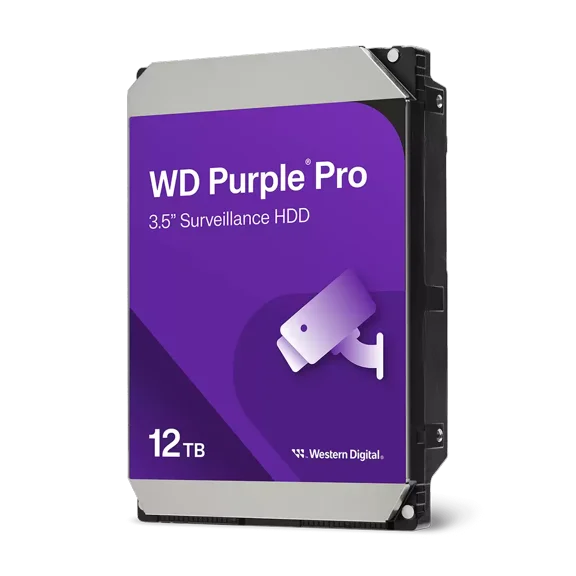 Western Digital 12TB WD Purple Pro Surveillance SATA HDD, 3.5" Internal Hard Drive, 7200 RPM, 512MB Cache, CMR - WD122PURP$817.16current price $817.16
MaxDigitalData 8TB 7200 RPM 256MB Cache SATA 6.0Gb/s 3.5inch Internal Hard Drive for Surveillance (MD8000GSA25672DVR) - 3 Years Warranty
 MaxDigitalData 8TB 7200 RPM 256MB Cache SATA 6.0Gb/s 3.5inch Internal Hard Drive for Surveillance (MD8000GSA25672DVR) - 3 Years Warranty$309.99current price $309.99
WD Red 3TB NAS Hard Disk Drive - 5400 RPM Class SATA 6Gb/s 64MB Cache 3.5 Inch - WD30EFRX
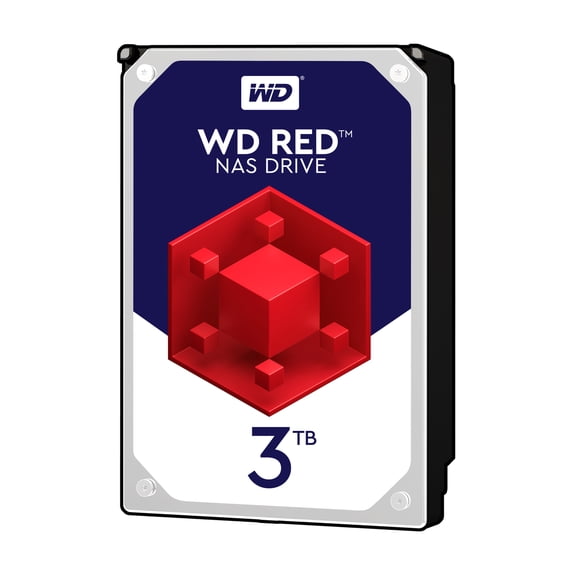 WD Red 3TB NAS Hard Disk Drive - 5400 RPM Class SATA 6Gb/s 64MB Cache 3.5 Inch - WD30EFRX$263.22current price $263.22
Western Digital 6TB WD My Passport for Mac USB 3.2 Gen 1, 2.5" Portable External Hard Drive HDD, Blue - WDBK6C0060BBL-WESN
 Western Digital 6TB WD My Passport for Mac USB 3.2 Gen 1, 2.5" Portable External Hard Drive HDD, Blue - WDBK6C0060BBL-WESN$315.00current price $315.00
ORICO 3.5 inch Hard Drive Enclosure 5Gbps SATA to USB 3.0 Enclosure Aluminum External Hard Disk Enclosure SSD/HDD Enclosure Case Max 16Tb with 12V2A Power Adapter & UASP for Xbox(No Drive)
ORICO 3.5 inch Hard Drive Enclosure 5Gbps SATA to USB 3.0 Enclosure Aluminum External Hard Disk Enclosure SSD/HDD Enclosure Case Max 16Tb with 12V2A Power Adapter & UASP for Xbox(No Drive)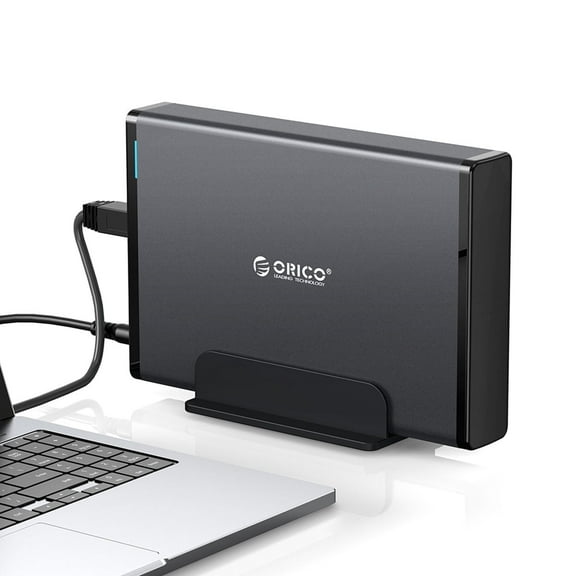
MaxDigitalData 4TB 5900PM 64MB Cache 6.0Gb/s 3.5" Internal Hard Disk Drive
 MaxDigitalData 4TB 5900PM 64MB Cache 6.0Gb/s 3.5" Internal Hard Disk Drive$158.50current price $158.50
Western Digital 12TB WD Elements Desktop, External Hard Drive HDD - WDBWLG0120HBK-NESN
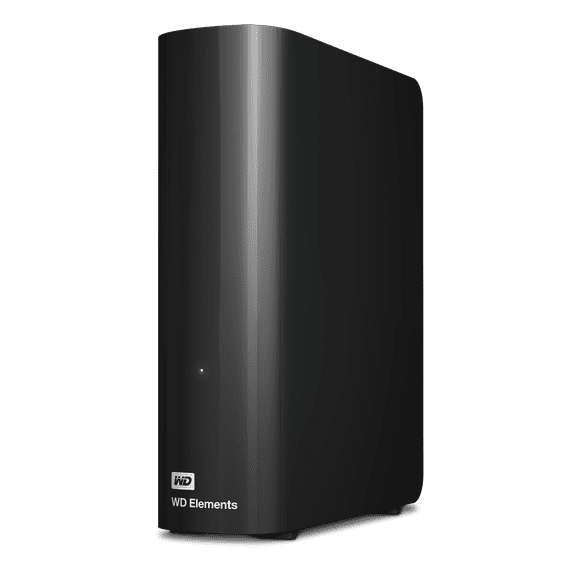 Western Digital 12TB WD Elements Desktop, External Hard Drive HDD - WDBWLG0120HBK-NESN$602.86current price $602.86
Western Digital 6TB WD My Passport, Portable External Hard Drive HDD, Red - WDBR9S0060BRD-WESN
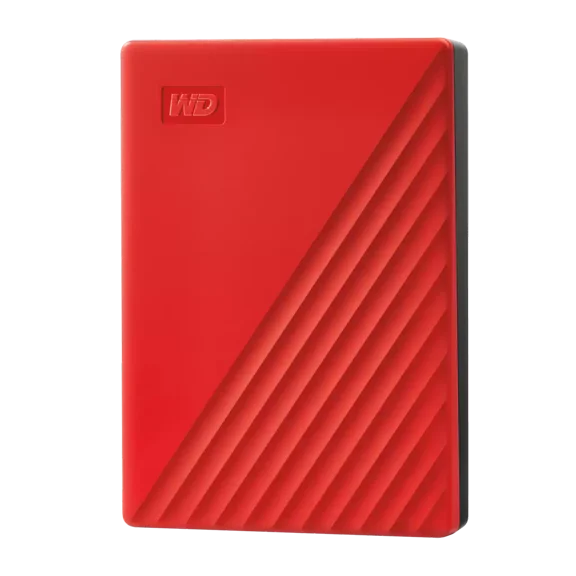 Western Digital 6TB WD My Passport, Portable External Hard Drive HDD, Red - WDBR9S0060BRD-WESN$329.99current price $329.99
M2 SSD Enclosure M.2 NVMe+NGFF Dual Protocol SSD Enclosure USB 3.2 Gen2 10Gbps Transparent External Drive Case for PC A
 M2 SSD Enclosure M.2 NVMe+NGFF Dual Protocol SSD Enclosure USB 3.2 Gen2 10Gbps Transparent External Drive Case for PC A$17.07current price $17.07
Western Digital 6TB WD My Passport Ultra for Mac USB-C and USB 3.2 Gen 1, Portable External Hard Drive HDD, Silver - WDBGKC0060BSL-WESN
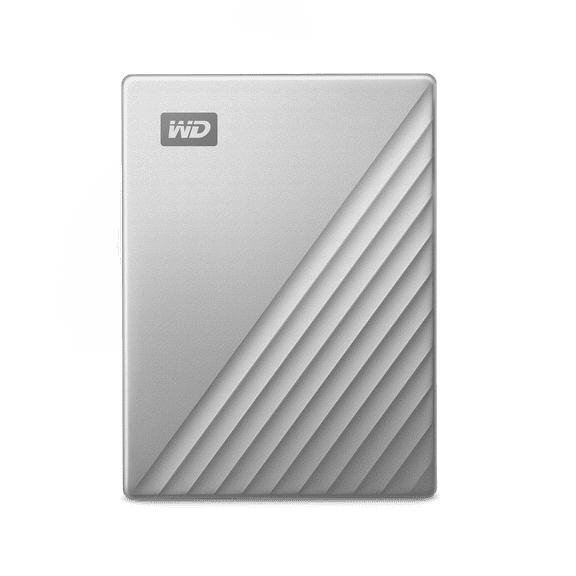 Western Digital 6TB WD My Passport Ultra for Mac USB-C and USB 3.2 Gen 1, Portable External Hard Drive HDD, Silver - WDBGKC0060BSL-WESN$339.99current price $339.99
1 Terabyte TB (976GB), External SSD Solid State Hard Backup Drive, 20mbps, Type-C to USB 3.1, Metal, High Speed
 1 Terabyte TB (976GB), External SSD Solid State Hard Backup Drive, 20mbps, Type-C to USB 3.1, Metal, High Speed$13.87current price $13.87
WD80EFAX WD Red 8TB NAS SATA III Hard Disk Drive 3.5 Inch 256MB Cache 5400 RPM
WD80EFAX WD Red 8TB NAS SATA III Hard Disk Drive 3.5 Inch 256MB Cache 5400 RPM