Sort by|
Varidesk Pro Plus 36(1)
Uses item details. Price when purchased online
Vari - VariDesk Pro Plus 36 - Dual Monitor Standing Desk Converter - Adjustable Desk Riser with 11 Height Settings - Stand Up Home Office Workstation - Rising Desk with Spring Loaded Lift (White)
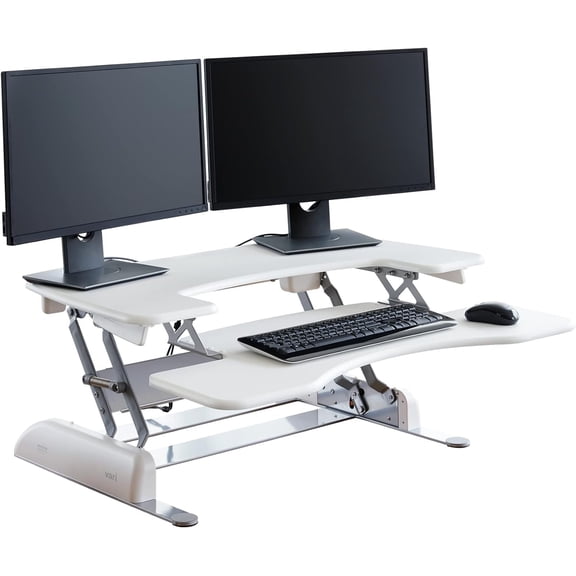


Vari - VariDesk Pro Plus 36 - Dual Monitor Standing Desk Converter - Adjustable Desk Riser with 11 Height Settings - Stand Up Home Office Workstation - Rising Desk with Spring Loaded Lift (White)
1 out of 5 stars
Other options to consider(3)
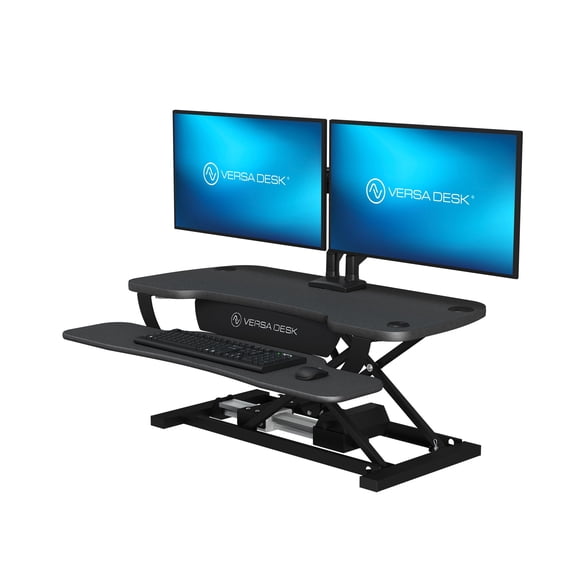
VersaDesk PowerPro Elite 36" Electric Standing Desk Converter w/ Programmable Switch, USB Port & Mobile APP, Black From $349.00


From$34900
VersaDesk PowerPro Elite 36" Electric Standing Desk Converter w/ Programmable Switch, USB Port & Mobile APP, Black
4.9 out of 5 stars
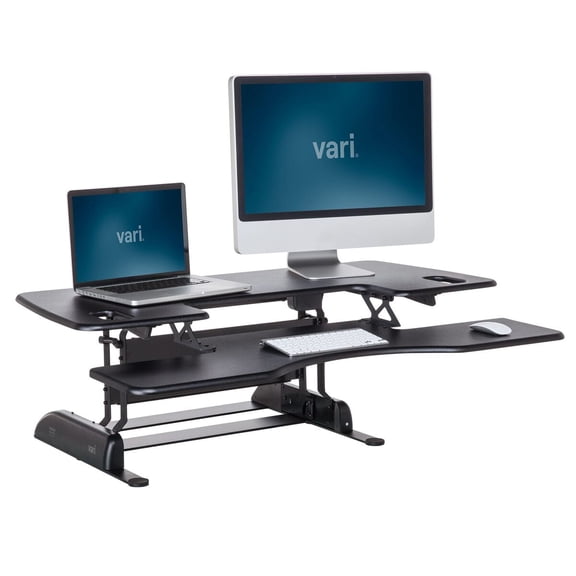
VariDesk Pro Plus 48 by Vari - Black Two-Tier Standing Desk Converter $549.00
$54900
current price $549.00VariDesk Pro Plus 48 by Vari - Black Two-Tier Standing Desk Converter
5 out of 5 stars
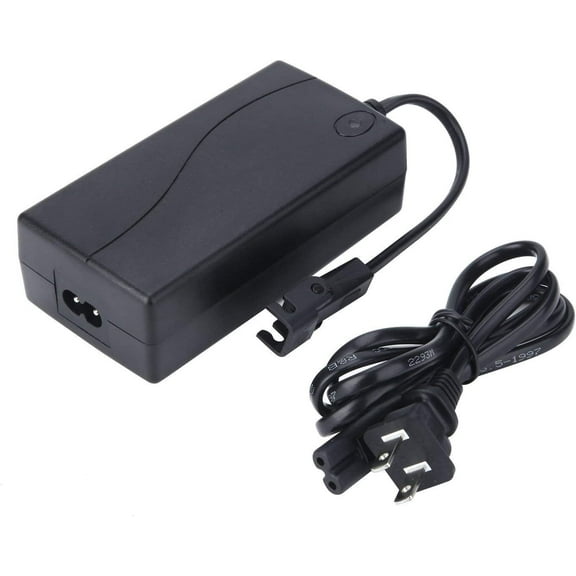
Onerbl AC-DC Adapter Compatible with Vari VariDesk Pro Plus 36 Electric SKU 401968 ProPlus 36" Standing Converter Stand Up Height Adjustable Desk Riser Power Supply Adapter Cord Cable $37.78
$3778
current price $37.78Onerbl AC-DC Adapter Compatible with Vari VariDesk Pro Plus 36 Electric SKU 401968 ProPlus 36" Standing Converter Stand Up Height Adjustable Desk Riser Power Supply Adapter Cord Cable
FAQ
How do I set up a standing desk converter?
Setting up a standing desk converter is pretty straightforward. Start by placing the converter on your existing desk, making sure it's stable and centered.
- Attach any included accessories, like monitor risers or keyboard trays, following the instructions provided.
- Adjust the height using the spring-loaded lift or manual mechanism, so your screens are at eye level and your arms rest comfortably.
- Double-check that all parts are secure before placing your monitors and other items on top.
Can I use two monitors with this desk riser?
Many standing desk converters are designed to support dual monitors.
- Check the product's weight capacity and surface dimensions to ensure it fits your setup.
- Position both monitors so they're stable and don't hang over the edges.
- If your converter has a two-tier design, use the upper tier for monitors and the lower for your keyboard and mouse.
What’s the best way to adjust the height?
To adjust the height of your standing desk converter, use the built-in lift mechanism, which may be spring-loaded or manual.
- Hold both sides firmly and lift or lower to your preferred height.
- Choose a setting where your elbows are at a 90-degree angle and your eyes are level with the top of your monitor.
- Try different positions throughout the day to find what feels best.
How do I clean my standing desk converter?
Keeping your desk converter clean is easy.
- Wipe down surfaces with a soft, damp cloth to remove dust and spills.
- Avoid harsh chemicals or abrasive pads, as these can damage the finish.
- For tougher spots, use a mild soap solution and dry thoroughly afterward.
Are replacement parts available for desk converters?
If you need replacement parts for your standing desk converter, check the product manual or the manufacturer's website for details.
- Some parts, like power adapters or cables, may be available through retailers.
- For unique components, contacting customer support can help you find compatible options.
Popular in Varidesk Pro Plus 36 Standing Desk Converter for Home
Related Products
iDecoMart Clear Acrylic Laptop Stand, Monitor Riser for Home Office
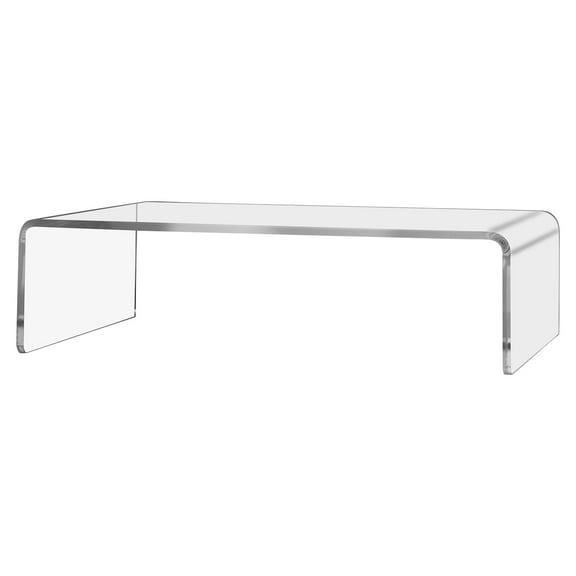 iDecoMart Clear Acrylic Laptop Stand, Monitor Riser for Home Office$23.99current price $23.99
Mount-It! Metal Mesh Computer Monitor Stand and Riser with Pullout Drawer
 Mount-It! Metal Mesh Computer Monitor Stand and Riser with Pullout Drawer$37.99current price $37.99
Fenge Acrylic Monitor Stand Riser, 43.1 inch Clear Dual Acrylic Computer Monitor Stand for 2 Monitors
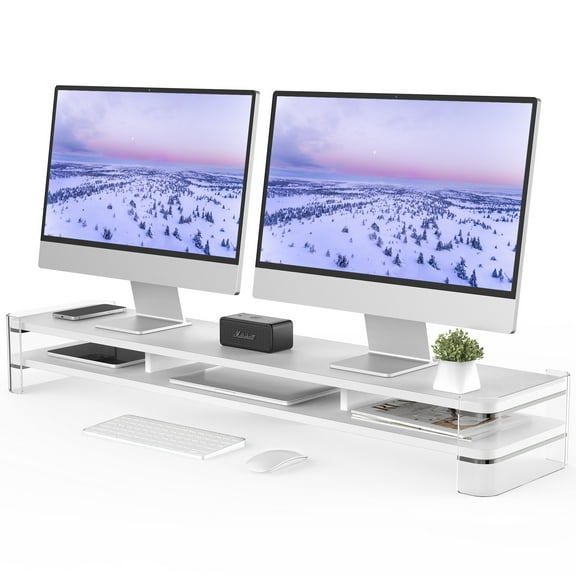 Fenge Acrylic Monitor Stand Riser, 43.1 inch Clear Dual Acrylic Computer Monitor Stand for 2 Monitors$105.99current price $105.99
Fenge Dual Monitor Stand Riser, 31.5-inch Desk Shelf with Metal Legs for 2 Monitors, Computer and Laptop
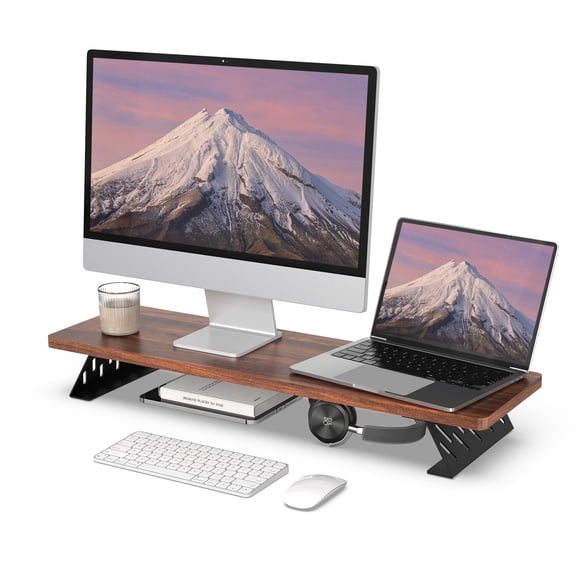 Fenge Dual Monitor Stand Riser, 31.5-inch Desk Shelf with Metal Legs for 2 Monitors, Computer and Laptop$42.99current price $42.99
Impact Mounts LCD LED COMPUTER MONITOR TABLE RISER ADJUSTABLE OR FIXED LEGS SHELF SPACE SAVER LAPTOP TEMPERED GLASS
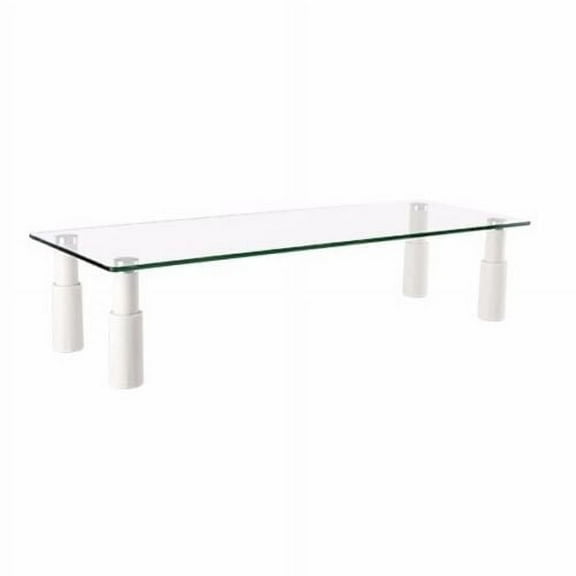 Impact Mounts LCD LED COMPUTER MONITOR TABLE RISER ADJUSTABLE OR FIXED LEGS SHELF SPACE SAVER LAPTOP TEMPERED GLASS$25.99current price $25.99
Computer Monitor Stand Riser,Metal PC Stand,3 Height Adjustable Riser With Ventilation Platform,Suitable for Laptop, Printer, Notebook and All Flat Screen TV Display
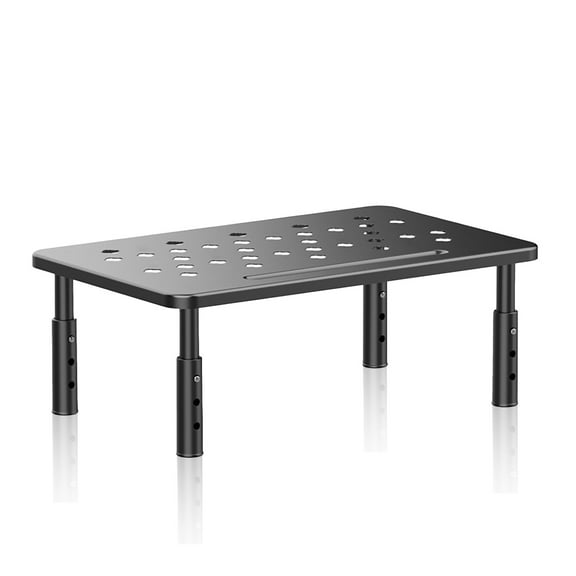 Computer Monitor Stand Riser,Metal PC Stand,3 Height Adjustable Riser With Ventilation Platform,Suitable for Laptop, Printer, Notebook and All Flat Screen TV Display$14.59current price $14.59
Behome 2 Pack Monitor Stand, Desk Monitor Riser 3 Height Adjustable, Laptop Riser with Airflow Vents, Desktop Stand for Computer, Printer, Monitor, Laptop, Black Steel, 14.57 in
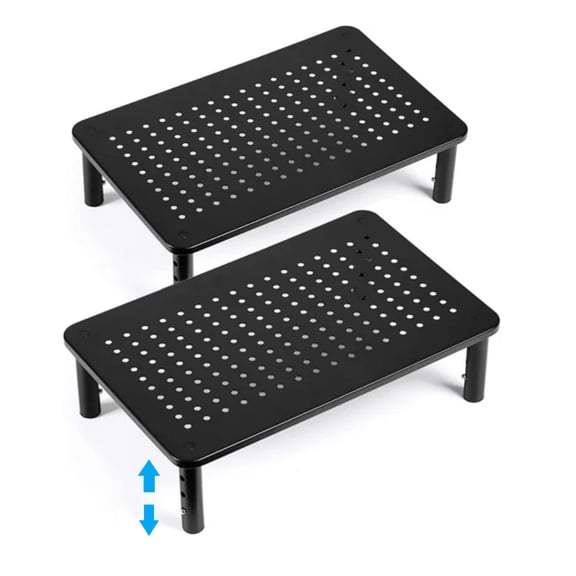 Behome 2 Pack Monitor Stand, Desk Monitor Riser 3 Height Adjustable, Laptop Riser with Airflow Vents, Desktop Stand for Computer, Printer, Monitor, Laptop, Black Steel, 14.57 in$22.99current price $22.99
Monoprice Multimedia Riser Desktop Monitor Stand - Clear Glass, Large 30.8 x 11 Inches - Workstream Collection
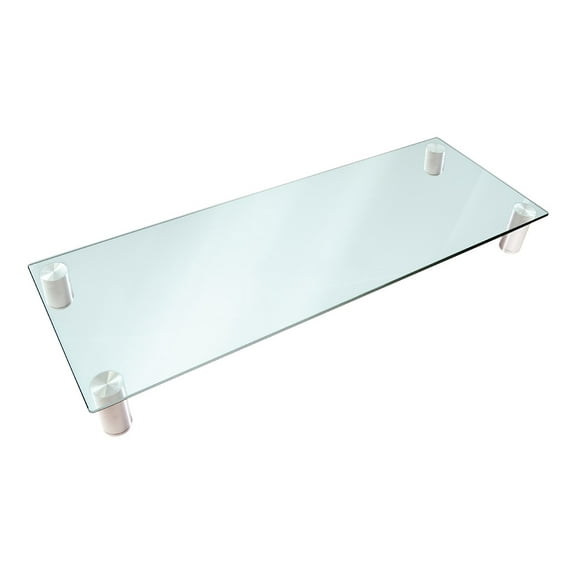 Monoprice Multimedia Riser Desktop Monitor Stand - Clear Glass, Large 30.8 x 11 Inches - Workstream Collection$64.88current price $64.88
ELG Desktop Monitor Stand and Laptop Riser, Adjustable Height Steel Organizer, 44 lb Capacity, Black, 2 Pack
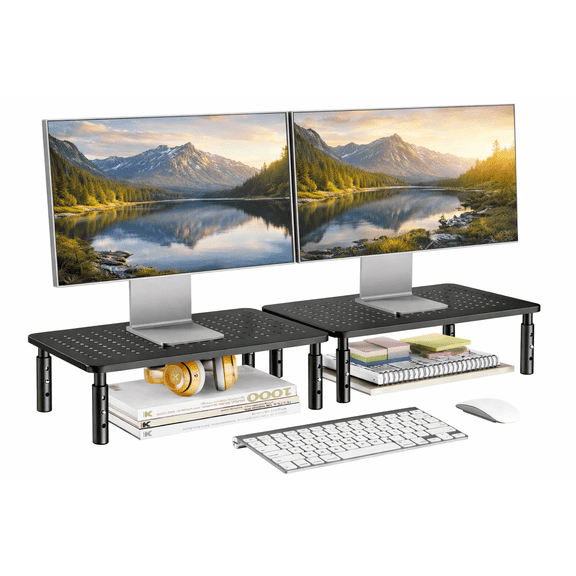 ELG Desktop Monitor Stand and Laptop Riser, Adjustable Height Steel Organizer, 44 lb Capacity, Black, 2 Pack$23.99current price $23.99
Behome Monitor Riser, Dual Monitor Stand Riser for 2 Monitors, Adjustable Length and Angle with 2 Slot, Computer Monitor Stand for Screen, Computer, Printer (Black)
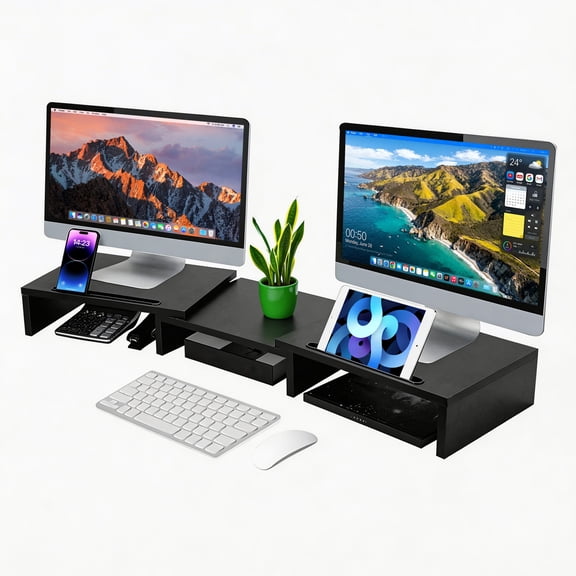 Behome Monitor Riser, Dual Monitor Stand Riser for 2 Monitors, Adjustable Length and Angle with 2 Slot, Computer Monitor Stand for Screen, Computer, Printer (Black)$26.99current price $26.99
VUNNAX Stand Up Desk Riser, 32 Inch Height Adjustable Sit to Stand Riser, Dual Monitor and Laptop Workstation with Wide Keyboard Tray
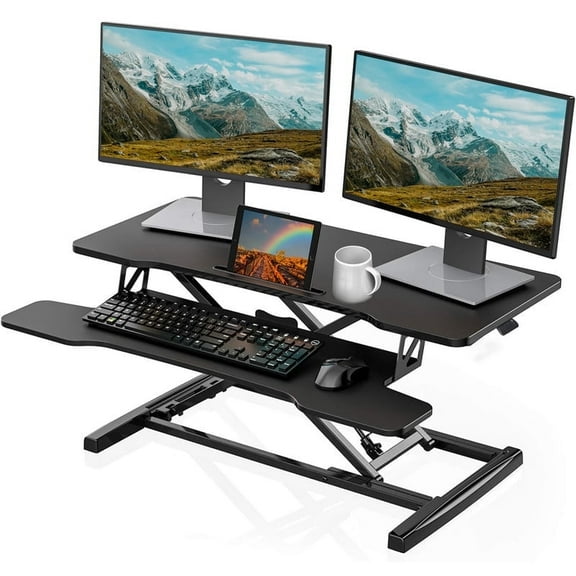 VUNNAX Stand Up Desk Riser, 32 Inch Height Adjustable Sit to Stand Riser, Dual Monitor and Laptop Workstation with Wide Keyboard Tray$89.99current price $89.99
Mount-It! Computer Monitor Stand with USB Desktop Riser | Clear Tempered Glass & Aluminum Legs
 Mount-It! Computer Monitor Stand with USB Desktop Riser | Clear Tempered Glass & Aluminum Legs$69.99current price $69.99
Ergonomic Laptop Stand for Desk with Built-in Storage and Adjustable Computer Monitor Bracket
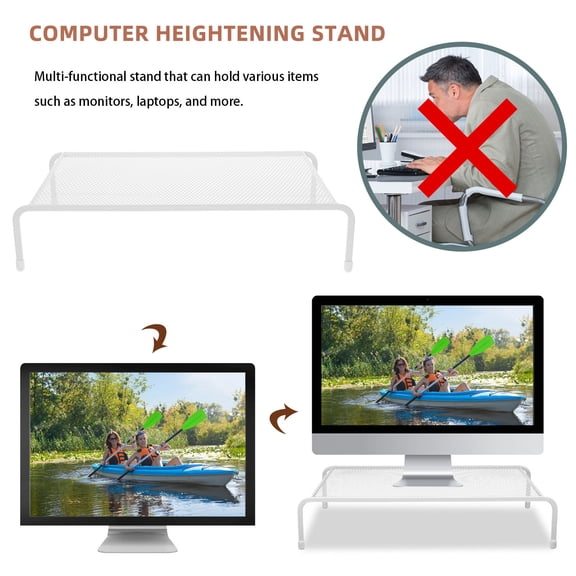 Ergonomic Laptop Stand for Desk with Built-in Storage and Adjustable Computer Monitor Bracket$14.19current price $14.19