

Ti Spec(1)
Texas Instruments Fundamental, Two-Line Scientific Calculator, Blue (30XIIS/TBL/1L1/BA)
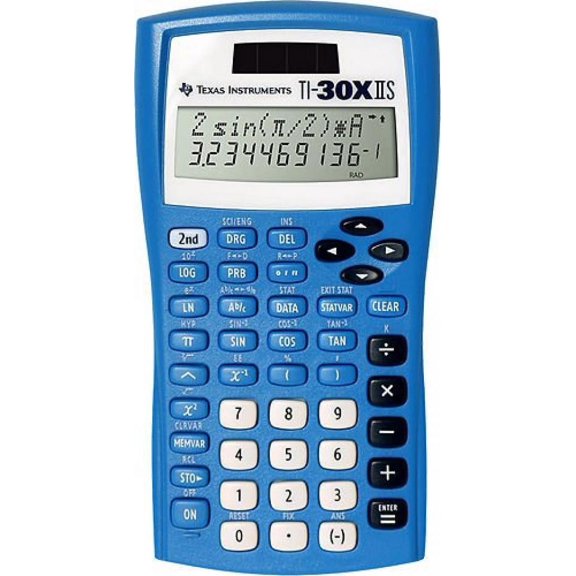
Texas Instruments Fundamental, Two-Line Scientific Calculator, Blue (30XIIS/TBL/1L1/BA)
Other options to consider(99)
Best seller, Pen+Gear Scientific Calculator, 401 Functions, Two-Line Display, Black $5.56 $5.56/in
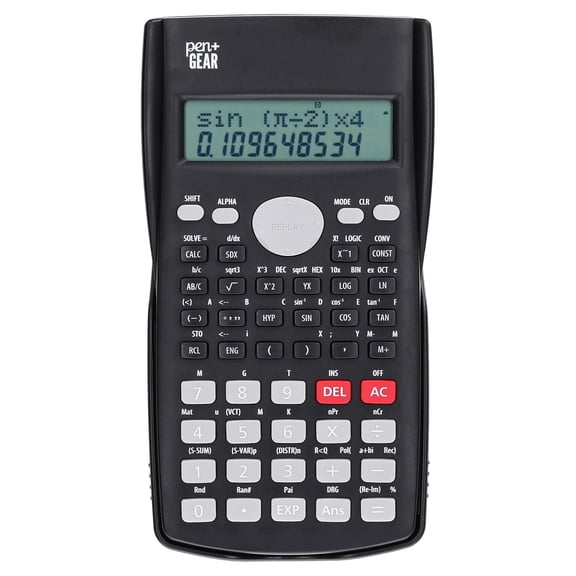
Pen+Gear Scientific Calculator, 401 Functions, Two-Line Display, Black
Best seller, Texas Instruments TI-30xa scientific calculator
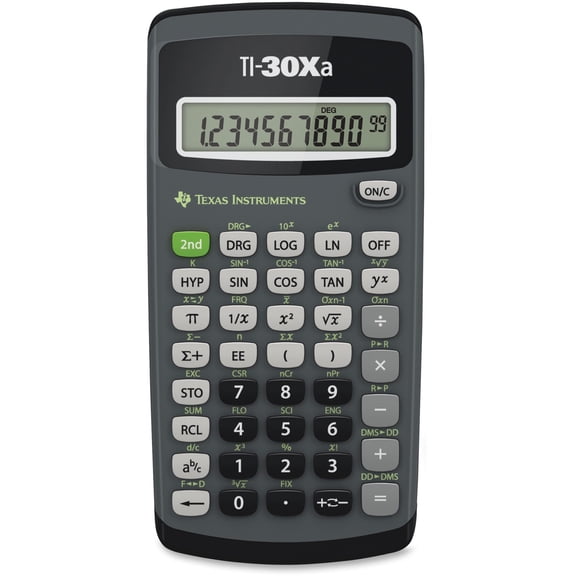
Texas Instruments TI-30xa scientific calculator
Texas Instruments TI-30XIIS Scientific Calculator, Raspberry $22.49

Texas Instruments TI-30XIIS Scientific Calculator, Raspberry
In 50+ people's carts, TI-84 Plus CE Graphing Calculator From $92.00
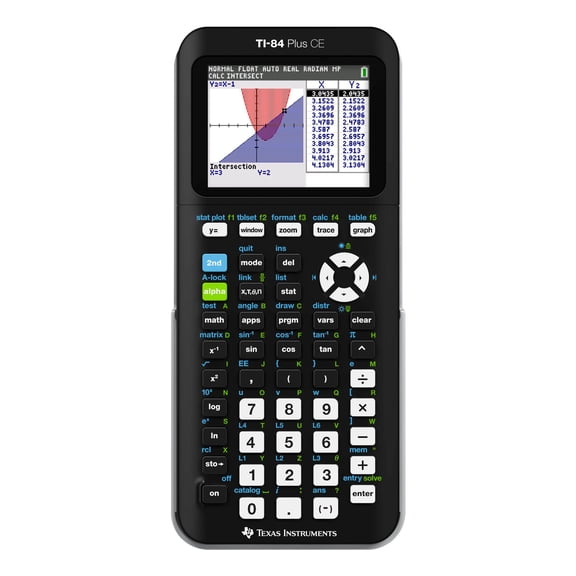


TI-84 Plus CE Graphing Calculator
Best seller, Texas Instruments TI-36X Pro Scientific Calculator
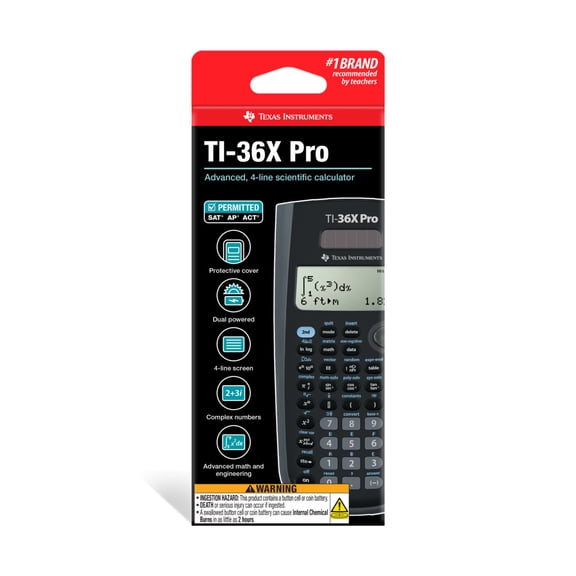
Texas Instruments TI-36X Pro Scientific Calculator
Texas Instruments TI-Nspire CX II CAS Color Graphing Calculator with Student Software (PC/Mac), Blue From $136.99
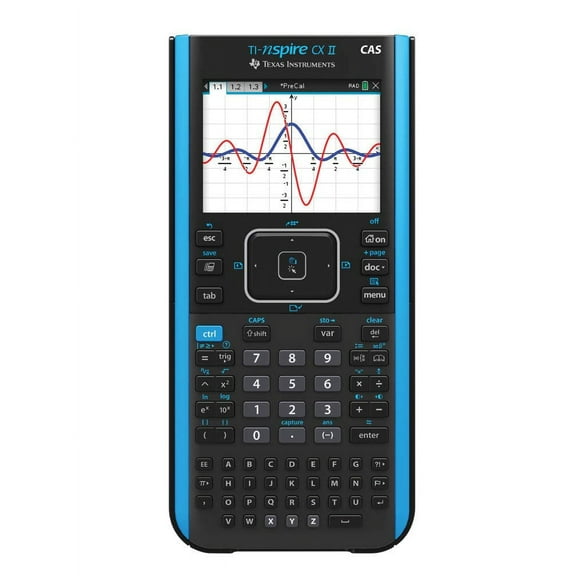


Texas Instruments TI-Nspire CX II CAS Color Graphing Calculator with Student Software (PC/Mac), Blue
Texas Instruments TI-30XIIS Scientific Calculator Pink $23.00
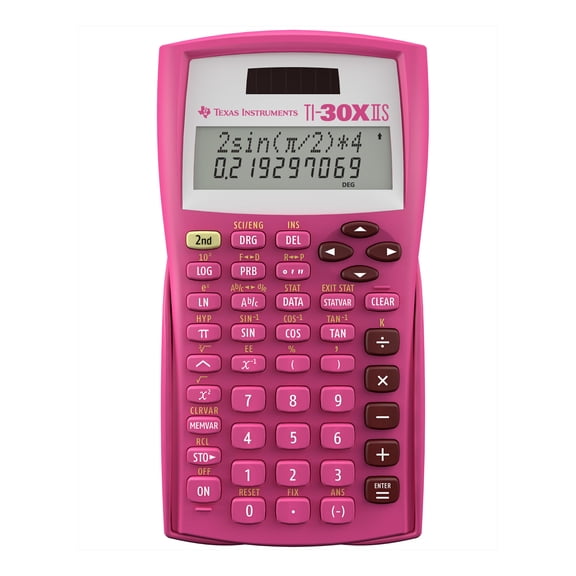
Texas Instruments TI-30XIIS Scientific Calculator Pink
BA-II Plus Advanced Financial Calculator, Dark Gray - Ideal for Business and Education $34.99 Was $43.59
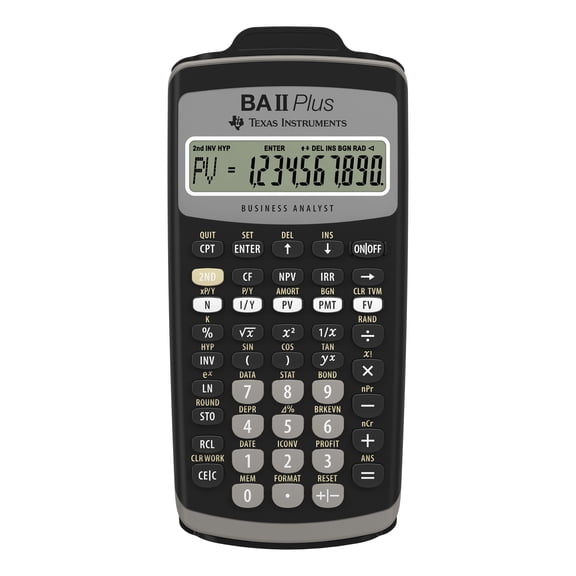
BA-II Plus Advanced Financial Calculator, Dark Gray - Ideal for Business and Education
Texas Instruments TI-36X Pro Scientific Calculator with MultiView, MathPrint & protective cover $25.79
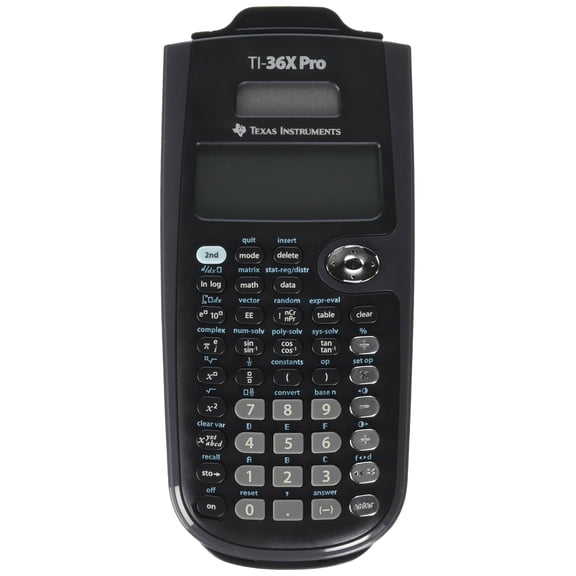
Texas Instruments TI-36X Pro Scientific Calculator with MultiView, MathPrint & protective cover
TI-Nspire CX II Graphing Calculator with Educational Software From $100.00
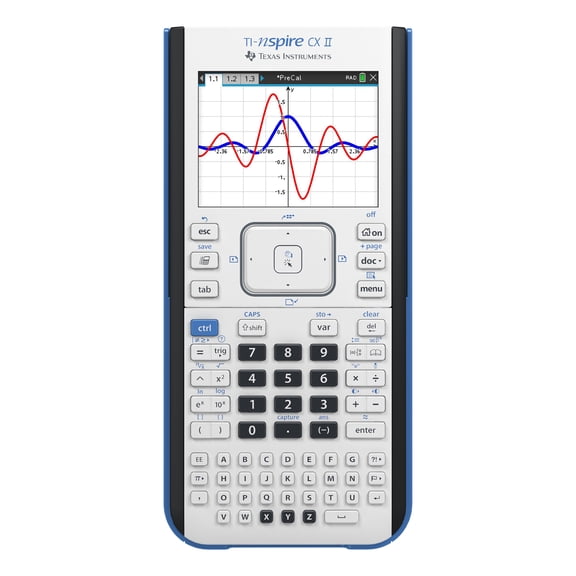
TI-Nspire CX II Graphing Calculator with Educational Software
Texas Instruments BA II Plus Engineering Profession Calculator, Black $51.87
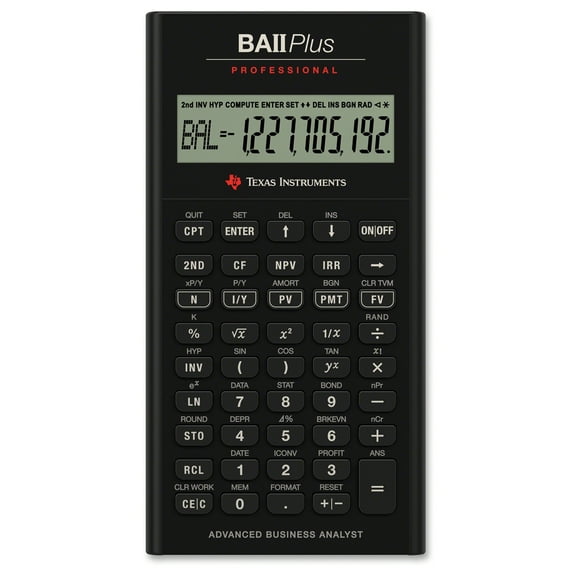
Texas Instruments BA II Plus Engineering Profession Calculator, Black
In 50+ people's carts, TI-84 Evo Graphing Calculator with Python for College, High School, and Middle School Students $74.56 Was $85.00
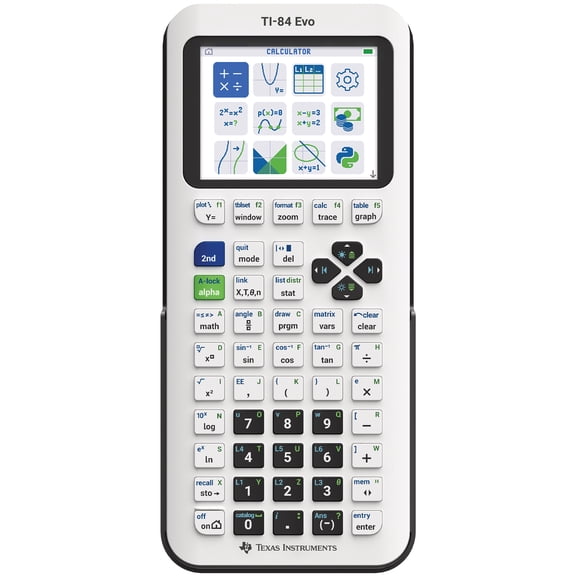
TI-84 Evo Graphing Calculator with Python for College, High School, and Middle School Students
Texas Instruments TI-83 Plus Programmable Graphing Calculator, 10-Digit LCD $94.99
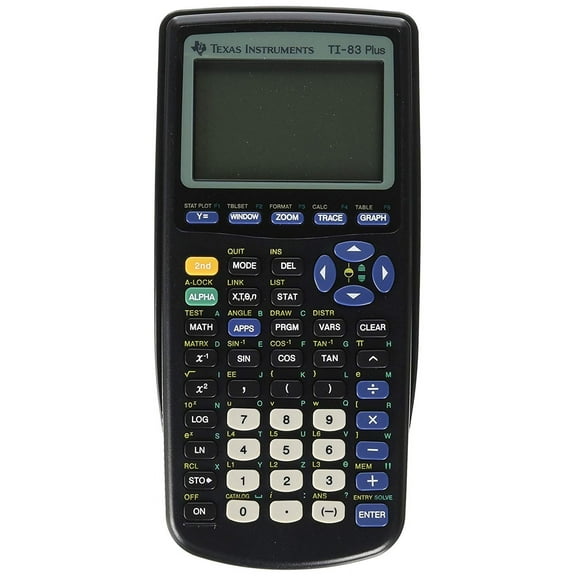
Texas Instruments TI-83 Plus Programmable Graphing Calculator, 10-Digit LCD
Texas Instruments Graphing Calculator $73.70 Was $85.99
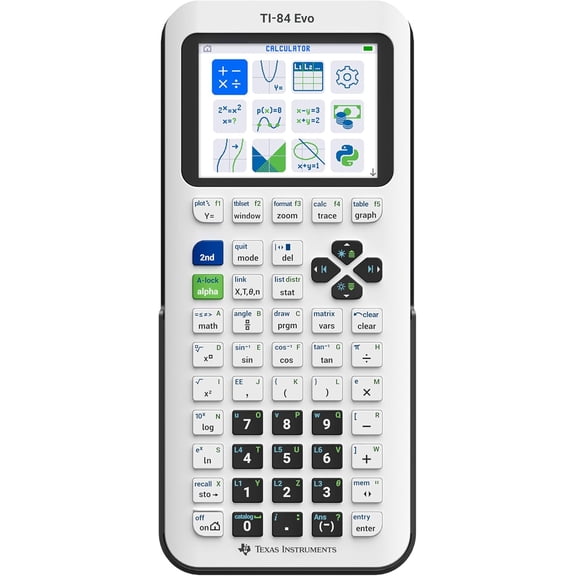
Texas Instruments Graphing Calculator
Texas Instruments TI-30XS MultiView Scientific Calculator, Black $22.99
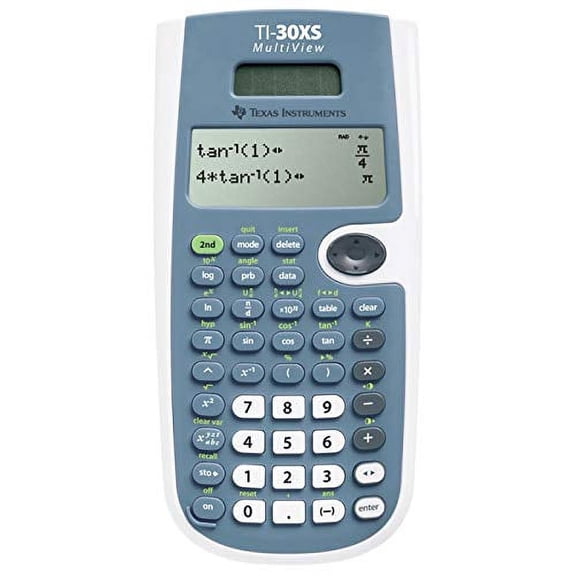
Texas Instruments TI-30XS MultiView Scientific Calculator, Black
Texas Instruments TI-84 Plus CE Graphing Calculator, Matte Black $95.00 23.8 ¢/g
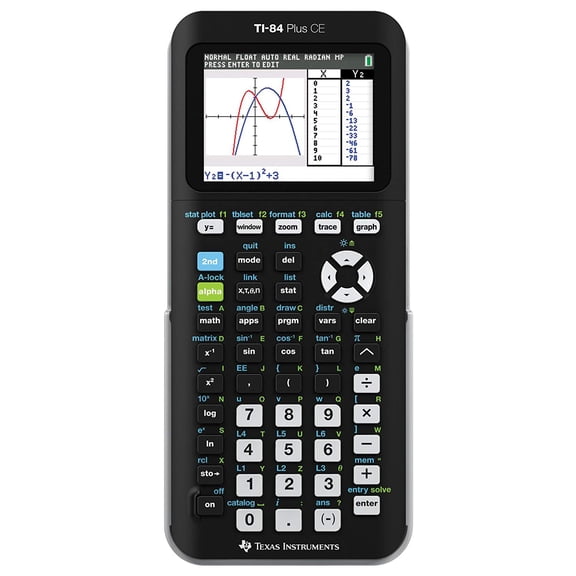
Texas Instruments TI-84 Plus CE Graphing Calculator, Matte Black
Texas Instruments TI-503 SV Standard Function Calculator $5.99
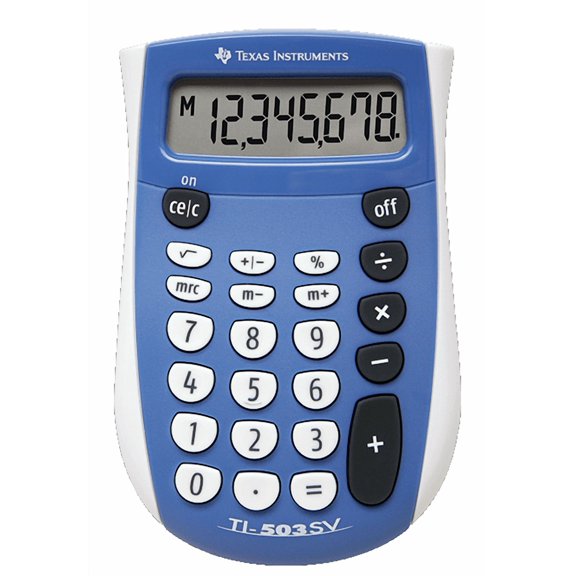
Texas Instruments TI-503 SV Standard Function Calculator
Texas Instruments Graphing Calculator $79.99 Was $99.91
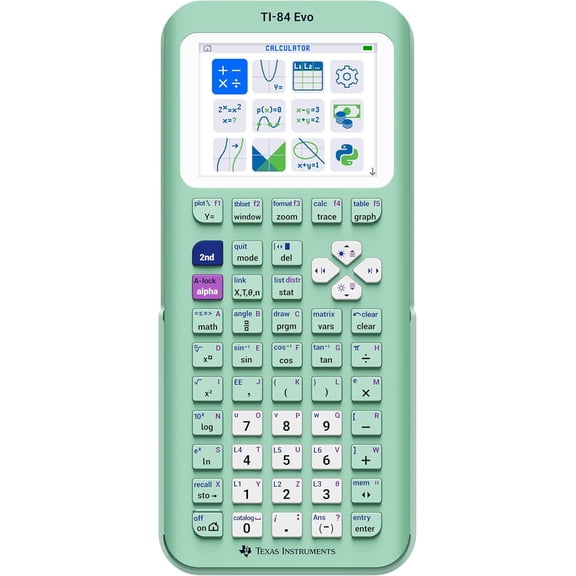
Texas Instruments Graphing Calculator
Texas Instruments Advanced Financial Calculator (BA II Plus) $28.99 Was $35.99
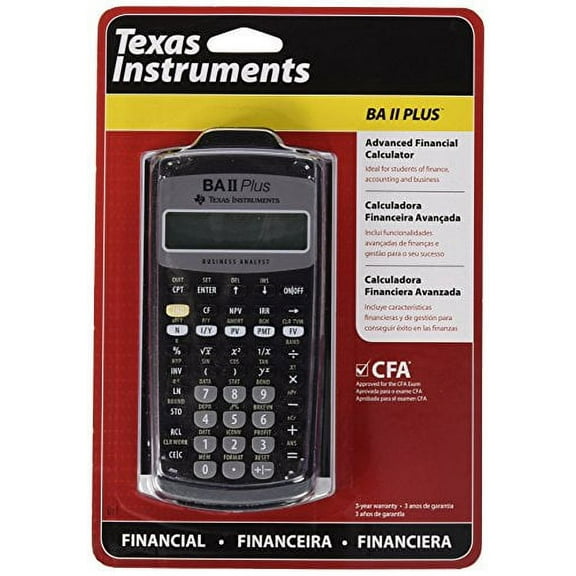
Texas Instruments Advanced Financial Calculator (BA II Plus)
Texas Instruments Graphing Calculator $88.88
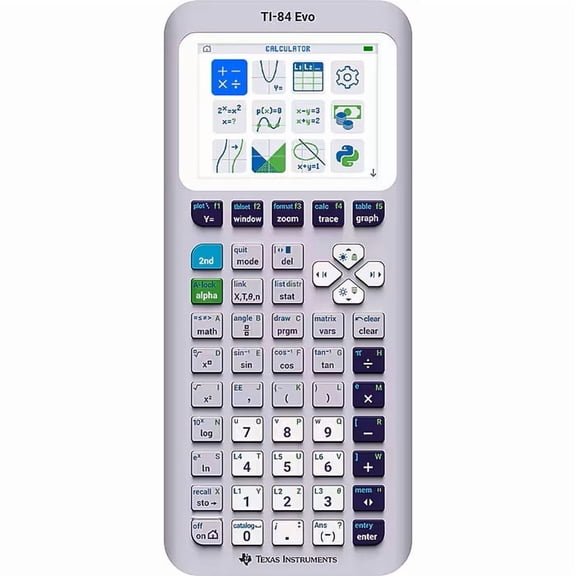
Texas Instruments Graphing Calculator
In 25+ people's carts, Casio FX-300ESPLSB Scientific Calculator with 249 Built-In Math Functions From $12.63
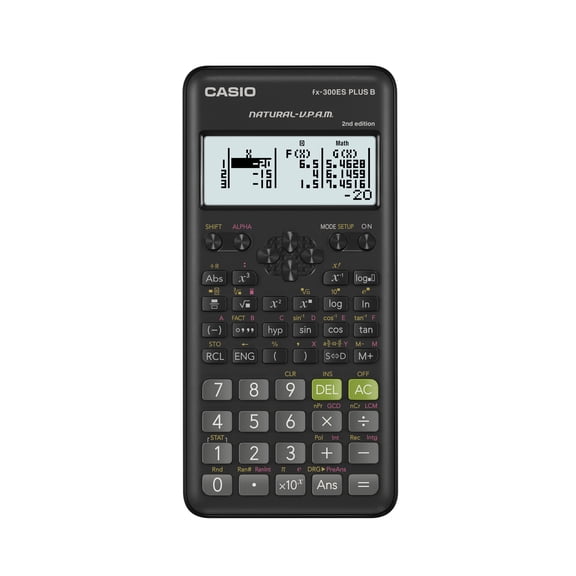


Casio FX-300ESPLSB Scientific Calculator with 249 Built-In Math Functions
Texas Instruments TI-30X IIS 2-Line Scientific Calculator, Black with Blue Accents $18.49

Texas Instruments TI-30X IIS 2-Line Scientific Calculator, Black with Blue Accents
TI 30XS Multiview Scientific Calculator $22.98
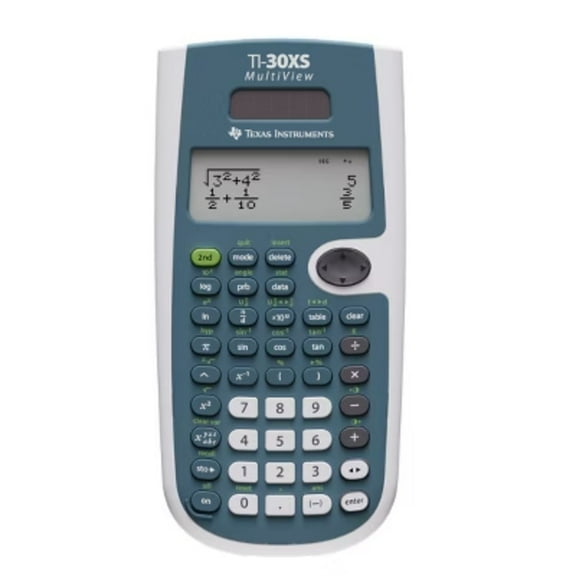
TI 30XS Multiview Scientific Calculator
Texas Instruments Ti-30xs Multiview Scientific Calculator, 16-digit Lcd $20.70
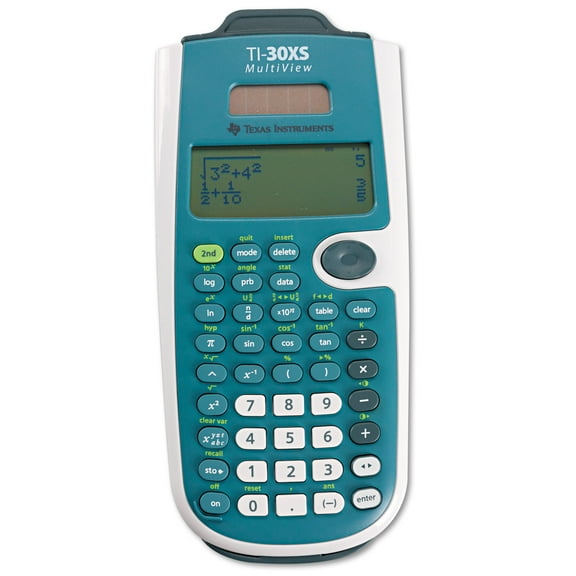
Texas Instruments Ti-30xs Multiview Scientific Calculator, 16-digit Lcd
TI 36X Pro Scientific Calc $26.89

TI 36X Pro Scientific Calc
Texas Instruments TI-30Xa Scientific Calculator $14.49 Was $16.37
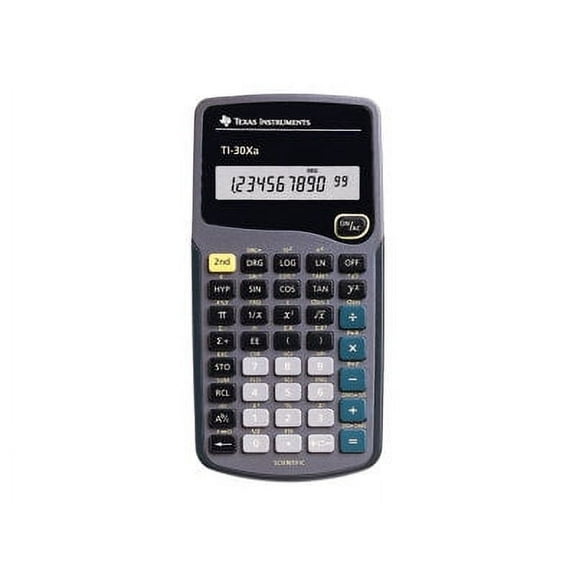
Texas Instruments TI-30Xa Scientific Calculator
NSCX2-TPK-2L1 TI NspireCXII EZ Graphing Calculator-Spot Teacher $1,839.83
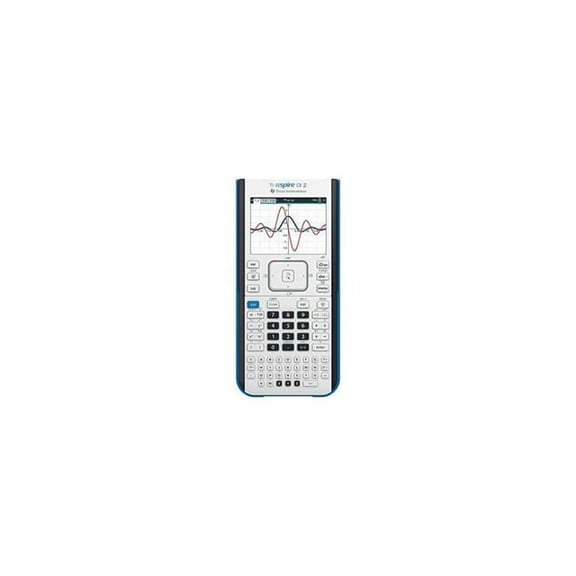
NSCX2-TPK-2L1 TI NspireCXII EZ Graphing Calculator-Spot Teacher
Texas Instruments TI-30XA Scientific Calculator, Black $15.15
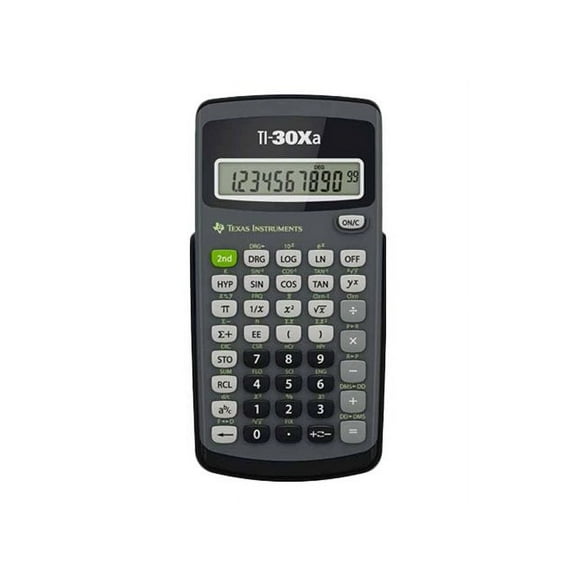
Texas Instruments TI-30XA Scientific Calculator, Black
Best seller, Casio SL-310SV Basic Calculator with 10 Digit Display and Protective Case
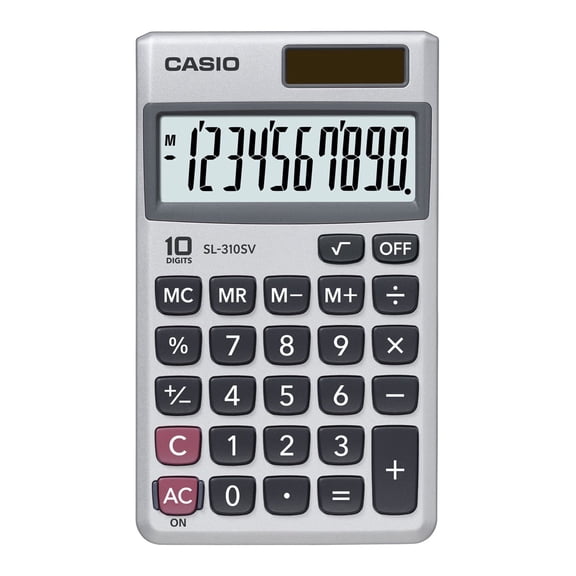
Casio SL-310SV Basic Calculator with 10 Digit Display and Protective Case
Texas Instruments 84PLCE/TBL/1L1/P TI 84 Plus CE Graphing Calc - Positively Pink $199.95

Texas Instruments 84PLCE/TBL/1L1/P TI 84 Plus CE Graphing Calc - Positively Pink
Texas Instruments TI-15 Explorer Elementary Calculator, Blue $23.74
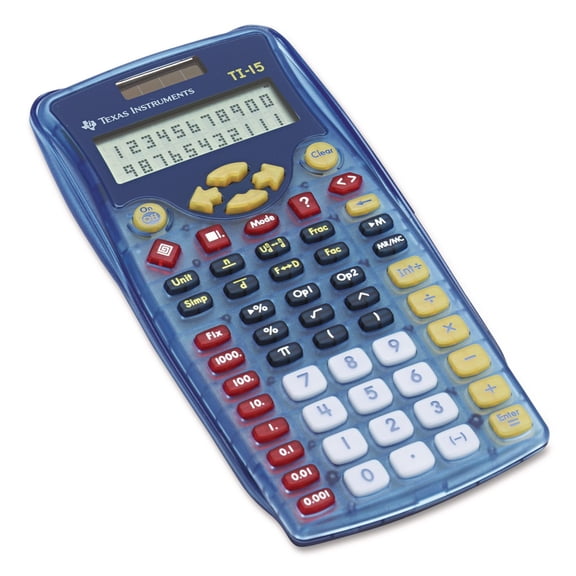
Texas Instruments TI-15 Explorer Elementary Calculator, Blue
Portable Cute Calculator for Office and School,with Non-Stick Buttons and Memory Function,Blue From $4.77



Portable Cute Calculator for Office and School,with Non-Stick Buttons and Memory Function,Blue
Texas Instruments TI-84 Plus CE Graphing Calculator, White $160.97
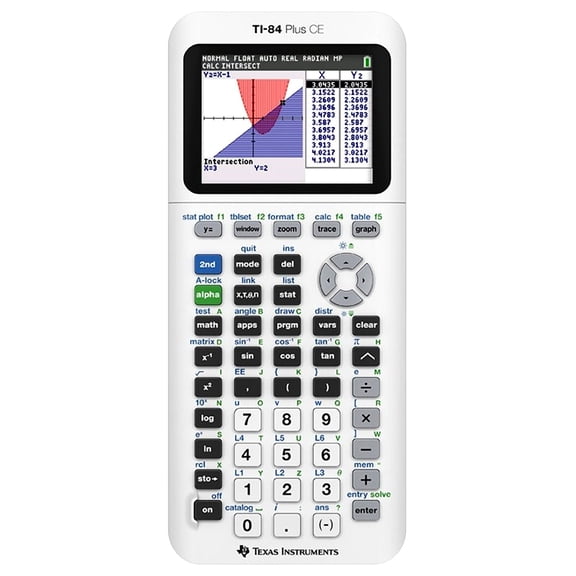
Texas Instruments TI-84 Plus CE Graphing Calculator, White
Restored Texas Instruments TI-89 Titanium Graphing Calculator College Battery Powered Gray $84.89

Restored Texas Instruments TI-89 Titanium Graphing Calculator College Battery Powered Gray
Casio FX-9910CW ClassWiz Advanced Scientific Calculator, Black $24.98
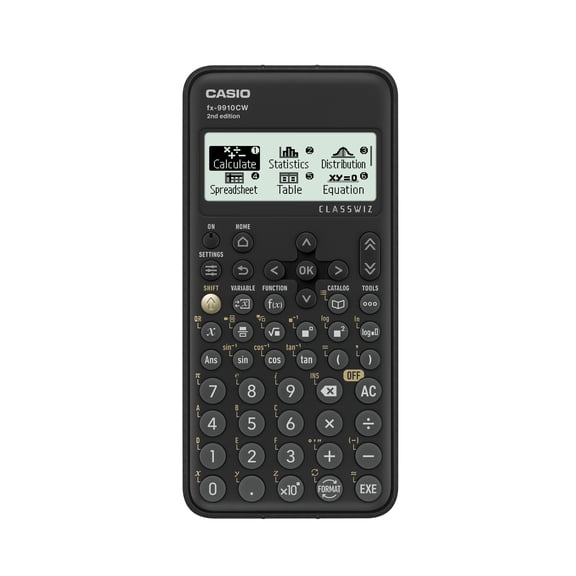
Casio FX-9910CW ClassWiz Advanced Scientific Calculator, Black
Texas Instruments TI-34 MultiView Scientific Calculator, Black $27.99 $55.98/lb
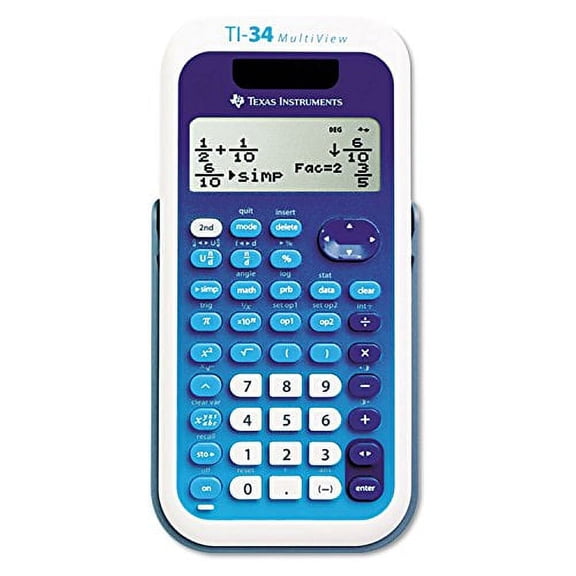
Texas Instruments TI-34 MultiView Scientific Calculator, Black
(Open Box) Texas Instruments TI-84 Plus CE Python Graphing Calculator Battery Powered Black $99.99
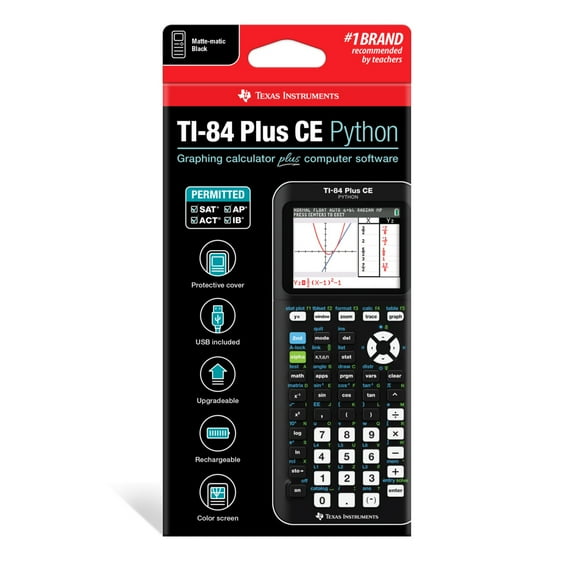
(Open Box) Texas Instruments TI-84 Plus CE Python Graphing Calculator Battery Powered Black
Ti-36x Pro Scientific Calculator, 16-Digit Lcd | Bundle of 10 Each From $52.99

Ti-36x Pro Scientific Calculator, 16-Digit Lcd | Bundle of 10 Each
Pre-Owned Texas Instruments TI-83 Plus Graphing Calculator High School College Battery Powered $58.99
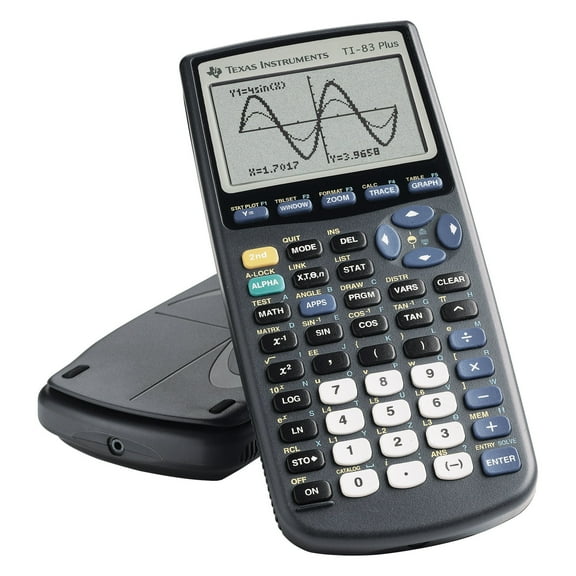
Pre-Owned Texas Instruments TI-83 Plus Graphing Calculator High School College Battery Powered
FAQ
What can you do with a two-line scientific calculator?
A two-line scientific calculator is designed to handle a variety of math and science tasks. You can:
- Work with basic arithmetic and fractions.
- Calculate exponents, roots, and logarithms.
- Solve trigonometric functions like sine, cosine, and tangent.
- View both your calculation input and result on separate lines, which makes checking your work easier.
This makes it a handy tool for students and anyone working on math-related problems.
How do you switch between modes on this calculator?
Switching modes on a two-line scientific calculator is straightforward. Typically, you'll find buttons labeled 'MODE' or similar on the keypad. To change modes:
- Press the 'MODE' button to cycle through options like 'Degrees', 'Radians', or 'Scientific Notation.'
- Look at the display to confirm the current mode.
- Use arrow keys if available to navigate between choices.
Consult the instruction sheet for details specific to your calculator model.
Is this calculator allowed for school tests?
Many schools and testing organizations allow two-line scientific calculators for exams, especially in math and science classes. However, rules can vary depending on the test. It's a good idea to:
- Check with your teacher or the testing guidelines for your exam.
- Make sure the calculator doesn't have advanced features (like graphing) if those aren't permitted.
Having the right calculator can make test day go more smoothly.
How do you replace the battery in this calculator?
Replacing the battery in a two-line scientific calculator generally involves a few basic steps:
- Turn off the calculator and flip it over.
- Locate the battery compartment, usually secured with a small screw.
- Use a small screwdriver to open the compartment, remove the old battery, and insert a new one of the same type.
- Secure the compartment and turn the calculator on to check if it's working.
Always dispose of used batteries properly and refer to the manual for exact instructions.
How do you clean your calculator safely?
Keeping your calculator clean helps it last longer and work well. Here's how you can do it safely:
- Turn off the calculator and remove the battery if possible.
- Wipe the exterior with a soft, slightly damp cloth. Avoid getting moisture into the buttons or display.
- If needed, use a cotton swab for small crevices.
- Let the calculator dry completely before turning it back on.
Avoid using harsh cleaners or submerging the calculator in water to protect its electronics.
Popular in Shop TI Spec Electronics and Calculators Online
Related Products
CALC IND 43430 DESKTOP QUALIFER PLUS IIIFX
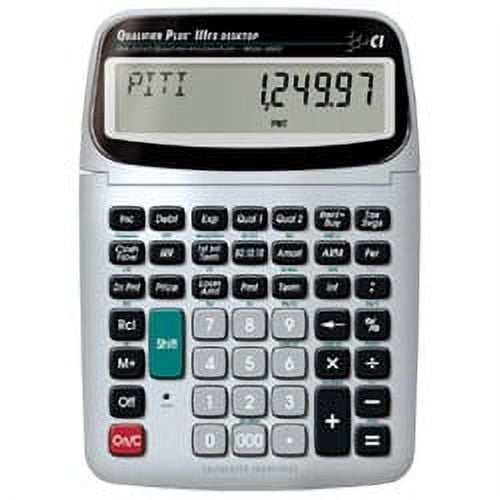 CALC IND 43430 DESKTOP QUALIFER PLUS IIIFX$53.07current price $53.07
Texas Instruments TI-83 Plus Graphing Calculator
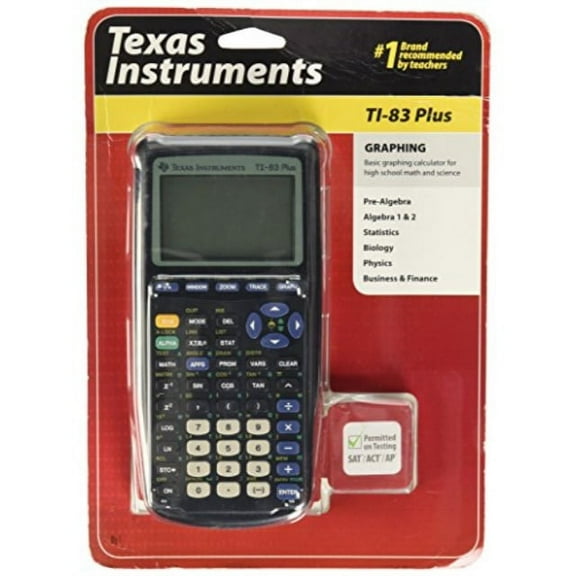 Texas Instruments TI-83 Plus Graphing Calculator$117.25current price $117.25
El-W516tbsl Scientific Calculator, 16-Digit Lcd | Bundle of 5 Each
 El-W516tbsl Scientific Calculator, 16-Digit Lcd | Bundle of 5 Each$159.60current price $159.60
aoksee Mini Digital Desktop Calculator with 8-Digit LCD Display, Blue
 aoksee Mini Digital Desktop Calculator with 8-Digit LCD Display, Blue$2.59current price $2.59
Texas Instruments TI-108 Math and Counting Class Set for K-4, 10 Pieces, Multicolor
 Texas Instruments TI-108 Math and Counting Class Set for K-4, 10 Pieces, Multicolor$60.68current price $60.68
Texas Instruments TI-15 Explorer Elementary Calculator, Blue
Texas Instruments TI-15 Explorer Elementary Calculator, Blue$23.74current price $23.74