Ti 83 Cable(11)
Restored Texas Instrument Data Link Cable Scientific Graphing Calculator Ti 83 Ti 84 Ti 86 (Refurbished) $6.99
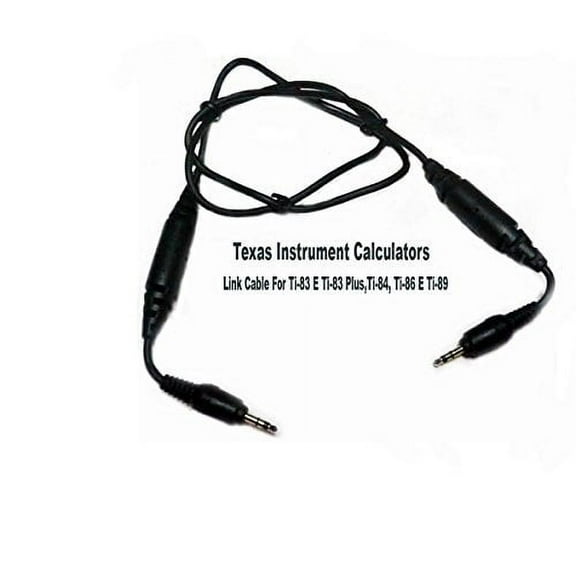
Restored Texas Instrument Data Link Cable Scientific Graphing Calculator Ti 83 Ti 84 Ti 86 (Refurbished)
Kentek 15 Feet FT USB Sync Charge Cable Cord For TI-83 TI-86 TI-89 PLUS TITANIUM GRAPHING CALCULATOR $10.93
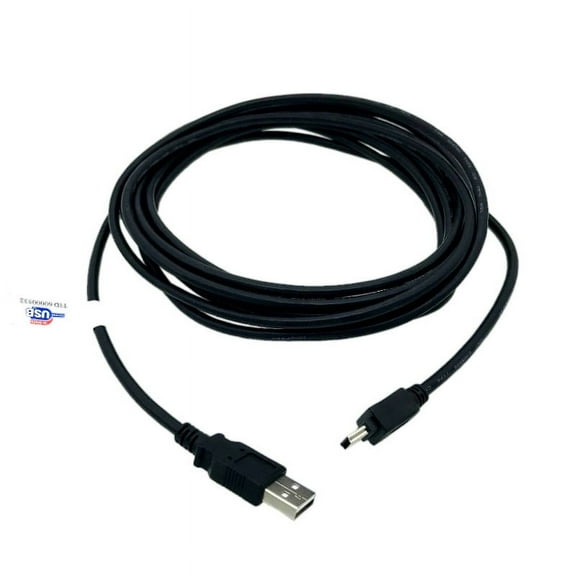
Kentek 15 Feet FT USB Sync Charge Cable Cord For TI-83 TI-86 TI-89 PLUS TITANIUM GRAPHING CALCULATOR
Kentek 6 Feet FT USB Sync Charge Cable Cord For TI-83 TI-86 TI-89 PLUS TITANIUM GRAPHING CALCULATOR $9.29
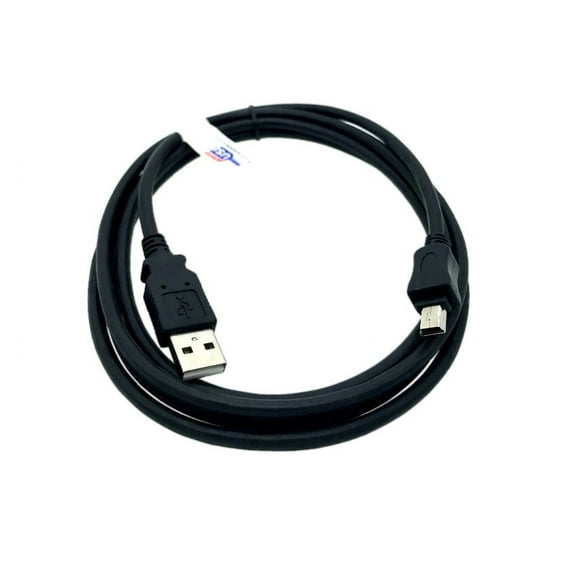
Kentek 6 Feet FT USB Sync Charge Cable Cord For TI-83 TI-86 TI-89 PLUS TITANIUM GRAPHING CALCULATOR
2-Pack 5ft Charging Cable for TI-84 Plus CE, TI-Nspire CX/CAS II, TI-83/85/89 Graphing Calculators, Data & Charger Cord $9.99
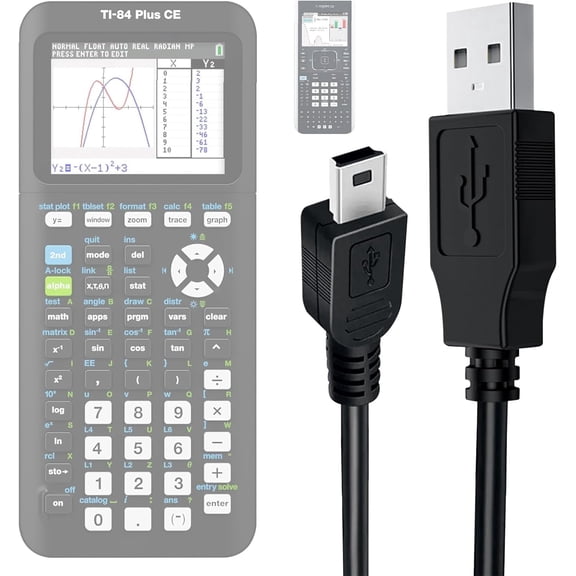
2-Pack 5ft Charging Cable for TI-84 Plus CE, TI-Nspire CX/CAS II, TI-83/85/89 Graphing Calculators, Data & Charger Cord
New, TI 84 Plus CE Calculator Charging Cable, 5ft Mini USB 5Pin T-Type Cord for TI-nspire CX CAS II, TI-83, TI-85, TI-89, MP3, MP4, Digital Camera, Charge & Data Sync From $8.99
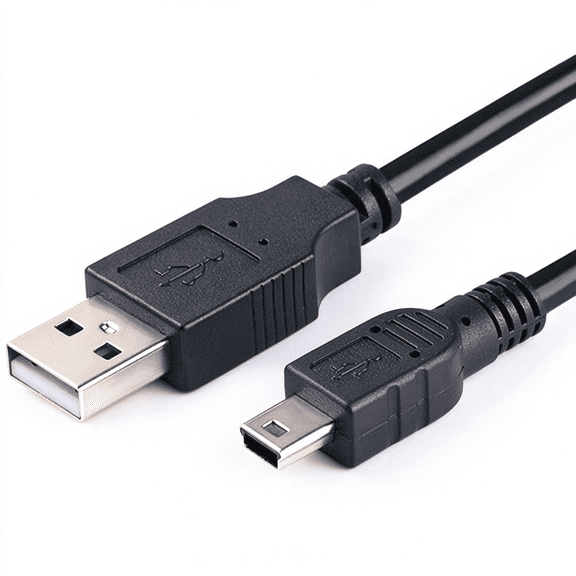
TI 84 Plus CE Calculator Charging Cable, 5ft Mini USB 5Pin T-Type Cord for TI-nspire CX CAS II, TI-83, TI-85, TI-89, MP3, MP4, Digital Camera, Charge & Data Sync
HQRP USB to mini USB Cable (White) for Texas Instruments TI-73 Explorer / TI-83 Plus TI-89 Titanium $9.86
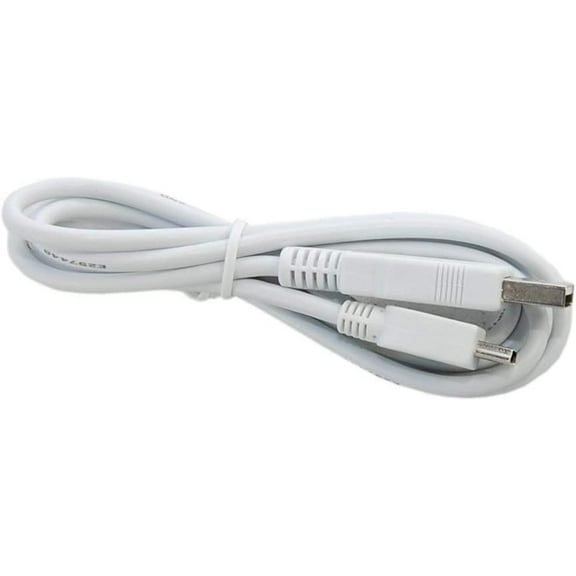
HQRP USB to mini USB Cable (White) for Texas Instruments TI-73 Explorer / TI-83 Plus TI-89 Titanium
Kentek 3 Feet FT USB Sync Charge Cable Cord For TI-83 TI-86 TI-89 PLUS TITANIUM GRAPHING CALCULATOR $8.99
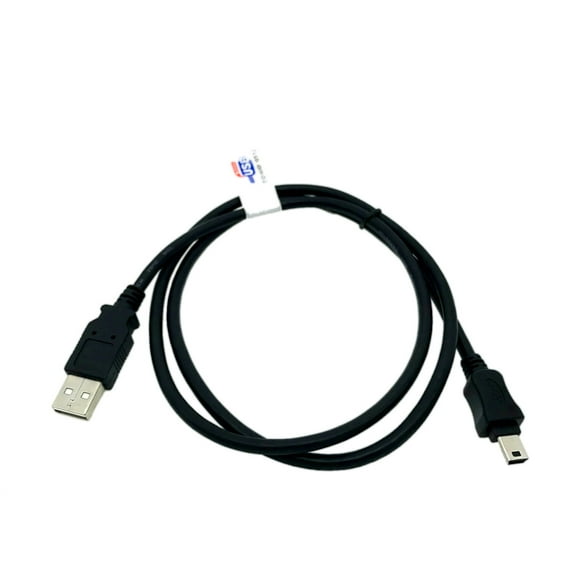
Kentek 3 Feet FT USB Sync Charge Cable Cord For TI-83 TI-86 TI-89 PLUS TITANIUM GRAPHING CALCULATOR
Kentek 1 Feet FT USB Sync Charge Cable Cord For TI-83 TI-86 TI-89 PLUS TITANIUM GRAPHING CALCULATOR $8.88
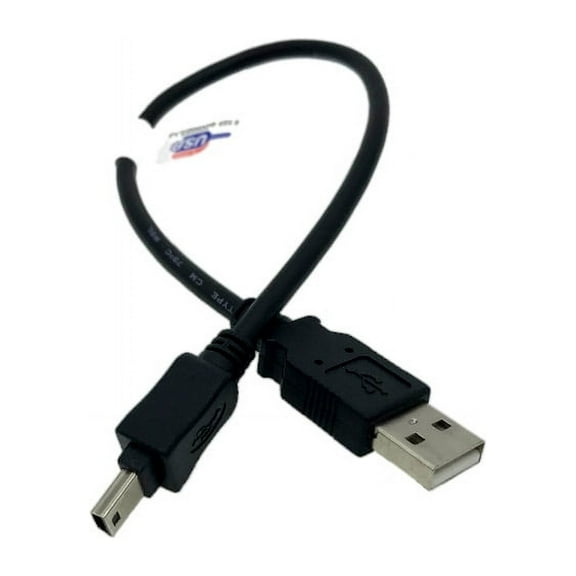
Kentek 1 Feet FT USB Sync Charge Cable Cord For TI-83 TI-86 TI-89 PLUS TITANIUM GRAPHING CALCULATOR
Kentek 10 Feet FT USB Sync Charge Cable Cord For TI-83 TI-86 TI-89 PLUS TITANIUM GRAPHING CALCULATOR $10.62
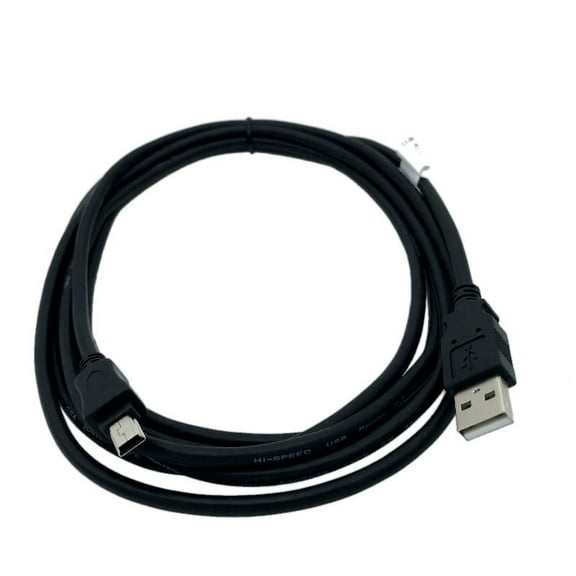
Kentek 10 Feet FT USB Sync Charge Cable Cord For TI-83 TI-86 TI-89 PLUS TITANIUM GRAPHING CALCULATOR
for 2 Packs TI-84 Plus CE Charger Cable 3.3ft, Fast Data Charging Cable for Texas Instruments Calculators C Silver Edition Ti-nspire CX CAS II C TI-83 TI-85 TI-89 $19.99
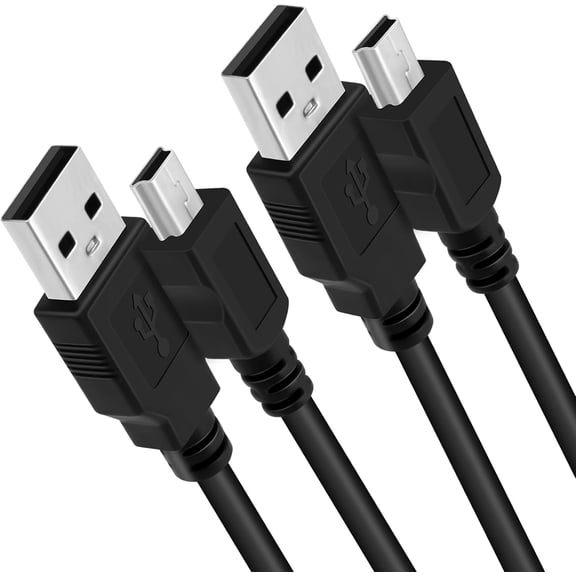
for 2 Packs TI-84 Plus CE Charger Cable 3.3ft, Fast Data Charging Cable for Texas Instruments Calculators C Silver Edition Ti-nspire CX CAS II C TI-83 TI-85 TI-89
TI-84 Plus CE Calculator Charger: TI 84 Nspire Charging Cable - TI84 Graphing Calculator Charger Cord for Texas Instruments C Silver Edition Ti-nspire CX CAS II C TI-83 TI-85 TI-89 Data Cable (5ft) $5.00 Was $9.49

TI-84 Plus CE Calculator Charger: TI 84 Nspire Charging Cable - TI84 Graphing Calculator Charger Cord for Texas Instruments C Silver Edition Ti-nspire CX CAS II C TI-83 TI-85 TI-89 Data Cable (5ft)
Other options to consider(2)
New, OMNIHIL 10 ft Micro Mini USB Splitter Cable Compatible with TI Graphing Calculator TI-84 Plus TI-89 $8.96
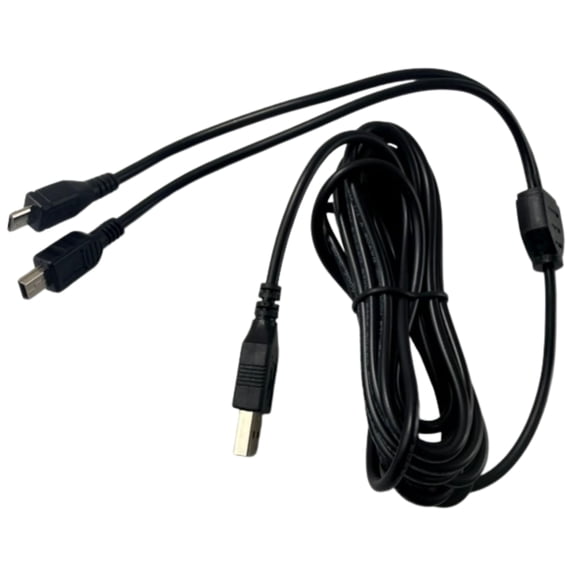
OMNIHIL 10 ft Micro Mini USB Splitter Cable Compatible with TI Graphing Calculator TI-84 Plus TI-89
OMNIHIL 10FT-MINI-USB Splitter Cable Compatible with TI Graphing Calculator TI-84 Plus TI-89 Nspire CX $13.96
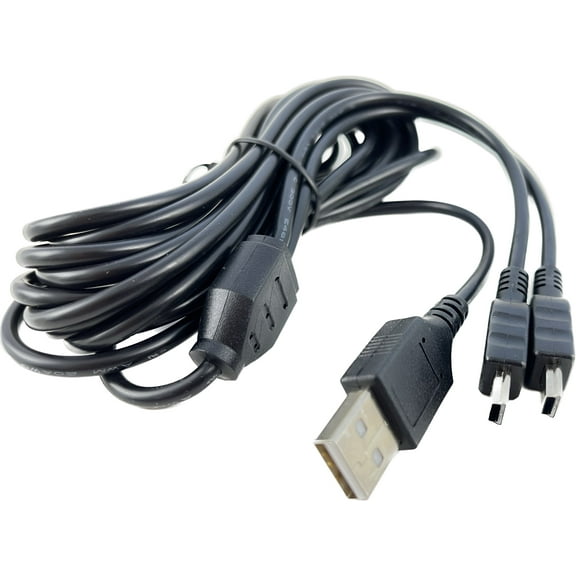
OMNIHIL 10FT-MINI-USB Splitter Cable Compatible with TI Graphing Calculator TI-84 Plus TI-89 Nspire CX
FAQ
Which cable fits a TI-83 Plus?
It depends on the connector your calculator has. Look closely at the port:
- USB-style port: Many models use a rectangular USB port (often mini or micro). Cables labeled as “USB sync/charge” or “USB to mini USB” can be compatible.
- Round link port: Some models use a small round I/O link port; a dedicated “data link” cable is typically used for computer transfer.
Match the connector shape to the product photos and compatibility notes. Choose a cable length that suits your setup (options commonly range from 1 ft to 15 ft). You can also use site filters to narrow results and review pickup or delivery options at checkout.
How do I connect a TI-83 to my PC?
You’ll need a compatible data cable and the calculator’s connectivity software.
- Pick the right cable: Choose a USB sync/charge cable or a dedicated data link cable that matches your calculator’s port.
- Install software: Download the official connectivity software from the manufacturer’s website.
- Plug in: Connect the calculator to your computer’s USB port, then open the software.
- Transfer: Follow the prompts to move programs, lists, or backups.
A gentle connection, fresh batteries (if applicable), and a stable USB port can help improve reliability. Menus and steps can vary by model, so refer to your user guide if needed.
What port does the TI-83 Plus use?
Models in this family use one of two common connectors:
- USB-style port: A small rectangular USB port (often mini or micro). Cables described as USB sync/charge or USB-to-mini USB are designed for this.
- Round I/O link port: A small circular jack used with a dedicated data link cable.
To identify yours, compare the port shape to product photos on the page. If it looks like an earbud jack, it’s likely the round I/O link. If it’s a flat, trapezoid-shaped opening, it’s likely a USB variant. Checking your manual can also help confirm the exact connector before you buy.
What’s a calculator connectivity cable?
It’s a cable that lets your graphing calculator communicate with a computer.
- Data transfer: Move programs, lists, and backups between devices.
- Sync and management: Organize content or refresh files via the manufacturer’s software.
- Charging (on supported models): Some USB cables also provide power.
On this page you’ll find options described as USB sync/charge, USB-to-mini USB, and dedicated data link cables. Pick a type that matches your calculator’s port and a length that suits your workspace. Checking product compatibility notes and images can help you choose confidently.
What cable length should I pick?
Choose a length that fits your workspace and storage needs:
- 1–3 ft: Great for a tidy desk setup or travel pouches; minimizes clutter.
- 6 ft: Comfortable reach from a desktop tower to your calculator on the work surface.
- 10–15 ft: Helpful for classrooms, labs, or when the computer is farther away.
Measure the distance from your USB port to where you’ll use the calculator, add a bit of slack, and consider how you’ll route the cable. Longer lengths can add convenience, while shorter options reduce tangles. Review delivery or pickup options as you finalize your choice.
Popular in TI 83 Cables for Graphing Calculators
- Tinspire Cx
- Ti Graphing Calculator Charger
- Ti Adapter
- Ti Calculator Cable
- Ti 84 Plus C Silver Edition Charger
- Ti Nspire Accessories
- Business Calculators
- Texas Instruments Graphing Calculators
- Texas Instruments TI-83 Plus Graphing Calculators
- Restored Calculators
- HP Calculators
- Texas Instruments Scientific Calculators
Related Products
Ienza 3' USB Power and Data Cable for Texas Instruments Calculators, Silver
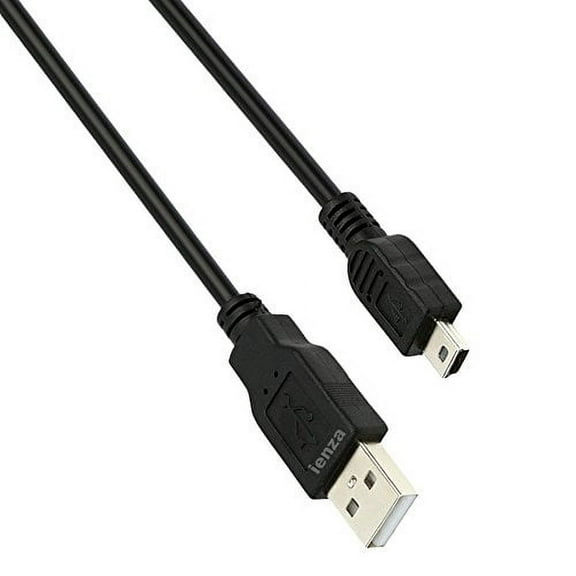 Ienza 3' USB Power and Data Cable for Texas Instruments Calculators, Silver$7.95current price $7.95
Replacement Mini USB Data/Charging Cable For Texas Instruments Calculators TI-84 Plus, Plus C Silver Edition, TI 89 Titanium
 Replacement Mini USB Data/Charging Cable For Texas Instruments Calculators TI-84 Plus, Plus C Silver Edition, TI 89 Titanium$9.25current price $9.25
10ft EpicDealz Replacement Mini USB 2.0 PC Computer Sync Data Power Charger Cable Cord for Texas Instruments TI-84 Plus C Silver Edition Graphing Calculator
10ft EpicDealz Replacement Mini USB 2.0 PC Computer Sync Data Power Charger Cable Cord for Texas Instruments TI-84 Plus C Silver Edition Graphing Calculator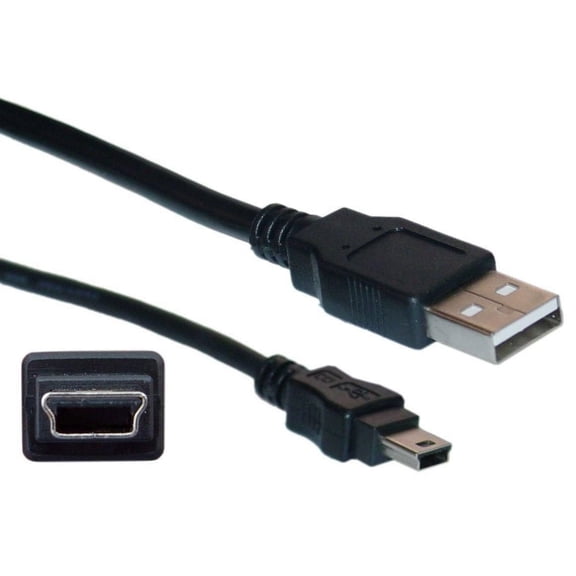
USB Charger Cable Compatible with Ti-84 Plus CE,Ti-84 Plus/C Silver Edition,Ti-Nspire CX/CAS,Ti-89 Titanium,Ti-Nspire CX II/CAS Graphing Calculator USB A to Mini-B USB Cable for Texas Instruments
 USB Charger Cable Compatible with Ti-84 Plus CE,Ti-84 Plus/C Silver Edition,Ti-Nspire CX/CAS,Ti-89 Titanium,Ti-Nspire CX II/CAS Graphing Calculator USB A to Mini-B USB Cable for Texas Instruments$6.79current price $6.79
Sqrmekoko USB Charging Data Cable Compatible with TI-84 Plus, TI-84 Plus CE, TI 89 Titanium, TI Nspire CX/TI Nspire CX CAS Graphing Calculators
 Sqrmekoko USB Charging Data Cable Compatible with TI-84 Plus, TI-84 Plus CE, TI 89 Titanium, TI Nspire CX/TI Nspire CX CAS Graphing Calculators$11.99current price $11.99
Aprelco Mini USB Cable Compatible with TI-84 PLUS TI-89 TITANIUM TI-NSPIRE NSPIRE CX CAS CALCULATOR
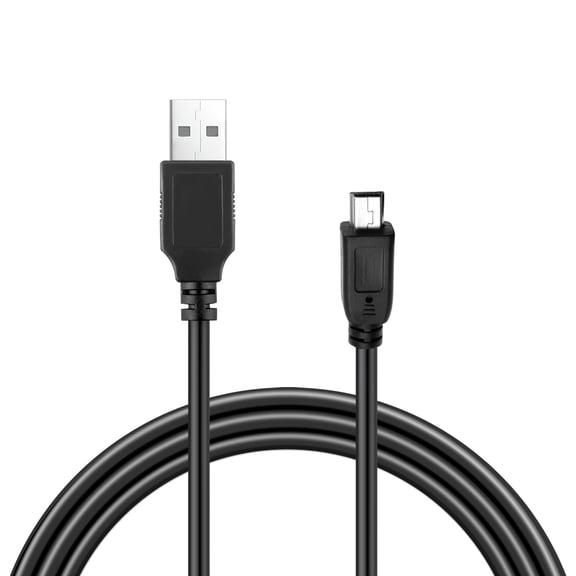 Aprelco Mini USB Cable Compatible with TI-84 PLUS TI-89 TITANIUM TI-NSPIRE NSPIRE CX CAS CALCULATOR$6.89current price $6.89
Replacement USB Data Charging Cable Compatible with Texas Instruments TI-84 Plus CE Graphing Calculator
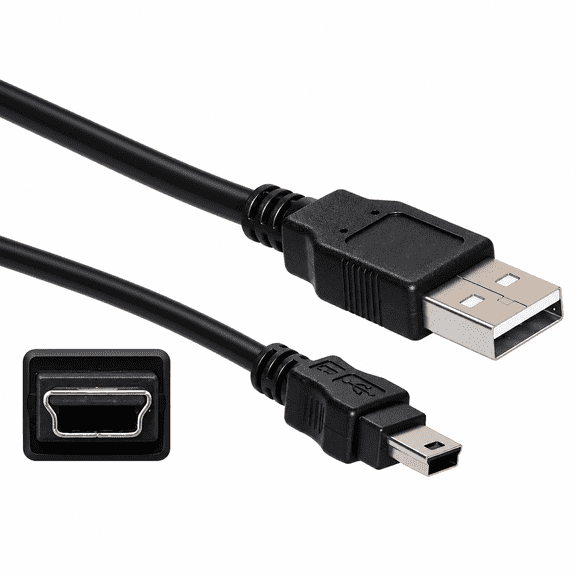 Replacement USB Data Charging Cable Compatible with Texas Instruments TI-84 Plus CE Graphing Calculator$9.25current price $9.25
FITE ON 5ft USB Charger Cable Cord Compatible with TI-NSpire CX and CAS TI84 Plus CE Graphing Calculator
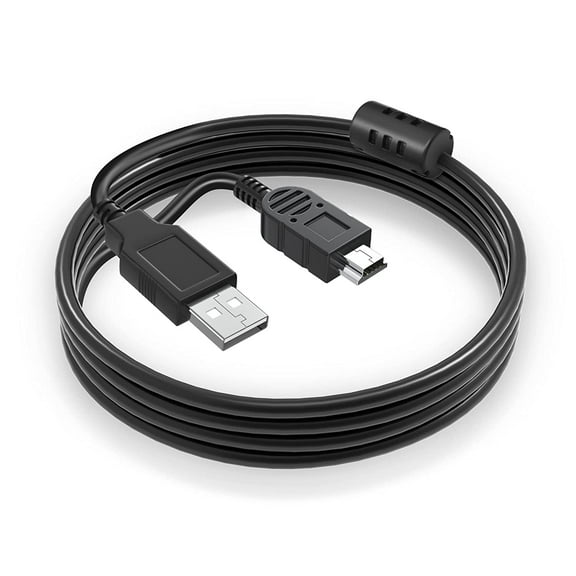 FITE ON 5ft USB Charger Cable Cord Compatible with TI-NSpire CX and CAS TI84 Plus CE Graphing Calculator$7.99current price $7.99
C2W (3.3-ft) Micro-USB to USB-C Charge/Sync Cable - White (OE-CBX013-3)
 C2W (3.3-ft) Micro-USB to USB-C Charge/Sync Cable - White (OE-CBX013-3)$6.99current price $6.99
BENFEI USB C to USB C Monitor Cable(4K@120Hz), 100W PD Fast Charge, 10Gbps Data Transfer, 3ft Tangle-Free Silicone Cable
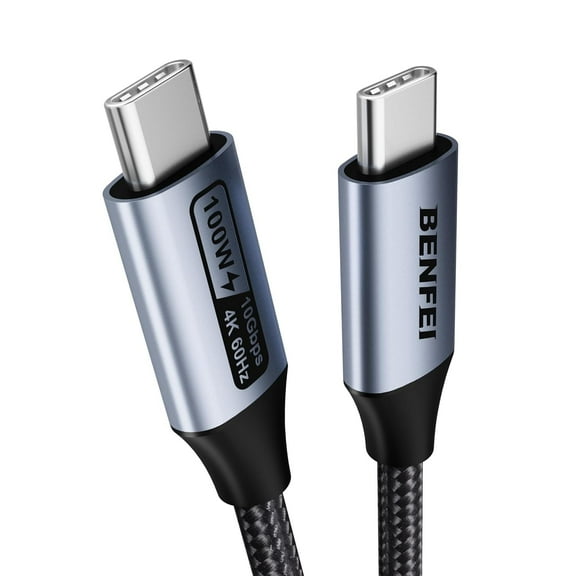 BENFEI USB C to USB C Monitor Cable(4K@120Hz), 100W PD Fast Charge, 10Gbps Data Transfer, 3ft Tangle-Free Silicone Cable$6.31current price $6.31
[UL Listed] OMNIHIL 2-Port Wall Charger+30FT MINI-USB Cable Compatible with Texas Instruments TI-84 Plus C Silver Edition/Texas Instruments TI-84 Plus
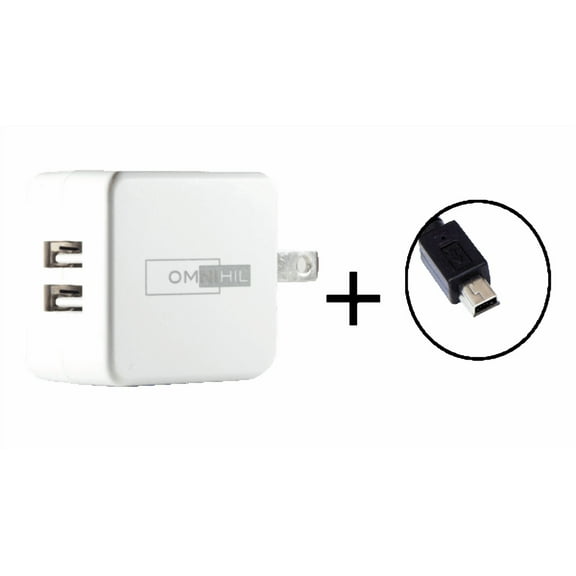 [UL Listed] OMNIHIL 2-Port Wall Charger+30FT MINI-USB Cable Compatible with Texas Instruments TI-84 Plus C Silver Edition/Texas Instruments TI-84 Plus$16.96current price $16.96
twance 0.25 Meter Short Type C to Type C, 3.1A Fast charging and High Speed data transfer Cable, Red Color
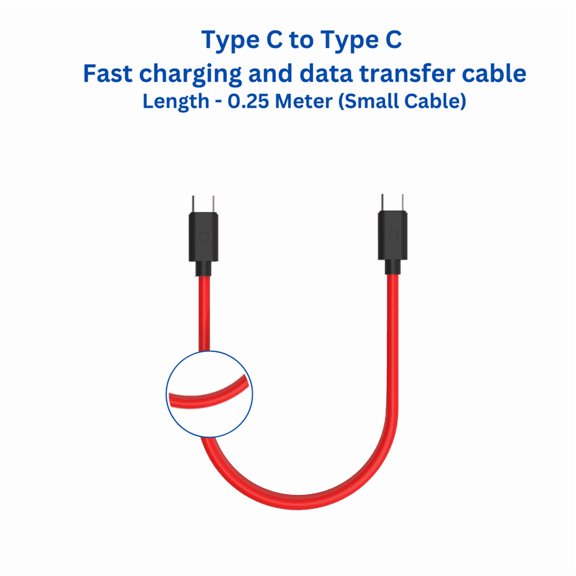 twance 0.25 Meter Short Type C to Type C, 3.1A Fast charging and High Speed data transfer Cable, Red Color$15.00current price $15.00
StarTech.com USB-C to USB-B Printer Cable - M/M - 3 m (10 ft.) - USB 2.0
 StarTech.com USB-C to USB-B Printer Cable - M/M - 3 m (10 ft.) - USB 2.0$27.12current price $27.12
Tripp Lite U040-006-MICRO 6 ft. Black USB 2.0 Hi-Speed Cable (Micro-B Male to USB Type-C Male)
 Tripp Lite U040-006-MICRO 6 ft. Black USB 2.0 Hi-Speed Cable (Micro-B Male to USB Type-C Male)$10.29current price $10.29
StarTech.com 1m 3 ft Micro-USB Cable with Right-Angled Connectors - M/M - USB A to Micro B Cable
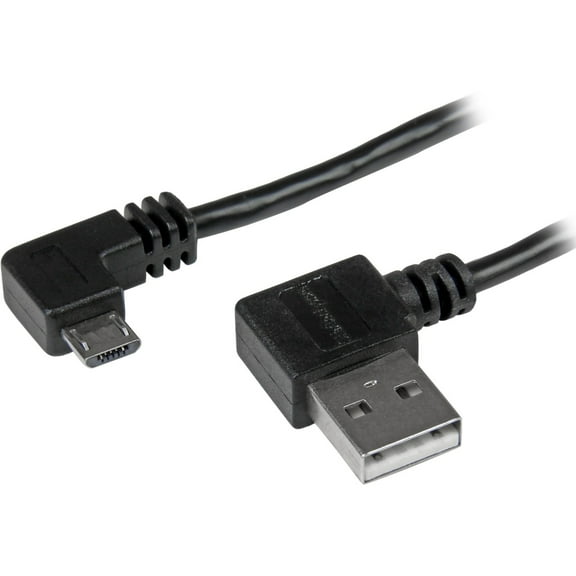 StarTech.com 1m 3 ft Micro-USB Cable with Right-Angled Connectors - M/M - USB A to Micro B Cable$16.58current price $16.58
StarTech.com 3ft (1m) USB A to C Charging Cable Right Angle, Heavy Duty Fast Charge USB-C Cable, Durable and Rugged Aramid Fiber, 3A
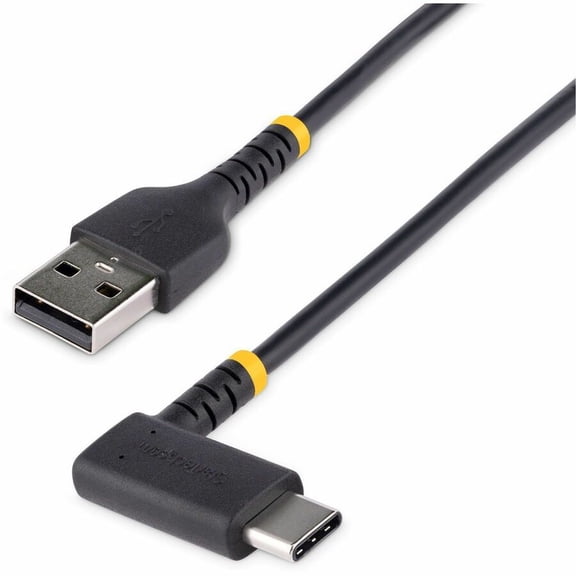 StarTech.com 3ft (1m) USB A to C Charging Cable Right Angle, Heavy Duty Fast Charge USB-C Cable, Durable and Rugged Aramid Fiber, 3A$20.37current price $20.37