









All Tablets in Smart Entertainment



























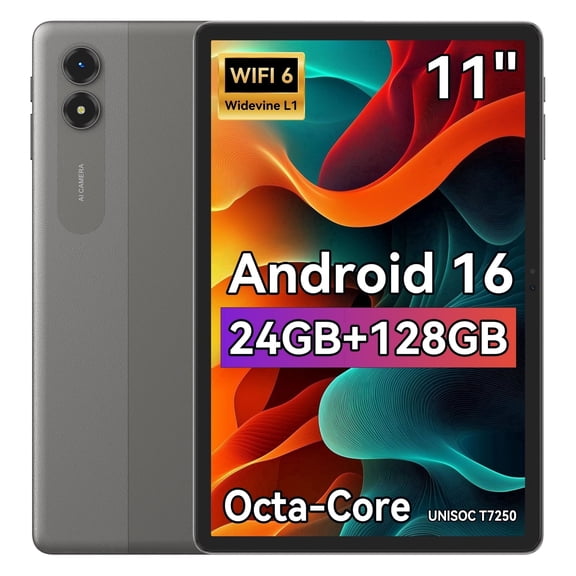
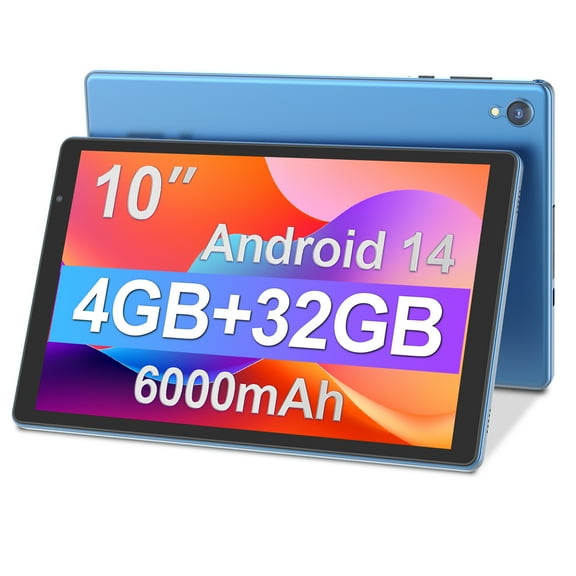


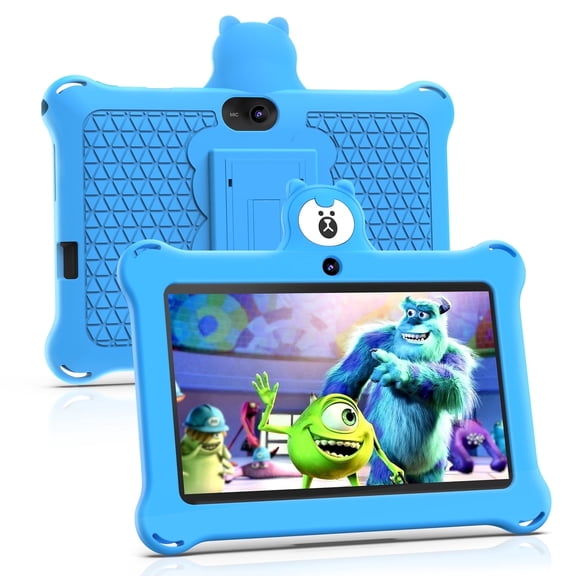


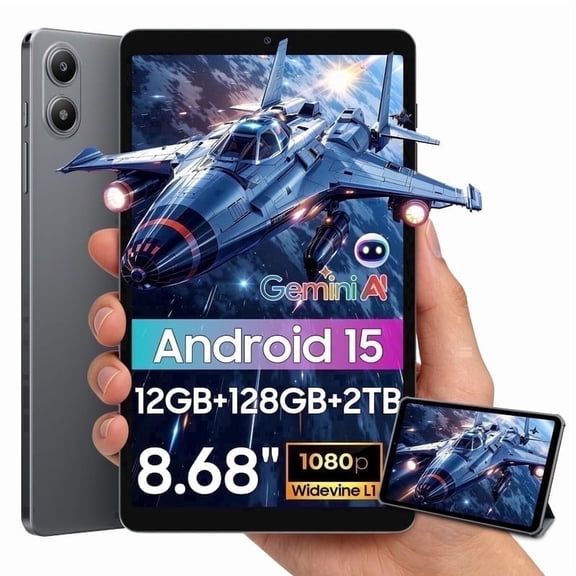
















About All Tablets in Smart Entertainment - Walmart.com
Tablets help you stream, read, sketch, and work from one portable screen. You can compare operating systems, screen sizes, connectivity, and condition to match how you use tablet computers.
You may want a simple device for videos and email, or you may need a more flexible setup for notes and multitasking. You can sort through those choices more quickly when you know what each tablet feature changes in daily use.
How to choose tablets by operating system
You should start with the operating system because it shapes your apps, accessories, and account setup. You may notice that iOS, Android, Windows, and FireOS each fit different habits and screen time goals.
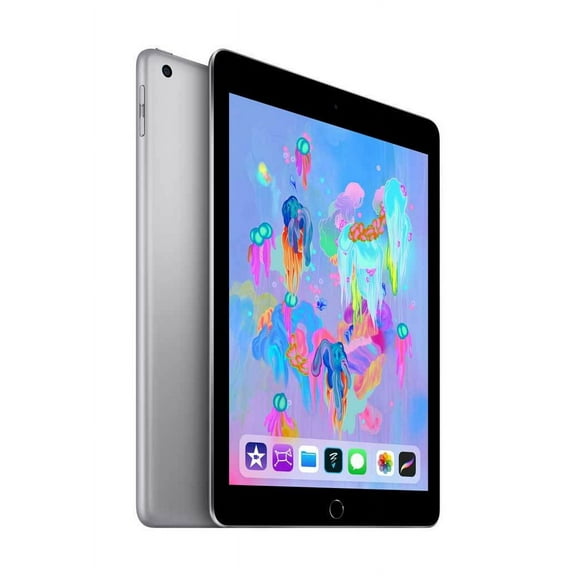
If you already use Apple devices, you may prefer ipad apple models with iPadOS for familiar syncing and app access. If you use Google services often, you may lean toward Android for flexible app choices and broad brand options.
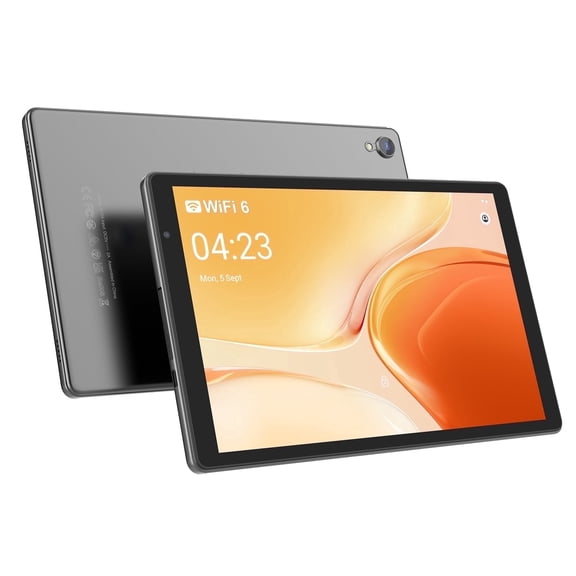
You may choose Windows when you want a tablet that feels closer to a laptop for files, browser tasks, and keyboard use. You may pick FireOS when you want a straightforward device for streaming, reading, and casual everyday tasks.
- You can match your tablet to the phone, laptop, or smart home setup you already use.
- You can choose an app ecosystem that fits streaming, drawing, gaming, reading, or work tasks.
- You can narrow accessories more easily when you know your operating system first.
- You can compare tablet computers by software feel, not just by screen or storage.
Choosing screen size and storage for your routine
You should compare screen size by where and how you’ll use your device most. You may find that size changes comfort just as much as speed or storage.
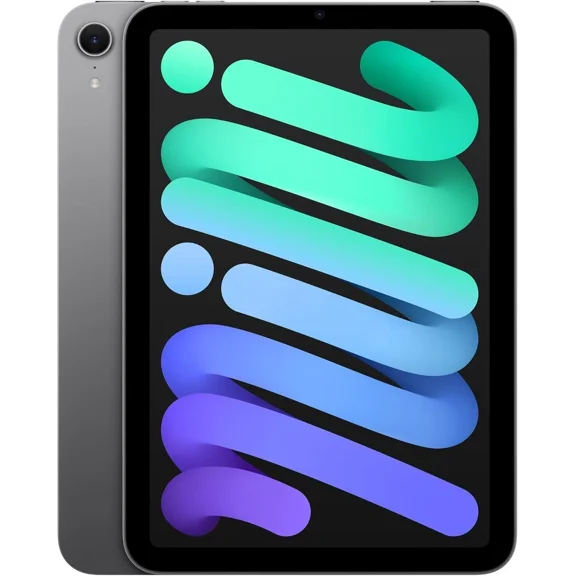
You may like seven to eight inch models when you want easy packing for travel, reading, or quick browsing. You can get a compact feel that fits one hand comfortably on the couch or commute.
You may prefer nine to 10 inch screens when you want a balanced size for streaming, schoolwork, and light productivity. You can often get enough room for split-screen apps without carrying a bulkier device.
You may choose 11 plus inch options when you want extra room for drawing, editing, multitasking, or keyboard cases. You may notice those larger displays help when you review documents or watch movies for extended periods.
You should also compare storage based on whether you stream most content or keep files on the device. You may need less space for browser use, but more space for games, downloads, photos, and offline video.
If you’re replacing an older ipad 2020 or ipad 8th generation model, you may want more storage or a larger screen. You can use that upgrade point to focus on the features you’ve outgrown.
Comparing Wi-Fi, cellular, and ipad verizon options
You should choose connectivity based on where you expect to use your tablet most often. You may do well with Wi-Fi at home, or you may want cellular access for travel and mobile work.
You can keep things simple with Wi-Fi models if you mostly stream, browse, or join video calls around home or school. You’ll usually connect through your router or a public network when you’re away.
You may prefer Wi-Fi plus cellular when you want internet access without depending on nearby networks. You can check carrier compatibility, data plan details, and activation steps before you choose.
If you’re comparing ipad verizon or verizon ipad options, you should confirm network support and device compatibility first. You may want that detail when you plan to use navigation, messaging apps, or uploads away from Wi-Fi.
You may also care about convenience features tied to fulfillment. You can look for tablets pickup today or tablet pick up today options when timing matters for gifts, travel, or school setup.
New, refurbished, and restored tablet computers
You should compare condition carefully because it affects what kind of buying experience fits your comfort level. You may choose new, refurbished, or restored tablet computers depending on the model and setup you want.
You may choose new when you want current releases, sealed packaging, and current generation features. You can focus on operating system, storage, and display size without comparing prior model years as closely.
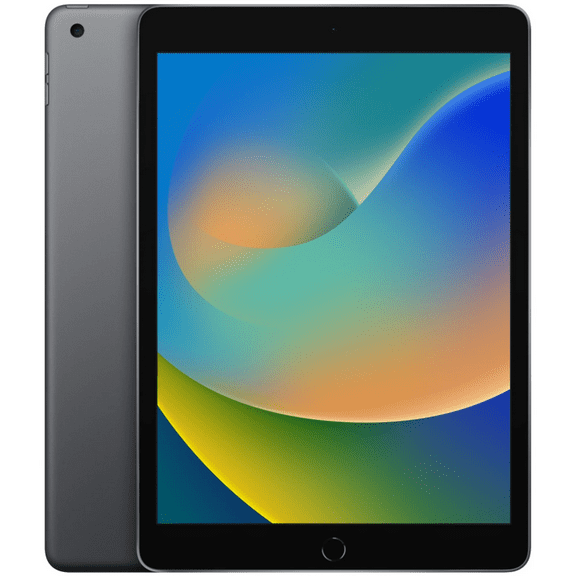
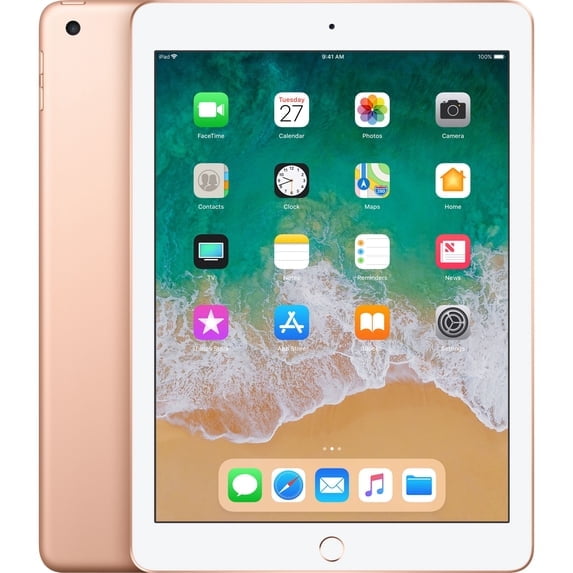
You may consider a refurbished ipad when you want an earlier Apple model with familiar software and accessories. You can also compare apple refurbished ipad listings when you’re looking for a specific screen size or generation.
You should review restored options with the same care you’d use for any electronics purchase. You can check condition details, included accessories, and connectivity support before you narrow your choice.
If you’re deciding between brands, you can compare Apple, Samsung, Lenovo, and other tablet lines by ecosystem and intended use. You can find the right fit by matching the device to your routine instead of chasing brand names alone.
Matching tablet computers to everyday use
You can narrow tablet computers quickly when you picture the main job your device needs to handle. You may shop differently for reading, streaming, drawing, schoolwork, or travel than for keyboard-based tasks.
For reading and casual browsing, you may want a lighter tablet with a smaller screen and Wi-Fi connectivity. You can appreciate easy holding during long sessions on the sofa, plane, or waiting room.
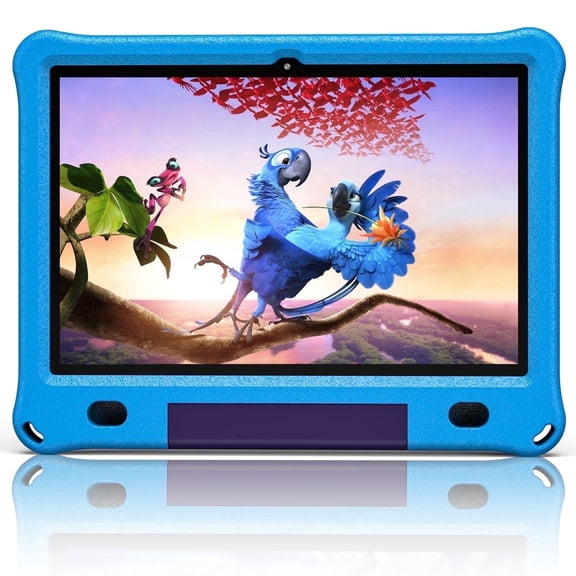
For movies, games, and family use, you may want a mid-size or larger display with enough storage for apps. You can compare speaker placement, battery expectations, and case compatibility for shared use.
For notes, documents, and multitasking, you may want a larger display, more storage, and accessory support. You may care more about keyboard compatibility, stylus support, and file management tools.
For travel or work away from home, you may want cellular-ready models and carrier support. You can focus on Wi-Fi plus cellular or tablets pickup today options when convenience matters.
You can shop tablets with confidence when you compare operating system, size, condition, and connectivity together. You can end up with a device that fits your apps, your screen habits, and your daily routine.