

Tablet Stand Holders for Desk & Home | Walmart









































![Maxboost Car Mount, [2 Pack] Universal Air Vent Magnetic Phone Car Mounts Holder for iPhone Xs/Max/XR/X/8/7 Plus/6S/6/SE, Galaxy S9/S8/S7Edge, LG G6, Note 8/5 and Mini Tablet (Compatible Most Case)](https://i5.walmartimages.com/seo/Maxboost-Car-Mount-2-Pack-Universal-Air-Vent-Magnetic-Phone-Car-Mounts-Holder-iPhone-Xs-Max-XR-X-8-7-Plus-6S-6-SE-Galaxy-S9-S8-S7Edge-LG-G6-Note-8-5_25711144-538a-4827-bd32-1567693edab8_1.ce943b7b8043632eb3c056f5db617ebf.jpeg?odnHeight=576&odnWidth=576&odnBg=FFFFFF)

About Tablet Stand Holders for Desk & Home | Walmart - Walmart.com
Tablet stands help you create a steadier, more comfortable screen setup for work, streaming, reading, and recipes. You can compare compatibility, adjustability, and portability to match how and where you use your tablet.
If you use your device for long stretches, you may notice a stand changes both posture and convenience. You can keep your screen upright, your hands freer, and your viewing angle easier to manage.
How to choose tablet stands for your device
Start with compatibility, because your stand should match your screen size and your tablet’s weight. You should check whether the fit supports iPad models, Samsung Galaxy Tab devices, or universal sizes from 4.7 to 12.9 inches.
When you compare a tablet stand holder, you should look at the cradle width and grip points. You’ll want a secure hold that keeps ports, buttons, and cameras easy for you to access.
For shared households or mixed-device setups, you may prefer universal sizing for flexible use. If you use one device every day, you may choose a more tailored ipad stand shape.
Choosing adjustable tablet stand options and viewing comfort
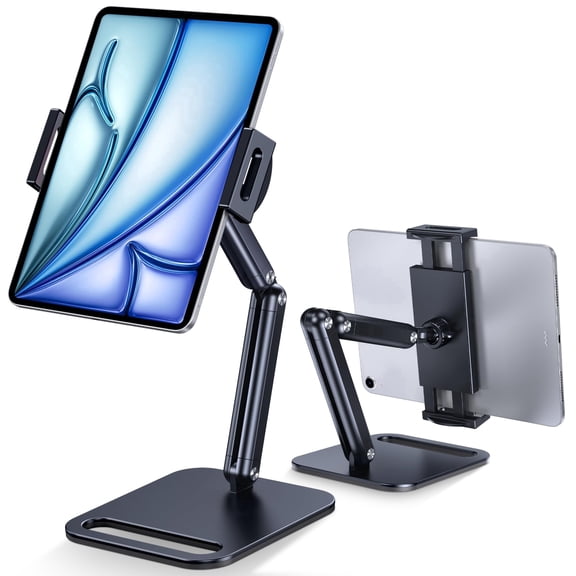
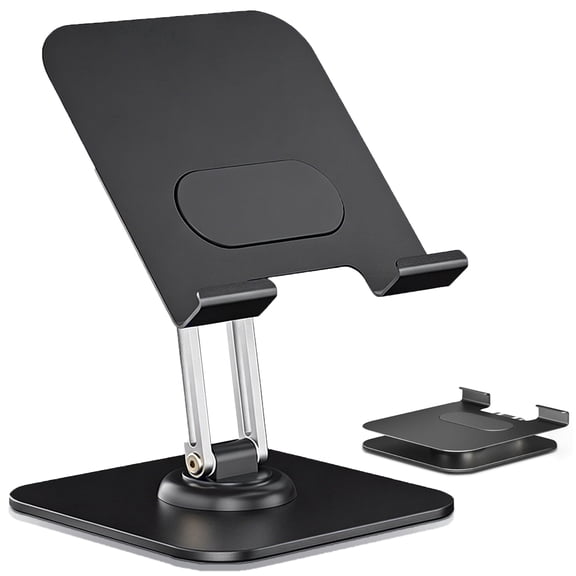
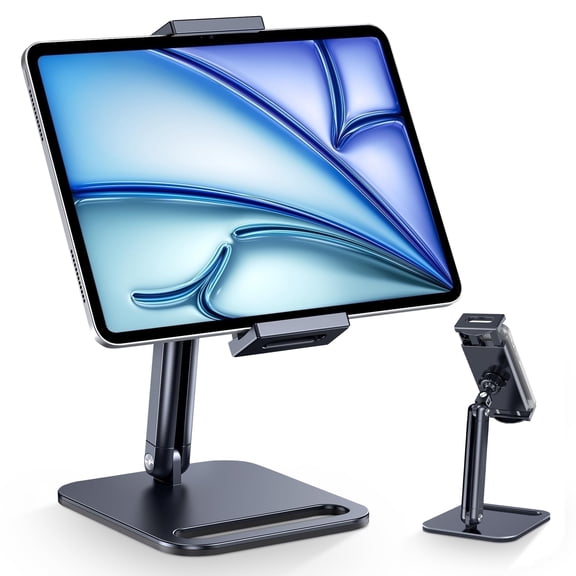
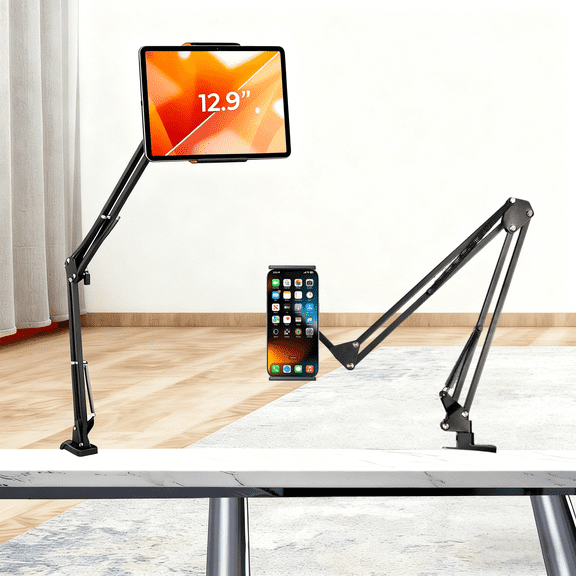
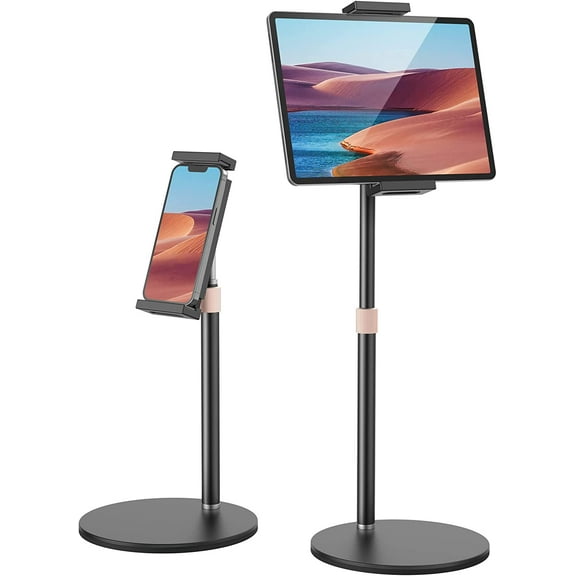
An adjustable tablet stand gives you more control over height, tilt, and screen position. You can raise the display closer to eye level and reduce the need to hunch over a desk.
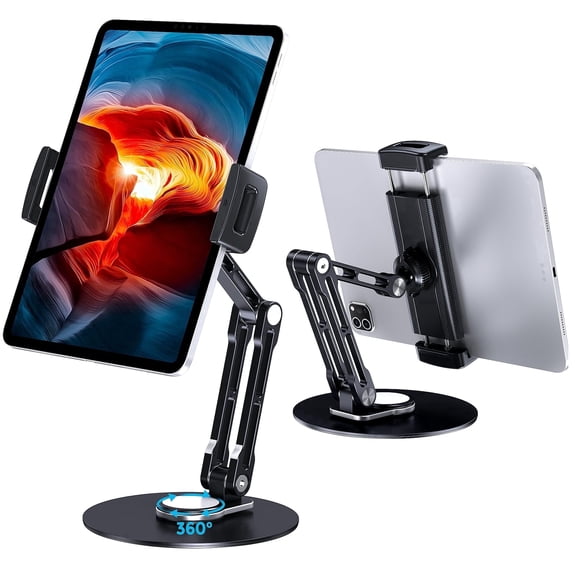
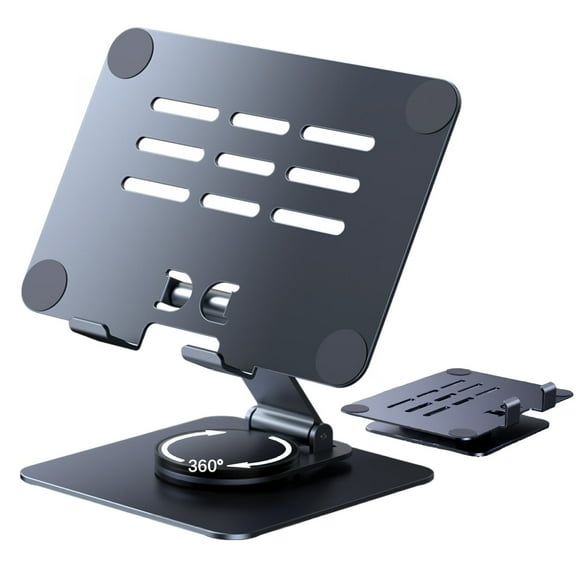
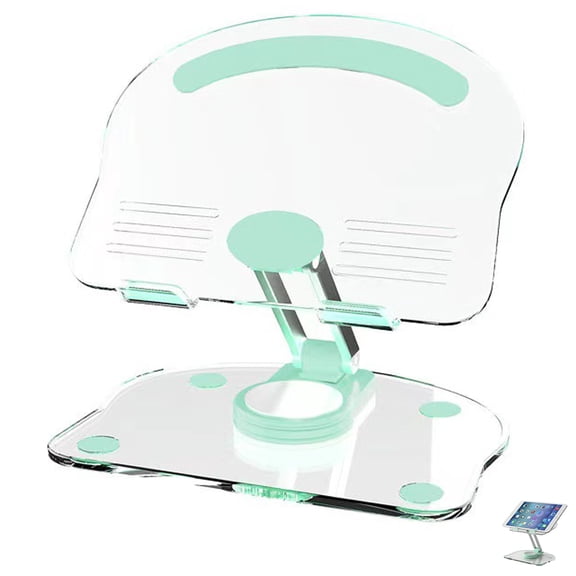
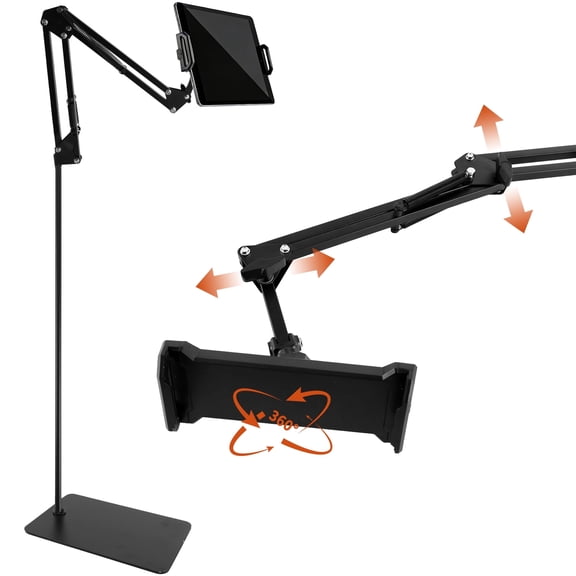
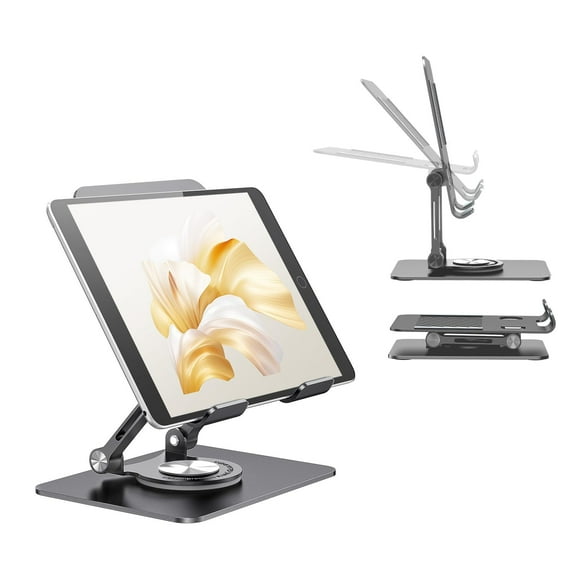
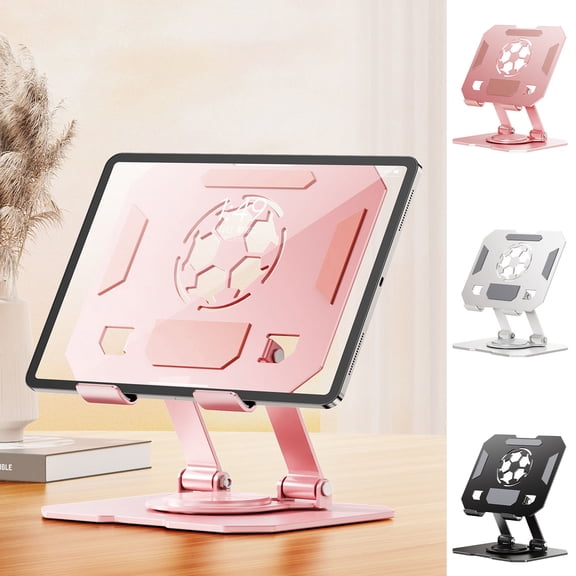
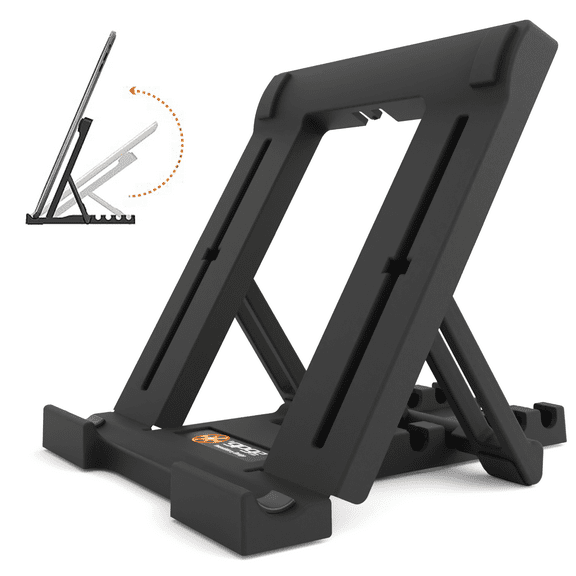
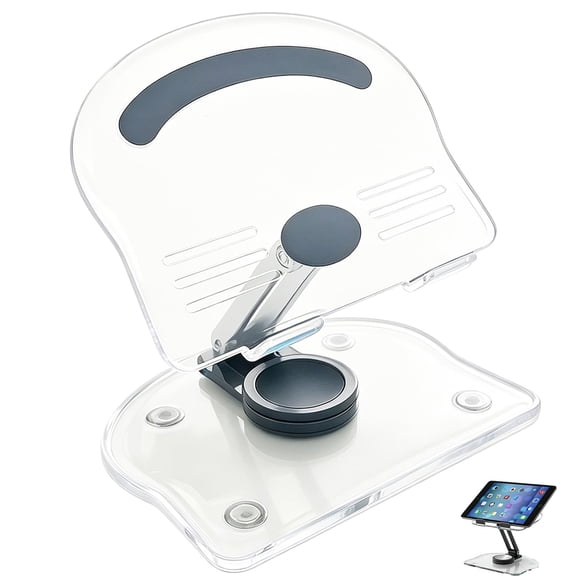
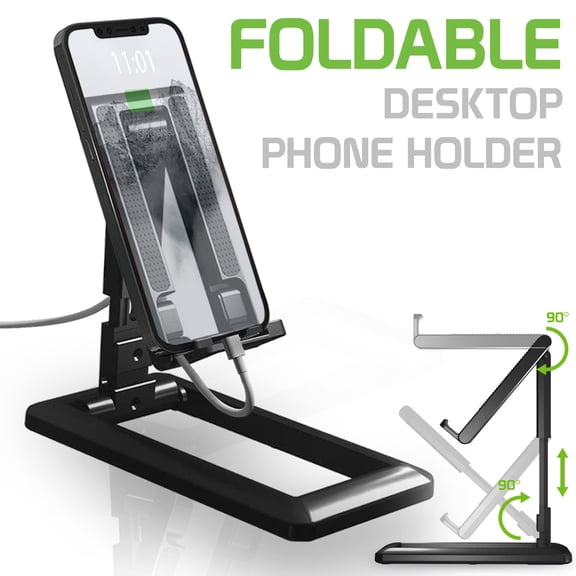
Look for height-adjustable arms, multi-angle foldable hinges, or 360-degree swivel designs when you compare options. You’ll find these features useful when you switch between typing, video calls, drawing, or watching.
If you use your tablet beside a keyboard, you should consider a tablet holder for desk setups. You can fine-tune the angle for notes, dual-screen work, or hands-free streaming during your day.
- You can lift your screen for a clearer eye-level view.
- You can tilt your tablet for reading, tapping, or sketching.
- You can rotate your display when you switch between portrait and landscape.
- You can keep your desk setup more organized during work or study.
What to look for in build, grip, and stability
Material affects how your stand feels on a desk and how easily you move it. You can compare aluminum alloy, heavy-duty metal, plastic, and wood based on weight, look, and daily use.
If you want a planted desktop setup, you may prefer a heavier metal tablet stand with a weighted base. If you carry your stand often, you may prefer a lighter foldable design.
Grip details matter just as much as the frame material. You should look for non-slip silicone pads, stable hinge tension, and a base shape that helps your tablet stay in place.
For tapping, scrolling, or signing on screen, you’ll want extra stability at the contact points. You can avoid annoying wobble when your stand has secure supports and balanced weight distribution.
Comparing foldable and fixed styles
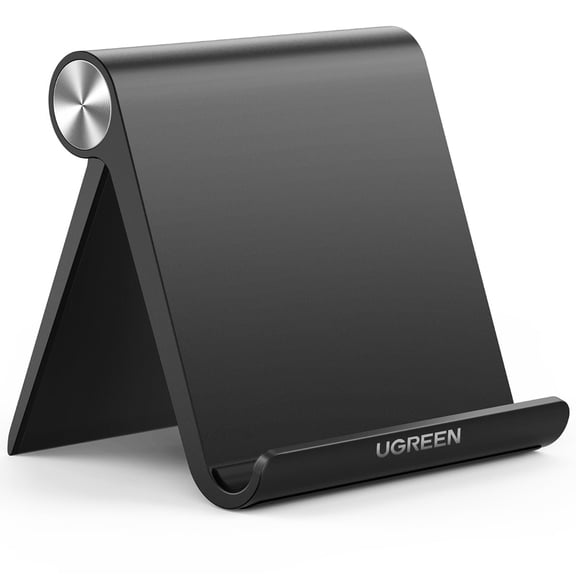
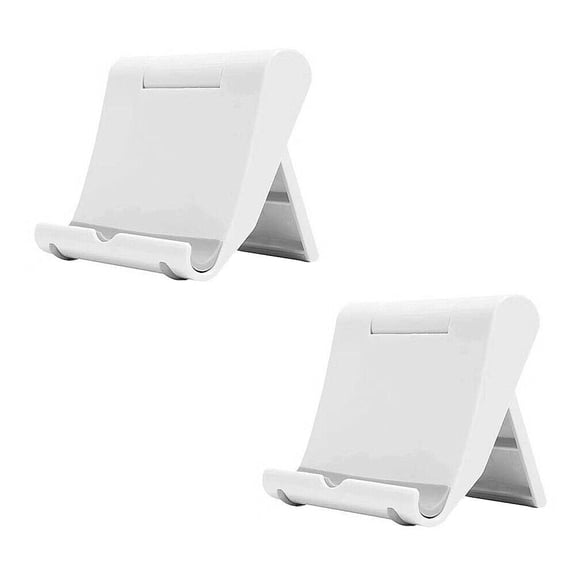
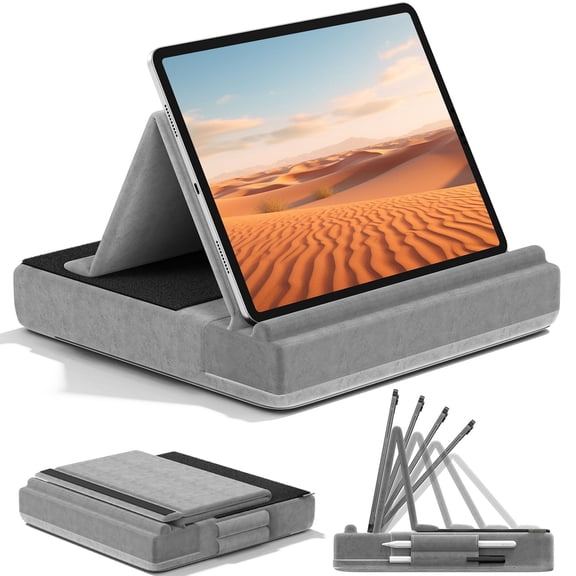
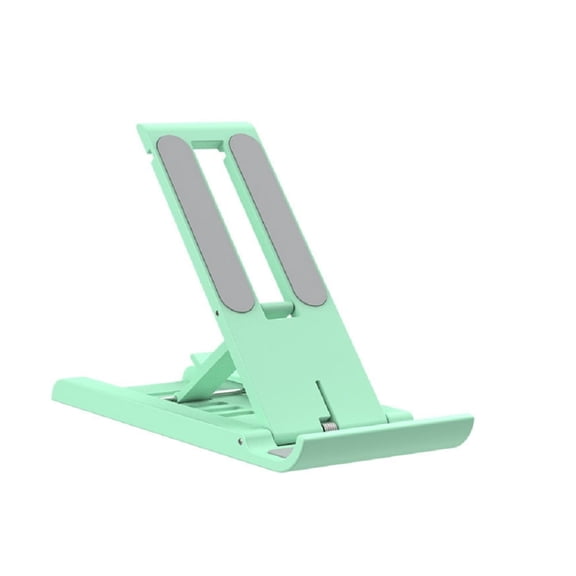
Portability changes which stand fits your routine, so you should compare foldable, fixed, and floor styles carefully. A foldable tablet stand works well when you move between rooms, bags, or shared spaces.
Fixed desktop stands suit longer sessions when you keep your tablet in one place. You’ll usually get a more anchored feel for office tasks, recipes, or checkout counters.
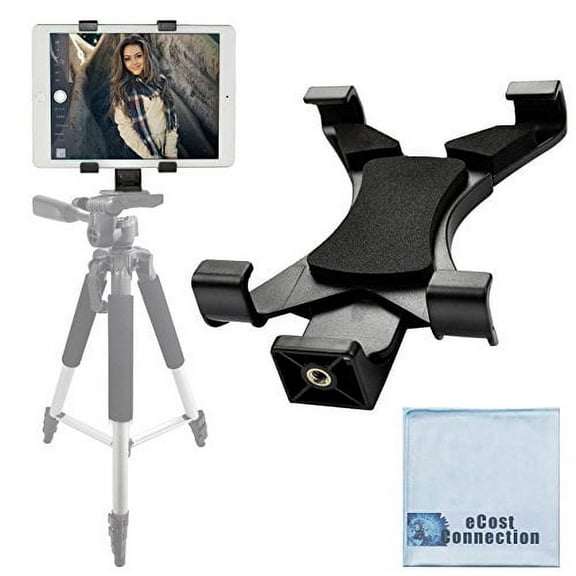
If you need a wider setup range, you can consider tripod floor stands for standing use. You may use these around a sofa, beside a bed, or in presentation spaces.
Check how small the stand folds, how quickly it opens, and whether it stays stable when extended. You’ll want that balance if your routine includes both travel and home use.
Matching your tablet stand holder to where you use it
Your use case should guide the stand style you choose. For desk and office use, you may want adjustable height, a firm base, and easy charging access.
In the kitchen, you may prefer a compact stand that keeps recipes visible without taking over the counter. You can position your screen upright while you follow steps or stream videos.
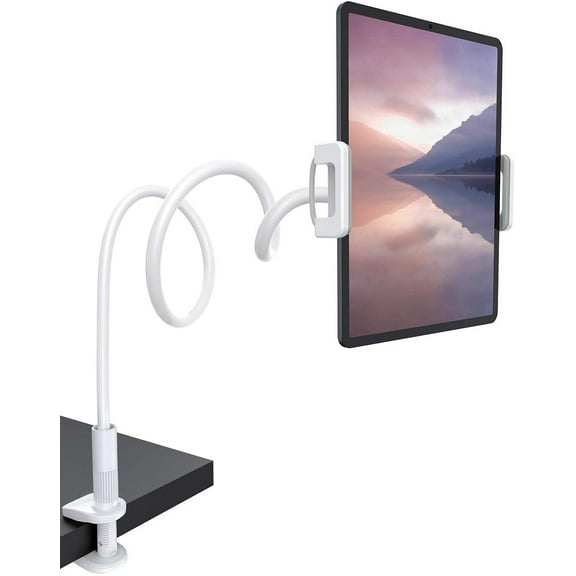
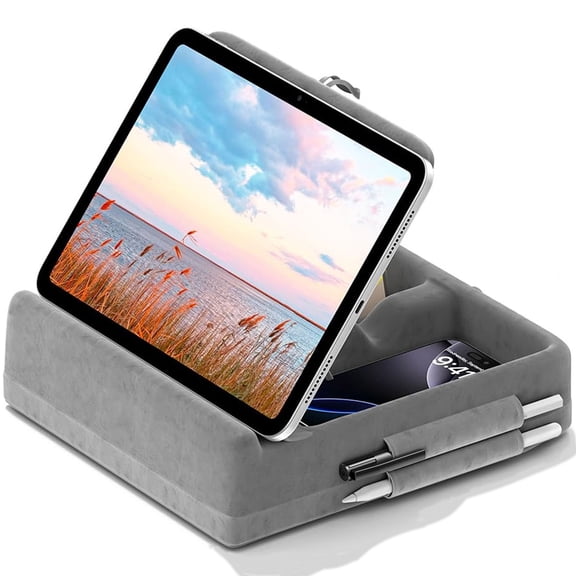
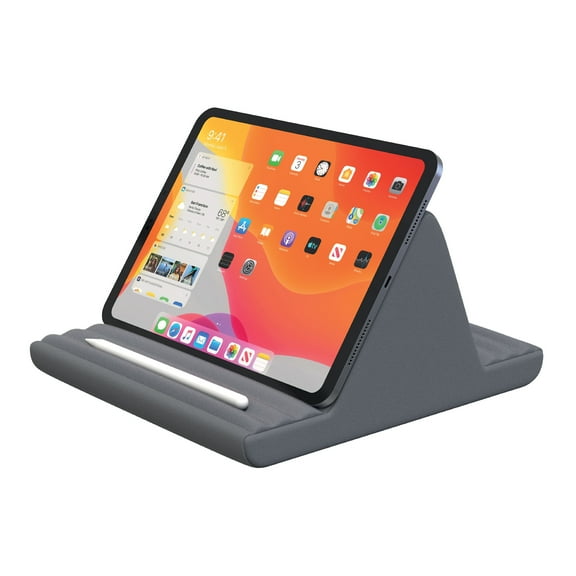
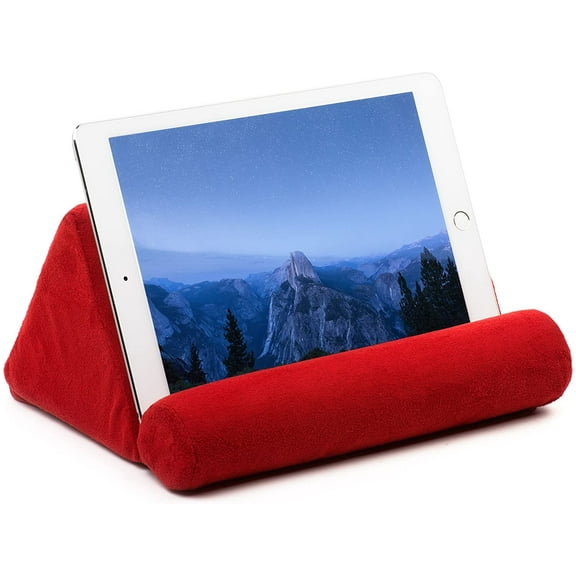
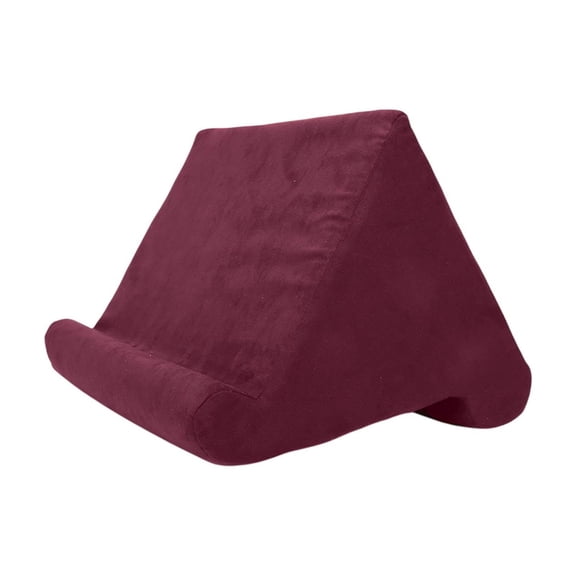
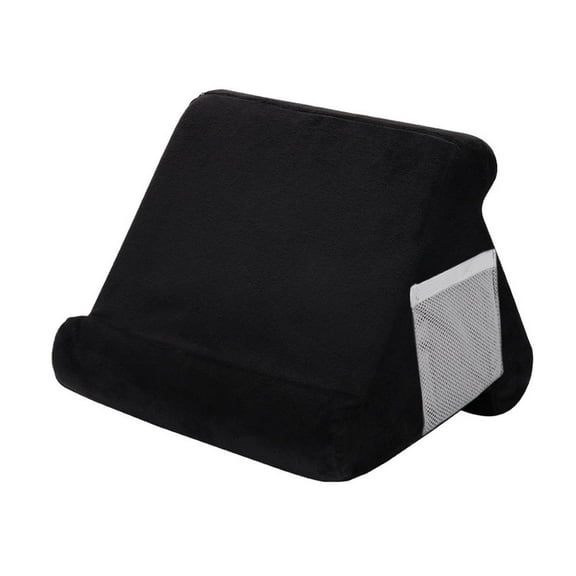
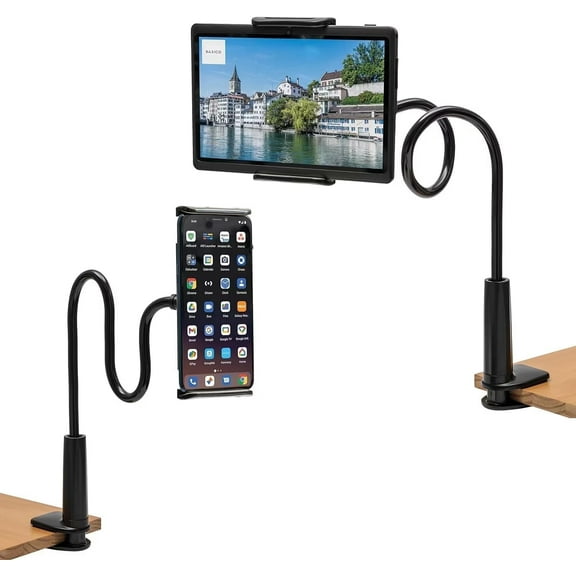
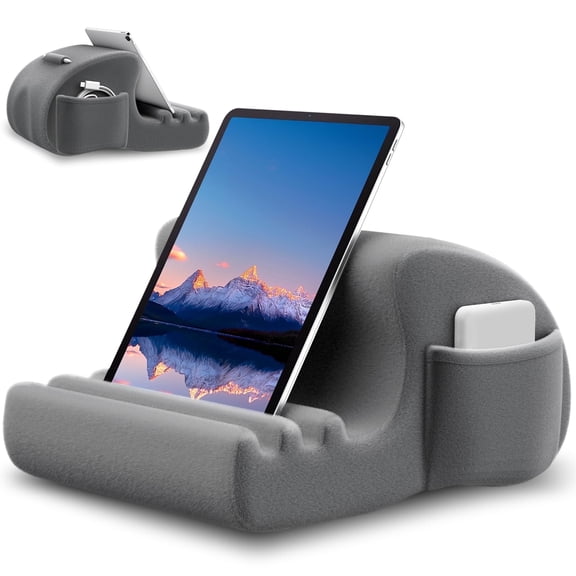
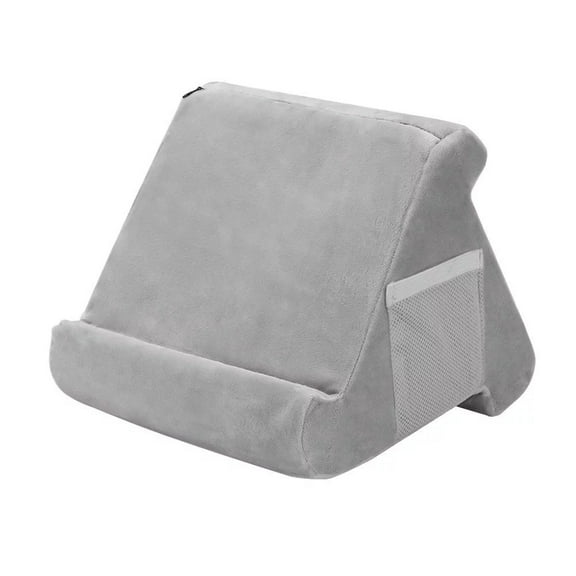
For bed or sofa viewing, you might want a stand with flexible angles and easy repositioning. You can shift from reading to streaming without holding your device the whole time.
In POS and retail spaces, you may need a more structured setup with stable support and simple screen access. You can keep your tablet visible for check-in, menus, or guided customer interaction.
If you switch between work and travel, you should compare an adjustable tablet stand against a foldable tablet stand. You’ll want the right mix of compact storage, stable support, and quick setup.
Key details you should compare before choosing
You should measure your tablet size and check the supported range before you choose. You can avoid fit issues by comparing both screen width and overall device thickness.
Pay attention to weight capacity if you use a larger tablet or a rugged case. You can get a more dependable hold when you choose a stand designed for your device size.
You should also check whether charging works comfortably while your tablet is docked. A thoughtful stand design lets you keep cables connected without awkward bends or blocked ports.
When you compare tablet stands with these details in mind, you can narrow choices faster. You can end up with a setup that supports smoother viewing, steadier tapping, and easier daily use.