Supermicro Superchassis(2)
Supermicro SuperChassis CSE-514-505 500W 1U Rackmount Server Chassis (No Paint) $388.81
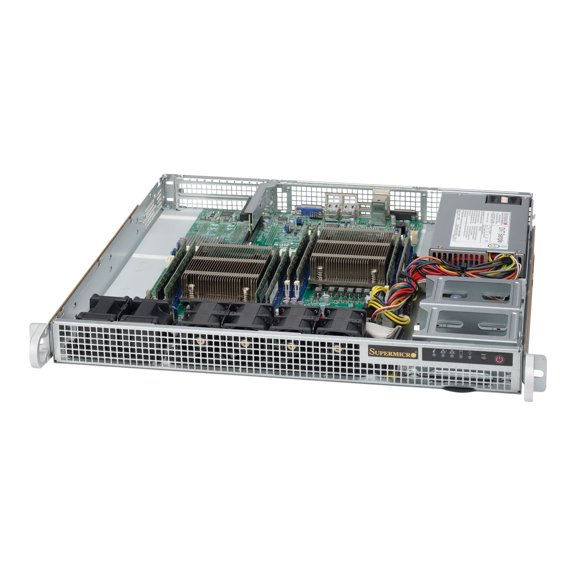
Supermicro SuperChassis CSE-514-505 500W 1U Rackmount Server Chassis (No Paint)
Supermicro SuperChassis CSE-721TQ-350B2 Mini ITX Mini Tower, 4 x 3.5" Hotswap Bays $388.16
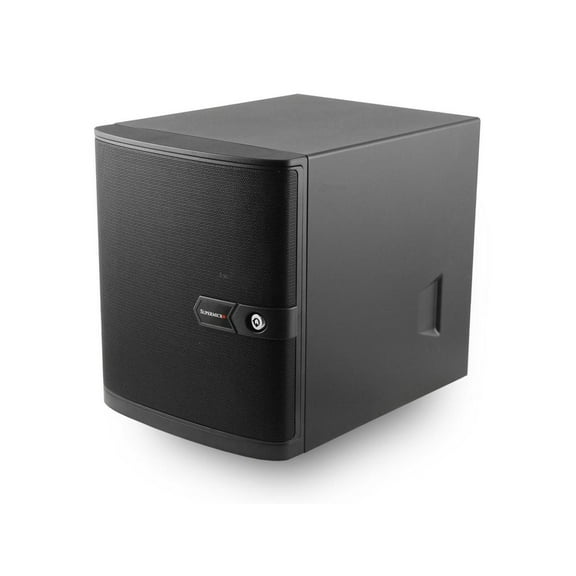
Supermicro SuperChassis CSE-721TQ-350B2 Mini ITX Mini Tower, 4 x 3.5" Hotswap Bays
Other options to consider(77)
Supermicro CSE-E300 Flex-ATX Chassis $192.68
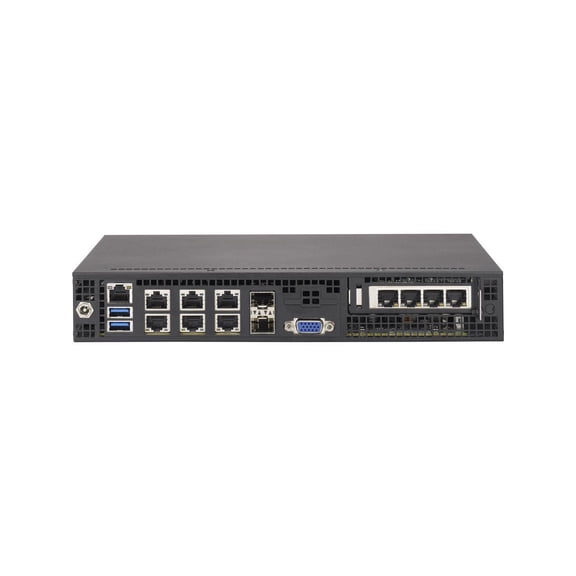
Supermicro CSE-E300 Flex-ATX Chassis
Supermicro SC101S - ultra small form factor - mini ITX $104.21
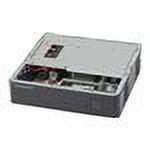
Supermicro SC101S - ultra small form factor - mini ITX
Supermicro MBD-X13SCL-F-O, Intel LGA 1700 Single Socket mATX Server Motherboard $474.34
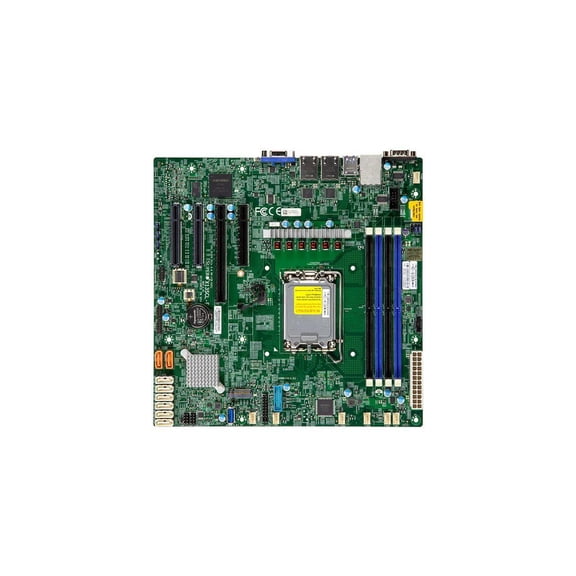
Supermicro MBD-X13SCL-F-O, Intel LGA 1700 Single Socket mATX Server Motherboard
Pre-Owned China - A Century of Revolution $9.99

Pre-Owned China - A Century of Revolution
SuperMicro FAN-0104L4 80mm Cooling Fan/Heatsink $47.99
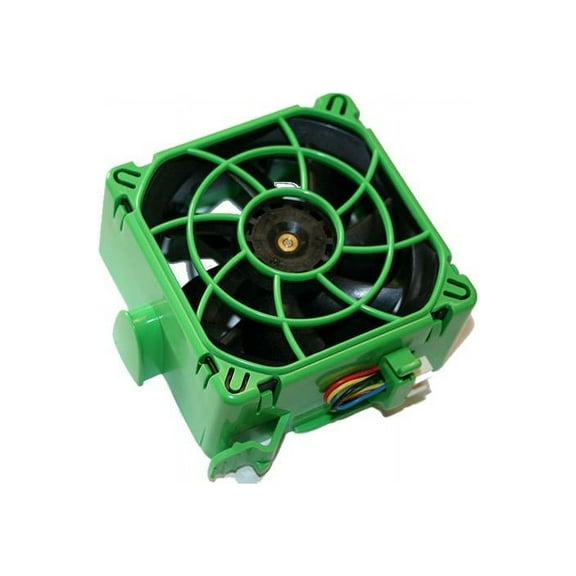
SuperMicro FAN-0104L4 80mm Cooling Fan/Heatsink
Supermicro FAN 0100L4 - case fan $32.49 Was $47.93
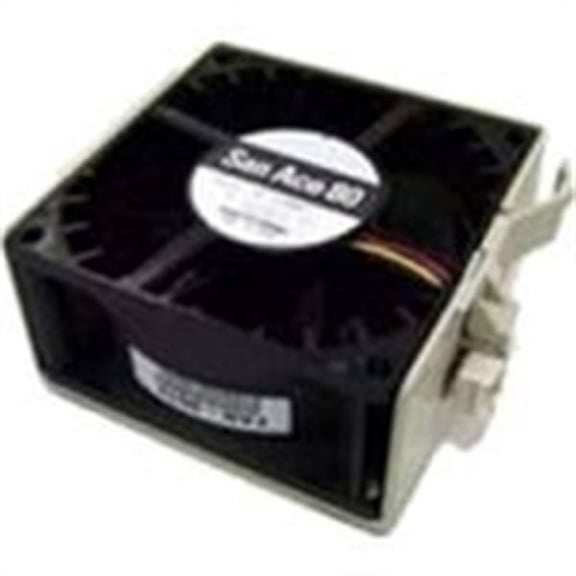
Supermicro FAN 0100L4 - case fan
Supermicro Hard Drive Tray - 1 x 2.5" - Internal - Internal (MCP220000430N) $34.99

Supermicro Hard Drive Tray - 1 x 2.5" - Internal - Internal (MCP220000430N)
Supermicro Accessory Rail Kit $123.15
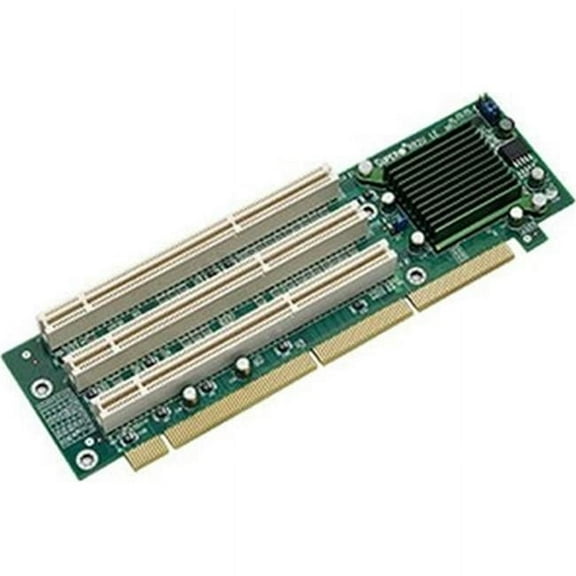
Supermicro Accessory Rail Kit
Supermicro MCP-290-00057-0N Mounting Rail $126.00

Supermicro MCP-290-00057-0N Mounting Rail
Supermicro MCP-310-50501-0B Mylar Air Shroud for SC504/505 X10SDV HF RoHS/REAC Brown Box $43.09

Supermicro MCP-310-50501-0B Mylar Air Shroud for SC504/505 X10SDV HF RoHS/REAC Brown Box
FAQ
What should I check before buying a server chassis?
When you're shopping for a server chassis, it's helpful to look at a few important factors to find the right fit for your needs:
- Size and Form Factor: Make sure the chassis matches your motherboard size, like Mini ITX or rackmount standards.
- Drive Bays: Consider how many hard drives or SSDs you want to install and whether you need hot-swap capability.
- Power Supply: Check if the wattage and type suit your planned server components.
- Cooling Options: Look for adequate fan mounts or included fans for good airflow.
These features can help you pick a chassis that meets your current and future needs.
How do I install drives in a rackmount chassis?
Installing drives in a rackmount chassis is a straightforward process, but it's always good to follow these steps:
- Power off and unplug the chassis before starting.
- Slide out the drive trays or caddies, which are usually accessible from the front.
- Attach your hard drives or SSDs securely to the trays using the provided screws.
- Slide the trays back into their slots until they click into place.
- Reconnect any power or data cables if needed, then close up the chassis and power it on to check drive recognition.
Always refer to the manufacturer's guide for specific instructions for your model.
Can I use a tower chassis for home servers?
Absolutely, a tower chassis can be a great choice for home servers. Here are a few reasons why:
- Space-Saving: Tower cases often fit easily in home or office environments.
- Quiet Operation: Many tower chassis are designed for lower noise levels compared to rackmount models.
- Easy Access: Tool-less panels and hot-swap bays make maintenance simpler for home users.
Just make sure to check compatibility with your components to ensure smooth installation and operation.
What's the benefit of hot-swap drive bays?
Hot-swap drive bays let you add or remove hard drives without shutting down your server. This feature offers several advantages:
- Less Downtime: You can replace or add drives on the fly, which is great for servers that need to stay online.
- Easy Maintenance: Swapping drives is quick and doesn't require opening the entire chassis.
- Flexible Storage: It supports frequent upgrades or backups without hassle.
For anyone managing lots of data, hot-swap bays can make storage management more convenient.
How do I keep my server chassis cool?
Keeping your server chassis cool is important for performance and longevity. Here are some helpful tips:
- Use all available fan mounts and check that fans are working properly.
- Arrange cables neatly to avoid blocking airflow inside the chassis.
- Keep vents and filters clean from dust and debris.
- If possible, place the chassis in a cool, well-ventilated area away from direct heat sources.
Regular maintenance and proper airflow can help your server run smoothly for longer.
Popular in Shop Supermicro SuperChassis Electronics Online
Related Products
Gigabyte Ultra Durable B760M DS3H AX DDR4 Desktop Motherboard - Intel B760 Chipset - Socket LGA-1700 - Micro ATX (b760mds3haxddr4)
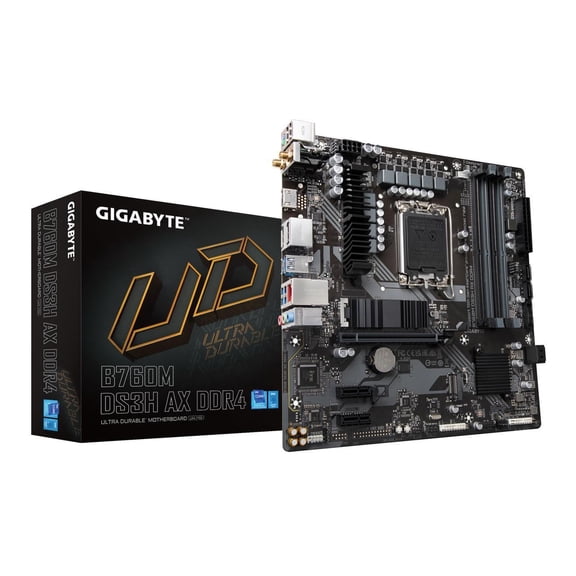 Gigabyte Ultra Durable B760M DS3H AX DDR4 Desktop Motherboard - Intel B760 Chipset - Socket LGA-1700 - Micro ATX (b760mds3haxddr4)$143.98current price $143.98
Gigabyte Desktop Motherboard - Intel Z890 Chipset - Socket LGA-1851 (z890aoruselitewifi7)
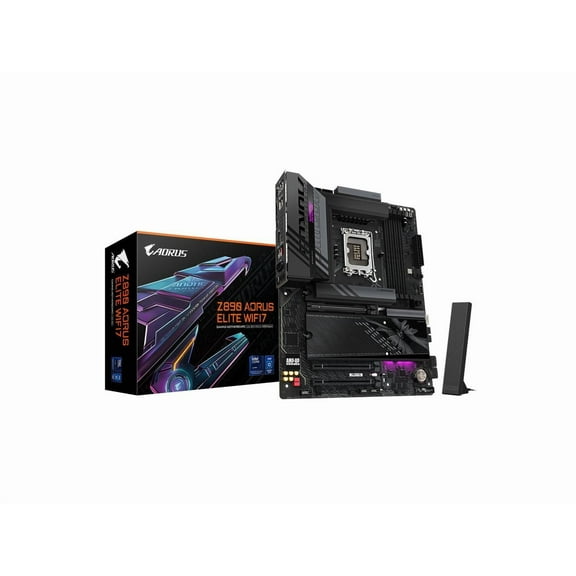 Gigabyte Desktop Motherboard - Intel Z890 Chipset - Socket LGA-1851 (z890aoruselitewifi7)$239.00current price $239.00
ASRock B850 PRO RS AM5 AMD B850 ATX Motherboard
 ASRock B850 PRO RS AM5 AMD B850 ATX Motherboard$177.99current price $177.99
ASRock X870 TAICHI CREATOR AM5 AMD X870 ATX Motherboard
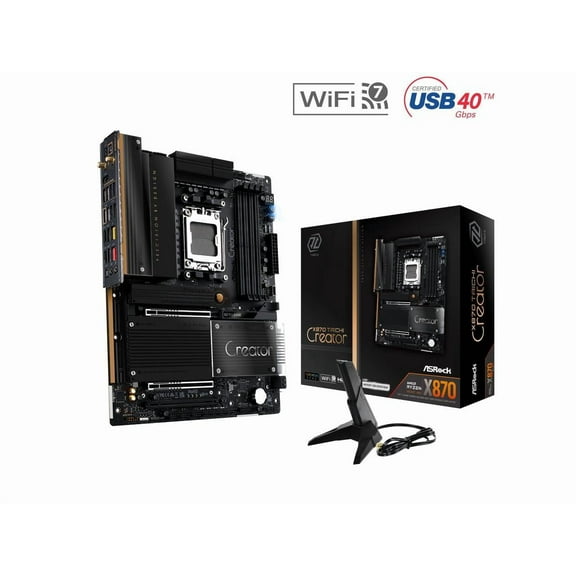 ASRock X870 TAICHI CREATOR AM5 AMD X870 ATX Motherboard$319.99current price $319.99
ASRock X870 PRO RS AM5 AMD X870 SATA 6Gb/s ATX Motherboard
 ASRock X870 PRO RS AM5 AMD X870 SATA 6Gb/s ATX Motherboard$149.99current price $149.99
Aorus Z790 ELITE AX Desktop Motherboard - Intel Z790 Chipset - Socket LGA-1700 - ATX (z790aoruseliteax)
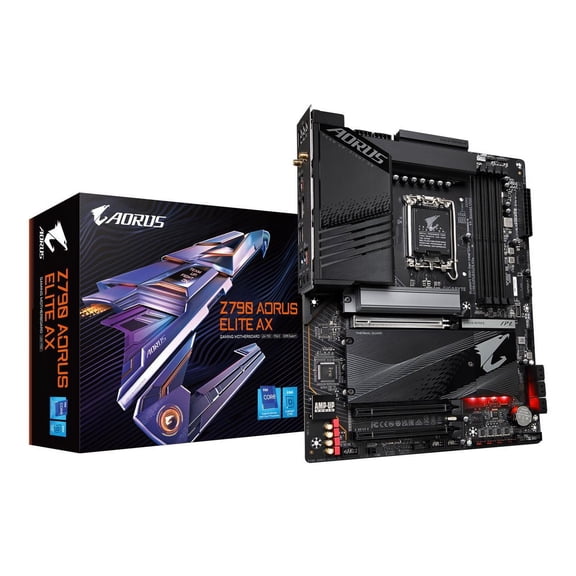 Aorus Z790 ELITE AX Desktop Motherboard - Intel Z790 Chipset - Socket LGA-1700 - ATX (z790aoruseliteax)$169.99current price $169.99
ASRock B760M PRO RS WiFi LGA 1700 Intel B760 Micro ATX Motherboard
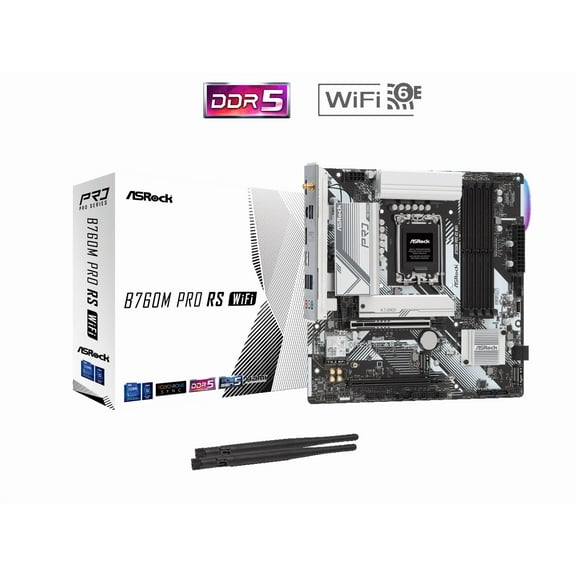 ASRock B760M PRO RS WiFi LGA 1700 Intel B760 Micro ATX Motherboard$109.99current price $109.99
ASRock B650M Pro RS WiFi AM5 AMD B650 Micro ATX Motherboard
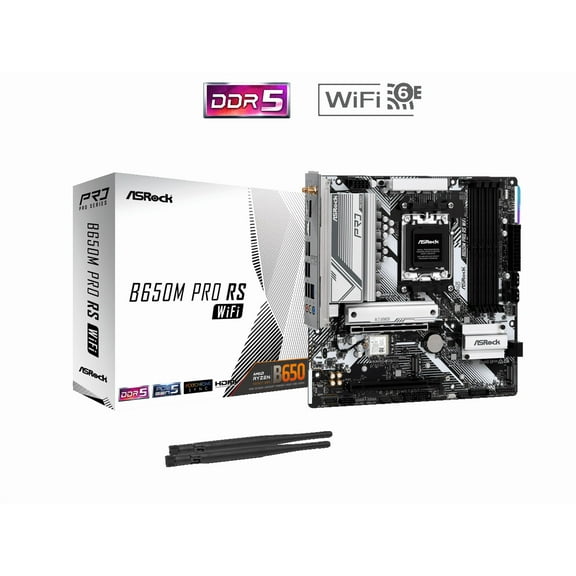 ASRock B650M Pro RS WiFi AM5 AMD B650 Micro ATX Motherboard$109.99current price $109.99
ASRock B650M PRO RS AM5 AMD B650 SATA 6Gb/s Micro ATX Motherboard
 ASRock B650M PRO RS AM5 AMD B650 SATA 6Gb/s Micro ATX Motherboard$139.99current price $139.99
Aorus Ultra Durable Z890 AORUS MASTER AI TOP Gaming Desktop Motherboard - Intel Z890 Chipset - Socket LGA-1851 - Extended ATX (z890aorusmasteraitop)
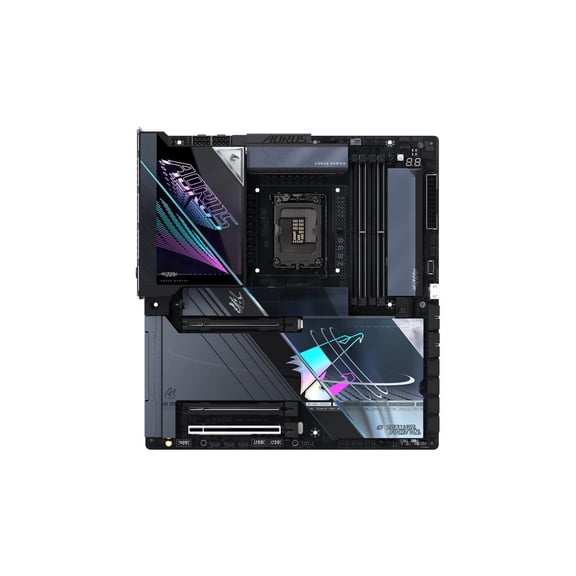 Aorus Ultra Durable Z890 AORUS MASTER AI TOP Gaming Desktop Motherboard - Intel Z890 Chipset - Socket LGA-1851 - Extended ATX (z890aorusmasteraitop)$499.99current price $499.99
GIGABYTE B760I AORUS PRO LGA 1700 Intel B760 DDR5 SATA 6Gb/s Mini ITX Motherboard
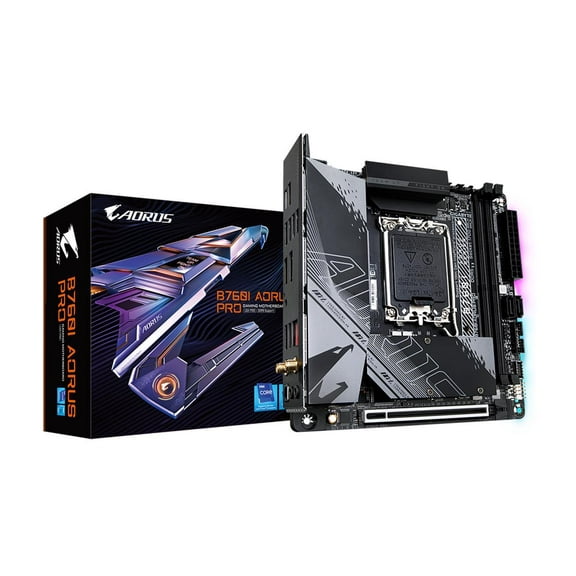 GIGABYTE B760I AORUS PRO LGA 1700 Intel B760 DDR5 SATA 6Gb/s Mini ITX Motherboard$219.99current price $219.99
GIGABYTE Z890 AORUS MASTER Ultra Core (Series 2) LGA 1851, ATX, DDR5, 5x M.2, PCIe 5.0, Thunderbolt 4, WIFI7, 10GbE LAN, EZ-Latch
 GIGABYTE Z890 AORUS MASTER Ultra Core (Series 2) LGA 1851, ATX, DDR5, 5x M.2, PCIe 5.0, Thunderbolt 4, WIFI7, 10GbE LAN, EZ-Latch$289.99current price $289.99
ASRock B860 Steel Legend WiFi LGA 1851 Intel B860 SATA 6Gb/s DDR5 ATX Motherboard
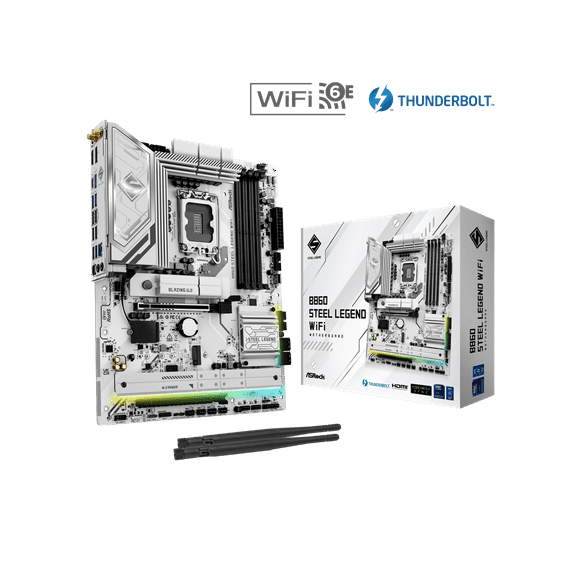 ASRock B860 Steel Legend WiFi LGA 1851 Intel B860 SATA 6Gb/s DDR5 ATX Motherboard$196.99current price $196.99