Supermicro Server(153)
Uses item details. Price when purchased online
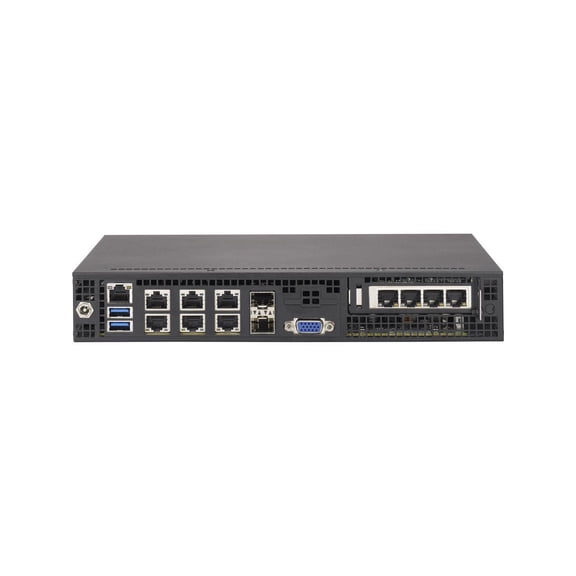
Supermicro CSE-E300 Flex-ATX Chassis $192.68
$19268
current price $192.68Supermicro CSE-E300 Flex-ATX Chassis
Supermicro CSE-747BTQ-R2K04B 4U Chassis $1,824.77

$1,82477
current price $1,824.77Supermicro CSE-747BTQ-R2K04B 4U Chassis
Supermicro SYS5016IMTHF 1U Rackmount Server Chassis LGA1156 Support 350W PSU SATA Drive Bays $971.18
$97118
current price $971.18Supermicro SYS5016IMTHF 1U Rackmount Server Chassis LGA1156 Support 350W PSU SATA Drive Bays
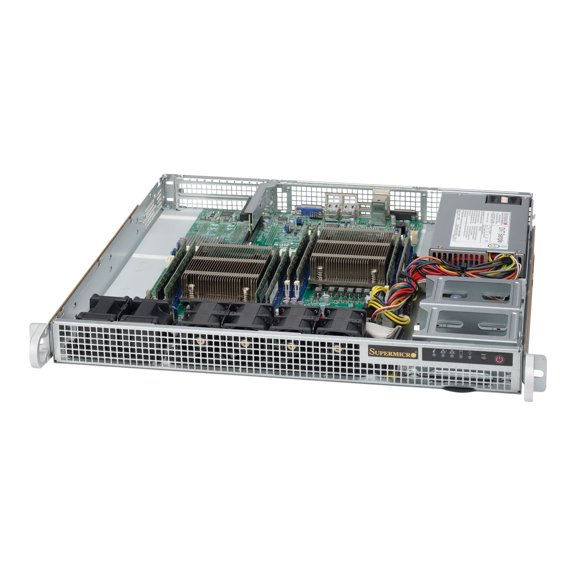
Supermicro SuperChassis CSE-514-505 500W 1U Rackmount Server Chassis (No Paint) $388.81
$38881
current price $388.81Supermicro SuperChassis CSE-514-505 500W 1U Rackmount Server Chassis (No Paint)
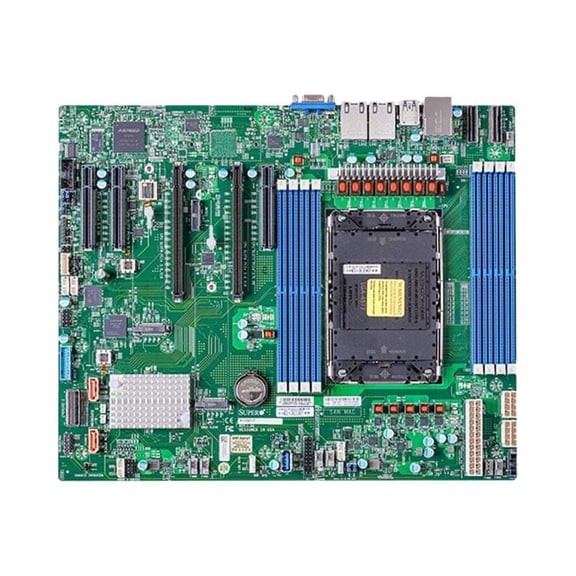
Supermicro Server Motherboard - Intel C741 Chipset - Socket LGA-4677 - Extended ATX (271277) $798.73
$79873
current price $798.73Supermicro Server Motherboard - Intel C741 Chipset - Socket LGA-4677 - Extended ATX (271277)
Supermicro CSE-512F-350B1 Computer Case - Rack-mountable - Black - 1U - 3 x Bay $287.70

$28770
current price $287.70Supermicro CSE-512F-350B1 Computer Case - Rack-mountable - Black - 1U - 3 x Bay
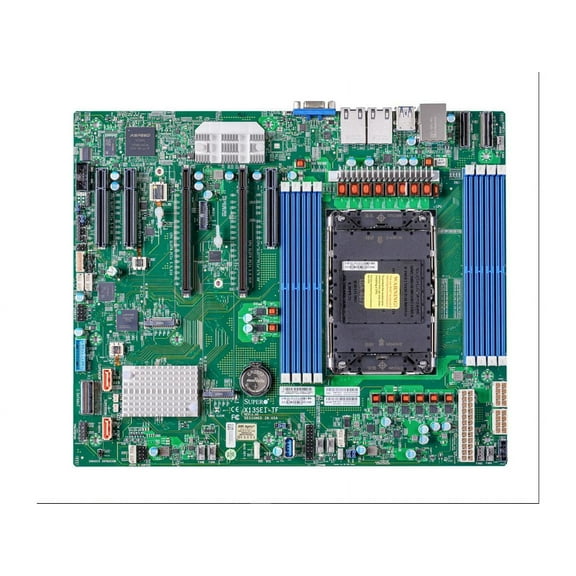
Supermicro X13SEI-TF Server Motherboard, 4th Gen Intel Xeon Scalable processors, Single Socket LGA-4677 (Socket E), CPU TDP supports up to 350W TDP $947.36
$94736
current price $947.36Supermicro X13SEI-TF Server Motherboard, 4th Gen Intel Xeon Scalable processors, Single Socket LGA-4677 (Socket E), CPU TDP supports up to 350W TDP
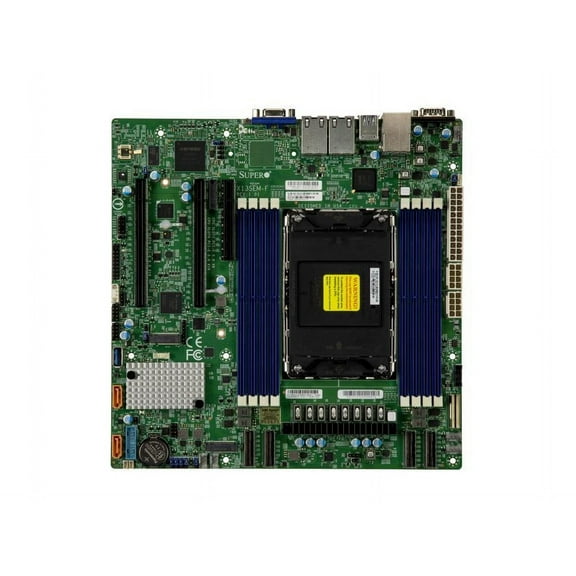
Supermicro MBDX13SEMFO E-ATX Server Motherboard $843.69
$84369
current price $843.69Supermicro MBDX13SEMFO E-ATX Server Motherboard
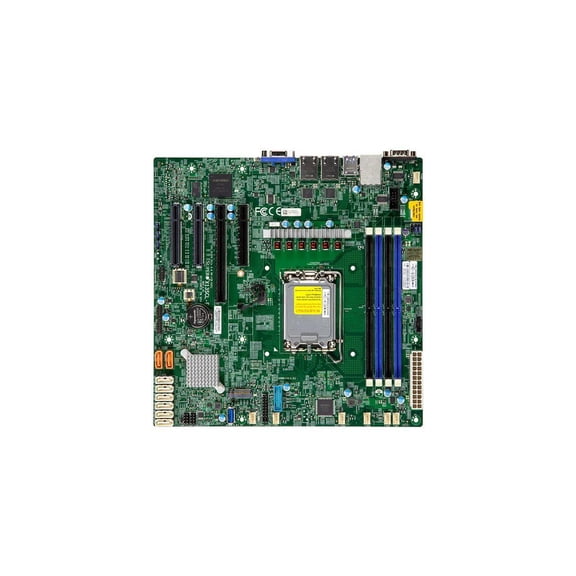
Supermicro MBD-X13SCL-F-O, Intel LGA 1700 Single Socket mATX Server Motherboard $474.34
$47434
current price $474.34Supermicro MBD-X13SCL-F-O, Intel LGA 1700 Single Socket mATX Server Motherboard
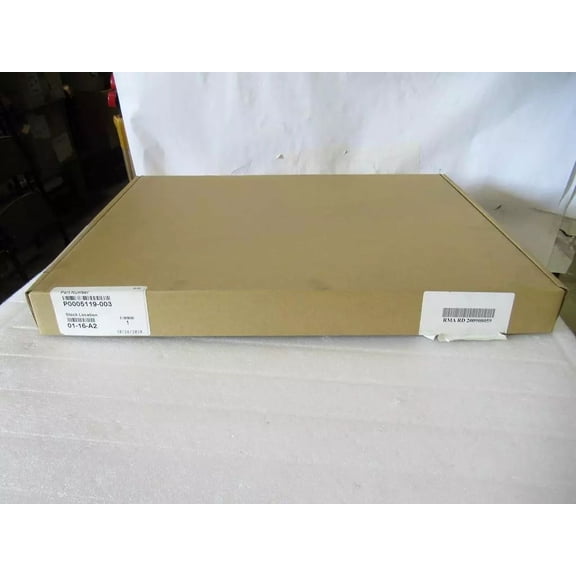
Supermicro X11DPT-P-SG007 Server Motherboard Dual Socket Intel Xeon Scalable, EATX $199.95
$19995
current price $199.95Supermicro X11DPT-P-SG007 Server Motherboard Dual Socket Intel Xeon Scalable, EATX
SUPERMICRO MBD-X13SAZ-F-O Micro ATX Server Motherboard LGA 1700 Intel R680E $710.06

$71006
current price $710.06SUPERMICRO MBD-X13SAZ-F-O Micro ATX Server Motherboard LGA 1700 Intel R680E
Other options to consider(286)
FAQ
What should I look for in a server chassis?
When choosing a server chassis, consider your space, cooling needs, and future expansion.
- Size: Check if you need rackmount or tower style based on your setup.
- Drive Bays: Look for the number and type of bays (SATA, SAS) to match your storage requirements.
- Power Supply: Make sure the wattage supports your planned hardware.
- Cooling: Adequate fans and airflow are important for reliability.
How do I know if a motherboard fits my server?
To check motherboard compatibility, start by matching the form factor (like ATX, Micro ATX, or Mini ITX) with your server chassis.
- Socket Type: Make sure the CPU socket matches your processor.
- RAM Support: Look for the right memory type and maximum capacity.
- Expansion Slots: Confirm there are enough PCIe slots for your needs.
Can I upgrade storage in these servers?
Most servers allow you to upgrade storage, but it's important to check the available drive bays and supported interfaces (like SATA or SAS).
- Hot-Swap Bays: Some models offer hot-swap bays for easy upgrades without downtime.
- Capacity: Review the maximum supported drive size and number.
- Compatibility: Make sure new drives match the server's interface and power requirements.
What’s the difference between rackmount and tower servers?
Rackmount servers are designed to fit into standard racks, making them ideal for data centers or businesses with multiple servers.
- Space Saving: Rackmounts stack neatly and save floor space.
- Cooling: They often have enhanced cooling for dense setups.
- Accessibility: Towers are easier to move and set up.
- Expansion: They usually offer more room for upgrades.
How do I keep my server running smoothly?
Regular maintenance helps keep your server reliable.
- Clean Dust: Use compressed air to clear vents and fans.
- Monitor Performance: Check system logs and hardware health regularly.
- Update Firmware: Keep BIOS and drivers up to date for security and stability.
- Backup Data: Schedule frequent backups to protect your information.
Popular in Supermicro Server Systems and Components
Related Products
Dell OptiPlex 7050 Motherboard with LGA1151, Q270, 2×DDR4 – D24M8
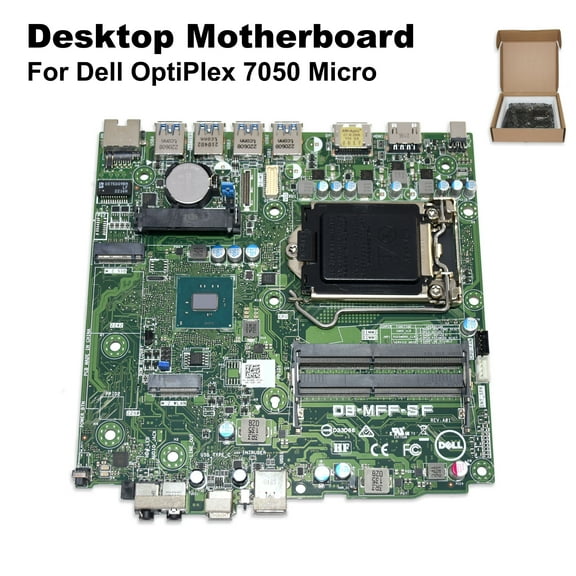 Dell OptiPlex 7050 Motherboard with LGA1151, Q270, 2×DDR4 – D24M8$18.99current price $18.99
Gigabyte Ultra Durable B760M DS3H AX DDR4 Desktop Motherboard - Intel B760 Chipset - Socket LGA-1700 - Micro ATX (b760mds3haxddr4)
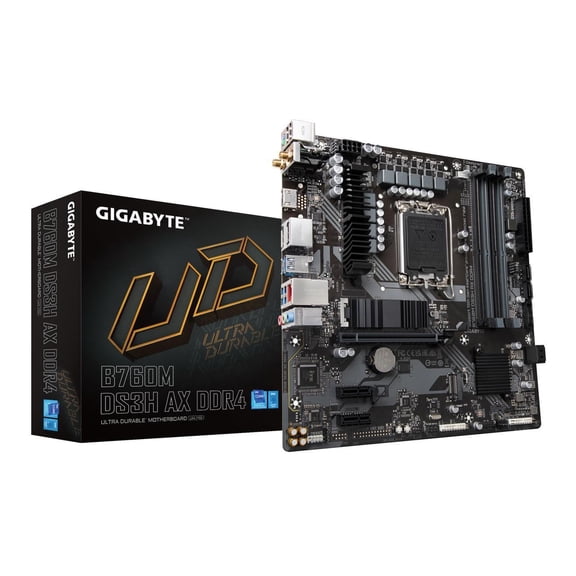 Gigabyte Ultra Durable B760M DS3H AX DDR4 Desktop Motherboard - Intel B760 Chipset - Socket LGA-1700 - Micro ATX (b760mds3haxddr4)$142.98current price $142.98
aaawave 12GPU Open Frame Mining Rig Frame Chassis for Crypto Coin Currency Mining ETH LTH Zcash
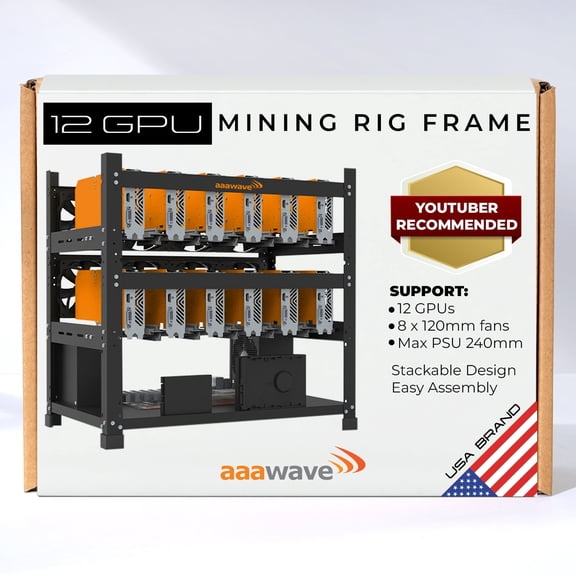 aaawave 12GPU Open Frame Mining Rig Frame Chassis for Crypto Coin Currency Mining ETH LTH Zcash$79.99current price $79.99
ASRock Rack EC266D4ID-2T/X550 Deep mini-ITX Server Motherboard
 ASRock Rack EC266D4ID-2T/X550 Deep mini-ITX Server Motherboard$530.49current price $530.49
X99 PR9 Motherboard LGA 2011-3 Set Kit Supports 4X DDR4 RAM M.2/NVME M.2 with E5 2666v3 CPU Processor
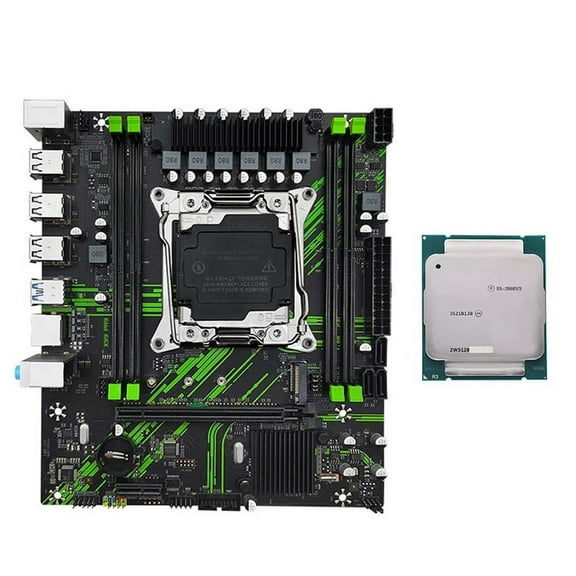 X99 PR9 Motherboard LGA 2011-3 Set Kit Supports 4X DDR4 RAM M.2/NVME M.2 with E5 2666v3 CPU Processor$98.19current price $98.19
AM4 CPU Backplate Excellent Heat Dissipation, Easy Replacement for Motherboards for AMD Socket AM4
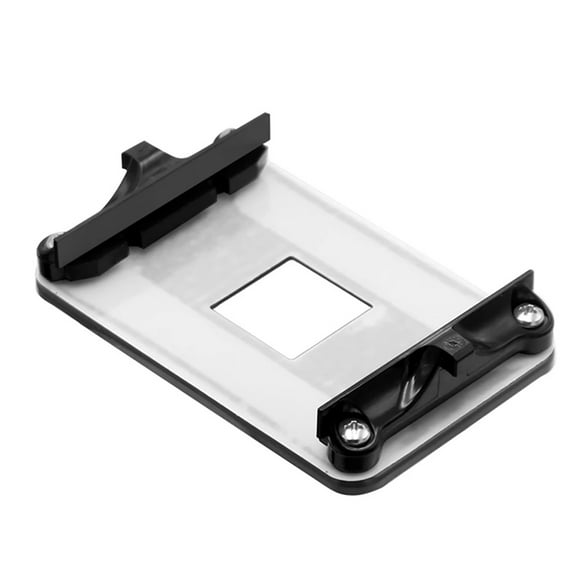 AM4 CPU Backplate Excellent Heat Dissipation, Easy Replacement for Motherboards for AMD Socket AM4$11.91current price $11.91
Pre-Owned Used Dell TTDMJ Optiplex 3040 LGA 1151/Socket H4 DDR3L SDRAM Desktop Motherboard
 Pre-Owned Used Dell TTDMJ Optiplex 3040 LGA 1151/Socket H4 DDR3L SDRAM Desktop Motherboard$19.79current price $19.79
Silverstone Tek 90 Degree Motherboard Mounting SSI-CEB/ATX/Micro-ATX Computer Case RV05B
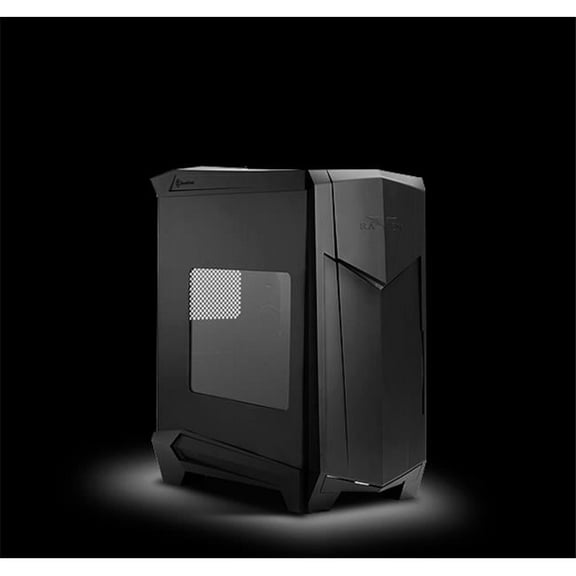 Silverstone Tek 90 Degree Motherboard Mounting SSI-CEB/ATX/Micro-ATX Computer Case RV05B$82.42current price $82.42
Supermicro X13SAE Workstation Motherboard - Intel W680 Chipset - Socket LGA-1700 - ATX (261602)
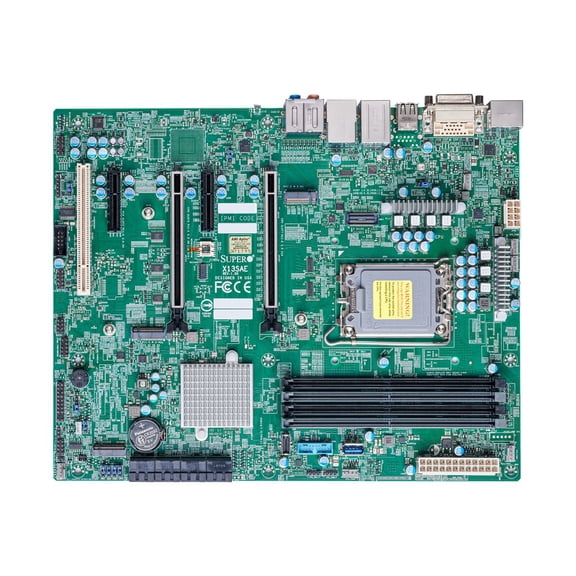 Supermicro X13SAE Workstation Motherboard - Intel W680 Chipset - Socket LGA-1700 - ATX (261602)$462.43current price $462.43
2X X79G LGA2011 Motherboard+E5 2670 V2 CPU+4X4G DDR3 RAM+Thermal Grease+ Cable Support M.2 NVME PCIE X16 USB2.0
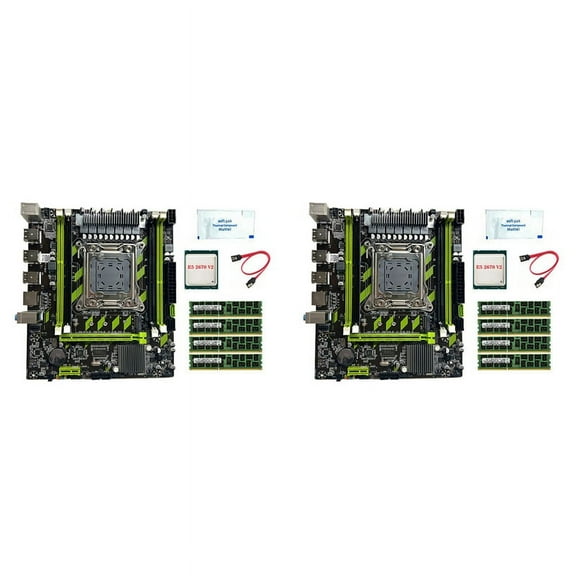 2X X79G LGA2011 Motherboard+E5 2670 V2 CPU+4X4G DDR3 RAM+Thermal Grease+ Cable Support M.2 NVME PCIE X16 USB2.0$208.08current price $208.08
Genuine Dell Optiplex XE Series Intel Socket LGA775 Desktop Motherboard YMVJ6 US Intel LGA775 Motherboards
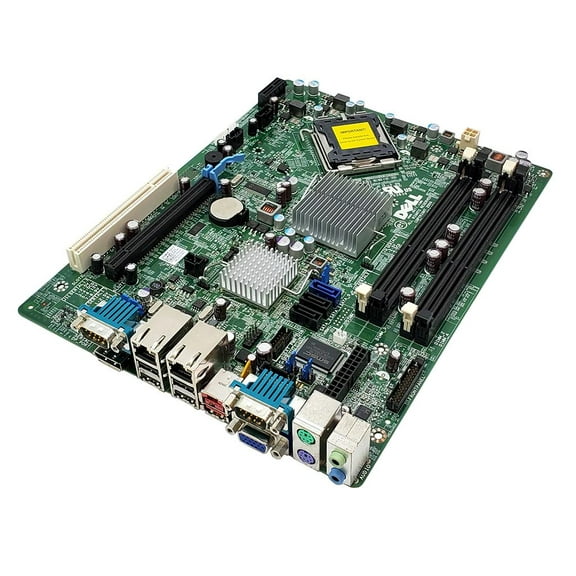 Genuine Dell Optiplex XE Series Intel Socket LGA775 Desktop Motherboard YMVJ6 US Intel LGA775 Motherboards$45.44current price $45.44