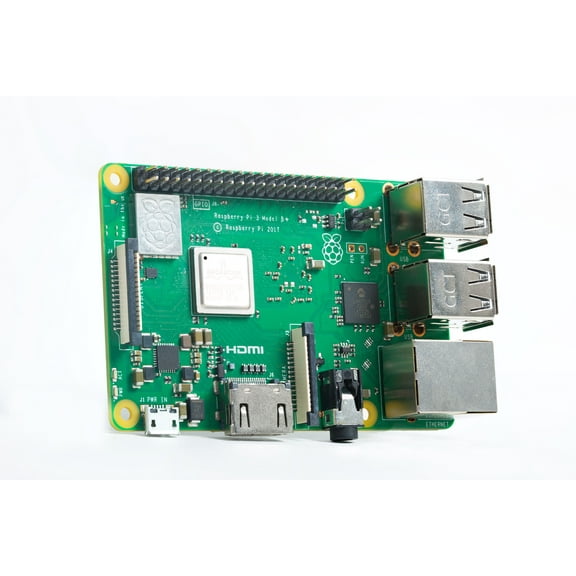
Supermicro Cse(3)
Supermicro SC101S - ultra small form factor - mini ITX $104.21
Supermicro SC101S - ultra small form factor - mini ITX
Supermicro CSE-512F-350B1 Computer Case - Rack-mountable - Black - 1U - 3 x Bay $287.70

Supermicro CSE-512F-350B1 Computer Case - Rack-mountable - Black - 1U - 3 x Bay
Supermicro SuperChassis CSE-721TQ-350B2 Mini ITX Mini Tower, 4 x 3.5" Hotswap Bays $388.16
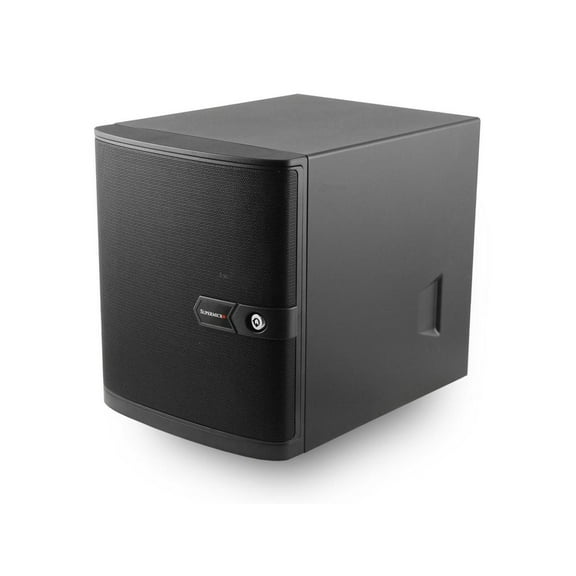
Supermicro SuperChassis CSE-721TQ-350B2 Mini ITX Mini Tower, 4 x 3.5" Hotswap Bays
Other options to consider(65)
Supermicro SNK-P0046P - processor cooler - 1U $12.99
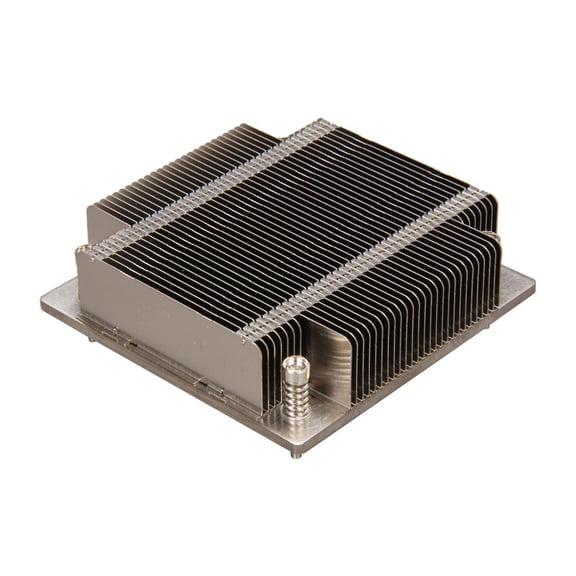
Supermicro SNK-P0046P - processor cooler - 1U
Lian-Li A3-mATX M-ATX Micro Tower Computer Case, Wood/Black $89.99
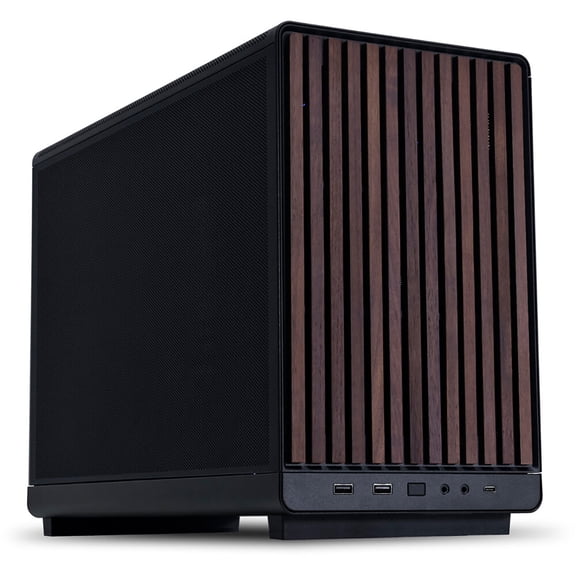
Lian-Li A3-mATX M-ATX Micro Tower Computer Case, Wood/Black
SUPERMICRO CSE-PT26L-B 4U Chassis Rail Kit - Bulk packaging - $76.39
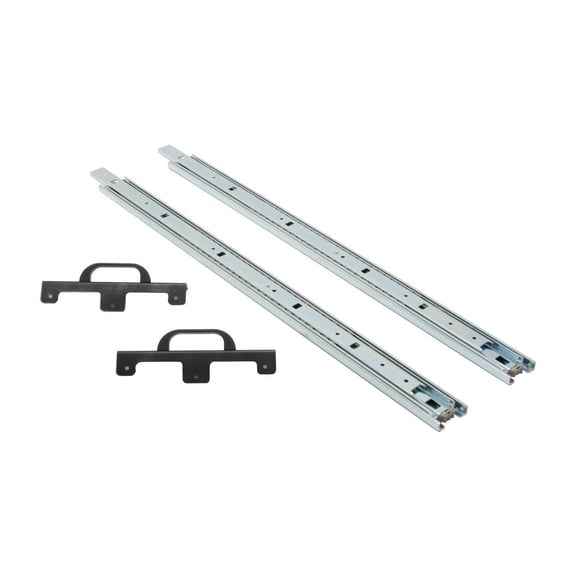
SUPERMICRO CSE-PT26L-B 4U Chassis Rail Kit - Bulk packaging -
MSI MAG PANO M100R PZ White Micro-ATX PC Case - Supports Back-Connect Motherboard, 4 ARGB Fans, Lighting Hub, GPU Support Stand, Dust Filters, USB Type-C (20Gbps), 270-degree Panoramic Display $89.99

MSI MAG PANO M100R PZ White Micro-ATX PC Case - Supports Back-Connect Motherboard, 4 ARGB Fans, Lighting Hub, GPU Support Stand, Dust Filters, USB Type-C (20Gbps), 270-degree Panoramic Display
Supermicro FAN 0100L4 - case fan $32.49 Was $47.93
Supermicro FAN 0100L4 - case fan
SILVERSTONE Black Aluminum skin reinforced plastic front panel, 0.8mm SECC body MILO Series ML03B Micro ATX Media Center / HTPC Case $96.99
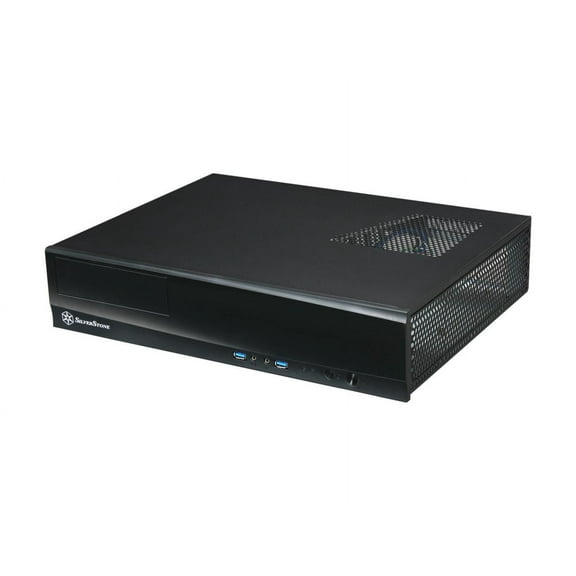
SILVERSTONE Black Aluminum skin reinforced plastic front panel, 0.8mm SECC body MILO Series ML03B Micro ATX Media Center / HTPC Case
Supermicro MBD-X13SCL-F-O, Intel LGA 1700 Single Socket mATX Server Motherboard $474.34
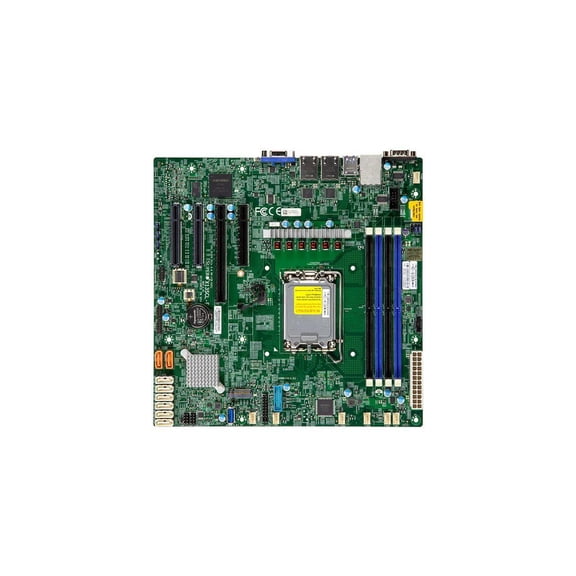
Supermicro MBD-X13SCL-F-O, Intel LGA 1700 Single Socket mATX Server Motherboard
SilverStone Case Storage Series CS381 SST-CS381B Black Steel / Plastic Micro ATX / Mini-ITX Computer Case Support SFX / SFX-L (sold separately) Power Supply $378.99

SilverStone Case Storage Series CS381 SST-CS381B Black Steel / Plastic Micro ATX / Mini-ITX Computer Case Support SFX / SFX-L (sold separately) Power Supply
Fan-0065L4 1U 40X40X28 Mm 4Pin Pwm Fan For Sc813Mf/ Sc113M Chassis $37.99
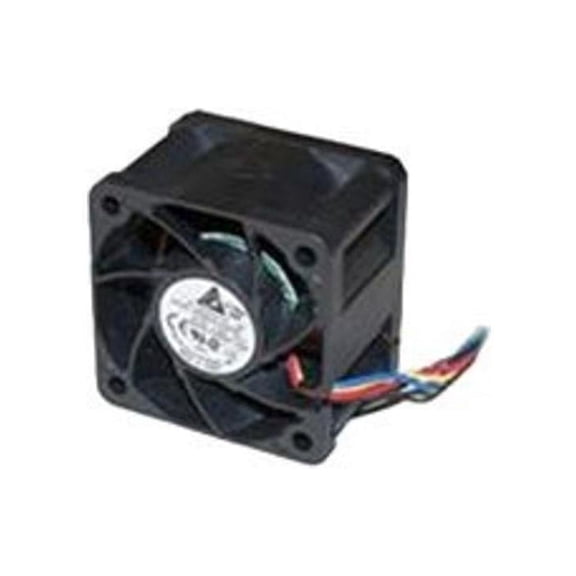
Fan-0065L4 1U 40X40X28 Mm 4Pin Pwm Fan For Sc813Mf/ Sc113M Chassis
MSI PANO M100R PZ Micro-ATX Computer Case, Black $89.99
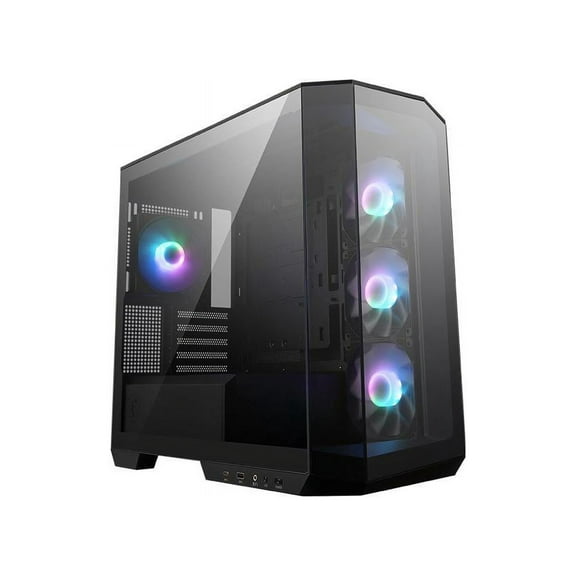
MSI PANO M100R PZ Micro-ATX Computer Case, Black
Supermicro SNK-P0015A4 - processor heatsink - 2U $18.99

Supermicro SNK-P0015A4 - processor heatsink - 2U
Supermicro FAN 0088L4 - Case fan - 40 mm - for SC515 280UB $85.29

Supermicro FAN 0088L4 - Case fan - 40 mm - for SC515 280UB
Supermicro MCP-310-50501-0B Mylar Air Shroud for SC504/505 X10SDV HF RoHS/REAC Brown Box $43.09

Supermicro MCP-310-50501-0B Mylar Air Shroud for SC504/505 X10SDV HF RoHS/REAC Brown Box
SuperMicro FAN-0104L4 80mm Cooling Fan/Heatsink $47.99
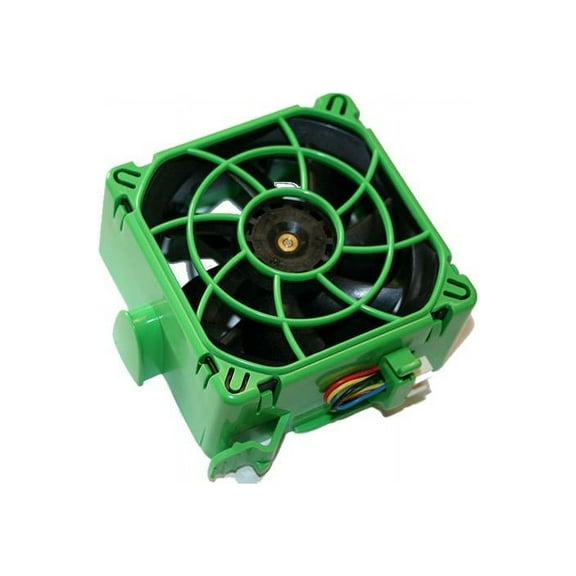
SuperMicro FAN-0104L4 80mm Cooling Fan/Heatsink
Schroff CompacPro 19" 6U Aluminum Desktop Open Case 14575-477 $389.99
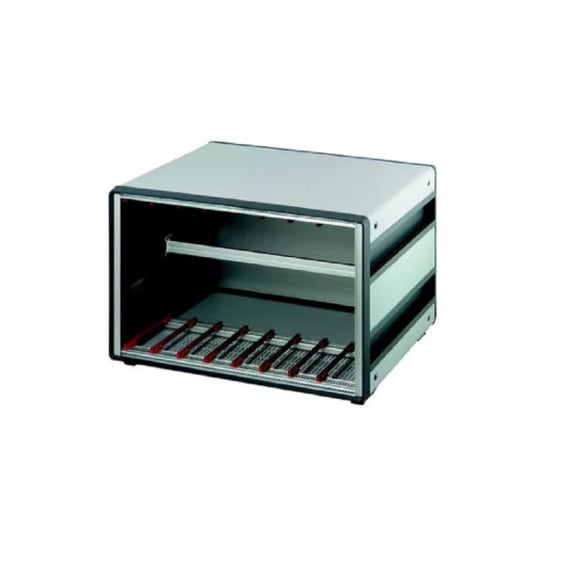
Schroff CompacPro 19" 6U Aluminum Desktop Open Case 14575-477
Computer Case SKTC A10 Mini Desktop HTPC Computer Case for MATX 24X24 Motherboard Small 1U 7.3L Computer Case $112.83
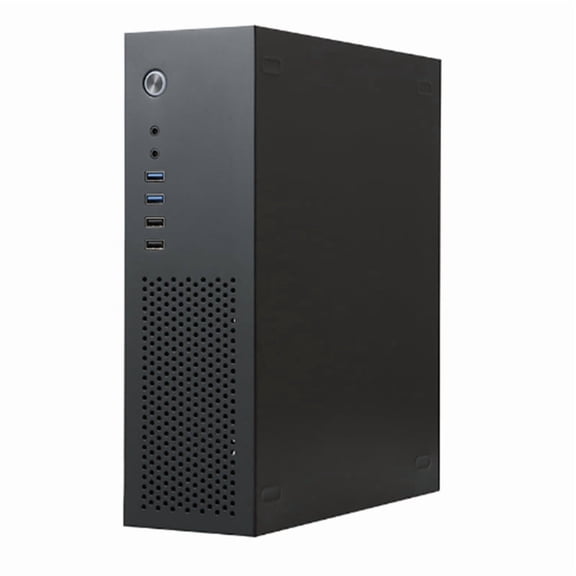
Computer Case SKTC A10 Mini Desktop HTPC Computer Case for MATX 24X24 Motherboard Small 1U 7.3L Computer Case
Supermicro Accessory Rail Kit $123.15
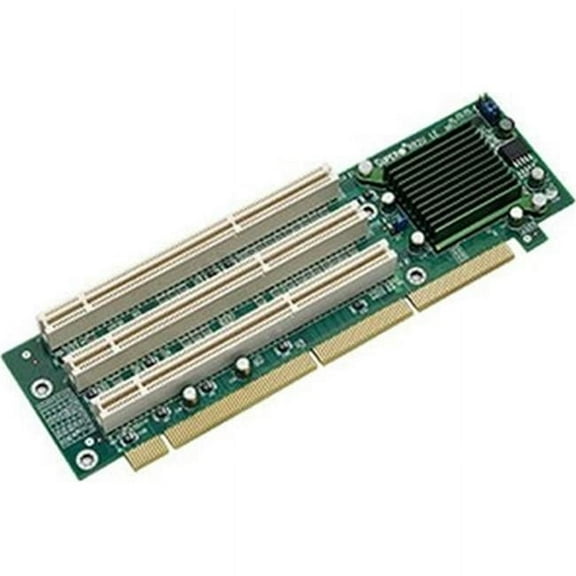
Supermicro Accessory Rail Kit
Micro-ITX Case PC Case SKTC A17 SGCC Computer Case Support Micro-ITX Mini PC Silver $103.15

Micro-ITX Case PC Case SKTC A17 SGCC Computer Case Support Micro-ITX Mini PC Silver
FAQ
How do I pick the right computer case size?
Choosing the right computer case size depends on your motherboard and how much space you need for components like storage drives and cooling fans.
- Check your motherboard type (Micro-ATX, Mini-ITX, etc.) to make sure it fits the case.
- Think about future upgrades—if you want to add more drives or bigger cooling systems, you might want a larger case.
- Consider your workspace and how much room you have for the case.
Looking at the specs and comparing them with your current or planned components can help you find a case that fits your needs.
What features help with cooling in a computer case?
Good cooling in a computer case can help your system run efficiently and last longer. Here are some features to look for:
- Multiple fan mounts or included fans for better airflow.
- Support for radiators if you plan to use liquid cooling.
- Mesh panels or vents to allow more air circulation.
- Clear internal layouts so air can move freely around your components.
Reading the case details can give you a sense of how well it supports cooling solutions for your setup.
Can I swap out the fans in my case?
Most computer cases let you swap out or add fans, depending on the fan size and mounting options the case supports.
- Check the case specs for supported fan sizes and locations (for example, 120mm or 140mm fans).
- Look for easy-access panels or tool-less designs that make changing fans simpler.
- Be sure to match the power connectors on your fans with those on your motherboard or power supply.
Upgrading or replacing fans can help improve airflow or reduce noise, depending on your preference.
How do I keep the case looking clean?
Keeping your computer case clean helps maintain its appearance and its performance. Here are a few tips:
- Wipe down tempered glass panels and metal surfaces with a soft, dry cloth to prevent scratches.
- Clean dust filters regularly to keep airflow strong and components dust-free.
- Keep food and drinks away from your setup to avoid spills.
Regular cleaning can help your case stay looking new and run more smoothly over time.
Are hotswap bays useful for home setups?
Hotswap bays let you change out storage drives without opening the case or powering down your system. They can be handy for:
- Backing up data to separate drives quickly.
- Switching between work and personal drives.
- Testing multiple drives easily, if you do a lot of upgrades or troubleshooting.
For most home users, hotswap bays aren't essential, but they're a great convenience if you swap drives often or work with lots of data.
Popular in Supermicro CSE PC Cases and Server Chassis Electronics
Related Products
Gigabyte Ultra Durable B760M DS3H AX DDR4 Desktop Motherboard - Intel B760 Chipset - Socket LGA-1700 - Micro ATX (b760mds3haxddr4)
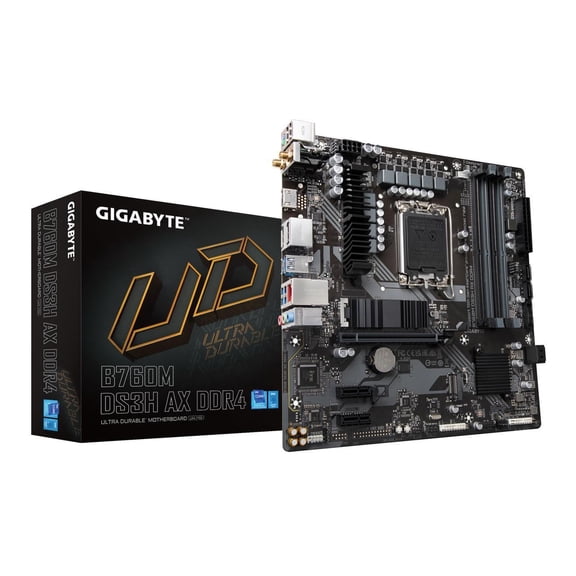 Gigabyte Ultra Durable B760M DS3H AX DDR4 Desktop Motherboard - Intel B760 Chipset - Socket LGA-1700 - Micro ATX (b760mds3haxddr4)$143.98current price $143.98
ASRock B850 PRO RS AM5 AMD B850 ATX Motherboard
 ASRock B850 PRO RS AM5 AMD B850 ATX Motherboard$177.99current price $177.99
ASRock Z890 Taichi LGA 1851 Intel Z890 SATA 6Gb/s ATX Motherboard
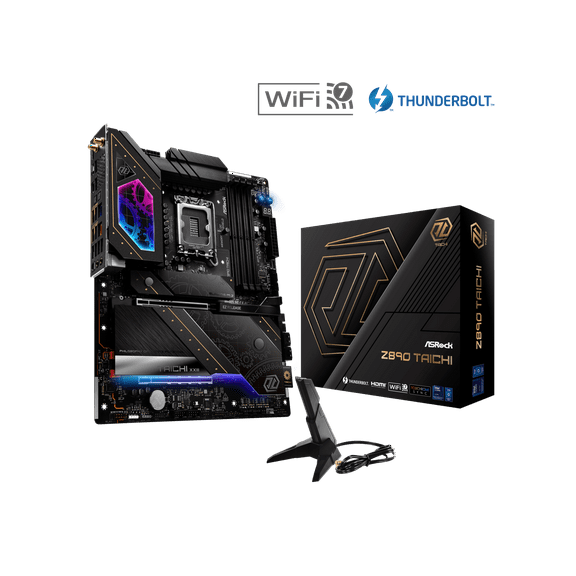 ASRock Z890 Taichi LGA 1851 Intel Z890 SATA 6Gb/s ATX Motherboard$455.99current price $455.99
GIGABYTE Z890 AORUS MASTER Ultra Core (Series 2) LGA 1851, ATX, DDR5, 5x M.2, PCIe 5.0, Thunderbolt 4, WIFI7, 10GbE LAN, EZ-Latch
 GIGABYTE Z890 AORUS MASTER Ultra Core (Series 2) LGA 1851, ATX, DDR5, 5x M.2, PCIe 5.0, Thunderbolt 4, WIFI7, 10GbE LAN, EZ-Latch$289.99current price $289.99
ASRock X870 PRO RS AM5 AMD X870 SATA 6Gb/s ATX Motherboard
 ASRock X870 PRO RS AM5 AMD X870 SATA 6Gb/s ATX Motherboard$149.99current price $149.99
ASRock X870 TAICHI CREATOR AM5 AMD X870 ATX Motherboard
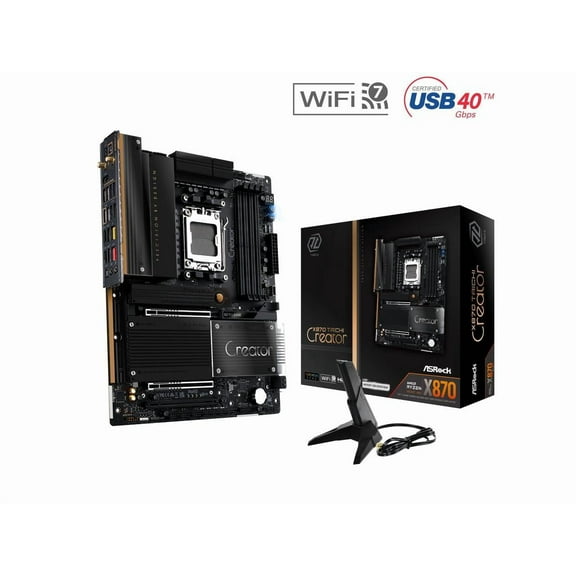 ASRock X870 TAICHI CREATOR AM5 AMD X870 ATX Motherboard$319.99current price $319.99
Supermicro X13SAE Workstation Motherboard - Intel W680 Chipset - Socket LGA-1700 - ATX (261602)
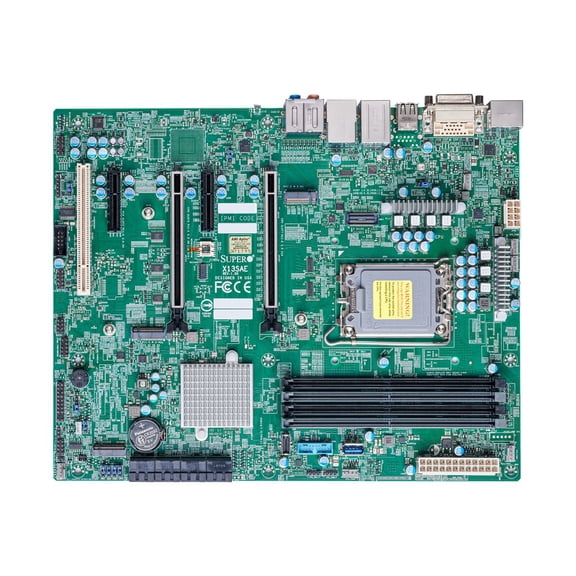 Supermicro X13SAE Workstation Motherboard - Intel W680 Chipset - Socket LGA-1700 - ATX (261602)$462.43current price $462.43
Asrock Q270 PRO BTC+ Mining Board Intel 1151 ATX DDR4 Motherboard Model (90-MXBHM0-A0UAYZ)
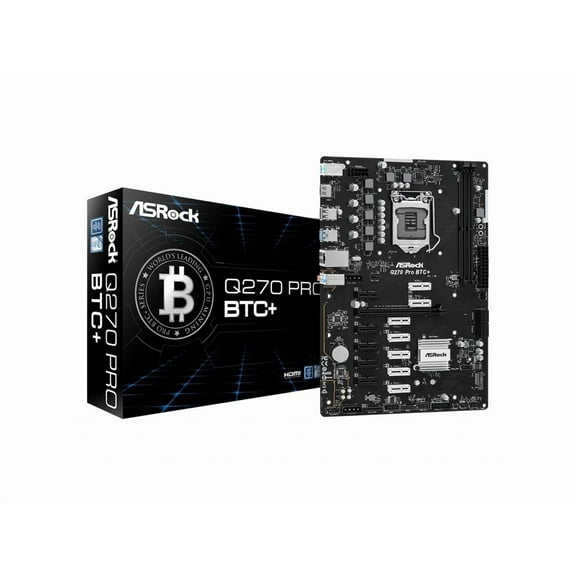 Asrock Q270 PRO BTC+ Mining Board Intel 1151 ATX DDR4 Motherboard Model (90-MXBHM0-A0UAYZ)$115.90current price $115.90
X99 PR9 Motherboard LGA 2011-3 Set Kit Supports 4X DDR4 RAM M.2/NVME M.2 with E5 2666v3 CPU Processor
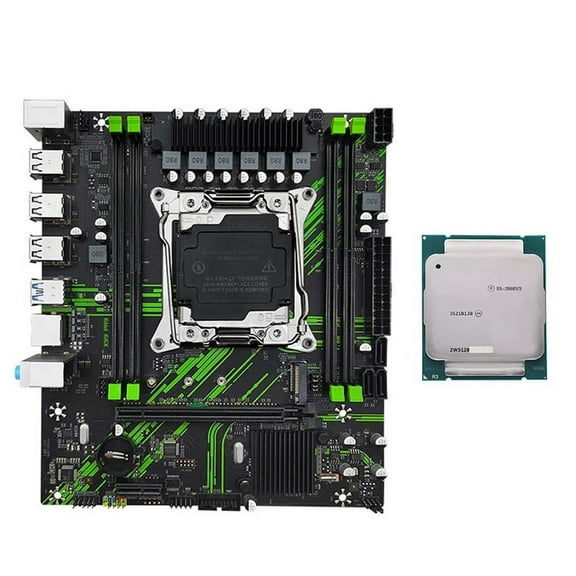 X99 PR9 Motherboard LGA 2011-3 Set Kit Supports 4X DDR4 RAM M.2/NVME M.2 with E5 2666v3 CPU Processor$98.19current price $98.19
GIGABYTE B550M DS3H AC AM4 AMD B550 SATA 6Gb/s Micro ATX AMD Motherboard
 GIGABYTE B550M DS3H AC AM4 AMD B550 SATA 6Gb/s Micro ATX AMD Motherboard$129.99current price $129.99