

Ssl Console(1)
Restored SSL Car In-Dash Unit Apple CarPlay Android Auto 6.75 Inch Double-Din Touchscreen Bluetooth $88.92

Restored SSL Car In-Dash Unit Apple CarPlay Android Auto 6.75 Inch Double-Din Touchscreen Bluetooth
FAQ
How does Apple CarPlay work in a car stereo?
Apple CarPlay lets you connect your compatible smartphone to the car stereo for easy access to apps, navigation, and music. Once you plug in your phone or connect wirelessly, the touchscreen displays familiar icons and lets you control features using voice commands or the screen itself.
- Access navigation, music, and calls directly from the dash.
- Use Siri for hands-free control.
- Enjoy a safer, more streamlined driving experience.
CarPlay helps make your drive more convenient without distracting from the road.
Can I use Android Auto on this touchscreen?
If your car stereo supports Android Auto, you can connect a compatible Android smartphone to use apps, navigation, and messaging on the touchscreen. Typically, you just plug in your phone with a USB cable or connect wirelessly, and the system will display Android Auto's interface.
- Access Google Maps, music, and calls easily.
- Use voice commands for hands-free operation.
- Enjoy a familiar layout designed for driving.
Android Auto helps keep you connected while focusing on the road.
What features does Bluetooth add to a car stereo?
Bluetooth in a car stereo lets you wirelessly connect your smartphone or other devices, opening up several convenient options.
- Stream music directly from your phone.
- Make and receive hands-free calls.
- Access contacts and messages without touching your device.
Bluetooth helps minimize distractions and keeps your favorite tunes and contacts within easy reach.
How do I install a double-din car unit?
Installing a double-din car unit usually involves removing your old stereo, connecting wiring harnesses, and fitting the new unit into the dash. It's important to follow your vehicle's instructions and use the correct mounting kit.
- Disconnect your vehicle's battery before starting.
- Remove the old stereo and note wire connections.
- Connect the new unit's wiring, install the mounting kit, and secure the stereo.
If you're unsure, consider having a professional install it to help avoid issues.
What can I do if the touchscreen isn't responding?
If your car stereo's touchscreen stops responding, there are a few steps you can try to troubleshoot.
- Restart your vehicle and the stereo system.
- Check for any software updates or reset the unit as described in its manual.
- Make sure the screen is clean and free from debris.
If these steps don't work, consult the product's documentation or seek professional assistance for further help.
Popular in SSL Console Electronics for Black Friday Deals
Related Products
Valve Steam Deck 512GB Handheld Gaming Console with Carring case, 16GB RAM, 1280 x 800 OLED Display, Silicone Soft Cover Protector & Joystic Cap & Tempered Glass Film Bundle
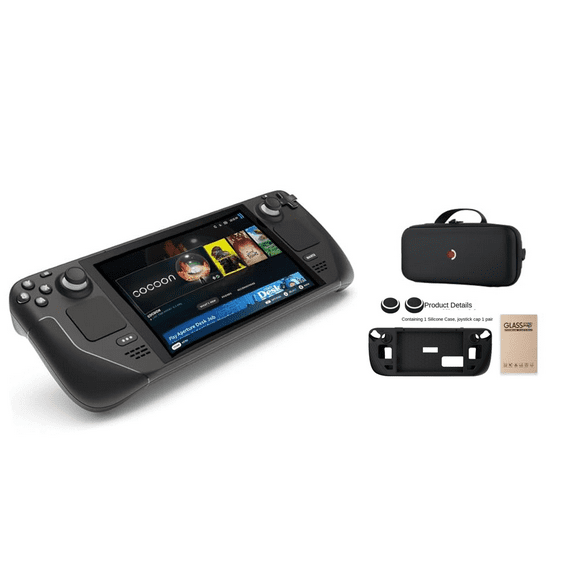 Valve Steam Deck 512GB Handheld Gaming Console with Carring case, 16GB RAM, 1280 x 800 OLED Display, Silicone Soft Cover Protector & Joystic Cap & Tempered Glass Film Bundle$999.99current price $999.99
Cleaning Kit Compatible With NES (Nintendo Entertainment System) Console And Video Game Cartridges By 1UPcard
 Cleaning Kit Compatible With NES (Nintendo Entertainment System) Console And Video Game Cartridges By 1UPcard$39.99current price $39.99
Valve Steam Deck OLED 512GB,7.4" 1280 x 800px Handheld Gaming Console,16GB RAM 512GB SSD,90Hz,Steam OS 3.0,with 5-in-1 Accessory Kit
 Valve Steam Deck OLED 512GB,7.4" 1280 x 800px Handheld Gaming Console,16GB RAM 512GB SSD,90Hz,Steam OS 3.0,with 5-in-1 Accessory Kit$1499.99current price $1499.99
Valve Steam Deck OLED,7.4" 1280 x 800px Handheld Gaming Console,16GB RAM 512GB SSD,90Hz,Steam OS 3.0,5AVE
 Valve Steam Deck OLED,7.4" 1280 x 800px Handheld Gaming Console,16GB RAM 512GB SSD,90Hz,Steam OS 3.0,5AVE$989.90current price $989.90
Nintendo 64 N64 Console (Black) Bundle with FOUR Controllers
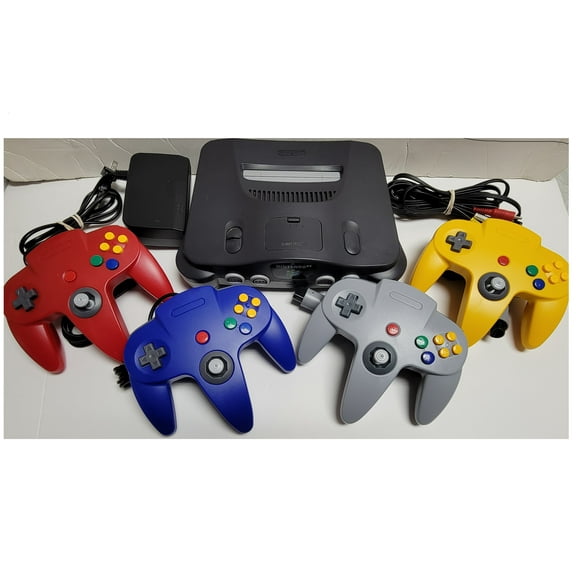 Nintendo 64 N64 Console (Black) Bundle with FOUR Controllers$174.99current price $174.99
Valve Steam Deck OLED 2TB Handheld Gaming Console, 1280 x 800 LCD Touchscreen Display, Bundle Accessories
 Valve Steam Deck OLED 2TB Handheld Gaming Console, 1280 x 800 LCD Touchscreen Display, Bundle Accessories$1449.00current price $1449.00
Sony PlayStation 3 Slim Gaming Console
 Sony PlayStation 3 Slim Gaming Console$199.89current price $199.89
Valve Steam Deck 512GB with Exclusive Carrying Case, Black
 Valve Steam Deck 512GB with Exclusive Carrying Case, Black$999.90current price $999.90
Valve Steam Deck 2TB Upgraded Handheld Gaming Console with Carring case, 16GB RAM, 1280 x 800 OLED Display, Silicone Soft Cover Protector & Joystic Cap & Tempered Glass Film Bundle
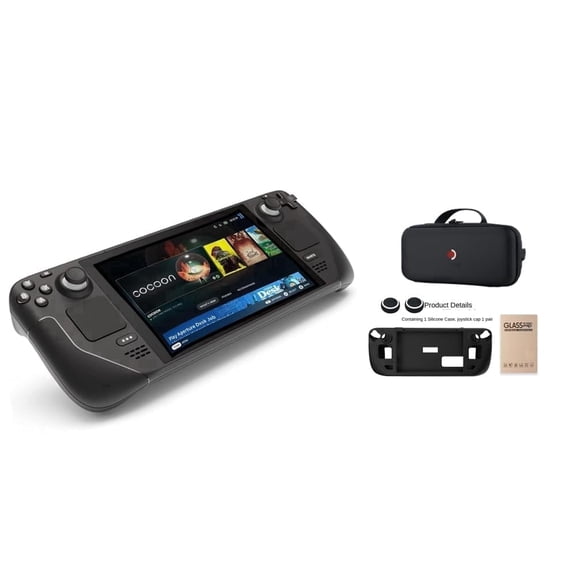 Valve Steam Deck 2TB Upgraded Handheld Gaming Console with Carring case, 16GB RAM, 1280 x 800 OLED Display, Silicone Soft Cover Protector & Joystic Cap & Tempered Glass Film Bundle$1194.18current price $1194.18
Valve Steam Deck OLED 1TB Handheld Gaming Console with VLT 64GB SD Card
 Valve Steam Deck OLED 1TB Handheld Gaming Console with VLT 64GB SD Card$1049.99current price $1049.99
Nintendo GameCube Orange Console - Complete Bundle
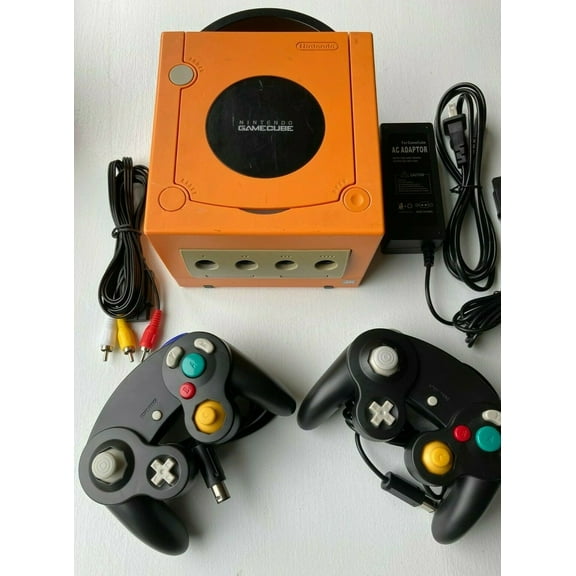 Nintendo GameCube Orange Console - Complete Bundle$189.95current price $189.95
SuperNova HD Console - Authentic SNES & Super Famicom Cartridge Platform with HDMI Output & 2 Controllers
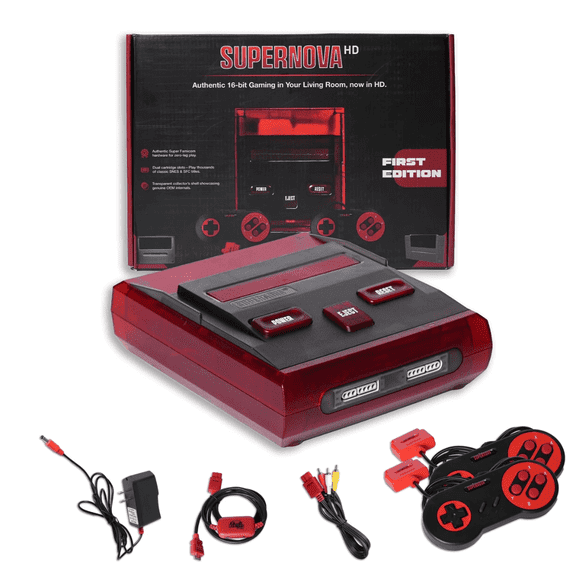 SuperNova HD Console - Authentic SNES & Super Famicom Cartridge Platform with HDMI Output & 2 Controllers$109.97current price $109.97
Sony PlayStation 3 PS3 System Super Slim 250GB
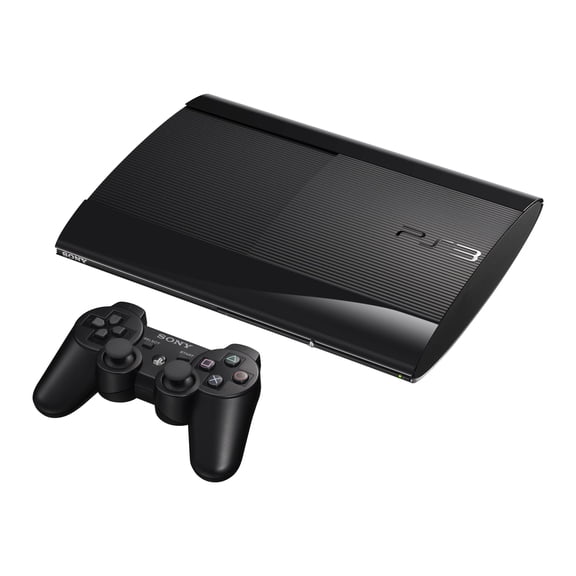 Sony PlayStation 3 PS3 System Super Slim 250GB$199.53current price $199.53
Valve Steam Deck 512GB Handheld Gaming Console, 1280 x 800 LCD Touchscreen Display, with 256GB Micro SD Card
 Valve Steam Deck 512GB Handheld Gaming Console, 1280 x 800 LCD Touchscreen Display, with 256GB Micro SD Card$948.90current price $948.90
Replacement PlayStation 2 Slim Console Only, Black
 Replacement PlayStation 2 Slim Console Only, Black$159.98current price $159.98