

Solid State Drives in Computer Components






About Solid State Drives in Computer Components - Walmart.com
Solid state drives give your PC faster bootups, shorter load screens, and quieter performance than spinning hard drives. This category brings together internal SSD options, SATA models, and compact upgrades that fit everyday laptops, gaming towers, and creative workstations.
Choosing the right drive gets easier when specs are clear. You can compare form factors, storage capacities, and interface types in one place, then check fast delivery or pickup availability for convenient access.
Why solid state drives matter for everyday computing
An SSD changes how your computer feels during daily use. Files open quickly, programs launch with less waiting, and system startup feels smoother from the first click.
These drives also run without spinning platters. That means less mechanical noise inside your desktop or notebook, which suits shared rooms, offices, and study spaces.
Compact designs make upgrades practical for many systems. Whether youu're replacing an older 2.5-inch drive or adding M.2 storage, the category covers common PC setups.
- Faster startup and app loading for school, work, and gaming
- Quiet operation without moving drive components
- Compact storage options for laptops, desktops, and small-form-factor PCs
- Convenient access through shipping and pickup availability
How to compare internal SSD and SATA SSD options
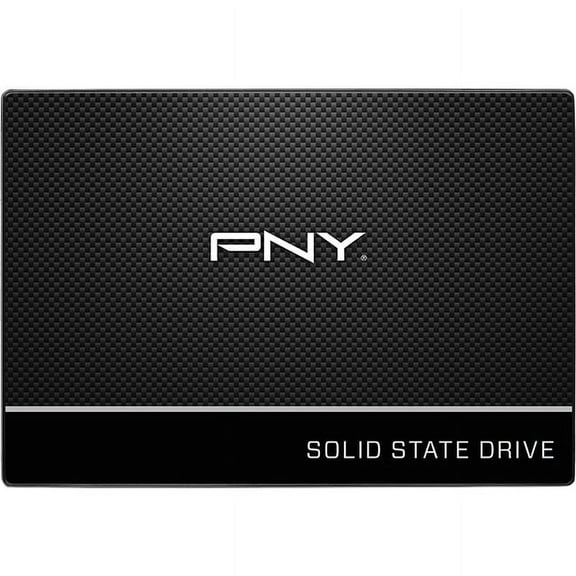
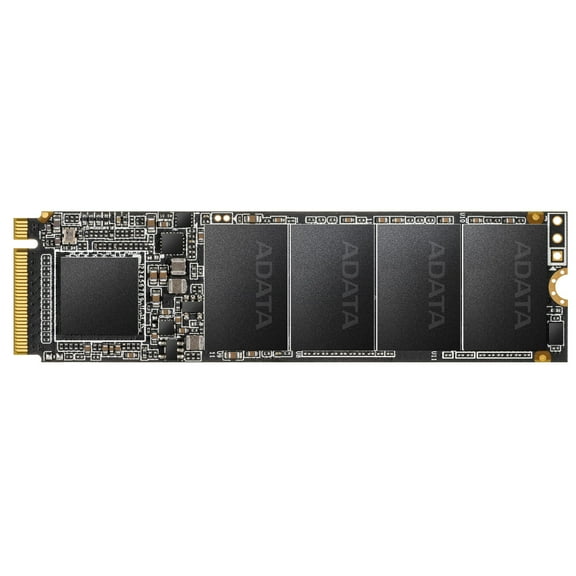
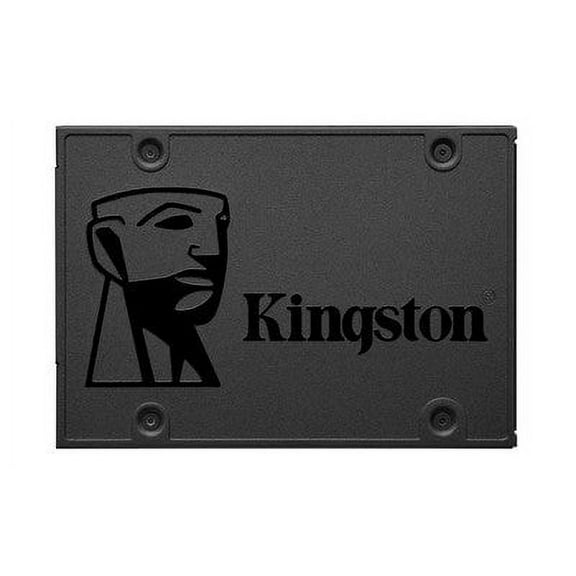
Interface type shapes compatibility and performance. SATA SSD models fit many older desktops and laptops, while NVMe drives use M.2 slots found in many newer motherboards.
Form factor matters before you buy. A 2.5-inch drive often replaces a legacy hard drive, while an M.2 stick installs directly on the motherboard.
Capacity should match your library and workflow. Smaller drives suit operating systems and core apps, while larger options hold game installs, photos, and project files.
Read and write speeds help separate everyday upgrades from performance-focused builds. If youu're building an SSD drive for PC gaming, faster transfer rates can improve file movement and load times.
Shoppers also look at endurance ratings, cache design, and included software tools. Those details can matter when youu're cloning an existing drive or organizing heavy file libraries.
Solid state drives for gaming, work, and content creation
For gaming setups, fast storage helps large titles launch with less waiting. It also supports quicker level loads and smoother patch transfers on many PC builds.
Work-from-home systems benefit from responsive multitasking. Opening spreadsheets, video calls, browser tabs, and presentations feels more fluid when the system drive isnu't holding everything back.
Creative users often need strong file access for large media folders. Internal SSD choices can support photo catalogs, design assets, and active editing projects with snappier performance.
If youu're replacing a laptop drive, slim 2.5-inch and M.2 formats are key details. If youu're updating a desktop tower, motherboard slot support and cable layout matter more.
Many shoppers searching for an ssd for pc also want easy availability. Delivery and pickup options help when you need a compatible drive for a planned install.
Solid state drives available for pickup and fast delivery
Availability matters when your upgrade timeline is short. This page supports shoppers looking for SSD access through shipping choices and store pickup where offered.
That convenience helps with local-intent searches without sacrificing technical detail. You can review internal SSD specs, compare SATA connections, and narrow choices before checkout.
Pickup can be useful when you already know your interface and capacity needs. Fast delivery works well when youu're planning a full build, a repair, or a scheduled upgrade.
Filters also help you sort by brand, storage size, price range, and customer ratings. That makes it easier to find an ssd card for pc setups, home offices, or gaming rooms.
Choose the right SSD for your system
The right drive fits your motherboard, matches your storage goals, and supports the way you use your computer. With clear options for SATA, M.2, and internal upgrades, your next install can deliver a faster, smoother PC experience.