

Soundlogic Xt(7)
SoundLogic XT Light-up Four-in-One Gaming Combo Kit (Keyboard, Mouse, Mouse Pad, Headphones) $36.94
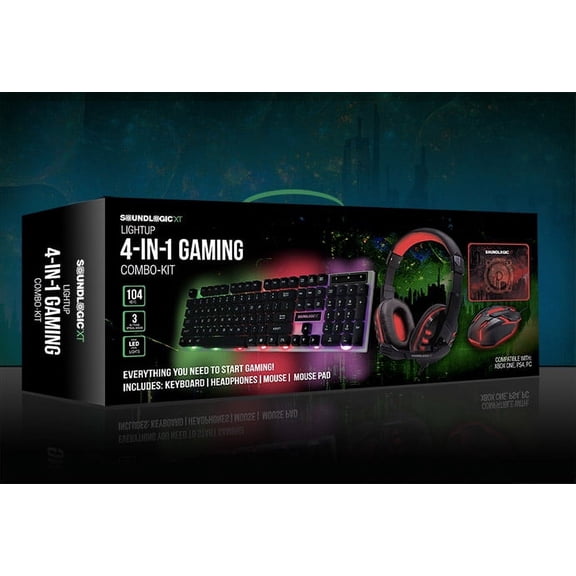
SoundLogic XT Light-up Four-in-One Gaming Combo Kit (Keyboard, Mouse, Mouse Pad, Headphones)
SoundLogic XT Sonar-XT Gaming Headphones $17.95

SoundLogic XT Sonar-XT Gaming Headphones
SOUNDLOGIC XT WATERPROOF BAG FOR SMARTPHONE $9.99

SOUNDLOGIC XT WATERPROOF BAG FOR SMARTPHONE
SoundLogicXT Stereo Earbuds With MiC&Silicon $9.99

SoundLogicXT Stereo Earbuds With MiC&Silicon
SoundLogic XT Mini Capsule Speaker $28.99

SoundLogic XT Mini Capsule Speaker
Sounglogic Sonar-XT Over the Ear Wired Gaming Headphones with LED Lights & Built-in MIC $17.99

Sounglogic Sonar-XT Over the Ear Wired Gaming Headphones with LED Lights & Built-in MIC
SoundLogic XT Track and Find Wireless Key & Valuable Finder Blue
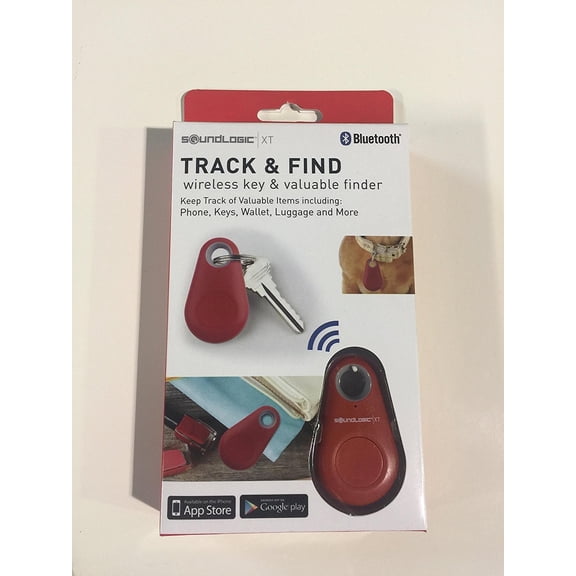
SoundLogic XT Track and Find Wireless Key & Valuable Finder Blue
FAQ
How do I connect my SoundLogic XT device?
Connecting your SoundLogic XT device is usually quick and easy. Here’s a general guide:
- Turn on your SoundLogic XT device and activate Bluetooth pairing mode (often by holding the power button until you see a flashing light).
- On your phone, tablet, or computer, open Bluetooth settings and search for new devices.
- Select your SoundLogic XT from the list. You may hear a sound or see a light confirming the connection.
For wired headphones, just plug the audio jack into your device. If you need more help, check the user manual included with your product.
What does SoundLogic XT mean?
SoundLogic XT is a brand known for making a variety of audio and tech accessories. Their lineup includes items like headphones, wireless earbuds, portable Bluetooth speakers, and even key finders. These products are designed to be easy to use and fit into everyday life, whether you’re gaming, listening to music on the go, or looking for a handy gadget. If you’re shopping for affordable and practical electronics, SoundLogic XT offers a range of options at Walmart.
Can I use Bluetooth speakers with my TV?
Many TVs support Bluetooth, so you can pair them with Bluetooth speakers like those from SoundLogic XT. However, keep in mind that some TVs may have a slight audio delay, especially when watching movies or playing games. It’s a good idea to check your TV’s manual for Bluetooth compatibility and audio settings. If your TV doesn’t have Bluetooth, you might need an adapter. For the best experience, make sure your speaker and TV are close together and free from obstacles that could interfere with the signal.
Are SoundLogic XT headphones good for gaming?
SoundLogic XT offers gaming headphones that feature comfortable ear cushions, built-in microphones, and sometimes LED lights for an immersive experience. These headphones can be a good fit for casual gaming, online chats, or streaming. While they provide essential features for gamers, your experience may vary depending on your specific needs and the games you play. Always check the product details to see if the headphones match your preferred gaming setup and style.
How do I charge my SoundLogic XT speaker?
Charging your SoundLogic XT speaker is simple:
- Locate the charging port, usually a micro-USB or USB-C slot.
- Connect the included charging cable to the speaker and plug the other end into a USB power source, like a wall adapter or computer.
- Most speakers have an indicator light that shows when charging is in progress and when it’s complete.
Charging times can vary, so refer to your product’s manual for details. Always use the recommended cable to help keep your device in good condition.
Popular in SoundLogic XT Electronics Speakers and Headphones
Related Products
Oladance EBOLA06XOGEN02 OWS 2 Wearable Stereo True Wireless In-Ear Headphones - Orange
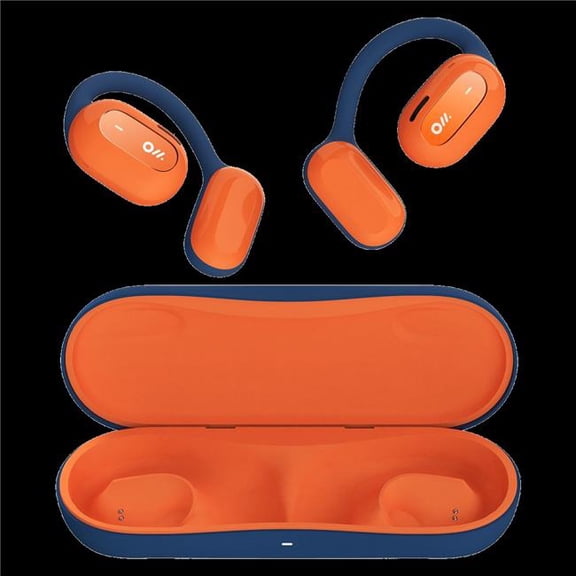 Oladance EBOLA06XOGEN02 OWS 2 Wearable Stereo True Wireless In-Ear Headphones - Orange$165.32current price $165.32
Srhythm Nicecomfort 35 (2nd Gen) Hybrid Noise Cancelling Headphones,Bluetooth 6.0, 5Microphones with ENC, Transparency, Spatial Audio, 140H Playtime, Low Latency, Custom EQ via App
 Srhythm Nicecomfort 35 (2nd Gen) Hybrid Noise Cancelling Headphones,Bluetooth 6.0, 5Microphones with ENC, Transparency, Spatial Audio, 140H Playtime, Low Latency, Custom EQ via App$59.99current price $59.99
Open-Ear Clip Wireless Earbuds Bluetooth 6.0, Adaptive Noise Cancelling Calls, IP58 Waterproof Sweatproof, 50H Playtime, Light Weight Earbuds for Workout Running, Includes Zircon Snake Charm Fashion
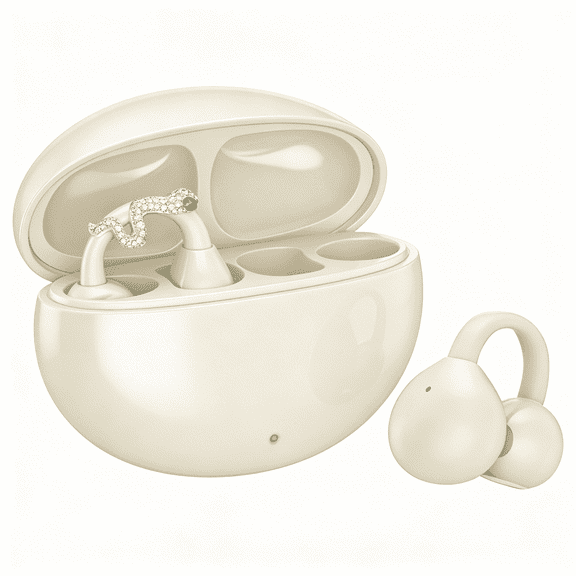 Open-Ear Clip Wireless Earbuds Bluetooth 6.0, Adaptive Noise Cancelling Calls, IP58 Waterproof Sweatproof, 50H Playtime, Light Weight Earbuds for Workout Running, Includes Zircon Snake Charm Fashion$14.99current price $14.99
AudioTechnica ATH-SPORT90BT Wireless Earbuds (Black)
 AudioTechnica ATH-SPORT90BT Wireless Earbuds (Black)$89.99current price $89.99
Neckband Bluetooth Headphones , Around The Neck Bluetooth Headphones 36H Playtime+Fast Charging Running Headphones, Bass+ Neckband Headphones with Noise Cancelling Mic, for Sports
 Neckband Bluetooth Headphones , Around The Neck Bluetooth Headphones 36H Playtime+Fast Charging Running Headphones, Bass+ Neckband Headphones with Noise Cancelling Mic, for Sports$11.47current price $11.47
KBEAR KB01 Beryllium Diaphragm 10MM Dynamic Drvier Earphone Wired Sport Earbuds HIFI Music Headphones In Ear Monitor Headset IEM
 KBEAR KB01 Beryllium Diaphragm 10MM Dynamic Drvier Earphone Wired Sport Earbuds HIFI Music Headphones In Ear Monitor Headset IEM$25.64current price $25.64
Bluetooth 5.4 Sports Headphones 80Hrs Playtime Wireless Earbuds with LED Power Display IPX7 Waterproof Earphones for Workout/Running Noise Canceling Headset Ear Buds
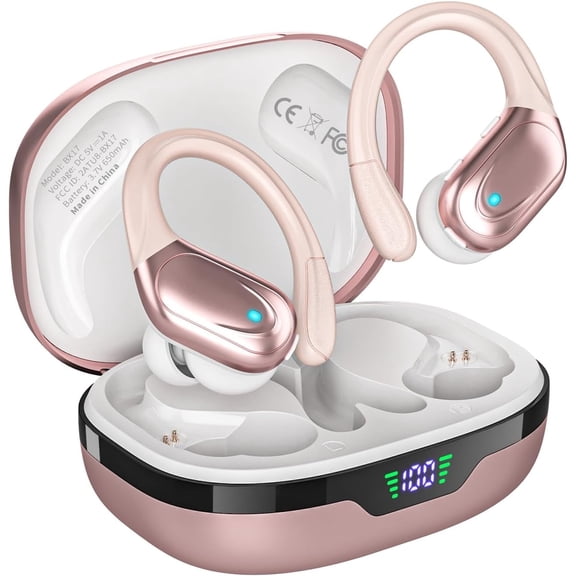 Bluetooth 5.4 Sports Headphones 80Hrs Playtime Wireless Earbuds with LED Power Display IPX7 Waterproof Earphones for Workout/Running Noise Canceling Headset Ear Buds$23.38current price $23.38
Wired Sport Earphone Running Earphone with Microphone and Remote Sweatproof and Noise-Resistant in Ear Earphone for Running Gym Jogging Workout Exercise (Blue)
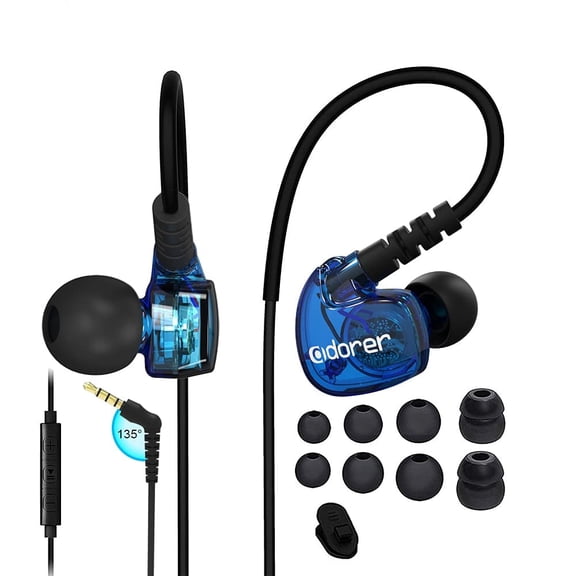 Wired Sport Earphone Running Earphone with Microphone and Remote Sweatproof and Noise-Resistant in Ear Earphone for Running Gym Jogging Workout Exercise (Blue)$14.99current price $14.99
Open Ear Headphones, Bluetooth Headphones 5.4 Sports with Smart Digital Display, 48H Playtime, IPX6 Waterproof, Wireless Earbuds Lightweight Design Fit Cycling, Running, Workout
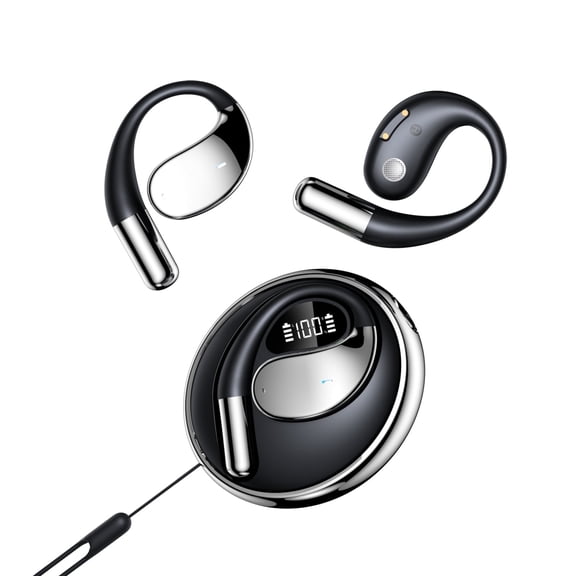 Open Ear Headphones, Bluetooth Headphones 5.4 Sports with Smart Digital Display, 48H Playtime, IPX6 Waterproof, Wireless Earbuds Lightweight Design Fit Cycling, Running, Workout$12.99current price $12.99
Bluetooth Headphones Clip on Earbuds,Wireless Singles Clip Earphones with Hd Mic,Comfor to Wear,Ergonomic Designs,Suitable for Running Cycling or Training
 Bluetooth Headphones Clip on Earbuds,Wireless Singles Clip Earphones with Hd Mic,Comfor to Wear,Ergonomic Designs,Suitable for Running Cycling or Training$6.99current price $6.99
3.5mm In-ear Wired Headphones Quad-core Dual Dynamic Stereo Sports With Mic Earphone D9i9 Canceling Noise Bass Music Earbuds A0W4 By NZRUANE
 3.5mm In-ear Wired Headphones Quad-core Dual Dynamic Stereo Sports With Mic Earphone D9i9 Canceling Noise Bass Music Earbuds A0W4 By NZRUANE$6.07current price $6.07
TREBLAB X3-Pro Earbuds Wireless Bluetooth, Earhook IPX5 12H Powerbank | Bluetooth Running Headphones, gaming mode 60ms, wireless charging case, secure earhook, ENC mics, BT 5.3, 9g ultra-light
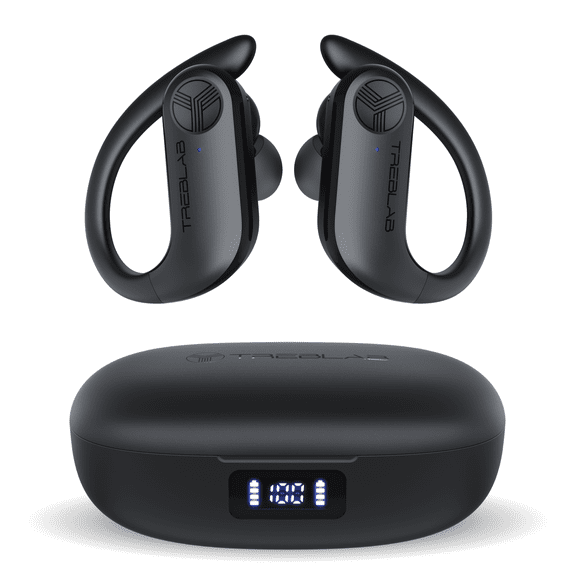 TREBLAB X3-Pro Earbuds Wireless Bluetooth, Earhook IPX5 12H Powerbank | Bluetooth Running Headphones, gaming mode 60ms, wireless charging case, secure earhook, ENC mics, BT 5.3, 9g ultra-light$59.97current price $59.97
Active Noise Cancelling Headphones, -45dB Bluetooth Headphones 5.4, 50H Playtime Earbuds, Bass Boosted by 90%, Clear Call with 4 Mics, Comfort Fit Over Ear Headphones for Travel Home Office PC Black
 Active Noise Cancelling Headphones, -45dB Bluetooth Headphones 5.4, 50H Playtime Earbuds, Bass Boosted by 90%, Clear Call with 4 Mics, Comfort Fit Over Ear Headphones for Travel Home Office PC Black$26.99current price $26.99
xjwjuw Sports Earbuds Wired, Bluetooth 5.0 Neckband Headphones with 100H Playtime, IPX Sweatproof & 9D Stereo Sound, Built-in Mic for Clear Calls, for Running, Gym, Jogging & Daily Workouts
 xjwjuw Sports Earbuds Wired, Bluetooth 5.0 Neckband Headphones with 100H Playtime, IPX Sweatproof & 9D Stereo Sound, Built-in Mic for Clear Calls, for Running, Gym, Jogging & Daily Workouts$11.99current price $11.99
Tidbit W10-Black Wireless Bluetooth Running Workout Headphones Sweat Resistant - Black
 Tidbit W10-Black Wireless Bluetooth Running Workout Headphones Sweat Resistant - Black$32.30current price $32.30
Fitness Technologies UWater 90515 Waterproof Dynamic Earphones
 Fitness Technologies UWater 90515 Waterproof Dynamic Earphones$35.12current price $35.12