

Sonic Vpn(11)
Malwarebytes Premium + Privacy VPN Bundle 4-Device, 1-Year Subscription for Windows, Mac, iOS, Android [Digital Download via Email] $49.99
Malwarebytes Premium + Privacy VPN Bundle 4-Device, 1-Year Subscription for Windows, Mac, iOS, Android [Digital Download via Email]
NordVPN Standard - 1 Year - 10 Devices - Best VPN, Next-Gen Antivirus (Digital Download) $29.99 Was $34.99
NordVPN Standard - 1 Year - 10 Devices - Best VPN, Next-Gen Antivirus (Digital Download)
NordVPN Basic - 1 Year - 10 Devices - Most Advanced VPN (Digital Download) $29.99
NordVPN Basic - 1 Year - 10 Devices - Most Advanced VPN (Digital Download)
VPN Software User-Friendly, Ultra Fast, Highly Secure & Completely Anonymous VPN Subscription $18.99
VPN Software User-Friendly, Ultra Fast, Highly Secure & Completely Anonymous VPN Subscription
SonicWall NSa 2800 Network Security/Firewall Appliance - Centralized Management - 16 Port - 1000Base-T, 10GBase-X - 10 Gigabit Ethernet - 8 Gbit/s Firewall Throughput - TLS, TLS 1.3, SSL, DES, 3DES... $2,891.12

SonicWall NSa 2800 Network Security/Firewall Appliance - Centralized Management - 16 Port - 1000Base-T, 10GBase-X - 10 Gigabit Ethernet - 8 Gbit/s Firewall Throughput - TLS, TLS 1.3, SSL, DES, 3DES...
Avast HMA! Pro VPN 1-Year | Unlimited Devices (Windows/Android/iOS/Mac OS) $34.95 Was $40.45
Avast HMA! Pro VPN 1-Year | Unlimited Devices (Windows/Android/iOS/Mac OS)
Avast SecureLine VPN - 2-Years | 10-Device (Windows/Mac OS/Android/iOS) $44.95
Avast SecureLine VPN - 2-Years | 10-Device (Windows/Mac OS/Android/iOS)
Avast SecureLine VPN - 3-Years | 10-Device (Windows/Mac OS/Android/iOS) $49.95
Avast SecureLine VPN - 3-Years | 10-Device (Windows/Mac OS/Android/iOS)
Avast SecureLine VPN - 1 Year | 10-Device (Windows/Mac OS/Android/iOS) $39.95
Avast SecureLine VPN - 1 Year | 10-Device (Windows/Mac OS/Android/iOS)
AVG Secure VPN 1-Year | 10-Devices (Windows/Mac OS/Android/iOS) $29.92 Was $44.95
AVG Secure VPN 1-Year | 10-Devices (Windows/Mac OS/Android/iOS)
AVG Secure VPN 2-Year | 10-Devices (Windows/Mac OS/Android/iOS) $53.95
AVG Secure VPN 2-Year | 10-Devices (Windows/Mac OS/Android/iOS)
FAQ
What does a VPN do for my internet privacy?
A VPN, or Virtual Private Network, helps protect your online privacy by encrypting your internet traffic and masking your IP address. This means your browsing activity becomes harder to track and your personal data is less exposed to third parties. Many people use a VPN to add an extra layer of security, especially when connecting to public Wi-Fi networks. While a VPN can help keep your information private, it's important to remember that no tool can make you completely anonymous online. Always use safe browsing habits for the best protection.
Can I use a VPN on all my devices?
Most VPN services are designed to work on a variety of devices, including computers, smartphones, and tablets. Many subscriptions let you connect multiple devices at the same time. To get started, you'll typically need to download the VPN app for each device and sign in with your account. Always check the product details to see which operating systems are supported, like Windows, Mac, Android, or iOS. If you have a lot of devices, look for a VPN plan that covers them all so you can stay protected wherever you go.
How do I set up a VPN after purchase?
Setting up a VPN is usually a straightforward process. After you purchase a subscription, you'll get instructions to download the VPN app or software. The typical steps are:
- Download the app for your device from the official site or app store.
- Install and open the app.
- Sign in with your account details or activation code.
- Select a server location and connect.
If you need help, most VPN services provide online guides or customer support to walk you through the setup process.
Will a VPN slow down my internet speed?
Using a VPN can sometimes affect your internet speed because your data has to travel through an extra secure server. The impact depends on factors like your original connection speed, the VPN server's location, and how busy the server is. Many people notice only a slight change, but speed can vary. Choosing a server closer to your actual location and using a VPN known for fast connections may help reduce slowdowns. If you experience issues, try switching servers or checking your device's connection for other possible causes.
Is a VPN useful for public Wi-Fi safety?
Yes, using a VPN can add a valuable layer of security when you're on public Wi-Fi networks, like at coffee shops or airports. Public networks are often less secure, making it easier for others to intercept your data. A VPN encrypts your internet traffic, making it much harder for third parties to see what you're doing online. Even though a VPN can help protect your information, it's still a good idea to avoid sharing sensitive details or logging into important accounts while on public Wi-Fi whenever possible.
Popular in Shop Sonic VPN and Network Security Solutions Electronics
Related Products
AVG Breach Guard-1-Year | 1-PC (Windows)
 AVG Breach Guard-1-Year | 1-PC (Windows)$31.45current price $31.45
PCDJ: DEX 3, Vj Dj Kj Software (Windows Download)
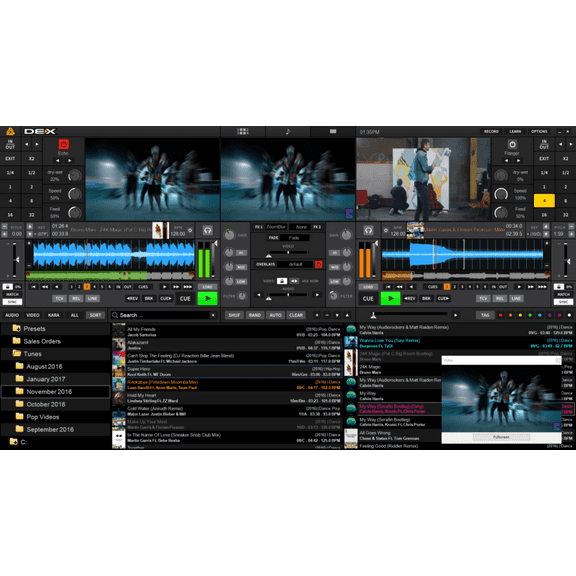 PCDJ: DEX 3, Vj Dj Kj Software (Windows Download)$139.00current price $139.00
Open Box Total Defense TLD13145 Unlimited Internet Security
 Open Box Total Defense TLD13145 Unlimited Internet Security$79.99current price $79.99
Computer Werx Windows 10 Professional 32/64 Bit Repair Restore Recover USB for Legacy Bios Plus Drivers DVD Software
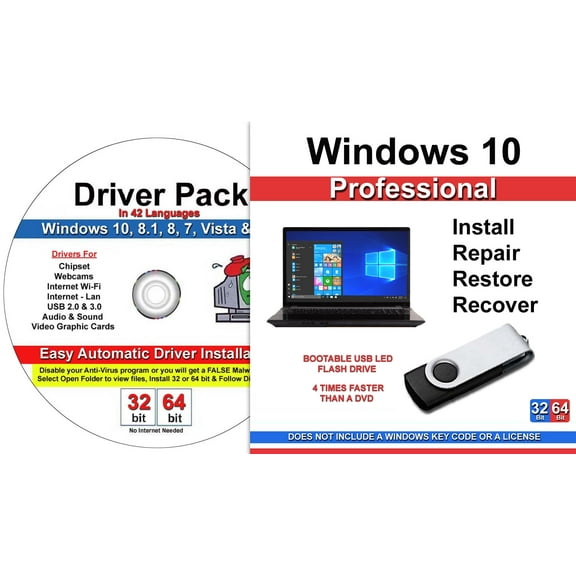 Computer Werx Windows 10 Professional 32/64 Bit Repair Restore Recover USB for Legacy Bios Plus Drivers DVD Software$18.99current price $18.99
SonicWall NSa 4700 High Availability Firewall
 SonicWall NSa 4700 High Availability Firewall$4012.05current price $4012.05
BullZIGA Antivirus Software for Windows/Mac OS/ Android/iOS 1-Year | 3-Device
 BullZIGA Antivirus Software for Windows/Mac OS/ Android/iOS 1-Year | 3-Device$19.95current price $19.95
VIPRE Advanced Security - 1-Year | 1-Device - Global
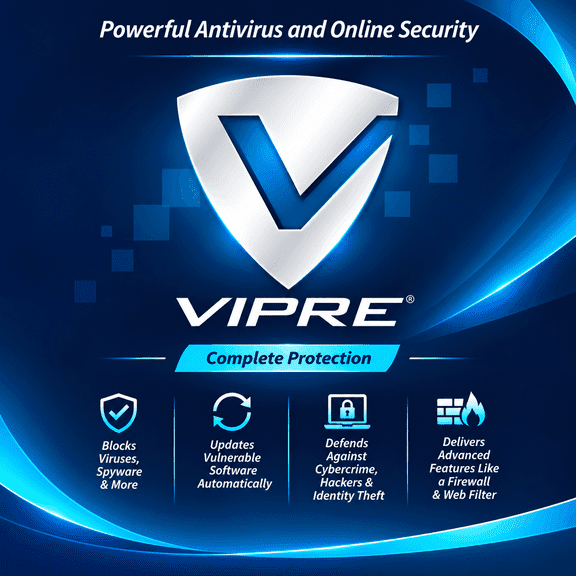 VIPRE Advanced Security - 1-Year | 1-Device - Global$54.31current price $54.31
BullZIGA Antivirus Software for Windows 1-Year | 1-Device (Key Card)
 BullZIGA Antivirus Software for Windows 1-Year | 1-Device (Key Card)$14.95current price $14.95