Silverstone M Adapter(7)
Silver Stone Technologies ECM20 Dual M2 To Pci-E X4 & Sata 6G Adapter Card $33.34
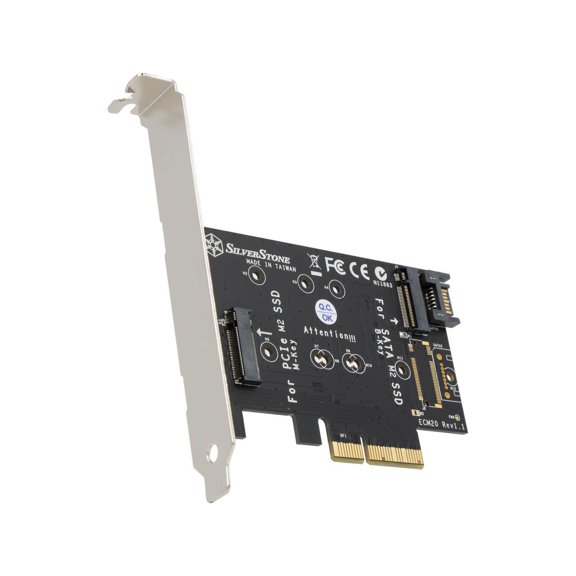
Silver Stone Technologies ECM20 Dual M2 To Pci-E X4 & Sata 6G Adapter Card
SilverStone Technology 3.5 to 2 x M.2 SATA and 1 x M.2 PCIE NVMe Adapter SDP12 $76.05
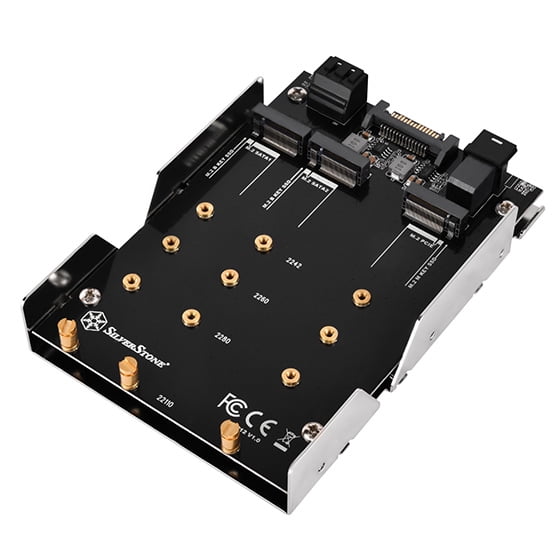
SilverStone Technology 3.5 to 2 x M.2 SATA and 1 x M.2 PCIE NVMe Adapter SDP12
ECM24, M.2 NVMe SSD M-key to PCIe X4 adapter card with heatsink and thermal pad (ARGB) $50.59

ECM24, M.2 NVMe SSD M-key to PCIe X4 adapter card with heatsink and thermal pad (ARGB)
Silverstone Technology Ecm21-E Screwless Design M.2 Pcie/Nvme Ssd To Pcie X4 Adapter Card $37.83
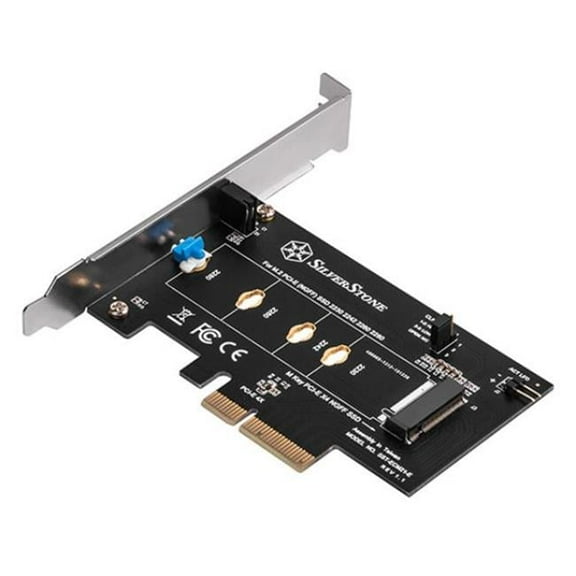
Silverstone Technology Ecm21-E Screwless Design M.2 Pcie/Nvme Ssd To Pcie X4 Adapter Card
SilverStone ECM26-V2 M.2 NVMe SSD to PCIe x4 Adapter Card $33.99
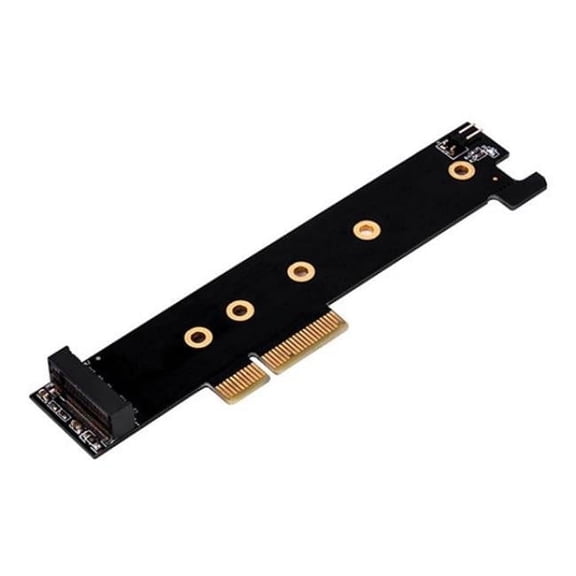
SilverStone ECM26-V2 M.2 NVMe SSD to PCIe x4 Adapter Card
SilverStone ECM28 1 x NVMe & 1 x SATA M.2 SSD to PCIe x4 1U Adapter Card $38.09
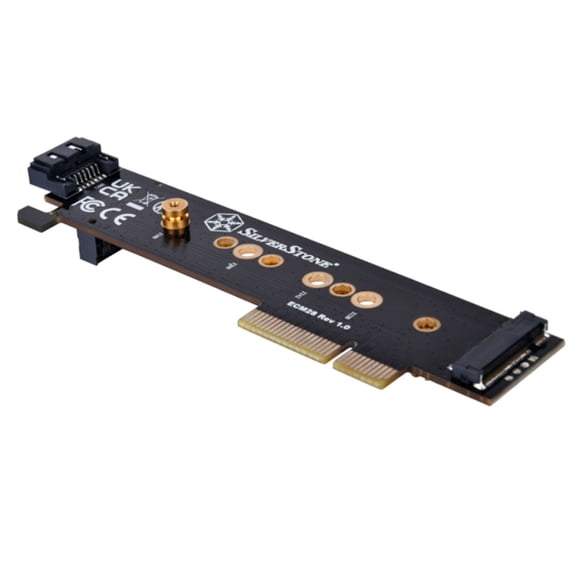
SilverStone ECM28 1 x NVMe & 1 x SATA M.2 SSD to PCIe x4 1U Adapter Card
SilverStone ECM27 1-Slot NVMe and 2-Slot SATA M.2 SSD to PCI-E x4 Adapter $54.21
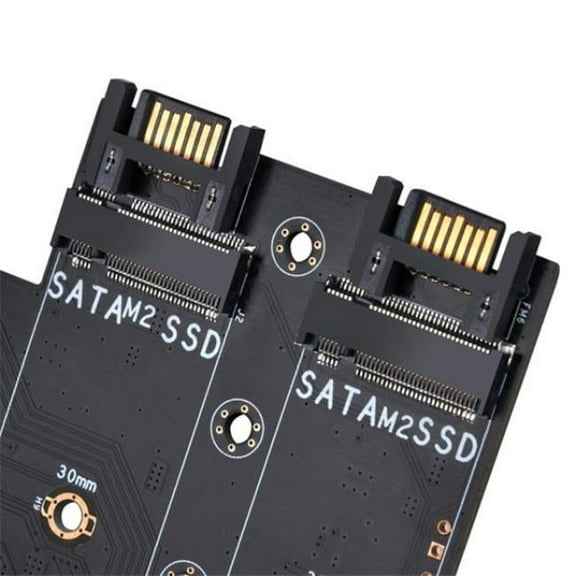
SilverStone ECM27 1-Slot NVMe and 2-Slot SATA M.2 SSD to PCI-E x4 Adapter
Other options to consider(6)
M.2 NVMe SSD to PCIe Gen 3 X16 with heatsink and thermal pad adapter card, support up to 22X80mm M.2 SSD(M key) $54.94

M.2 NVMe SSD to PCIe Gen 3 X16 with heatsink and thermal pad adapter card, support up to 22X80mm M.2 SSD(M key)
SilverStone Mini SAS SFF-8087 to SATA 7-Pin Cable Adapter (CPS03) $32.18

SilverStone Mini SAS SFF-8087 to SATA 7-Pin Cable Adapter (CPS03)
Silverstone SST-EP07C-E USB 3.1 Type-C to HDMI V2.0b Adapter, up to Ultra HD 4K 60Hz Resolution, Charcoal $29.17

Silverstone SST-EP07C-E USB 3.1 Type-C to HDMI V2.0b Adapter, up to Ultra HD 4K 60Hz Resolution, Charcoal
SilverStone SST-SDP08B Drive Bay Adapter for 3.5", Nickel, Black $19.98

SilverStone SST-SDP08B Drive Bay Adapter for 3.5", Nickel, Black
SilverStone 36 Pin Minisas Sff-8643 (Target) to SATA 7Pin (Host) + Sideband Cable 0.6M Components Other CPS05-RE $38.77

SilverStone 36 Pin Minisas Sff-8643 (Target) to SATA 7Pin (Host) + Sideband Cable 0.6M Components Other CPS05-RE
GD09B W/1Type C, Black, ABS front bezel, steel body,SSI-CEB, ATX, M-ATX M/B, 15.25", 23.5"+12.5"HDD, 1120mm fan, 2120mm fan slot, 280mm fan slot, 1audio, 1MIC, 1USB3.0, 12.2"expansion card capable $119.14

GD09B W/1Type C, Black, ABS front bezel, steel body,SSI-CEB, ATX, M-ATX M/B, 15.25", 23.5"+12.5"HDD, 1120mm fan, 2120mm fan slot, 280mm fan slot, 1audio, 1MIC, 1USB3.0, 12.2"expansion card capable
FAQ
What does an M.2 to PCIe adapter do?
An M.2 to PCIe adapter lets you connect an M.2 SSD to your computer's PCIe slot. This can help you add faster storage or expand your system's capabilities without replacing your motherboard.
- It works by bridging the connection between the M.2 drive and the PCIe interface.
- Adapters may support NVMe, SATA, or both types of M.2 SSDs depending on the model.
It's a helpful option for upgrading desktops that have available PCIe slots but limited M.2 slots.
Can I use any M.2 SSD with this type of adapter?
Not every M.2 SSD is compatible with every adapter. Some adapters are designed for NVMe M.2 SSDs, while others may also support SATA M.2 drives.
- Check the adapter's specifications to see which M.2 key types and lengths it supports (like M-Key for NVMe or B-Key for SATA).
- It's important to match your SSD's interface (NVMe or SATA) with the adapter's supported types for proper function.
Review your device's documentation for compatibility details before purchasing.
Do I need special drivers for these adapters?
Most M.2 to PCIe adapters don't require dedicated drivers, since they're designed to let your system recognize the SSD as if it were directly installed.
- Your operating system should support NVMe or SATA drives natively, but it's a good idea to keep your system firmware and storage drivers up to date for best compatibility.
- If you're using advanced features, like RGB lighting, you might need additional software specific to your hardware.
Always check your motherboard and SSD documentation for any specific requirements.
What should I look for before installing an adapter?
Before installing an M.2 to PCIe adapter, it's helpful to check a few things to ensure compatibility and a smooth setup.
- Confirm your computer has an available PCIe slot with enough space for the adapter and SSD.
- Make sure the adapter supports your SSD's length, interface, and key type.
- Check if your system's BIOS or UEFI supports booting from PCIe drives, if you plan to use it as a boot device.
Reading the user manuals for your hardware can help you avoid common compatibility issues.
Why would someone add an M.2 SSD with an adapter?
Using an M.2 SSD with an adapter can offer several potential benefits, especially if your motherboard doesn't have enough M.2 slots.
- It allows you to upgrade to faster NVMe storage for improved system responsiveness.
- You can expand storage without removing existing drives.
- It's a flexible way to repurpose an extra or older M.2 drive in a desktop PC.
This setup can be useful for gamers, content creators, or anyone looking for more storage options.
Popular in Shop SilverStone M Adapter Electronics at Walmart
Related Products
MZHOU PCIe 6 SATA 4X Card, with 6 SATA Cables and Low Profile Bracket, 6 Gb/s SATA Controller PCIe Card, Built-in Adapter Converter for Desktop PC , Support 6 SATA 3.0 Devices
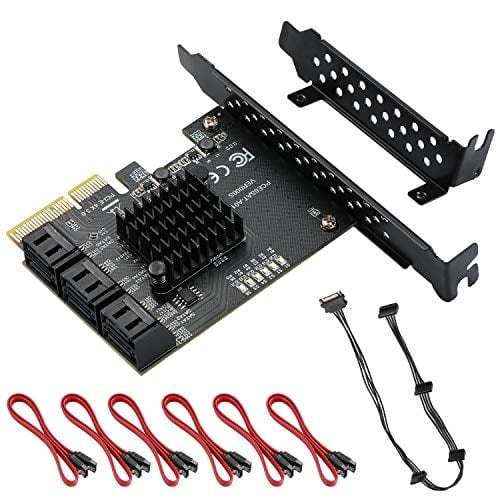 MZHOU PCIe 6 SATA 4X Card, with 6 SATA Cables and Low Profile Bracket, 6 Gb/s SATA Controller PCIe Card, Built-in Adapter Converter for Desktop PC , Support 6 SATA 3.0 Devices$39.99current price $39.99
Sabrent EC-TFPE Nvme To Pcie 5.0 Adapter Int Aluminum. Backwards Compatible
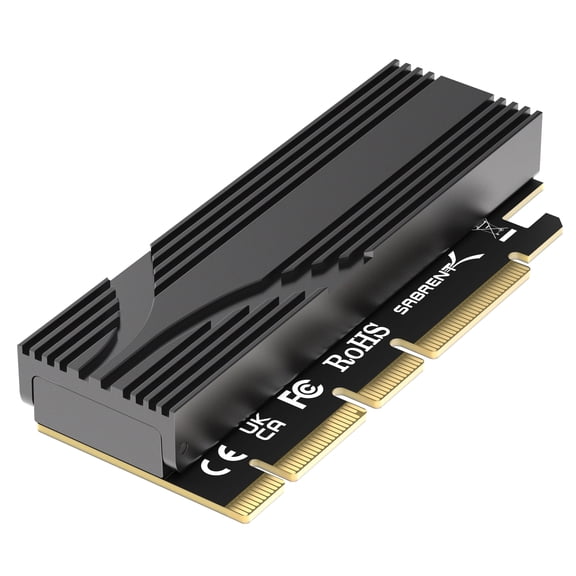 Sabrent EC-TFPE Nvme To Pcie 5.0 Adapter Int Aluminum. Backwards Compatible$18.99current price $18.99
JacobsParts M.2 to PCIe NVMe SSD Adapter Card 2242 2260 2280 M2 Drive to Desktop PCI Express x4 x8 x16 Slot, Includes Brackets
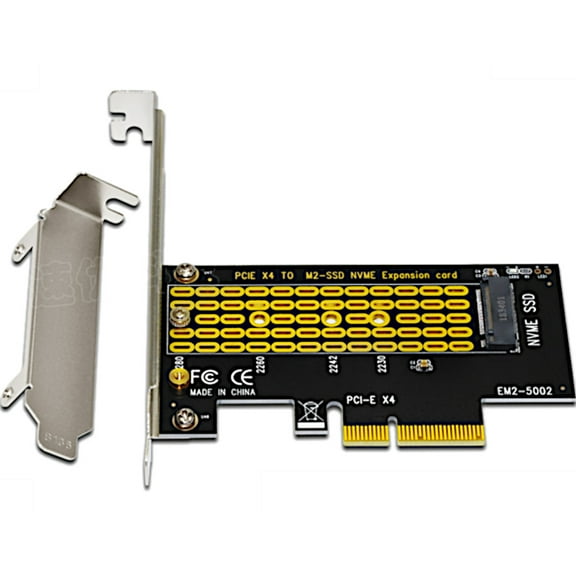 JacobsParts M.2 to PCIe NVMe SSD Adapter Card 2242 2260 2280 M2 Drive to Desktop PCI Express x4 x8 x16 Slot, Includes Brackets$10.99current price $10.99
StarTech.com PEX4M2E1 M.2 Adapter - x4 PCIe 3.0 NVMe - Low Profile and Full Profile - SSD PCIE M.2 Adapter - M2 SSD - PCI Express SSD
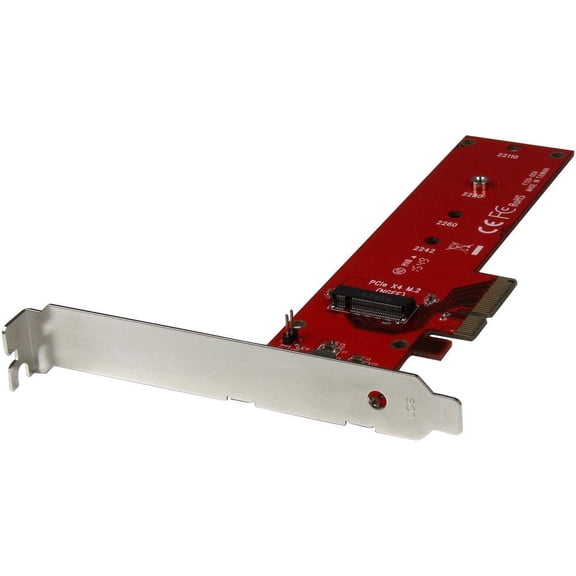 StarTech.com PEX4M2E1 M.2 Adapter - x4 PCIe 3.0 NVMe - Low Profile and Full Profile - SSD PCIE M.2 Adapter - M2 SSD - PCI Express SSD$34.02current price $34.02
PCIE to M2 Adapter PCI Express 3.0 X1 to NVME SSD M2 PCIE Raiser Adapter Support 2230 2242 2260 2280 M.2 SSD
 PCIE to M2 Adapter PCI Express 3.0 X1 to NVME SSD M2 PCIE Raiser Adapter Support 2230 2242 2260 2280 M.2 SSD$10.48current price $10.48
M.2 NVME SSD to PCIe 4.0 Adapter Card 64Gbps M-Key PCIe4.0 X4 for Desktop PC PCI-E GEN4
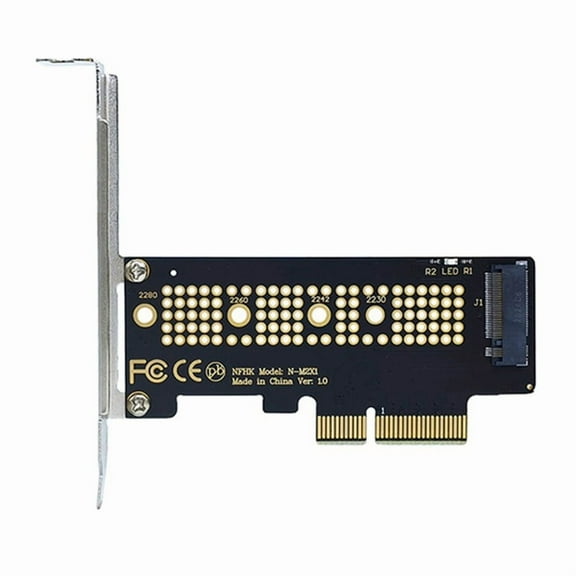 M.2 NVME SSD to PCIe 4.0 Adapter Card 64Gbps M-Key PCIe4.0 X4 for Desktop PC PCI-E GEN4$8.09current price $8.09
M.2 PCIe NVMe SSD to PCI-E Express 3.0 X4 X8 X16 Adapter Card Full Speed 2280 mm
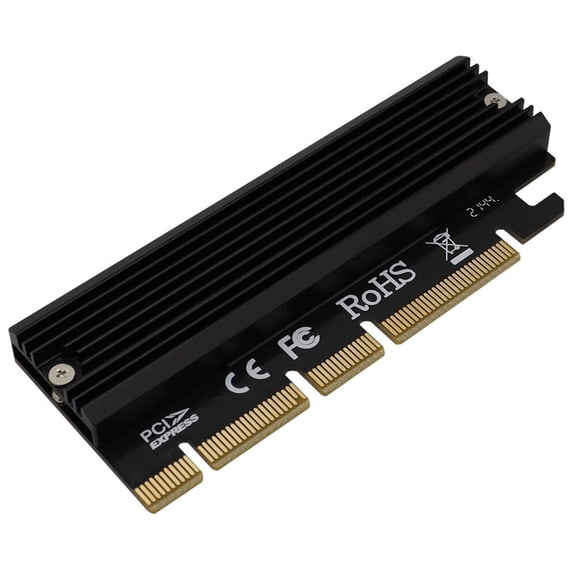 M.2 PCIe NVMe SSD to PCI-E Express 3.0 X4 X8 X16 Adapter Card Full Speed 2280 mm$13.99current price $13.99
StarTech 4 Port PCI Express to SATA Converter Expansion Card 4P6G-PCIE-SATA-CARD
 StarTech 4 Port PCI Express to SATA Converter Expansion Card 4P6G-PCIE-SATA-CARD$58.30current price $58.30
Microchip Adaptec 24G SAS/SATA/NVMe PCIe Gen 4 Host Bus Adapter
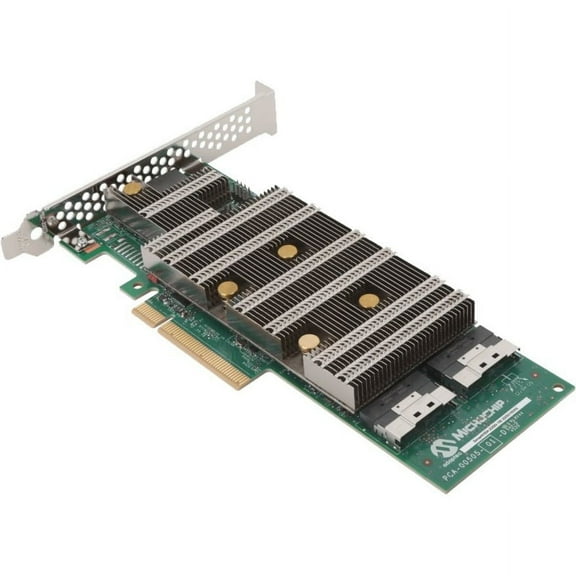 Microchip Adaptec 24G SAS/SATA/NVMe PCIe Gen 4 Host Bus Adapter$690.26current price $690.26
M.2 MKEY PCI-E Riser Card NVME To SATA3.0 PCIE SATA 6Gpbsx6-Port Expansion ASM1166
 M.2 MKEY PCI-E Riser Card NVME To SATA3.0 PCIE SATA 6Gpbsx6-Port Expansion ASM1166$23.13current price $23.13
Mini PCIE to 19Pin 2Port USB3.0 Adapter Expansion Card Riser Mini PCI Express to USB 3.0 5Gbps Converter Board
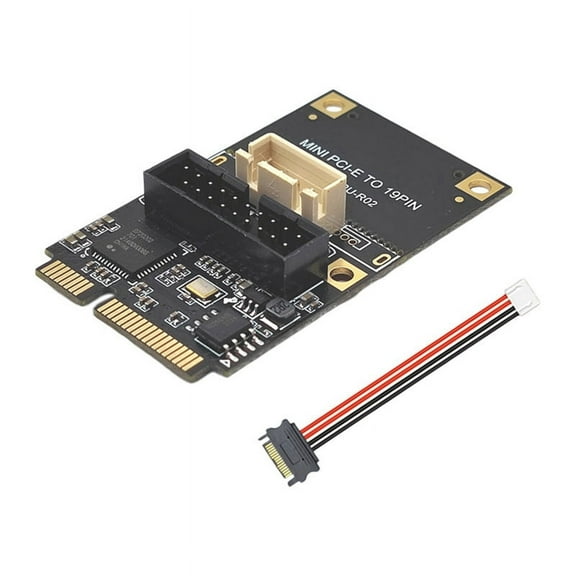 Mini PCIE to 19Pin 2Port USB3.0 Adapter Expansion Card Riser Mini PCI Express to USB 3.0 5Gbps Converter Board$16.54current price $16.54