

Sharp Qs 2130(4)
QS-2130 Compact Desktop Calculator 12-Digit LCD $89.80

QS-2130 Compact Desktop Calculator 12-Digit LCD
SHRQS2130 - Sharp QS-2130 Compact Desktop Calculator $89.80

SHRQS2130 - Sharp QS-2130 Compact Desktop Calculator
Sharp Electronics Qs-2130 Compact Desktop Calculator, 12-digit Lcd $77.81 Was $89.80

Sharp Electronics Qs-2130 Compact Desktop Calculator, 12-digit Lcd
Sharp 12-Digit Commercial Desktop Calculator, Memory and Markup Keys, Extra Wide Keyboard & Kickstand, Dual Power, Gray (QS-2130) $59.57 Was $72.67
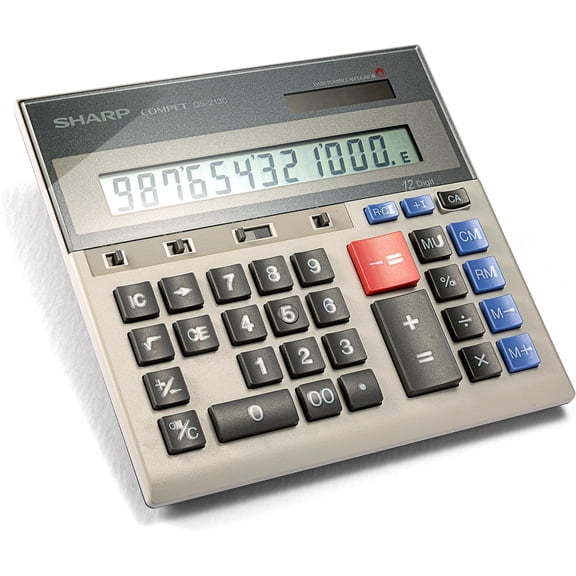
Sharp 12-Digit Commercial Desktop Calculator, Memory and Markup Keys, Extra Wide Keyboard & Kickstand, Dual Power, Gray (QS-2130)
FAQ
How do I use the calculator's memory function?
If you're looking to keep track of numbers while calculating, the memory function can be really handy.
- Start by pressing the 'M+' button to add a number to memory.
- Use 'M-' to subtract from memory.
- Press 'MR' to recall the stored value when you need it.
- If you want to clear memory, hit the 'MC' button.
These features can help make longer calculations easier and keep your results organized.
What's the best way to clean a desktop calculator?
Keeping your calculator clean can help it last longer and work more smoothly.
- Turn it off and unplug if it's connected to a power source.
- Use a soft, dry cloth to wipe away dust and fingerprints.
- If needed, slightly dampen the cloth with water (avoid harsh cleaners).
- Make sure no liquid gets inside the keys or display.
Regularly cleaning your calculator helps maintain its performance and keeps it looking sharp.
Can I use this calculator for commercial tasks?
This type of desktop calculator is designed for a variety of tasks, including commercial use.
- The 12-digit LCD lets you handle large numbers and calculations.
- It features memory and markup keys, which are helpful for business and retail math.
- The extra wide keyboard and kickstand provide comfortable, efficient use during busy workdays.
It's a practical tool for offices, shops, or anywhere you need quick and reliable calculations.
Does the calculator work without batteries?
This calculator offers dual power, which means it can run on both batteries and solar energy.
- When there's enough light, the solar panel keeps it powered.
- If light is low, the batteries take over to keep it running.
- You won't need to worry about losing your calculations during power changes.
Dual power helps ensure the calculator is ready to use whenever you need it.
How do I set up the calculator for comfortable use?
Setting up your calculator for comfortable use can make a big difference in your daily workflow.
- Find a flat, stable surface for placement.
- Use the kickstand to angle the keyboard and display for easier viewing.
- Position it so you have easy access to all keys, especially if you'll use it often.
- Avoid placing it near sources of moisture or direct sunlight for long periods.
This setup helps you work efficiently and keeps the calculator in good condition.
Popular in Sharp QS 2130 Compact Desktop Calculators
Related Products
Sharp 12-Digit Heavy Duty Color Printing Calculator with Clock & Calendar, Fast 4.5 LPS Two-Color Printing, 12.9 x 8.7-Inches, White (EL-1197PIII)
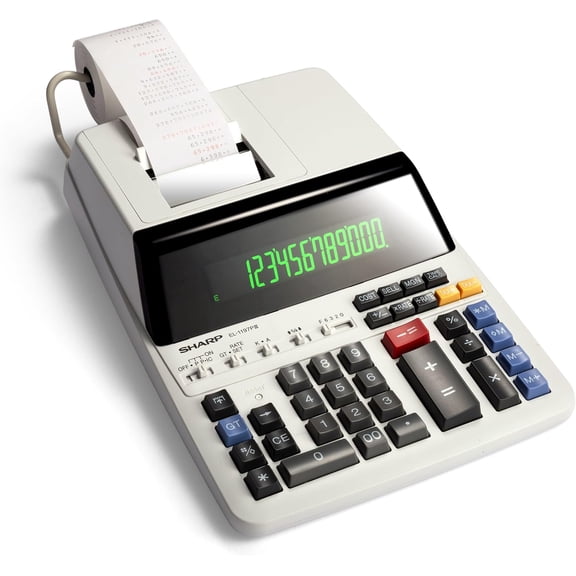 Sharp 12-Digit Heavy Duty Color Printing Calculator with Clock & Calendar, Fast 4.5 LPS Two-Color Printing, 12.9 x 8.7-Inches, White (EL-1197PIII)$89.53current price $89.53
Sharp Electronics 8-Digit Twin Powered Calculator (EL-243S/EL-243SB)
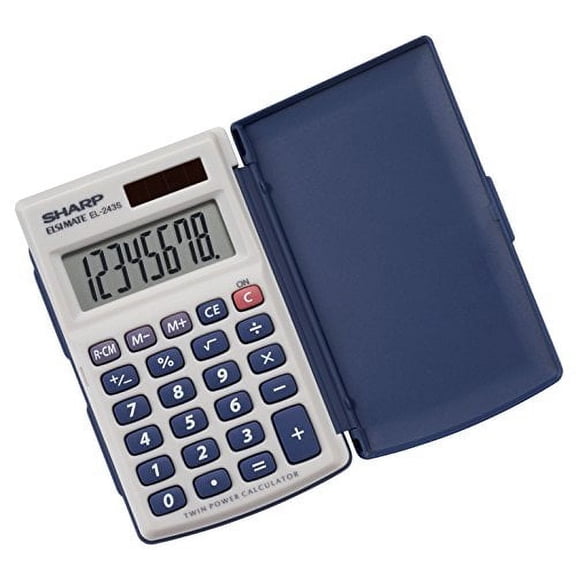 Sharp Electronics 8-Digit Twin Powered Calculator (EL-243S/EL-243SB)$11.16current price $11.16
Sharp 12-Digit Thermal Printing Calculator, Fast 8.0 LPS Ink-Free Printing & Large Print Mode, Top-Loading Paper, Off-White (EL-T3301)
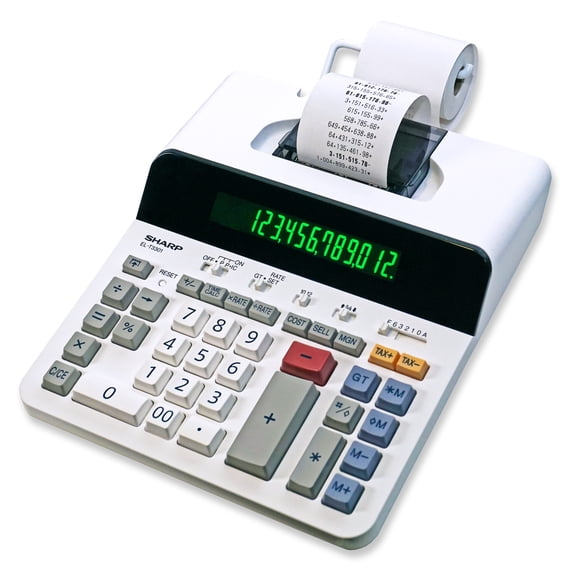 Sharp 12-Digit Thermal Printing Calculator, Fast 8.0 LPS Ink-Free Printing & Large Print Mode, Top-Loading Paper, Off-White (EL-T3301)$65.04current price $65.04
SHARP EL-243SB 8-Digit Pocket Calculator with Hinged Hard Cover, Gray
 SHARP EL-243SB 8-Digit Pocket Calculator with Hinged Hard Cover, Gray$12.02current price $12.02
CATIGA CS-121 Scientific Calculator with Graphic Functions and Multiple Modes (Pink)
 CATIGA CS-121 Scientific Calculator with Graphic Functions and Multiple Modes (Pink)$39.99current price $39.99
Casio FX-9750GIII 3rd Edition Graphing Calculator, 21-Digit LCD, Black, Each
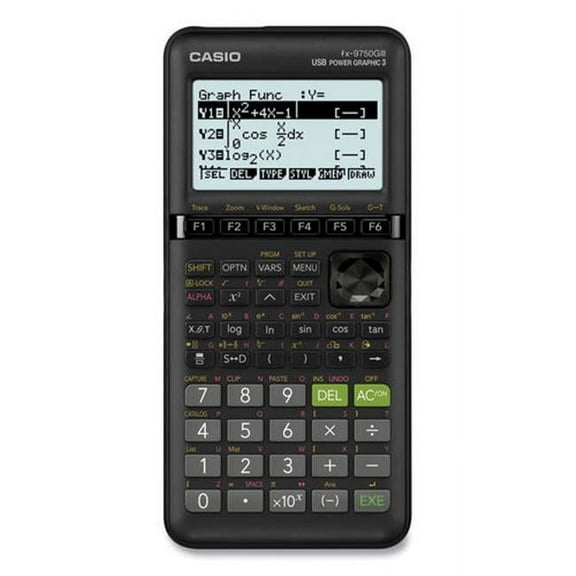 Casio FX-9750GIII 3rd Edition Graphing Calculator, 21-Digit LCD, Black, Each$48.88current price $48.88
SHARP EL506WBk Scientific Calculator, Compact Design, Black
 SHARP EL506WBk Scientific Calculator, Compact Design, Black$28.99current price $28.99
CATIGA CD-2786 Metal Desktop Calculator 12 Digit w/ Extra Large Display Standard Function (Pink)
 CATIGA CD-2786 Metal Desktop Calculator 12 Digit w/ Extra Large Display Standard Function (Pink)$10.99current price $10.99
Sharp 12-Digit Two-Color Print Calculator, Bright Display with Weighted Base for Stable Printing, Desktop Adding Machine, Black (EL2196BL)
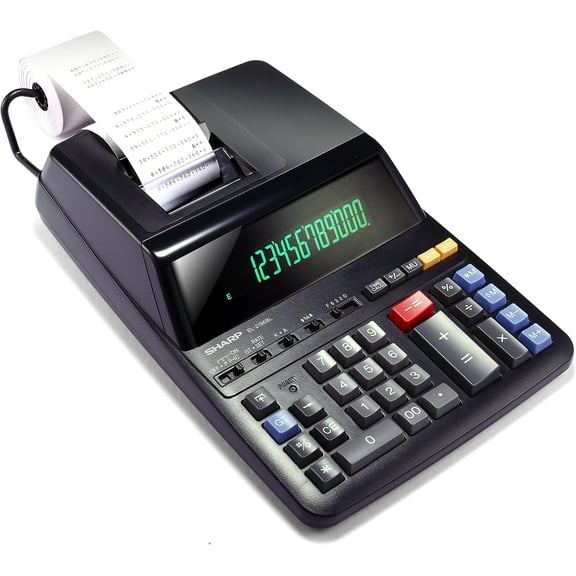 Sharp 12-Digit Two-Color Print Calculator, Bright Display with Weighted Base for Stable Printing, Desktop Adding Machine, Black (EL2196BL)$84.99current price $84.99
2 Pack Of Casio SL-300 Calculator, Dual Power, Handheld.
 2 Pack Of Casio SL-300 Calculator, Dual Power, Handheld.$17.75current price $17.75
Victor Big Print 12-Digit Thermal Printing Calculator, Fast Ink-Free 6.0 LPS Printing with Cost, Sell & Margin Keys, Dot Matrix Display, White (1310)
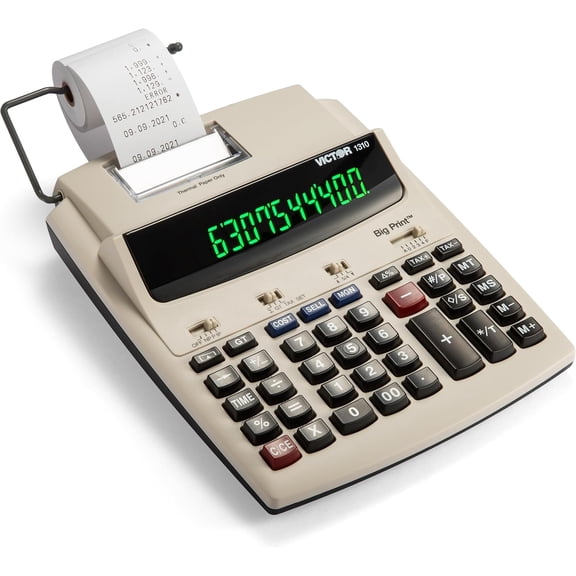 Victor Big Print 12-Digit Thermal Printing Calculator, Fast Ink-Free 6.0 LPS Printing with Cost, Sell & Margin Keys, Dot Matrix Display, White (1310)$78.93current price $78.93
Victor 12-Digit Commercial Printing Calculator, Two-Color Print with LCD Display, Dual AC/DC Power, Business Desktop Calculator, Silver (1212-3A)
 Victor 12-Digit Commercial Printing Calculator, Two-Color Print with LCD Display, Dual AC/DC Power, Business Desktop Calculator, Silver (1212-3A)$47.99current price $47.99
2 Pack Casio MS-80B Basic Desktop Calculator with 8 Digital Display
 2 Pack Casio MS-80B Basic Desktop Calculator with 8 Digital Display$28.99current price $28.99
Victor Construction Materials Calculator, Project Estimation & Cost Calculator, Shock-Resistant Case, Imperial & Metric System, Yellow (C5000)
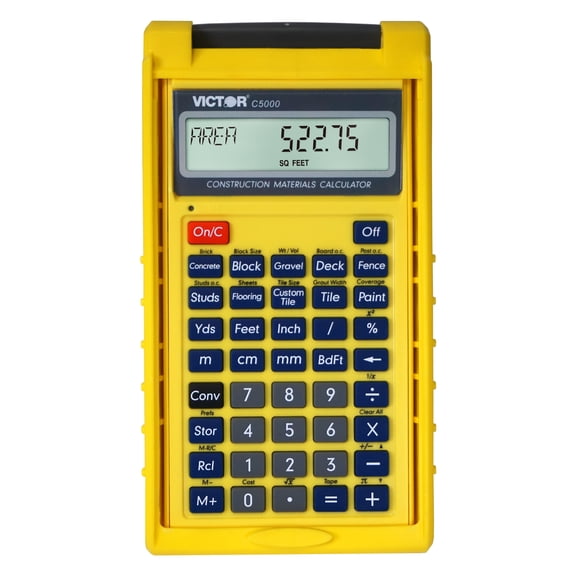 Victor Construction Materials Calculator, Project Estimation & Cost Calculator, Shock-Resistant Case, Imperial & Metric System, Yellow (C5000)$19.98current price $19.98
Casio Solar Wallet Calculator Type with 8-Digit Display, Green
 Casio Solar Wallet Calculator Type with 8-Digit Display, Green$6.99current price $6.99
Victor Advanced Construction Calculator, Material Estimating Functions, Fraction and Decimal Conversion, Protective Case, Orange (C6000)
 Victor Advanced Construction Calculator, Material Estimating Functions, Fraction and Decimal Conversion, Protective Case, Orange (C6000)$31.49current price $31.49
