

Rxv6a(4)
Yamaha RX-V6A 7.2-Channel AV Receiver with 8K HDMI, Wi-Fi, Bluetooth, Apple AirPlay 2 and MusicCast, 1 Each $799.99 Was $849.95

Yamaha RX-V6A 7.2-Channel AV Receiver with 8K HDMI, Wi-Fi, Bluetooth, Apple AirPlay 2 and MusicCast, 1 Each
Yamaha RX-V6A 7.2 Channel Home Theater Receiver with Dolby Atmos, Wi-Fi, Bluetooth - Consumer Return Black $849.95
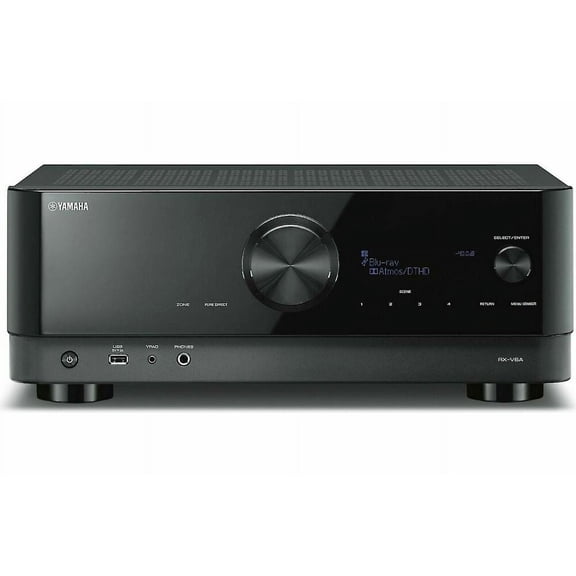
Yamaha RX-V6A 7.2 Channel Home Theater Receiver with Dolby Atmos, Wi-Fi, Bluetooth - Consumer Return Black
Yamaha RX-V6A Home Theater 7.2 Channel with 8K $847.95
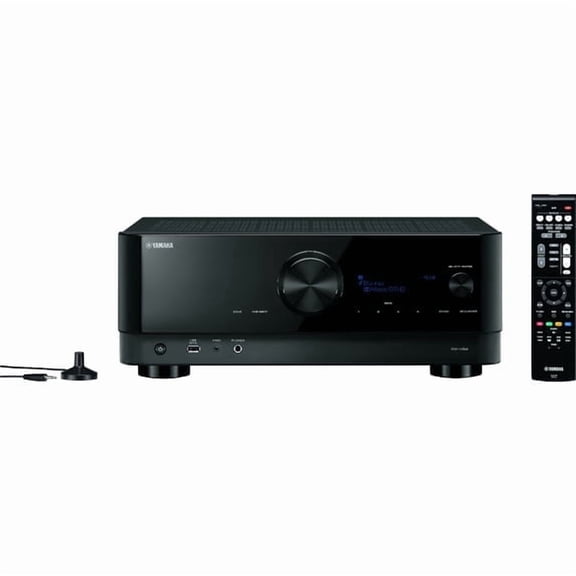
Yamaha RX-V6A Home Theater 7.2 Channel with 8K
Yamaha RX-V6A 7.2-Channel AV Receiver with 8K HDMI and Music Cast $849.95

Yamaha RX-V6A 7.2-Channel AV Receiver with 8K HDMI and Music Cast
Other options to consider(5)
New RAV575 VDM8700 Replace Remote Control fit for Yamaha Receiver RX-V6A TSR-700 $11.41

New RAV575 VDM8700 Replace Remote Control fit for Yamaha Receiver RX-V6A TSR-700
RAV575 Remote Control Commander fit for Yamaha AV Receiver RX-V6A TSR-700 TSR-700BL RX-V6ABL $15.25
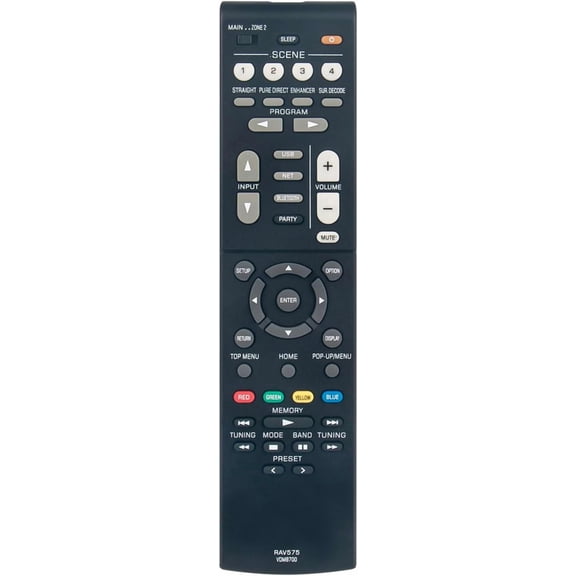
RAV575 Remote Control Commander fit for Yamaha AV Receiver RX-V6A TSR-700 TSR-700BL RX-V6ABL
OEM Yamaha Remote Control Originally Shipped With RXV6A, RX-V6A, TSR700, TSR-700 $33.99

OEM Yamaha Remote Control Originally Shipped With RXV6A, RX-V6A, TSR700, TSR-700
New, OMNIHIL 10 ft Digital Optical Audio Cable Compatible with Yamaha TSR-5810, RX-V4A, RX-V6A, RX-V373 $13.96
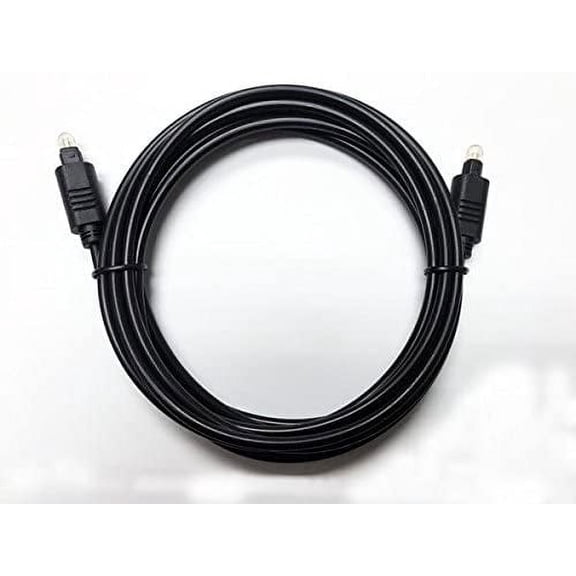
OMNIHIL 10 ft Digital Optical Audio Cable Compatible with Yamaha TSR-5810, RX-V4A, RX-V6A, RX-V373
Rollback, RAV575 New Replacement Remote fit for Yamaha AV Receiver RXV6A TSR700 RXV6ABL TSR700BL $13.45 Was $15.42
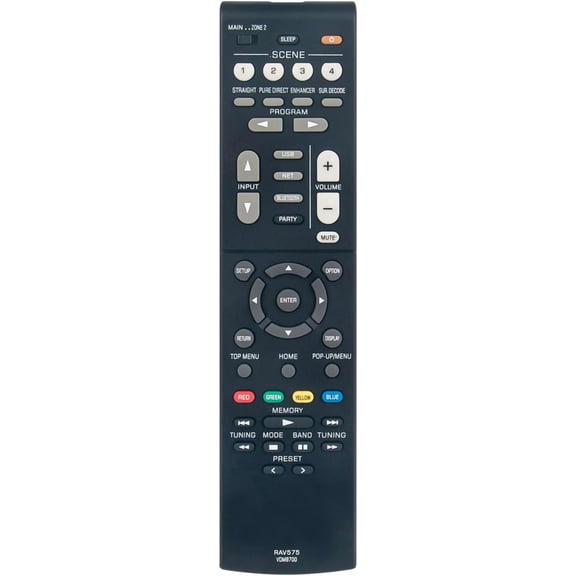
RAV575 New Replacement Remote fit for Yamaha AV Receiver RXV6A TSR700 RXV6ABL TSR700BL
FAQ
How do I set up my AV receiver?
Setting up your AV receiver is easy, even for beginners. Start by connecting your speakers to the appropriate terminals, then plug in your HDMI devices, like your TV and media players. Most receivers have a step-by-step setup guide on screen to help with configuration. Don't forget to connect to Wi-Fi and pair any Bluetooth devices if you want wireless streaming. Refer to the user manual for specific instructions or diagrams, and take your time to check all connections.
Can I use the receiver with wireless speakers?
Many modern receivers include support for wireless options, but compatibility depends on the model and the speaker system you have. Look for features like Wi-Fi, Bluetooth, or built-in multi-room systems. You can stream audio wirelessly to compatible speakers or other devices using these technologies. Always check your receiver’s manual or description to confirm the supported wireless protocols before purchasing or connecting new speakers.
What does 7.2 channel mean?
A 7.2 channel receiver refers to the ability to drive seven main speaker channels and two subwoofers. This setup can provide an immersive surround sound experience, ideal for home theaters. It allows you to enjoy effects from different directions, enhancing movies and games. It’s important to have compatible speakers and space for this configuration, and not all content may use the full setup, so check your system's compatibility.
How do I update the receiver’s firmware?
Updating your receiver’s firmware is generally straightforward. Most receivers with Wi-Fi can connect to the internet and download updates directly through their menu settings. You’ll usually find an option in the setup or system section. If your receiver doesn’t have internet access, updates can sometimes be installed via USB. Always follow the instructions in your user manual and ensure the receiver stays powered during the update to avoid interruption.
Where can I find a replacement remote?
If you need a new remote for your AV receiver, check the product listings on Walmart.com. OEM and replacement remotes are often available for popular receiver models. Make sure the remote is compatible with your specific model—sometimes the product description will list supported receivers. If you’re unsure, look for the model number on your original remote or receiver, and match it with the information online for the best fit.
Popular in RXV6A Stereo AV Receiver and Remote Controls Electronics
Related Products
New replace remote control fit for Technical Pro most Hybrid Receivers H1502urbt H2502urbt H3502urbt HW4000urbt H12X500ubt RX55uribt
 New replace remote control fit for Technical Pro most Hybrid Receivers H1502urbt H2502urbt H3502urbt HW4000urbt H12X500ubt RX55uribt$15.99current price $15.99
New RMT-AA130U RM-AAU190 remote control for Sony Home Theatre AV Receiver STR-DN1060 STR-DN860
 New RMT-AA130U RM-AAU190 remote control for Sony Home Theatre AV Receiver STR-DN1060 STR-DN860$7.64current price $7.64
New Remote Control RM-AAU019 for Sony AV system STR-DA1500ES STR-DE597 DVD AV Receiver System HTD-DW685 STR-K670P STR-K790 STR-K1600
 New Remote Control RM-AAU019 for Sony AV system STR-DA1500ES STR-DE597 DVD AV Receiver System HTD-DW685 STR-K670P STR-K790 STR-K1600$7.61current price $7.61
New Remote Control RM-AAU022 for SONY Home Theatre System STR-DG520 STRKM7500 HTDDWG700 HT-SF2300
 New Remote Control RM-AAU022 for SONY Home Theatre System STR-DG520 STRKM7500 HTDDWG700 HT-SF2300$8.69current price $8.69
New RM-ANU207 Replace remote control fit for Sony Audio Video Receiver SA-WST5 SA-ST5 HT-XT1 HT-ST5
 New RM-ANU207 Replace remote control fit for Sony Audio Video Receiver SA-WST5 SA-ST5 HT-XT1 HT-ST5$10.48current price $10.48
New RMT-AA231U Replaced Remote Control for Sony 7.2ch Home Theater AV Receiver STRDH770 STR-DH770
 New RMT-AA231U Replaced Remote Control for Sony 7.2ch Home Theater AV Receiver STRDH770 STR-DH770$7.94current price $7.94
New Genuine RMC-STR514 For Insignia Stereo Receiver Remote NS-STR514-C NS-STR514
 New Genuine RMC-STR514 For Insignia Stereo Receiver Remote NS-STR514-C NS-STR514$9.41current price $9.41
New RMT-AA400U Remote Control for Sony Stereo Receiver STR-DH190 STRDH190
 New RMT-AA400U Remote Control for Sony Stereo Receiver STR-DH190 STRDH190$11.99current price $11.99
New RAV531 ZP35470 Replaced Remote Control for Yamaha AV Receiver RX-V383 Htr-3071 RX-V379 RX-V381 RX-V483
 New RAV531 ZP35470 Replaced Remote Control for Yamaha AV Receiver RX-V383 Htr-3071 RX-V379 RX-V381 RX-V483$8.48current price $8.48
New Remote Control RMT-AM200U for Sony Home Audio System GTK-XB7 GTKXB7 RMTAM200U
 New Remote Control RMT-AM200U for Sony Home Audio System GTK-XB7 GTKXB7 RMTAM200U$7.20current price $7.20
New RM-AAU130 For AV Stereo Receiver Remote Control STR-DH130 STRDH130
 New RM-AAU130 For AV Stereo Receiver Remote Control STR-DH130 STRDH130$10.25current price $10.25
New Replace RM-AAU170 For Audio/Video Receiver AV Remote Control STRDN840
 New Replace RM-AAU170 For Audio/Video Receiver AV Remote Control STRDN840$9.32current price $9.32
Allimity RM-U185 RM-U306 RM-U306A RM-U306B Replaced Remote Control Compatible with FM Stereo Receiver STR-DE185 STR-DE197 STR-DE475 STR-DE485 STR-DE495 STR-DE497 STR-DE585 STR-DE590 STR-DE595
 Allimity RM-U185 RM-U306 RM-U306A RM-U306B Replaced Remote Control Compatible with FM Stereo Receiver STR-DE185 STR-DE197 STR-DE475 STR-DE485 STR-DE495 STR-DE497 STR-DE585 STR-DE590 STR-DE595$14.98current price $14.98
New RMT-AA400U For AV Stereo System Remote Control STR-DH190 STRDH19
 New RMT-AA400U For AV Stereo System Remote Control STR-DH190 STRDH19$10.70current price $10.70
RC017SR Replaced Remote Control for Marantz AV Surround Receiver NR1603 30701009900AM SR5007 SR6007
 RC017SR Replaced Remote Control for Marantz AV Surround Receiver NR1603 30701009900AM SR5007 SR6007$8.69current price $8.69
New RC6000ST Replace Remote Control Fits for Marantz RC6000ST ST6000U1B ST6000N1G AM/FM Radio Stereo Tuner Remote
 New RC6000ST Replace Remote Control Fits for Marantz RC6000ST ST6000U1B ST6000N1G AM/FM Radio Stereo Tuner Remote$12.59current price $12.59
RAV22 WG70720 Replaced Remote Control for YAMAHA CD DVD RX-V357 RX-V359 RX-V350
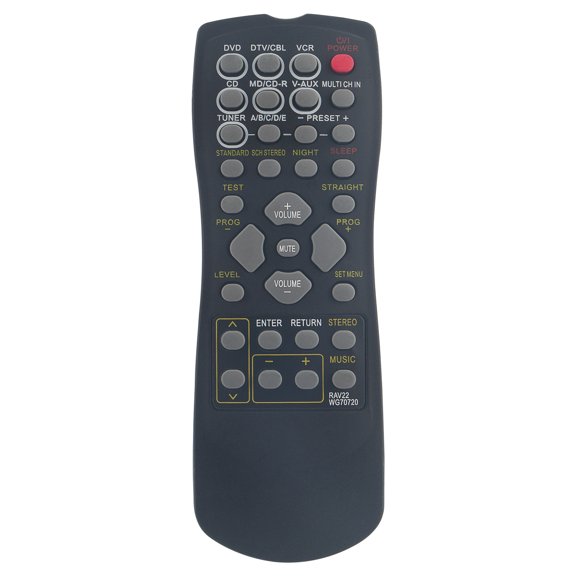 RAV22 WG70720 Replaced Remote Control for YAMAHA CD DVD RX-V357 RX-V359 RX-V350$7.88current price $7.88
OEM Marantz Remote Control Originally Shipped With AV8805
 OEM Marantz Remote Control Originally Shipped With AV8805$67.99current price $67.99