

Ring Chime Pro(1)
SimpliSafe Video Doorbell Pro Was $179.00

SimpliSafe Video Doorbell Pro
Other options to consider(4)
Restored Arlo AC2001 Chime 2 Wireless Doorbell $19.99
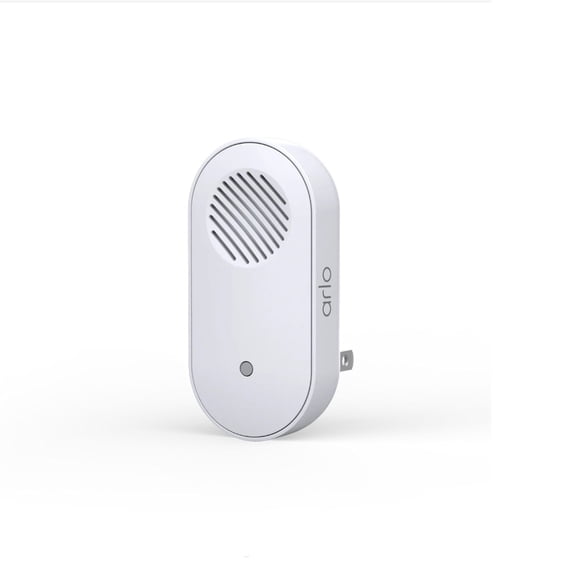
Restored Arlo AC2001 Chime 2 Wireless Doorbell
Newhouse Hardware 40TR 24V Wired Technology Power Type: 40vA Door Bell Transformer,Goldnt $19.99

Newhouse Hardware 40TR 24V Wired Technology Power Type: 40vA Door Bell Transformer,Goldnt
Alarm Wireless Motion Detector Sensor Door Chimes Home Security System Office $12.99
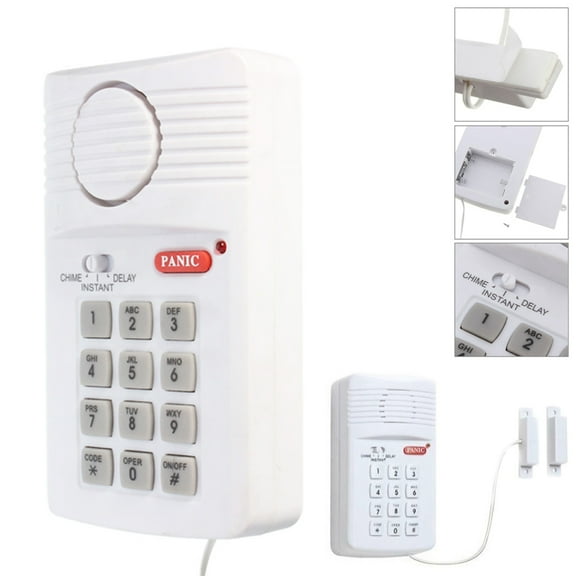
Alarm Wireless Motion Detector Sensor Door Chimes Home Security System Office
New, TELOLY 16V 30Va Hardwired Doorbell Transformer with Lever Wire Connector|Low Voltage,Compatible with Ring Wired Doorbell Pro,Wyze Video Doorbell V2,Nest,Ecobee Doorbell,16V Mechanical Chimes

TELOLY 16V 30Va Hardwired Doorbell Transformer with Lever Wire Connector|Low Voltage,Compatible with Ring Wired Doorbell Pro,Wyze Video Doorbell V2,Nest,Ecobee Doorbell,16V Mechanical Chimes
FAQ
What does Ring Chime Pro actually do?
The Ring Chime Pro is designed to enhance your smart home security setup. It plugs into a standard outlet and connects to your Wi-Fi network, acting as both a Wi-Fi extender for Ring devices and an audible chime for alerts.
- Wi-Fi Boost: It helps extend the Wi-Fi signal, improving connectivity for Ring cameras and doorbells in areas where the signal might be weak.
- Chime Alerts: When someone presses your doorbell or triggers a motion alert, the Chime Pro emits a sound, so you’re notified even if your phone isn’t nearby.
How is Ring Chime Pro different from Ring Chime?
While both devices provide audible alerts for your Ring doorbells and cameras, the Ring Chime Pro offers additional features.
- Wi-Fi Extender: Chime Pro boosts your Wi-Fi signal for Ring devices, helping reduce connectivity issues.
- Nightlight: Some models include a built-in nightlight for added convenience.
- Placement Flexibility: With its Wi-Fi extension, you can place Ring devices farther from your router.
Can Ring Chime Pro help with weak Wi-Fi?
Ring Chime Pro is designed to help improve Wi-Fi coverage for Ring devices. By plugging it into a central location, it acts as a Wi-Fi extender, which can help reduce lag or dropped connections for your Ring doorbell and cameras.
- It’s especially useful in larger homes or spaces where your router’s signal doesn’t reach all areas.
- Keep in mind, the effectiveness depends on your home’s layout and existing Wi-Fi strength.
Is Ring Chime Pro a good addition for home security?
Adding Ring Chime Pro can enhance your home or business security system by making sure you never miss an alert.
- Instant Notifications: You’ll hear chimes for doorbell rings and motion events, even if your phone is on silent.
- Improved Connectivity: Its Wi-Fi extension can help keep your security devices online and responsive.
- Flexible Placement: You can place it in rooms where you spend the most time, so alerts are always within earshot.
Where should I put my Ring Chime Pro for best results?
Placement is key for getting the most out of your Ring Chime Pro.
- Choose a spot halfway between your Wi-Fi router and the Ring device needing a stronger signal.
- Plug it into an outlet in a central location, avoiding areas with thick walls or heavy electronics that might block the signal.
- Consider placing it where you’ll easily hear alerts, like the living room or hallway.
Popular in Ring Chime Pro Wireless Doorbell Electronics
Related Products
Fosmon WaveLink 1x Add-On Plug In Door Bell Chime Receiver, Wireless doorbell For Home, Business, Elderly, Kids, Home Security System Door Alarm When Opened, No Transmitter
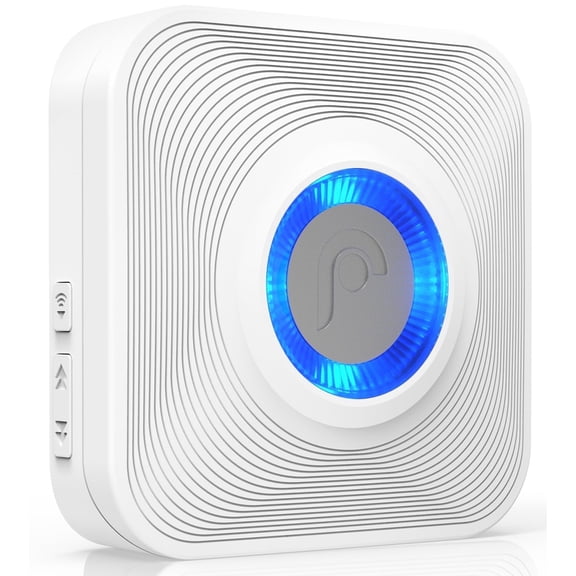 Fosmon WaveLink 1x Add-On Plug In Door Bell Chime Receiver, Wireless doorbell For Home, Business, Elderly, Kids, Home Security System Door Alarm When Opened, No Transmitter$16.99current price $16.99
Wireless Doorbell with 2 receivers 2 Buttons,IP55 Waterproof Doorbell,1300 FT/400M Remote Doorbell,55 Chimes 5 Volume,Colorful LED Flashing,110 db Loud Volume,For Home/Classroom
 Wireless Doorbell with 2 receivers 2 Buttons,IP55 Waterproof Doorbell,1300 FT/400M Remote Doorbell,55 Chimes 5 Volume,Colorful LED Flashing,110 db Loud Volume,For Home/Classroom$24.64current price $24.64
CallTou Wireless Door Chime System with 4 Sensors & 2 Receivers, WiFi App Alerts, 55 Ringtones, 5 Volume Levels, LED Indicator, Mute Mode for Home & Business
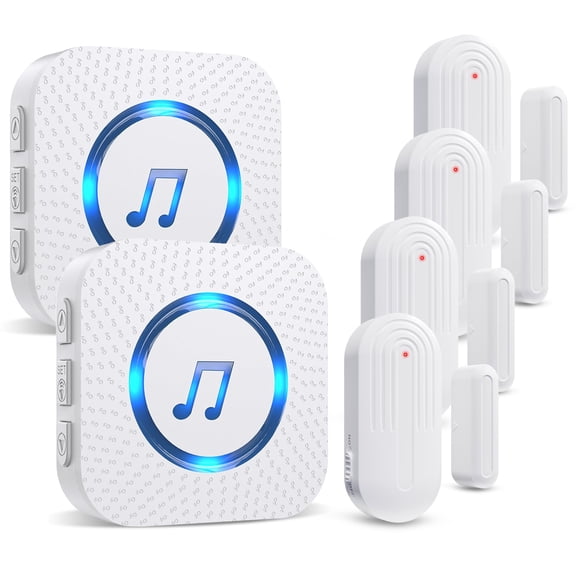 CallTou Wireless Door Chime System with 4 Sensors & 2 Receivers, WiFi App Alerts, 55 Ringtones, 5 Volume Levels, LED Indicator, Mute Mode for Home & Business$45.99current price $45.99
Fosmon WaveLink Add-On Wireless Door Entry Sensor Transmitter, Magnetic Doorbell Chime Sensor for Home, Store and Business Security, Receiver Required and Sold Separately
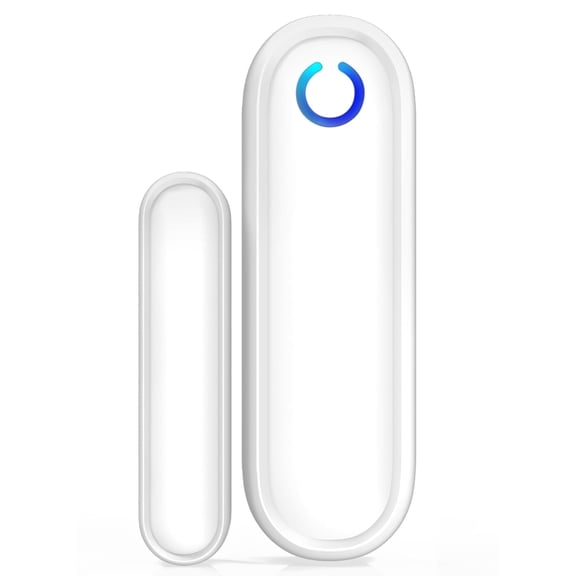 Fosmon WaveLink Add-On Wireless Door Entry Sensor Transmitter, Magnetic Doorbell Chime Sensor for Home, Store and Business Security, Receiver Required and Sold Separately$11.49current price $11.49
Wasserstein Doorbell Chime Compatible with Blink Video Doorbell (1st Gen & 2nd Gen) - Complete Blink Doorbell Chime Kit - Wired Transmitter with Doorbell Receiver (1-Pack, Black)
 Wasserstein Doorbell Chime Compatible with Blink Video Doorbell (1st Gen & 2nd Gen) - Complete Blink Doorbell Chime Kit - Wired Transmitter with Doorbell Receiver (1-Pack, Black)$48.99current price $48.99
ANGGREK Deaf Caller, Wireless Button Door Bell Patient Elderly Deaf Caller with 7 Kinds of Flash Lamp Color Tones
 ANGGREK Deaf Caller, Wireless Button Door Bell Patient Elderly Deaf Caller with 7 Kinds of Flash Lamp Color Tones$16.33current price $16.33
Deaf Caller, Wireless Button Door Bell Patient Elderly Deaf Caller with 7 Kinds of Flash Lamp Color Tones
 Deaf Caller, Wireless Button Door Bell Patient Elderly Deaf Caller with 7 Kinds of Flash Lamp Color Tones$16.34current price $16.34
GREENCYCLE Wireless Motion Sensor Door Chime,RDoor Chime for Business when Entering,Door Chimes,Door Ringer with 600 ft Range,Night Light Function,For Shopping Centers, Homes and Offices,1PK
 GREENCYCLE Wireless Motion Sensor Door Chime,RDoor Chime for Business when Entering,Door Chimes,Door Ringer with 600 ft Range,Night Light Function,For Shopping Centers, Homes and Offices,1PK$19.99current price $19.99
SadoTech Wireless Doorbell for Home - 1 Push-Button Ringer & 1 Chime Receiver, Battery Operated, 1000 Feet, Waterproof Door Bell w/LED Flash, Brown
 SadoTech Wireless Doorbell for Home - 1 Push-Button Ringer & 1 Chime Receiver, Battery Operated, 1000 Feet, Waterproof Door Bell w/LED Flash, Brown$11.99current price $11.99
Kasonic Wireless Doorbell,Plug-Play Waterproof Bell Operating Range Up To 1000 Feet, Adjustable Volume, Quality Sound And LED Flash Indicator
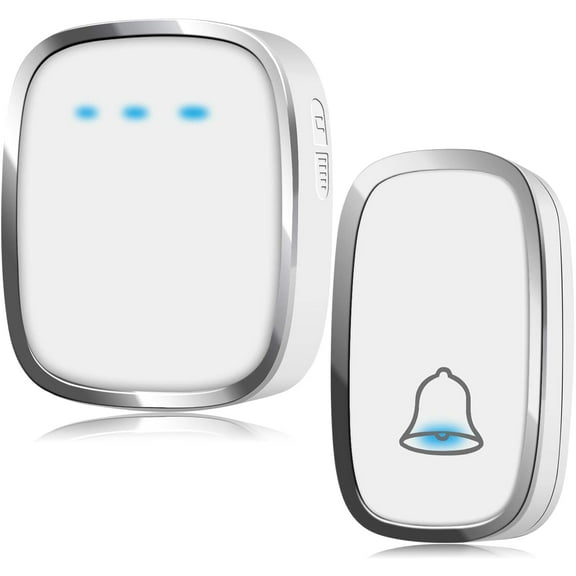 Kasonic Wireless Doorbell,Plug-Play Waterproof Bell Operating Range Up To 1000 Feet, Adjustable Volume, Quality Sound And LED Flash Indicator$12.99current price $12.99
Waterproof Wireless Doorbell,Battery Required,1000Feet Operating,Adjustable Volume,Doorbell with 36 Melodies LED Flash for Home,Classroom,Apartments White(1 Plug-In Receiver x 1 Push Button)
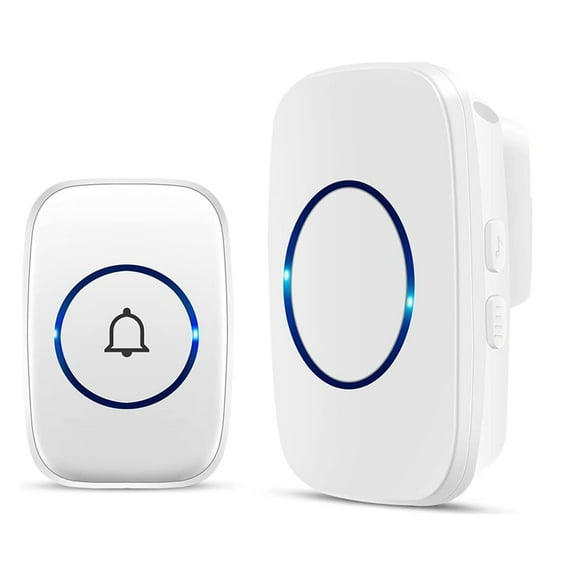 Waterproof Wireless Doorbell,Battery Required,1000Feet Operating,Adjustable Volume,Doorbell with 36 Melodies LED Flash for Home,Classroom,Apartments White(1 Plug-In Receiver x 1 Push Button)$12.99current price $12.99
Sgokeen Electric Wireless Doorbell Kit, 58 Chimes with LED, Plug-in 2 Receiver, 2 Push Button, Adjustable Wireless doorbells for home,Black
 Sgokeen Electric Wireless Doorbell Kit, 58 Chimes with LED, Plug-in 2 Receiver, 2 Push Button, Adjustable Wireless doorbells for home,Black$19.99current price $19.99
Wireless Doorbell by SadoTech –Waterproof Door Bells & Chimes Wireless Kit, 1000-ft Range
 Wireless Doorbell by SadoTech –Waterproof Door Bells & Chimes Wireless Kit, 1000-ft Range$18.99current price $18.99
Self Powered Wireless DoorBell No Battery US PLUG
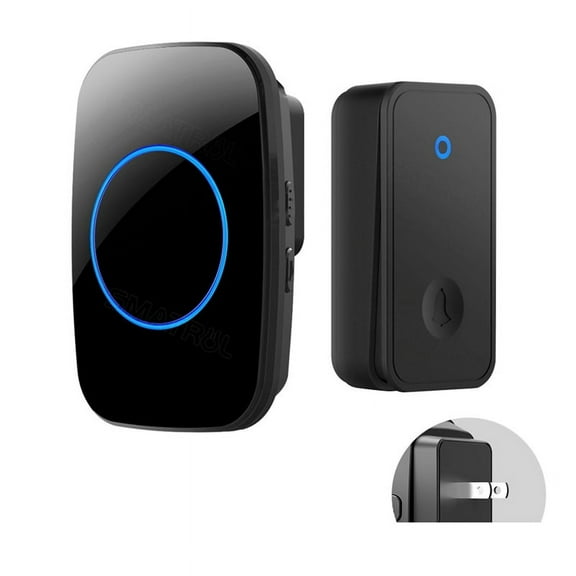 Self Powered Wireless DoorBell No Battery US PLUG$14.84current price $14.84