

Rca Cambio Tablet(1)
RCA Voyager III with Wi-Fi 7" Touchscreen Tablet PC Featuring Android 6.0 (Marshmallow) Operating System $34.99 Was $49.87
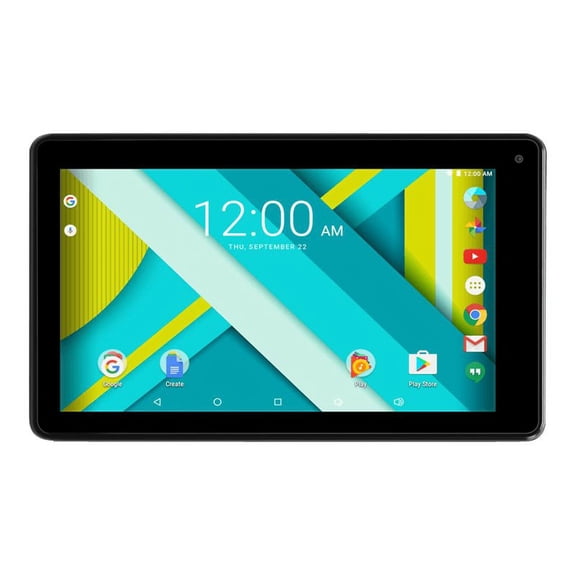
RCA Voyager III with Wi-Fi 7" Touchscreen Tablet PC Featuring Android 6.0 (Marshmallow) Operating System
Other options to consider(4)
Raypodo 13.3" Android 11 Wall Mount Tablet, Rockchip RK3566, VESA Adjustable, Touch Screen Player $328.00

Raypodo 13.3" Android 11 Wall Mount Tablet, Rockchip RK3566, VESA Adjustable, Touch Screen Player
Raypodo 10.1" Android Tablet PC - RK3568 Processor with IPS Screen, RJ45 & PoE Support (Android 11,Wall Mountable) $324.90
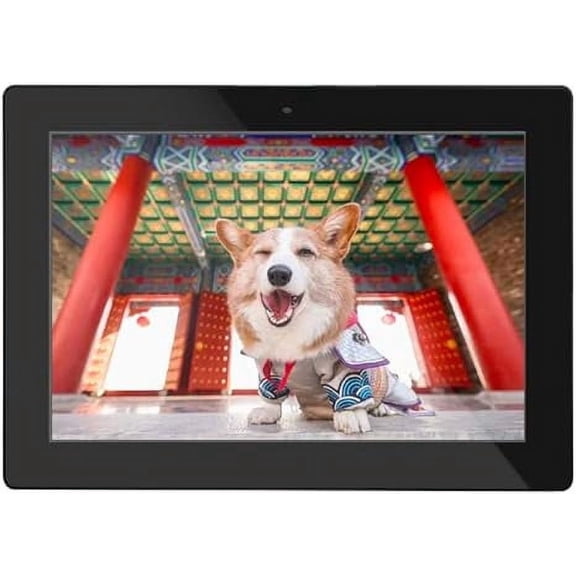
Raypodo 10.1" Android Tablet PC - RK3568 Processor with IPS Screen, RJ45 & PoE Support (Android 11,Wall Mountable)
PwrON Compatible 3.5mm Tip AC Wall Home Charger Replacement for RCA Cambio W122SC24T2 12 Laptop Tablet PC $12.85

PwrON Compatible 3.5mm Tip AC Wall Home Charger Replacement for RCA Cambio W122SC24T2 12 Laptop Tablet PC
Onerbl Wall Charger AC Adapter Compatible with W122SC24 RCA CAMBIO 12.2-in. Windows Tablet 12V-Volt -Charger AC Adapter $11.98
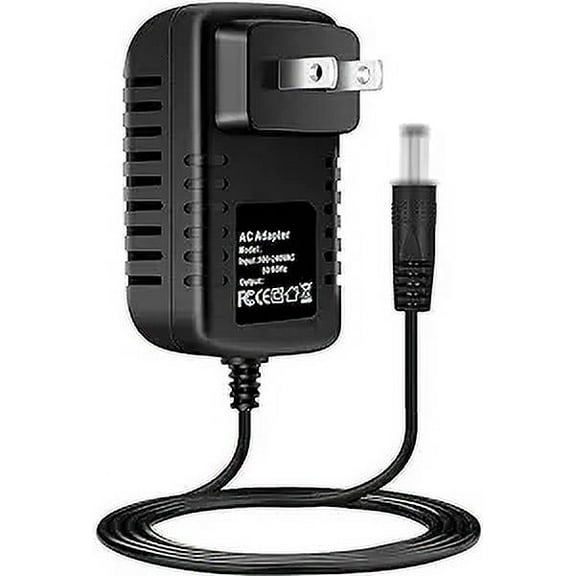
Onerbl Wall Charger AC Adapter Compatible with W122SC24 RCA CAMBIO 12.2-in. Windows Tablet 12V-Volt -Charger AC Adapter
FAQ
What can I do with a RCA Cambio tablet?
RCA Cambio tablets are versatile devices that let you handle everyday tasks with ease. You can:
- Browse the web using Wi-Fi connectivity.
- Stream videos and music on popular apps.
- Take photos and video calls with front and rear cameras.
- Download and use Android apps for productivity, gaming, or social media.
- Store files, photos, and apps thanks to built-in memory and expandable storage options.
These tablets are great for staying connected, learning, or just relaxing with your favorite content.
How do I set up my new RCA tablet?
Getting started with your RCA tablet is simple. Here are some steps to help you:
- Charge the tablet fully before first use.
- Press and hold the power button to turn it on.
- Follow the on-screen prompts to select your language and connect to Wi-Fi.
- Sign in with your Google account to access the Play Store and sync your apps.
- Adjust settings like brightness and sound to your preference.
Once set up, you can start exploring apps, customizing your home screen, and enjoying your new device.
Can I use a keyboard with these tablets?
Many RCA tablets support external keyboards, especially models that come with a folio case or detachable keyboard. If your tablet has a USB or Bluetooth connection, you can pair a compatible keyboard for easier typing. This can be helpful for writing emails, taking notes, or working on documents. Always check your tablet's specifications to see which accessories are supported for the best experience.
How do I keep my tablet running smoothly?
To help your RCA tablet perform well over time, consider these tips:
- Regularly close unused apps to free up memory.
- Update your software when updates are available for improved security and features.
- Clear cached data in settings to free up storage space.
- Restart your tablet occasionally to refresh the system.
- Avoid overloading with too many apps running at once.
These steps can help maintain your tablet's speed and responsiveness.
Is there a way to protect the screen from scratches?
Protecting your RCA tablet's screen is a smart move. You can:
- Apply a screen protector designed for your tablet's size.
- Use a folio case or cover to shield the screen when not in use.
- Keep the tablet away from sharp objects and clean it with a soft, lint-free cloth.
Taking these precautions can help reduce the risk of scratches and keep your screen looking clear.
Popular in RCA Cambio Tablets and Android Devices
Related Products
EDO Tech Wall Charger for Proscan PLTDVD7200 7-inch 2-in-1 Android Tablet and Portable DVD (AC Power Adapter with 6.5 ft Long Cord)
 EDO Tech Wall Charger for Proscan PLTDVD7200 7-inch 2-in-1 Android Tablet and Portable DVD (AC Power Adapter with 6.5 ft Long Cord)$11.00current price $11.00
EDO Tech Wall Charger for Smartab STW1050 STW1800 10.1" 2 in1 Windows Tablet with keyboard ( 6-1/2' Long Cable AC Adapter Power Cord)
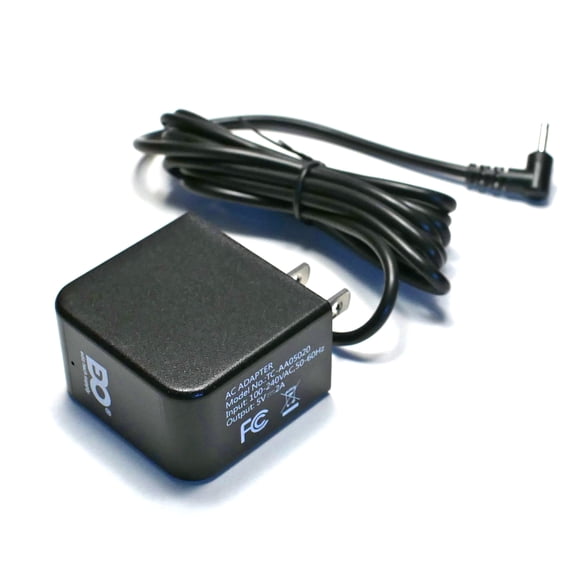 EDO Tech Wall Charger for Smartab STW1050 STW1800 10.1" 2 in1 Windows Tablet with keyboard ( 6-1/2' Long Cable AC Adapter Power Cord)$11.00current price $11.00
AC Adapter Charger for RCA Galileo Pro 11.5" RCT6513W87DK C Tablet Power
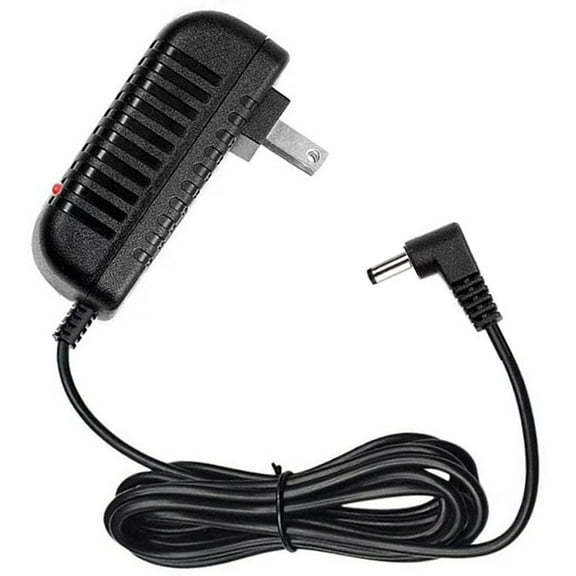 AC Adapter Charger for RCA Galileo Pro 11.5" RCT6513W87DK C Tablet Power$15.59current price $15.59
5V Replacement AC Adapter Compatible with RCA Delta Pro RCT6613W23PH6 11.6-Inch Quad-Core Tablet Laptop Power Supply
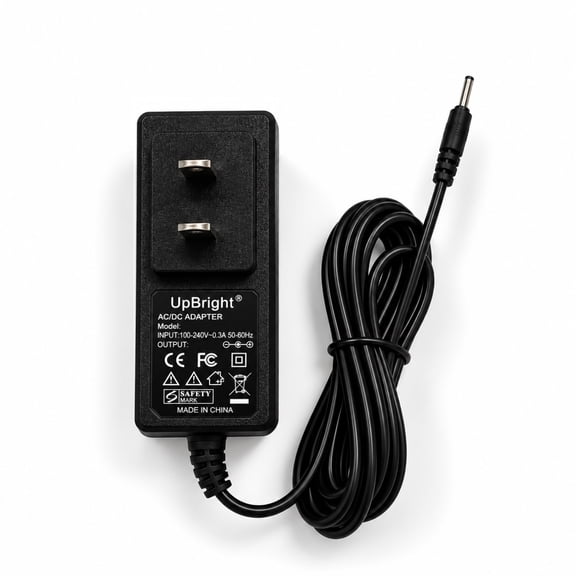 5V Replacement AC Adapter Compatible with RCA Delta Pro RCT6613W23PH6 11.6-Inch Quad-Core Tablet Laptop Power Supply$17.88current price $17.88
OMNIHIL AC/DC Adapter/Adaptor for RCA Pro 10 10" Edition RCT6103W46 Tablet PC Power Supply Cord
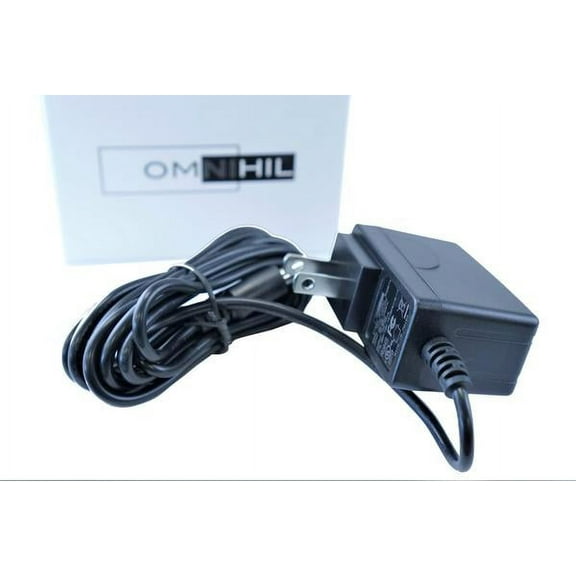 OMNIHIL AC/DC Adapter/Adaptor for RCA Pro 10 10" Edition RCT6103W46 Tablet PC Power Supply Cord$16.96current price $16.96
EDO Tech Wall Charger for RCA 8" 10" Android Disney Tablet RCT6B86E12 RCT6A06E12 Pro10 RCT6203W46 (6.5 ft Long Cable Heavy Duty AC Power Adapter)
 EDO Tech Wall Charger for RCA 8" 10" Android Disney Tablet RCT6B86E12 RCT6A06E12 Pro10 RCT6203W46 (6.5 ft Long Cable Heavy Duty AC Power Adapter)$14.00current price $14.00
5V Replacement AC Adapter Compatible with RCA Maven Pro RCT6213W87 11.6" Tablet Power Supply
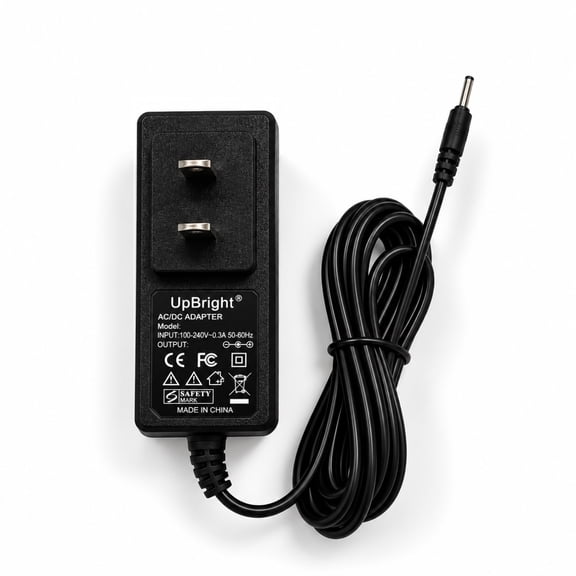 5V Replacement AC Adapter Compatible with RCA Maven Pro RCT6213W87 11.6" Tablet Power Supply$16.99current price $16.99
micro AC Home Wall Power Charger Adapter for RCA Voyager RCT6773W22 7" Tablet PC
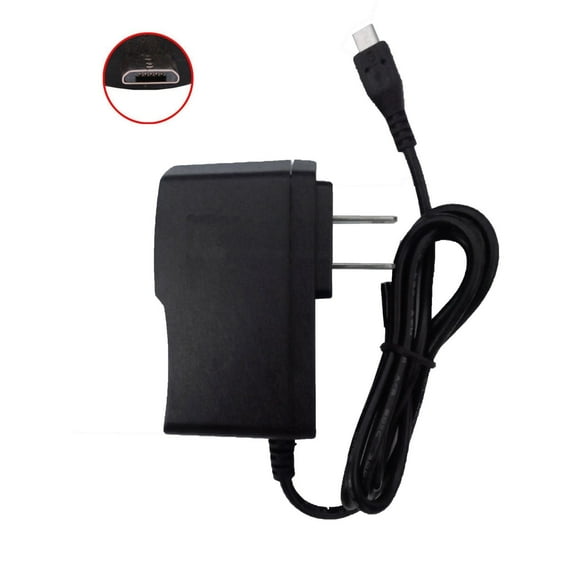 micro AC Home Wall Power Charger Adapter for RCA Voyager RCT6773W22 7" Tablet PC$13.93current price $13.93
PwrON Compatible AC Adapter Charger Replacement for RCA Galileo Pro 11.5" RCT6513W87DK C Tablet Power Mains
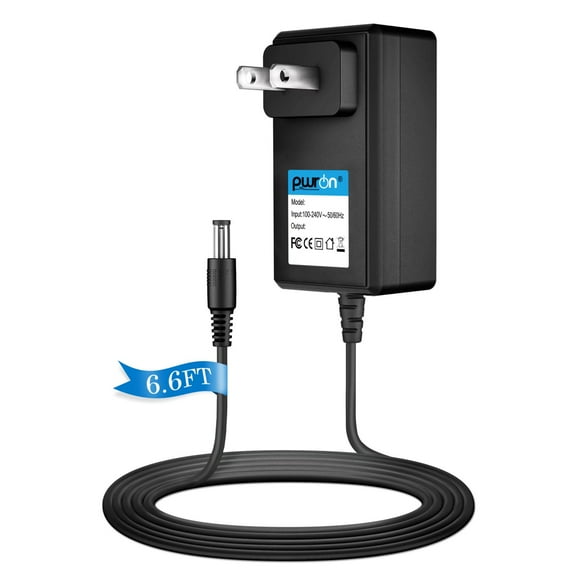 PwrON Compatible AC Adapter Charger Replacement for RCA Galileo Pro 11.5" RCT6513W87DK C Tablet Power Mains$9.98current price $9.98
XMHEIRD AC Adapter Charger for RCA 11 Galileo Pro RCT6513W87 DK Tablet PC Mains
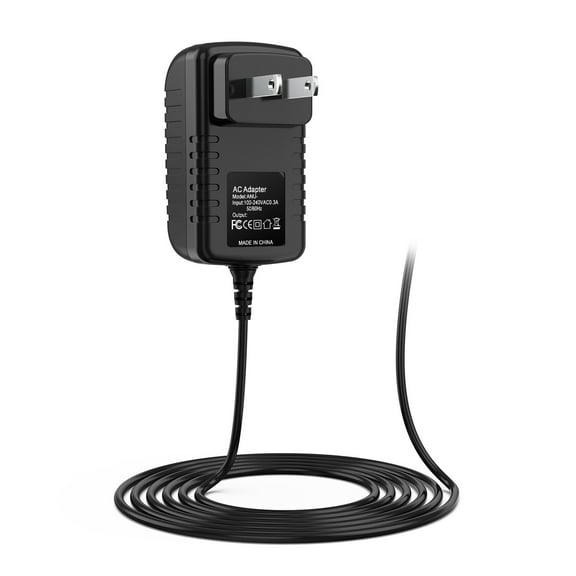 XMHEIRD AC Adapter Charger for RCA 11 Galileo Pro RCT6513W87 DK Tablet PC Mains$9.98current price $9.98
EDO Tech Wall Charger for RCA Endeavor 10 RCT6A06P22 HD 10" Touchscreen Android Tablet (6.5 ft Long Cable 5V2A AC Power Adapter)
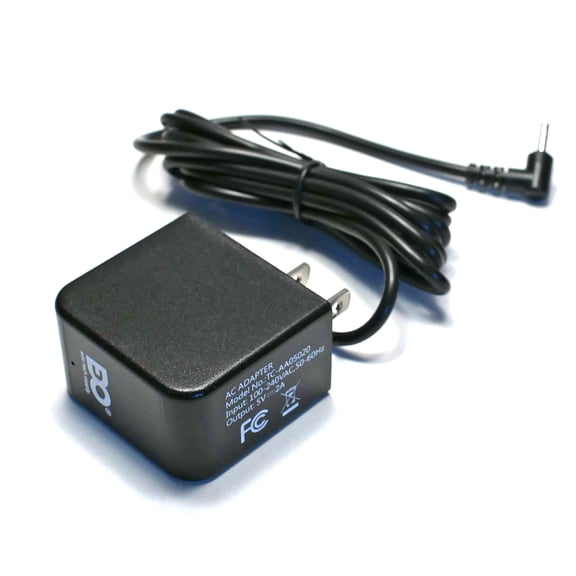 EDO Tech Wall Charger for RCA Endeavor 10 RCT6A06P22 HD 10" Touchscreen Android Tablet (6.5 ft Long Cable 5V2A AC Power Adapter)$11.00current price $11.00
EDO Tech Wall Charger for NuVision TM1318 TM1088c TM1088 10" Android Tablet (AC Power Adapter with 6.5 ft Long Cord)
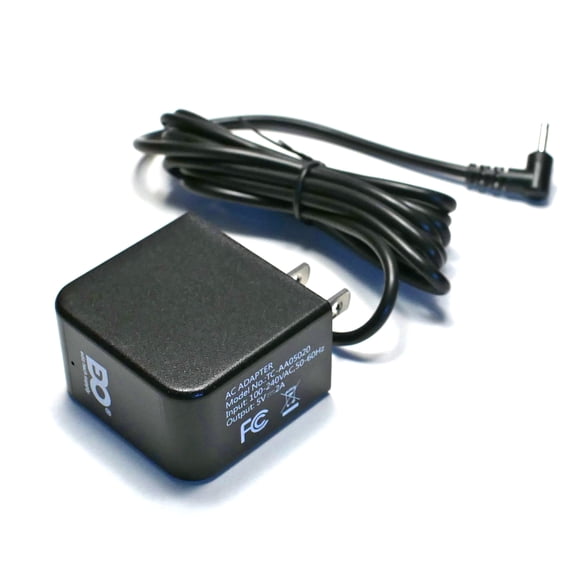 EDO Tech Wall Charger for NuVision TM1318 TM1088c TM1088 10" Android Tablet (AC Power Adapter with 6.5 ft Long Cord)$11.00current price $11.00
EDO Tech Wall Charger for Ematic EWT834 8" EWT106 EWT106-BL 10" Windows EGQ238 EGQ235 Android Tablet (AC Power Supply Adapter with 6.5 ft Cord)
 EDO Tech Wall Charger for Ematic EWT834 8" EWT106 EWT106-BL 10" Windows EGQ238 EGQ235 Android Tablet (AC Power Supply Adapter with 6.5 ft Cord)$11.00current price $11.00
FITE ON AC Adapter Compatible with RCA Galileo Pro 11.5 RCT6513W87DK C Tablet PC
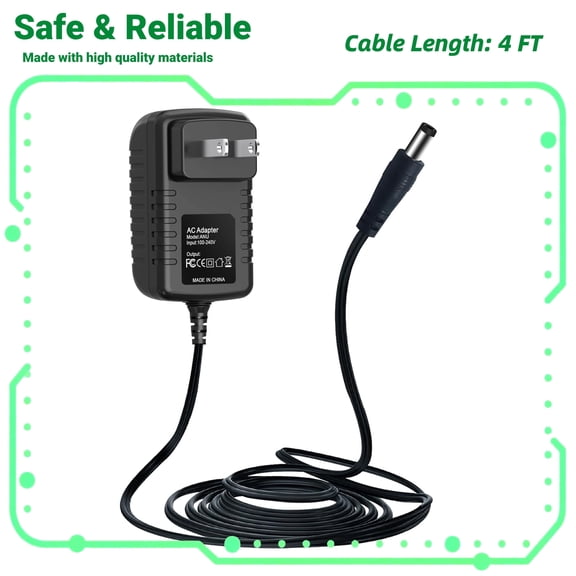 FITE ON AC Adapter Compatible with RCA Galileo Pro 11.5 RCT6513W87DK C Tablet PC$9.99current price $9.99
EDO Tech Wall Charger for Onn. ONA19TB002 8" ONA19TB003 ONA19TB007 10.1" Android Tablet with Detachable Keyboard (6.5 ft Long Cable AC Power Adapter)
 EDO Tech Wall Charger for Onn. ONA19TB002 8" ONA19TB003 ONA19TB007 10.1" Android Tablet with Detachable Keyboard (6.5 ft Long Cable AC Power Adapter)$11.00current price $11.00
PKPOWER 6.6FT Cable 2A AC/DC Wall Charger Power Adapter For RCA 10 VIKING PRO RCT6303W87 DK Tablet
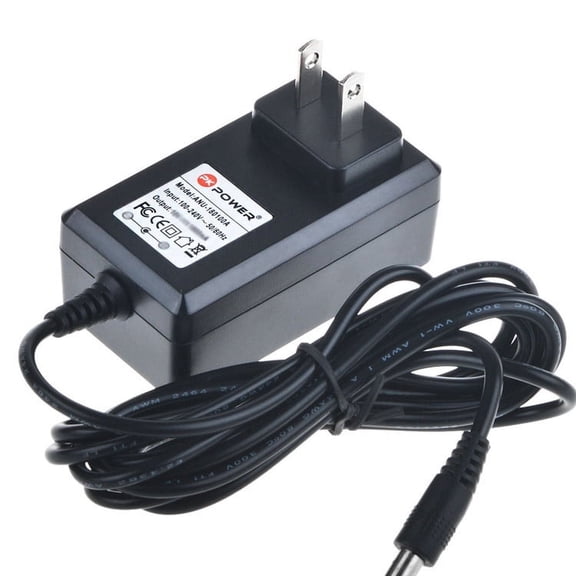 PKPOWER 6.6FT Cable 2A AC/DC Wall Charger Power Adapter For RCA 10 VIKING PRO RCT6303W87 DK Tablet$10.99current price $10.99
FITE ON 5V 2.5A AC Adapter Compatible with Nextbook NXW10QC32G 10.1 Tablet DC Power Supply Charger
 FITE ON 5V 2.5A AC Adapter Compatible with Nextbook NXW10QC32G 10.1 Tablet DC Power Supply Charger$9.99current price $9.99
EDO Tech Wall Charger for Onn 100011885 100011886 100026203 100003562 100003561 100043279 Android 8" 10.1" 11.6" Tablet Pro Gen 2 (6.5 ft Long Cable Compact USB Type C AC Power Adapter)
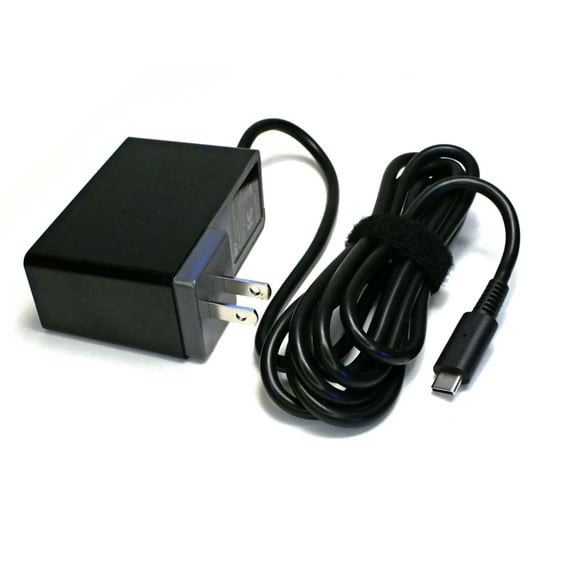 EDO Tech Wall Charger for Onn 100011885 100011886 100026203 100003562 100003561 100043279 Android 8" 10.1" 11.6" Tablet Pro Gen 2 (6.5 ft Long Cable Compact USB Type C AC Power Adapter)$18.00current price $18.00