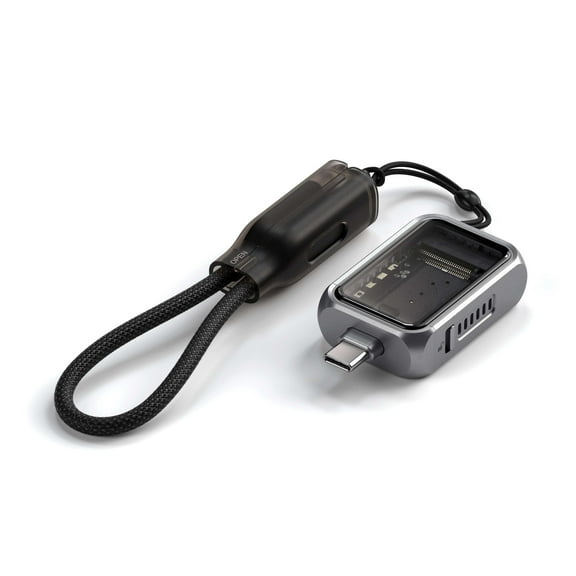
Raid Enclosure Thunderbolt(11)
Black Friday Deal, TERRAMASTER D2-320 USB RAID Enclosure USB 3.2 Gen 2 10Gbps Type C 2Bay RAID Storage Supports RAID 0, 1, Single, JBOD (Diskless) $103.90 Was $116.99

TERRAMASTER D2-320 USB RAID Enclosure USB 3.2 Gen 2 10Gbps Type C 2Bay RAID Storage Supports RAID 0, 1, Single, JBOD (Diskless)
OWC ThunderBay 4 4-Bay Thunderbolt 3 RAID Enterprise Drive External Storage Solution, Diskless $399.85
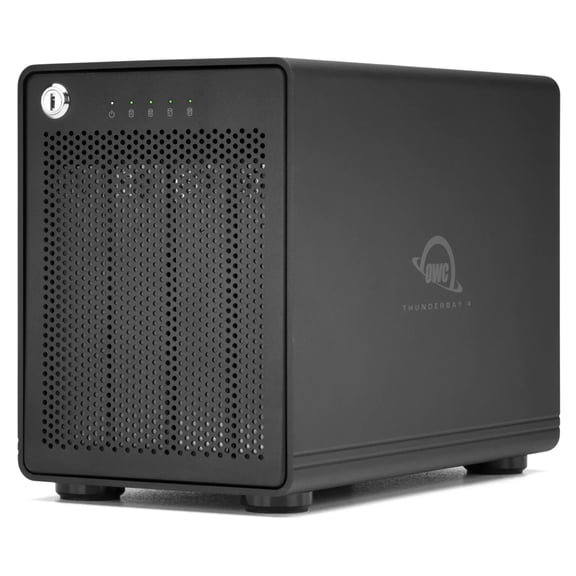
OWC ThunderBay 4 4-Bay Thunderbolt 3 RAID Enterprise Drive External Storage Solution, Diskless
4 Bay 2.5 & 3.5 in. HDD & SSD RAID Enclosure with Thunderbolt 2 $390.44

4 Bay 2.5 & 3.5 in. HDD & SSD RAID Enclosure with Thunderbolt 2
Glyph 16TB Blackbox PRO RAID 2-Bay Thunderbolt 3 RAID Array with Up to 550MBs Transfer Speed Aluminum Shell and Fan Cooling Design (2 x 8TB) From $1,499.99

Glyph 16TB Blackbox PRO RAID 2-Bay Thunderbolt 3 RAID Array with Up to 550MBs Transfer Speed Aluminum Shell and Fan Cooling Design (2 x 8TB)
New, ACASIS 40Gbps 4-Bay Hybrid HDD NVMe Enclosure, 2 SATA HDD/SSD + 2 M.2 NVMe SSD, USB4/Thunderbolt 3/4/5, Hardware RAID 0/1/JBOD/PM From $169.00
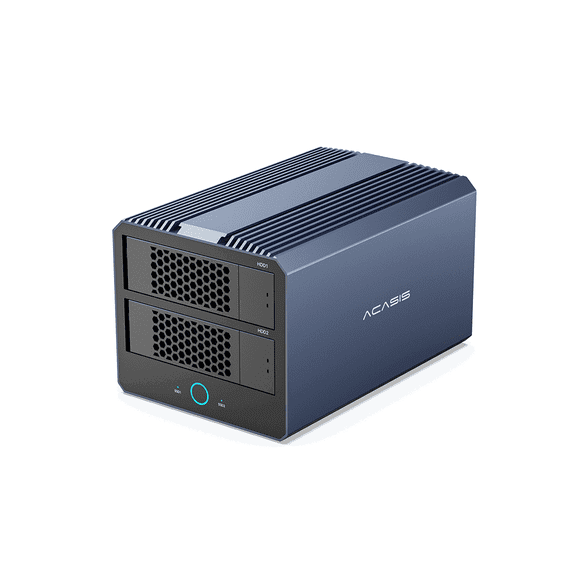
ACASIS 40Gbps 4-Bay Hybrid HDD NVMe Enclosure, 2 SATA HDD/SSD + 2 M.2 NVMe SSD, USB4/Thunderbolt 3/4/5, Hardware RAID 0/1/JBOD/PM
Promise Technology Pegasus32 R6 72TB (6x12TB) 6-Bay Thunderbolt 3 / USB 3.2 Gen 2 RAID Array $5,036.38
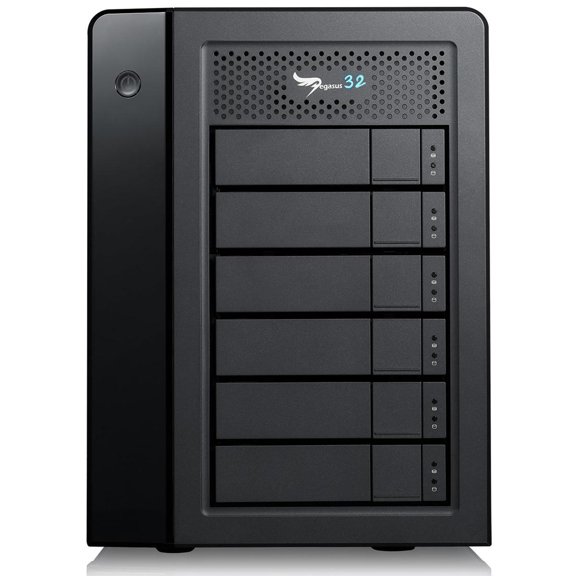
Promise Technology Pegasus32 R6 72TB (6x12TB) 6-Bay Thunderbolt 3 / USB 3.2 Gen 2 RAID Array
Promise Technology Pegasus32 R8 32TB (8x4TB) 8-Bay Thunderbolt 3 / USB 3.2 Gen 2 RAID Array $5,260.77
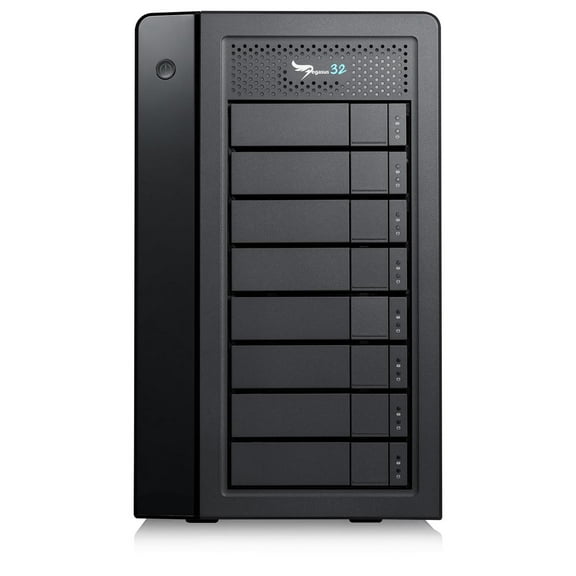
Promise Technology Pegasus32 R8 32TB (8x4TB) 8-Bay Thunderbolt 3 / USB 3.2 Gen 2 RAID Array
Dual 2.5" SATA Drive Removable RAID 1 & JBOD Mobile Rack Enclosure for 5.25" Bay - ToughArmor RAID MB902SPR-B R1 $189.95
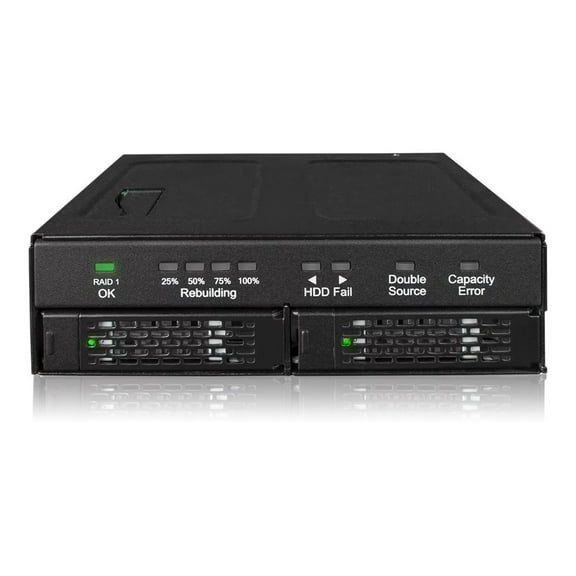
Dual 2.5" SATA Drive Removable RAID 1 & JBOD Mobile Rack Enclosure for 5.25" Bay - ToughArmor RAID MB902SPR-B R1
OWC OWCTB3SRT08.0S 8TB Thunder Bay 4 Thunderbolt RAID Storage $1,433.15
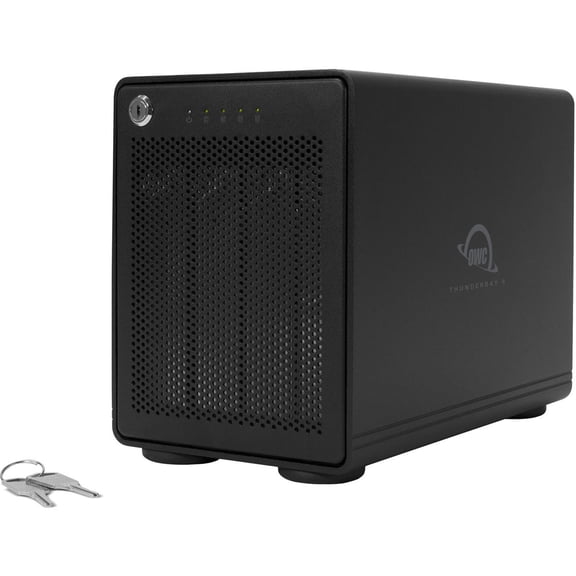
OWC OWCTB3SRT08.0S 8TB Thunder Bay 4 Thunderbolt RAID Storage
WD G-RAID Shuttle 4-Bay Thunderbolt 3 and USB-C RAID Array with 80TB (4x 20TB) Removable HDD, Bundle with iM2500 Storm Carry-On Case $4,999.99 Was $6,399.98
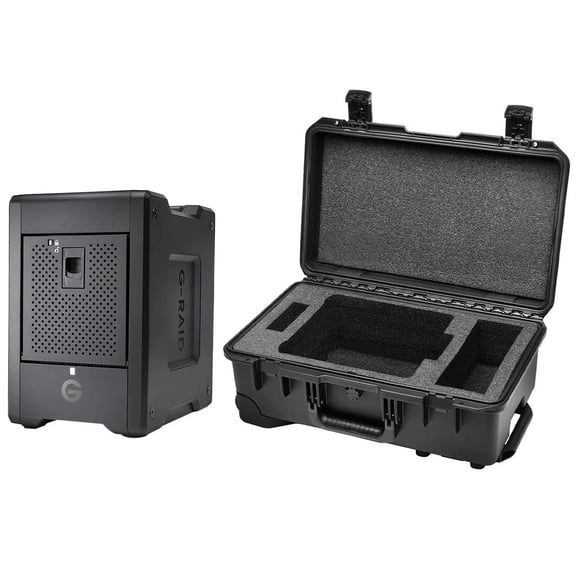
WD G-RAID Shuttle 4-Bay Thunderbolt 3 and USB-C RAID Array with 80TB (4x 20TB) Removable HDD, Bundle with iM2500 Storm Carry-On Case
OWC Gemini Thunderbolt [40Gb/s] Dock And Dual-Drive RAID External Storage Enclosure (owctb3gm000) From $335.90
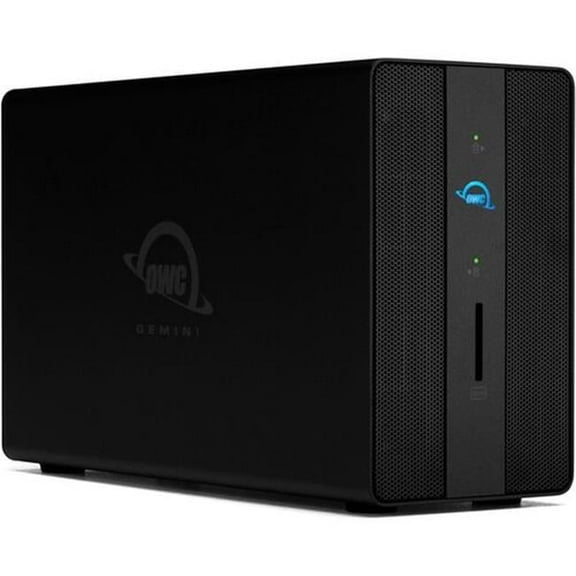
OWC Gemini Thunderbolt [40Gb/s] Dock And Dual-Drive RAID External Storage Enclosure (owctb3gm000)
Other options to consider(16)
TERRAMASTER D5 Hybrid HDD NVMe Enclosure - USB 3.2 Gen 2 10Gbps Type C 5Bay USB Storage Supports RAID 0/1/Single/JBOD Exclusive 2+3 RAID Hybrid Disk Array (Diskless) $219.99
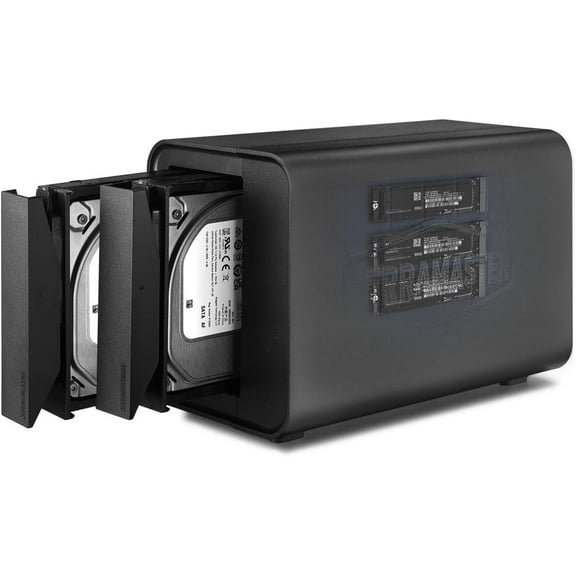
TERRAMASTER D5 Hybrid HDD NVMe Enclosure - USB 3.2 Gen 2 10Gbps Type C 5Bay USB Storage Supports RAID 0/1/Single/JBOD Exclusive 2+3 RAID Hybrid Disk Array (Diskless)
Black Friday Deal, TERRAMASTER D4 SSD NVMe Enclosure - 40Gbps 4Bay, USB Storage Type-C Supports 4xM.2 NVMe 2280 SSDs, Compatible with USB 4/3.2/3.1/3.0, Thunderbolt 5/4/3, Mobile App for Data Backup Included (Diskless) $199.90 Was $224.99
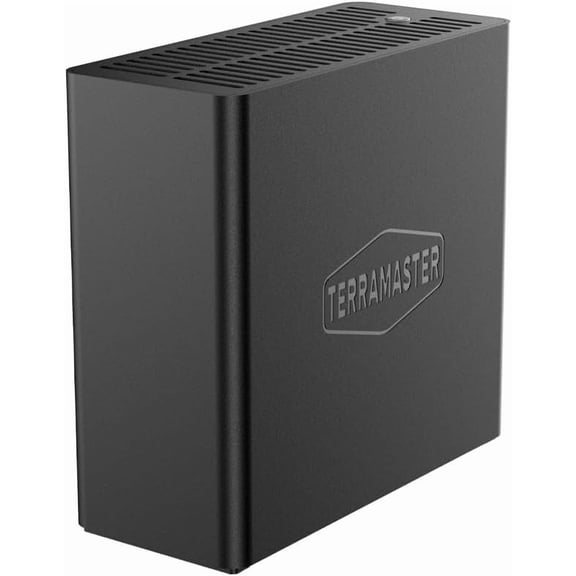
TERRAMASTER D4 SSD NVMe Enclosure - 40Gbps 4Bay, USB Storage Type-C Supports 4xM.2 NVMe 2280 SSDs, Compatible with USB 4/3.2/3.1/3.0, Thunderbolt 5/4/3, Mobile App for Data Backup Included (Diskless)
OWC ThunderBay 4 Four-Bay Thunderbolt [40Gb/s] External Storage Enclosure With SoftRAID (owctb3srkit0gb) $549.99
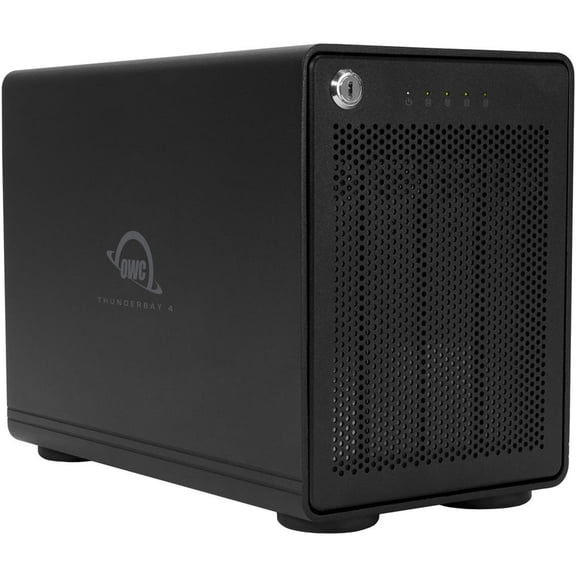
OWC ThunderBay 4 Four-Bay Thunderbolt [40Gb/s] External Storage Enclosure With SoftRAID (owctb3srkit0gb)
StarTech.com Dual M.2 Enclosure - RAID - M.2 SATA SSD Enclosure - USB 3.1 (10 Gbps) - USB-C & USB-A External Enclosure - Aluminum $67.91
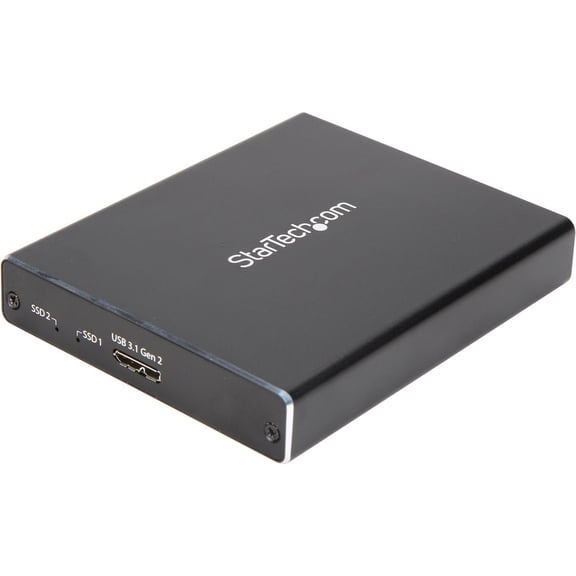
StarTech.com Dual M.2 Enclosure - RAID - M.2 SATA SSD Enclosure - USB 3.1 (10 Gbps) - USB-C & USB-A External Enclosure - Aluminum
OWC ThunderBay 8 Eight-Bay Thunderbolt [40Gb/s] External Storage Enclosure With SoftRAID (owctb38srkit0) $999.99

OWC ThunderBay 8 Eight-Bay Thunderbolt [40Gb/s] External Storage Enclosure With SoftRAID (owctb38srkit0)
OWC 48TB ThunderBay 8 Thunderbolt [40Gb/s] RAID Storage Solution With SoftRAID (owctb38srt048) $4,749.99
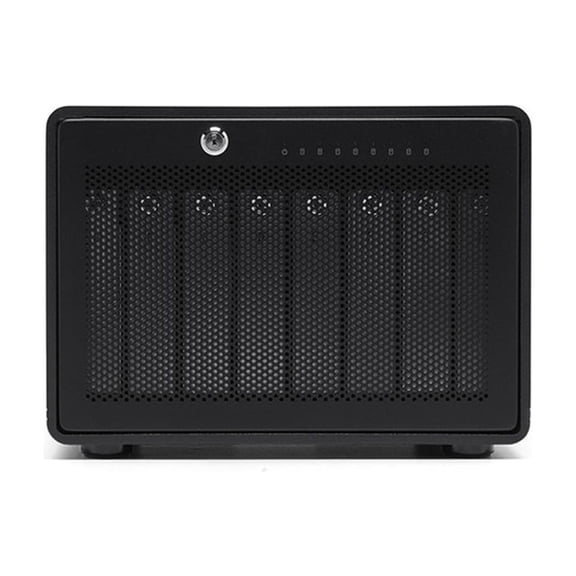
OWC 48TB ThunderBay 8 Thunderbolt [40Gb/s] RAID Storage Solution With SoftRAID (owctb38srt048)
Mobius 5-Bay FireWire 800, eSATA, USB 3.0 RAID Enclosure $279.00

Mobius 5-Bay FireWire 800, eSATA, USB 3.0 RAID Enclosure
2 Bay Aluminum Hard Drive Raid Enclosure ASM-5G with 10.35 x 5.75 x 3.86 Inch Dimensions
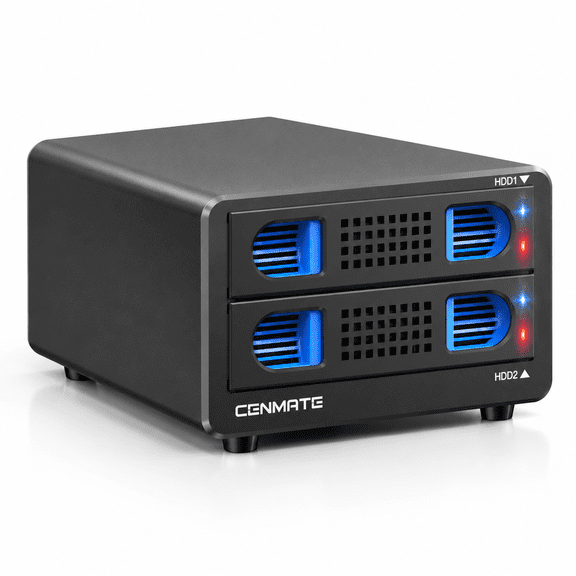
2 Bay Aluminum Hard Drive Raid Enclosure ASM-5G with 10.35 x 5.75 x 3.86 Inch Dimensions
StarTech.com 4 Bay Thunderbolt 3 NVMe Enclosure, For M.2 NVMe SSD Drives, 1x DisplayPort Video and 2x TB3 Downstream Ports, 40Gbps $420.81
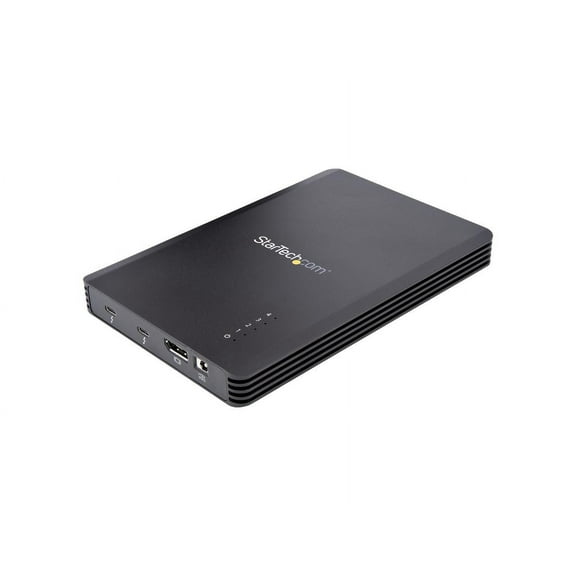
StarTech.com 4 Bay Thunderbolt 3 NVMe Enclosure, For M.2 NVMe SSD Drives, 1x DisplayPort Video and 2x TB3 Downstream Ports, 40Gbps
JIAHAOO M 2 NVME SSD Enclosure With RAID0 RAID1 Modes For High Speed And Secure Data Management $92.92

JIAHAOO M 2 NVME SSD Enclosure With RAID0 RAID1 Modes For High Speed And Secure Data Management
Syba SYENC50129 USB 4.0 Type-C 8-Bay SATA Hard Drive Enclosure $303.73

Syba SYENC50129 USB 4.0 Type-C 8-Bay SATA Hard Drive Enclosure
SilverStone RL-TS433-TB Aluminum Body with Zinc Alloy Handle 3.5"/2.5" SATA HDD/SSD ( up to 6 Gbps ) Black 2 x Thunderbolt 2 port ( up to 20 Gbps) (Support Daisy Chain function) High-speed External St $354.03

SilverStone RL-TS433-TB Aluminum Body with Zinc Alloy Handle 3.5"/2.5" SATA HDD/SSD ( up to 6 Gbps ) Black 2 x Thunderbolt 2 port ( up to 20 Gbps) (Support Daisy Chain function) High-speed External St
Tripp Lite USB-C to Dual M.2 SATA SSD/HDD Enclosure Adapter, Black $48.82

Tripp Lite USB-C to Dual M.2 SATA SSD/HDD Enclosure Adapter, Black
Glyph Technologies Atom EX80 USB 4.0 Type-C Magnetic Rugged External SSD with Location Track
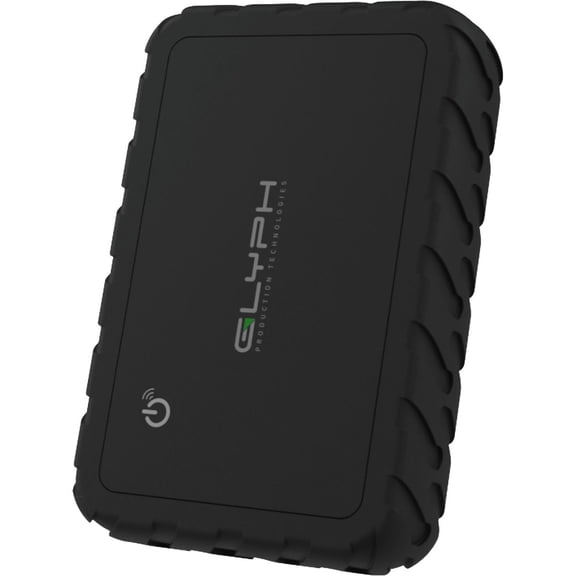
Glyph Technologies Atom EX80 USB 4.0 Type-C Magnetic Rugged External SSD with Location Track
CY Slimline SAS 4.0 SFF-8654 8i 74pin Host Raid to 8 SATA 7pin Target Hard Disk Fanout Raid Cable 1-to-8 Splitter $22.99
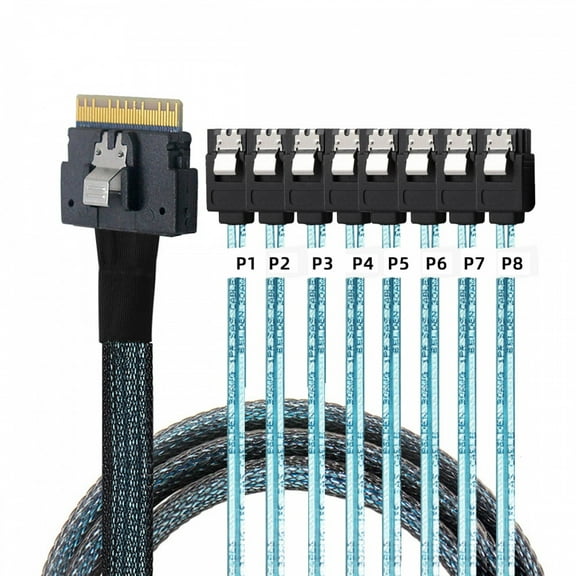
CY Slimline SAS 4.0 SFF-8654 8i 74pin Host Raid to 8 SATA 7pin Target Hard Disk Fanout Raid Cable 1-to-8 Splitter
Xiwai Cable Slimline SAS 4.0 SFF-8654 4i 38pin Host to 4 SAS 29pin SFF-8654 Target Hard Disk Fanout Raid Cable $18.88

Xiwai Cable Slimline SAS 4.0 SFF-8654 4i 38pin Host to 4 SAS 29pin SFF-8654 Target Hard Disk Fanout Raid Cable
FAQ
What does RAID mean for storage enclosures?
RAID stands for 'Redundant Array of Independent Disks.' It's a technology used in storage enclosures to combine multiple hard drives or SSDs for improved performance, reliability, or capacity. Different RAID modes offer unique benefits:
- RAID 0: Boosts speed by splitting data across drives, but no redundancy.
- RAID 1: Mirrors data for backup, so if one drive fails, your info remains.
- JBOD: Uses drives independently, no RAID features.
- RAID 5/6: Balances speed and redundancy, but needs more drives.
Choosing the right RAID mode can depend on whether you value speed, backup, or flexibility.
How do I connect a Thunderbolt RAID enclosure?
To connect a Thunderbolt RAID enclosure, start by locating your device's Thunderbolt port (often marked with a lightning symbol). Plug in the Thunderbolt cable from the enclosure to your computer. Most enclosures are plug-and-play, so your operating system should recognize the device automatically. If needed, install any drivers or software for advanced features.
- Use certified Thunderbolt cables for best results.
- Check compatibility with your computer's Thunderbolt version.
Once connected, you can access and manage your drives through your computer's file explorer or storage management tools.
Can I use different size drives in a RAID enclosure?
Many RAID enclosures allow you to install drives of different sizes, but there are some limitations. The total usable storage may be restricted by the smallest drive in the array, depending on the RAID mode. For example:
- In RAID 1, both drives should match in size for full mirroring.
- JBOD lets you use each drive independently, regardless of size.
- RAID 0 typically uses the smallest drive as the baseline for storage capacity.
Always check your enclosure's manual for compatibility details before mixing drive sizes.
How do I switch between RAID modes?
Switching RAID modes in a storage enclosure usually involves using a physical switch, software utility, or setup process provided by the enclosure. Here's a general approach:
- Backup your data before changing RAID settings, as switching modes can erase drives.
- Locate the RAID mode selector (physical switch or software tool).
- Follow the manufacturer's instructions to switch modes and reinitialize the drives.
If you're unsure, refer to the enclosure's manual or online resources for detailed steps specific to your model.
How do I keep my RAID enclosure cool?
Keeping your RAID enclosure cool is important for long-term reliability. Most enclosures feature built-in cooling fans or aluminum shells for heat dissipation. You can help by:
- Placing the enclosure in a well-ventilated area.
- Cleaning dust from vents and fans regularly.
- Avoiding stacking other devices on top of the enclosure.
Some models allow you to monitor temperatures using software. If you notice excessive heat, check that all fans are working and consider relocating the enclosure for better airflow.
Popular in RAID Enclosure Thunderbolt for SSD and Hard Drives
Related Products
Seagate IronWolf Pro ST24000NT002 24TB 7200 RPM 512MB Cache SATA 6.0Gb/s 3.5" Internal Hard Drive
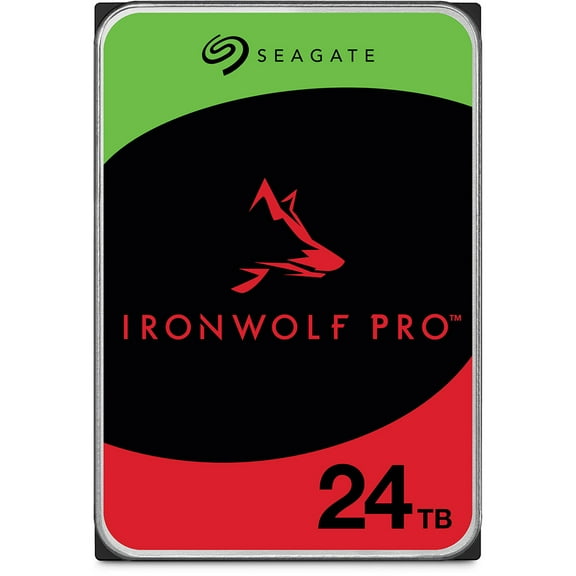 Seagate IronWolf Pro ST24000NT002 24TB 7200 RPM 512MB Cache SATA 6.0Gb/s 3.5" Internal Hard Drive$1059.99current price $1059.99
ORICO Dual Bay M.2 SSD Enclosure M.2 NVMe Cloner NVMe Enclosure Adapter 10Gbps USB C M-Key Aluminum External Hard Drive Enclosure Max to 8TB Tool Free(No Drive)
 ORICO Dual Bay M.2 SSD Enclosure M.2 NVMe Cloner NVMe Enclosure Adapter 10Gbps USB C M-Key Aluminum External Hard Drive Enclosure Max to 8TB Tool Free(No Drive)$71.99current price $71.99
Seagate IronWolf Pro SATA III 3.5" Internal NAS Hard Drive, 7200 RPM, 24TB, 4-Pack
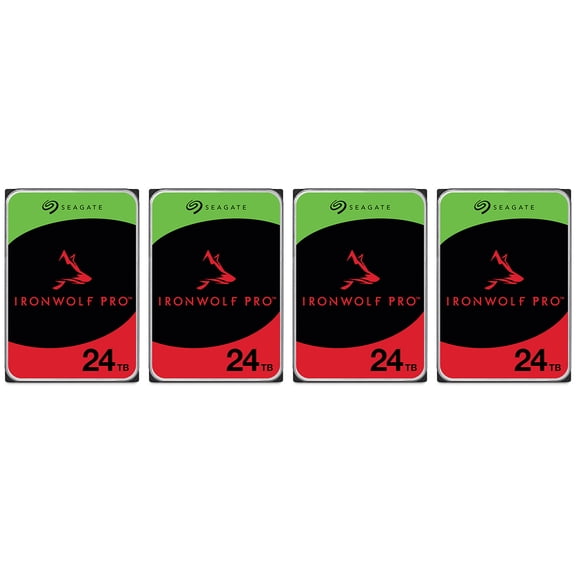 Seagate IronWolf Pro SATA III 3.5" Internal NAS Hard Drive, 7200 RPM, 24TB, 4-Pack$4999.96current price $4999.96
ACASIS External NVMe M.2 SSD Enclosure 40Gbps with Cooling Fan Supports 8TB
 ACASIS External NVMe M.2 SSD Enclosure 40Gbps with Cooling Fan Supports 8TB$69.00current price $69.00
MDD 14TB 7200 RPM 256MB Cache SATA 6.0Gb/s 3.5" Internal Hard Drive for NAS Network Storage (MD14TSATA25672NAS)
 MDD 14TB 7200 RPM 256MB Cache SATA 6.0Gb/s 3.5" Internal Hard Drive for NAS Network Storage (MD14TSATA25672NAS)$348.50current price $348.50
Seagate IronWolf 8TB NAS Internal Hard Drive HDD – 3.5 Inch SATA 6Gb/s 7200 RPM 256MB Cache(ST8000VN004)
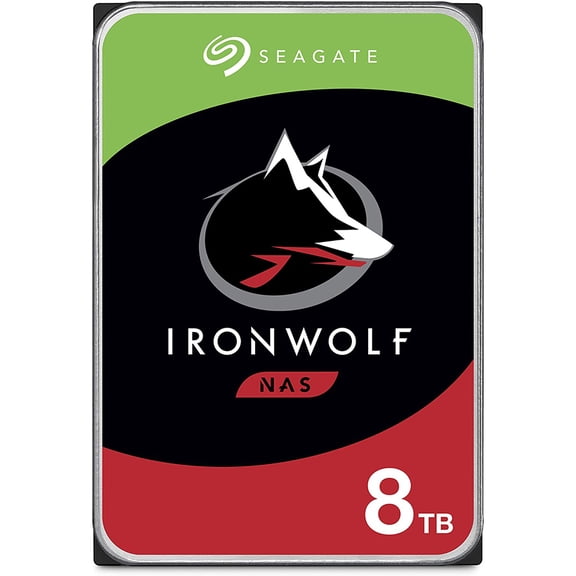 Seagate IronWolf 8TB NAS Internal Hard Drive HDD – 3.5 Inch SATA 6Gb/s 7200 RPM 256MB Cache(ST8000VN004)$329.99current price $329.99
Patriot P410 NVMe PCIe Gen 4.0 x4 M.2 2280 Internal SSD - 1TB
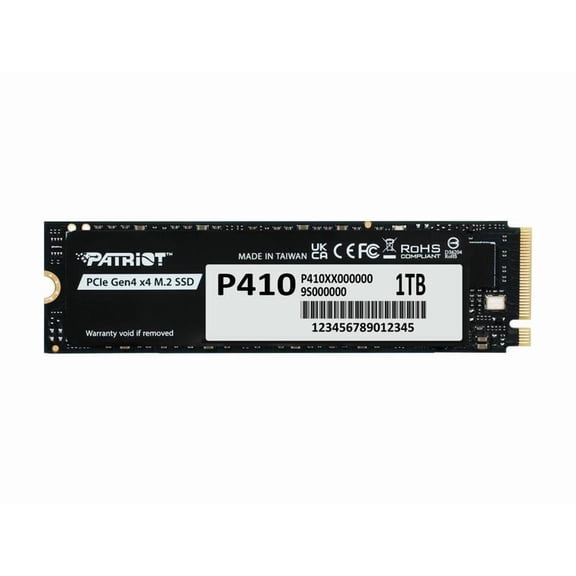 Patriot P410 NVMe PCIe Gen 4.0 x4 M.2 2280 Internal SSD - 1TB$159.99current price $159.99
Plugable USB 3.1 Gen 2 Tool-free NVMe Enclosure
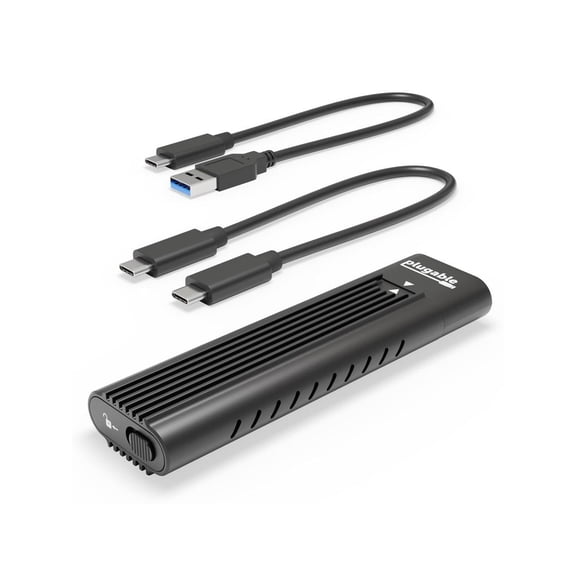 Plugable USB 3.1 Gen 2 Tool-free NVMe Enclosure$24.95current price $24.95
WAVLINK 2-Bay Hard Drive Enclosure for 3.5" and 2.5'' SATA HDD/SSD Featuring 10Gbps USB-C 3.2, 44TB Capacity, Built-in Cooling Fans, 4 RAID Modes(RAID Normal/LARGE/1/0), Aluminum Alloy Shell
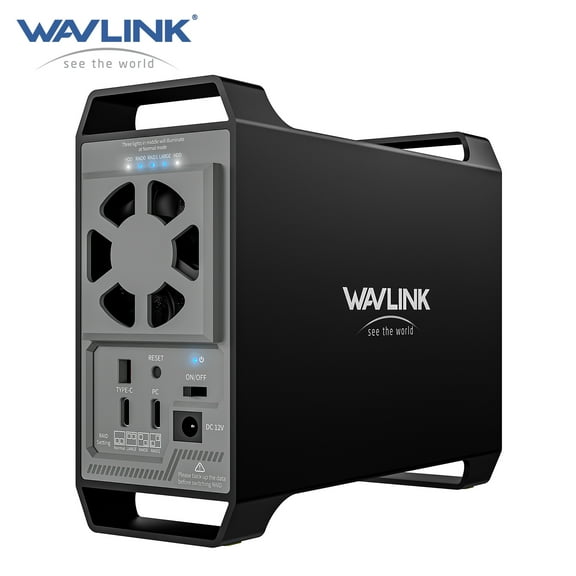 WAVLINK 2-Bay Hard Drive Enclosure for 3.5" and 2.5'' SATA HDD/SSD Featuring 10Gbps USB-C 3.2, 44TB Capacity, Built-in Cooling Fans, 4 RAID Modes(RAID Normal/LARGE/1/0), Aluminum Alloy Shell$80.85current price $80.85
WAVLINK 4-Bay Hard Drive Enclosure for 3.5" and 2.5'' SATA HDD/SSD Featuring 10Gbps USB-C 3.2, 88TB Capacity, Built-in Temp-Controlled Cooling Fans, HDMI 4K Video Output, Aluminum Alloy Shell
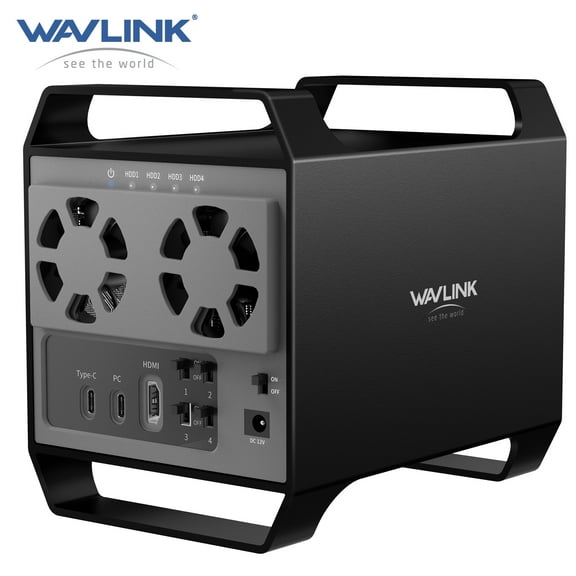 WAVLINK 4-Bay Hard Drive Enclosure for 3.5" and 2.5'' SATA HDD/SSD Featuring 10Gbps USB-C 3.2, 88TB Capacity, Built-in Temp-Controlled Cooling Fans, HDMI 4K Video Output, Aluminum Alloy Shell$119.99current price $119.99
Patriot Memory P210 256 GB Solid State Drive - 2.5" Internal - SATA (SATA/600) - Black
 Patriot Memory P210 256 GB Solid State Drive - 2.5" Internal - SATA (SATA/600) - Black$39.49current price $39.49
WAVLINK 40Gbps PCIe NVMe SSD Enclosure, USB4 External Hard Drive Enclosure, for B+M/M-Key PCIe SSD 2280 Size, Tool-Free Installation, Compatible with TBT4/TBT3/USB4/USB3.2 and more
 WAVLINK 40Gbps PCIe NVMe SSD Enclosure, USB4 External Hard Drive Enclosure, for B+M/M-Key PCIe SSD 2280 Size, Tool-Free Installation, Compatible with TBT4/TBT3/USB4/USB3.2 and more$65.99current price $65.99
ORICO M.2 NVMe SSD Enclosure Tool-Free USB External 10Gbps M.2 NVMe to USB Adapter Support UASP for PCIe NVMe SSD
ORICO M.2 NVMe SSD Enclosure Tool-Free USB External 10Gbps M.2 NVMe to USB Adapter Support UASP for PCIe NVMe SSD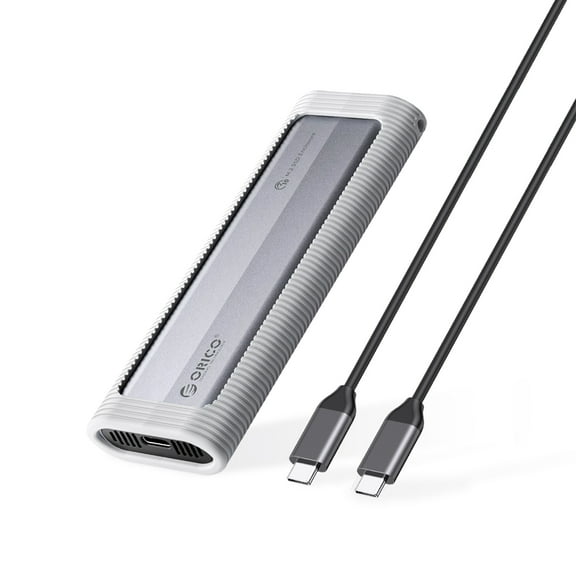
2230 Nvme Case USB 3.2 Gen 2 10Gbps to NVMe PCI-E M.2 SSD Enclosure Tool Free External Adapter for 2230 SSD 2TB
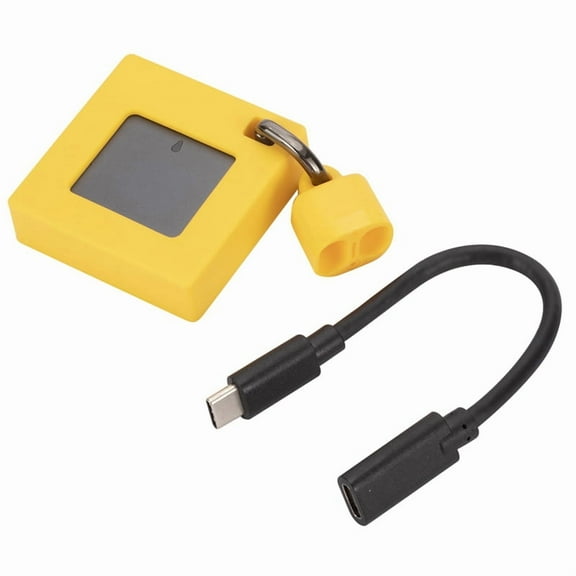 2230 Nvme Case USB 3.2 Gen 2 10Gbps to NVMe PCI-E M.2 SSD Enclosure Tool Free External Adapter for 2230 SSD 2TB$21.19current price $21.19
Seagate IronWolf Pro 20TB SATA III 3.5" Internal NAS HDD, 7200 RPM (CMR)
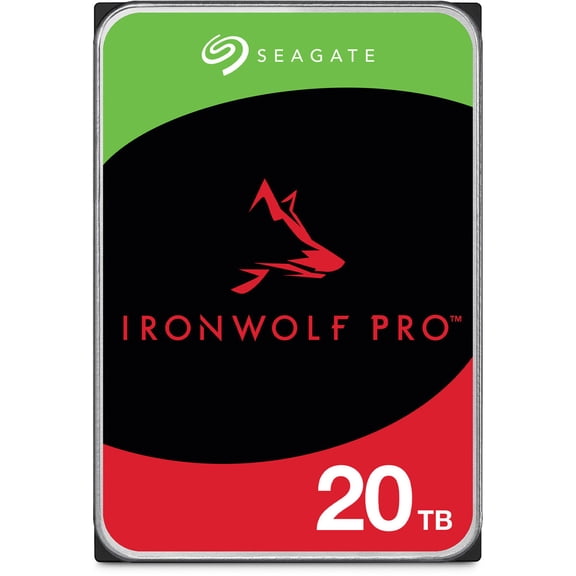 Seagate IronWolf Pro 20TB SATA III 3.5" Internal NAS HDD, 7200 RPM (CMR)$879.99current price $879.99