Printmaster Windows 10(1)
Print Master Platinum for Windows [Digital Download] $69.99
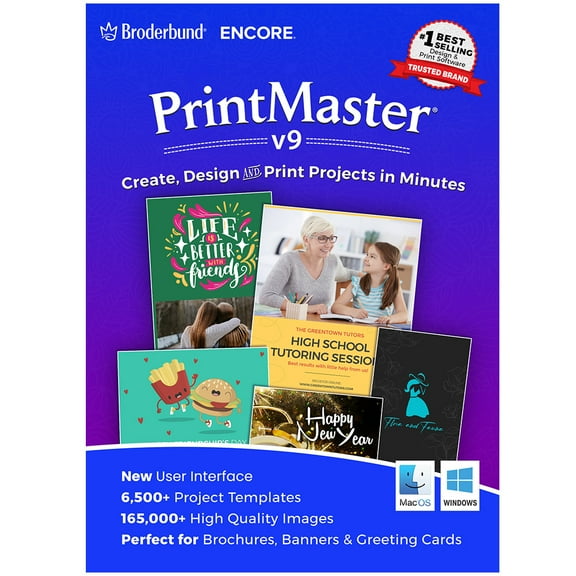
Print Master Platinum for Windows [Digital Download]
Other options to consider(5)
SoftMaker Office Standard 2024 for 5 Devices, Windows/macOS/Linux (Digital Download) $89.95
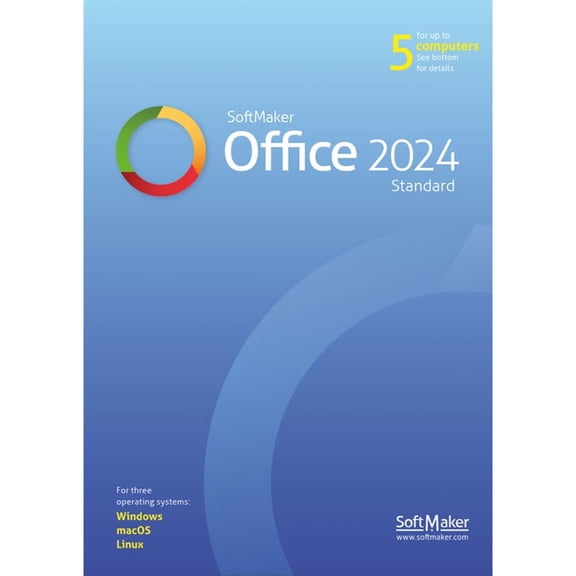
SoftMaker Office Standard 2024 for 5 Devices, Windows/macOS/Linux (Digital Download)
Gimp 2025 Photo & Image editing Software for PC & Mac $14.99
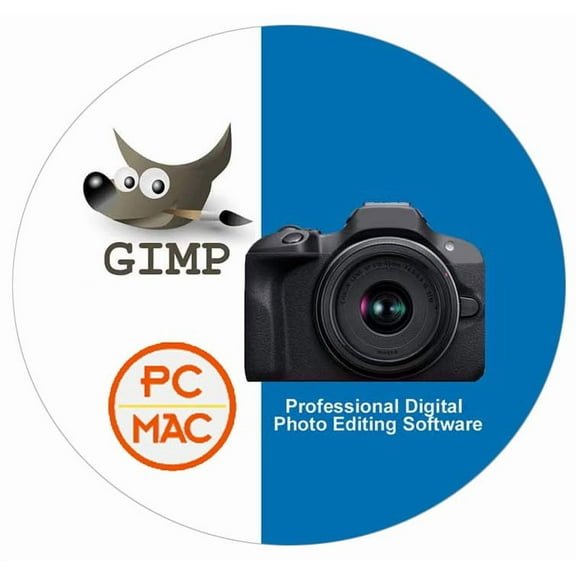
Gimp 2025 Photo & Image editing Software for PC & Mac
PrintShop Professional 6.0 [Digital Download] $99.99

PrintShop Professional 6.0 [Digital Download]
PrintShop Deluxe 6.0 [Digital Download] $49.99

PrintShop Deluxe 6.0 [Digital Download]
Print Artist 25 Platinum
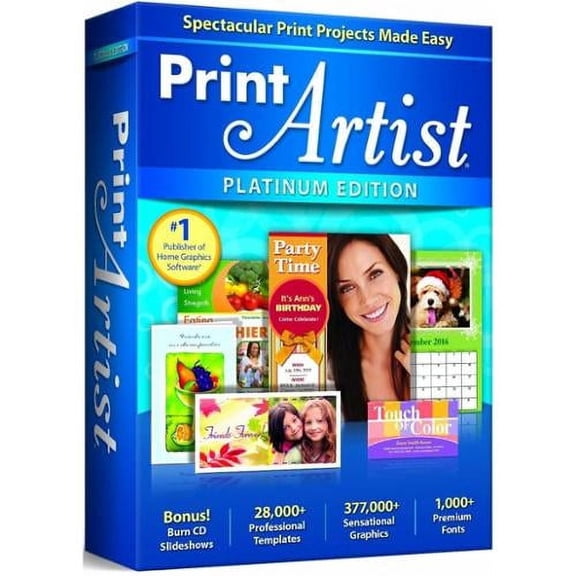
Print Artist 25 Platinum
FAQ
Can I use PrintMaster on Windows 10?
Yes, PrintMaster editions listed on this page are compatible with Windows 10. Before installing, make sure your computer meets the minimum system requirements provided with your software. If you're using a digital download, follow the instructions in your confirmation email to access and install the program. For DVD versions, insert the disc and follow the on-screen prompts. Compatibility may vary with different editions, so it's a good idea to check the product details for any specific notes about Windows 10 support.
What types of projects can I make with PrintMaster?
PrintMaster is designed to help you create a wide range of personal and professional projects. Some popular options include:
- Greeting cards and invitations
- Flyers and brochures
- Photo albums and scrapbooks
- Calendars and banners
- Labels and certificates
The software typically comes with templates and clip art to make designing easier. You can customize projects to suit your needs, whether you're working on a family event or a small business promotion.
How do I install PrintMaster from a digital download?
After purchasing a digital download, you'll receive an email with a download link and activation instructions. To install:
- Click the link to download the installation file.
- Open the file and follow the on-screen prompts.
- Enter any required activation code from your email.
- Complete the installation and launch the program.
If you run into any issues, check the support resources included with your purchase or visit the manufacturer's website for troubleshooting tips.
Is there a way to get more templates for PrintMaster?
Many PrintMaster editions include a library of templates and clip art. If you're looking for more options, you can often download additional templates directly from the software or the manufacturer's website. Some versions allow you to import your own images and designs, giving you even more creative flexibility. Always make sure any downloads are from trusted sources to keep your computer safe.
What should I do if PrintMaster won't open?
If PrintMaster isn't launching on your Windows 10 computer, try these steps:
- Restart your computer to clear temporary issues.
- Check for any available software updates or patches.
- Ensure your system meets the minimum requirements.
- Try running the program as an administrator.
If problems persist, consult the user manual or support resources provided with your purchase. You can also reach out to the manufacturer's customer support for additional help.
Popular in Printmaster Windows 10 Software Downloads
Related Products
Roxio Creator NXT v.9.0 - Box Pack - 1 user - Mini Box Packing (rcrnxt9mlmbam)
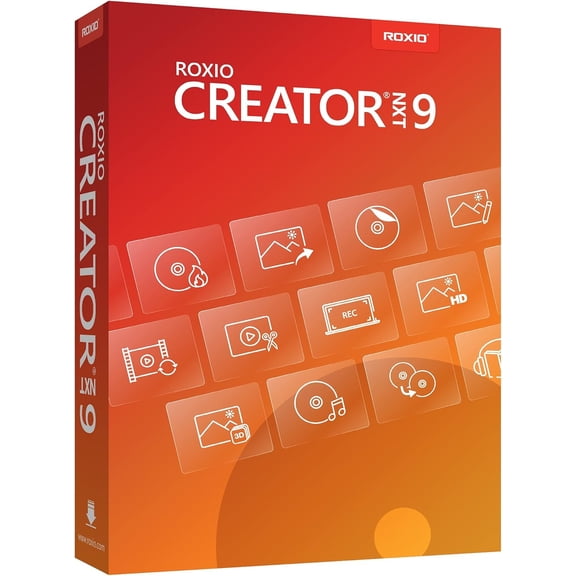 Roxio Creator NXT v.9.0 - Box Pack - 1 user - Mini Box Packing (rcrnxt9mlmbam)$59.99current price $59.99
PDF Extra Ultimate - Create, Edit, Convert, Combine & Sign PDFs | 1 Windows PC & 2 Mobiles | Yearly License
PDF Extra Ultimate - Create, Edit, Convert, Combine & Sign PDFs | 1 Windows PC & 2 Mobiles | Yearly License
Source Technologies ST9920 Wired/Wireless Laser Printer - Monochrome - TAA Compliant (ba01-0000000)
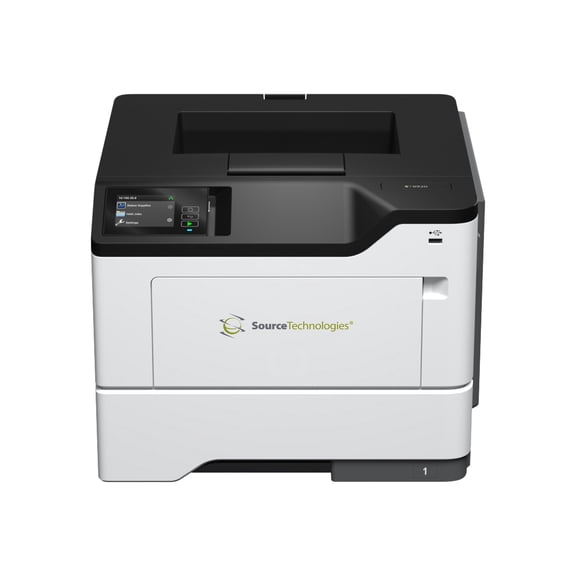 Source Technologies ST9920 Wired/Wireless Laser Printer - Monochrome - TAA Compliant (ba01-0000000)$1537.53current price $1537.53
HID Fargo HDP5000 Dual-Side ID Card Printer Base Model – High Definition Retransfer Printing – P/N 89003
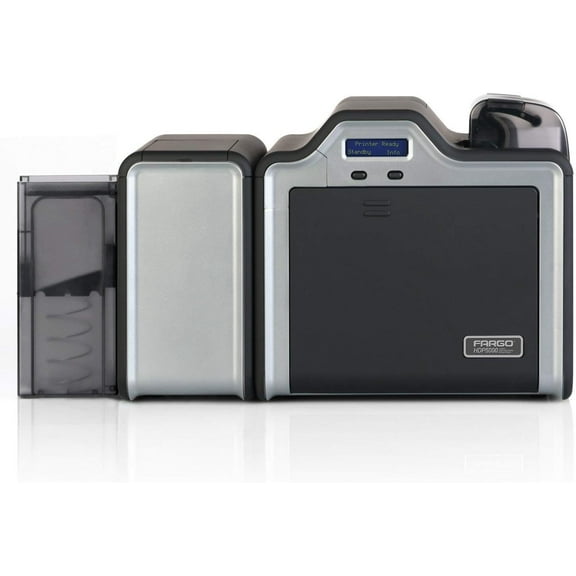 HID Fargo HDP5000 Dual-Side ID Card Printer Base Model – High Definition Retransfer Printing – P/N 89003$2520.00current price $2520.00
Avid Pro Tools Artist Perpetual License (Activation Card)
 Avid Pro Tools Artist Perpetual License (Activation Card)$199.00current price $199.00
Open Box Total Defense TLD13145 Unlimited Internet Security
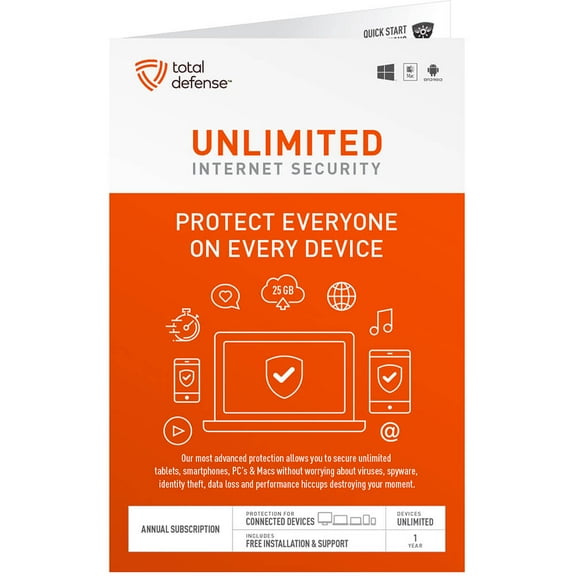 Open Box Total Defense TLD13145 Unlimited Internet Security$79.99current price $79.99
Laplink PCmover Ultimate v11 includes Ethernet Cable- 1 Use
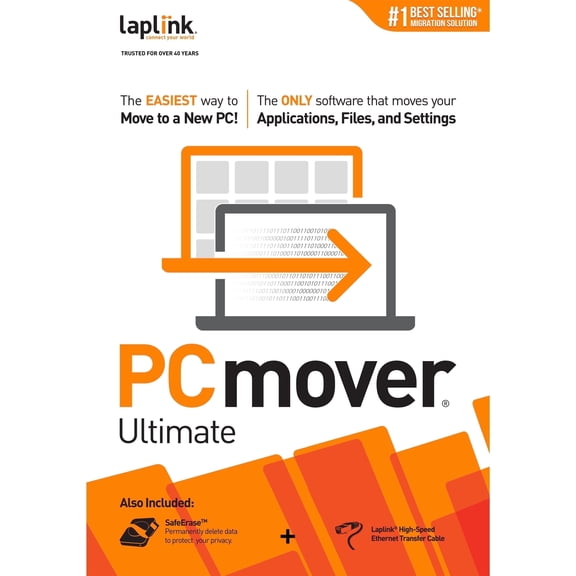 Laplink PCmover Ultimate v11 includes Ethernet Cable- 1 Use$44.95current price $44.95
Laplink PCmover v.11 Ultimate - 1 Use - Utility - PC
 Laplink PCmover v.11 Ultimate - 1 Use - Utility - PC$61.15current price $61.15
ComplyRight 2025 1096 Tax Form 1-Part Transmittal 25/Pack (510025)
 ComplyRight 2025 1096 Tax Form 1-Part Transmittal 25/Pack (510025)$17.80current price $17.80