

Power Button Macbook Pro 2017(4)
MMOBIEL Left & Right Speaker Set for MacBook Pro 15in A1398 (2012–2015) $18.99
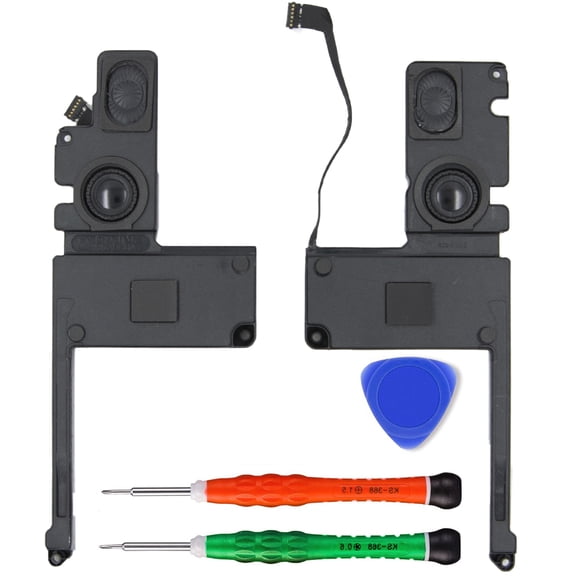
MMOBIEL Left & Right Speaker Set for MacBook Pro 15in A1398 (2012–2015)
Micro SD Card Reader Adapter USB C Lightning for iPhone 16 15 14 Digital Camera TF Memory Stick Transfer Computer Accessorie for Apple Photo Android for iPad Pro Macbook Hub Storage $10.00

Micro SD Card Reader Adapter USB C Lightning for iPhone 16 15 14 Digital Camera TF Memory Stick Transfer Computer Accessorie for Apple Photo Android for iPad Pro Macbook Hub Storage
Replacement Power Button With Flex Cable Compatible For MacBook Pro 15" W/ Touch Bar (A1707 / Late 2016 / Mid 2017) (A1990 / Late 2018 / Early 2019) $35.97
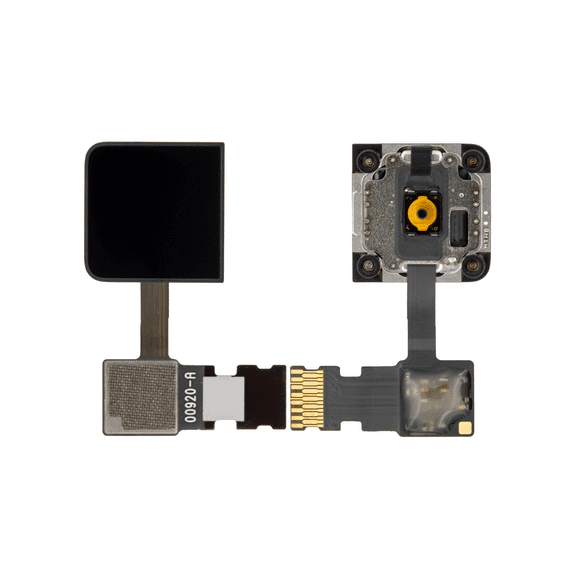
Replacement Power Button With Flex Cable Compatible For MacBook Pro 15" W/ Touch Bar (A1707 / Late 2016 / Mid 2017) (A1990 / Late 2018 / Early 2019)
LIANXUE New Power Button 821-00920-A for MacBook Pro for Touch Bar 15" A1707 Power ON/Off Button for Touch ID Late 2016 Mid 2017 $29.29

LIANXUE New Power Button 821-00920-A for MacBook Pro for Touch Bar 15" A1707 Power ON/Off Button for Touch ID Late 2016 Mid 2017
Other options to consider(10)
Replacement Power Button Connecting Cable (Connect To Motherboard) Compatible For MacBook Pro 15" W/ Touch Bar (A1707 / Late 2016 / Mid 2017) (A1990 / Late 2018 / Early 2019) $22.81

Replacement Power Button Connecting Cable (Connect To Motherboard) Compatible For MacBook Pro 15" W/ Touch Bar (A1707 / Late 2016 / Mid 2017) (A1990 / Late 2018 / Early 2019)
Replacement Power Button Cable Compatible For MacBook Pro 13" W/ Touch Bar (A1706 / Late 2016 / Mid 2017) $27.44

Replacement Power Button Cable Compatible For MacBook Pro 13" W/ Touch Bar (A1706 / Late 2016 / Mid 2017)
ON & Off Power Button Board Replacement Laptop forMacb00kPro A1706 Power-on $30.39
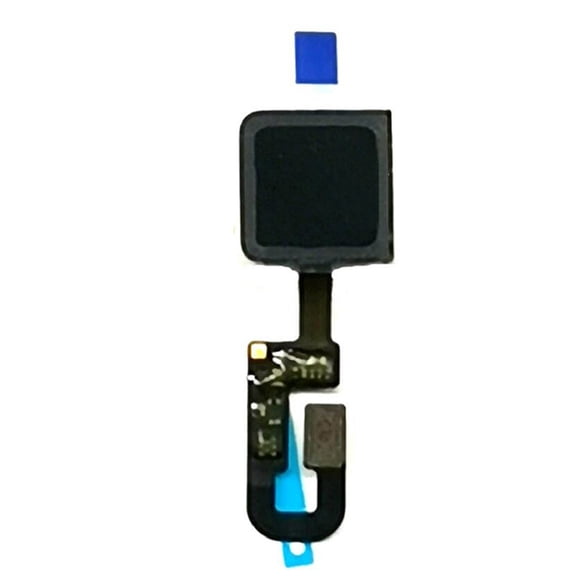
ON & Off Power Button Board Replacement Laptop forMacb00kPro A1706 Power-on
Replacement Top Case Assembly With Battery And Keyboard Compatible For MacBook Pro 15" Touch Bar (A1707 / Late 2016 / Mid 2017) (US Keyboard) (Space Gray) $243.22
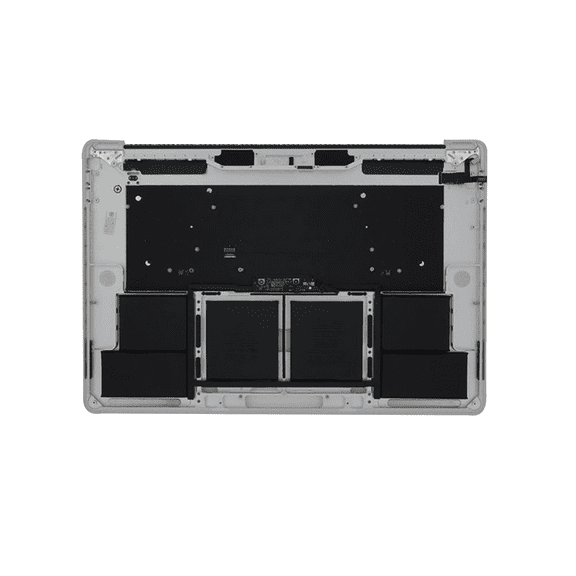
Replacement Top Case Assembly With Battery And Keyboard Compatible For MacBook Pro 15" Touch Bar (A1707 / Late 2016 / Mid 2017) (US Keyboard) (Space Gray)
Compatible with MacBook Pro 13 inch Case M2 M1 2026 2025 2024-2016 $28.49
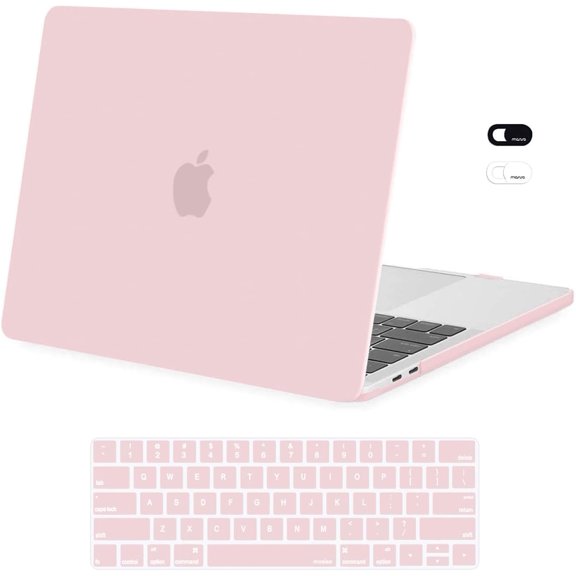
Compatible with MacBook Pro 13 inch Case M2 M1 2026 2025 2024-2016
Replacement Power Button Cable Compatible With MacBook Air 13" Retina (A2179 / Early 2020) $41.32

Replacement Power Button Cable Compatible With MacBook Air 13" Retina (A2179 / Early 2020)
Compatible with MacBook Pro 13 inch Case M2 M1 2026 2025 2024-2016 $28.81
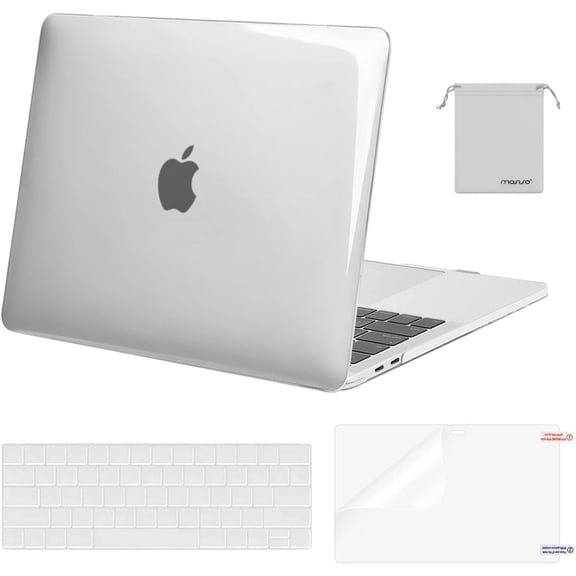
Compatible with MacBook Pro 13 inch Case M2 M1 2026 2025 2024-2016
Compatible with MacBook Pro 13 inch Case M2 M1 2026 2025 2024-2016 $29.99
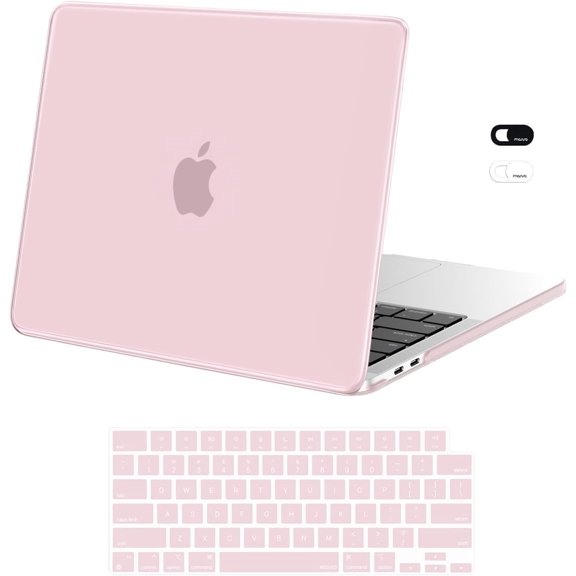
Compatible with MacBook Pro 13 inch Case M2 M1 2026 2025 2024-2016
forMacb00kPro for Touch Bar 15" A1707 Power ON/Off Button for Touch ID 2016 20 $31.59
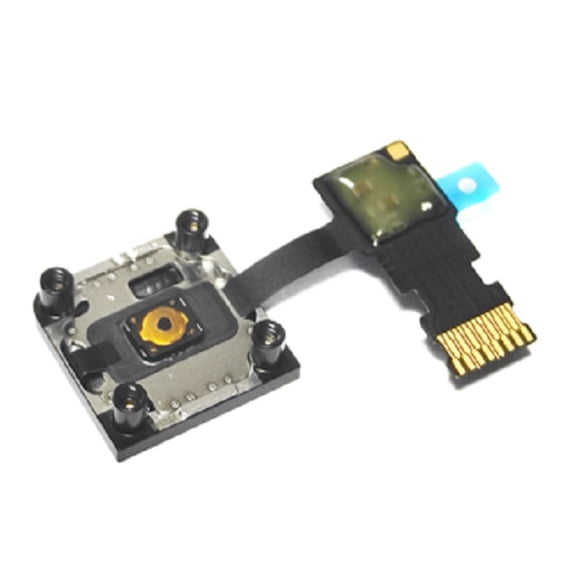
forMacb00kPro for Touch Bar 15" A1707 Power ON/Off Button for Touch ID 2016 20
Replacement Top Case Assembly With Battery And Keyboard Compatible For MacBook Pro 15" Touch Bar (A1707 / Late 2016 / Mid 2017) (US Keyboard) (Silver) $239.39
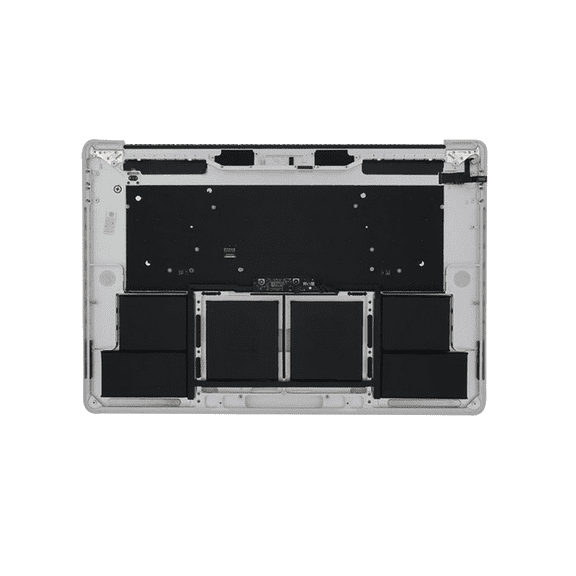
Replacement Top Case Assembly With Battery And Keyboard Compatible For MacBook Pro 15" Touch Bar (A1707 / Late 2016 / Mid 2017) (US Keyboard) (Silver)
FAQ
Where is the power button on a 2017 MacBook Pro?
The power button on the 2017 MacBook Pro with Touch Bar is integrated into the Touch ID sensor, located at the far right end of the Touch Bar. It serves both to power on/off the laptop and to use Touch ID for security features. If your MacBook Pro doesn't turn on or respond, check that it's charged and try holding down the Touch ID button for a few seconds. For models without a Touch Bar, the power button is a separate key at the top right corner.
Can I replace the power button myself on this model?
- While it's possible to replace the power button or its connecting cable on a 2017 MacBook Pro, it can be challenging due to the compact design and integration with the Touch ID sensor.
- If you're comfortable with electronics and follow proper safety precautions, you may be able to use compatible replacement parts available on the market.
- However, the Touch ID functionality may not work as intended after replacement, since it's paired with the device's motherboard. Having a technician handle repairs is often a safer option.
Why won’t my MacBook Pro 2017 turn on?
- First, check that your charger is properly connected and functional.
- If the battery is depleted, let it charge for at least 15 minutes before attempting to power on.
- If it still doesn't turn on, try holding the Touch ID power button for about 10 seconds.
- There could be hardware issues with the power button, motherboard, or internal cable connections.
- If you continue to have trouble, consider professional repair or consulting a certified technician.
How do I clean the power button on my MacBook Pro?
- To clean the power button or Touch ID sensor, gently wipe it with a dry, soft microfiber cloth.
- Avoid using liquids, harsh chemicals, or abrasive materials that could damage the sensor or surrounding electronics.
- If needed, lightly dampen the cloth with water (not soaking wet), but do not allow any moisture to seep into the device.
- Maintaining a clean sensor can help with consistent Touch ID performance.
Are replacement power button cables available for MacBook Pro 2017?
Yes, replacement power button cables compatible with the 2017 MacBook Pro are available from aftermarket suppliers. These cables connect the Touch ID sensor to the motherboard and are specific to each model and year. Before purchasing, make sure the replacement cable matches your device’s model number. If you're unsure about installation, it's wise to seek help from a qualified technician to ensure proper functionality and device safety.
Popular in Power Button MacBook Pro 2017 Replacement Parts
Related Products
85W Mac Book Pro Charger, Replacement AC 85w 2T-Tip Connector Power Adapter,Laptop Charger Compatible with MacBook pro & Mac Book Pro 13 inch-15 inch Retina After Mid 2012
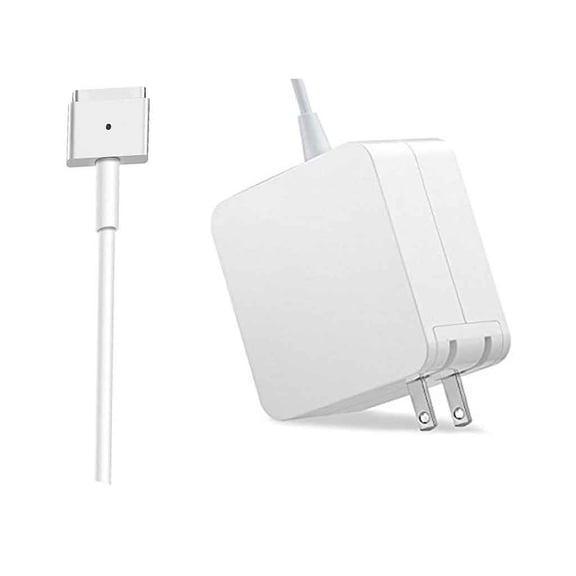 85W Mac Book Pro Charger, Replacement AC 85w 2T-Tip Connector Power Adapter,Laptop Charger Compatible with MacBook pro & Mac Book Pro 13 inch-15 inch Retina After Mid 2012$18.95current price $18.95
Replacement for Pro/Air 60W AC 2 T Connector Power Adapter, Compatible with Pro/Air 11 inch and 13 inch(Applicable to Late 2012-2017)
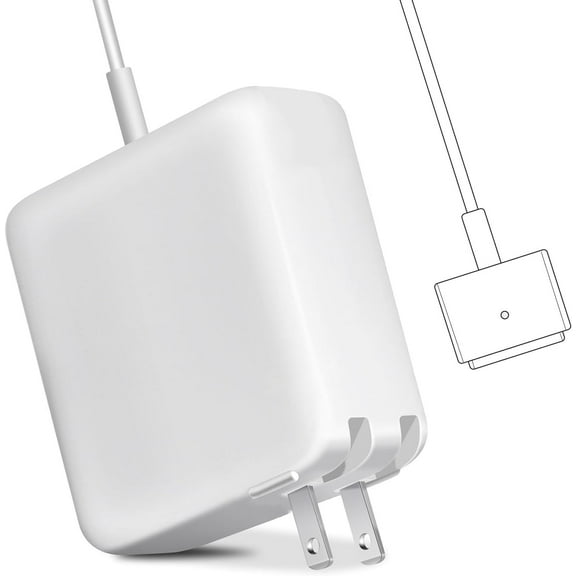 Replacement for Pro/Air 60W AC 2 T Connector Power Adapter, Compatible with Pro/Air 11 inch and 13 inch(Applicable to Late 2012-2017)$15.98current price $15.98
WEEKS 70W USB C Charger for MacBook Air MacBook Pro 13 14 15 16 inch 2025 2024 2023 2022 2021 2020, M1 M2 M3 M4 Laptop Fast Charger Power Adapter Include 6.6 ft USB-C Cable
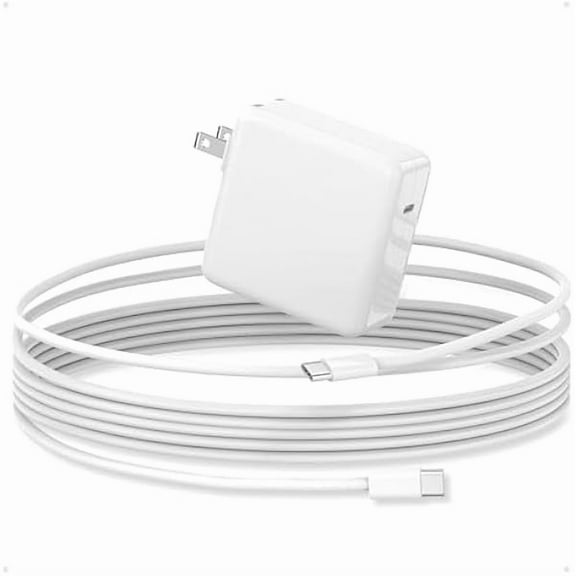 WEEKS 70W USB C Charger for MacBook Air MacBook Pro 13 14 15 16 inch 2025 2024 2023 2022 2021 2020, M1 M2 M3 M4 Laptop Fast Charger Power Adapter Include 6.6 ft USB-C Cable$23.99current price $23.99
T-tip Charger 60w for Mac Book Air 11 inch and 13 inch 2012-2016
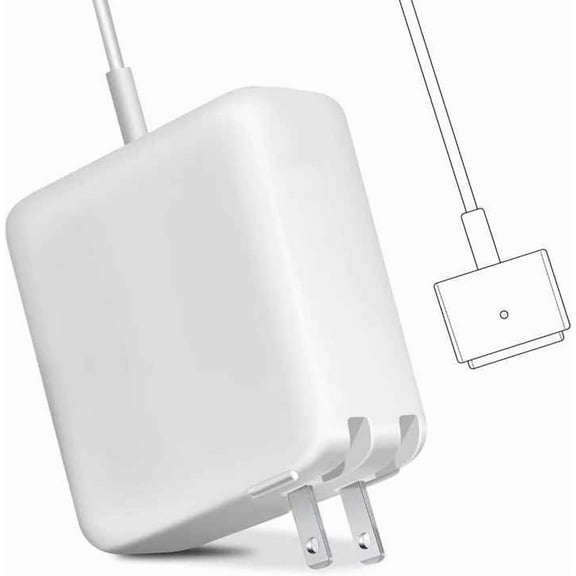 T-tip Charger 60w for Mac Book Air 11 inch and 13 inch 2012-2016$19.99current price $19.99
Magsafe DC-In Board For MacBook Unibody 15" (A1286 - 2009/2010/2011/2012) / 13" (A1278 - 2009/2010/2011/2012)
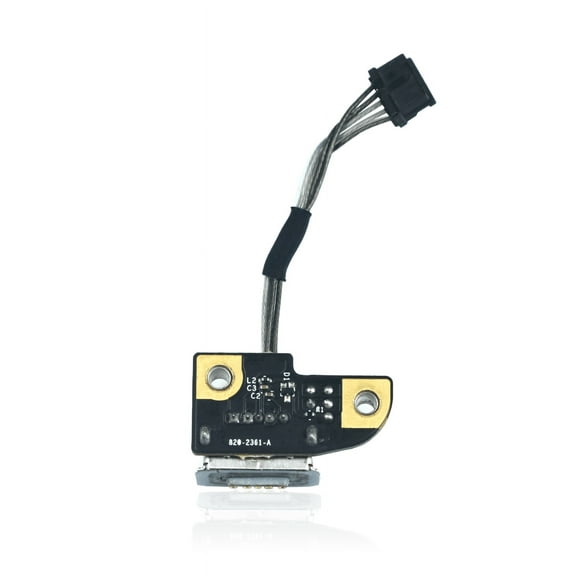 Magsafe DC-In Board For MacBook Unibody 15" (A1286 - 2009/2010/2011/2012) / 13" (A1278 - 2009/2010/2011/2012)$21.57current price $21.57
Compatible with Mac Book Pro Charger - 96w USB C Charger for MacBook Pro 16, 15, 14, 13 inch & New Mac Book Air 13 inch 2021 2020 2019 2018,Type C Laptop Power Adapter,6.6ft USB C to C Charger Cable
 Compatible with Mac Book Pro Charger - 96w USB C Charger for MacBook Pro 16, 15, 14, 13 inch & New Mac Book Air 13 inch 2021 2020 2019 2018,Type C Laptop Power Adapter,6.6ft USB C to C Charger Cable$20.99current price $20.99
96W USB C Laptop Power Adapter Compatible with Air 13-inch (White)
 96W USB C Laptop Power Adapter Compatible with Air 13-inch (White)$16.99current price $16.99
Open Box Apple 20W USB-C Power Adapter - iPhone 17, 16, 15, 14, 13 Charger with Fast Charging Capability, Wall Charger
 Open Box Apple 20W USB-C Power Adapter - iPhone 17, 16, 15, 14, 13 Charger with Fast Charging Capability, Wall Charger$16.29current price $16.29
140W Charger for MacBook Pro 16/14 inch Mac Air 15/13 inch 2021-2025 M1–M4 2m/6.6FT Type C to Magnetic 3 Cable LED Fast Charger Power Adapter (Between 2021-2025)
 140W Charger for MacBook Pro 16/14 inch Mac Air 15/13 inch 2021-2025 M1–M4 2m/6.6FT Type C to Magnetic 3 Cable LED Fast Charger Power Adapter (Between 2021-2025)$42.99current price $42.99
61W Mac Book Pro USB C Charger Power Adapter for Mac Book Pro Air 12/13/14 Inch, Included 6.5Ft Type C Charge Cable
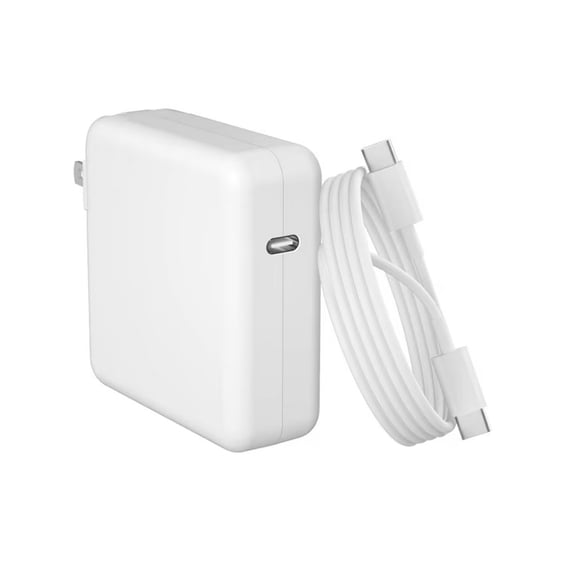 61W Mac Book Pro USB C Charger Power Adapter for Mac Book Pro Air 12/13/14 Inch, Included 6.5Ft Type C Charge Cable$15.95current price $15.95
T-Tip Charger 45W Compatible for ProCharger 11-inch & 13-inch after Mid 2012 (White)
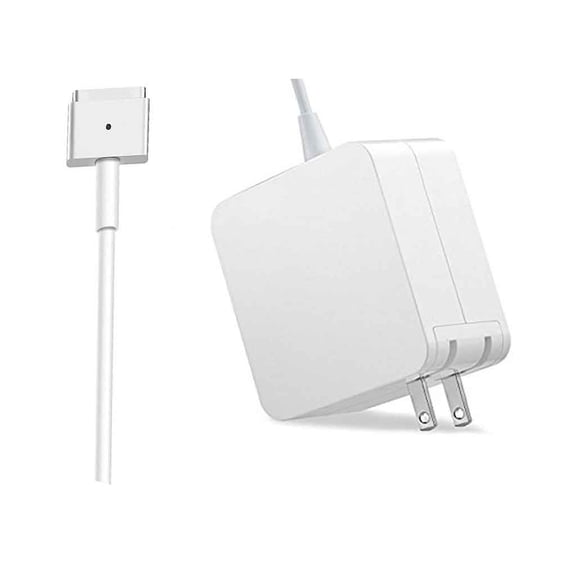 T-Tip Charger 45W Compatible for ProCharger 11-inch & 13-inch after Mid 2012 (White)$15.95current price $15.95
87W USB C Fast Charge Laptop Charger Compatible with All USB C Charge Device, Include Charge Cable (6.6ft/2m)
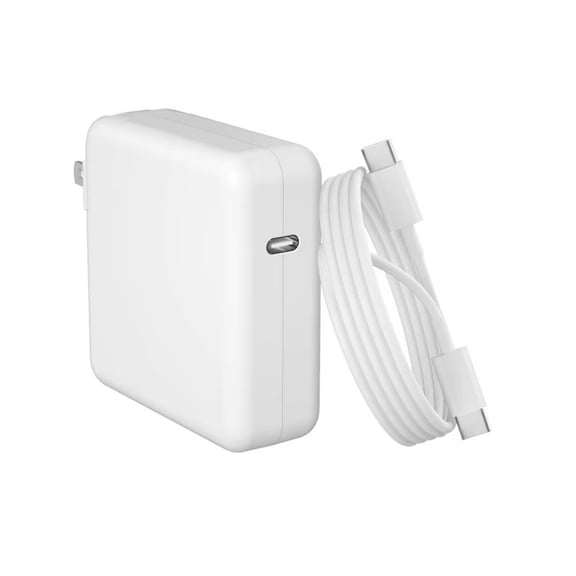 87W USB C Fast Charge Laptop Charger Compatible with All USB C Charge Device, Include Charge Cable (6.6ft/2m)$16.95current price $16.95
Charger 60W T-Tip,Mag 2 Power Adapter,Safe Fast Charging,Compatible with Pro 11 inch and 13 inch After Mid 2012(Applicable to 2012-2018)
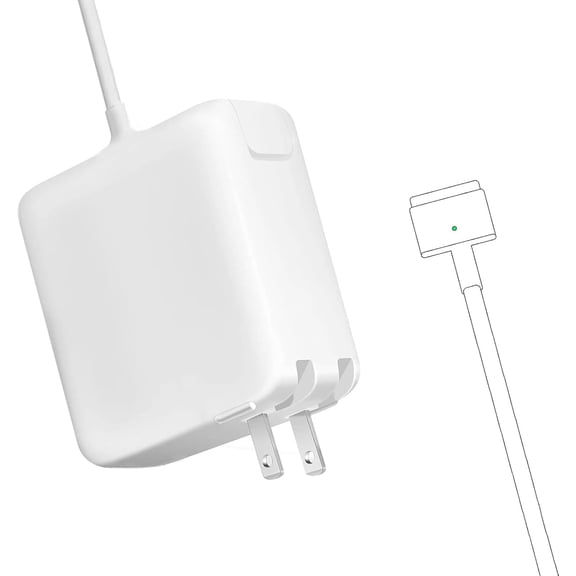 Charger 60W T-Tip,Mag 2 Power Adapter,Safe Fast Charging,Compatible with Pro 11 inch and 13 inch After Mid 2012(Applicable to 2012-2018)$17.05current price $17.05
Mac Book Pro Charger - 60W T-Tip Magnetic Charger Power Adapter, Compatible with Mac Book Air/Pro 13-Inch Retina Display(After 2012)
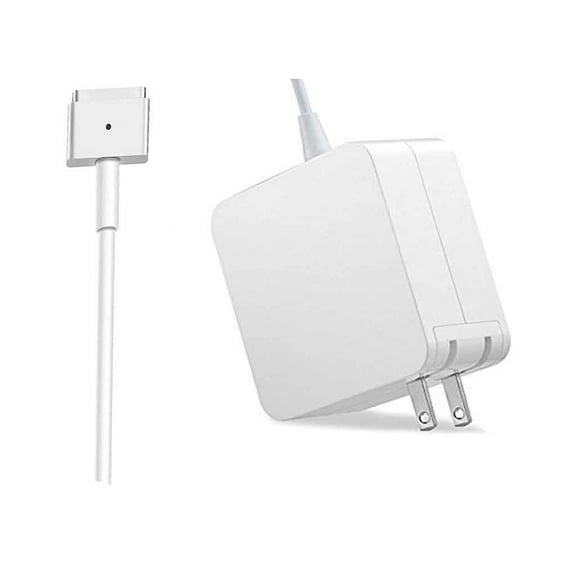 Mac Book Pro Charger - 60W T-Tip Magnetic Charger Power Adapter, Compatible with Mac Book Air/Pro 13-Inch Retina Display(After 2012)$17.95current price $17.95
Chipofy GaN 240W USB C Charger Station, 5-Ports PD 100W PPS 45W QC30W Laptop Power Adapter for MacBook Pro/Air iPad iPhone 14 13 12 Pro Max Samsung Galaxy Note20 S22 Pixel
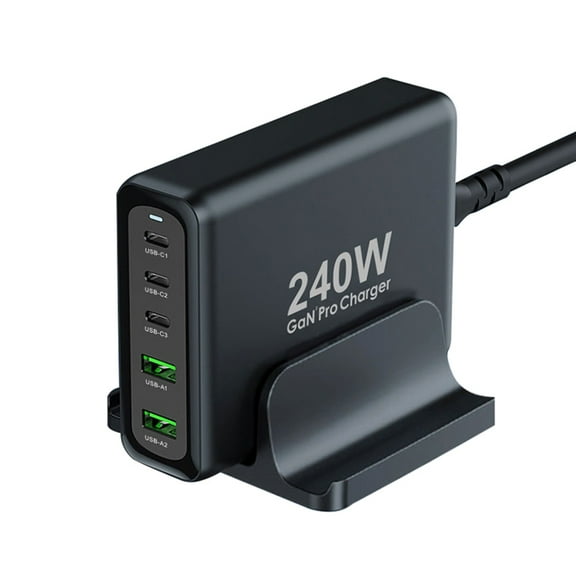 Chipofy GaN 240W USB C Charger Station, 5-Ports PD 100W PPS 45W QC30W Laptop Power Adapter for MacBook Pro/Air iPad iPhone 14 13 12 Pro Max Samsung Galaxy Note20 S22 Pixel$29.99current price $29.99