

Philips Shb Bluetooth(1)
Philips SHB9100 Wireless Bluetooth Headset with Audio Cable and USB Cable, Black $57.96

Philips SHB9100 Wireless Bluetooth Headset with Audio Cable and USB Cable, Black
Other options to consider(4)
Philips BASS+ Wireless Bluetooth Headphones $33.99

Philips BASS+ Wireless Bluetooth Headphones
Philips Bluetooth Headphones Wireless Over Ear Stereo Noise Cancelling Headset with Mic, TAH8507 $124.99 $124.99/oz

Philips Bluetooth Headphones Wireless Over Ear Stereo Noise Cancelling Headset with Mic, TAH8507
PHILIPS H3209 Wireless Headphones,On-Ear Bluetooth Headphones, Dynamic Bass, 25H Battery Life, Fast Charging, Bluetooth 5.3, Compact Design, Dark Black $39.99
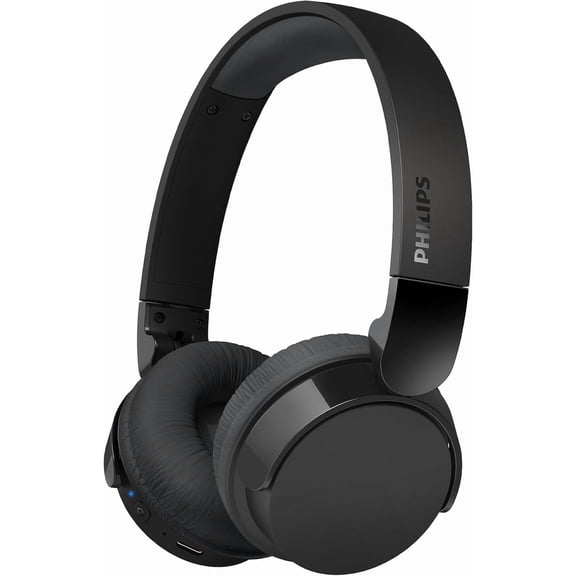
PHILIPS H3209 Wireless Headphones,On-Ear Bluetooth Headphones, Dynamic Bass, 25H Battery Life, Fast Charging, Bluetooth 5.3, Compact Design, Dark Black
Philips Bluetooth Trucker Headset, Wireless Mono & Stereo Headset with Noise-Cancelling Microphone and Mute Button
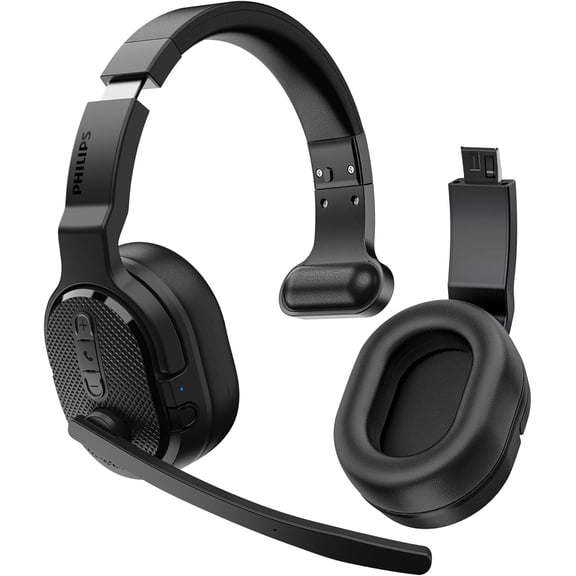
Philips Bluetooth Trucker Headset, Wireless Mono & Stereo Headset with Noise-Cancelling Microphone and Mute Button
FAQ
How does Bluetooth pairing work on this headset?
Pairing the Bluetooth headset with your device is usually straightforward. Start by turning on the headset and putting it into pairing mode, which is often done by pressing and holding the power or Bluetooth button. On your phone or tablet, enable Bluetooth and search for available devices.
- Select the headset from the list.
- If prompted, enter the pairing code, commonly '0000' or '1234'.
Once connected, you should be able to stream audio wirelessly. Always refer to the user manual for exact instructions, as steps can vary.
Can I use this headset for phone calls?
This type of Bluetooth headset is designed to handle both music playback and phone calls. When paired with a smartphone, incoming calls can be answered directly using the headset's built-in controls.
- Most headsets have a multifunction button for accepting or ending calls.
- The integrated microphone allows you to speak hands-free.
Check your device compatibility and settings to make sure call functions work smoothly.
What devices can connect to this Bluetooth headset?
Bluetooth headsets are compatible with a wide range of devices that support Bluetooth audio profiles. These typically include smartphones, tablets, laptops, and some smart TVs.
- Check that your device has Bluetooth enabled.
- Refer to your headset's manual for any specific compatibility notes.
Not all devices may support advanced features, so it's best to confirm before connecting.
How do I charge the headset and how long does it take?
Charging the headset is usually done via a USB cable. Plug the cable into the headset's charging port and connect to a USB power source, like a computer or wall adapter.
- Charging times can vary but often take 1-2 hours for a full charge.
- The indicator light may change color or turn off when charging is complete.
Always use the recommended charging method to help maintain battery performance.
Are there tips for keeping my headset in good condition?
To keep your Bluetooth headset working well, handle it with care and follow some simple maintenance tips:
- Store it in a dry, cool place when not in use.
- Clean the ear pads and surfaces gently with a soft, dry cloth.
- Avoid exposure to moisture, extreme heat, or direct sunlight.
Regular maintenance can help extend the headset's life and improve your listening experience.
Popular in Philips SHB Bluetooth Headphones Wireless Electronics
Related Products
Philips Fidelio X2HR On Ear Wired Headphones High-Resolution Audio, Black
 Philips Fidelio X2HR On Ear Wired Headphones High-Resolution Audio, Black$159.99current price $159.99
Brookstone TV Bluetooth Headphones Noise Cancelling and Wireless Headphones
 Brookstone TV Bluetooth Headphones Noise Cancelling and Wireless Headphones$59.99current price $59.99
JVC Hybrid Noise Cancelling Wireless Headphones - Best Sound Blocking, Over Ear Design - Bluetooth 5.3 - Dual Mic - 50HR Battery - Detachable Cable - Voice Assistance - Long-Wear Comfort - HAS95N
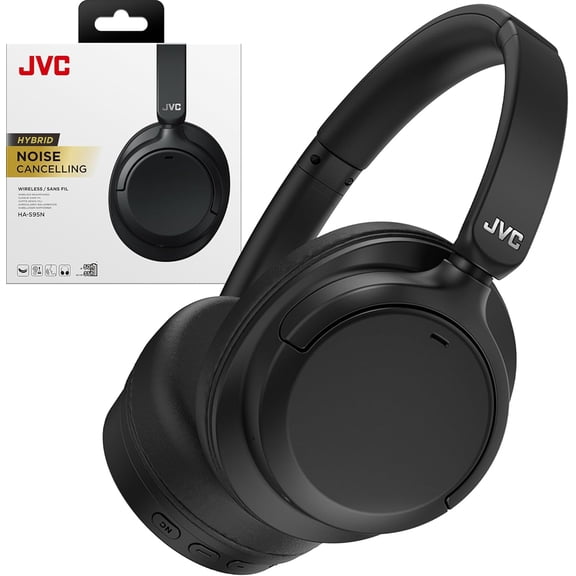 JVC Hybrid Noise Cancelling Wireless Headphones - Best Sound Blocking, Over Ear Design - Bluetooth 5.3 - Dual Mic - 50HR Battery - Detachable Cable - Voice Assistance - Long-Wear Comfort - HAS95N$139.95current price $139.95
BERIBES Bluetooth Headphones Over Ear, 65H Playtime and 6 EQ Music Modes Wireless Headphones with Microphone, HiFi Stereo Foldable Lightweight Headset, Deep Bass for Home Office Cellphone PC Ect.
 BERIBES Bluetooth Headphones Over Ear, 65H Playtime and 6 EQ Music Modes Wireless Headphones with Microphone, HiFi Stereo Foldable Lightweight Headset, Deep Bass for Home Office Cellphone PC Ect.$39.98current price $39.98
SIMOLIO Wireless TV Headphones for Seniors w/ Transmitter, Wireless Headphones for TV with Clear Dialogue, 164FT/50M, SM-737D1
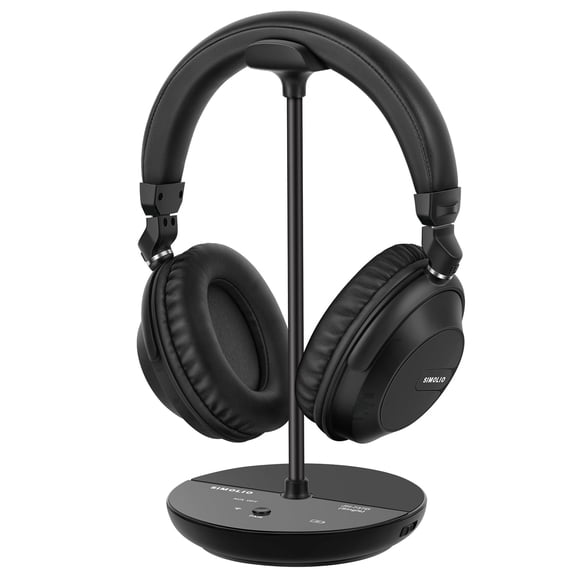 SIMOLIO Wireless TV Headphones for Seniors w/ Transmitter, Wireless Headphones for TV with Clear Dialogue, 164FT/50M, SM-737D1$99.99current price $99.99
Simolio Dual Wireless Headphones for TV, 100ft Working Range, No Pairing, No Audio Delay, for Seniors, SM-737D2 (New)
 Simolio Dual Wireless Headphones for TV, 100ft Working Range, No Pairing, No Audio Delay, for Seniors, SM-737D2 (New)$169.99current price $169.99
philips SHP6000 HiFi Stereo Wired Headphone High Resolution Audio, Over Ear Headset
 philips SHP6000 HiFi Stereo Wired Headphone High Resolution Audio, Over Ear Headset$39.99current price $39.99
Philips Audio SHP6000 Hi-Fi Stereo Over Ear Headphones
 Philips Audio SHP6000 Hi-Fi Stereo Over Ear Headphones$39.99current price $39.99
Philips Audio SHP6000 Wired Hi-Fi Stereo Over Ear Headphones Full Cushioned Headband
 Philips Audio SHP6000 Wired Hi-Fi Stereo Over Ear Headphones Full Cushioned Headband$39.99current price $39.99
Philips SHP9500 HiFi Stereo Over-Ear Wired Headphones, Black
 Philips SHP9500 HiFi Stereo Over-Ear Wired Headphones, Black$99.99current price $99.99
