

Pc3 12800u(58)
Timetec 16GB KIT(2x8GB) DDR3L / DDR3 1600MHz (DDR3L-1600) PC3L-12800 / PC3-12800 Non-ECC Unbuffered 1.35V/1.5V CL11 2Rx8 204 Pin SODIMM Laptop Notebook PC Computer Memory RAM Module Upgrade Black PCB $37.99
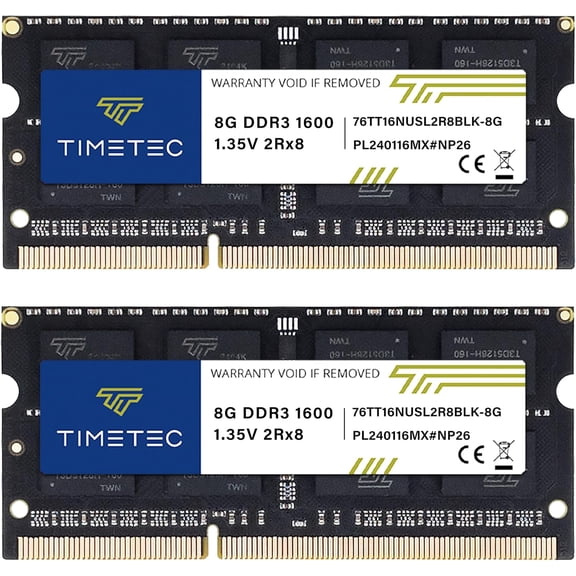
Timetec 16GB KIT(2x8GB) DDR3L / DDR3 1600MHz (DDR3L-1600) PC3L-12800 / PC3-12800 Non-ECC Unbuffered 1.35V/1.5V CL11 2Rx8 204 Pin SODIMM Laptop Notebook PC Computer Memory RAM Module Upgrade Black PCB
Timetec 16GB KIT(2x8GB) DDR3 1600MHz (DDR3-1600) PC3-12800 (PC3-12800U) Non-ECC Unbuffered 1.5V CL11 2Rx8 Dual Rank 240 Pin UDIMM Desktop PC Computer Memory RAM(SDRAM) Module Upgrade $36.99
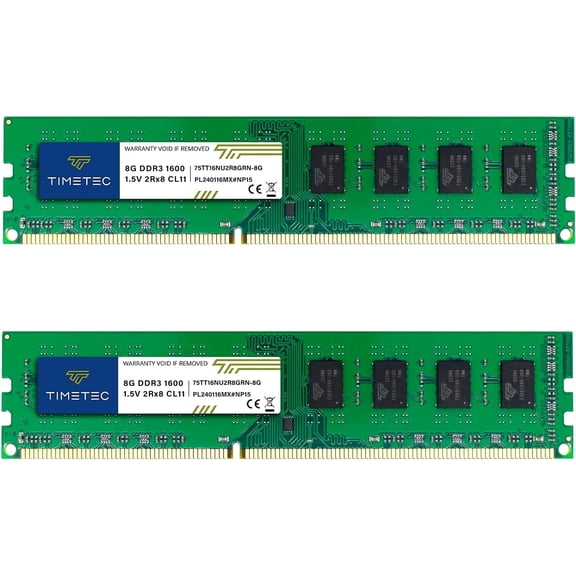
Timetec 16GB KIT(2x8GB) DDR3 1600MHz (DDR3-1600) PC3-12800 (PC3-12800U) Non-ECC Unbuffered 1.5V CL11 2Rx8 Dual Rank 240 Pin UDIMM Desktop PC Computer Memory RAM(SDRAM) Module Upgrade
2X DDR3 4GB Memory Ram PC3-12800 1.5V 1600Mhz 240 Pin Desktop Memory DIMM Unbuffered and Non-ECC for Motherboard $21.63
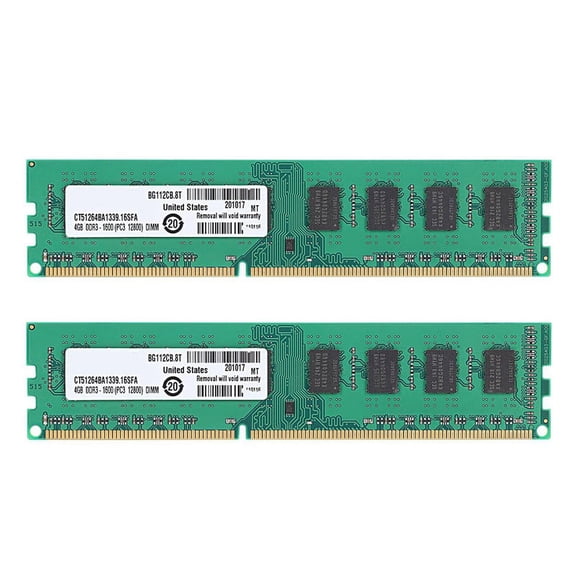
2X DDR3 4GB Memory Ram PC3-12800 1.5V 1600Mhz 240 Pin Desktop Memory DIMM Unbuffered and Non-ECC for Motherboard
Pre-Owned Used 4GB DDR3-1600 PC3-12800U 2Rx8 DDR3L SDRAM Desktop Memory $10.99
Pre-Owned Used 4GB DDR3-1600 PC3-12800U 2Rx8 DDR3L SDRAM Desktop Memory
Timetec 8GB DDR3L / DDR3 1600MHz (DDR3L-1600) PC3L-12800 / PC3-12800(PC3L-12800S) Non-ECC Unbuffered 1.35V/1.5V CL11 2Rx8 204 Pin SODIMM Memory RAM Module Upgrade Black PCB $20.99
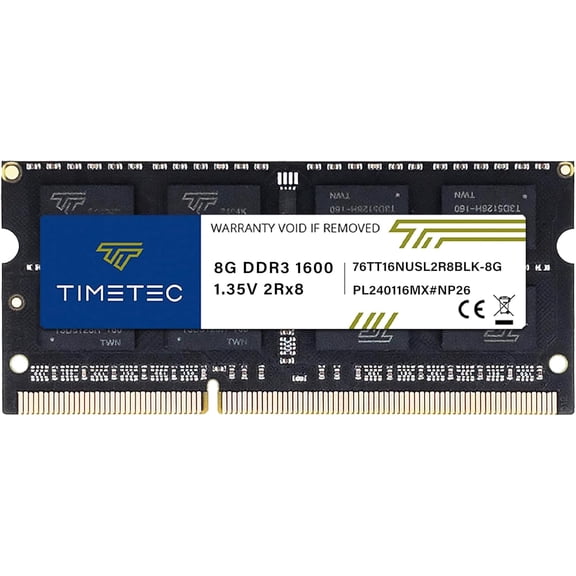
Timetec 8GB DDR3L / DDR3 1600MHz (DDR3L-1600) PC3L-12800 / PC3-12800(PC3L-12800S) Non-ECC Unbuffered 1.35V/1.5V CL11 2Rx8 204 Pin SODIMM Memory RAM Module Upgrade Black PCB
2X DDR3 8GB Laptop Ram Memory 1600Mhz PC3-12800 1.35V 204 Pins SODIMM Support Channel for Laptop Memory $38.79

2X DDR3 8GB Laptop Ram Memory 1600Mhz PC3-12800 1.35V 204 Pins SODIMM Support Channel for Laptop Memory
DDR3 8GB Laptop Ram Memory 1600Mhz PC3-12800 1.35V 204 Pins SODIMM Support Dual Channel for intel AMD Laptop Memory $22.08
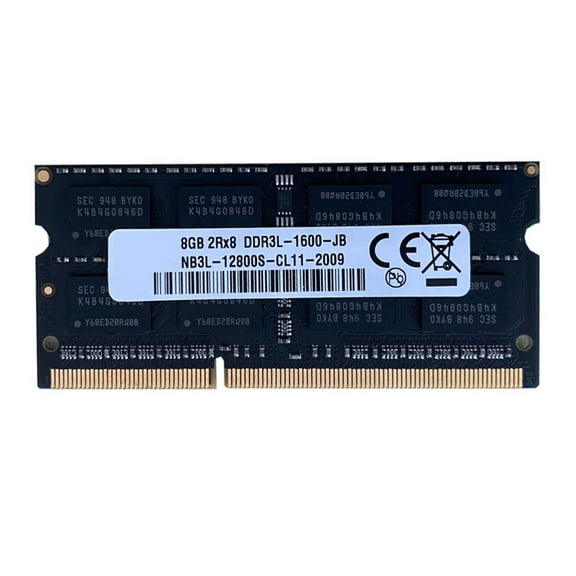
DDR3 8GB Laptop Ram Memory 1600Mhz PC3-12800 1.35V 204 Pins SODIMM Support Dual Channel for intel AMD Laptop Memory
DDR3 8GB Laptop Ram Memory 1600Mhz PC3-12800 1.35V 204 Pins SODIMM Support Dual Channel for $22.81

DDR3 8GB Laptop Ram Memory 1600Mhz PC3-12800 1.35V 204 Pins SODIMM Support Dual Channel for
Total Micro 16GB ECC Registered DDR3 1600 (PC3 12800) Server Memory Model A5940905-TM $49.99
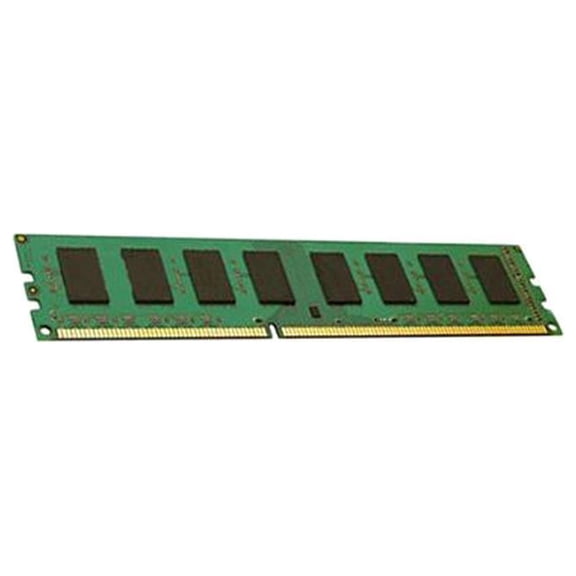
Total Micro 16GB ECC Registered DDR3 1600 (PC3 12800) Server Memory Model A5940905-TM
DDR3 8GB Laptop Ram Memory 1600Mhz PC3-12800 1.35V 204 Pins SODIMM Support Dual Channel $26.48

DDR3 8GB Laptop Ram Memory 1600Mhz PC3-12800 1.35V 204 Pins SODIMM Support Dual Channel
Lenovo 4GB DDR3 1600 SODIMM PC3 12800 Memory Module (0A65723) $9.95
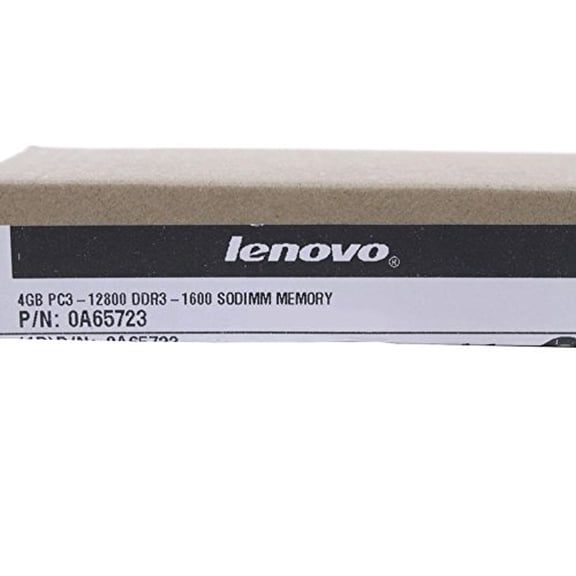
Lenovo 4GB DDR3 1600 SODIMM PC3 12800 Memory Module (0A65723)
4X DDR3 4GB Desktop Memory 1RX8 PC3L-12800U 1600Mhz 240Pins 1.35V CL11 DIMM Ram for AMD Motherboard $51.09

4X DDR3 4GB Desktop Memory 1RX8 PC3L-12800U 1600Mhz 240Pins 1.35V CL11 DIMM Ram for AMD Motherboard
4GB PC3-12800 DDR3L-1600 SODIMM $44.95
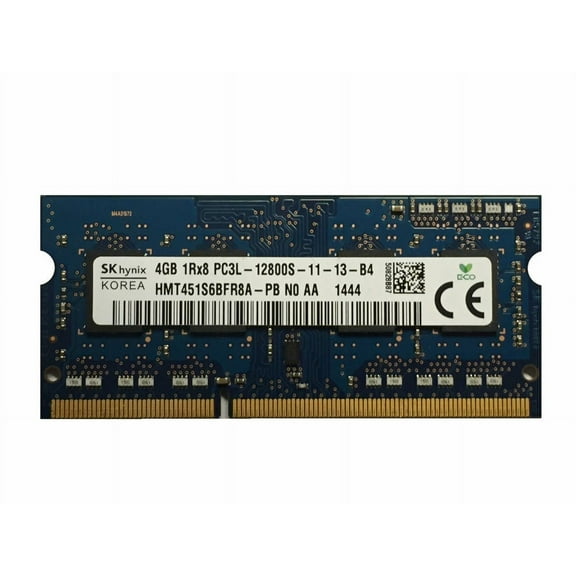
4GB PC3-12800 DDR3L-1600 SODIMM
DDR3 8GB Laptop Ram Memory 1600Mhz PC3-12800 1.35V 204 Pins SODIMM Support Dual Channel for $23.78
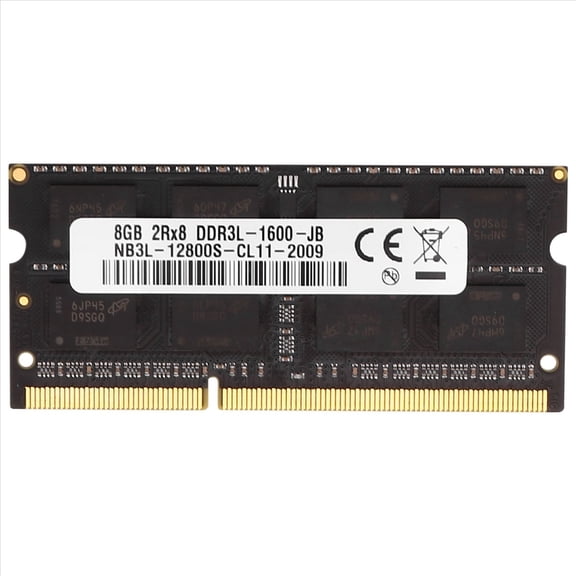
DDR3 8GB Laptop Ram Memory 1600Mhz PC3-12800 1.35V 204 Pins SODIMM Support Dual Channel for
20X DDR3 8GB Laptop Ram Memory 1600Mhz PC3-12800 1.35V 204 Pins SODIMM Support Dual Channel for AMD Laptop Memory $334.42

20X DDR3 8GB Laptop Ram Memory 1600Mhz PC3-12800 1.35V 204 Pins SODIMM Support Dual Channel for AMD Laptop Memory
Patriot Signature Line 8GB DDR3 PC3-12800 1600MHz 204 Pin SODIMM Memory Module, CL=11, Non-ECC, Unbuffered, 1.5V $43.86

Patriot Signature Line 8GB DDR3 PC3-12800 1600MHz 204 Pin SODIMM Memory Module, CL=11, Non-ECC, Unbuffered, 1.5V
DDR3 8GB Laptop Ram Memory 1600Mhz PC3-12800 1.35V 204 Pins SODIMM Support Dual Channel $25.28

DDR3 8GB Laptop Ram Memory 1600Mhz PC3-12800 1.35V 204 Pins SODIMM Support Dual Channel
80GB Kit (10x8GB) DDR3 Desktop 1600MHz PC3-12800U CL11 1.5V Non-ECC Unbuffered 240-Pin UDIMM 2Rx8 Rank Green $399.98
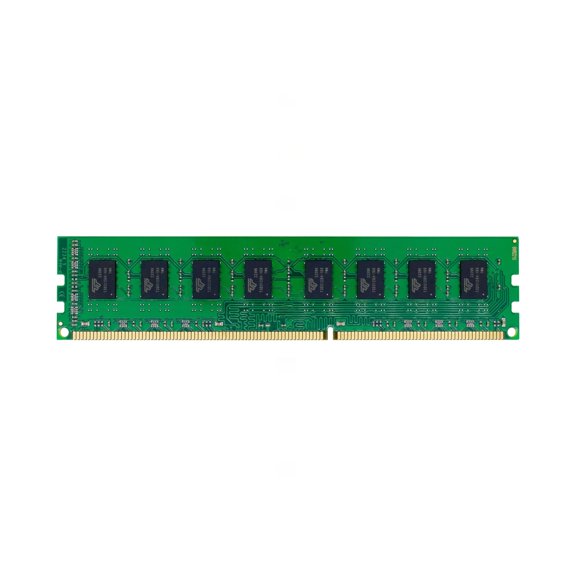
80GB Kit (10x8GB) DDR3 Desktop 1600MHz PC3-12800U CL11 1.5V Non-ECC Unbuffered 240-Pin UDIMM 2Rx8 Rank Green
16GB Kit (2x8GB) DDR3 Desktop PC3-12800U 1600MHz 240-Pin UDIMM 2Rx8 CL11 1.5V Non-ECC Unbuffered for $75.76
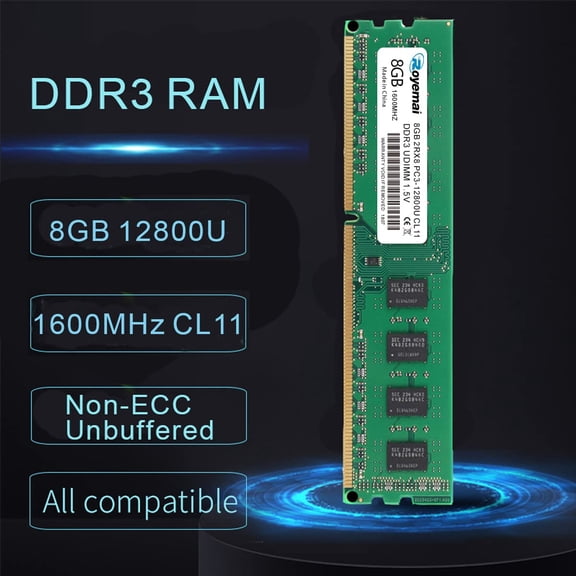
16GB Kit (2x8GB) DDR3 Desktop PC3-12800U 1600MHz 240-Pin UDIMM 2Rx8 CL11 1.5V Non-ECC Unbuffered for
Genuine Lenovo ThinkCentre Twins2 E63z 2GB PC3-12800 SoDimm Memory Module 03T7116 $49.95
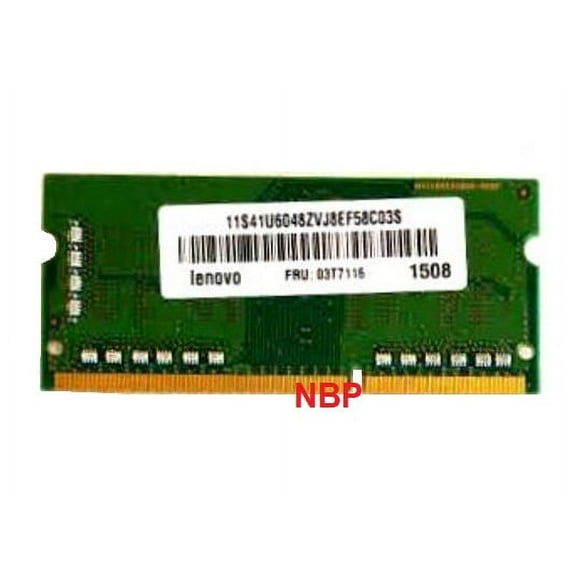
Genuine Lenovo ThinkCentre Twins2 E63z 2GB PC3-12800 SoDimm Memory Module 03T7116
OWC 128GB (8x16GB) DDR3 1600 PC3-12800 CL11 2Rx4 240-pin 1.5V ECC Registered RDIMM Memory RAM Module Upgrade Kit for Select Workstations or Servers
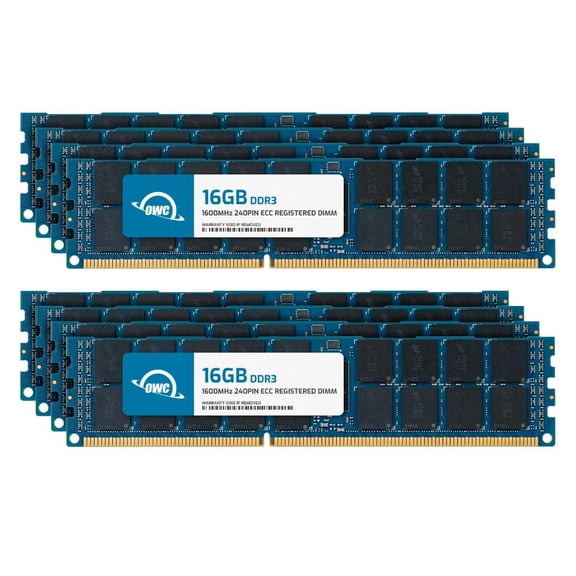
OWC 128GB (8x16GB) DDR3 1600 PC3-12800 CL11 2Rx4 240-pin 1.5V ECC Registered RDIMM Memory RAM Module Upgrade Kit for Select Workstations or Servers
Other options to consider(25)
FAQ
What does PC3-12800U mean for RAM?
PC3-12800U refers to a specific type of DDR3 desktop memory. Here's what it means:
- PC3 indicates DDR3 technology.
- 12800 refers to the memory's bandwidth, which is 12,800 MB/s.
- U stands for "unbuffered," meaning it's designed for standard desktops, not servers.
If you're upgrading or replacing RAM, make sure your computer supports DDR3 PC3-12800U modules. Always check your system's specifications before purchasing new memory to ensure compatibility.
How do I know if this RAM fits my computer?
To check if PC3-12800U RAM is compatible with your computer:
- Identify your computer's model and motherboard specifications.
- Look for supported memory type (DDR3), speed (1600MHz), and form factor (DIMM for desktops, SODIMM for laptops).
- Check the maximum RAM capacity and number of slots available.
You can usually find this information in your computer's manual or on the manufacturer's website. If you're unsure, consult a tech expert or use online compatibility tools for extra guidance.
Can I mix PC3-12800U with other RAM types?
Mixing PC3-12800U RAM with other types is possible, but there are important considerations:
- Both modules should be DDR3 and have the same voltage (e.g., 1.5V or 1.35V).
- Mixing different speeds (e.g., 1333MHz with 1600MHz) may cause all RAM to run at the slower speed.
- Unbuffered RAM should not be mixed with registered or ECC RAM.
For best performance and stability, it's ideal to use matching RAM modules. Always double-check your system's compatibility before installing mixed memory.
Is PC3-12800U RAM good for gaming?
PC3-12800U RAM (DDR3-1600) can support many gaming setups, especially older desktops. However, overall gaming performance depends on several factors:
- Game requirements: Some newer games may need faster RAM or more capacity.
- Other components: Your processor and graphics card also play a big role.
- System compatibility: Make sure your motherboard supports DDR3-1600 modules.
Upgrading RAM can help with multitasking and smoother gameplay, but it's just one part of your system's performance.
How do I install PC3-12800U RAM safely?
To install PC3-12800U RAM safely, follow these steps:
- Turn off your computer and unplug it from the power source.
- Ground yourself to prevent static discharge (touch a metal part of the case).
- Open your computer case and locate the RAM slots.
- Align the RAM module with the slot and press down firmly until it clicks into place.
- Close the case, plug in your computer, and power it on to check if the new RAM is recognized.
If you're unsure, consult your computer's manual or seek help from a qualified technician to avoid potential damage.
Popular in PC3 12800U DDR3 1600MHz Memory Modules
Related Products
Timetec 4GB DDR3 Laptop RAM Memory, 1333MHz PC3-10600, SODIMM 204-Pin, Non-ECC Unbuffered, 1.5V/1.35V CL9, Dual Rank 2Rx8
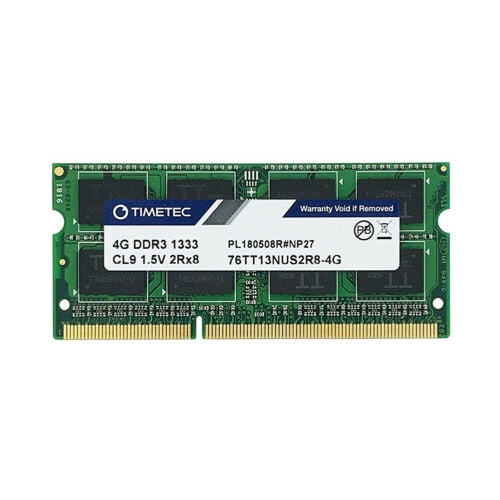 Timetec 4GB DDR3 Laptop RAM Memory, 1333MHz PC3-10600, SODIMM 204-Pin, Non-ECC Unbuffered, 1.5V/1.35V CL9, Dual Rank 2Rx8$13.99current price $13.99
Timetec 8GB DDR3 / DDR3L 1333MHz PC3-10600 Non-ECC Unbuffered 1.5V / 1.35V CL9 2Rx8 Dual Rank 204 Pin SODIMM Laptop Notebook PC Computer Memory RAM Module Upgrade (8GB)
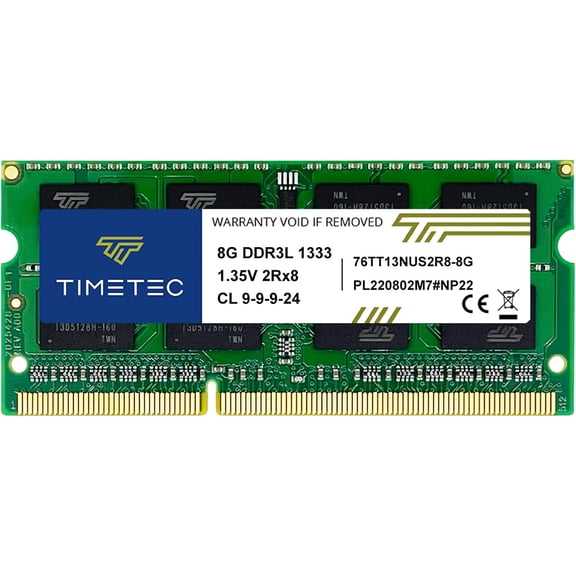 Timetec 8GB DDR3 / DDR3L 1333MHz PC3-10600 Non-ECC Unbuffered 1.5V / 1.35V CL9 2Rx8 Dual Rank 204 Pin SODIMM Laptop Notebook PC Computer Memory RAM Module Upgrade (8GB)$20.99current price $20.99
G.SKILL Ripjaws SO-DIMM 32GB (2 x 16GB) 262-Pin DDR5 SO-DIMM DDR5 4800 (PC4 38400) Laptop Memory Model F5-4800S4039A16GX2-RS
 G.SKILL Ripjaws SO-DIMM 32GB (2 x 16GB) 262-Pin DDR5 SO-DIMM DDR5 4800 (PC4 38400) Laptop Memory Model F5-4800S4039A16GX2-RS$539.99current price $539.99
Team T-Force Delta RGB 32GB (2 x 16GB) 288-Pin PC RAM DDR5 6000 (PC5 48000) Desktop Memory Model FF4D532G6000HC30DC01
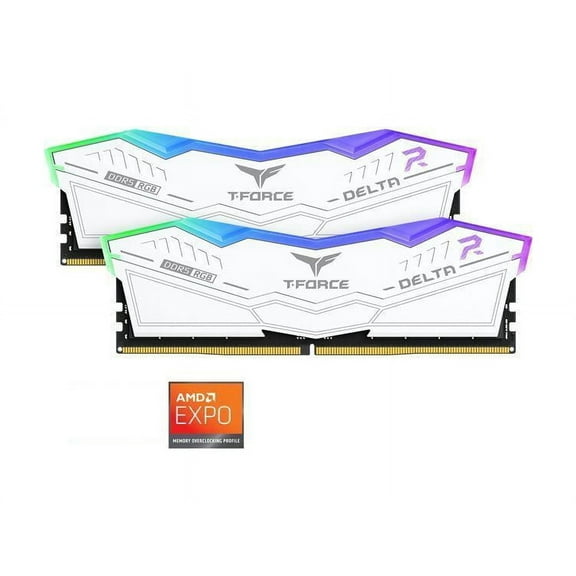 Team T-Force Delta RGB 32GB (2 x 16GB) 288-Pin PC RAM DDR5 6000 (PC5 48000) Desktop Memory Model FF4D532G6000HC30DC01$619.99current price $619.99
Team Group 16GB (2 x 8GB) 288-Pin PC RAM DDR5 6000 (PC5 48000) Memory Model FF7D516G6000HC38ADC01
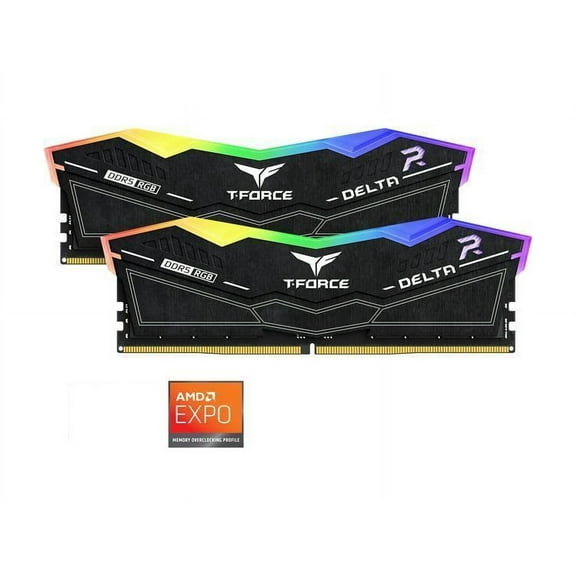 Team Group 16GB (2 x 8GB) 288-Pin PC RAM DDR5 6000 (PC5 48000) Memory Model FF7D516G6000HC38ADC01$279.99current price $279.99
Timetec 8GB Kit (2x4GB) DDR3L Laptop RAM Memory, 1600MHz PC3L-12800/PC3-12800, SODIMM 204-Pin, Non-ECC Unbuffered, 1.35V/1.5V CL11, Single Rank 1Rx8
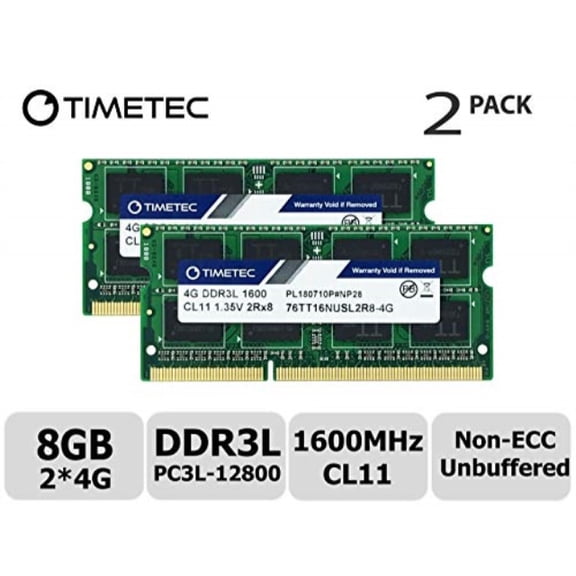 Timetec 8GB Kit (2x4GB) DDR3L Laptop RAM Memory, 1600MHz PC3L-12800/PC3-12800, SODIMM 204-Pin, Non-ECC Unbuffered, 1.35V/1.5V CL11, Single Rank 1Rx8$24.99current price $24.99
TEAMGROUP T-Force Delta RGB DDR5 RAM Memory FF3D532G6000HC38ADC01
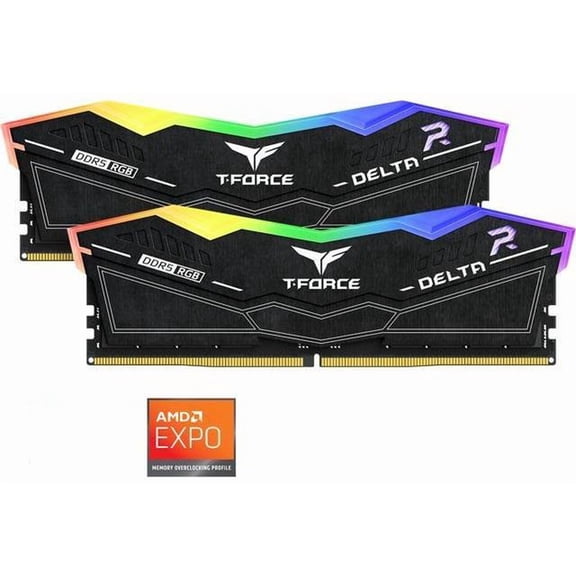 TEAMGROUP T-Force Delta RGB DDR5 RAM Memory FF3D532G6000HC38ADC01$509.99current price $509.99
Timetec Pinnacle Konduit 32GB KIT(2x16GB) DDR4 3200MHz PC4-25600 CL16-20-20-40 XMP2.0 Overclocking 1.35V Dual Rank Compatible for AMD and Intel Desktop Gaming PC Memory Module - White
 Timetec Pinnacle Konduit 32GB KIT(2x16GB) DDR4 3200MHz PC4-25600 CL16-20-20-40 XMP2.0 Overclocking 1.35V Dual Rank Compatible for AMD and Intel Desktop Gaming PC Memory Module - White$225.99current price $225.99
Crucial - DDR4 - module - 8 GB - SO-DIMM 260-pin - 3200 MT/s / PC4-25600 - CL22 - 1.2 V - unbuffered - non-ECC
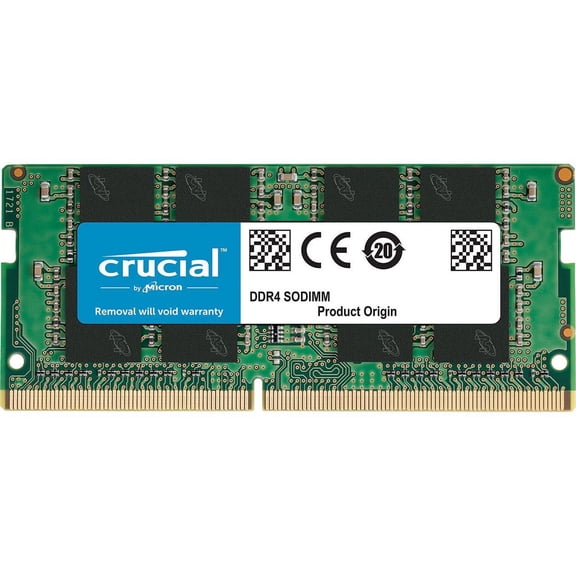 Crucial - DDR4 - module - 8 GB - SO-DIMM 260-pin - 3200 MT/s / PC4-25600 - CL22 - 1.2 V - unbuffered - non-ECC$191.21current price $191.21
Micron 64GB (2 x 32GB) DDR4 2666MHz SODIMM Memory Upgrade Kit Compatible with 27 inch iMac (iMac19,1 iMac20,1 iMac20,2)
 Micron 64GB (2 x 32GB) DDR4 2666MHz SODIMM Memory Upgrade Kit Compatible with 27 inch iMac (iMac19,1 iMac20,1 iMac20,2)$519.99current price $519.99
CMS 16GB (2X8GB) DDR3 12800 1600MHz NON ECC DIMM Memory Ram Upgrade Compatible with Dell® Optiplex 9020 Mt, 9020 Sff, 9020 Usff Desktop - A63
 CMS 16GB (2X8GB) DDR3 12800 1600MHz NON ECC DIMM Memory Ram Upgrade Compatible with Dell® Optiplex 9020 Mt, 9020 Sff, 9020 Usff Desktop - A63$41.00current price $41.00
G.SKILL Aegis 32GB (4 x 8GB) DDR4 3200 (PC4 25600) Memory Kit Model F4-3200C16Q-32GIS
 G.SKILL Aegis 32GB (4 x 8GB) DDR4 3200 (PC4 25600) Memory Kit Model F4-3200C16Q-32GIS$239.99current price $239.99