Nuance Voice Recognition Software(9)
K689A-K00-13.0 Dragon NaturallySpeaking v.13.0 Premium - Version Upgrade - 1 User - Voice Recognition - DVD-ROM - PC - English $199.99

K689A-K00-13.0 Dragon NaturallySpeaking v.13.0 Premium - Version Upgrade - 1 User - Voice Recognition - DVD-ROM - PC - English
Nuance Dragon v.15.0 Home, Box Pack, 1 user, Box Packing $161.99

Nuance Dragon v.15.0 Home, Box Pack, 1 user, Box Packing
Dragon Professional Individual 15.0, English $279.98

Dragon Professional Individual 15.0, English
Nuance Dragon NaturallySpeaking HOME 13 software with Headset - Retail Box - for Windows 10 $129.98

Nuance Dragon NaturallySpeaking HOME 13 software with Headset - Retail Box - for Windows 10
Nuance Dragon Professional Individual Version 15.0 Software License $310.29

Nuance Dragon Professional Individual Version 15.0 Software License
Dragon Professional Individual - (v. 14) - box pack (upgrade) - 1 user - upgrade from Dragon NaturallySpeaking Premium 12/13 - academic - Win - US English $99.00
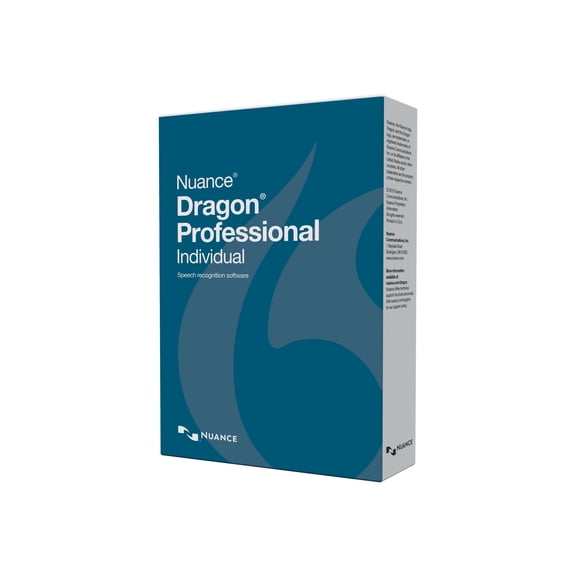
Dragon Professional Individual - (v. 14) - box pack (upgrade) - 1 user - upgrade from Dragon NaturallySpeaking Premium 12/13 - academic - Win - US English
Nuance K609A-G00-13.0 Nuance Dragon NaturallySpeaking v.13.0 Premium - 1 User $199.99

Nuance K609A-G00-13.0 Nuance Dragon NaturallySpeaking v.13.0 Premium - 1 User
Dragon NaturallySpeaking v.13.0 Premium $198.99

Dragon NaturallySpeaking v.13.0 Premium
Dragon Professional Individual Version 14.0 K809A-GG4-14.0 $89.99
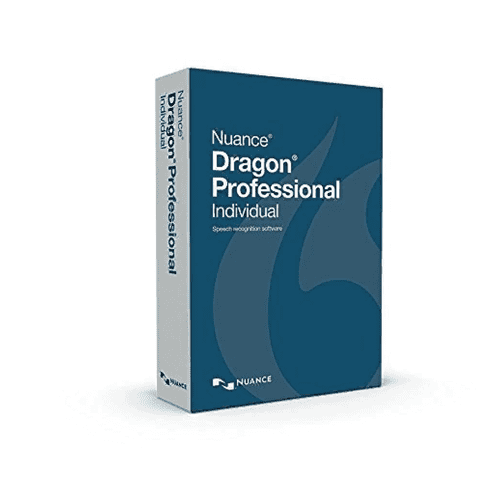
Dragon Professional Individual Version 14.0 K809A-GG4-14.0
Other options to consider(3)
Pre-Owned Nuance Dictaphone PowerMic II (44365) $199.99

Pre-Owned Nuance Dictaphone PowerMic II (44365)
Nuance Power PDF Standard - (v. 2.0) - box pack - 1 user - Consignment - Win - English, French $49.99
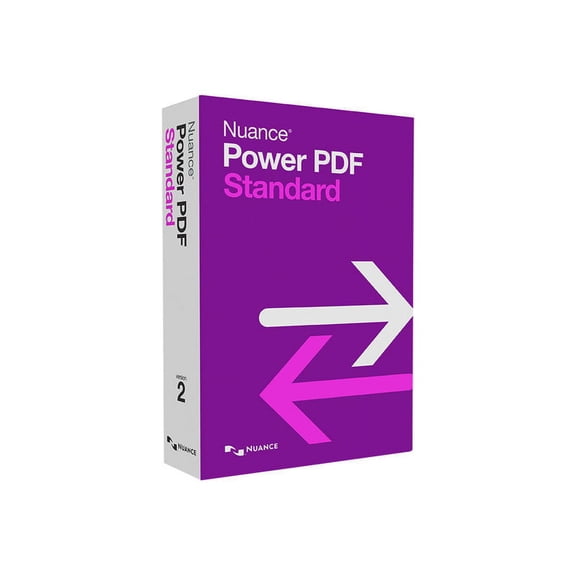
Nuance Power PDF Standard - (v. 2.0) - box pack - 1 user - Consignment - Win - English, French
Nuance Power PDF Standard - (v. 2.0) - box pack - 1 user - Mailer - Win - US English $49.99 Was $103.68
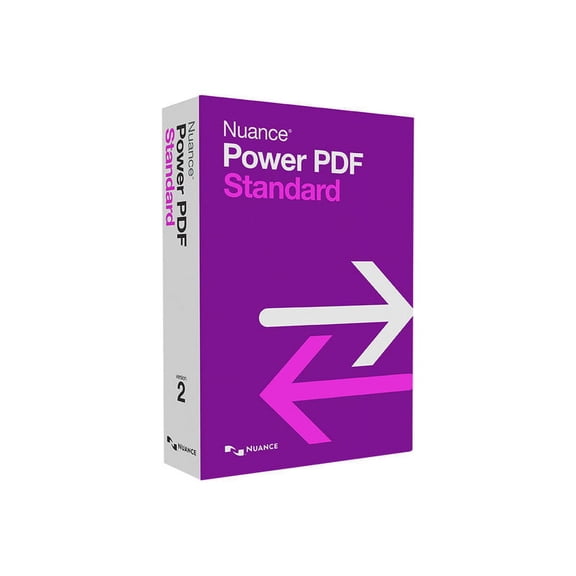
Nuance Power PDF Standard - (v. 2.0) - box pack - 1 user - Mailer - Win - US English
FAQ
Can I use this software with any headset?
Most voice recognition software is compatible with a wide range of headsets. For the best experience, it helps to use a headset with a noise-canceling microphone and a standard USB or 3.5mm connection. Before purchasing, double-check your computer's available ports and review the product's requirements on Walmart's website. If using a wireless headset, confirm it's supported by your operating system. Keep in mind that headset quality can impact accuracy and ease of setup.
Is it hard to set up voice recognition on my computer?
Getting started with voice recognition software is usually straightforward. You'll need to install the program from the included disc or download, then follow on-screen instructions to connect your microphone or headset. During setup, you'll likely be guided to train the software to understand your voice—this step increases accuracy. Make sure your computer meets the system requirements listed on the Walmart product page to ensure a smooth installation process.
What can I do if words get misrecognized?
Mistakes can happen, especially when you're just starting out. You can usually correct misrecognized words by using built-in correction tools within the software. Also, take time to train the program to better understand your unique accent or speech patterns—most voice recognition software offers training and vocabulary enhancement features. Regularly updating and maintaining a quiet background environment can also help reduce errors over time.
Can I use this for hands-free typing at work?
Many customers use voice recognition software to type hands-free, which can be especially useful for drafting emails, creating documents, or taking notes. It's designed to increase efficiency by letting you control your computer and input text by voice. Check the product details on Walmart to confirm which applications are supported. Keep in mind that results may depend on your workspace environment and microphone quality.
How do I keep the software running smoothly?
To keep your voice recognition software functioning well, make sure your computer meets the recommended requirements and is free from viruses or malware. Regularly check for software updates from the developer, and run maintenance tools as needed. If you notice performance changes, try retraining the voice profile or adjusting your microphone. Keeping background noise low and your hardware in good shape can also help maintain accuracy over time.
Popular in Nuance Voice Recognition Software Dragon NaturallySpeaking
Related Products
Roxio Toast 20 Pro - CD, DVD & Blu-ray Burner for Mac with Media Management & Creativity Suite
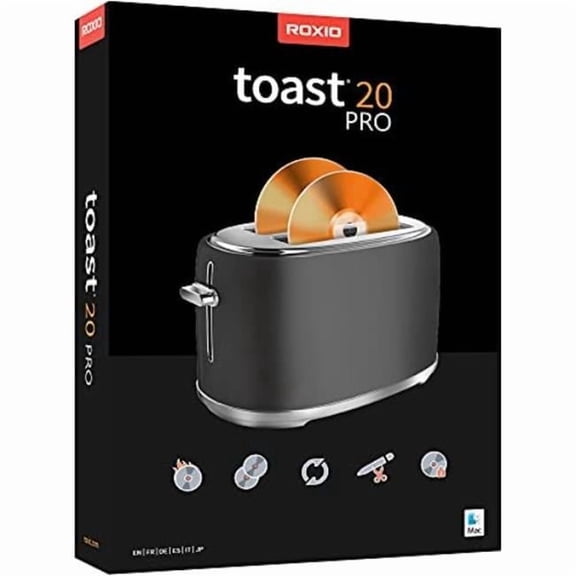 Roxio Toast 20 Pro - CD, DVD & Blu-ray Burner for Mac with Media Management & Creativity Suite$78.99current price $78.99
CLIP STUDIO PAINT EX - Version 4 | Perpetual License | for Windows and macOS
 CLIP STUDIO PAINT EX - Version 4 | Perpetual License | for Windows and macOS$159.99current price $159.99
AVG : Ultimate, Comprehensive Digital Security Solution (Key Card) 10 Users
 AVG : Ultimate, Comprehensive Digital Security Solution (Key Card) 10 Users$64.95current price $64.95
CLIP STUDIO PAINT PRO - Version 1 - Perpetual License - for Microsoft Windows and MacOS
 CLIP STUDIO PAINT PRO - Version 1 - Perpetual License - for Microsoft Windows and MacOS$18.98current price $18.98
AVG TuneUp - 1-Year | 10-Devices (Windows/Mac OS/Android)
 AVG TuneUp - 1-Year | 10-Devices (Windows/Mac OS/Android)$43.60current price $43.60
Nuance Dragon NaturallySpeaking Premium v13
 Nuance Dragon NaturallySpeaking Premium v13$199.99current price $199.99