

Nspire Cas(10)
Texas Instruments TI-Nspire CX II CAS Color Graphing Calculator with Student Software (PC/Mac), Blue From $146.17
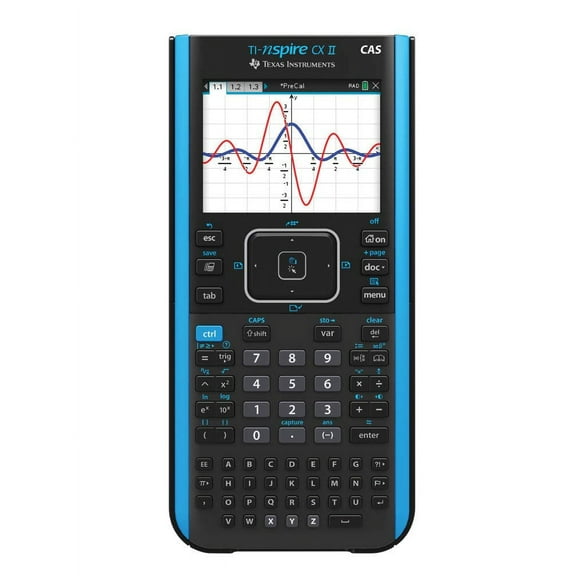


Texas Instruments TI-Nspire CX II CAS Color Graphing Calculator with Student Software (PC/Mac), Blue
TI-Nspire CX II Graphing Calculator with Educational Software From $100.00
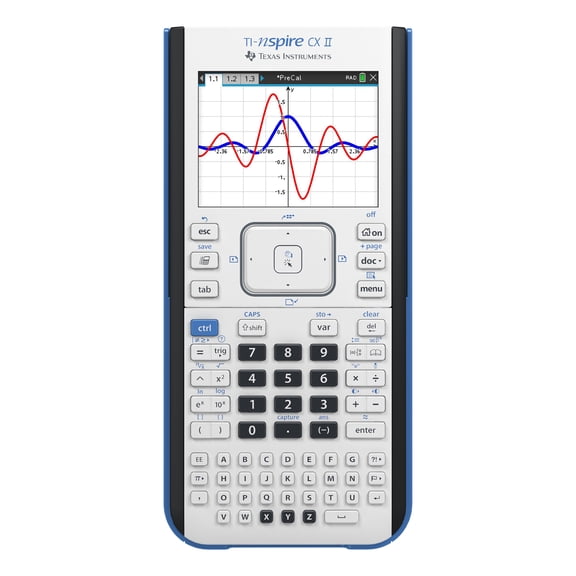
TI-Nspire CX II Graphing Calculator with Educational Software
Texas Instruments TI-Nspire CX II CAS Teacher Pack (10 Calculators) $1,710.22
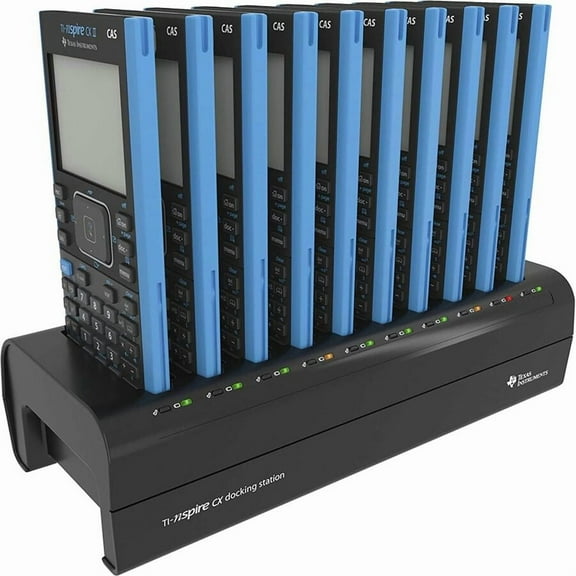
Texas Instruments TI-Nspire CX II CAS Teacher Pack (10 Calculators)
Texas Instruments TI Nspire CX Slide Case, Yellow (N3SC/PWB/1L1/B) $44.23

Texas Instruments TI Nspire CX Slide Case, Yellow (N3SC/PWB/1L1/B)
Acer TI-Nspire CX II CAS Teacher Pack Graphing Calculator 10 USB Cables 5 Unit-to-Unit Cables, Black $1,690.52
Acer TI-Nspire CX II CAS Teacher Pack Graphing Calculator 10 USB Cables 5 Unit-to-Unit Cables, Black
Texas Instruments TI Nspire CX II CAS Teacher Pack $1,810.65

Texas Instruments TI Nspire CX II CAS Teacher Pack
Texas Instruments TI-Nspire CX II Spot Graphing Calculator with USB, Multicolor, 10 Count, 10 Pack $1,699.99
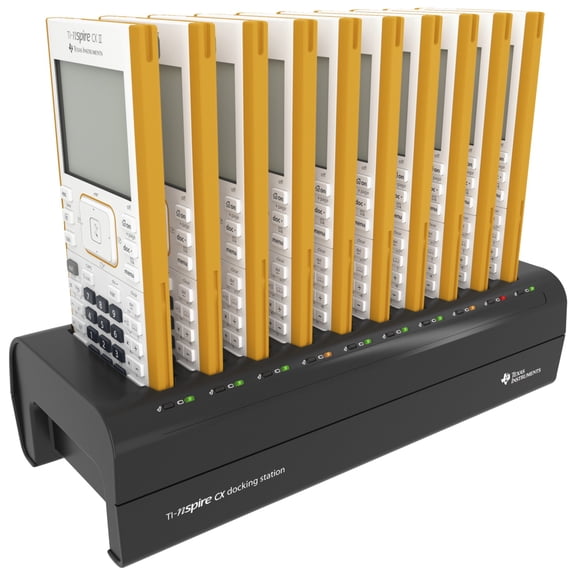
Texas Instruments TI-Nspire CX II Spot Graphing Calculator with USB, Multicolor, 10 Count, 10 Pack
Texas Instruments NSCX2-10P-1L1-A TI NSPIRE CX II TI-Nspire CX II Graphing Calculator, Pack of 10 $1,792.33
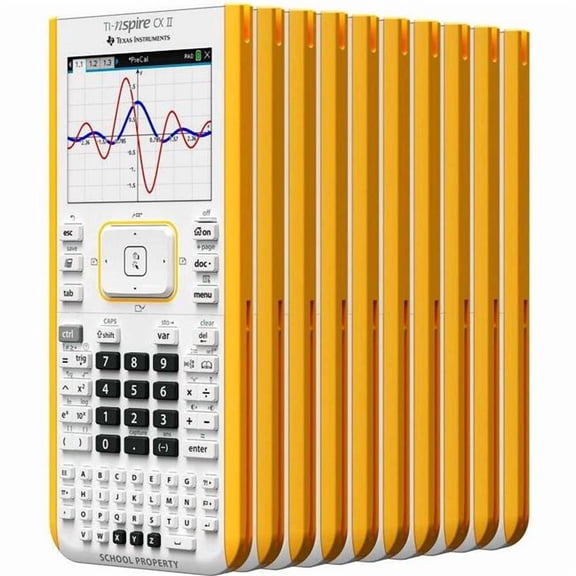
Texas Instruments NSCX2-10P-1L1-A TI NSPIRE CX II TI-Nspire CX II Graphing Calculator, Pack of 10
Pre-Owned Texas Instruments TI-Nspire CX Graphing Calculator $105.55

Pre-Owned Texas Instruments TI-Nspire CX Graphing Calculator
NSCX2-TPK-2L1 TI NspireCXII EZ Graphing Calculator-Spot Teacher $1,839.83
NSCX2-TPK-2L1 TI NspireCXII EZ Graphing Calculator-Spot Teacher
Other options to consider(5)
TI Nspire CX Navigator 30 User $2,337.67

TI Nspire CX Navigator 30 User
Casio FX-300ESPLUS2 Scientific Calculator, Natural Textbook Display, Black From $15.39


Casio FX-300ESPLUS2 Scientific Calculator, Natural Textbook Display, Black
(3 pack) Casio SL-310SV Basic Calculator with 10 Digit Display and Protective Case
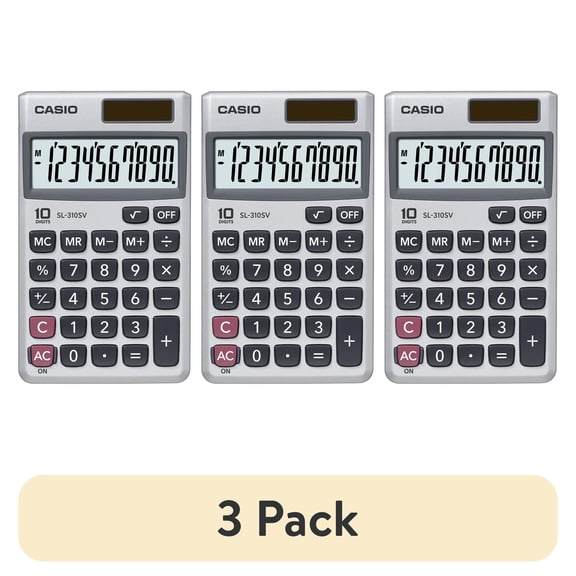
(3 pack) Casio SL-310SV Basic Calculator with 10 Digit Display and Protective Case
Casio FX-300MSPLUS2 Black Scientific Calculator 5 Pack $135.95

Casio FX-300MSPLUS2 Black Scientific Calculator 5 Pack
Casio FX-300ES PLUS Natural Textbook Display Scientific Calculator, Pink
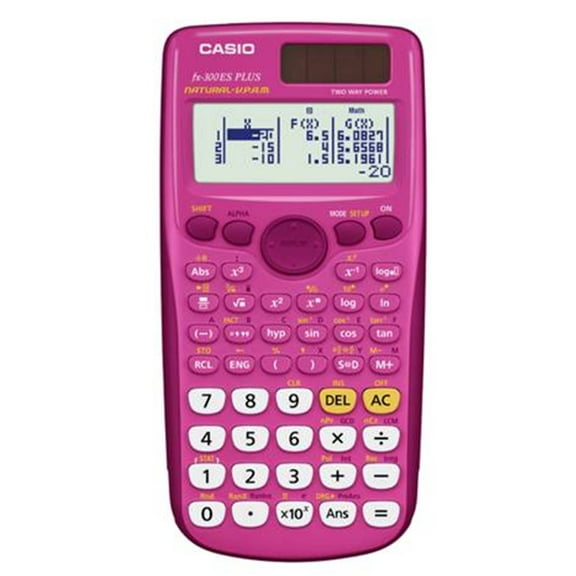
Casio FX-300ES PLUS Natural Textbook Display Scientific Calculator, Pink
FAQ
What can a graphing calculator do besides math?
Graphing calculators are pretty versatile tools that go beyond crunching numbers. You can use them to:
- Plot graphs for math and science classes.
- Solve equations and inequalities.
- Store notes and formulas for quick reference.
- Run educational apps for different subjects.
These features can make studying and classroom activities more interactive and engaging.
How do I update the calculator's software?
Updating your calculator's software helps keep it running smoothly. Usually, you can:
- Connect the calculator to your computer with a USB cable.
- Download the latest software from the manufacturer's website.
- Follow the instructions to install updates.
Software updates may add new features or fix bugs, so it's a good idea to check for them regularly.
Is there a way to protect my calculator from damage?
Keeping your calculator safe helps it last longer. Some simple tips include:
- Use a slide case or cover to shield it from scratches.
- Store it in a bag or pouch when not in use.
- Avoid exposing it to moisture or extreme temperatures.
Taking these steps can help prevent accidental damage and keep your calculator working well.
Can I use the calculator for exams?
Many graphing calculators are allowed in standardized tests and classroom exams, but rules can vary. It helps to:
- Check your exam guidelines for approved calculator models.
- Turn off any features not permitted during the test.
- Make sure the calculator is fully charged or has fresh batteries.
Reviewing your exam policy ahead of time can save you stress on test day.
What should I do if my calculator isn't turning on?
If your calculator won't power up, you can try a few troubleshooting steps:
- Check if the battery needs to be replaced or recharged.
- Make sure the power button is pressed firmly.
- Try resetting the calculator following the manufacturer's instructions.
If it still doesn't work, consulting the user manual or reaching out to customer support may help.
Popular in Shop Nspire CAS Graphing Calculators Office Supplies
- Inspire Calculator
- Area Calculator
- Sat Calculator
- Option Calculator
- Victor Calculators
- Ce Calculators
- Texas Instruments TI-84 Plus Graphing Calculators
- Texas Instruments TI-83 Plus Graphing Calculators
- Texas Instruments Scientific Calculators
- Texas Instruments Graphing Calculators
- Ti 84 Calculators
- Financial Calculators
Related Products
Texas Instruments TI-30X IIS 2-Line Scientific Calculator, Black with Blue Accents
 Texas Instruments TI-30X IIS 2-Line Scientific Calculator, Black with Blue Accents$18.49current price $18.49
Texas Instruments TI-30X IIS Scientific Calculator Teacher Kit (10-Count)
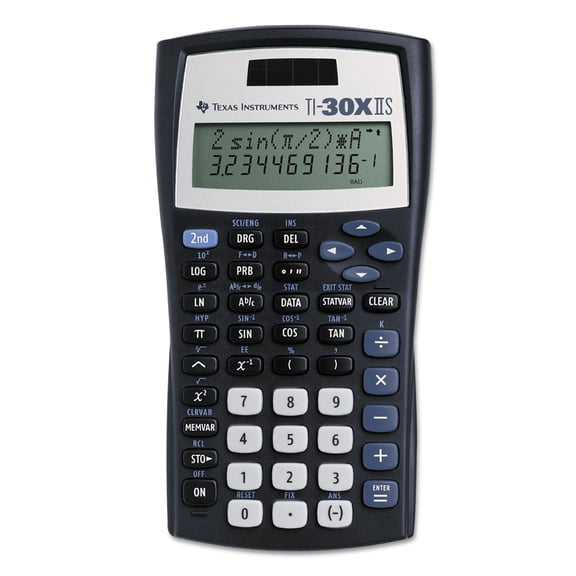 Texas Instruments TI-30X IIS Scientific Calculator Teacher Kit (10-Count)$142.87current price $142.87
Texas Instruments TI-30X IIS 10-Digit LCD Scientific Calculator, Black
 Texas Instruments TI-30X IIS 10-Digit LCD Scientific Calculator, Black$19.99current price $19.99
TEXAS INSTRUMENT Texas Ti-30Xsmv 4-Line - Dual Pwr Scientific Calc
 TEXAS INSTRUMENT Texas Ti-30Xsmv 4-Line - Dual Pwr Scientific Calc$22.99current price $22.99
Texas Instruments TI-30X IIS Scientific Calculator, Pink
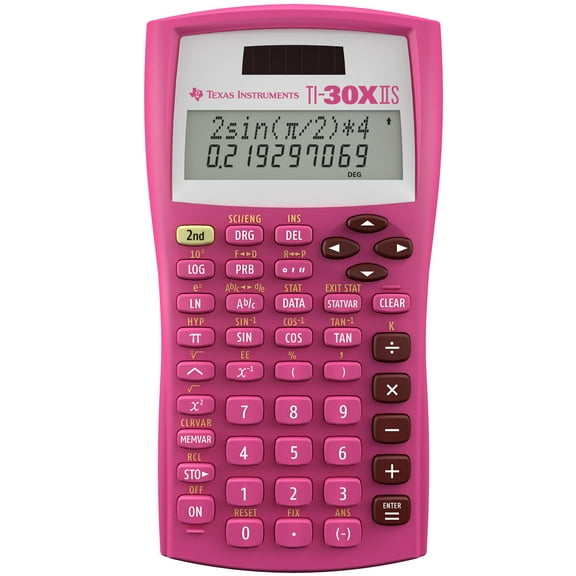 Texas Instruments TI-30X IIS Scientific Calculator, Pink$24.94current price $24.94
Good TI-30XIIS Solar Scientific Calculator, Blue
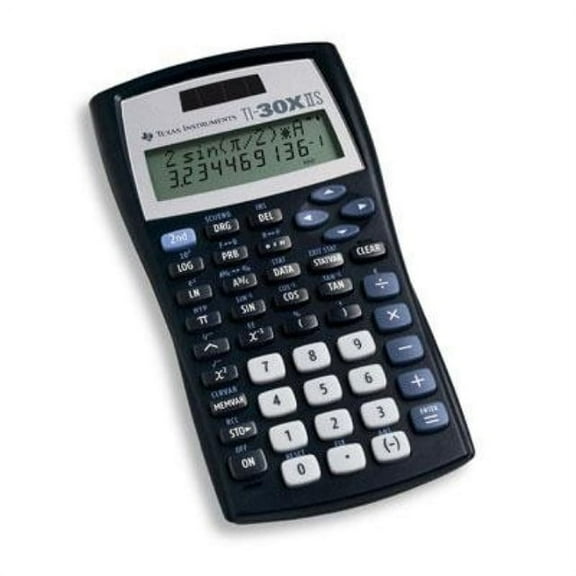 Good TI-30XIIS Solar Scientific Calculator, Blue$19.10current price $19.10
Texas Instruments Fundamental, Two-Line Scientific Calculator, Blue (30XIIS/TBL/1L1/BA)
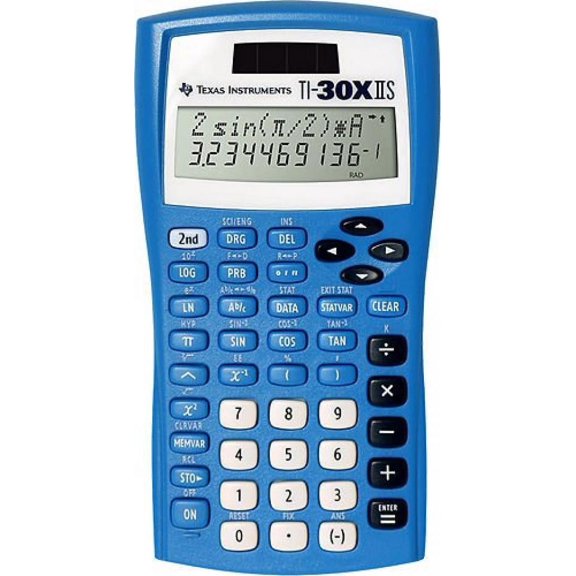 Texas Instruments Fundamental, Two-Line Scientific Calculator, Blue (30XIIS/TBL/1L1/BA)$22.19current price $22.19
Sharp 12-Digit Business Calculator, Extra-Large LCD Display, 4-Key Memory, Dual Power with Auto-Power Down, White (EL-334WB)
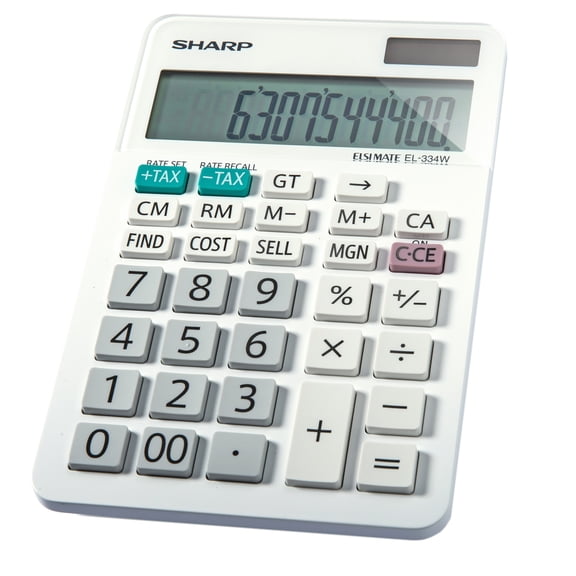 Sharp 12-Digit Business Calculator, Extra-Large LCD Display, 4-Key Memory, Dual Power with Auto-Power Down, White (EL-334WB)$17.82current price $17.82
Texas Instruments TI-84 Plus CE Color Graphing Calculator, Mint Small
 Texas Instruments TI-84 Plus CE Color Graphing Calculator, Mint Small$143.87current price $143.87
Texas Instruments TI-108 Math and Counting Class Set for K-4, 10 Pieces, Multicolor
 Texas Instruments TI-108 Math and Counting Class Set for K-4, 10 Pieces, Multicolor$61.38current price $61.38
Texas Instruments TI-84 Plus CE Lightning Graphing Calculator
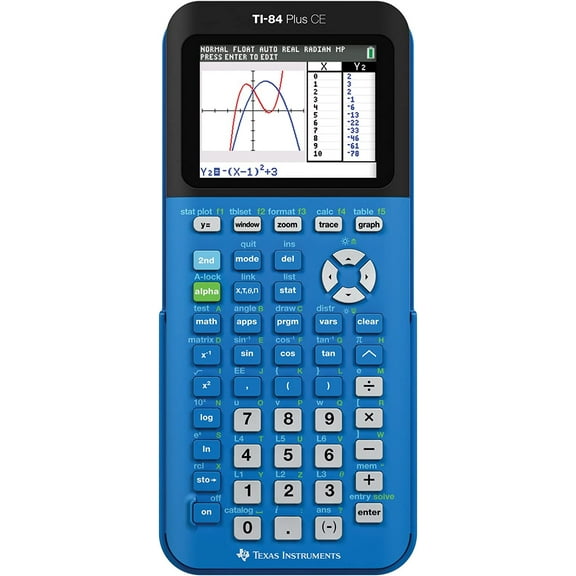 Texas Instruments TI-84 Plus CE Lightning Graphing Calculator$149.00current price $149.00
Texas Instruments TI-84 Plus CE Graphing Calculators, Python, Teacher Pack of 10
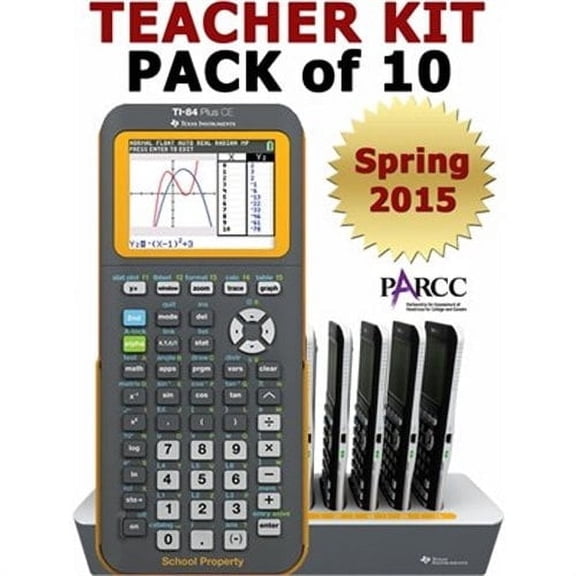 Texas Instruments TI-84 Plus CE Graphing Calculators, Python, Teacher Pack of 10$1525.99current price $1525.99
Texas Instruments TI-1706 SV Standard Function Calculator
 Texas Instruments TI-1706 SV Standard Function Calculator$10.45current price $10.45
Texas Instruments TI30XIIS Scientific Calculator 30XIISBKAN (5-Pack) TI-30XIIS Scientific Calculator-Black
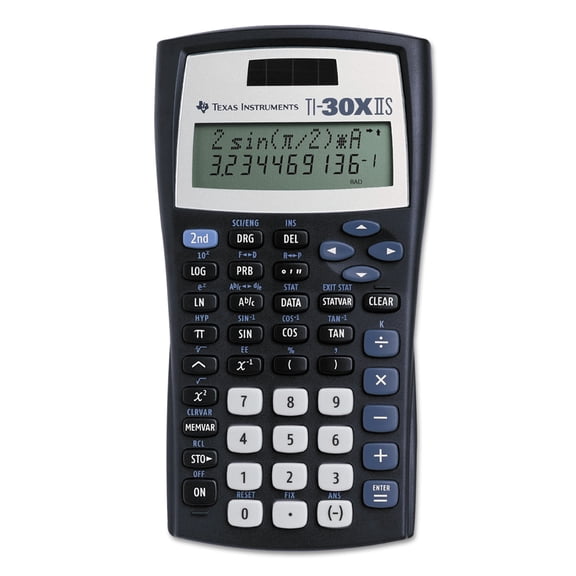 Texas Instruments TI30XIIS Scientific Calculator 30XIISBKAN (5-Pack) TI-30XIIS Scientific Calculator-Black$77.95current price $77.95
Texas Instruments TI-15 Explorer Elementary Calculator, Blue
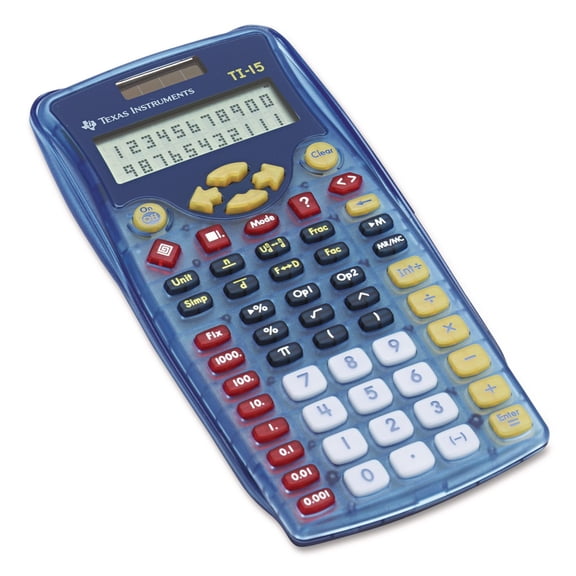 Texas Instruments TI-15 Explorer Elementary Calculator, Blue$23.74current price $23.74
Texas Instruments Ti-30xs Multiview Scientific Calculator, 16-digit Lcd
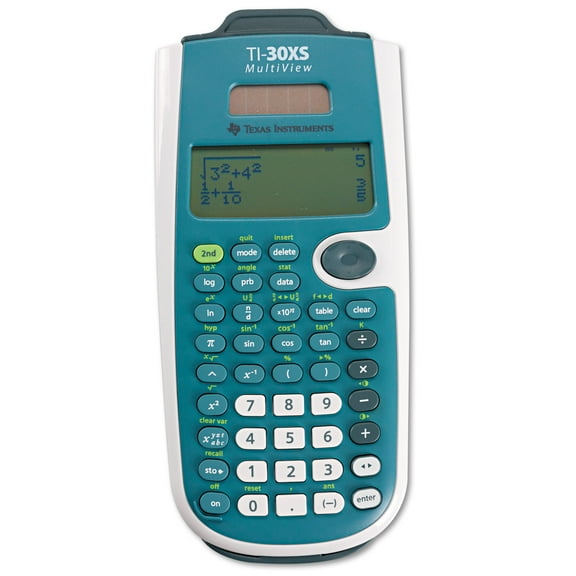 Texas Instruments Ti-30xs Multiview Scientific Calculator, 16-digit Lcd$22.99current price $22.99
Texas Instruments TI-34 MultiView Scientific Calculator, 16-Digit LCD - 5 Pack
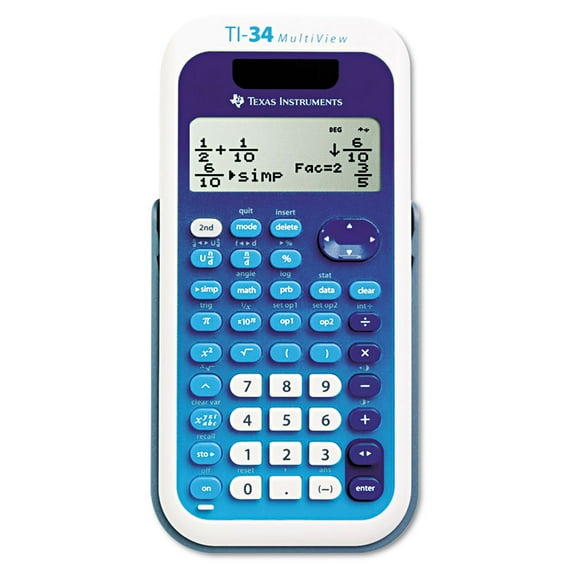 Texas Instruments TI-34 MultiView Scientific Calculator, 16-Digit LCD - 5 Pack$117.99current price $117.99