

nixplay wifi cloud frames(5)
Nixplay Smart Digital Photo Frame 10.1 Inch (W10F)- Share Moments via E-Mail or App
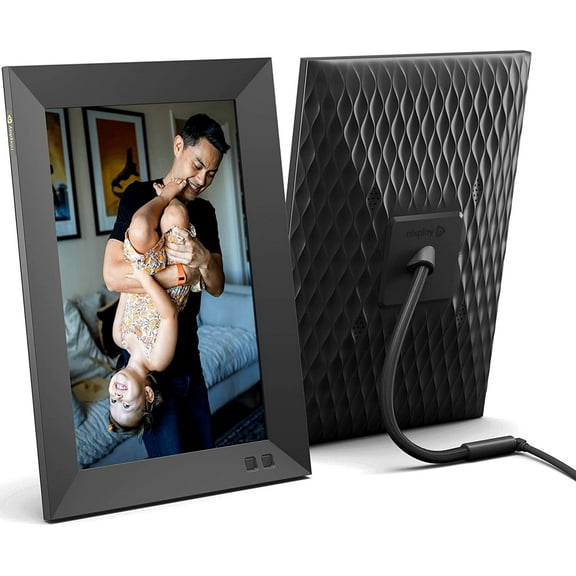
Nixplay Smart Digital Photo Frame 10.1 Inch (W10F)- Share Moments via E-Mail or App
Black Friday Deal, Nixplay 10.1 inch Touch Screen Digital Picture Frame with WiFi (W10P), Classic Mat, Share Photos and Videos Instantly via Email or App Was $149.99
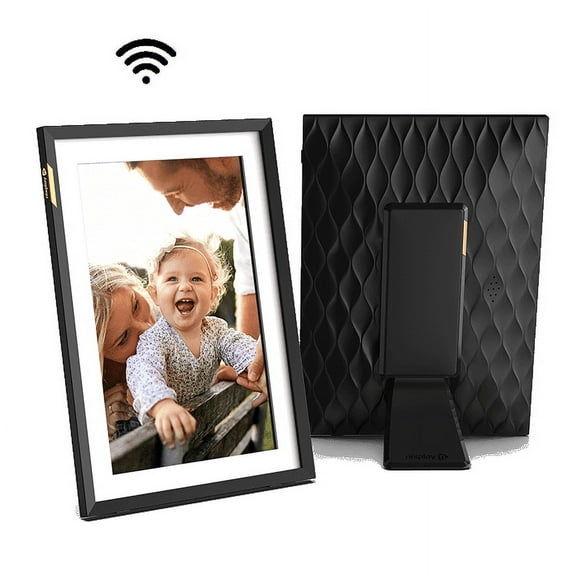
Nixplay 10.1 inch Touch Screen Digital Picture Frame with WiFi (W10P), Classic Mat, Share Photos and Videos Instantly via Email or App
Nixplay Digital Touch Screen Picture Frame - 15.6 Photo Frame, Connecting Families & Friends (Black/White Matte) $329.99
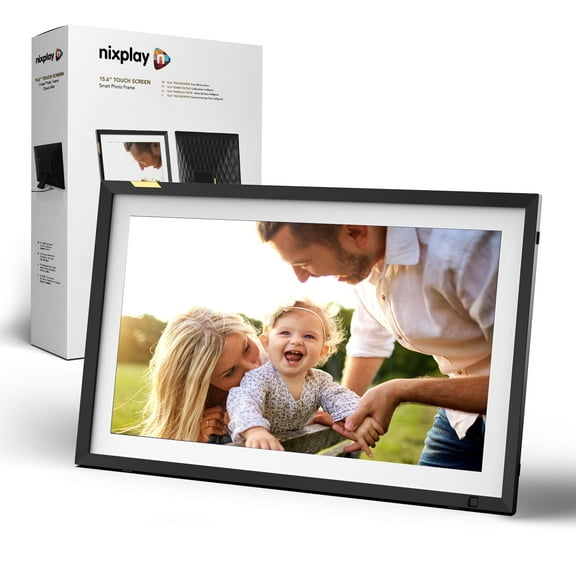
Nixplay Digital Touch Screen Picture Frame - 15.6 Photo Frame, Connecting Families & Friends (Black/White Matte)
Nixplay 10.1 inch Touch Screen Digital Picture Frame with WiFi (W10K), Black-Silver, Share Photos and Videos Instantly via Email or App $159.99

Nixplay 10.1 inch Touch Screen Digital Picture Frame with WiFi (W10K), Black-Silver, Share Photos and Videos Instantly via Email or App
Digital Picture Frame [AI-Enhanced] Stunning HD Touch Screen Display | Perfect Digital Picture Frame for Gifting | Auto-Rotation Feature, Securely Share Photos/Videos via Email or App | 10.1" $199.99

Digital Picture Frame [AI-Enhanced] Stunning HD Touch Screen Display | Perfect Digital Picture Frame for Gifting | Auto-Rotation Feature, Securely Share Photos/Videos via Email or App | 10.1"
FAQ
How do you set up a wifi digital photo frame?
Setting up a wifi digital photo frame is usually straightforward. You'll want to connect it to your home wifi network and follow the on-screen prompts. Most frames guide you through:
- Powering on the device.
- Selecting your wifi network and entering your password.
- Downloading the companion app or using a web portal to upload photos.
Once connected, you can start sharing photos from your phone or computer. Always refer to the included manual for step-by-step instructions.
Can I send photos to the frame from my phone?
Many wifi cloud frames let you send photos directly from your phone. Typically, you'll use a mobile app or email to upload pictures. The process usually involves:
- Installing the recommended app on your smartphone.
- Pairing your phone with the frame via wifi.
- Selecting photos or videos and sending them to the frame.
This makes sharing memories easy with friends and family, even if they're far away.
What's the difference between touch screen and regular frames?
Touch screen digital frames have interactive displays, letting you swipe through photos or adjust settings right on the screen. Regular frames often use buttons or a remote for navigation. Key differences include:
- Touch screens offer quicker access to features like slideshows or brightness adjustments.
- Non-touch frames may rely on physical controls located on the side or back.
Both types display photos, but touch screens tend to be more user-friendly for everyday use.
How do you keep your digital frame updated with new photos?
Keeping your digital photo frame fresh with new photos is simple. Most wifi frames let you:
- Send images via a dedicated app.
- Email photos directly to the frame's address.
- Sync albums from cloud services.
Some frames even allow multiple users to contribute, so everyone can share their favorite moments. Just make sure your frame stays connected to wifi for smooth updates.
Are there privacy settings for sharing photos on wifi frames?
Wifi cloud frames usually offer privacy controls to help you manage who can send photos and videos. Common features include:
- Setting up approved users or email addresses.
- Adjusting sharing permissions within the companion app.
- Reviewing and accepting uploaded content before it displays.
These settings can help you feel confident about what's shown on your frame, especially in family or shared spaces.
Popular in Nixplay Wifi Cloud Frames Smart Digital Photo Frames
Related Products
Kodak 10.1-inch Digital Photo Frame, Touchscreen, 32GB, Wi-Fi, Solid Wood, Gray
 Kodak 10.1-inch Digital Photo Frame, Touchscreen, 32GB, Wi-Fi, Solid Wood, Gray$99.99current price $99.99
Kodak 10.1-inch WIFI Digital Picture Frame with 32GB Storage, AI Creation & 6 Photo Transfer Ways, IPS Touch Screen, Wood Tone
 Kodak 10.1-inch WIFI Digital Picture Frame with 32GB Storage, AI Creation & 6 Photo Transfer Ways, IPS Touch Screen, Wood Tone$58.19current price $58.19
Dragon Touch 32 inch Large Digital Picture Frame, 1080P FHD Screen with 64GB Storage, free Share Photos via App, Email, Cloud-Not Touchscreen
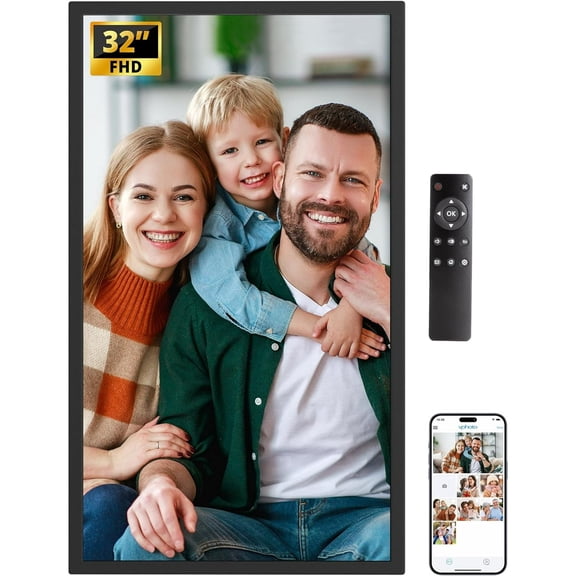 Dragon Touch 32 inch Large Digital Picture Frame, 1080P FHD Screen with 64GB Storage, free Share Photos via App, Email, Cloud-Not Touchscreen$379.99current price $379.99
Aluratek AWDMPF107F - 7" WiFi Digital Frame w/Touchscreen LCD and Built-In Memory
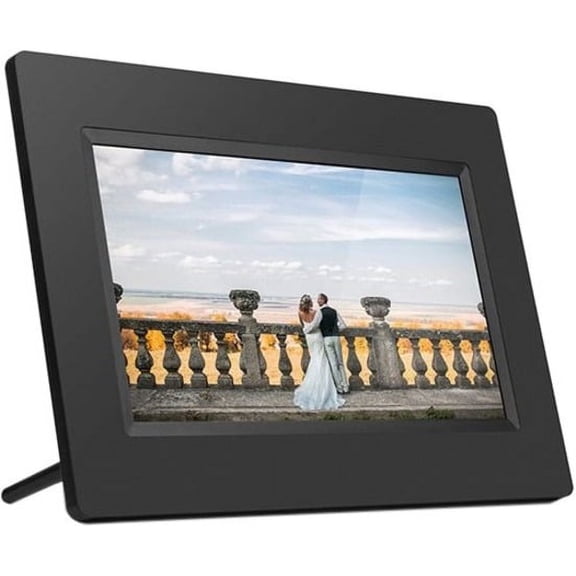 Aluratek AWDMPF107F - 7" WiFi Digital Frame w/Touchscreen LCD and Built-In Memory$39.99current price $39.99
Eco4life 10.1 inch Digital Photo Frame, 1080P Full HD with Remote Control, Gift Idea for Christmas
 Eco4life 10.1 inch Digital Photo Frame, 1080P Full HD with Remote Control, Gift Idea for Christmas$42.99current price $42.99
10.1inch Digital Picture Frame, NUSICAN WiFi Frameo Digital Frame for Photos & Videos 1280 x 800 HD Touch Screen 32GB Memory, Auto Rotate Wall Mountable, Slideshow, Perfect Holiday Present Choice
 10.1inch Digital Picture Frame, NUSICAN WiFi Frameo Digital Frame for Photos & Videos 1280 x 800 HD Touch Screen 32GB Memory, Auto Rotate Wall Mountable, Slideshow, Perfect Holiday Present Choice$54.99current price $54.99
Frameo Digital Photo Frame 10.1inch NUSICAN WiFi Electric Picture Frame with 1280 x 800 HD Touch Screen 32GB Memory, Support Auto Rotate Wall Mountable, Share from Phone App Instantly
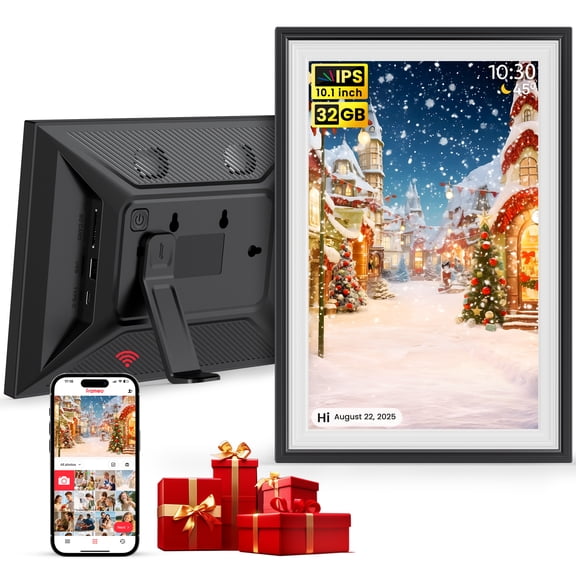 Frameo Digital Photo Frame 10.1inch NUSICAN WiFi Electric Picture Frame with 1280 x 800 HD Touch Screen 32GB Memory, Support Auto Rotate Wall Mountable, Share from Phone App Instantly$54.99current price $54.99
15.6" Frameo Digital Picture Frame WiFi, 1920x1080 IPS FHD Touch Screen Large Electronic Photo Frames, Send Photos from Your Phone from Anywhere, Best Gifts for Parents and Grandparents
 15.6" Frameo Digital Picture Frame WiFi, 1920x1080 IPS FHD Touch Screen Large Electronic Photo Frames, Send Photos from Your Phone from Anywhere, Best Gifts for Parents and Grandparents$84.99current price $84.99
NIX 13 Inch Full HD Digital Photo Frame - Auto Rotate Pictures & Wall Mountable
NIX 13 Inch Full HD Digital Photo Frame - Auto Rotate Pictures & Wall Mountable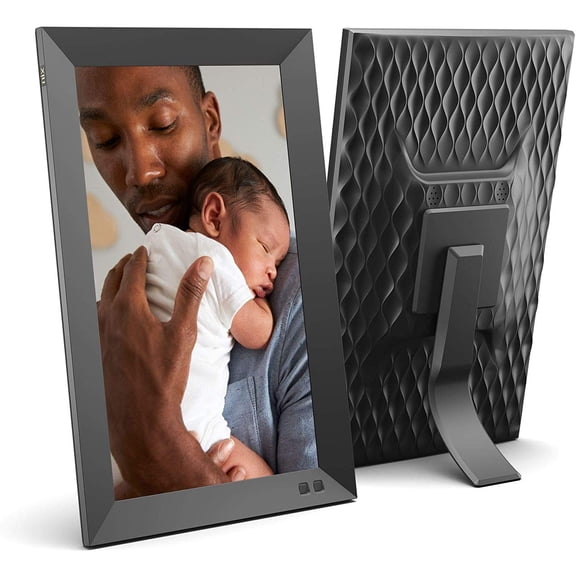
10.2" Digital Photo Frame, Ultra-Thin High-Definition TFT-LCD Screen, Support Automatic Slide Show, Zoom In/Out, Adjustable Playback Speed, Fast Transmission Speed(with remote control)
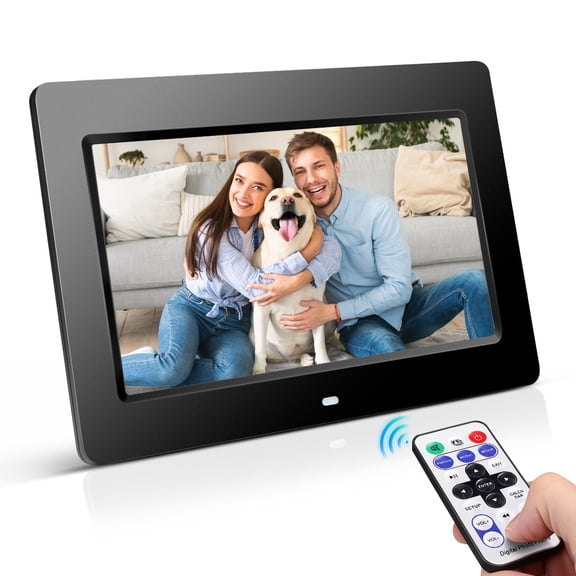 10.2" Digital Photo Frame, Ultra-Thin High-Definition TFT-LCD Screen, Support Automatic Slide Show, Zoom In/Out, Adjustable Playback Speed, Fast Transmission Speed(with remote control)$56.99current price $56.99
Aluratek 10" WIFI Digital Photo Frame with Touchscreen IPS LCD Display and 16GB Memory
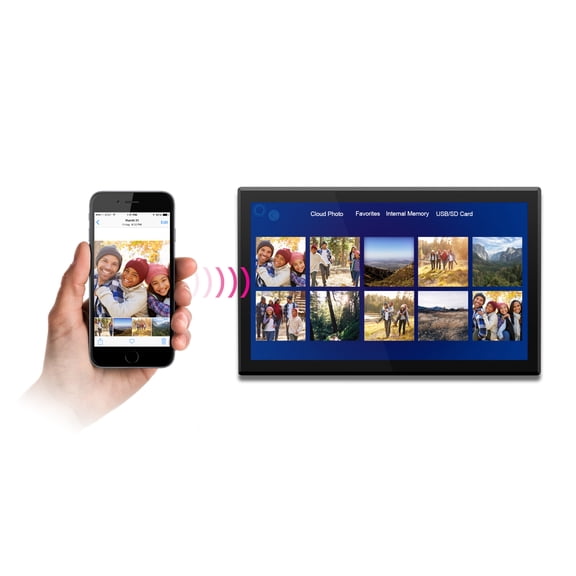 Aluratek 10" WIFI Digital Photo Frame with Touchscreen IPS LCD Display and 16GB Memory$69.99current price $69.99