

Netbooks in Shop Laptops by Type




























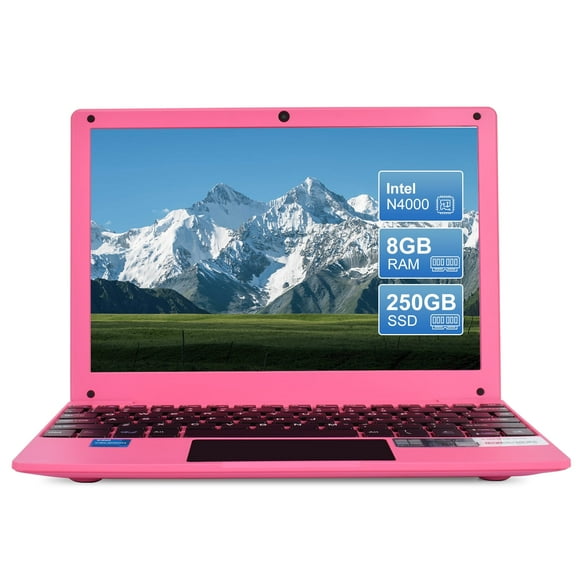


About Netbooks in Shop Laptops by Type - Walmart.com
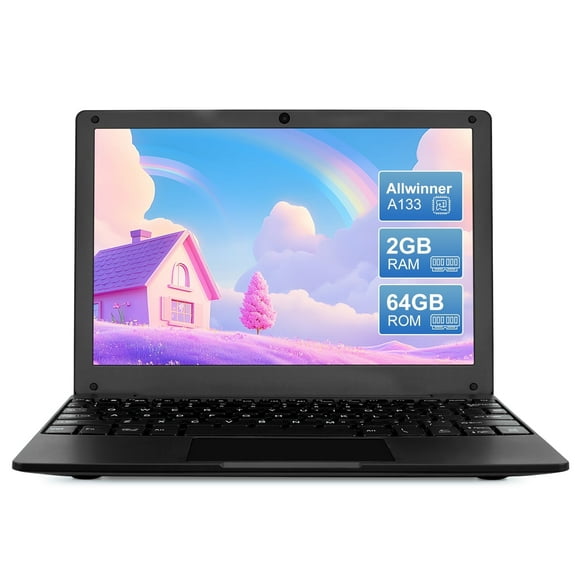
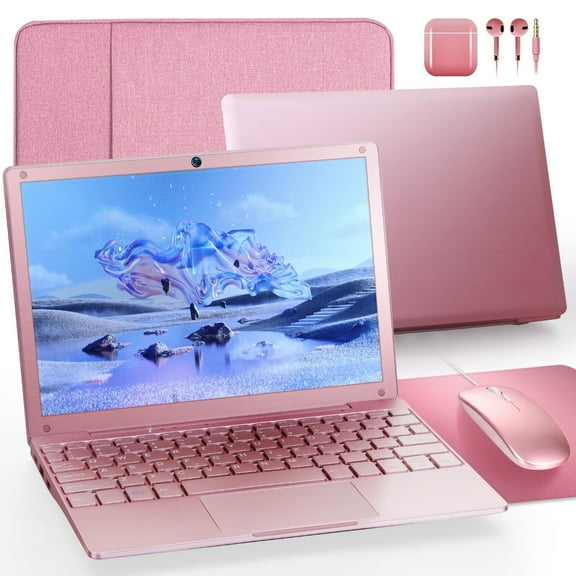
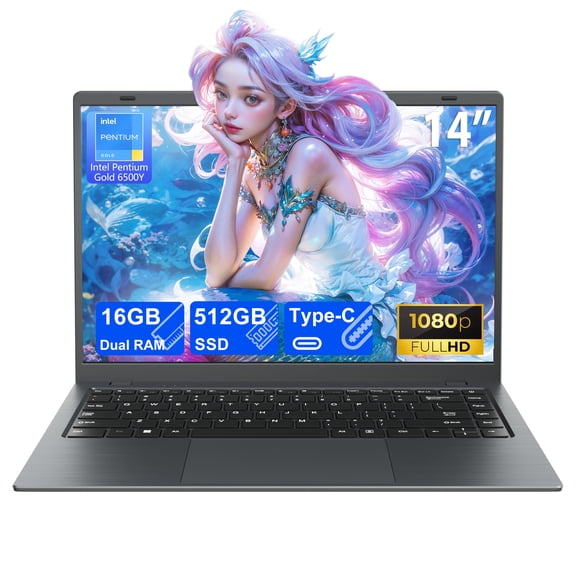
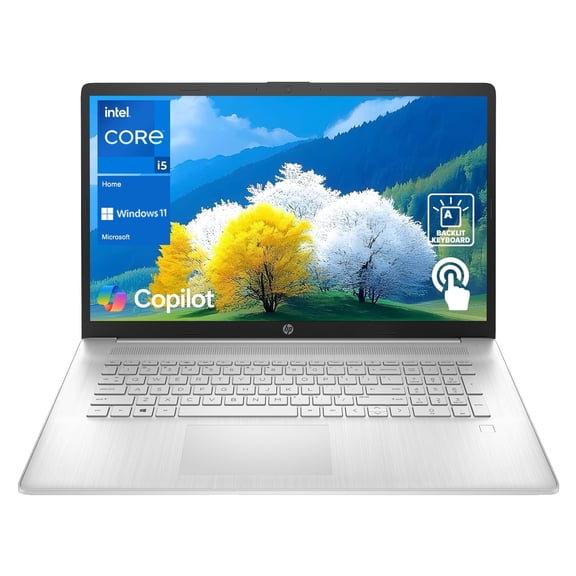
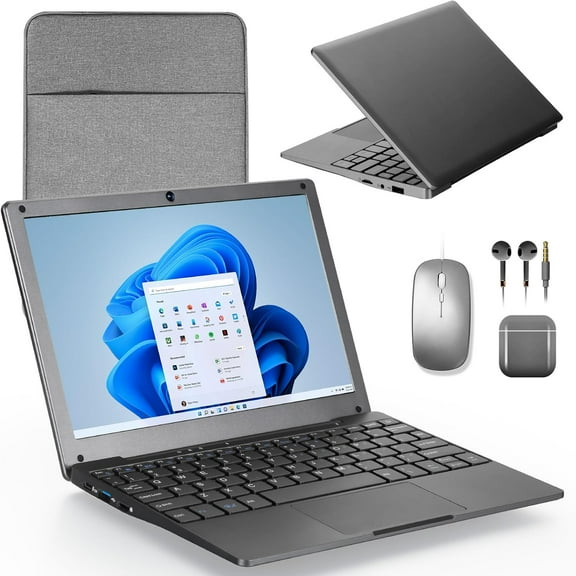
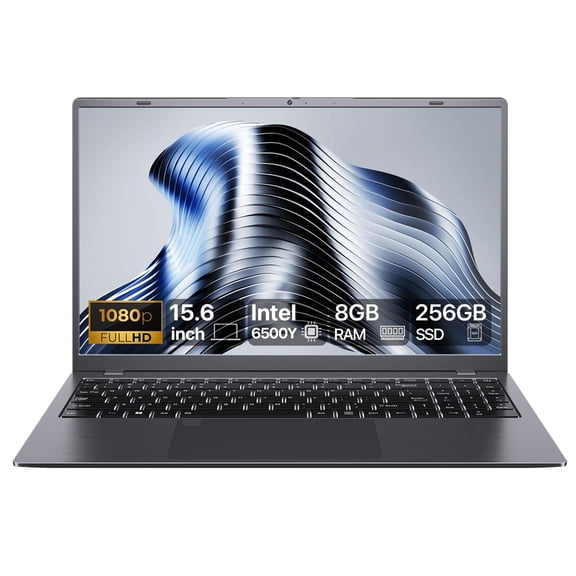
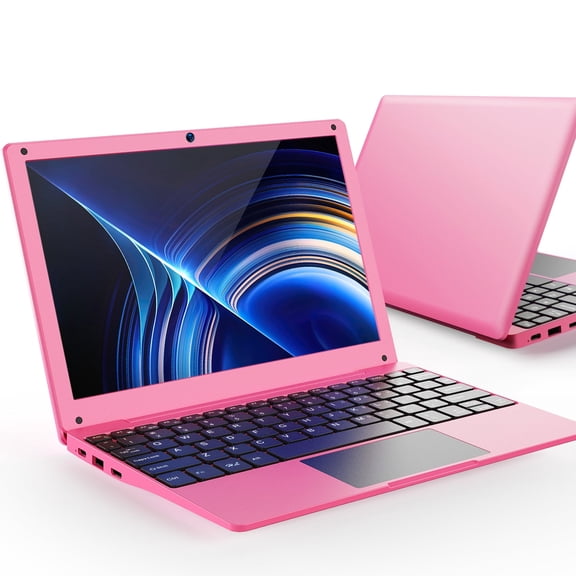
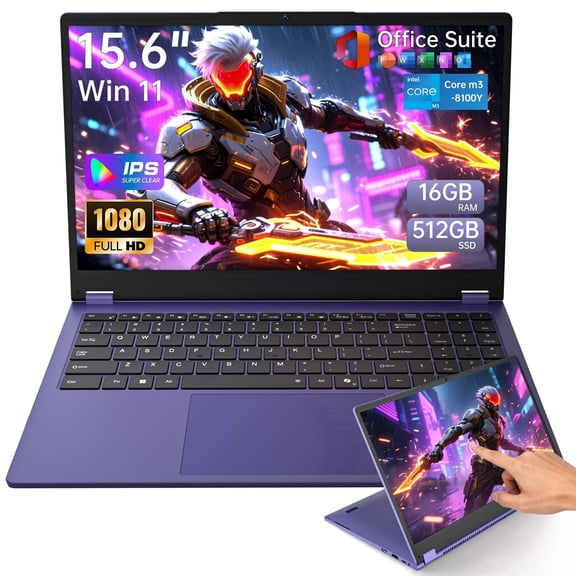
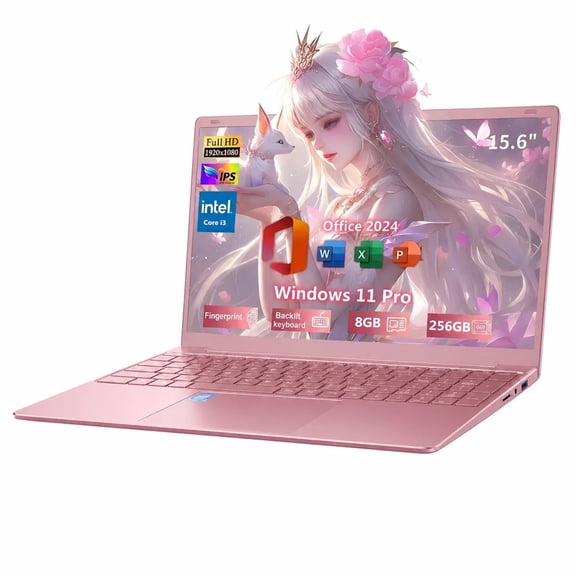
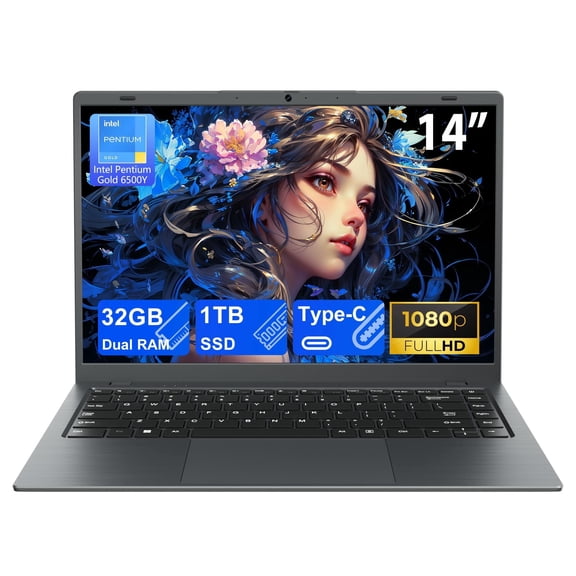
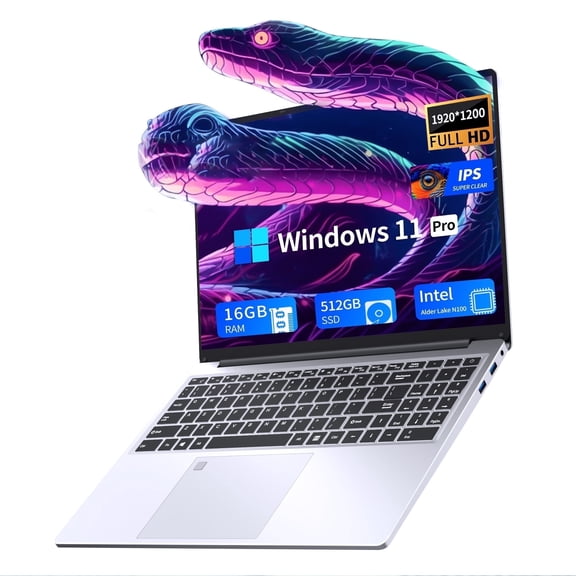
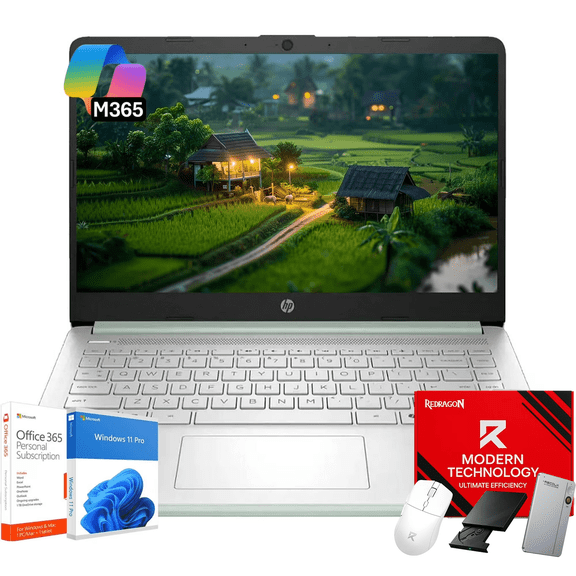
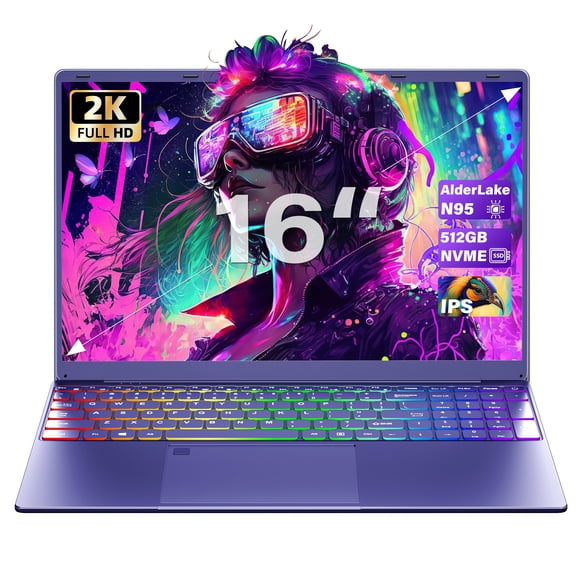
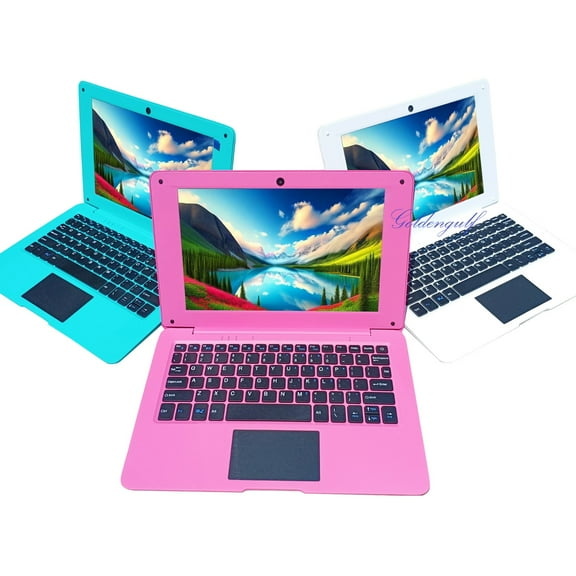
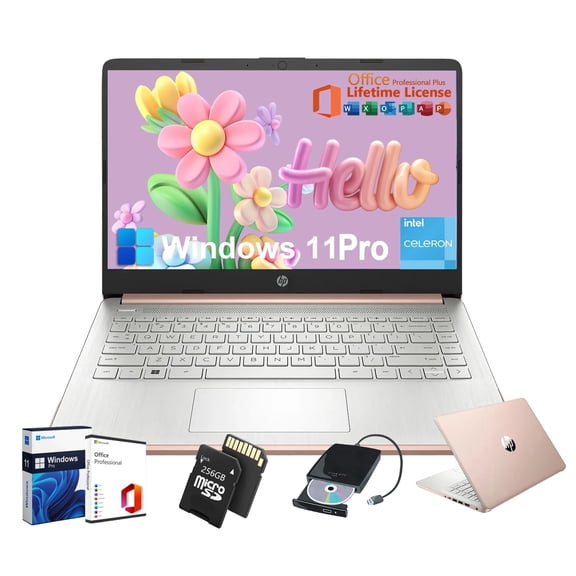
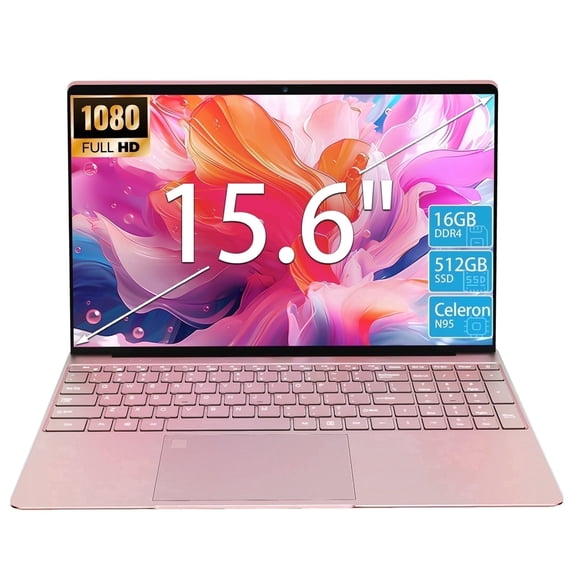
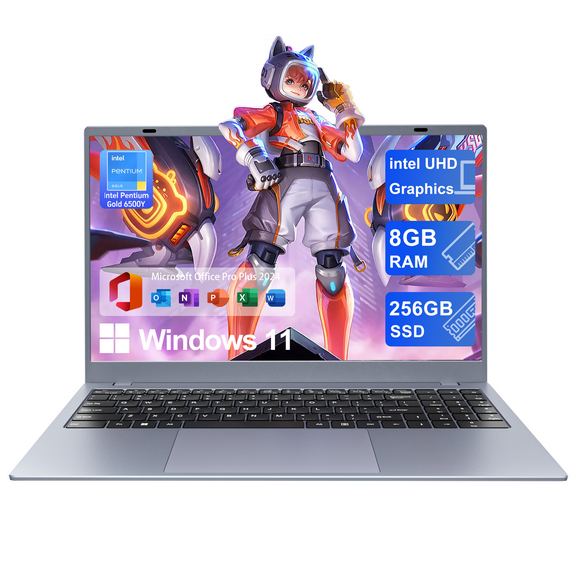
Netbooks help you handle everyday tasks with less bulk, and you can carry these compact computers almost anywhere. You can compare screen size, operating system, storage, and memory to match school, travel, or simple home use.
How to choose netbooks for everyday portability
When you compare netbooks, you should start with how and where you'll use them most. You may want a device that slips into a backpack, opens quickly, and stays comfortable on small desks.
Because you’re choosing a smaller format, you can often type, stream, browse, and write without carrying a full-size laptop. You’ll also notice these netbook computers suit lighter workloads and quick daily routines.
If you’re deciding between mini laptops and larger portable laptops, you should focus on convenience first. You can often give up some screen space in exchange for easier carrying and simpler storage.
Choosing screen size on mini laptops
Screen size affects how your device fits into your day, so you should measure your bag and workspace first. You can usually choose between 10.1 inch, 11.6 inch, and 12 inch options.
If you want the smallest footprint, you may prefer 10.1 inch models for travel and tight seating. If you want more viewing room, you may lean toward 11.6 inch or 12 inch displays.
With small laptops, you should balance portability with typing comfort and screen visibility. You’ll likely find that a slightly larger screen helps when your work includes longer documents or side-by-side tabs.
- You can choose 10.1 inch screens when your priority is easy packing.
- You can choose 11.6 inch screens when you want a familiar balance of size and mobility.
- You can choose 12 inch screens when you want more room for reading, streaming, or schoolwork.
Comparing operating systems in netbook computers
Operating system choice shapes your experience, so you should check app needs before anything else. You can compare Windows 11 Home, ChromeOS, and Android based on the tasks you handle most.
If you use familiar desktop software and broad file support, you may prefer Windows 11 Home. If you work mostly in a browser, you may prefer ChromeOS for a simple, fast interface.
If you want app-based use and touch-friendly navigation, you may consider Android models. You should also check whether your classes, work tools, or streaming habits fit the system you choose.
When you compare a netbook with a Chromebook, you should think about flexibility and setup style. You may want Windows for traditional programs, while you may want ChromeOS for quick sign-in and web-first use.
What to look for in storage and RAM
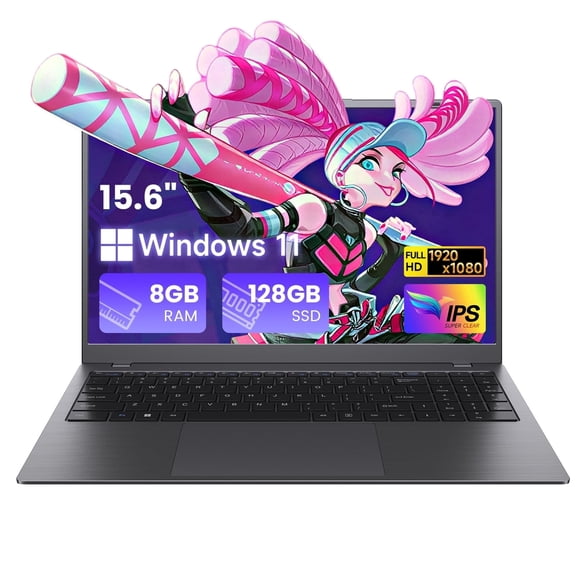
Storage and memory change how smoothly your device handles files and multitasking, so you should review both together. You can compare 32GB, 64GB eMMC, and 128GB SSD options, plus 4GB RAM or 8GB RAM.
If you mostly stream, browse, and save light files, you may find 32GB or 64GB eMMC works well. If you keep more documents or want faster file access, you may prefer 128GB SSD.
For memory, you should expect 4GB RAM to cover basic browsing, writing, and video playback. If you keep many tabs open or switch between apps often, you may want 8GB RAM.
You should think of eMMC as a simpler storage format for light everyday computing. You can think of SSD storage as a quicker option when your routine includes more files and faster loading.
Understanding processors and battery needs on small laptops
Processor choice helps define daily responsiveness, so you should match it to your usual tasks. You can compare Intel Celeron, MediaTek, and Intel Pentium options across different small laptops.
If you handle web browsing, email, and documents, you may find Intel Celeron meets your routine comfortably. If you want a streamlined device for light apps and media use, you may consider MediaTek.
If you want extra room for multitasking within this category, you may look at Intel Pentium configurations. You should still pair processor choice with the right RAM and storage for smoother everyday use.
Battery life matters when you move between classes, flights, or rooms, so you should check how long you need unplugged use. You’ll appreciate compact models that support writing, browsing, and streaming through long stretches away from outlets.
Matching portable laptops to real-life use
If you need a travel-friendly computer, you may choose a 10.1 inch or 11.6 inch model with light storage needs. You can pack it easily for flights, coffee shops, or quick check-ins between meetings.
If you’re shopping for school, you may want a screen that feels comfortable for reading and note-taking. You can pair 11.6 inch or 12 inch displays with 4GB RAM or 8GB RAM, depending on your classwork.
For web-first routines, you may prefer ChromeOS with cloud-based storage and simple startup. If your tasks include local files and familiar desktop software, you may choose Windows 11 Home instead.
If you want a device for streaming, email, and everyday browsing at home, you may not need large storage. You can focus on a comfortable screen, practical battery life, and a processor that fits light daily use.
When you compare netbooks, mini laptops, and other portable laptops, you should keep your routine at the center. You’ll make a smarter choice when your screen size, operating system, storage, RAM, and processor all fit your everyday tasks.