

Surface Pro 3 in Surface Tablets

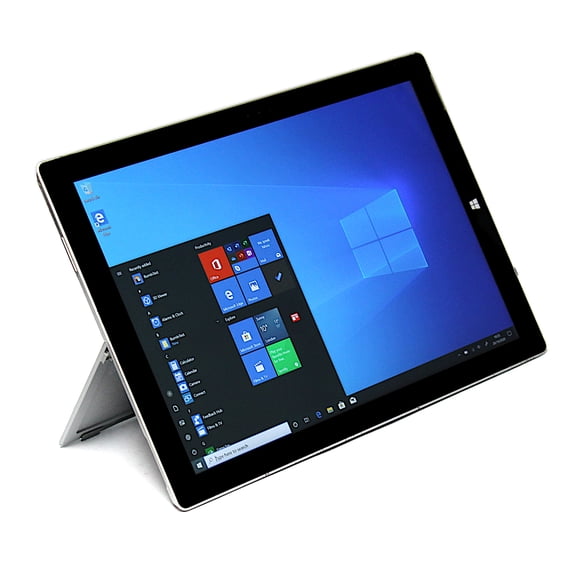

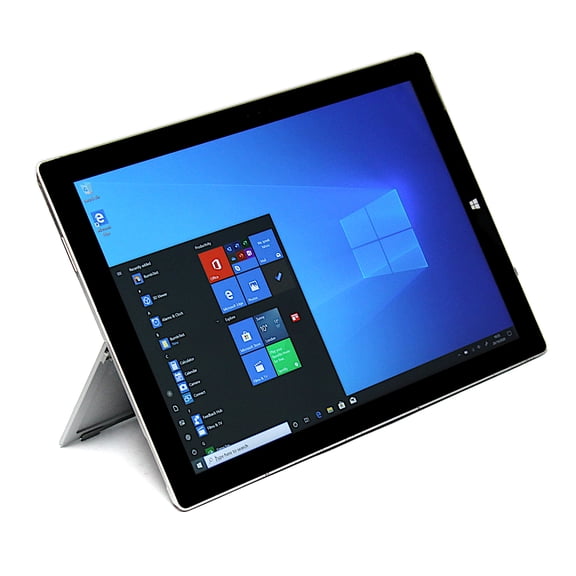
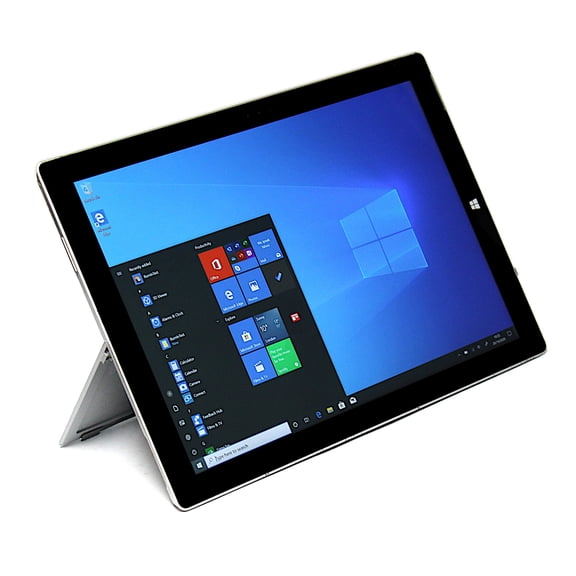
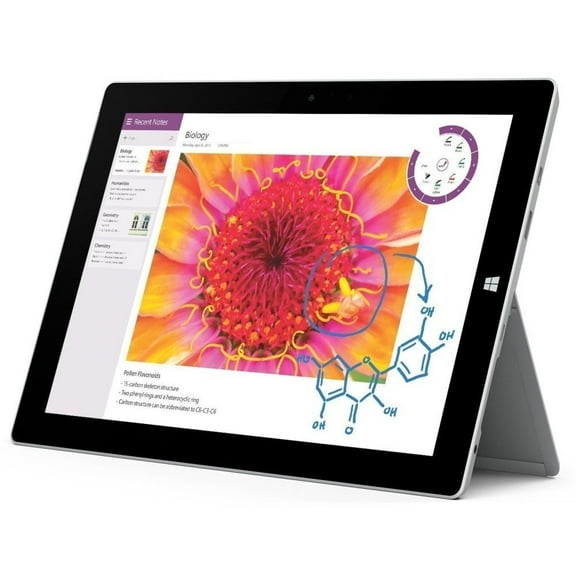
About Surface Pro 3 in Surface Tablets - Walmart.com
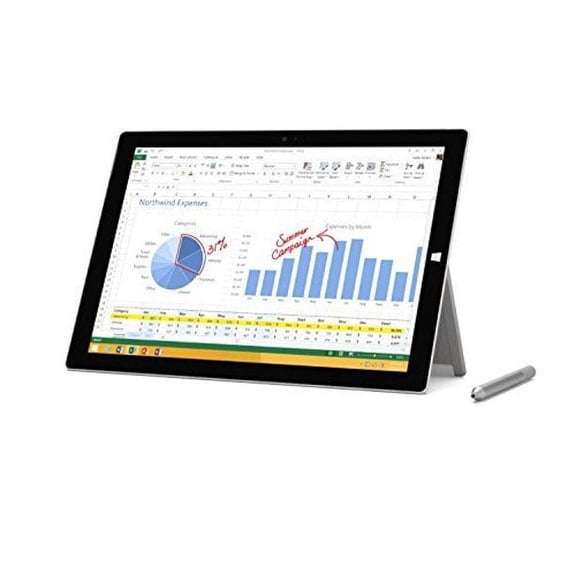
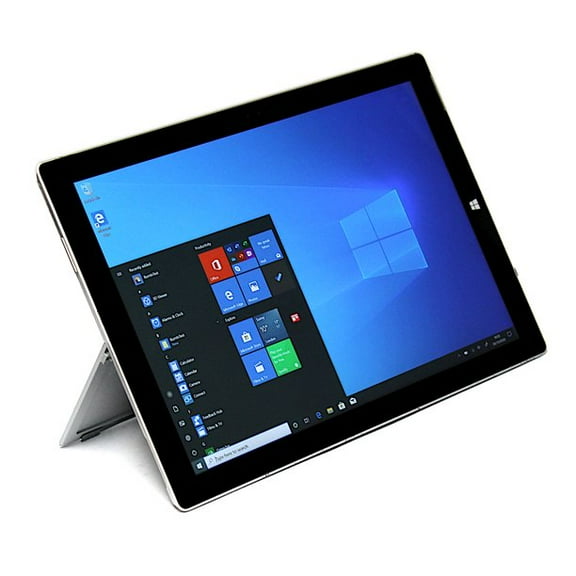
You can compare surface pro 3 128gb options when you want a compact Windows device for notes, email, and everyday tasks. You'll notice this legacy 2-in-1 category stands apart with a 12 inch display, built-in kickstand, and tablet-to-laptop flexibility.
Whether you're replacing older hardware or adding a backup device, you can narrow choices by storage, processor, condition, and included extras. You'll make a smarter pick when you match those details to how you read, type, stream, and work.
How to choose surface pro 3 128gb configurations
You should start with storage capacity because it affects how many apps, files, and downloads you can keep available. For lighter everyday use, you may find 128GB gives your documents and common programs enough room.
As you compare 256GB and 512GB models, you can look for extra space for larger software libraries and offline media. If your routine leans on cloud storage, you may not need that additional capacity.
Processor type deserves equal attention because it shapes how smoothly your device handles multitasking and office basics. Many shoppers choose surface pro 3 128gb intel core i5 models when they want balanced daily performance.
You can compare Intel Core i3, i5, and i7 options by thinking about your actual workload, not just the label. For documents, browser tabs, and streaming, your i5 pick often lands in a practical middle ground.
- You can choose 128GB when your routine centers on documents, browsing, and everyday programs.
- You can compare Intel Core i5 models when you want steady performance for common Windows tasks.
- You can review used, refurbished, and pre-owned listings by reading condition notes and included parts.
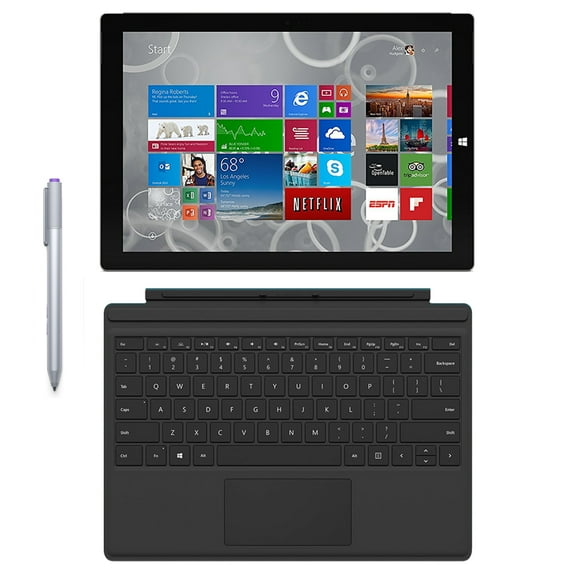
- You can look for keyboard and pen bundles when you want a fuller 2-in-1 setup.
Choosing the right surface pro 3 12 inch specs
You should measure the 12 inch screen against how you split windows, review files, and watch video. Compared with smaller tablets, you'll get more working room for reading, typing, and side-by-side tasks.
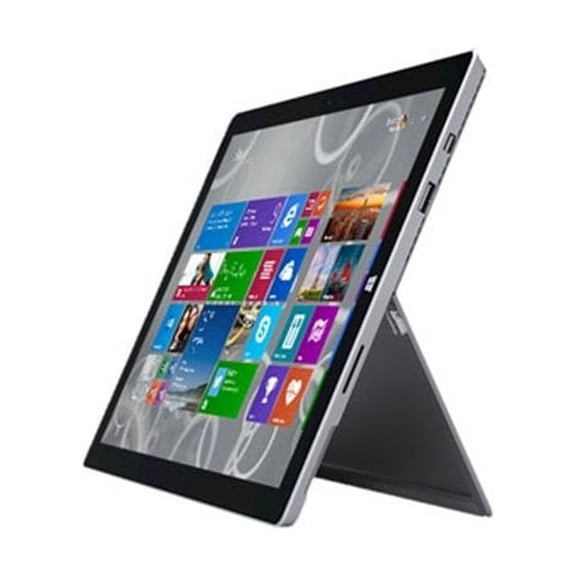
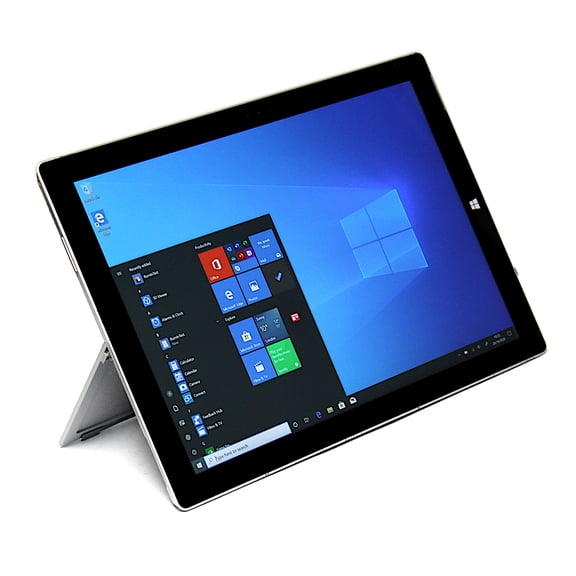
Device type matters too because you may want a tablet first, or you may want a 2-in-1 laptop feel. The kickstand helps you shift between handheld use, desk typing, and angled viewing without extra accessories.
When you compare storage and processor together, you can judge the setup in a more useful way. A 128GB SSD paired with Intel Core i5 usually gives you a balanced fit for routine computing.
You should also check whether listings mention memory details, because RAM affects how your device handles multiple open apps. With older hardware, you benefit when storage, RAM, and processor align with your daily workload.
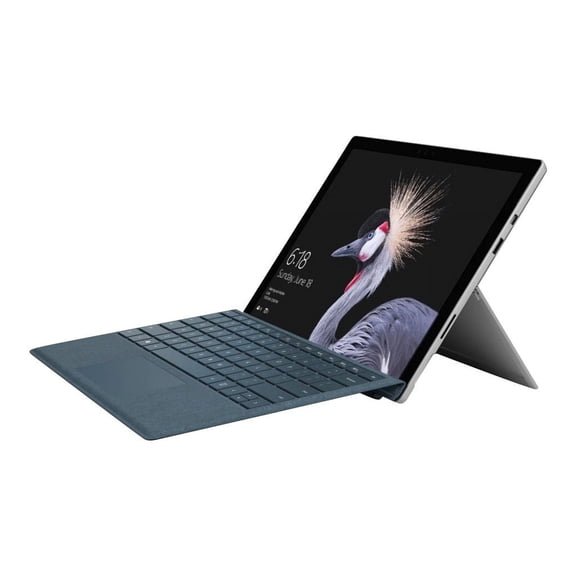
Accessory details can shape your experience as much as core specs. If your listing includes a Type Cover style keyboard or pen support, you can move from touch input to typing or handwriting more easily.
Condition descriptions deserve a close read because used surface pro 3 listings can vary in cosmetic wear and included components. You'll compare more confidently when your listing clearly states charger presence, keyboard availability, and visible screen condition.
Matching tablet microsoft surface pro 3 options to your routine
You can use a tablet microsoft surface pro 3 for web browsing, email, document editing, and streaming around your home or office. The 2-in-1 format works well when you want one device for couch use and desk tasks.
For classes and meetings, you may prefer a lighter setup that handles notes, attachments, and presentations without a full laptop footprint. Add a keyboard, and you can switch to longer typing sessions with less compromise.
You might also want older Surface hardware as a backup Windows device for travel or occasional work. When your tasks stay focused on web apps and office basics, a 128GB model can feel appropriately sized.
Some shoppers compare this category for a familiar Microsoft layout and a recognizable detachable form factor. You'll likely appreciate that combination when your routine includes both touch navigation and traditional desktop programs.
Condition and accessories should match your plans just as closely as storage and processor. If your goal is portable writing, you may care more about a bundled keyboard than extra drive capacity.
You can also review surface pro 3 pricing and surface pro 3 cost across different conditions, configurations, and bundles at Walmart. A listing with a pen, keyboard, or charger may fit your routine more closely than a bare device.
Choosing condition and accessories with confidence
You should treat condition as a major decision because older devices can differ in appearance, setup, and included parts. Refurbished options often appeal when you want clearer notes about testing, cleaning, and completeness.
With pre-owned or used listings, you can focus on practical details that affect your setup on day one. Check whether your device includes a charger, keyboard cover, pen support, and clear cosmetic grading.
You may want pen compatibility for handwriting, sketching, or quick markups on the 12 inch screen. For longer writing sessions, you'll usually want a keyboard bundle or compatible accessory details in the listing.
By comparing storage, processor, condition, and extras together, you can choose the right Surface Pro 3 setup with less guesswork. You'll end up with a portable Windows 2-in-1 that fits everyday computing and familiar note-taking routines.