

Magic Trackpad Usb C(2)
Apple Wireless USB-C Magic Trackpad with Multi-Touch Surface, Black $130.00
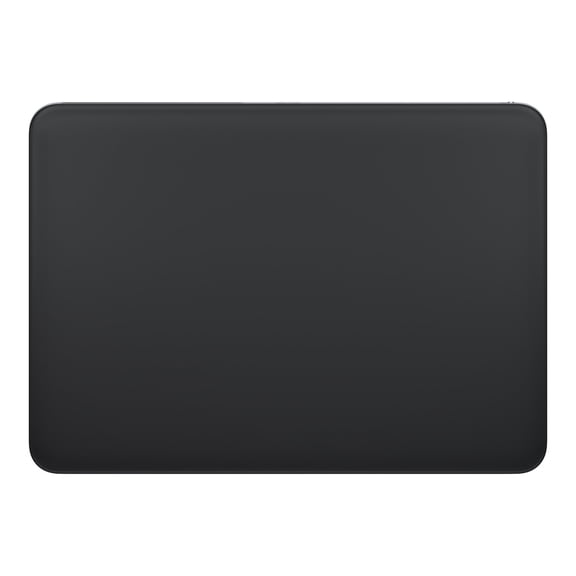
Apple Wireless USB-C Magic Trackpad with Multi-Touch Surface, Black
Best seller, Apple Wireless USB-C Magic Trackpad with Multi-Touch Surface, White $115.99
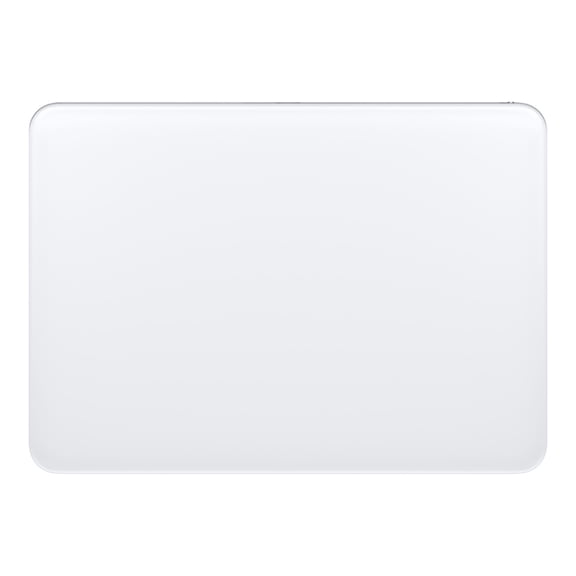
Apple Wireless USB-C Magic Trackpad with Multi-Touch Surface, White
Other options to consider(5)
Restored Apple Magic TrackPad (2nd Generation) White MJ2R2LL/A (Refurbished) $99.00
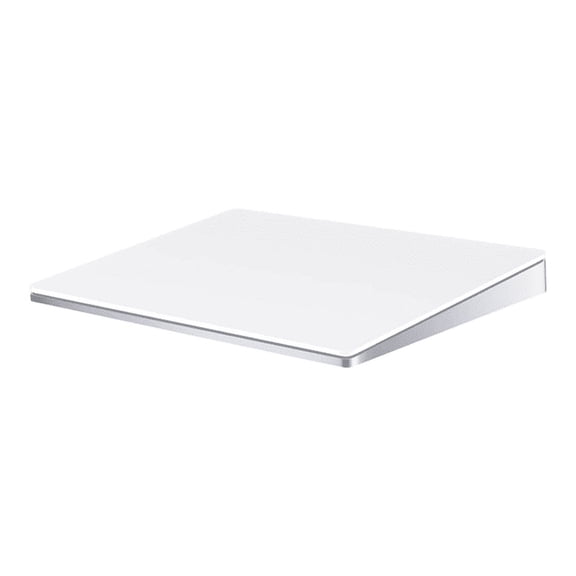
Restored Apple Magic TrackPad (2nd Generation) White MJ2R2LL/A (Refurbished)
Restored Apple Magic Trackpad, Wireless Bluetooth Rechargeable Multi-Touch Surface for Mac or iPad - White $114.99
Restored Apple Magic Trackpad, Wireless Bluetooth Rechargeable Multi-Touch Surface for Mac or iPad - White
Travel-Ready Trackpad with 2.4G Receiver, USB-C Cable, and USB-A Adapter Portable Laptop Touchpad $36.13

Travel-Ready Trackpad with 2.4G Receiver, USB-C Cable, and USB-A Adapter Portable Laptop Touchpad
Apple Wireless USB-C Magic Mouse with Multi-Touch Surface, Black $98.00
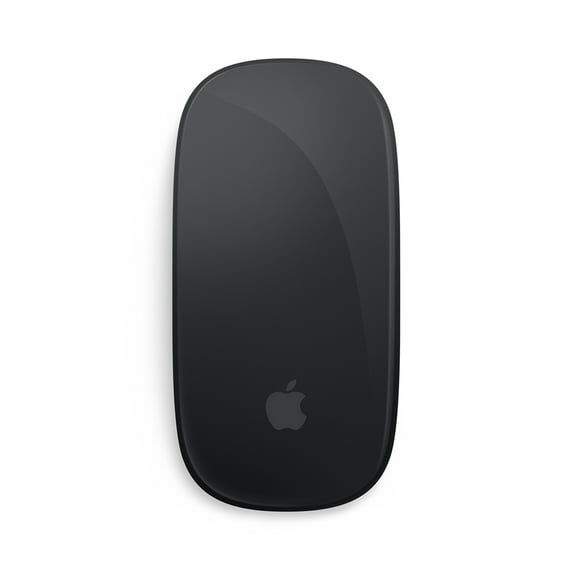
Apple Wireless USB-C Magic Mouse with Multi-Touch Surface, Black
4-Item Portable Trackpad Kit: 2.4G Wireless Receiver, USB-A to USB-C Adapter, USB-C Cable, and Touchpad for Laptop $35.66
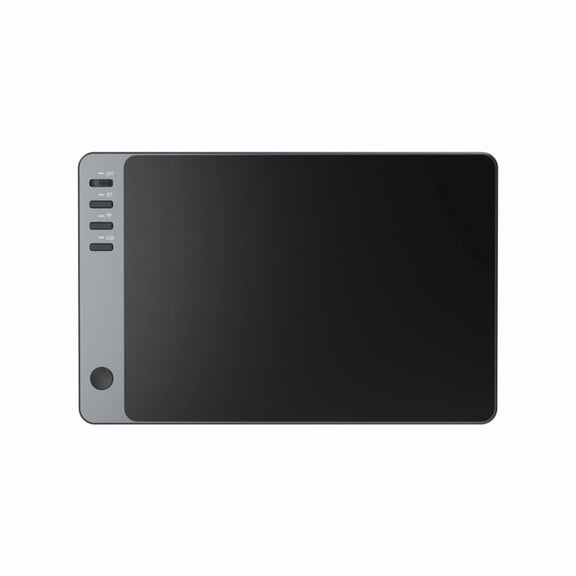
4-Item Portable Trackpad Kit: 2.4G Wireless Receiver, USB-A to USB-C Adapter, USB-C Cable, and Touchpad for Laptop
FAQ
Will this trackpad work with my laptop?
Most USB-C Magic Trackpads are designed to work with a variety of devices, including laptops that support Bluetooth or have a USB-C port. Before purchasing, check your laptop's compatibility with external trackpads and ensure it supports Bluetooth or USB-C connections. Some laptops may require additional drivers or settings adjustments. If your device doesn't have a USB-C port, you might need an adapter. For the best experience, review your laptop's user manual or support site for details on connecting external input devices.
How do I connect the trackpad to my computer?
- First, make sure your trackpad is charged or plugged in using the included USB-C cable.
- For wireless use, turn on Bluetooth on your computer and power on the trackpad.
- Open your computer's Bluetooth settings and look for the trackpad in the list of available devices.
- Select the trackpad to pair and follow any on-screen prompts.
- If you're using a USB-C connection, simply plug the trackpad into your computer and it should be recognized automatically.
Connection steps may vary slightly depending on your operating system, so refer to your device's support resources if you run into issues.
Can I use this trackpad with a tablet?
Many modern tablets, especially those with USB-C ports or Bluetooth capability, can support external trackpads. To use a trackpad with your tablet, check if your device allows external input devices and supports the necessary connection type. You may need to adjust settings in your tablet's accessibility or input menu. Some tablets might require an adapter if they don't have a USB-C port. Always consult your tablet's user guide for specific compatibility details before connecting new accessories.
What's the best way to clean my trackpad?
- Unplug the trackpad and power it off before cleaning.
- Use a soft, lint-free cloth slightly dampened with water to gently wipe the surface.
- Avoid using harsh chemicals, sprays, or abrasive materials, as these can damage the trackpad's finish.
- For stubborn spots, a small amount of mild soap diluted in water can be used, but make sure no moisture gets inside the device.
Regular cleaning helps maintain responsiveness and keeps your trackpad looking new. Always let it dry completely before using it again.
Is there a way to customize trackpad gestures?
Many computers and tablets let you customize trackpad gestures through their system settings. Look for options like 'Trackpad' or 'Touchpad' in your device's preferences or control panel. Here, you can often adjust gestures for scrolling, zooming, right-clicking, and more. The available customization options may vary depending on your operating system and device model. If you need help finding these settings, check your device's support resources or user manual for step-by-step instructions.
Popular in Magic Trackpad USB C Electronics for Mac and iPad
Related Products
Macally Bluetooth Mac Keyboard and Mouse - Compact (2 Zone) Wireless Apple Keyboard and Mouse Combo with Number Pad - Multi Device, Rechargeable - for Mac, MacBook Pro/Air, iPad, iPhone - Silver
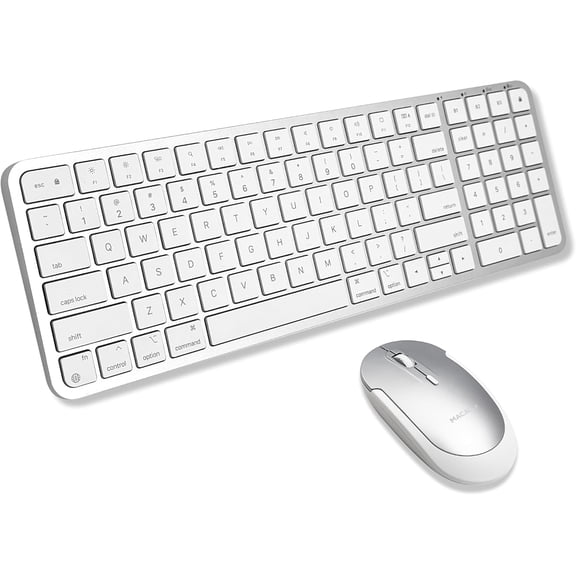 Macally Bluetooth Mac Keyboard and Mouse - Compact (2 Zone) Wireless Apple Keyboard and Mouse Combo with Number Pad - Multi Device, Rechargeable - for Mac, MacBook Pro/Air, iPad, iPhone - Silver$59.99current price $59.99
Macally Bluetooth Mac Keyboard and Mouse - Compact (2 Zone) Wireless Apple Keyboard and Mouse Combo with Number Pad - Multi Device, Rechargeable - for Mac, MacBook Pro/Air, iPad, iPhone - Space Black
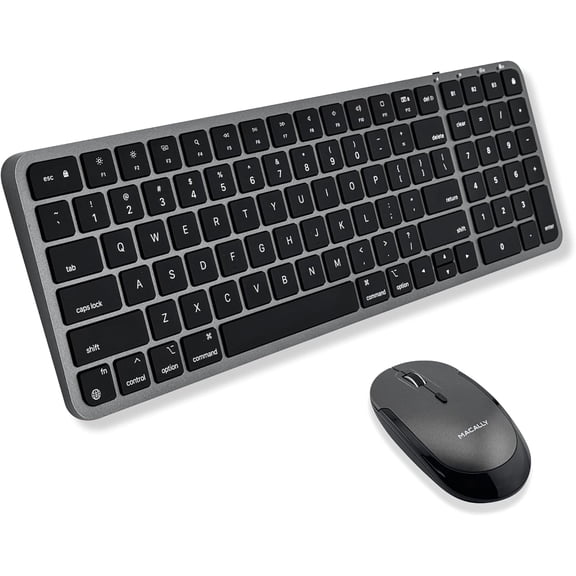 Macally Bluetooth Mac Keyboard and Mouse - Compact (2 Zone) Wireless Apple Keyboard and Mouse Combo with Number Pad - Multi Device, Rechargeable - for Mac, MacBook Pro/Air, iPad, iPhone - Space Black$59.99current price $59.99
Macally Apple Wireless Keyboard and Mouse for Mac - Dual Mode (Bluetooth + Wired) - Multi-Device, Rechargeable - Mini Wireless Keyboard and Mouse for MacBook, iPad, Mac Mini/Air/Pro (Space Gray)
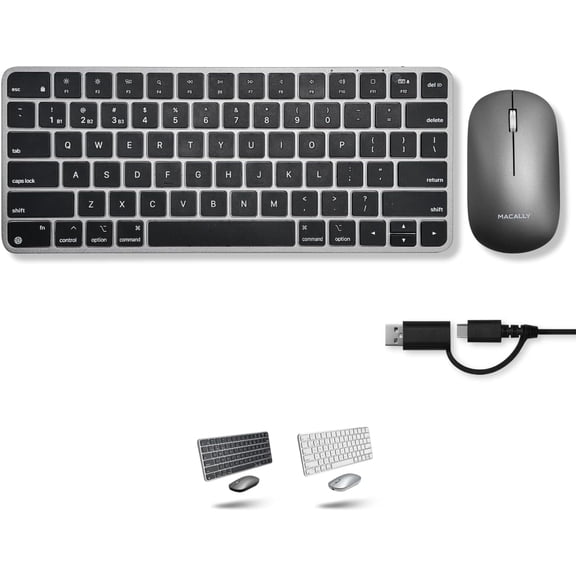 Macally Apple Wireless Keyboard and Mouse for Mac - Dual Mode (Bluetooth + Wired) - Multi-Device, Rechargeable - Mini Wireless Keyboard and Mouse for MacBook, iPad, Mac Mini/Air/Pro (Space Gray)$49.99current price $49.99
Macally 2.4G Wireless USB-C Numeric Keypad – Rechargeable 18-Key Slim Number Pad with Scissor Switch Keys, Compatible with MacBook – White
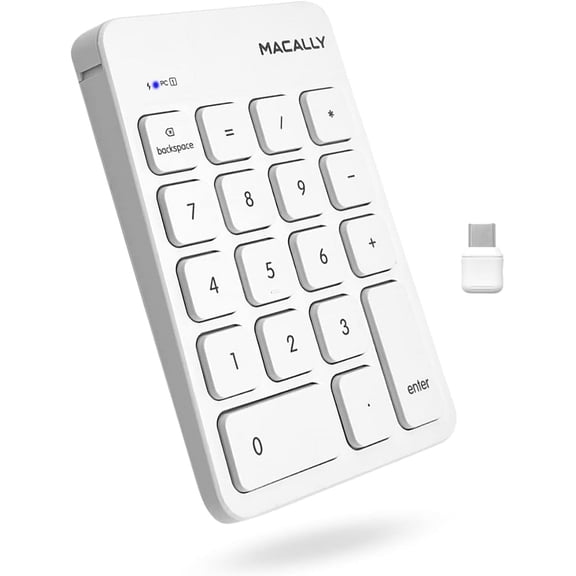 Macally 2.4G Wireless USB-C Numeric Keypad – Rechargeable 18-Key Slim Number Pad with Scissor Switch Keys, Compatible with MacBook – White$29.99current price $29.99
Macally Wireless Keyboard and Mouse Combo for Mac Mini/Pro, iMac, MacBook, iPad, iPhone - Compatible Bluetooth Apple Keyboard and Mouse Combo (Multi Device, Rechargeable, Emoji Keys)
 Macally Wireless Keyboard and Mouse Combo for Mac Mini/Pro, iMac, MacBook, iPad, iPhone - Compatible Bluetooth Apple Keyboard and Mouse Combo (Multi Device, Rechargeable, Emoji Keys)$25.99current price $25.99
Macally Bluetooth Number Pad for Laptop - Wireless Numeric Keypad - 22 Key Numeric Keypad for Data Entry, Numpad Compatible with Mac, iMac, MacBook, iPad, iPhone, iOS, Laptop, PC, Android - Silver
 Macally Bluetooth Number Pad for Laptop - Wireless Numeric Keypad - 22 Key Numeric Keypad for Data Entry, Numpad Compatible with Mac, iMac, MacBook, iPad, iPhone, iOS, Laptop, PC, Android - Silver$39.99current price $39.99
Macally Bluetooth Number Pad for Laptop - Wireless Numeric Keypad - 35-Key Numeric Keypad for Data Entry, Numpad Compatible with MacBook, iPad, iPhone, iOS, Laptop, Windows, Android
 Macally Bluetooth Number Pad for Laptop - Wireless Numeric Keypad - 35-Key Numeric Keypad for Data Entry, Numpad Compatible with MacBook, iPad, iPhone, iOS, Laptop, Windows, Android$29.99current price $29.99
Macally Bluetooth Number Pad for Laptop - Rechargeable Wireless Numeric Keypad - Slim 35 Key Wireless Number Pad Keyboard for Data Entry, 10 Key Numpad Compatible with Mac, MacBook, iPad, PC, Windows
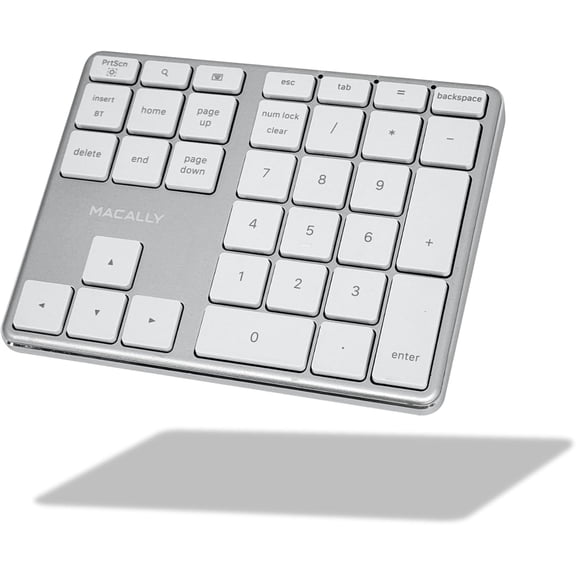 Macally Bluetooth Number Pad for Laptop - Rechargeable Wireless Numeric Keypad - Slim 35 Key Wireless Number Pad Keyboard for Data Entry, 10 Key Numpad Compatible with Mac, MacBook, iPad, PC, Windows$39.99current price $39.99
Logitech K480 920-006342 Black Bluetooth Wireless Mini Multi-Device Keyboard (Non-Retail Packaging)
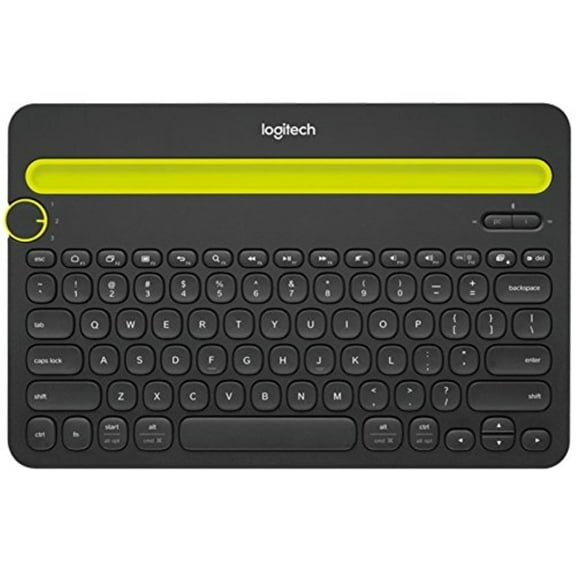 Logitech K480 920-006342 Black Bluetooth Wireless Mini Multi-Device Keyboard (Non-Retail Packaging)$29.99current price $29.99
Macally Wireless Bluetooth Keyboard for Mac - Premium Multi Device Connectivity - Compatible Apple Keyboard for MacBook Pro/Air, iMac, Mac mini, iPad, Laptop, and PC
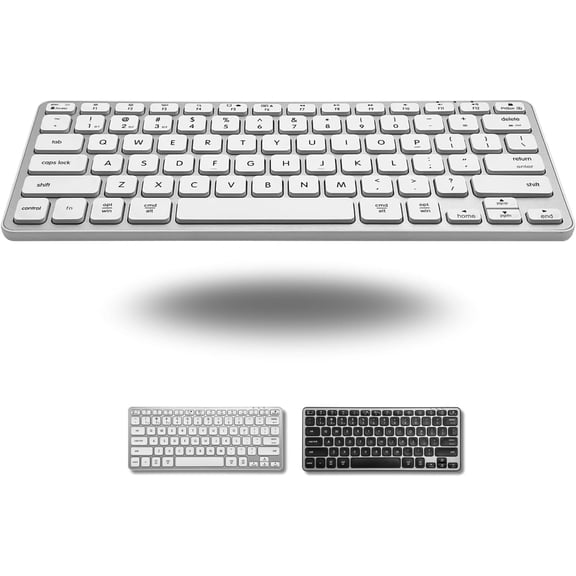 Macally Wireless Bluetooth Keyboard for Mac - Premium Multi Device Connectivity - Compatible Apple Keyboard for MacBook Pro/Air, iMac, Mac mini, iPad, Laptop, and PC$39.99current price $39.99
Macally Premium Bluetooth Keyboard for Mac - Compatible Apple Keyboard with Numeric Keypad - Multi Device Wireless for Macbook Pro/Air, Mac Mini Pro, iMac, Laptop
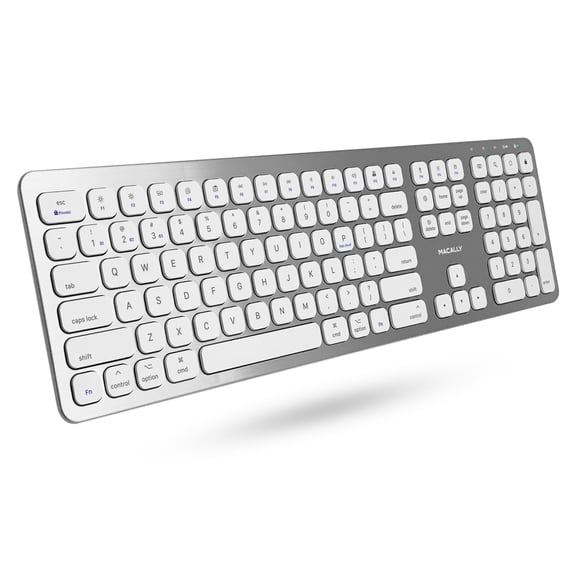 Macally Premium Bluetooth Keyboard for Mac - Compatible Apple Keyboard with Numeric Keypad - Multi Device Wireless for Macbook Pro/Air, Mac Mini Pro, iMac, Laptop$59.99current price $59.99
Mini Wireless Keyboard and Mouse Set, 2.4G Slim Compact Waterproof Combo with 33ft Range, for Mac, Apple TV, PC, Laptop, Desktop Computer
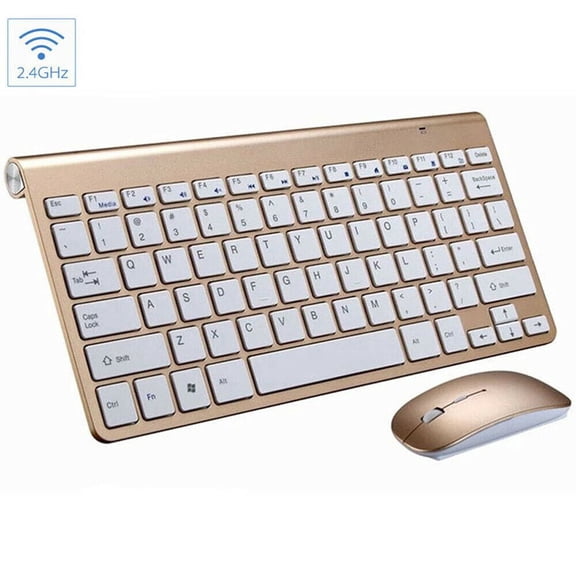 Mini Wireless Keyboard and Mouse Set, 2.4G Slim Compact Waterproof Combo with 33ft Range, for Mac, Apple TV, PC, Laptop, Desktop Computer$21.69current price $21.69
cimetech Bluetooth Numpad, Wireless Numeric Keypad with 22 Keys Portable Ergonomic Mini Numpad Office Calculating Financial Accounting Number Pads Keyboard for Laptop, Notebook, Desktop, Computer, PC
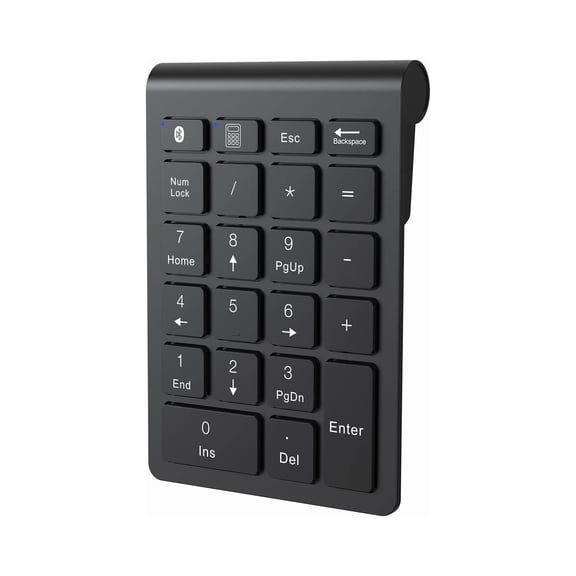 cimetech Bluetooth Numpad, Wireless Numeric Keypad with 22 Keys Portable Ergonomic Mini Numpad Office Calculating Financial Accounting Number Pads Keyboard for Laptop, Notebook, Desktop, Computer, PC$13.59current price $13.59
Apple Wireless Magic Keyboard 2 MLA22LL/A A1466 Dutch Version Silver
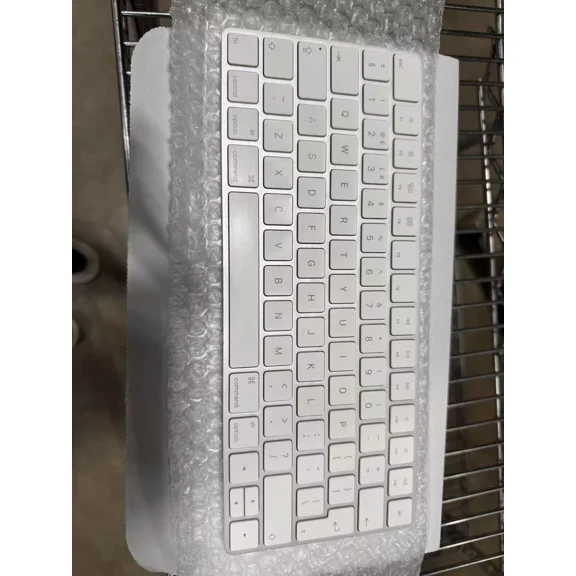 Apple Wireless Magic Keyboard 2 MLA22LL/A A1466 Dutch Version Silver$47.75current price $47.75
Macally Bluetooth Wireless Keyboard for Tablet (Multi-Device, Built-In Stand, Portable, Rechargeable) - Boba Brown
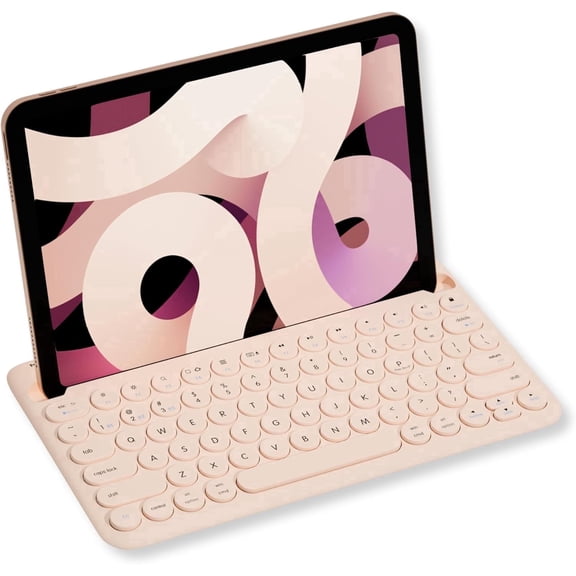 Macally Bluetooth Wireless Keyboard for Tablet (Multi-Device, Built-In Stand, Portable, Rechargeable) - Boba Brown$49.99current price $49.99
Logitech MX Keys Mini Wireless Keyboard for Business, Graphite
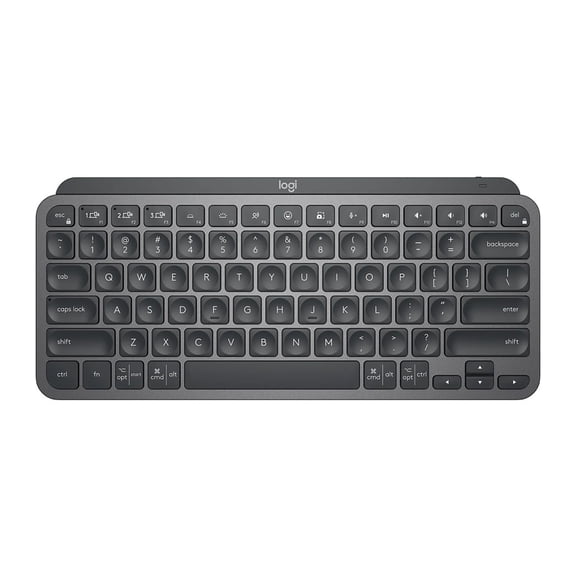 Logitech MX Keys Mini Wireless Keyboard for Business, Graphite$79.99current price $79.99
Mini Wireless Keyboard And 2.4G Mouse Set For Mac Apple PC Computer silver color
 Mini Wireless Keyboard And 2.4G Mouse Set For Mac Apple PC Computer silver color$20.99current price $20.99