Logitech Trackpad(10)
Rollback, Logitech G304X Wireless Gaming Mouse - White From $39.98 Was $44.98

Logitech G304X Wireless Gaming Mouse - White
In 50+ people's carts, Logitech Slim Combo Keyboard, White, Walmart Exclusive $34.88
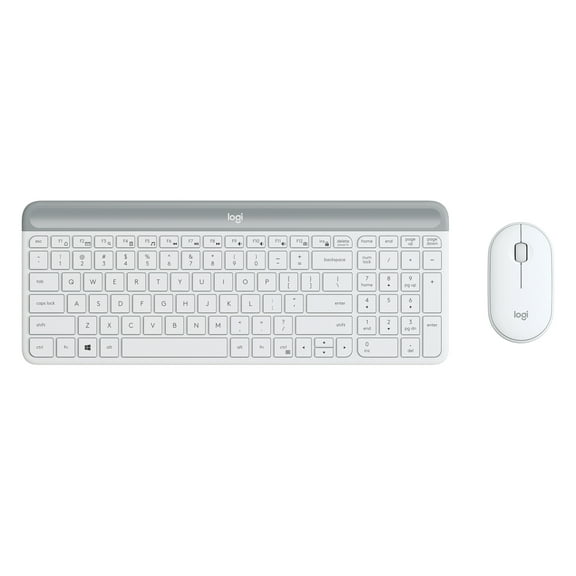
Logitech Slim Combo Keyboard, White, Walmart Exclusive
Logitech Silent Wireless Mouse, Purple, Walmart Exclusive From $13.83
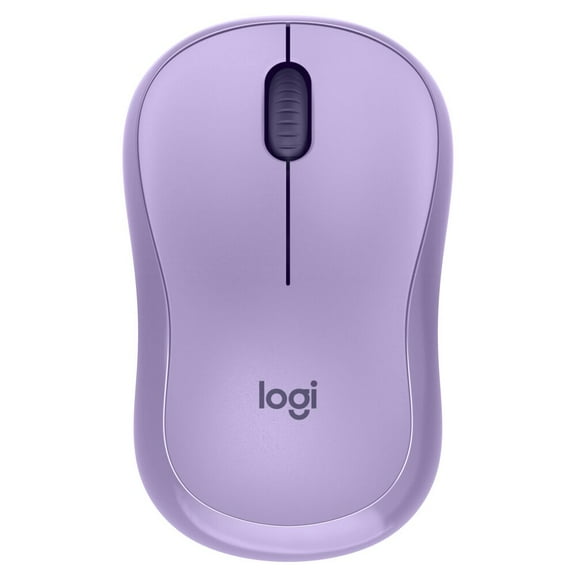
Logitech Silent Wireless Mouse, Purple, Walmart Exclusive
In 200+ people's carts, Logitech Wireless Keyboard and Mouse Combo for Windows, 2.4 GHz Wireless, Compact Mouse, Black, Walmart Exclusive From $16.99
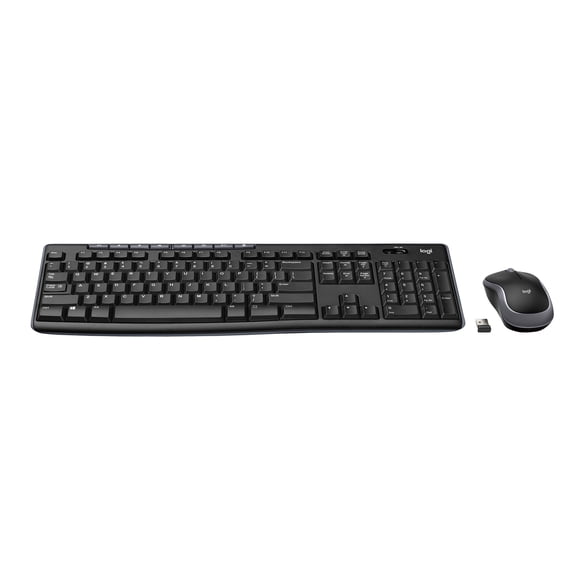
Logitech Wireless Keyboard and Mouse Combo for Windows, 2.4 GHz Wireless, Compact Mouse, Black, Walmart Exclusive
Pre-Owned Logitech 910003057B Logitech Rechargeable Touchpad T650 with Windows 8 Multi-Touch Navigation $129.99
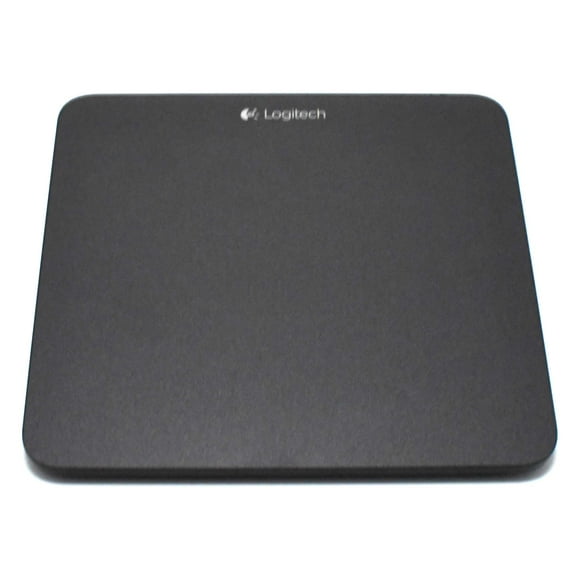
Pre-Owned Logitech 910003057B Logitech Rechargeable Touchpad T650 with Windows 8 Multi-Touch Navigation
Rollback, Advanced Wireless Mouse 2, White, Walmart Exclusive From $19.97 Was $24.88
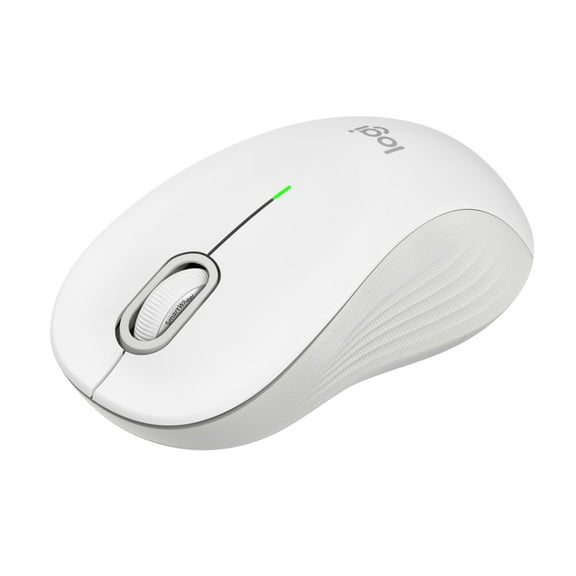
Advanced Wireless Mouse 2, White, Walmart Exclusive
Flash Deal, Pro X2 Superstrike Lightspeed Wireless Gaming Mouse $159.99 Was $179.99
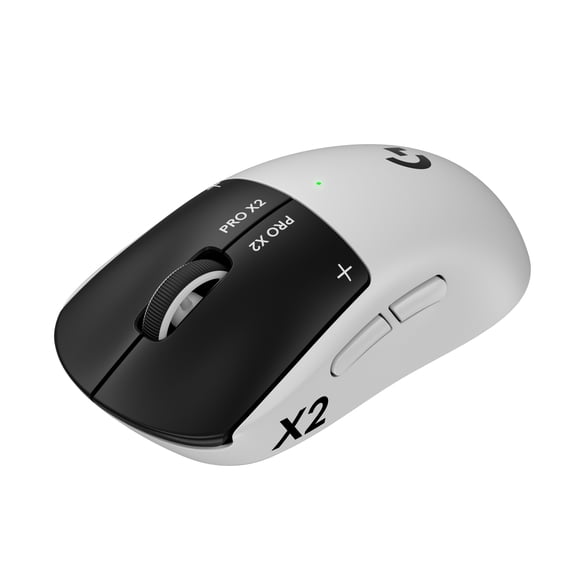
Pro X2 Superstrike Lightspeed Wireless Gaming Mouse
Logitech Compact Wireless Mouse, Cotton Candy, Walmart Exclusive From $12.87
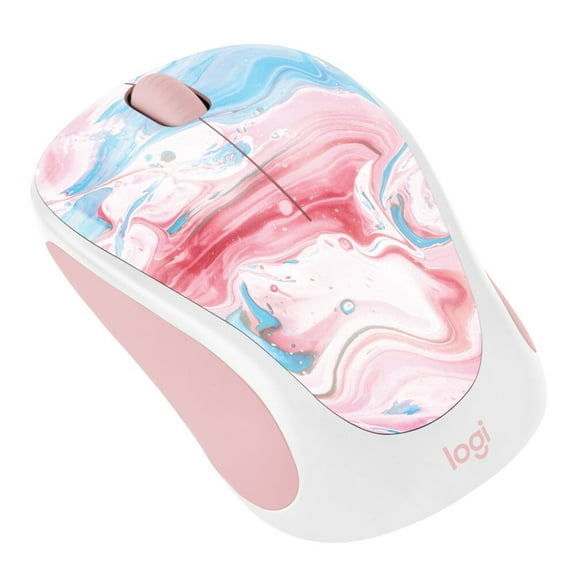
Logitech Compact Wireless Mouse, Cotton Candy, Walmart Exclusive
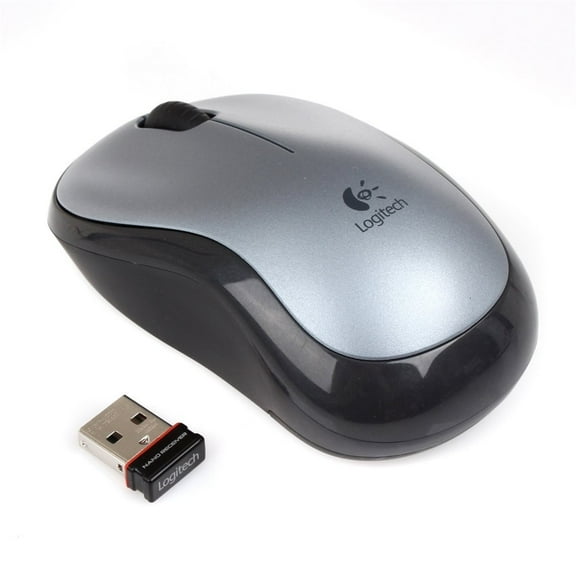
Best seller, Logitech Full Size Wireless Mouse, Silver, Walmart Exclusive From $16.88
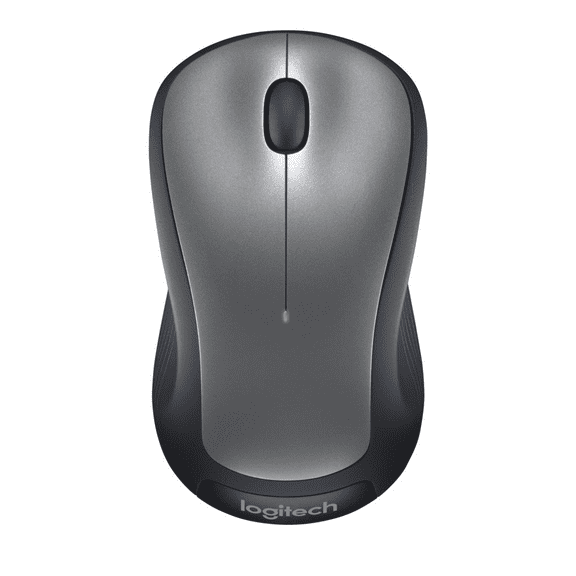
Logitech Full Size Wireless Mouse, Silver, Walmart Exclusive
Logitech G515 Wired Gaming Keyboard, TKL, LIGHTSYNC RGB, Double-Shot PBT Keycaps, Tactile/Brown Mechanical Switches, White $58.99 Was $119.99
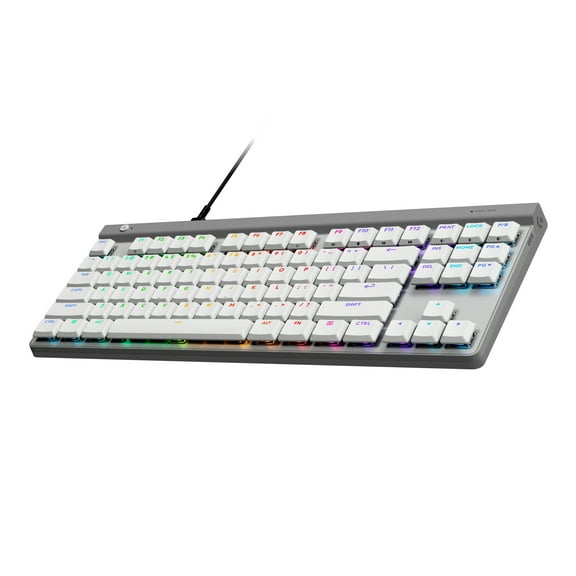
Logitech G515 Wired Gaming Keyboard, TKL, LIGHTSYNC RGB, Double-Shot PBT Keycaps, Tactile/Brown Mechanical Switches, White
Other options to consider(4)
Logitech Tap Touch Controller for Video Conferencing $377.99 Was $440.00
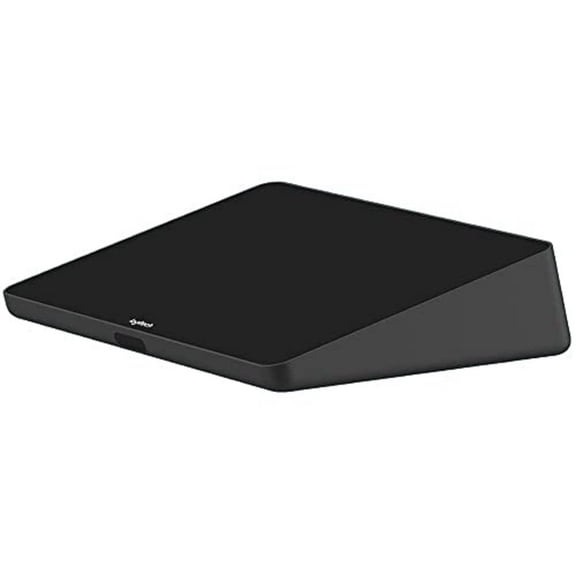
Logitech Tap Touch Controller for Video Conferencing
Best seller, Apple Wireless USB-C Magic Trackpad with Multi-Touch Surface, White $115.99

Apple Wireless USB-C Magic Trackpad with Multi-Touch Surface, White
Apple Wireless USB-C Magic Trackpad with Multi-Touch Surface, Black $130.00

Apple Wireless USB-C Magic Trackpad with Multi-Touch Surface, Black
Contour Touch: Wired Ergonomic Touchpad for Windows 10 & 11, Multi Touch & High Precision Glass Trackpad, Click Anywhere, 4 Programmable Shortcut Keys, Full Size Wrist Rest $119.00
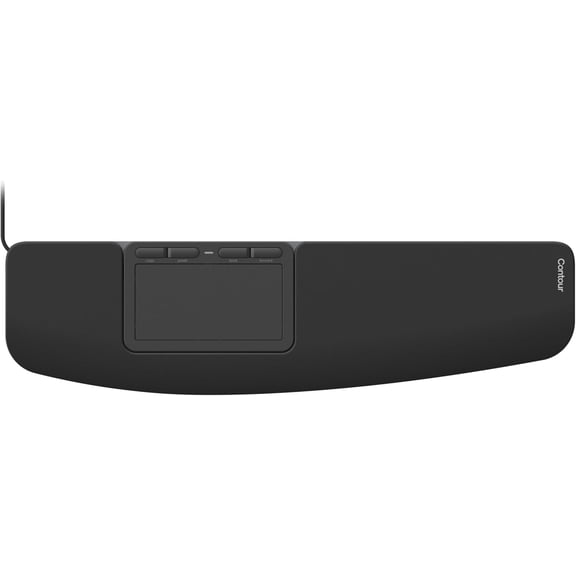
Contour Touch: Wired Ergonomic Touchpad for Windows 10 & 11, Multi Touch & High Precision Glass Trackpad, Click Anywhere, 4 Programmable Shortcut Keys, Full Size Wrist Rest
FAQ
What devices work with Logitech trackpads?
Logitech trackpads are designed to be compatible with a range of devices, including laptops, desktop computers, tablets, and some smartphones. Compatibility can vary by model, so it's important to check the product details for supported operating systems like Windows, macOS, or iPadOS. Some trackpads connect via Bluetooth, while others use a USB receiver. If you're unsure, look for compatibility information in the product description or packaging to make sure the trackpad will work with your device.
How do I set up a wireless trackpad?
- Insert Batteries or Charge: Make sure your trackpad is powered, either with fresh batteries or a full charge.
- Connect to Device: Plug in the USB receiver or pair via Bluetooth, following the instructions provided with your trackpad.
- Install Drivers (if needed): Some devices may automatically install drivers, while others might require a quick download from the manufacturer's website.
- Test Functionality: Move your finger across the trackpad to check for responsiveness and try out basic gestures.
Refer to the included manual for any model-specific steps. If you have trouble, restarting your device or checking for software updates can help.
Can I use a trackpad with my tablet?
Many tablets, especially those running iPadOS or Windows, support external trackpads. To use a trackpad, your tablet typically needs Bluetooth or a compatible USB port. Pair the trackpad through your tablet's Bluetooth settings or connect it with an adapter if necessary. Some features like multi-touch gestures may depend on your tablet's operating system. Always check your tablet's compatibility before purchasing a trackpad for the best experience.
What gestures can I use on a trackpad?
- Tap to Click: Tap once to select items.
- Two-Finger Scroll: Slide two fingers up or down to scroll through pages.
- Pinch to Zoom: Pinch in or out with two fingers to zoom in or out on images or documents.
- Swipe Gestures: Use three or four fingers to switch between apps or desktops, depending on your device's settings.
Gesture support can vary by trackpad model and operating system. Check your device's settings to customize or learn more about available gestures.
How do I clean my trackpad safely?
- Power Off: Turn off your device or disconnect the trackpad.
- Use a Soft Cloth: Gently wipe the surface with a dry microfiber cloth to remove dust and fingerprints.
- Dampen if Needed: If there are stubborn spots, lightly dampen the cloth with water (never apply liquid directly to the trackpad).
- Avoid Harsh Cleaners: Don't use chemicals or abrasive materials, as they can damage the surface.
Let the trackpad dry completely before reconnecting or turning it back on.
Popular in Logitech Trackpads and Wireless Accessories
Related Products
HP 235 Slim Wireless Mouse 4E407AA#ABL
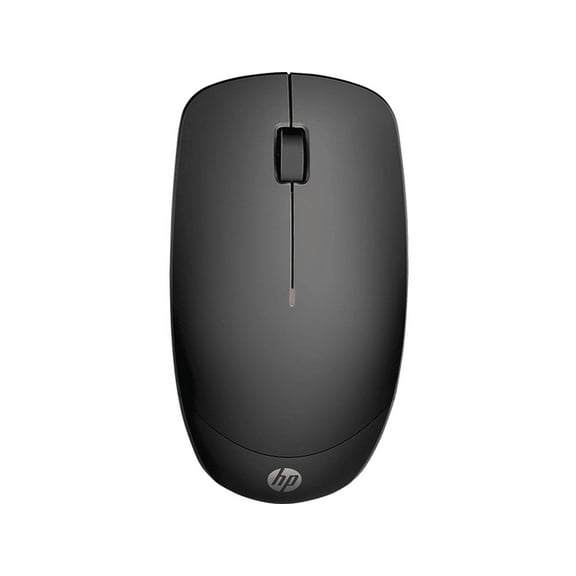 HP 235 Slim Wireless Mouse 4E407AA#ABL$30.99current price $30.99
Bluetooth Mouse Mice for iPad MacBook Pro Air 2.4GHz Wireless Mouse for PC Laptop Tablets (Black)
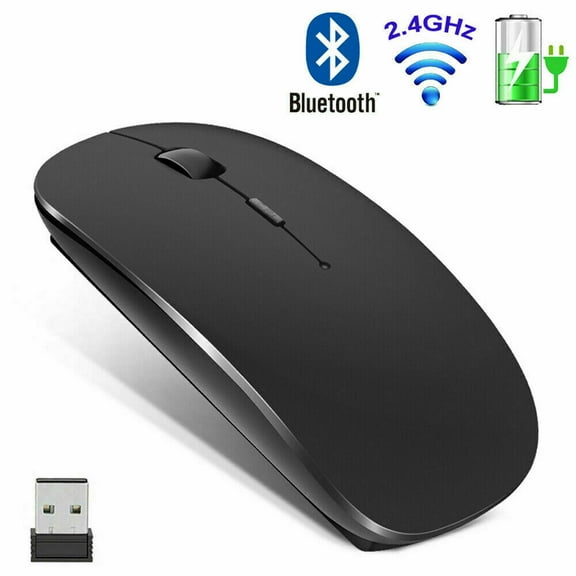 Bluetooth Mouse Mice for iPad MacBook Pro Air 2.4GHz Wireless Mouse for PC Laptop Tablets (Black)$6.54current price $6.54
Logitech Wireless Mouse M190 - Full Size Ambidextrous Curve Design, 18-Month Battery with Power Saving Mode, Charcoal
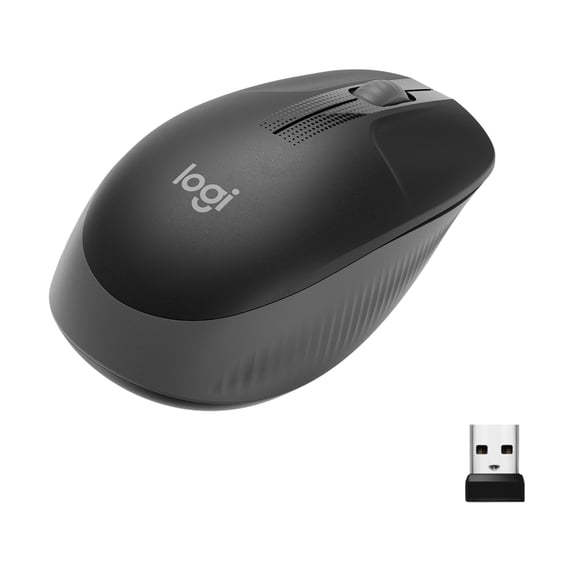 Logitech Wireless Mouse M190 - Full Size Ambidextrous Curve Design, 18-Month Battery with Power Saving Mode, Charcoal$24.99current price $24.99
Logitech Pebble i345 Wireless Mouse for iPad, White, White
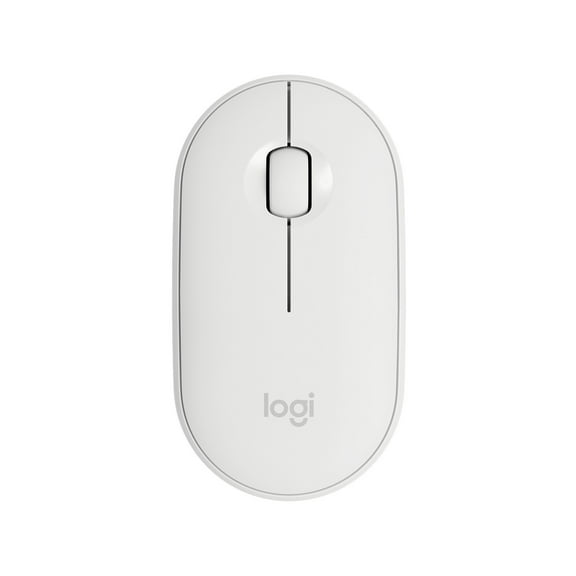 Logitech Pebble i345 Wireless Mouse for iPad, White, White$15.99current price $15.99
Logitech M187 Mini Wireless Optical Mouse, Black
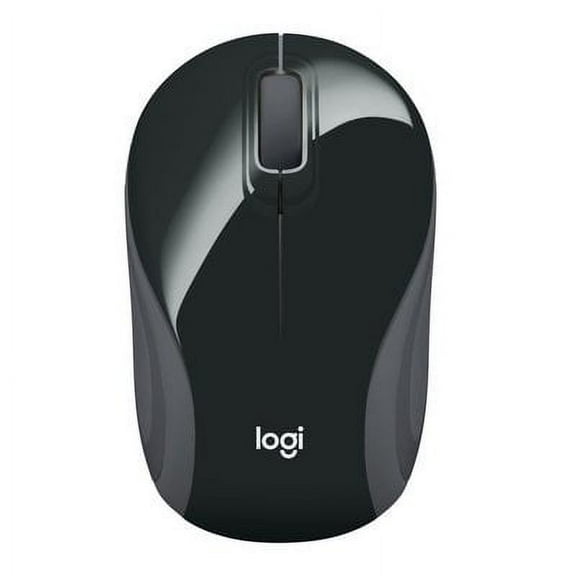 Logitech M187 Mini Wireless Optical Mouse, Black$14.99current price $14.99
Macally Wireless Bluetooth Mouse for Mac, MacBook Pro / Air, iPad, and PC - Quiet Click and Comfortable Compatible Apple Mouse Wireless - Rechargeable - White
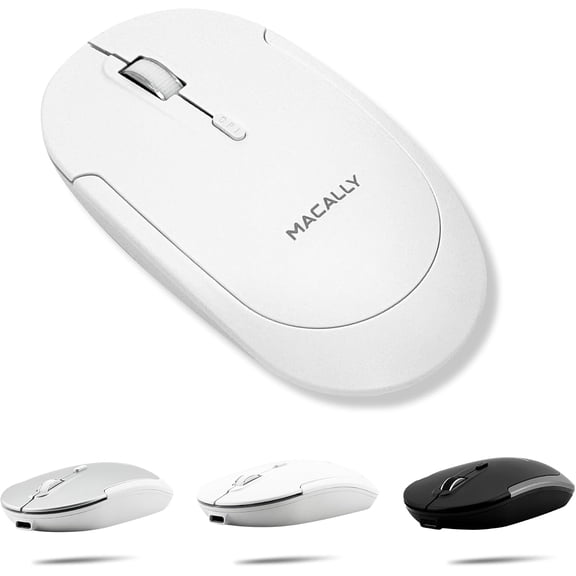 Macally Wireless Bluetooth Mouse for Mac, MacBook Pro / Air, iPad, and PC - Quiet Click and Comfortable Compatible Apple Mouse Wireless - Rechargeable - White$29.99current price $29.99
HP 635 Multi-Device Wireless Mouse, Nightfall Black
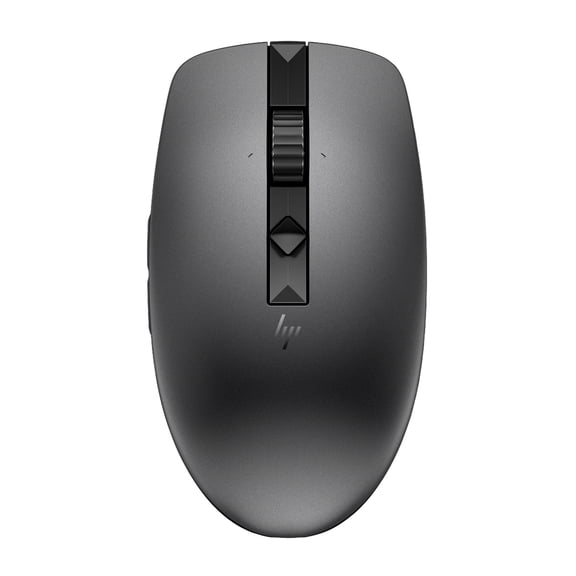 HP 635 Multi-Device Wireless Mouse, Nightfall Black$24.99current price $24.99
Logitech M185 Optical USB Wireless Mouse, Swift Gray
 Logitech M185 Optical USB Wireless Mouse, Swift Gray$16.99current price $16.99
Logitech M325S Wireless Mouse, Red, Red
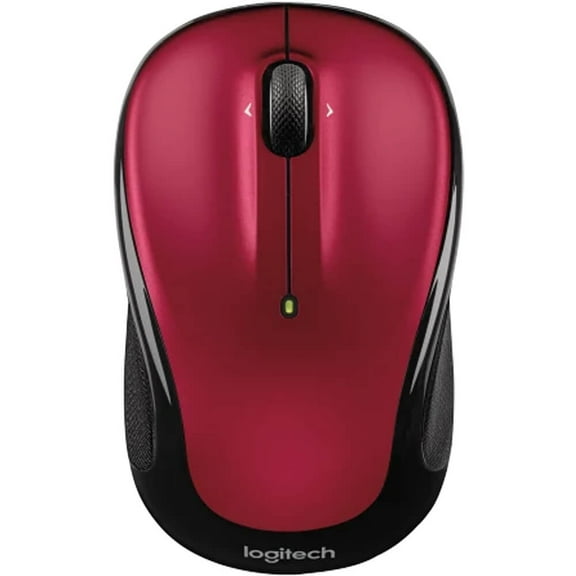 Logitech M325S Wireless Mouse, Red, Red$9.99current price $9.99
Bluetooth Mouse,Rechargeable Wireless Mouse for Laptop/iPad/MacBook Pro/Air, Silent Mouse Portable Slim for Surface Pro/PC/Lenovo/Samsung Tablet
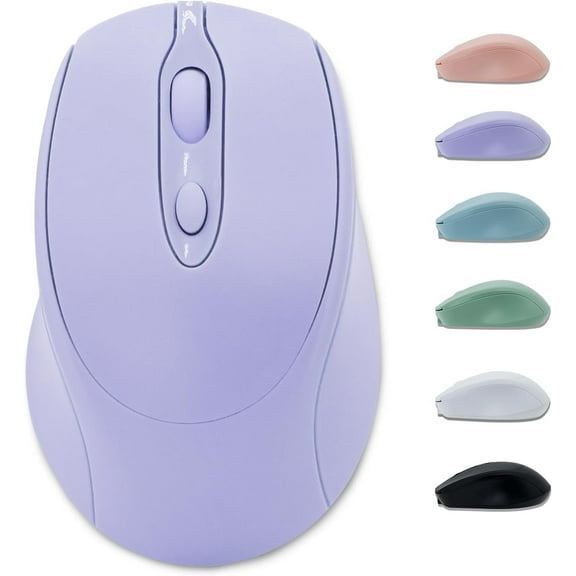 Bluetooth Mouse,Rechargeable Wireless Mouse for Laptop/iPad/MacBook Pro/Air, Silent Mouse Portable Slim for Surface Pro/PC/Lenovo/Samsung Tablet$11.10current price $11.10
Bluetooth Rechargeable wireless Mouse for MacBook pro MacBook Air Mac Laptop Chromebook Windows Notebook MacBook HP PC DELL
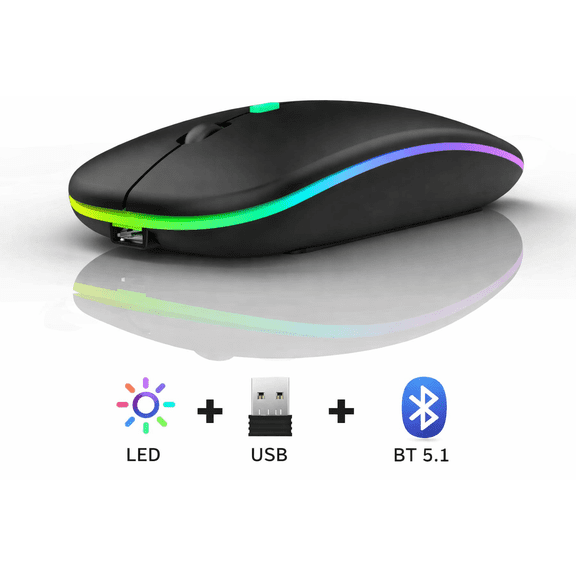 Bluetooth Rechargeable wireless Mouse for MacBook pro MacBook Air Mac Laptop Chromebook Windows Notebook MacBook HP PC DELL$10.46current price $10.46
Logitech Signature M550 Wireless Bluetooth Mouse, Black
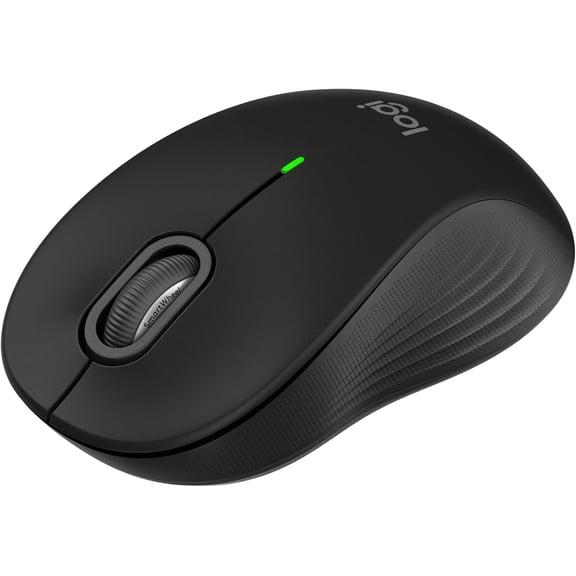 Logitech Signature M550 Wireless Bluetooth Mouse, Black$44.19current price $44.19
Logitech M170 Wireless Mouse for PC, Mac, Laptop, 2.4 GHz with USB Mini Receiver, Red
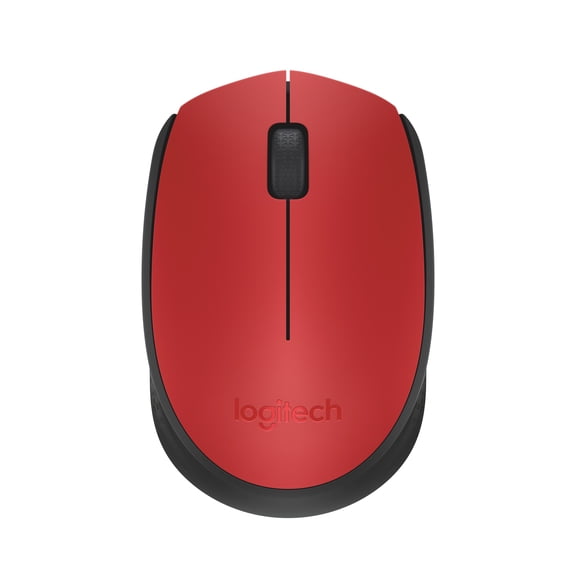 Logitech M170 Wireless Mouse for PC, Mac, Laptop, 2.4 GHz with USB Mini Receiver, Red$29.16current price $29.16