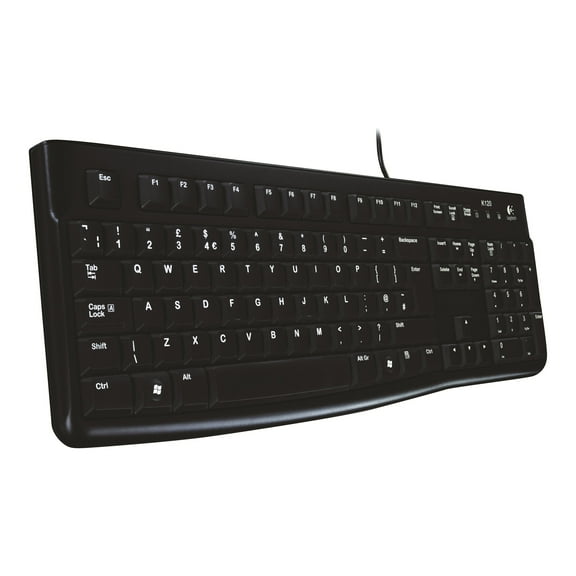
Logitech K375s(6)
Logitech Signature M650 Wireless Mouse for Small/Medium Hands, SilentTouch, Graphite $26.99 Was $29.99
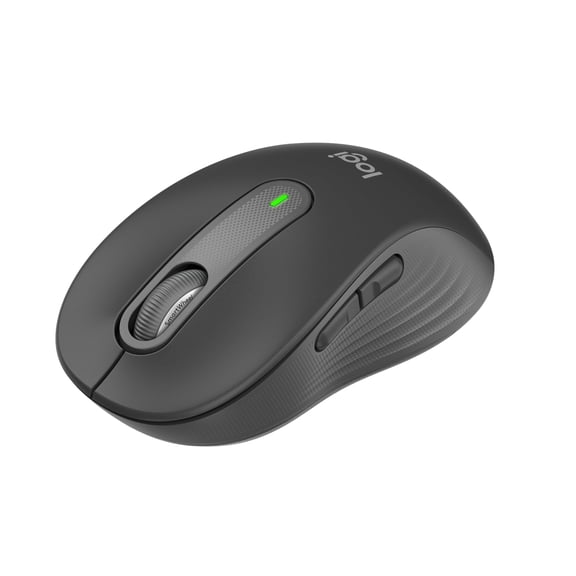
Logitech Signature M650 Wireless Mouse for Small/Medium Hands, SilentTouch, Graphite
Black Friday Deal, Logitech Signature Slim Wired K620 for Business, Full-Size Keyboard, Graphite $40.99 Was $49.95
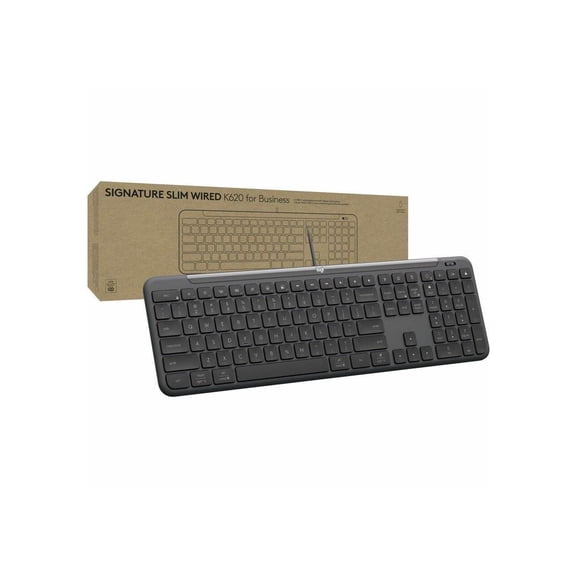
Logitech Signature Slim Wired K620 for Business, Full-Size Keyboard, Graphite
Rollback, Logitech Advanced Wireless Mouse 2, Black, Walmart Exclusive From $19.97 Was $24.88
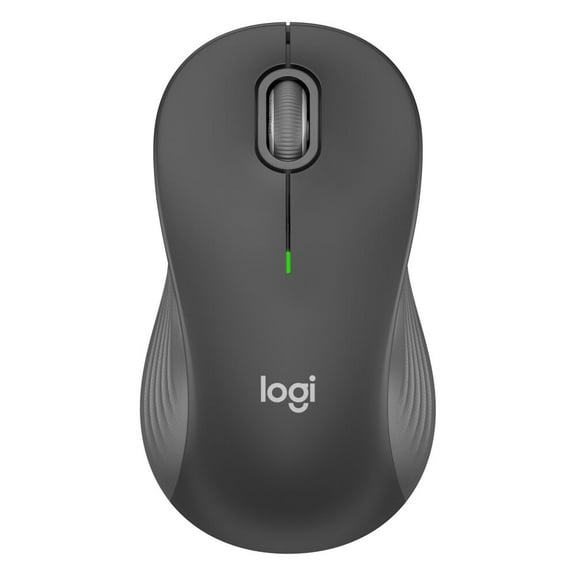
Logitech Advanced Wireless Mouse 2, Black, Walmart Exclusive
Logitech G502 HERO High Performance Gaming Mouse $54.00
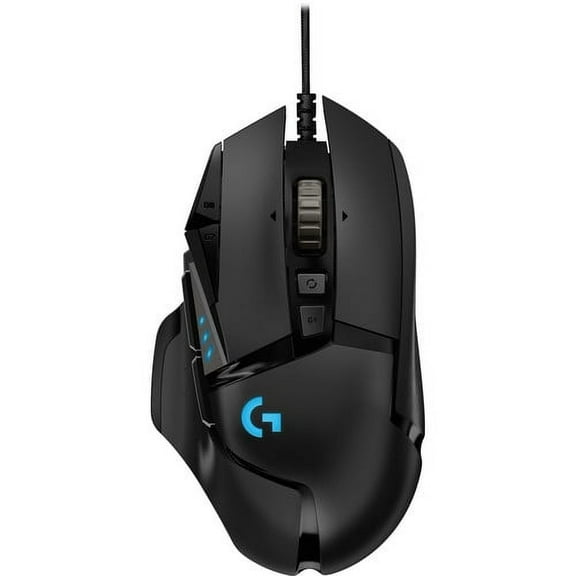
Logitech G502 HERO High Performance Gaming Mouse
Logitech 920-008165 K375s Multi-Device Wireless Keyboard and Stand Combo $49.95
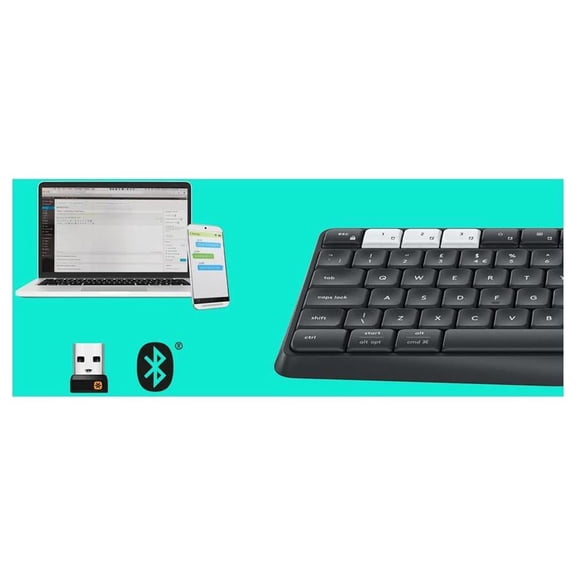
Logitech 920-008165 K375s Multi-Device Wireless Keyboard and Stand Combo
Logitech Signature M650 L Full Size Wireless Mouse - For Large Sized Hands, 2-Year Battery, Silent Clicks, Customizable Side Buttons, Bluetooth, Blue $24.99 Was $29.89
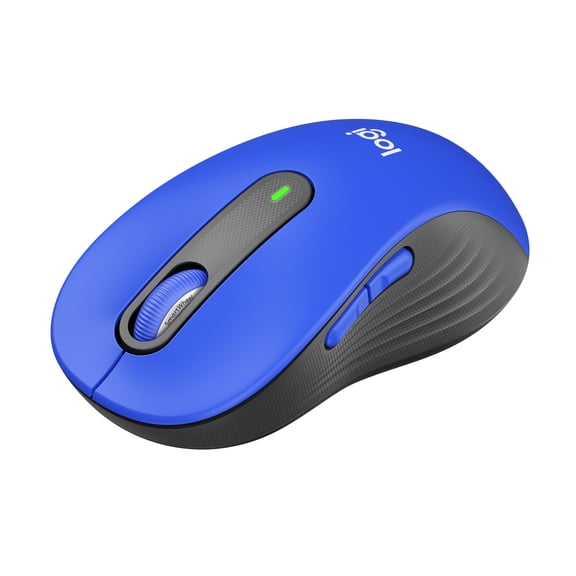
Logitech Signature M650 L Full Size Wireless Mouse - For Large Sized Hands, 2-Year Battery, Silent Clicks, Customizable Side Buttons, Bluetooth, Blue
Other options to consider(9)
Logitech Ergo K860 Split Wireless Keyboard for Business, Ergonomic Design, Secured Logi Bolt Technology, Graphite $139.95
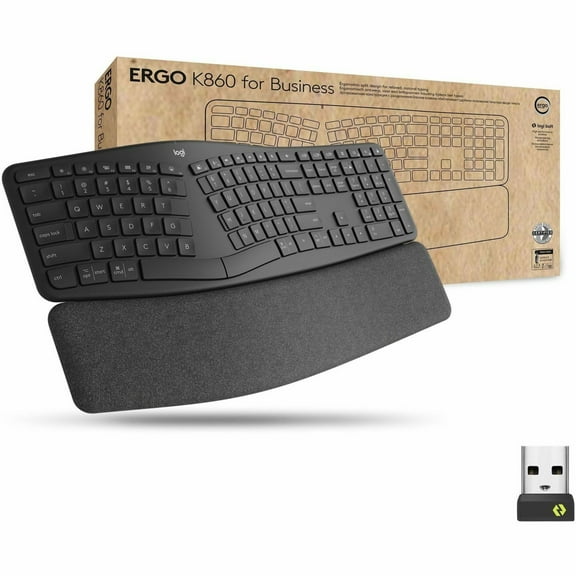
Logitech Ergo K860 Split Wireless Keyboard for Business, Ergonomic Design, Secured Logi Bolt Technology, Graphite
Logitech MX Keys S Wireless Keyboard for Windows PC, Linux, Chrome, Mac, Pale Gray $104.99 Was $129.99
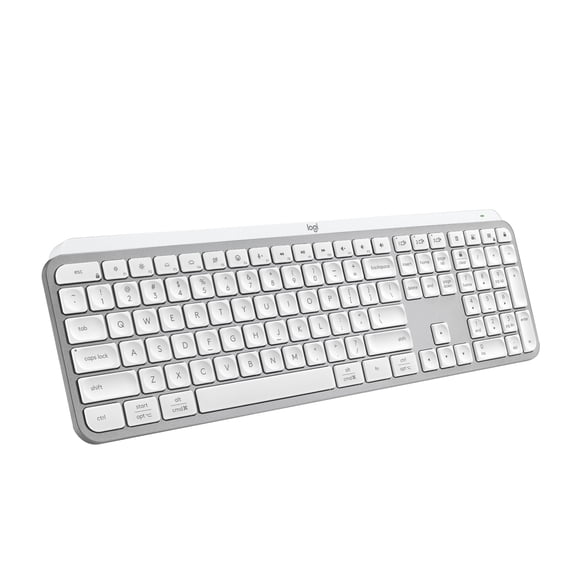
Logitech MX Keys S Wireless Keyboard for Windows PC, Linux, Chrome, Mac, Pale Gray
New, Logitech Pebble Keys 2 K380s Keyboard $39.99
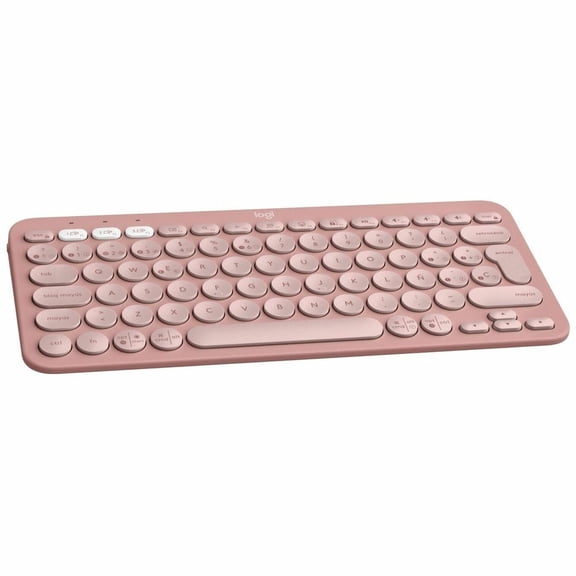
Logitech Pebble Keys 2 K380s Keyboard
Logitech Ergo K860 Split Wireless Keyboard for Business - Ergonomic Design, Secured Logi Bolt Technology, Bluetooth, Globally Certified, Windows/Mac/Chrome/Linux - Graphite $159.99
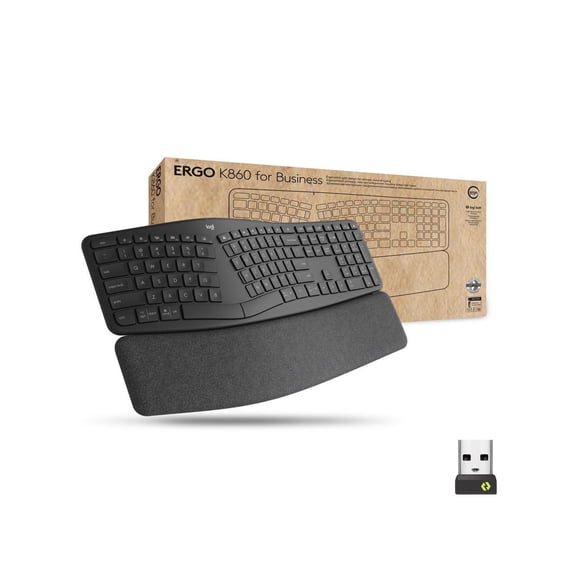
Logitech Ergo K860 Split Wireless Keyboard for Business - Ergonomic Design, Secured Logi Bolt Technology, Bluetooth, Globally Certified, Windows/Mac/Chrome/Linux - Graphite
Logitech K380 Multi-device Bluetooth Keyboard - Rose $20.66 Was $32.99
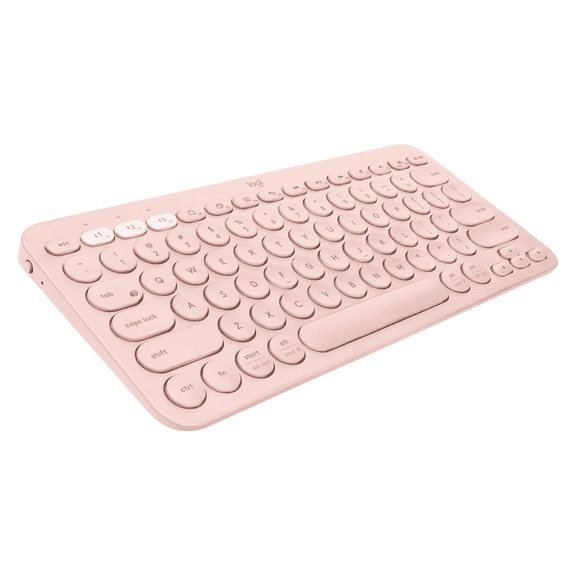
Logitech K380 Multi-device Bluetooth Keyboard - Rose
Logitech Signature Slim Solar+ K980 for Business, Wireless Keyboard, Quiet Typing, Secure Receiver, Bluetooth, Windows, Mac - Graphite - Wireless Connectivity - Bluetooth/RF - 5.1 - 32.81 ft - 2.40... $99.00

Logitech Signature Slim Solar+ K980 for Business, Wireless Keyboard, Quiet Typing, Secure Receiver, Bluetooth, Windows, Mac - Graphite - Wireless Connectivity - Bluetooth/RF - 5.1 - 32.81 ft - 2.40...
Logitech G515 TKL Wired Low Profile Gaming Keyboard, Fully Customizable RGB, Double-Shot PBT Keycaps, Tactile/Brown Switches $62.99
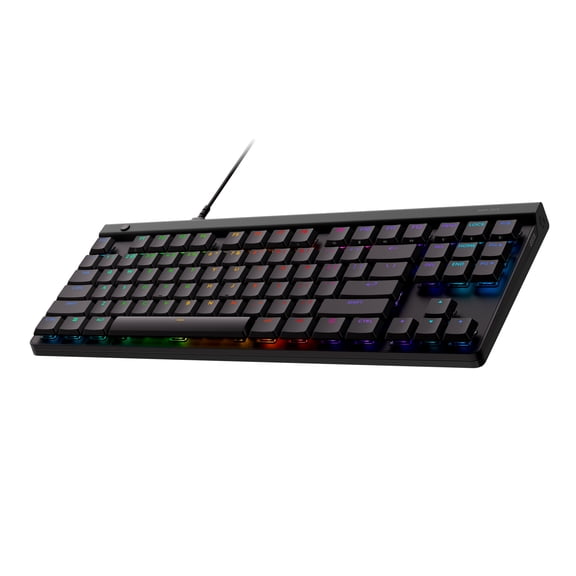
Logitech G515 TKL Wired Low Profile Gaming Keyboard, Fully Customizable RGB, Double-Shot PBT Keycaps, Tactile/Brown Switches
Logitech ERGO M575S Wireless Trackball Mouse, Black/Blue Ball $41.99 Was $49.99
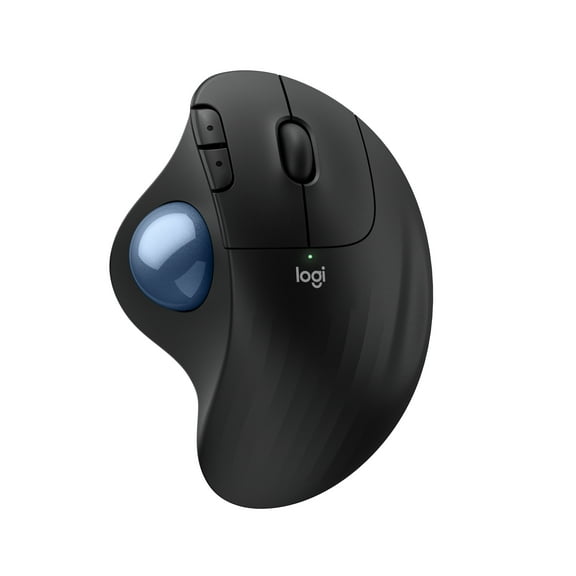
Logitech ERGO M575S Wireless Trackball Mouse, Black/Blue Ball
Logitech ERGO M575S Wireless Trackball Mouse, Wireless Ergonomic Mouse With Bluetooth and Encrypted Dongle, White $49.95

Logitech ERGO M575S Wireless Trackball Mouse, Wireless Ergonomic Mouse With Bluetooth and Encrypted Dongle, White
FAQ
How do I connect the wireless keyboard to my devices?
To connect your wireless keyboard, start by making sure it's powered on and in pairing mode. Most keyboards have a dedicated button or switch for this. Then, on your device (like a laptop, tablet, or smartphone), go to the Bluetooth settings and look for available devices. Select the keyboard from the list and follow any prompts to finish pairing. Some multi-device keyboards let you switch between devices easily, so you can use the same keyboard for different gadgets. Check the included instructions for details specific to your model.
Can I use the wireless mouse on any surface?
Wireless mice are designed to work on many surfaces, but performance can vary depending on the material. Smooth, non-reflective surfaces like mouse pads or plain desks usually give the best tracking. Shiny, glass, or uneven surfaces may affect how well the mouse responds. If you find tracking isn't as smooth as you'd like, try using a mouse pad for more consistent results. This helps maintain accuracy whether you're working at home, in an office, or on the go.
What should I do if my mouse stops responding?
If your mouse stops working, there are a few things you can check:
- Make sure the batteries aren't depleted and are properly installed.
- Confirm that the USB receiver is firmly plugged in or that your device's Bluetooth is turned on.
- Try turning the mouse off and back on, or disconnecting and reconnecting it.
- Move closer to your computer in case you're out of range.
If you still have issues, consult the user manual or check the manufacturer's support page for troubleshooting steps.
How do I clean my wireless keyboard safely?
Keeping your wireless keyboard clean can help it last longer and work better. First, turn it off and remove any batteries. Use a soft, dry cloth to wipe down the keys and surfaces. For dust or crumbs between keys, gently use a can of compressed air or a soft brush. Avoid using harsh cleaners or spraying liquid directly onto the keyboard. If needed, lightly dampen the cloth with water or a mild cleaner, but be careful not to let moisture get inside. Let the keyboard dry completely before turning it back on.
Is it possible to switch between devices easily?
Some wireless keyboards and mice are designed to let you switch between multiple devices with the press of a button. This is especially helpful if you use a computer, tablet, and phone throughout the day. If your product supports this feature, look for labeled keys or switches that let you toggle between devices. Details on how to set this up are usually included in the instruction manual. Switching devices can help make your workspace more flexible and efficient.
Popular in Logitech K375s Wireless Keyboard and Accessories
Related Products
Logitech Wave Keys for Business Ergonomic Keyboard - Graphite
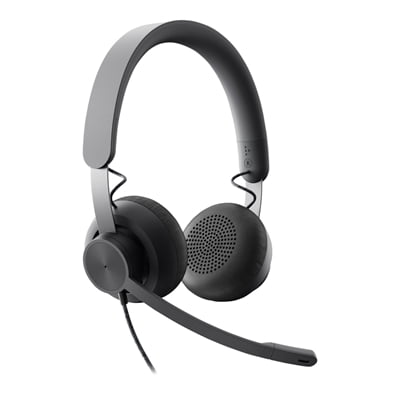 Logitech Wave Keys for Business Ergonomic Keyboard - Graphite$56.00current price $56.00
Logitech Washable Keyboard K310 for Windows PCs - Black
 Logitech Washable Keyboard K310 for Windows PCs - Black$119.99current price $119.99
Logitech MX Keys Mini - Keyboard - backlit - wireless - Bluetooth LE - graphite
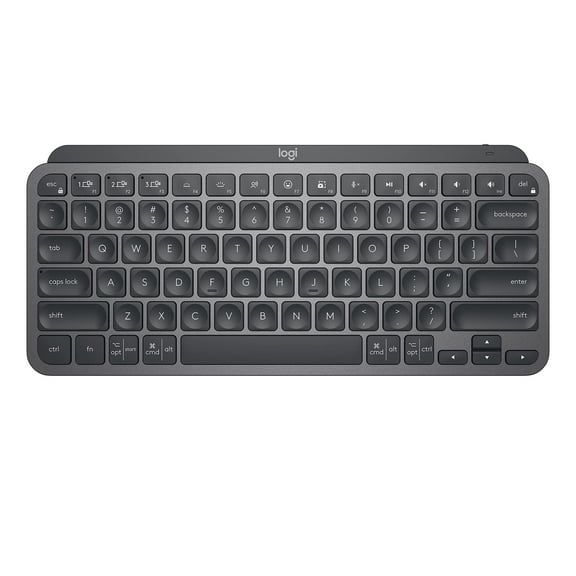 Logitech MX Keys Mini - Keyboard - backlit - wireless - Bluetooth LE - graphite$89.99current price $89.99
Logitech Signature Slim K950 Wireless Keyboard, Sleek Design, Switch Typing Between Devices, Quiet Typing, Off-white
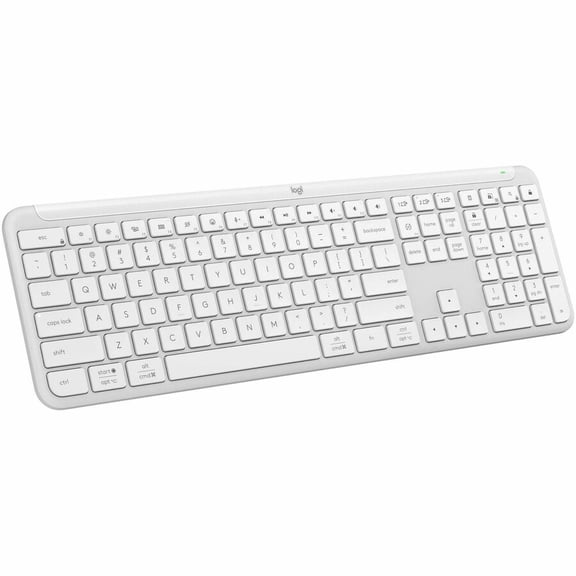 Logitech Signature Slim K950 Wireless Keyboard, Sleek Design, Switch Typing Between Devices, Quiet Typing, Off-white$74.99current price $74.99
Logitech Signature Slim Solar+ Keyboard for Mac Bluetooth 920013787
 Logitech Signature Slim Solar+ Keyboard for Mac Bluetooth 920013787$79.95current price $79.95
Logitech Wave Keys and Lift Ergonomic Wireless Keyboard and Mouse Combo, Graphite
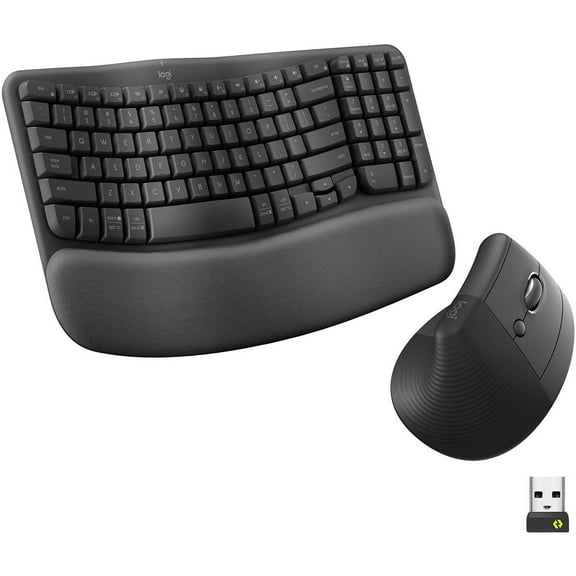 Logitech Wave Keys and Lift Ergonomic Wireless Keyboard and Mouse Combo, Graphite$99.99current price $99.99
Logitech Wave Keys & Lift Vertical Mouse Ergonomic Wireless Combo - White
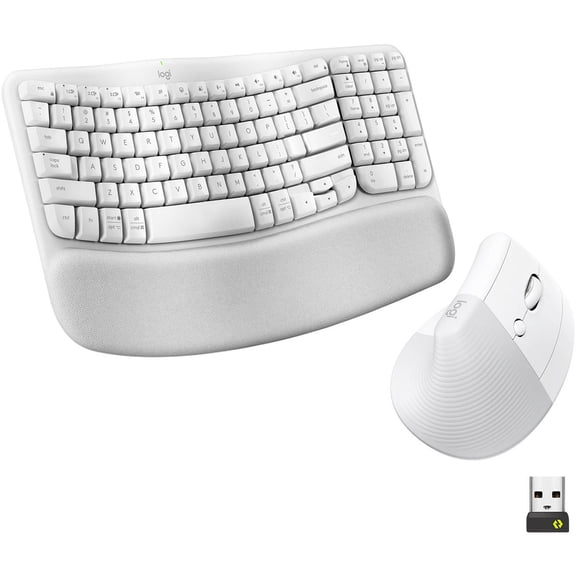 Logitech Wave Keys & Lift Vertical Mouse Ergonomic Wireless Combo - White$99.99current price $99.99
Logitech MX Keys Mini for Business (Pale Grey), Brown Box
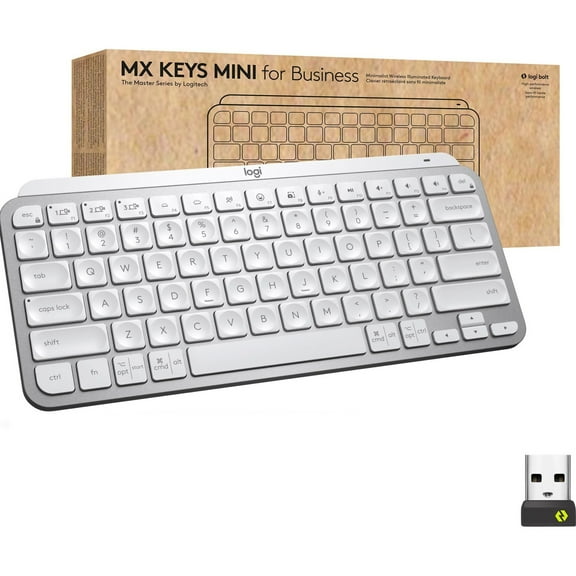 Logitech MX Keys Mini for Business (Pale Grey), Brown Box$119.99current price $119.99
Logitech Signature Slim MK955 for Business Wireless Keyboard and Mouse Combo
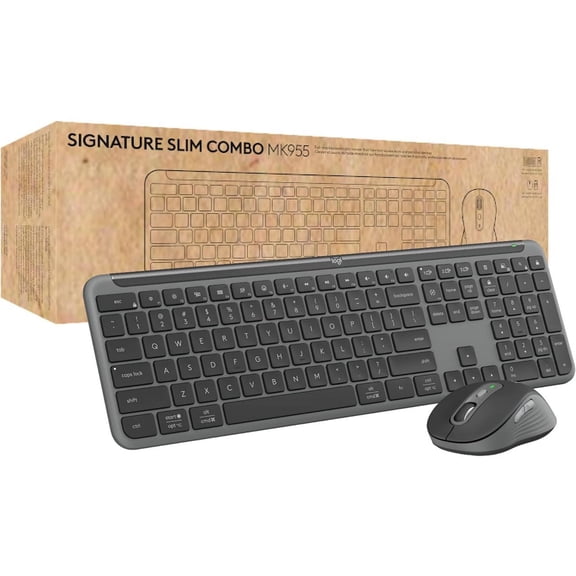 Logitech Signature Slim MK955 for Business Wireless Keyboard and Mouse Combo$123.99current price $123.99
Logitech Wave Keys and Lift Ergonomic Wireless Keyboard and Mouse Combo, Rose
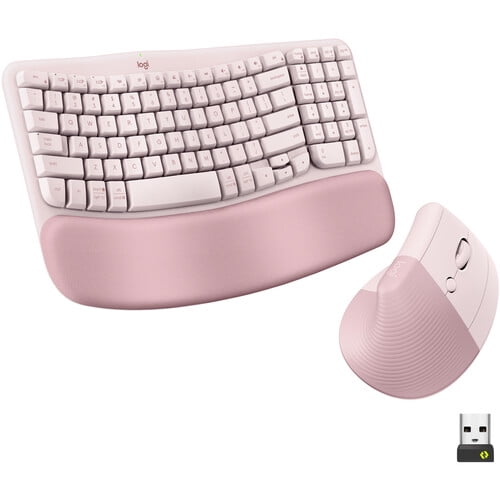 Logitech Wave Keys and Lift Ergonomic Wireless Keyboard and Mouse Combo, Rose$119.99current price $119.99
Logitech 920-008671 MK540 Wireless Keyboard Mouse Combo
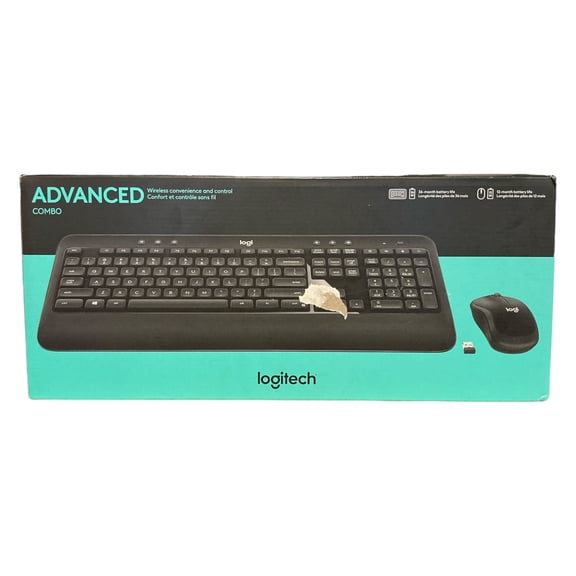 Logitech 920-008671 MK540 Wireless Keyboard Mouse Combo$53.99current price $53.99
Logitech MK470 Slim Wireless Keyboard & Mouse Combo
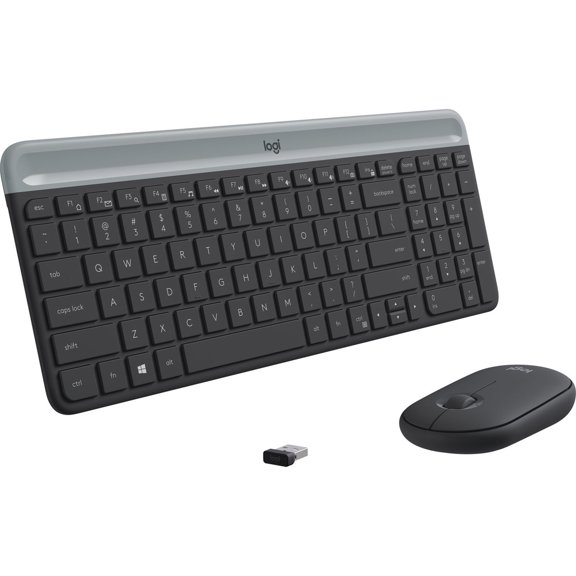 Logitech MK470 Slim Wireless Keyboard & Mouse Combo$37.93current price $37.93
Logitech K120 Ergonomic USB Wired Desktop Keyboard - Black
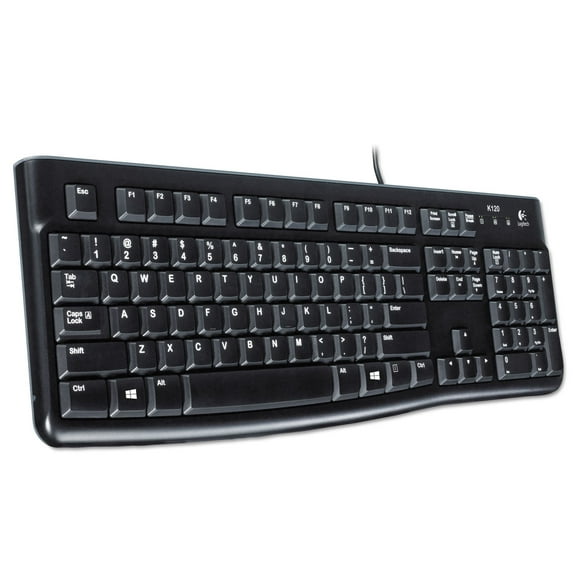 Logitech K120 Ergonomic USB Wired Desktop Keyboard - Black$22.99current price $22.99