Kid Typing Software(26)
CodaKid Coding for Kids with Minecraft - Ages 8+ Learn Real Java Computer Programming (PC & Mac) $59.00
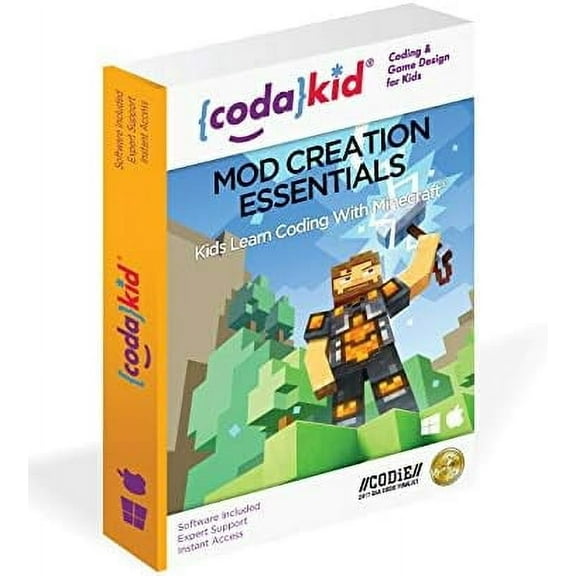
CodaKid Coding for Kids with Minecraft - Ages 8+ Learn Real Java Computer Programming (PC & Mac)
Typing for Kids Ages 9-12 Keyboarding Space Mission: Learn to Type Software Program - Beginners to Advanced Computer Typing Games and Lessons Compatible with PC/Mac/Chromebook $28.45 $53.68/ea

Typing for Kids Ages 9-12 Keyboarding Space Mission: Learn to Type Software Program - Beginners to Advanced Computer Typing Games and Lessons Compatible with PC/Mac/Chromebook
Kid's Typing Bundle Gold - Windows [Digital Download] $42.74
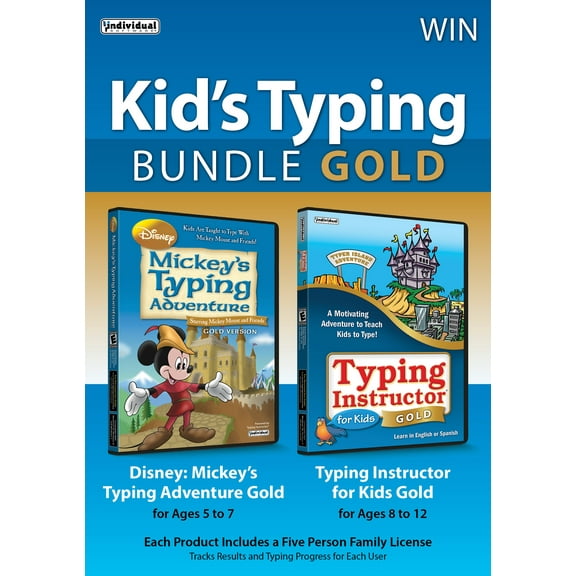
Kid's Typing Bundle Gold - Windows [Digital Download]
Disney: Mickey's Typing Adventure - Windows, Individual Software, 018527105788
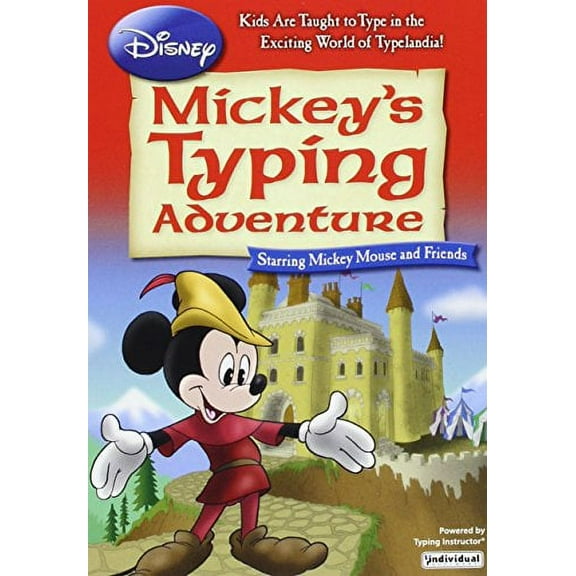
Disney: Mickey's Typing Adventure - Windows, Individual Software, 018527105788
TYPING INSTRUCTOR FOR KIDS GOLD WIN (Email Delivery) $34.19

TYPING INSTRUCTOR FOR KIDS GOLD WIN (Email Delivery)
Typing Instructor for Kids Platinum 5 - Windows [Digital Download] $29.99

Typing Instructor for Kids Platinum 5 - Windows [Digital Download]
Individual Software Kid's Typing Bundle Gold - Windows [Box] $26.59
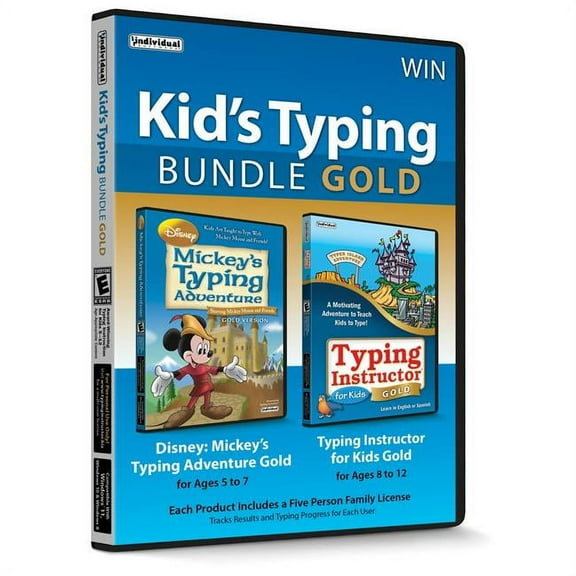
Individual Software Kid's Typing Bundle Gold - Windows [Box]
Individual Software EVM MTKG Typing Instructor for Kids Gold - Mac $24.90
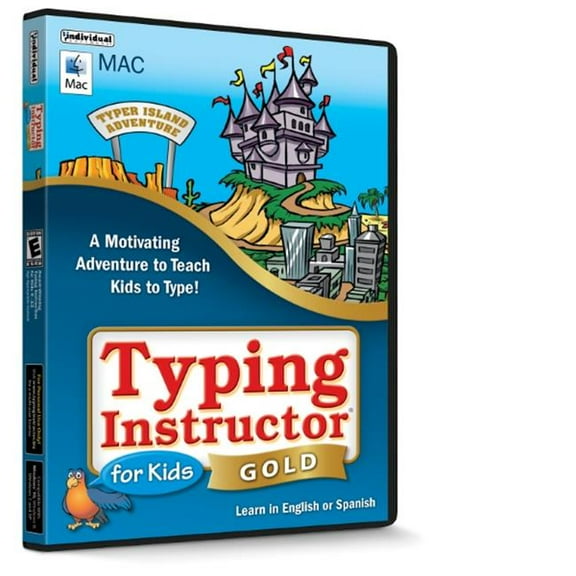
Individual Software EVM MTKG Typing Instructor for Kids Gold - Mac
Typing Instructor for Kids Web Online Typing Training for Kids to Learn to Type or Improve their Typing Skills Web PC or Mac $19.99

Typing Instructor for Kids Web Online Typing Training for Kids to Learn to Type or Improve their Typing Skills Web PC or Mac
TYPING INSTRUCTOR FOR KIDS GOLD MAC (Email Delivery) $34.19
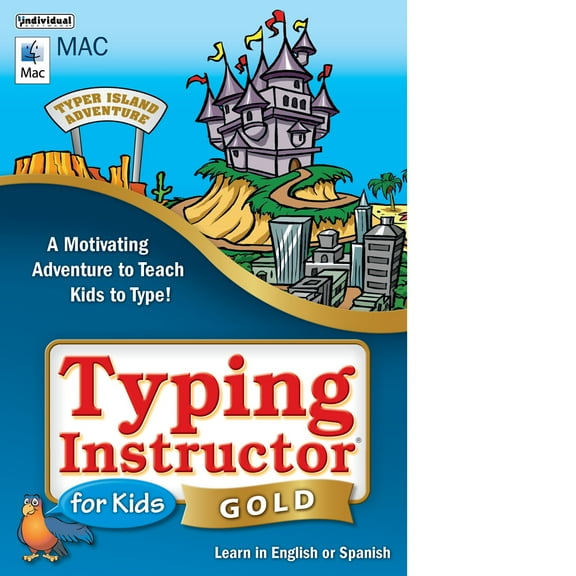
TYPING INSTRUCTOR FOR KIDS GOLD MAC (Email Delivery)
Kid's Typing Bundle $32.21
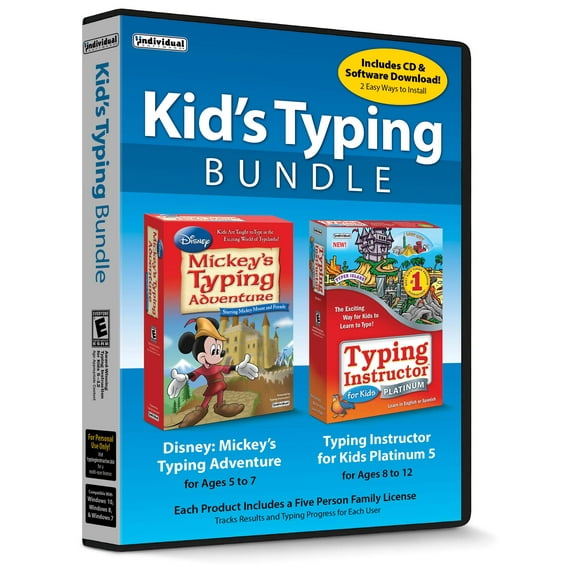
Kid's Typing Bundle
DISNEY MICKEY S TYPING ADV GOLD WIN (Digital Download) $34.19 Was $39.99
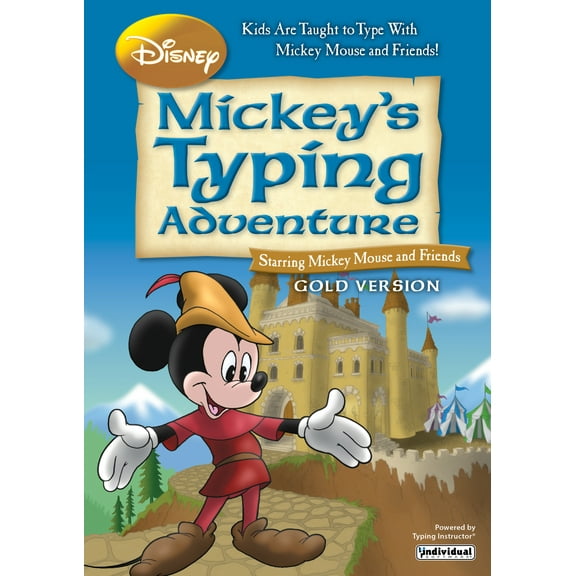
DISNEY MICKEY S TYPING ADV GOLD WIN (Digital Download)
Individual Software Typing Instructor for Kids Gold $26.56
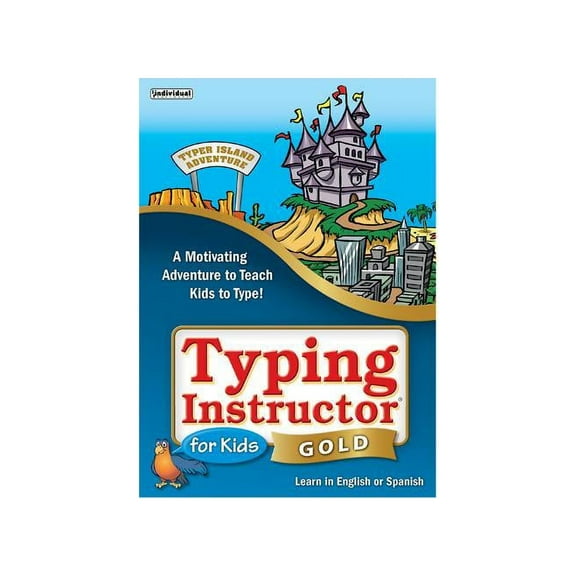
Individual Software Typing Instructor for Kids Gold
Individual Software Kids Typing Bundle - Windows $31.84
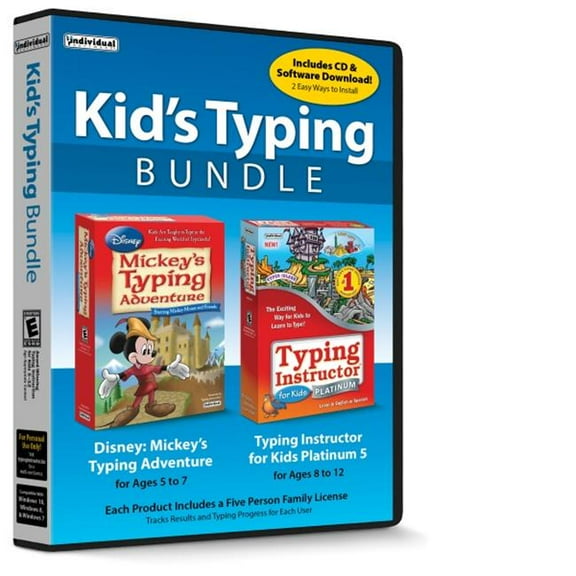
Individual Software Kids Typing Bundle - Windows
Disney Mickey's Typing Adventure Gold - Windows OS $26.98
Disney Mickey's Typing Adventure Gold - Windows OS
Learn Speed Typing - Typing Faster Made Easy (Windows 10 / 11 compatible) $16.99
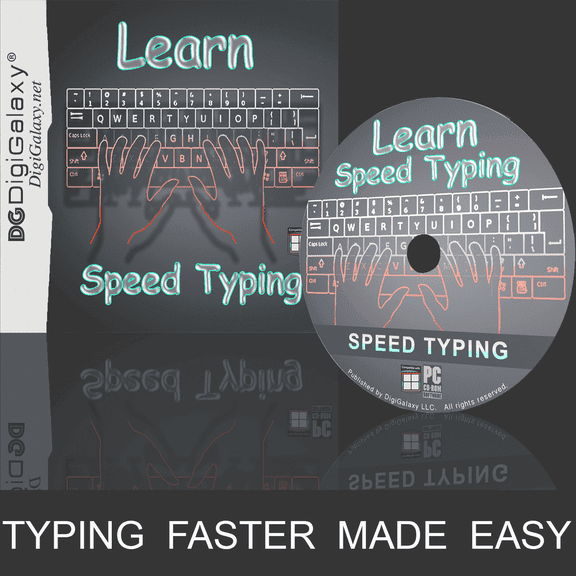
Learn Speed Typing - Typing Faster Made Easy (Windows 10 / 11 compatible)
Individual Software Typing Instructor for Kids Gold - Mac $26.10

Individual Software Typing Instructor for Kids Gold - Mac
Typing Instructor Bundle: Typing For Kids Platinum & Typing Instructor Platinum, Individual Software, 018527111109 Was $32.84

Typing Instructor Bundle: Typing For Kids Platinum & Typing Instructor Platinum, Individual Software, 018527111109
Kids Typing Bundle Gold - Windows $41.68

Kids Typing Bundle Gold - Windows
DISNEY MICKEY S TYPING AD GOLD MAC (Digital Download) $34.19 Was $39.99
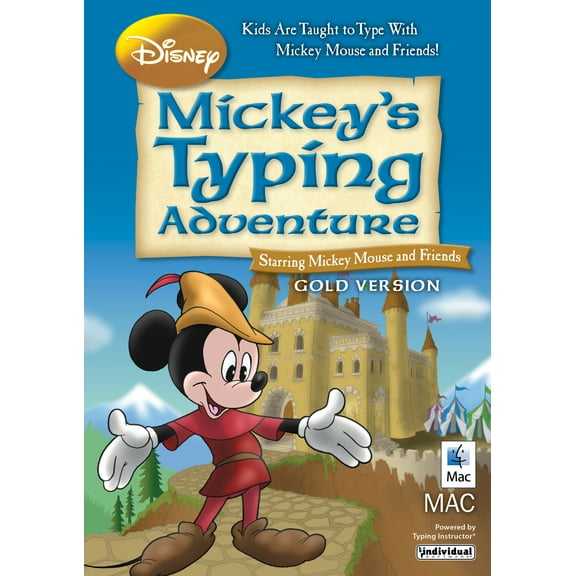
DISNEY MICKEY S TYPING AD GOLD MAC (Digital Download)
Individual Software EVM MMTG Mickeys Typing Adventure Gold - Mac $33.99
Individual Software EVM MMTG Mickeys Typing Adventure Gold - Mac
Typing Instructor for Kids Gold - DVD Case $26.26

Typing Instructor for Kids Gold - DVD Case
Individual Software EVEMKBG Kids Typing Bundle Gold - Mac $35.73
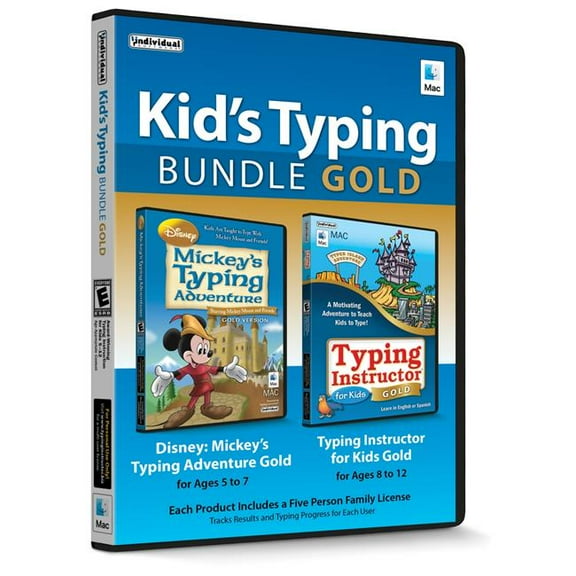
Individual Software EVEMKBG Kids Typing Bundle Gold - Mac
Individual Software Disney Mickeys Typing Adventure Gold DVD Case $27.77 Was $34.84

Individual Software Disney Mickeys Typing Adventure Gold DVD Case
Arthur's 2nd Grade - Mac, Win - CD - English $17.99
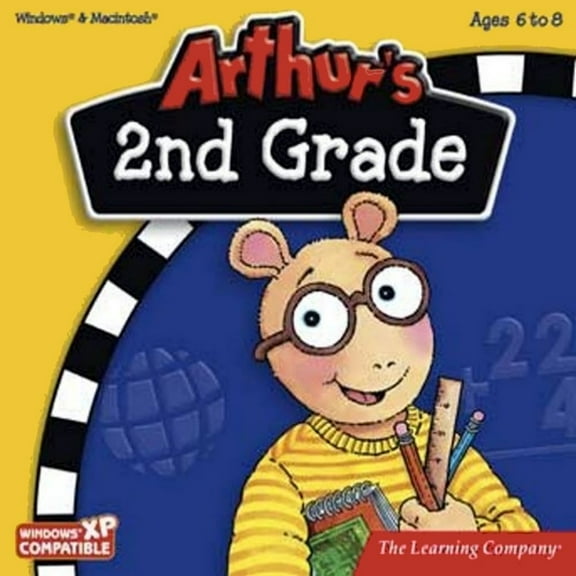
Arthur's 2nd Grade - Mac, Win - CD - English
Kids Typing Bundle Gold - Mac $38.03
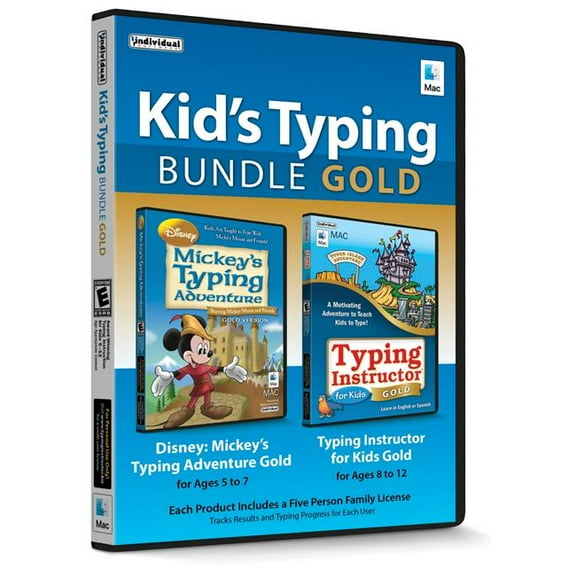
Kids Typing Bundle Gold - Mac
Other options to consider(43)
Typing Instructor Platinum 21 - Windows [Digital Download] $29.99
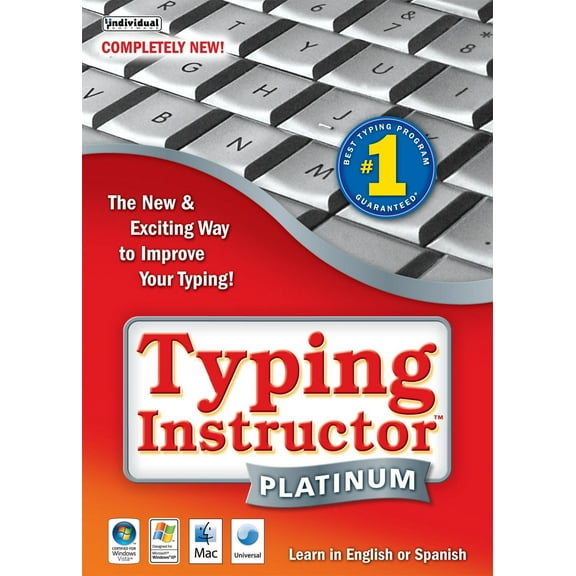
Typing Instructor Platinum 21 - Windows [Digital Download]
Arthur's Kindergarten $18.99
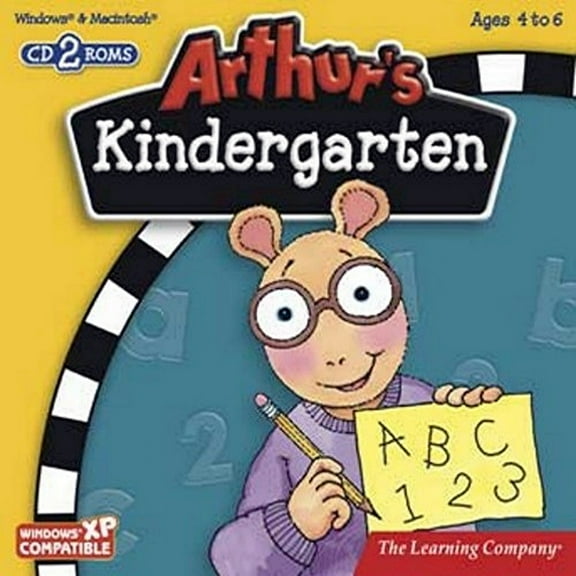
Arthur's Kindergarten
The Early Learning Suite Software- SingleUser $150.00
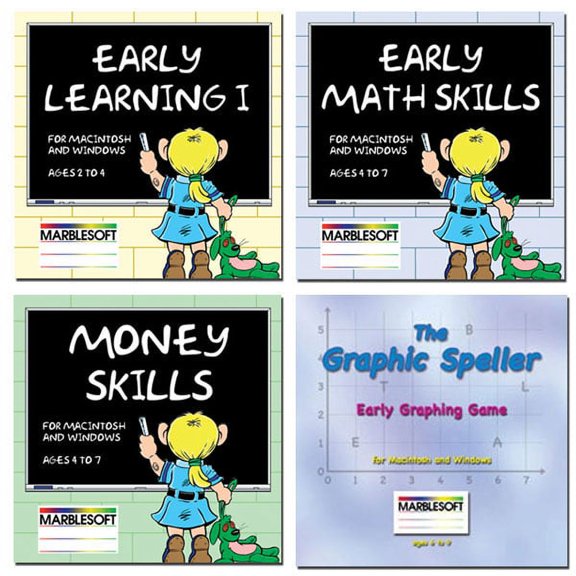
The Early Learning Suite Software- SingleUser
Talking Typing Teacher - Standard $90.95

Talking Typing Teacher - Standard
TYPING INSTRUCTOR GOLD WIN (Digital Download) $34.19
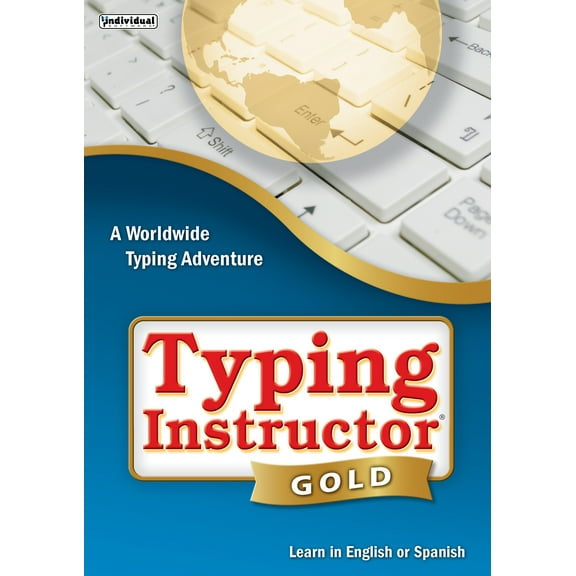
TYPING INSTRUCTOR GOLD WIN (Digital Download)
Mavis Beacon Teaches Typing [Digital Download] $39.99

Mavis Beacon Teaches Typing [Digital Download]
Typing Instructor Bundle Gold - Windows [Digital Download] $42.74
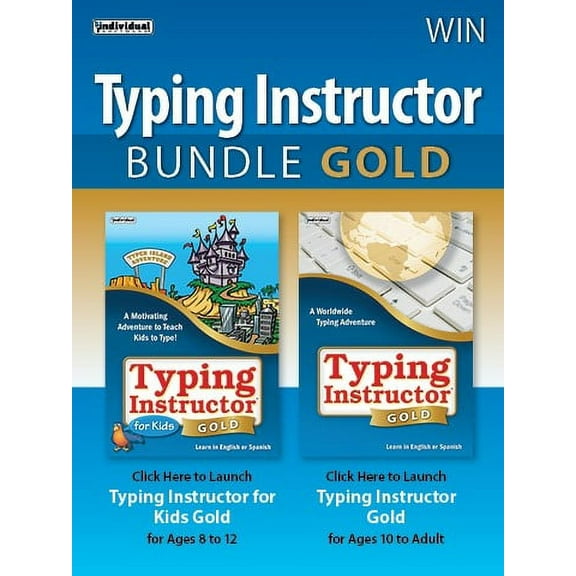
Typing Instructor Bundle Gold - Windows [Digital Download]
Reading Blaster Ages 6-8 $19.99
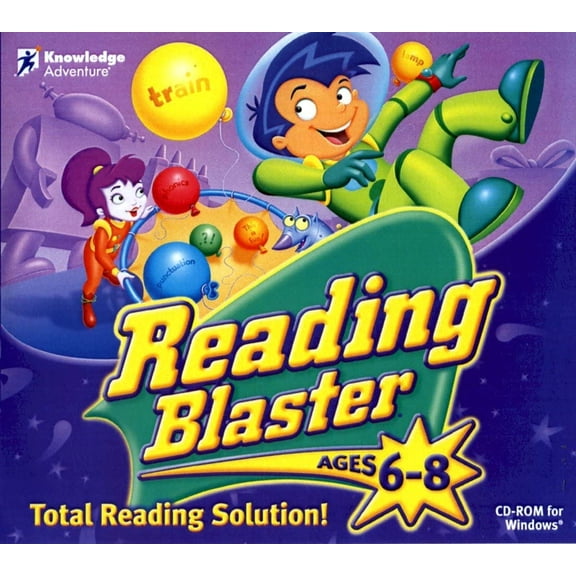
Reading Blaster Ages 6-8
INDIVIDUAL SOFTWARE INC TYPING QUICK & EASY 17 QMM-T17 $19.99

INDIVIDUAL SOFTWARE INC TYPING QUICK & EASY 17 QMM-T17
Jumpstart Numbers CDRom $19.99

Jumpstart Numbers CDRom
Typing Instructor Platinum 21 - Windows, Individual Software, 018527104958 From $23.99
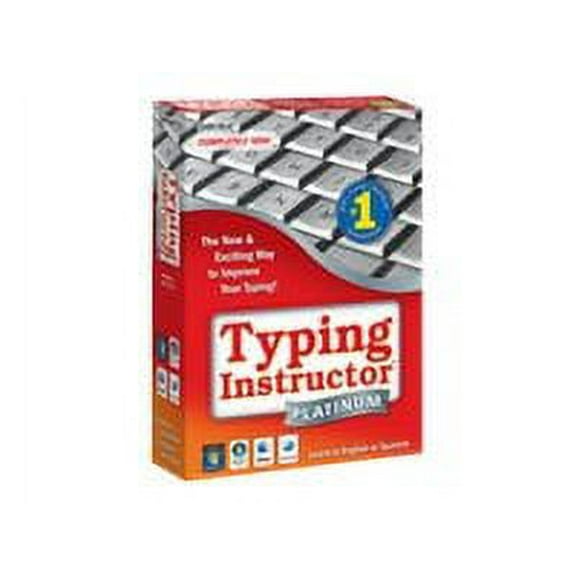
Typing Instructor Platinum 21 - Windows, Individual Software, 018527104958
TYPING INSTRUCTOR GOLD MAC (Digital Download) $34.19 Was $39.99
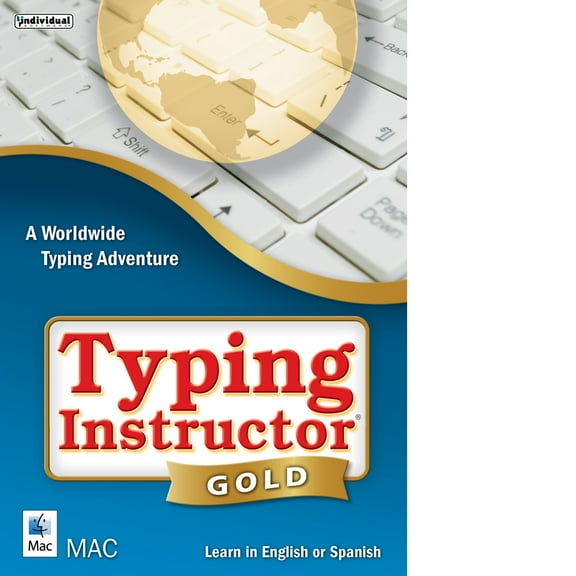
TYPING INSTRUCTOR GOLD MAC (Digital Download)
Individual Software Typing Instructor Bundle - Windows $31.27
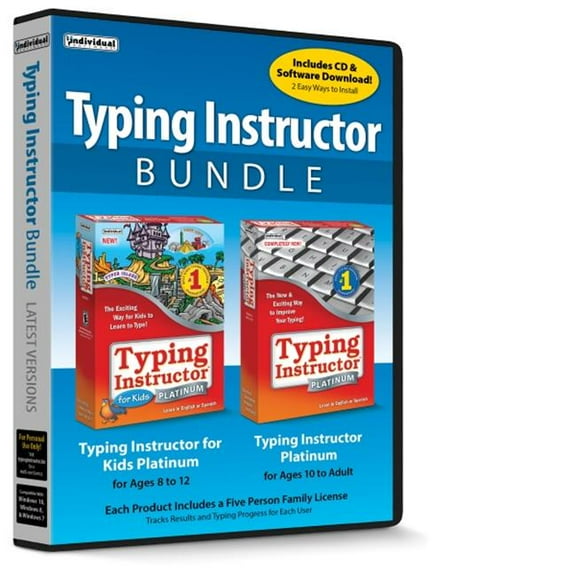
Individual Software Typing Instructor Bundle - Windows
JumpStart Fourth Grade $19.99
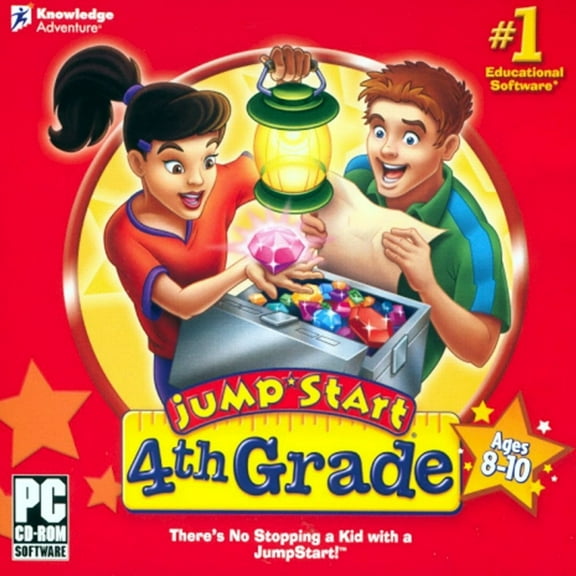
JumpStart Fourth Grade
Individual Software Typing Instructor Gold $24.99
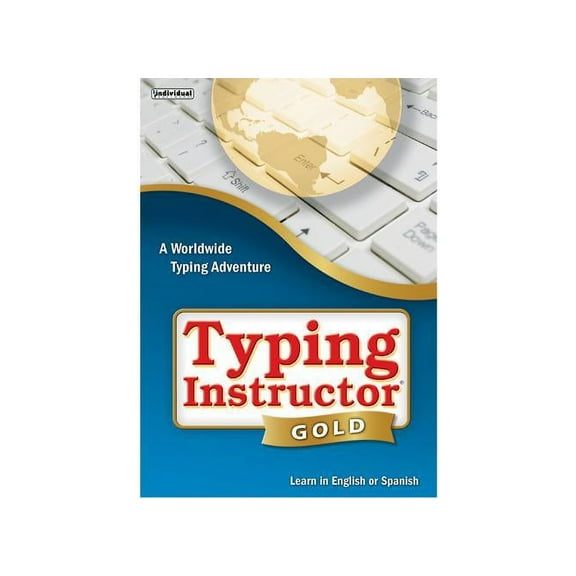
Individual Software Typing Instructor Gold
FAQ
What age is typing software for kids best for?
Typing software for kids is generally designed for elementary to middle school ages, with many programs suitable for children around 7 to 12 years old. Some programs offer beginner lessons for younger kids, while others include more advanced features for older students. It's a good idea to check the recommended age range or skill level in the product details to find a program that matches your child's needs. Choosing a program that's age-appropriate can help keep kids engaged and make learning to type feel more like a fun game than a chore.
Can kids use typing software on a Chromebook?
Many typing software programs for kids offer compatibility with Chromebooks, but it's important to check the product description before purchasing. Some options are web-based, meaning your child can access lessons directly through a browser without needing to install anything. Others may require software downloads, which could be limited on certain devices. Looking for the terms 'web-based,' 'online,' or 'Chromebook compatible' in the product details can help you find a typing program that works on your family's devices.
How do typing games help kids learn faster?
Typing games use interactive challenges, fun graphics, and rewards to keep kids engaged while they practice. These games often encourage repetition, which can help build muscle memory and improve accuracy. Many games gradually increase in difficulty, letting kids learn at their own pace. Features like progress tracking and mini-competitions can make practice sessions feel rewarding, helping children stay motivated as their skills improve. This approach can make learning to type more enjoyable and less stressful for kids.
Do typing programs track my child's progress?
Many typing programs designed for kids include progress tracking features. These tools can show how your child's speed and accuracy improve over time, often with charts, badges, or certificates. Some programs let parents or teachers view detailed reports, helping them see which lessons are most helpful or where extra practice might be needed. Progress tracking can make it easier to set goals and celebrate milestones as your child learns to type with more confidence.
Is it easy to set up typing software for kids?
Most typing software for kids is designed to be user-friendly, with simple installation steps or quick online sign-ups. Some programs come as digital downloads, while others are accessed through web browsers. Instructions usually guide you through the setup process, and many programs provide helpful tips or tutorials to get started. If you have questions or need help, support resources are often available through the software provider or retailer. Taking a few minutes to set things up can make the learning experience smoother for your child.
Popular in Kid Typing Software for Learning and Practice
- Kid Typing
- Software Childrens
- Top Rated Products in Learning Software
- Reduced Price in Learning Software
- Rollback in Learning Software
- The Learning
- Education Software
- Children's Software
- Education & Software Books
- Programming & Web Development
- User-Generated Content Books
- Software Computers & Digital Media Teen & Young Adult Books
Related Products
Wplyw systemu wsparcia informacyjnego na wykorzystanie technologii informacyjno-komunikacyjnych w ksztalceniu na odleglo, (Paperback)
 Wplyw systemu wsparcia informacyjnego na wykorzystanie technologii informacyjno-komunikacyjnych w ksztalceniu na odleglo, (Paperback)$52.49current price $52.49
Individual Software EVE-TBIZ Typing for Business Learning Electronic Software
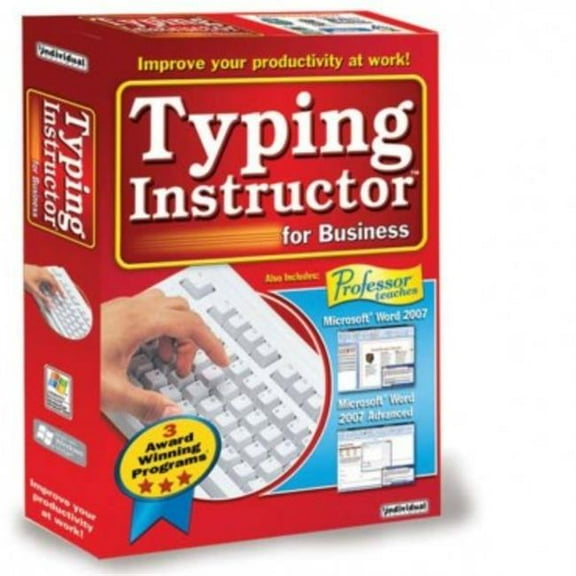 Individual Software EVE-TBIZ Typing for Business Learning Electronic Software$21.39current price $21.39
Typing Instructor Bundle: Typing For Kids Platinum & Typing Instructor Platinum, Individual Software, 018527111109
Typing Instructor Bundle: Typing For Kids Platinum & Typing Instructor Platinum, Individual Software, 018527111109$27.76current price $27.76AVG Ultimate - 2-Years | 10-Device (Windows/Mac OS/Android/iOS)
AVG Ultimate - 2-Years | 10-Device (Windows/Mac OS/Android/iOS)
Instant Immersion Spanish V2.0 Express
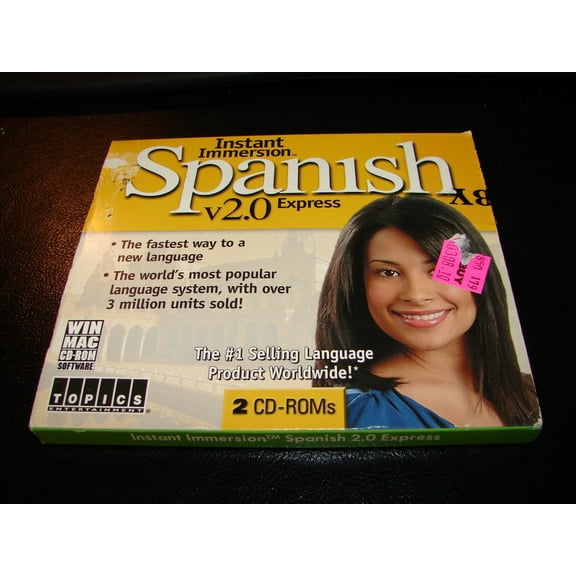 Instant Immersion Spanish V2.0 Express$5.99current price $5.99
Mastering Windows Registry Training Software - Step by Step Tutorial CD
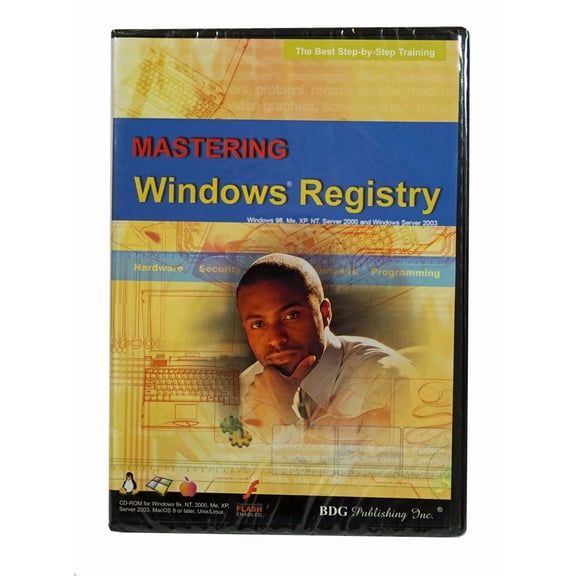 Mastering Windows Registry Training Software - Step by Step Tutorial CD$10.01current price $10.01
Professor Teaches Super Set 11 - Windows [Box]
 Professor Teaches Super Set 11 - Windows [Box]$49.99current price $49.99
Instant Immersion German v.2.0 Express
 Instant Immersion German v.2.0 Express$10.01current price $10.01