

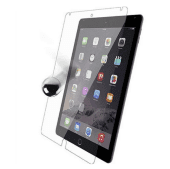
iPad Screen Protectors in iPad Accessories


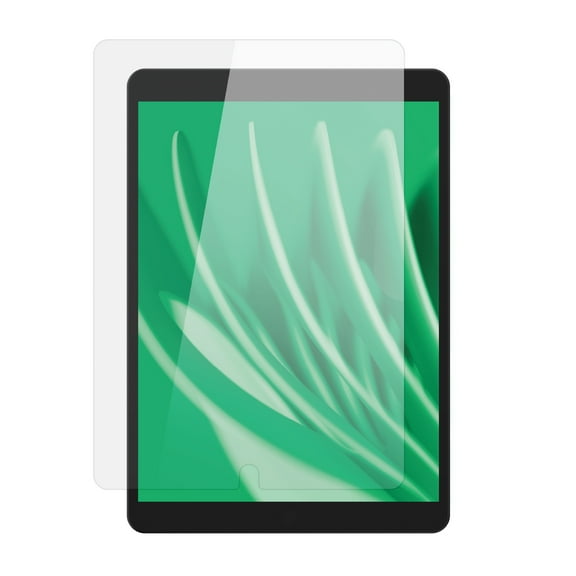
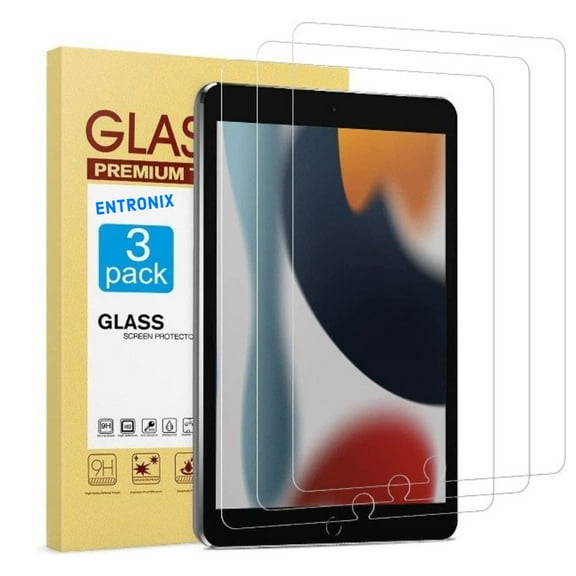
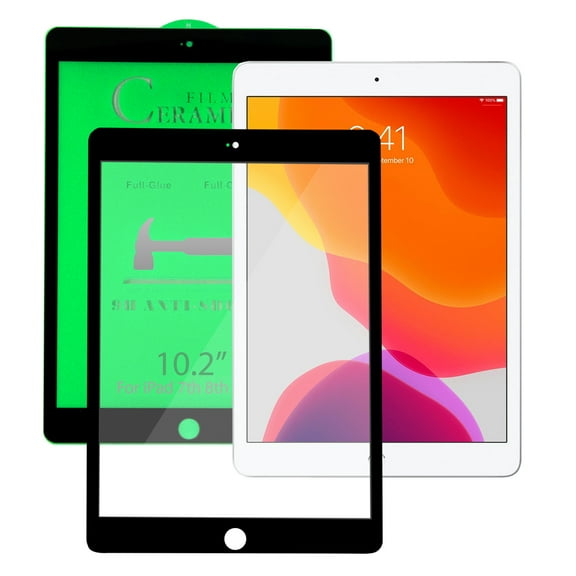
![KIQ iPad 10.2 Screen Protector, Fits iPad 7th 8th 9th, [3 Pack] Tempered Glass Anti-Scratch Anti-Fingerprint Self-Adhere Protection Clear for Apple iPad 10.2 7th 8th Gen 9th [2019/2020/2021]](https://i5.walmartimages.com/seo/KIQ-iPad-10-2-Screen-Protector-Fits-iPad-7th-8th-9th-3-Pack-Tempered-Glass-Anti-Scratch-Anti-Fingerprint-Self-Adhere-Protection-Clear-Apple-iPad-10-2_79aaec58-d6ba-431b-84e1-e1faeec64693.b02fea92659fefbc00957bbc700d29d7.jpeg?odnHeight=576&odnWidth=576&odnBg=FFFFFF)
![[2-Pack] EpicGadget Glass Screen Protector for iPad 10th Generation 10.9 Inch (2022 Released) - Tempered Glass Film / High Definition / 9H Hardness](https://i5.walmartimages.com/seo/2-Pack-EpicGadget-Glass-Screen-Protector-for-iPad-10th-Generation-10-9-Inch-2022-Released-Tempered-Glass-Film-High-Definition-9H-Hardness_2a1757f3-b66e-4778-85e3-c82a6a209d30.ddb186054b019e3ba1e8e0862a813630.jpeg?odnHeight=576&odnWidth=576&odnBg=FFFFFF)
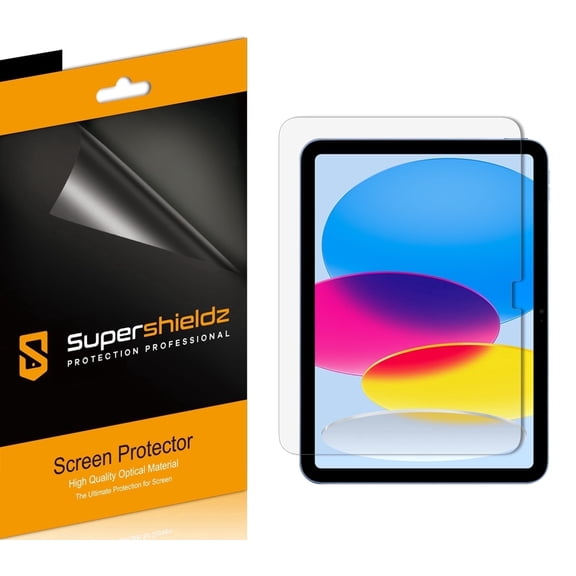
![[3-Pack] Supershieldz for New iPad Pro 12.9 inch (2018-2022 / M2-6th/5th/4th/3rd Generation) Screen Protector, Anti-Bubble High Definition (HD) Clear Shield](https://i5.walmartimages.com/seo/3-Pack-Supershieldz-New-iPad-Pro-12-9-inch-2018-2022-M2-6th-5th-4th-3rd-Generation-Screen-Protector-Anti-Bubble-High-Definition-HD-Clear-Shield_008d55b7-320f-4279-88f7-5ceeef0ad843.330b62da56c034a57c13c3d59da1721b.jpeg?odnHeight=576&odnWidth=576&odnBg=FFFFFF)


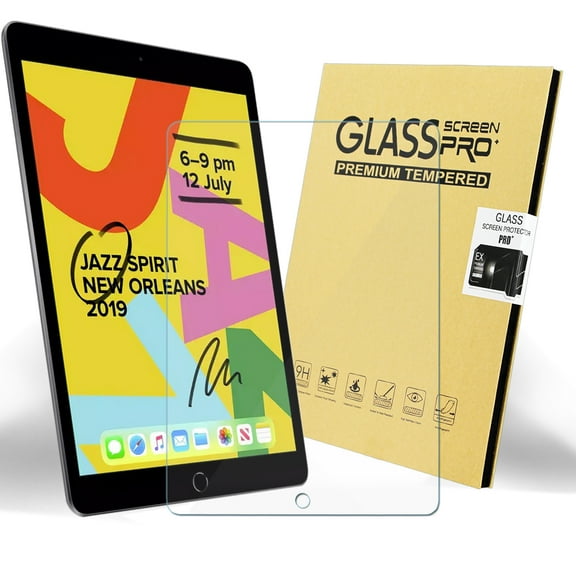

![Tempered Glass for iPad Mini 4, PureGear 9H .46mm Tempered Glass Screen Protector [Scratch Resistant, Case-Friendly Fit] for Apple iPad Mini 4 (A1538, A1550)](https://i5.walmartimages.com/seo/Tempered-Glass-iPad-Mini-4-PureGear-9H-46mm-Tempered-Glass-Screen-Protector-Scratch-Resistant-Case-Friendly-Fit-Apple-iPad-Mini-4-A1538-A1550_e1af6ee7-d336-4408-8372-48cc9e311f0f_1.39db55e297a4a54579f2bb39d1790297.jpeg?odnHeight=576&odnWidth=576&odnBg=FFFFFF)

![UAG iPad Mini Glass Shield Plus Screen Protector (6th Gen, 2021) [8.3-inch screen] - Premium Double Strengthened Tempered Glass Film, Ultra-Clear HD, Anti-Fingerprint, 0.2mm Thin, Clear](https://i5.walmartimages.com/seo/UAG-iPad-Mini-Glass-Shield-Plus-Screen-Protector-6th-Gen-2021-8-3-inch-screen-Premium-Double-Strengthened-Tempered-Glass-Film-Ultra-Clear-HD-Anti-Fin_9dc162ac-b11a-4a56-a53d-ca3924d83fd5.69403fdb1a1efe897d77a0dbea2356fc.jpeg?odnHeight=576&odnWidth=576&odnBg=FFFFFF)
![[2 Pack] EpicGadget Glass Screen Protector for iPad Air 5 (5th Gen, 2022), iPad Air 4 (4th Gen, 2020) Ultra Clear Anti Bubble Anti Scratch 9H Hardness Tempered Glass Screen Film for 10.9-inch iPad Air](https://i5.walmartimages.com/seo/2-Pack-EpicGadget-Glass-Screen-Protector-iPad-Air-5-5th-Gen-2022-iPad-Air-4-4th-Gen-2020-Ultra-Clear-Anti-Bubble-Anti-Scratch-9H-Hardness-Tempered-Gl_5b74435e-862b-42ca-bde4-3375638b7659.0f2f3902809f8e437f6bf7d45f602f28.jpeg?odnHeight=576&odnWidth=576&odnBg=FFFFFF)
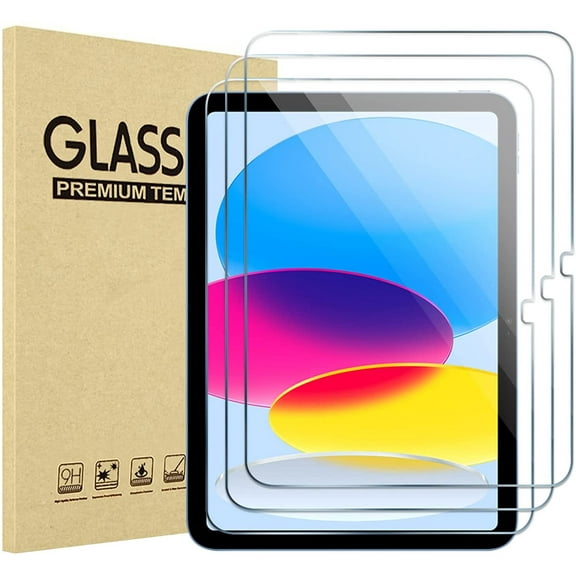


![[2 Pack] EpicGadget Screen Protector for iPad Pro 11 (2022 and 2021 Release), Tempered Glass Screen Protector Face ID Compatible/High Definition/Scratch Resistant for Apple iPad Pro 11 (2022/2021)](https://i5.walmartimages.com/seo/2-Pack-EpicGadget-Screen-Protector-iPad-Pro-11-2022-2021-Release-Tempered-Glass-Screen-Protector-Face-ID-Compatible-High-Definition-Scratch-Resistant_9a45f4d7-4474-439b-8434-d32f3db70850.0e77369552d4fbe3078fc66c1339e000.jpeg?odnHeight=576&odnWidth=576&odnBg=FFFFFF)
![[4-Pack] Supershieldz for Apple iPad Air 2 Screen Protector, Anti-Bubble High Definition (HD) Clear Shield](https://i5.walmartimages.com/seo/4-Pack-Supershieldz-for-Apple-iPad-Air-2-Screen-Protector-Anti-Bubble-High-Definition-HD-Clear-Shield_4c026c3c-48fe-4a06-a775-4e738197bec7.c59417588b11bc475888fa51d869a5e7.jpeg?odnHeight=576&odnWidth=576&odnBg=FFFFFF)

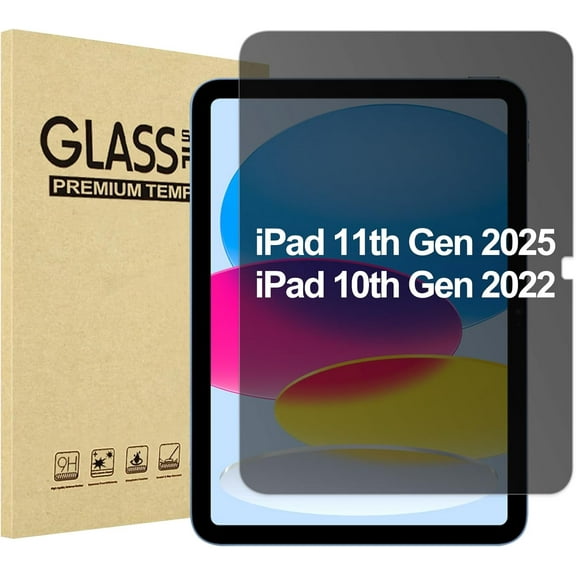
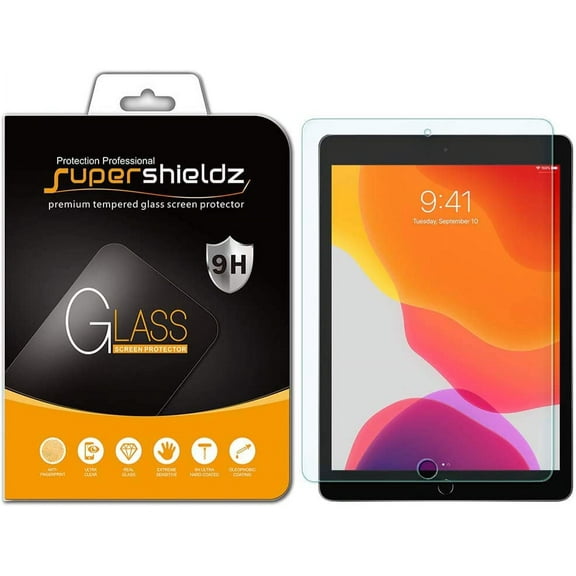
![ESR (2-Pack) Screen Protector for iPad Pro 11 2022/2021/2020/2018/iPad Air 5 2021/ iPad Air 4 2020, 9H-Hard HD Clear Tempered-Glass Screen Protector [2X Strength]](https://i5.walmartimages.com/seo/ESR-2-Pack-Screen-Protector-iPad-Pro-11-2022-2021-2020-2018-iPad-Air-5-2021-iPad-Air-4-2020-9H-Hard-HD-Clear-Tempered-Glass-Screen-Protector-2X-Stren_23942dc4-8c13-41ca-bf5d-874369c1612c.f5af57d7c2af645e94d0de67ecf6f6de.jpeg?odnHeight=576&odnWidth=576&odnBg=FFFFFF)
![[3-Pack] Supershieldz for Apple iPad 4 / iPad 3 / iPad 2 Generation Screen Protector, Anti-Bubble High Definition (HD) Clear Shield](https://i5.walmartimages.com/seo/3-Pack-Supershieldz-for-Apple-iPad-4-iPad-3-iPad-2-Generation-Screen-Protector-Anti-Bubble-High-Definition-HD-Clear-Shield_e95da539-1d76-47ff-b49e-36245d0614aa.e778f1c04815eed1a71e914146496916.jpeg?odnHeight=576&odnWidth=576&odnBg=FFFFFF)
![[3-Pack] Supershieldz for Apple iPad Mini 5 (2019) / iPad Mini 4 Screen Protector, Anti-Bubble High Definition (HD) Clear Shield](https://i5.walmartimages.com/seo/3-Pack-Supershieldz-for-Apple-iPad-Mini-5-2019-iPad-Mini-4-Screen-Protector-Anti-Bubble-High-Definition-HD-Clear-Shield_2d5645f7-b896-4fe0-b99a-3817cddbb3ec.396bb1c3a86fc0f442c4a40d530c6f75.jpeg?odnHeight=576&odnWidth=576&odnBg=FFFFFF)
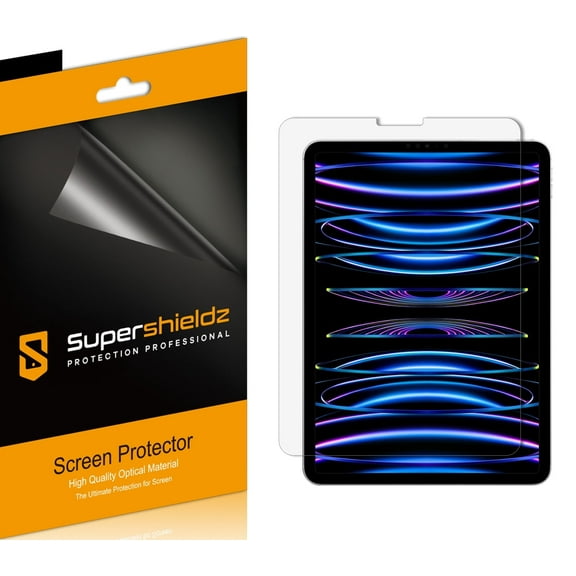
![[2-Pack] Supershieldz for Apple iPad Mini 5 (2019) / iPad Mini 4 Tempered Glass Screen Protector, Anti-Scratch, Anti-Fingerprint, Bubble Free](https://i5.walmartimages.com/seo/2-Pack-Supershieldz-for-Apple-iPad-Mini-5-2019-iPad-Mini-4-Tempered-Glass-Screen-Protector-Anti-Scratch-Anti-Fingerprint-Bubble-Free_a9fe3a44-4fa0-44a6-9c15-0119b79c995d.5176074eb907bb9f93d0a4f010f1b173.jpeg?odnHeight=576&odnWidth=576&odnBg=FFFFFF)
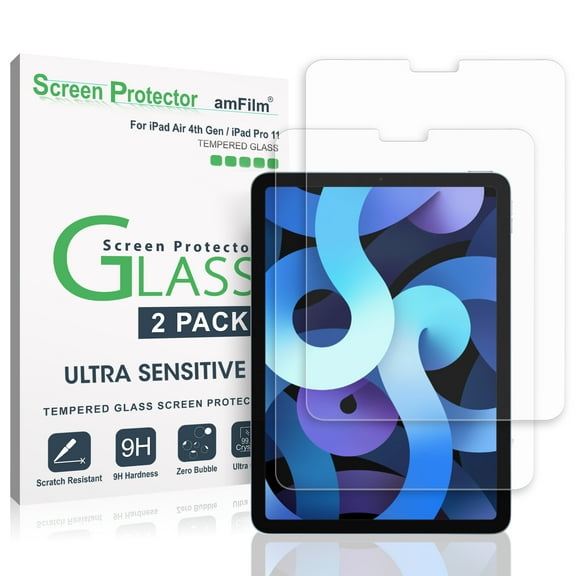

![[3-Pack] Supershieldz for Apple iPad Air 10.5 inch (2019) / iPad Pro 10.5 inch Screen Protector, Anti-Bubble High Definition (HD) Clear Shield](https://i5.walmartimages.com/seo/3-Pack-Supershieldz-for-Apple-iPad-Air-10-5-inch-2019-iPad-Pro-10-5-inch-Screen-Protector-Anti-Bubble-High-Definition-HD-Clear-Shield_e98b9155-7bb8-46ba-9b02-0d93ddd35702.58dcfa5e7b6b1f9ac93c12f9d0c1a9c6.jpeg?odnHeight=576&odnWidth=576&odnBg=FFFFFF)
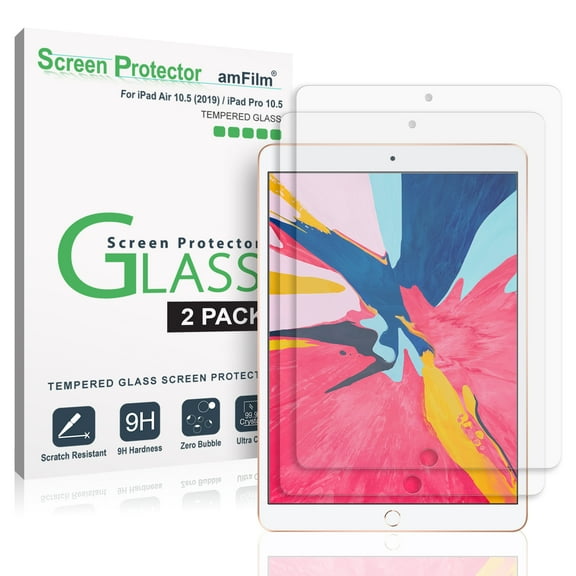
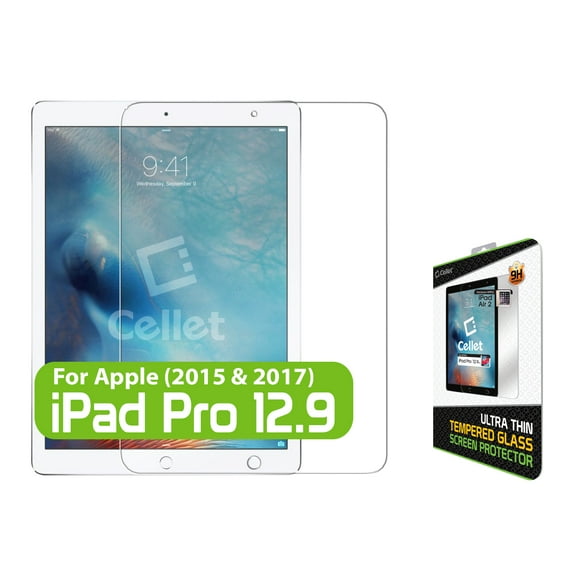
About iPad Screen Protectors in iPad Accessories - Walmart.com
iPad screen protectors help you keep your display clear, smooth, and ready for daily use. You can compare material, fit, and special functions to match how you tap, draw, stream, and travel.
How to choose iPad screen protectors by material
You should start with material type because it changes how your screen feels every day. You can choose tempered glass, PET film, or a matte paper-feel surface.
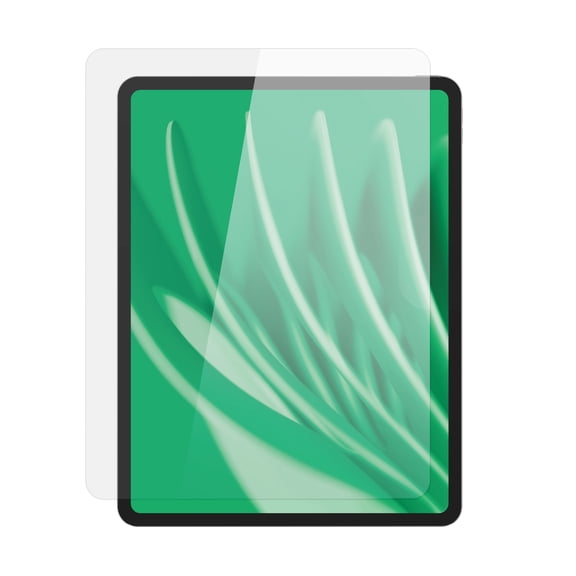
If you want a smooth touch and a rigid layer, an ipad tempered glass screen protector is worth comparing first. You’ll usually notice a glossy look, crisp display clarity, and a surface that feels close to bare glass.
If you prefer a thinner layer, PET film can give you light coverage with a flexible feel. You may like it when you want simple protection that keeps your tablet slim.
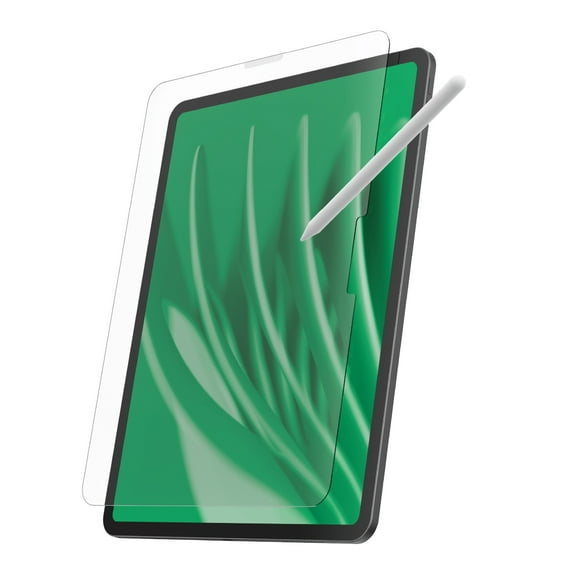
If you draw or write often, a paperfeel screen protector ipad option can change how your stylus moves. You’ll get more drag on the surface, which can feel more controlled for sketching and note-taking.
A matte screen protector ipad style can also help you cut reflections from bright rooms and overhead lighting. You may prefer that finish when you read, study, or work near windows.
- You can choose tempered glass for a smooth, glass-like feel and strong everyday coverage.
- You can choose PET film for a thin layer that keeps your tablet profile light.
- You can choose matte paper-feel surfaces when your writing and drawing need extra texture.
- You can compare anti-glare finishes if your screen faces lamps, classrooms, or sunlit spaces.
Choosing the right fit for your iPad model
You need an exact fit because each iPad model has different screen dimensions, camera placement, and sensor cutouts. You should always match the protector to your device family and generation.
If you’re comparing larger tablets, an ipad pro screen protector should match the precise Pro size you use. You’ll want to check whether your device is 11 inches or 12.9 inches before you choose.
If you carry a lighter tablet, an ipad air screen protector should line up with your Air generation. You can avoid edge gaps and button interference when you confirm the correct model details.
You may also shop for iPad Mini or iPad 10.2 options when you want a protector for compact reading or family use. You should compare size labels carefully because a close match still isn’t an exact match.
You can also consider pack size while you choose compatibility. A one-pack suits a single install, while two-pack and three-pack options give you extras for future replacements.
What features to look for before installation
You should compare installation details because an easier setup can make your final result look cleaner. You may want alignment trays, guide stickers, or cleaning kits that help you place the protector evenly.
If you want a simple setup, look for bubble-free adhesive descriptions and clear step guidance. You’ll usually get a smoother finish when you clean the screen fully and line up the edges first.
You should also check how the protector works with your case. You may want a design with case-friendly spacing so your cover fits without lifting the corners.
Cutout design matters too because you want your front camera area and sensors to stay uncovered where needed. You’ll also want to confirm whether the protector supports your usual touch gestures and stylus use.
Some shoppers compare edge shape before they buy. You may prefer rounded edges because they can feel smoother when you swipe from the side.
Comparing privacy and anti-glare options
You can narrow your choice faster when you think about where you use your iPad most. You may want special functions that match flights, classrooms, offices, or shared spaces.
An ipad privacy screen protector can help limit side-angle viewing in public settings. You might choose that style when you work on messages, documents, or travel plans around other people.
If you use your tablet under bright lights, anti-glare finishes can make the screen easier to view. You’ll often notice less reflection on matte surfaces during reading or streaming.
Some shoppers also compare blue light blocking styles as part of their feature checklist. You should review the product details closely so the screen look and brightness match your preferences.
You can combine these features with the right material for a more tailored setup. A matte privacy option feels different from glossy glass, so you should compare both feel and function.
Matching screen protectors to how you use your iPad
You may want one style for drawing, another for work, and another for family sharing. You’ll get a more useful match when you connect your choice to your daily routine.
If you sketch, annotate PDFs, or handwrite class notes, matte paper-feel options can support a more textured stylus experience. You may prefer that surface when smooth glass feels too slippery.
If you stream shows, browse photos, or play games, clear tempered glass can preserve a glossy display look. You’ll likely appreciate that finish when you want sharp visuals and quick swipes.
If you commute or work in public, privacy filters can fit your routine. You can keep your screen less visible from the side while you stay productive on the go.
If your household shares devices, multipacks can make replacements easier over time. You can keep an extra protector ready for another install without restarting your search later.
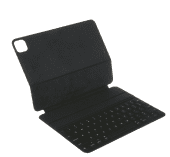
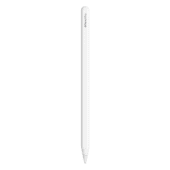
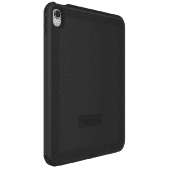
You can also pair your choice with accessories that support the way you use your tablet. Your setup may work even better with a compatible case, keyboard, or stylus.
With the right iPad screen protectors, you can match your tablet to your habits instead of settling for a one-style solution. You’ll get a cleaner fit, a more useful surface, and protection that suits your screen time.