

Ibm Storage(79)
2GB IBM Dual Rank PC3-10600 1333MHz CL9 ECC DDR3-1333 VLP LP 240pin BladeCenter $19.99

2GB IBM Dual Rank PC3-10600 1333MHz CL9 ECC DDR3-1333 VLP LP 240pin BladeCenter
IBM 71P7440 eServer 73.4GB 10K SCSI Hard Drive FRU: 24P3706 $24.99

IBM 71P7440 eServer 73.4GB 10K SCSI Hard Drive FRU: 24P3706
IBM 36.40 GB Hard Drive, 2.5" Internal, SAS (3Gb/s SAS) $85.00

IBM 36.40 GB Hard Drive, 2.5" Internal, SAS (3Gb/s SAS)
IBM LTO Ultrium-5 1.5TB/3.0TB 50 PACK $699.99

IBM LTO Ultrium-5 1.5TB/3.0TB 50 PACK
00AJ122 00AJ121 IBM 500GB 7.2K 6G 2.5" SAS Hard Drive $139.00

00AJ122 00AJ121 IBM 500GB 7.2K 6G 2.5" SAS Hard Drive
IBM 2727265 Advanced Worm Jz- 3592 Worm x 1 - 10 TB $428.30

IBM 2727265 Advanced Worm Jz- 3592 Worm x 1 - 10 TB
IBM ThinkPad 360 750 755 540MB 2.5 IDE Hard Drive 84G4319 (84G2150) $349.00

IBM ThinkPad 360 750 755 540MB 2.5 IDE Hard Drive 84G4319 (84G2150)
IBM ThinkPad 760 720 MB HDD II EIDE 12.5mm Hard Drive Kit 29H9383 $325.00

IBM ThinkPad 760 720 MB HDD II EIDE 12.5mm Hard Drive Kit 29H9383
IBM 42D0628 300Gb 10000Rpm 6Gbps Sas Sff Nonhs 2.5Inch Hard Disk Drive $108.00

IBM 42D0628 300Gb 10000Rpm 6Gbps Sas Sff Nonhs 2.5Inch Hard Disk Drive
Pre-Owned IBM 01AC579 Gen2 Expansion Canister (Good) $69.99
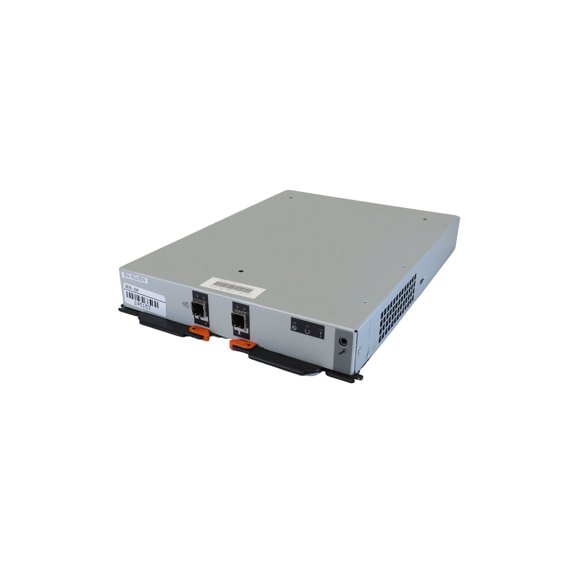
Pre-Owned IBM 01AC579 Gen2 Expansion Canister (Good)
IBM Seagate 300GB 15K SAS 12Gbps 2.5-in Hard Drive ST300MP0116 00VN467 $135.00

IBM Seagate 300GB 15K SAS 12Gbps 2.5-in Hard Drive ST300MP0116 00VN467
IBM 24P3732 Seagate ST336753LC 36GB U320 SSA 15K SCSI Hard Drive $10.00

IBM 24P3732 Seagate ST336753LC 36GB U320 SSA 15K SCSI Hard Drive
Other options to consider(65)
FAQ
How do I pick the right storage drive?
Choosing the best storage drive depends on your device and what you need it for. Here are a few things to think about:
- Capacity: Larger drives are great for lots of files, while smaller ones may be enough for everyday use.
- Speed: Drives with higher RPM or solid-state drives can offer faster performance.
- Compatibility: Make sure the drive's interface (like SAS, SCSI, or IDE) matches your device.
- Form Factor: Check the physical size to ensure it fits your system.
Review your device's specifications before purchasing to help find a compatible option.
What does ECC mean for memory modules?
ECC stands for Error-Correcting Code. It's a technology used in some memory modules to help detect and correct common types of data corruption. Here's why that matters:
- Data Protection: ECC can help prevent data errors in critical applications.
- Reliability: It's often found in servers or workstations where stability is important.
- Compatibility: Not all systems support ECC memory, so check your device's specs before upgrading.
If you need reliable performance for your computer or server, ECC memory may be a good choice.
Can I use a tape cartridge for backups?
Yes, tape cartridges can be a practical choice for backing up large amounts of data. Here's why they're still used today:
- High Capacity: Tape cartridges can store a lot of information, making them suitable for archiving.
- Longevity: They're designed for long-term storage when kept properly.
- Compatibility: Make sure your backup system supports the cartridge type you're considering.
Tape backups can be part of a secure data storage strategy for businesses or advanced users.
How do I safely install a new hard drive?
Installing a hard drive can be straightforward if you follow a few safety steps:
- Power off your device and unplug it before opening the case.
- Ground yourself to avoid static discharge—touch a metal object or use an anti-static wristband.
- Carefully connect the drive to the right port, matching the interface (like SAS or IDE).
- Secure the drive using the mounting screws.
- Close the case and power on the device to check if it recognizes the new drive.
Refer to your device's manual for specific instructions to help ensure a smooth installation.
What's the difference between SCSI and SAS drives?
SCSI (Small Computer System Interface) and SAS (Serial Attached SCSI) are both types of connections for storage devices, but they have some differences:
- Speed: SAS generally offers faster data transfer rates compared to traditional SCSI.
- Connection: SAS uses a serial connection, while older SCSI uses parallel.
- Compatibility: SAS drives can often work with SCSI systems, but not always the other way around.
Knowing the difference can help you pick the right drive for your device or upgrade plans.
Popular in IBM Storage Solutions External Hard Drives HDD
Related Products
Plugable USB 3.1 Gen 2 Tool-free NVMe Enclosure
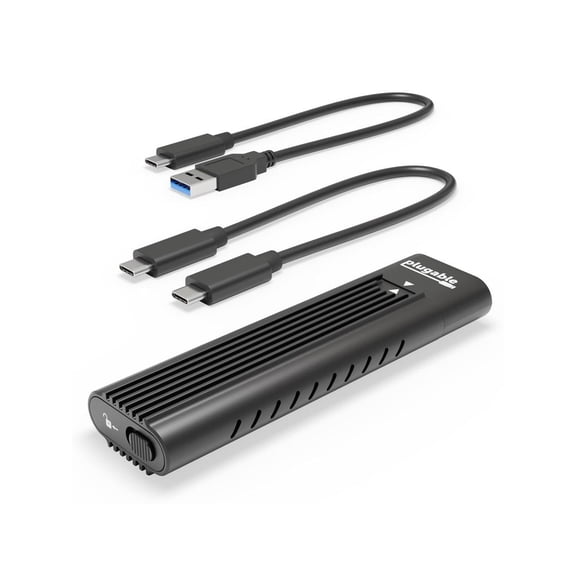 Plugable USB 3.1 Gen 2 Tool-free NVMe Enclosure$24.95current price $24.95
Seagate IronWolf Pro SATA III 3.5" Internal NAS Hard Drive, 7200 RPM, 24TB, 4-Pack
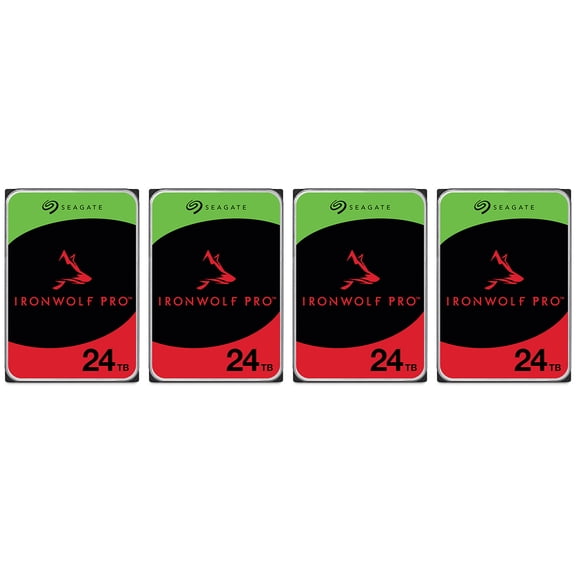 Seagate IronWolf Pro SATA III 3.5" Internal NAS Hard Drive, 7200 RPM, 24TB, 4-Pack$4796.00current price $4796.00
Seagate IronWolf Pro ST24000NT002 24TB 7200 RPM 512MB Cache SATA 6.0Gb/s 3.5" Internal Hard Drive
 Seagate IronWolf Pro ST24000NT002 24TB 7200 RPM 512MB Cache SATA 6.0Gb/s 3.5" Internal Hard Drive$1059.99current price $1059.99
fanxiang 256GB Internal SSD SATA III 2.5”Internal Solid State Drive 3D NAND Flash Advanced SSD Internal Hard Drive up to 560MB/s SATA 3 SSD for PC Laptop
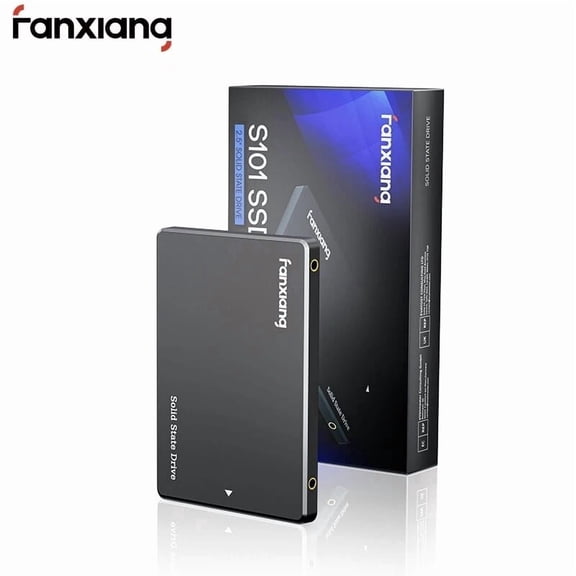 fanxiang 256GB Internal SSD SATA III 2.5”Internal Solid State Drive 3D NAND Flash Advanced SSD Internal Hard Drive up to 560MB/s SATA 3 SSD for PC Laptop$45.99current price $45.99
WD Blue SA510 WDS500G3B0A 500 GB Solid State Drive - 2.5" Internal - SATA
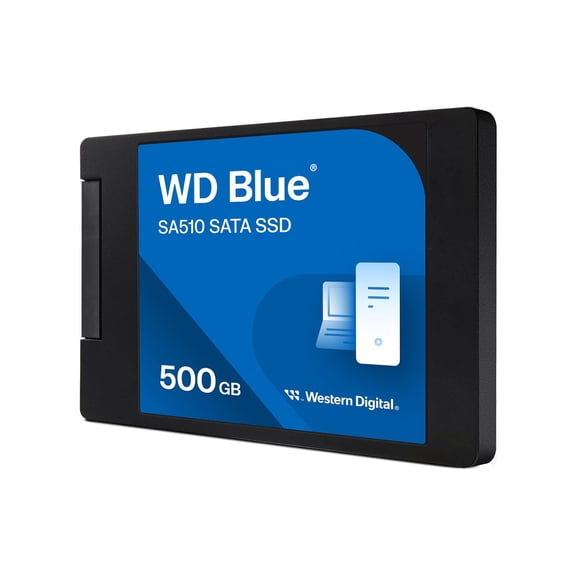 WD Blue SA510 WDS500G3B0A 500 GB Solid State Drive - 2.5" Internal - SATA$190.00current price $190.00
ACASIS External NVMe M.2 SSD Enclosure 40Gbps with Cooling Fan Supports 8TB
 ACASIS External NVMe M.2 SSD Enclosure 40Gbps with Cooling Fan Supports 8TB$69.99current price $69.99
Synology Plus HAT3310-16T 16TB 3.5" SATA 7200rpm Internal Hard Disk Drive
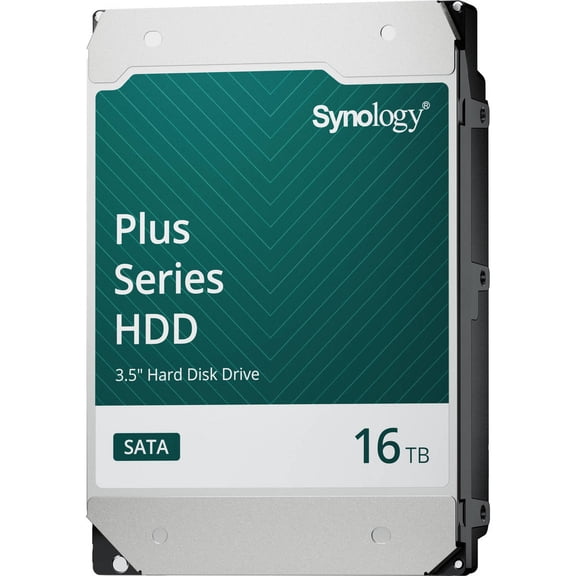 Synology Plus HAT3310-16T 16TB 3.5" SATA 7200rpm Internal Hard Disk Drive$713.73current price $713.73
KingSpec 512GB M.2 NVMe PCIe 4.0 Gen4- 4800MB/s, 3D NAND Flash Internal Solid State Drive for PS5 Desktop Laptop
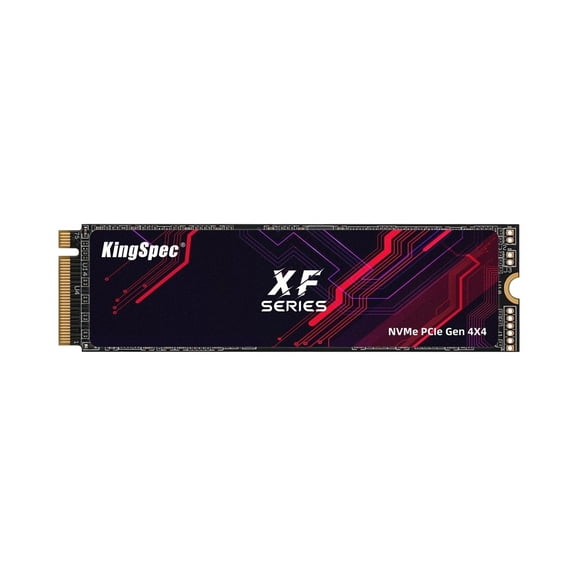 KingSpec 512GB M.2 NVMe PCIe 4.0 Gen4- 4800MB/s, 3D NAND Flash Internal Solid State Drive for PS5 Desktop Laptop$87.29current price $87.29
PNY CS2241 M.2 2280 500GB PCI-Express 4.0 x4 3D NAND Internal Solid State Drive (SSD) M280CS2241-500-RB
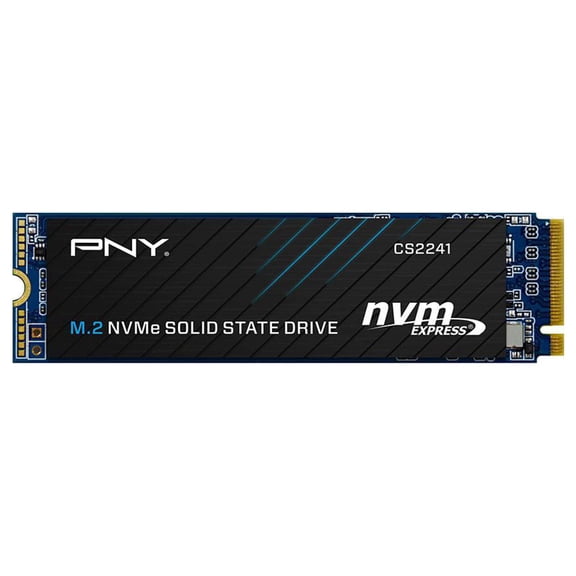 PNY CS2241 M.2 2280 500GB PCI-Express 4.0 x4 3D NAND Internal Solid State Drive (SSD) M280CS2241-500-RB$109.99current price $109.99
Pre-Owned Western Digital WD Blue WD5000AZLX 500 GB 3.5" SATA III Hard Drive (Good)
 Pre-Owned Western Digital WD Blue WD5000AZLX 500 GB 3.5" SATA III Hard Drive (Good)$18.69current price $18.69
ORICO M.2 Enclosure 4TB 10Gbps M Key NVMe Enclosure Aluminum Portable External Hard Drive Enclosure with USB C to C Cable
ORICO M.2 Enclosure 4TB 10Gbps M Key NVMe Enclosure Aluminum Portable External Hard Drive Enclosure with USB C to C Cable
