

Hover 1 Charger(9)
Open Box Hover-1 UL 2272 Certified wireless App Enabled 10MPH Hoverboard Electric Scooter , Black $129.00 Was $161.00
Open Box Hover-1 UL 2272 Certified wireless App Enabled 10MPH Hoverboard Electric Scooter , Black
Open Box Hover-1 HY-F1-BGY-BLK Falcon-1 Buggy Attachment for Hoverboards $18.00
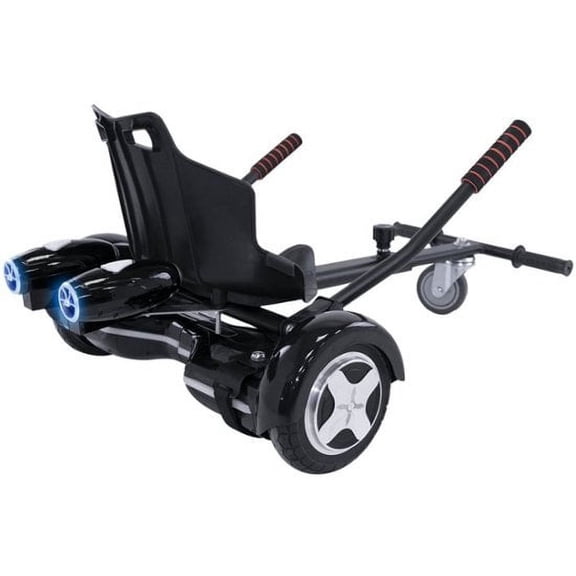
Open Box Hover-1 HY-F1-BGY-BLK Falcon-1 Buggy Attachment for Hoverboards
Open Box Hover-1 DSA-REBL-RBTD Rebel Kids Hoverboard with LED Headlight, 6 m Max Speed - Rainbow Tie Die $65.00
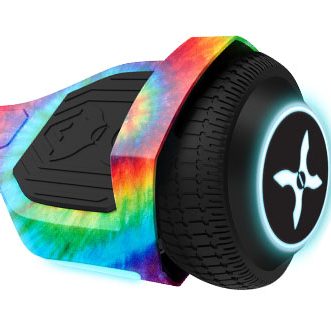
Open Box Hover-1 DSA-REBL-RBTD Rebel Kids Hoverboard with LED Headlight, 6 m Max Speed - Rainbow Tie Die
Open Box Hover-1 Epsilon Hoverboard for Teens, Blue $134.00
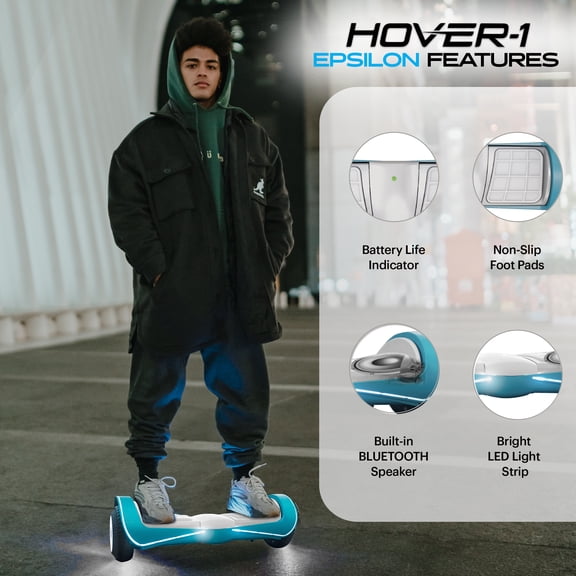
Open Box Hover-1 Epsilon Hoverboard for Teens, Blue
PROKWR 3-Prong 29.4V AC/DC Adapter Compatible with Hover-1 i-100 H1-100 25.2V 4.0 Ah Lithium-ion Electric Self Balancing i100 H1100 XHover-1 29.4VDC Power Supply Charger $17.98

PROKWR 3-Prong 29.4V AC/DC Adapter Compatible with Hover-1 i-100 H1-100 25.2V 4.0 Ah Lithium-ion Electric Self Balancing i100 H1100 XHover-1 29.4VDC Power Supply Charger
3-Prong 29.4V AC/DC Adapter Compatible with Hover-1 i-100 H1-100 25.2V Self Balancing i100 H1100 XHover-1 $42.59

3-Prong 29.4V AC/DC Adapter Compatible with Hover-1 i-100 H1-100 25.2V Self Balancing i100 H1100 XHover-1
Open Box Hover-1 H1 Hoverboard, Red, 264 lbs Max Weight, LED Lights $191.00
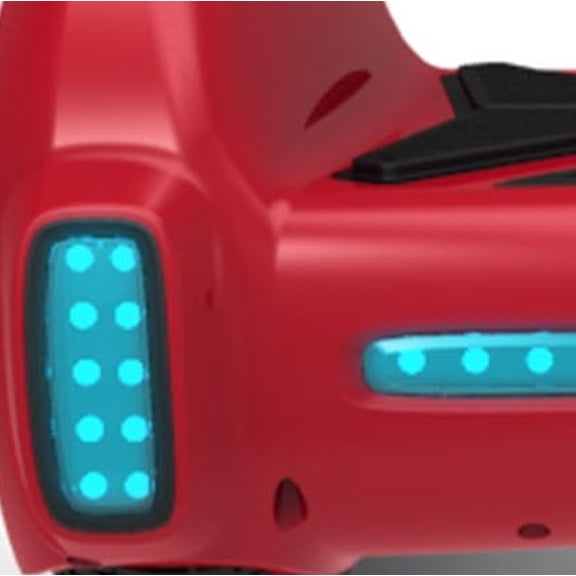
Open Box Hover-1 H1 Hoverboard, Red, 264 lbs Max Weight, LED Lights
Open Box Hover-1 Helix Electric Hoverboard with Lights & Bluetooth Speaker; Children 8+ 160 lbs - Black $62.00

Open Box Hover-1 Helix Electric Hoverboard with Lights & Bluetooth Speaker; Children 8+ 160 lbs - Black
Open Box Hover-1 Kids Hoverboard w/ LED Headlights, Pink - 5 MPH Speed & 80 lbs Max Weight $82.00

Open Box Hover-1 Kids Hoverboard w/ LED Headlights, Pink - 5 MPH Speed & 80 lbs Max Weight
Explore related products(1000+)
FAQ
What charger does a Hover-1 need?
Charger requirements vary by board, so it’s best to match what your specific model calls for. Here’s how to identify the right type:
- Check your board’s label or manual: Note the model name and battery voltage.
- Match output voltage: Some listings show 29.4V adapters that are compatible with boards using 25.2V battery packs. Other boards use 36V battery systems—select a charger designed for those.
- Confirm the plug style: Many use a round 3‑prong connector; compare the port on your board to product photos.
- Look for safety certifications: Options labeled as safety‑certified can add peace of mind.
On Walmart.com, use model compatibility details in the listings to narrow your pick. Avoid forcing a plug or mixing voltages.
Lost my charger—how can I recharge safely?
It’s not advisable to improvise with a different power adapter. Using a mismatched charger can damage the battery or create a safety risk. Instead, find a compatible replacement:
- Identify your board: Check the rating label for model and battery details.
- Match voltage and plug: Compare listing specs and photos. You’ll see options like 29.4V chargers for 25.2V battery packs and chargers designed for 36V systems.
- Choose a safety‑certified option: Look for certifications in the listing.
- Verify compatibility notes: Many listings list compatible models.
When your replacement arrives, charge on a hard, dry surface, stay nearby, and unplug when the indicator shows it’s done. If unsure, consult your manual or the maker’s support resources.
How do I charge my hoverboard the right way?
A few simple steps can help you charge more safely and effectively:
- Power down and cool: Let the board cool after riding before charging.
- Inspect the port: Make sure it’s clean and dry.
- Connect in order: Plug the charger into the wall first, then into the board.
- Watch indicators: Use the charger’s or board’s indicator lights per your manual to track charging status.
- Choose the right spot: Charge on a hard, non‑flammable surface away from bedding or clutter.
- Don’t overdo it: Unplug when the indicator shows full or after the time recommended in your manual.
Storing the charger unplugged and avoiding overnight charging can help reduce wear and potential risks.
How do hoverboard chargers differ between models?
They aren’t universal. Several factors vary by board, so compatibility matters:
- Voltage: Listings include 29.4V adapters that pair with boards using 25.2V battery packs, and chargers intended for models with 36V battery systems.
- Connector style: Some use a round 3‑prong plug; others may differ. Match the port on your board to listing photos.
- Output current (amps): Options can vary (for example, 1A), which can influence charge time. Follow your board’s specifications.
- Safety certifications: Certified chargers add an extra layer of assurance.
Always compare your board’s label and manual to the charger’s listed specs and compatibility notes on Walmart.com to reduce the chance of a mismatch.
What should I check before buying a hoverboard charger?
A quick checklist can make picking a replacement easier:
- Model and battery info: Grab the model name and battery voltage from your board’s label or manual.
- Voltage match: Look for listings that align with your system—e.g., 29.4V chargers listed as compatible with 25.2V battery packs, or options designed for 36V battery models.
- Plug type: Match the charger’s connector (like a round 3‑prong) to your charge port.
- Certifications: Consider safety‑certified options.
- Compatibility notes: Many listings include model codes.
- Convenience: Check delivery or pickup options and review seller details on Walmart.com.
When in doubt, compare with your original charger’s label or consult your manual for exact specs.
Popular in Hover 1 Chargers for Electric Toys
Related Products
INMOTION V9 Self Balancing Electric Unicycle with Suspension, Bluetooth, 28 mph Speed, 37 Mile Range for Adults
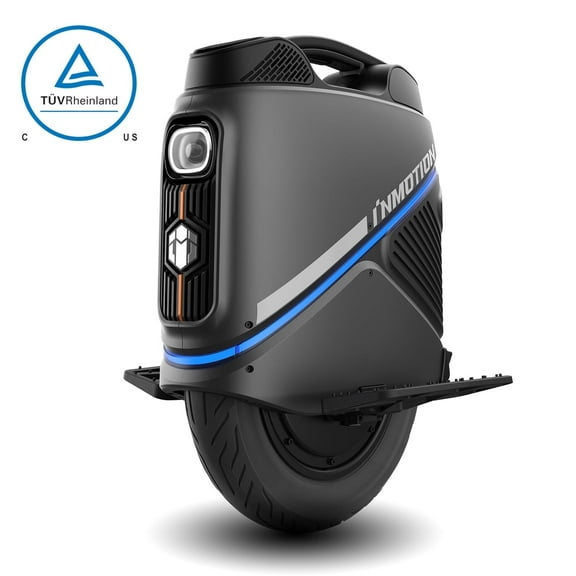 INMOTION V9 Self Balancing Electric Unicycle with Suspension, Bluetooth, 28 mph Speed, 37 Mile Range for Adults$799.00current price $799.00
INMOTION V8S 16-Inch Self-Balancing Electric Unicycle, 22 MPH Speed, 30° Climbing, 47-Mile Range, Matte Scrub Surface
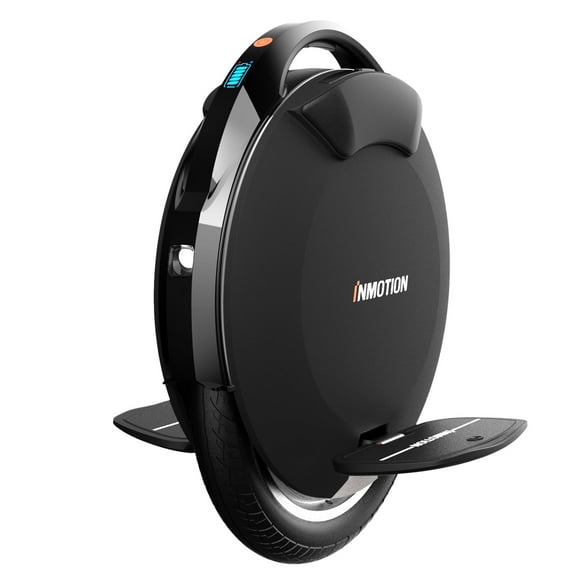 INMOTION V8S 16-Inch Self-Balancing Electric Unicycle, 22 MPH Speed, 30° Climbing, 47-Mile Range, Matte Scrub Surface$549.00current price $549.00
UNI-SUN Flash Wheel Hoverboard, Built-in Bluetooth and LED Lights
 UNI-SUN Flash Wheel Hoverboard, Built-in Bluetooth and LED Lights$109.99current price $109.99
SISIGAD Hoverboard, 8.5" Tire, 500W Powerful Motor Hover Board with LED Lights, 8.5" All Terrain Self Balancing Electric Scooter for Teen
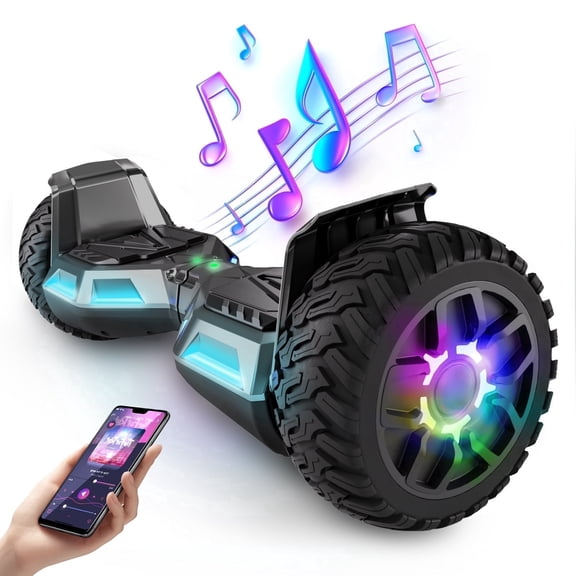 SISIGAD Hoverboard, 8.5" Tire, 500W Powerful Motor Hover Board with LED Lights, 8.5" All Terrain Self Balancing Electric Scooter for Teen$187.99current price $187.99