

House Tv(2)
In 5K+ people's carts, Hisense 40-Inch Class H4 Series FHD Roku Smart TV (40H4030F1) - 1080P Full HD LCD Screen, LED TV, DTS TruSurround Sound, Motion Rate 120, Gaming Mode $138.00
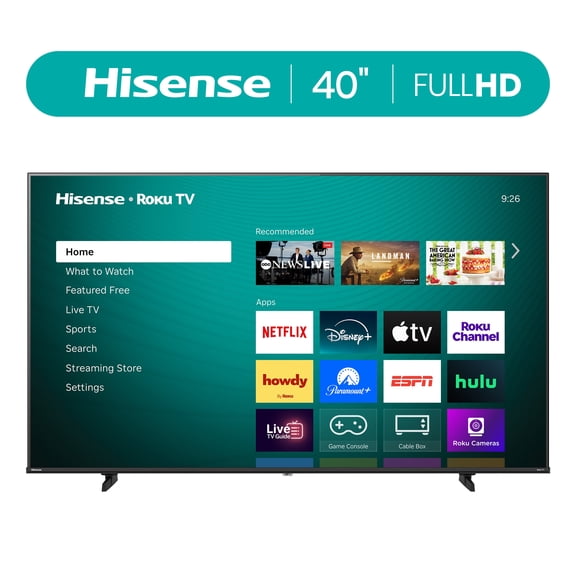
Hisense 40-Inch Class H4 Series FHD Roku Smart TV (40H4030F1) - 1080P Full HD LCD Screen, LED TV, DTS TruSurround Sound, Motion Rate 120, Gaming Mode
Hisense 58" Class 4K LED Ultra HD Smart TV, 58R6E1 $238.00

Hisense 58" Class 4K LED Ultra HD Smart TV, 58R6E1
Other options to consider(3)
Best seller, Incipio Universal TV Remote Control with Bright Colors – Easy-to-Find, User-Friendly Design, Compatible with Most TV Brands & Streaming Devices
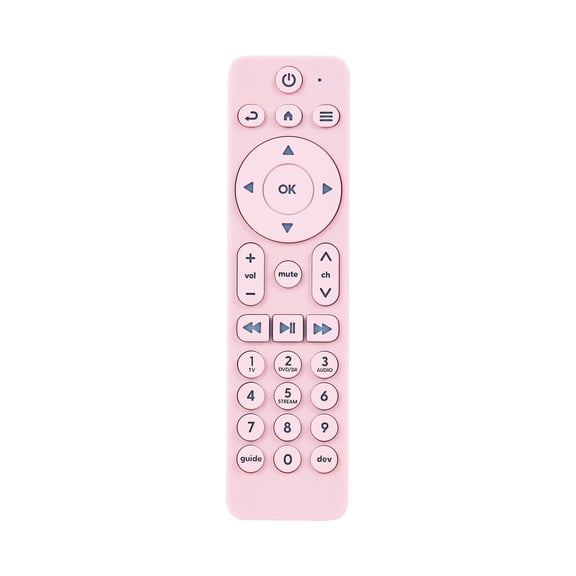


Incipio Universal TV Remote Control with Bright Colors – Easy-to-Find, User-Friendly Design, Compatible with Most TV Brands & Streaming Devices
In 100+ people's carts, RCA XL Ultra-Thin Amplified Indoor TV Antenna for Free Local Channels Up to 55 Miles $28.17
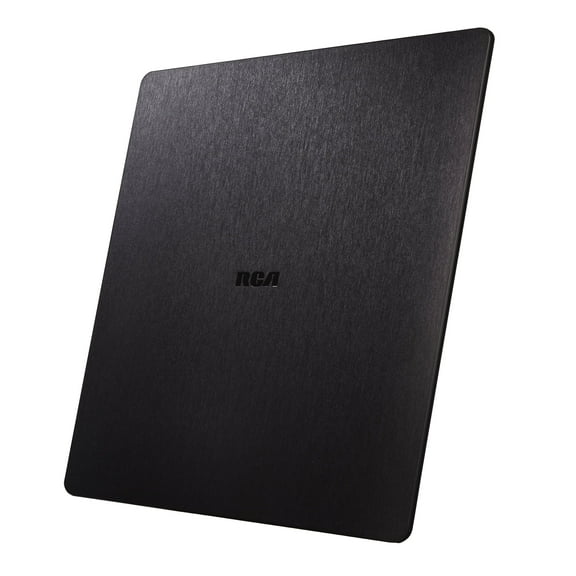
RCA XL Ultra-Thin Amplified Indoor TV Antenna for Free Local Channels Up to 55 Miles
RCA Indoor TV Antenna with 40 Miles Reception Range, White $22.12

RCA Indoor TV Antenna with 40 Miles Reception Range, White
FAQ
How do I pick the right TV size for my room?
Choosing the right TV size depends on your space and viewing distance. A larger room usually works well with a bigger screen, while smaller rooms may be better suited to a moderate size.
- Measure the distance from your seating area to where you plan to place the TV.
- For most living rooms, a screen between 40 and 70 inches can work, but it's all about your comfort.
- Consider wall space and whether you'll mount the TV or use a stand.
Checking a TV in person can help you visualize the fit before buying.
What smart features should I look for in a TV?
Smart TVs offer a variety of helpful features that make streaming and connecting devices easier.
- Look for built-in streaming apps like Netflix, Hulu, or Disney+.
- Check if the TV supports voice controls or works with digital assistants.
- Consider the TV's app store and what services are available.
- Think about connectivity, like the number of HDMI ports or Wi-Fi capabilities.
Exploring these features can help you find a TV that fits your entertainment style.
How can I get the best picture quality on my TV?
Getting great picture quality is often about finding the right settings and making sure your connections are solid.
- Use high-quality HDMI cables for your devices.
- Adjust the TV's picture mode—many have presets like Movie or Game mode for different experiences.
- Make sure the TV's software is up to date, as updates can improve performance.
- Reduce glare by positioning the screen away from direct sunlight.
Experimenting with these options can help you enjoy a clearer, more vibrant picture.
What's the easiest way to connect my TV to Wi-Fi?
Most smart TVs guide you through connecting to Wi-Fi right from the setup screen.
- Turn on the TV and go to the network or settings menu.
- Select your home Wi-Fi network from the list.
- Enter your Wi-Fi password using the TV remote.
- Wait for the confirmation message—you're good to go!
If you run into trouble, double-check your network name and password or try restarting your router and TV.
How do I keep my TV screen clean without damaging it?
Keeping your TV screen clean is simple, but it's important to use gentle methods.
- Turn off and unplug the TV before cleaning.
- Use a soft, dry microfiber cloth to wipe the screen—avoid paper towels or rough fabrics.
- If needed, lightly dampen the cloth with water or a screen-safe cleaner, but never spray liquid directly onto the screen.
- Avoid harsh chemicals or abrasive pads to prevent scratches.
Regular gentle cleaning can help your TV look its best for years to come.
Popular in House TV Smart Televisions and 65 Inch TVs
Related Products
Tribesigns Farmhouse TV Stand for 55/60/65 Inch TVs, Entertainment Center with Storage Cabinets, Rustic Brown
 Tribesigns Farmhouse TV Stand for 55/60/65 Inch TVs, Entertainment Center with Storage Cabinets, Rustic Brown$199.99current price $199.99
ARKANTOS Farmhouse TV Stand for 65" TVs, Rattan Entertainment Center with Storage Cabinets, Wooden Media Console Table for Living Room, Natural Oak
 ARKANTOS Farmhouse TV Stand for 65" TVs, Rattan Entertainment Center with Storage Cabinets, Wooden Media Console Table for Living Room, Natural Oak$99.96current price $99.96
SICOTAS Boho TV Stand for TVs up to 65", Rattan 29.5" Tall Entertainment Center with Storage Cabinets & Adjustable Shelves , TV Console Table for Living Room, Oak
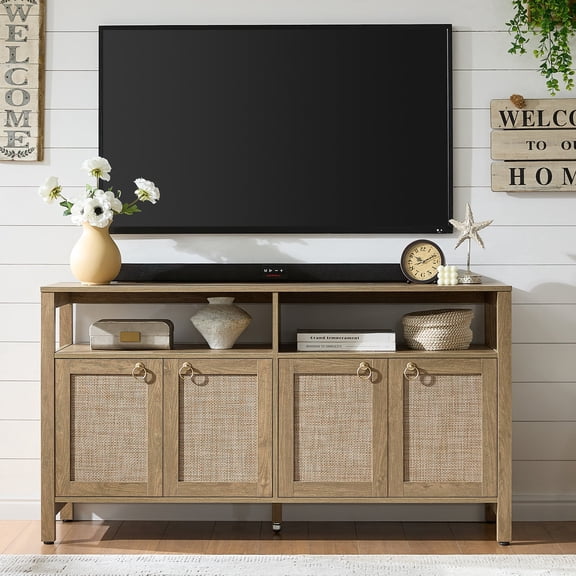 SICOTAS Boho TV Stand for TVs up to 65", Rattan 29.5" Tall Entertainment Center with Storage Cabinets & Adjustable Shelves , TV Console Table for Living Room, Oak$179.98current price $179.98
Furmax 65 inch TV Stand Entertainment Center with Sliding Barn Doors and Storage,White
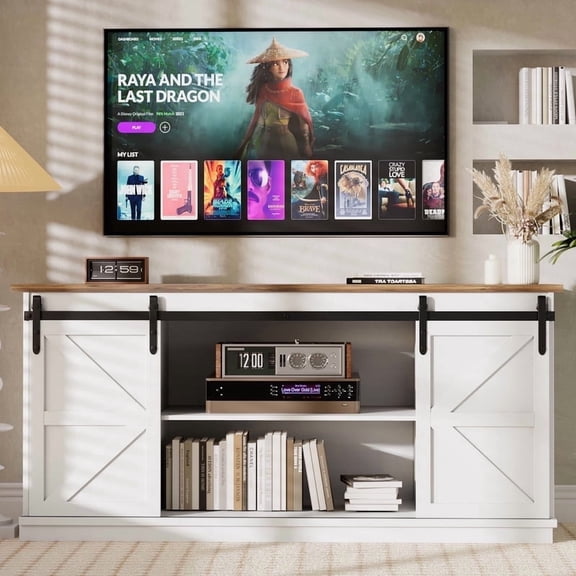 Furmax 65 inch TV Stand Entertainment Center with Sliding Barn Doors and Storage,White$149.99current price $149.99
Tribesigns 63" TV Stand, Farmhouse Entertainment Center
 Tribesigns 63" TV Stand, Farmhouse Entertainment Center$139.99current price $139.99
EDX TV Stand for 65" TV, Modern Entertainment Center for Living Room, TV Console Table with Storage Cabnets and Sliding Barn Doors, White
 EDX TV Stand for 65" TV, Modern Entertainment Center for Living Room, TV Console Table with Storage Cabnets and Sliding Barn Doors, White$99.97current price $99.97
Vineego Rustic Modern TV Stand for 65-Inch TVs - Entertainment Center with Storage Cabinet & Sliding Barn Door Design,White
 Vineego Rustic Modern TV Stand for 65-Inch TVs - Entertainment Center with Storage Cabinet & Sliding Barn Door Design,White$117.00current price $117.00
Costway Modern TV Stand Entertainment Center Media Console with Rattan Glass Sliding Doors Natural
 Costway Modern TV Stand Entertainment Center Media Console with Rattan Glass Sliding Doors Natural$118.99current price $118.99
Leick Home 82360 Solid Wood Mission Oak Four Door TV Stand For 65" TVs Universal TV Console Living Room Storage Shelves Entertainment Center, Mission Oak
 Leick Home 82360 Solid Wood Mission Oak Four Door TV Stand For 65" TVs Universal TV Console Living Room Storage Shelves Entertainment Center, Mission Oak$586.49current price $586.49
Leick Home 60" TV Stand with Slate Tiles for TV's up to 65", Rustic Oak
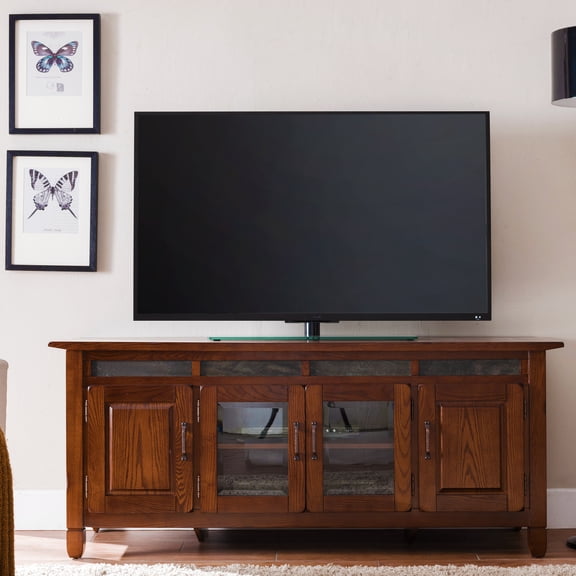 Leick Home 60" TV Stand with Slate Tiles for TV's up to 65", Rustic Oak$597.20current price $597.20
Gymax TV Stand Entertainment Media Center for TV's up to 65'' w/ Rattan Doors Grey Oak
 Gymax TV Stand Entertainment Media Center for TV's up to 65'' w/ Rattan Doors Grey Oak$164.99current price $164.99
Tribesigns 63-Inch TV Stand for 55/60/65-Inch TVs, Farmhouse Entertainment Center with Open Storage Shelves, Rustic Brown Television Console for Living Room, Bedroom
 Tribesigns 63-Inch TV Stand for 55/60/65-Inch TVs, Farmhouse Entertainment Center with Open Storage Shelves, Rustic Brown Television Console for Living Room, Bedroom$159.99current price $159.99
American Woodcrafters Sedona 66" Entertainment Console - Cinnamon Cherry
 American Woodcrafters Sedona 66" Entertainment Console - Cinnamon Cherry$1062.86current price $1062.86