

Suggested
Green Screens(1)
ProMaster Solid Pop-Up Background 6'x7' - Chromakey Green/Blue 2 - Sided, (Model 2153) $174.95
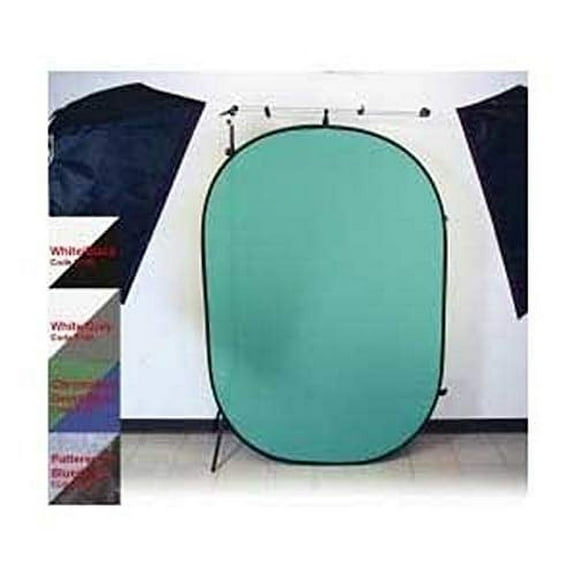
ProMaster Solid Pop-Up Background 6'x7' - Chromakey Green/Blue 2 - Sided, (Model 2153)
Other options to consider(1)
LINCO LED Photography Studio Lighting Backdrop Stand Kit 3 Color Muslin (5x10ft Black/White/Green) Background Support Kit with Carrying Bag-AM174 $164.99
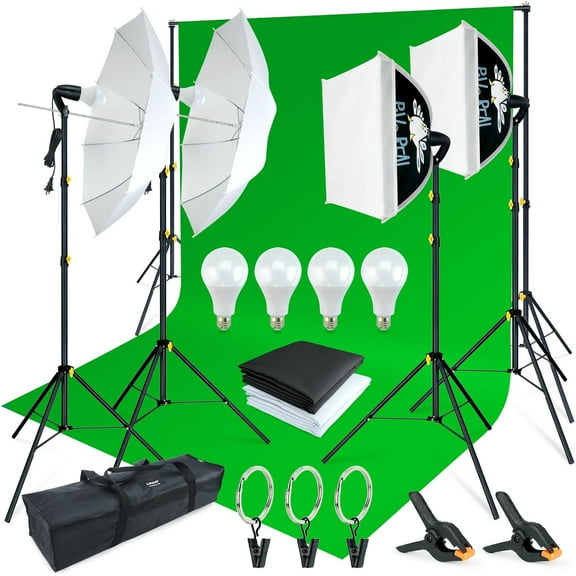
LINCO LED Photography Studio Lighting Backdrop Stand Kit 3 Color Muslin (5x10ft Black/White/Green) Background Support Kit with Carrying Bag-AM174
FAQ
What does a green screen do?
A green screen creates a solid, uniform color background that video or photo software can “key out” (remove) and replace with any image or scene. It’s commonly used for livestreams, product photos, tutorials, and virtual meetings.
- Why green? The bright, uniform color is easier for software to isolate.
- Flexible look: Swap environments without moving locations.
- Consistent branding: Add graphics or backgrounds that match your style.
For best results, use even lighting, keep your subject a few feet from the backdrop to reduce shadows, and smooth out wrinkles. Some backdrops are double-sided (green/blue) to accommodate different wardrobe colors and lighting conditions.
How much does a green screen usually cost?
Pricing can vary based on size, material, and what’s included, so it’s helpful to think in tiers rather than a single number.
- Fabric panels: Typically the most budget-friendly; great for simple setups.
- Pop-up backdrops: Portable and quick to deploy; generally midrange.
- Kits with stands/lights: Offer a full solution and tend to cost more.
- Material & build: Thicker fabric and wrinkle-resistant surfaces can affect price.
Filter by size, portability, and whether you want a standalone backdrop or a full kit. For current pricing and availability, check product listings on Walmart.com and review pickup or delivery options at checkout.
How were green screens used in the 80s?
Chroma key techniques were already common in the 1980s for TV weather segments, broadcast graphics, and film effects. Productions used uniform-color backdrops (often blue or green) so editors could replace that color with new imagery during post-production.
- Broadcast: Presenters stood in front of a keyed backdrop to overlay maps or graphics.
- Film/video: Scenes were composited to blend live action with miniatures, matte paintings, or digital elements.
- Approach: The core idea—shoot on a solid color, then remove it—has remained, while materials and software have improved over time.
Today’s portable backdrops and editing tools build on those same fundamentals.
Why are green screens still useful today?
They’re a practical way to control your background and create polished content without a dedicated studio. Even with virtual background features, a physical green screen can help produce cleaner edges and more consistent results.
- Creative flexibility: Swap locations or graphics in post-production.
- Professional look: Reduce visual distractions in webinars, streams, and product demos.
- Privacy: Hide your real environment when filming at home.
- Portability: Many options fold or pop up for quick setup.
Results can vary based on lighting, camera quality, and material, but many editors and livestream tools support chroma key, making setup approachable for beginners and pros alike.
What size green screen should I get?
Start with how you’ll frame your shot and the space you have. The backdrop should comfortably extend beyond the camera’s field of view, with a little extra room for cropping.
- Shot type: Head-and-shoulders videos need less width/height than full-body scenes.
- Distance: Leave space between you and the backdrop to reduce shadows and color spill.
- Room size: Check ceiling height and floor space for stands or pop-up panels.
- Portability: If you move locations, a collapsible backdrop can be convenient.
Measure your setup and compare it with the unfolded dimensions listed on Walmart.com. You can review delivery or pickup options at checkout.
Popular in Green Screens for Video and Photography
Related Products
BESTYASH Frosted PVC Photography BackgroundBackdrop in Black White Yellow 3pcs Waterproof AntiWrinkle 59 inches Wide
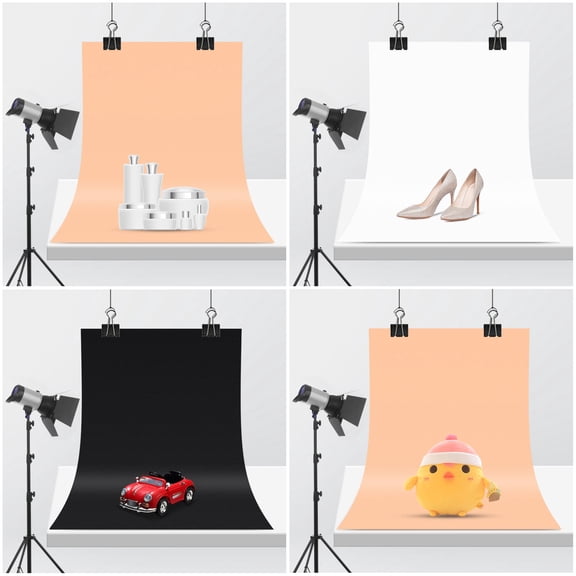 BESTYASH Frosted PVC Photography BackgroundBackdrop in Black White Yellow 3pcs Waterproof AntiWrinkle 59 inches Wide$16.72current price $16.72
KAJNBN 1Pack Grey Photographic Background Cloth for Product Shooting and Live Interviews 78.7x59.1in
 KAJNBN 1Pack Grey Photographic Background Cloth for Product Shooting and Live Interviews 78.7x59.1in$17.03current price $17.03
Vikakiooze Home Decor , Valentine's Day Cloth Personality Photo Party Layout Props Photography Photo
 Vikakiooze Home Decor , Valentine's Day Cloth Personality Photo Party Layout Props Photography Photo$5.57current price $5.57
Uutvmp Black Screen Backdrop, Photography Black Screen Background for Streaming, Photo Studio, Collapsible High Density Screen for Video Photography
 Uutvmp Black Screen Backdrop, Photography Black Screen Background for Streaming, Photo Studio, Collapsible High Density Screen for Video Photography$5.37current price $5.37
Andoer Photography background cloth,7ft Wall Dslr Studio Video Decor Dslr Camera Studio Camera Studio Video 1.5 * 2.1m/5 * 2.1m/5 * AinnWood Floor 2.1m/5 X 7ft X 7ft7ftWood (c)
 Andoer Photography background cloth,7ft Wall Dslr Studio Video Decor Dslr Camera Studio Camera Studio Video 1.5 * 2.1m/5 * 2.1m/5 * AinnWood Floor 2.1m/5 X 7ft X 7ft7ftWood (c)$14.64current price $14.64
GAXIRE 3-Piece Marble Photo Card Backdrop Set for Makeup, Jewelry, Product Photography - , Fade-Resistant Design
 GAXIRE 3-Piece Marble Photo Card Backdrop Set for Makeup, Jewelry, Product Photography - , Fade-Resistant Design$6.51current price $6.51
EMART 58x74 Inch Portable Retractable Green Screen Backdrop Stand – Collapsible Chroma Key Background for Photography, Video, and Live Streaming
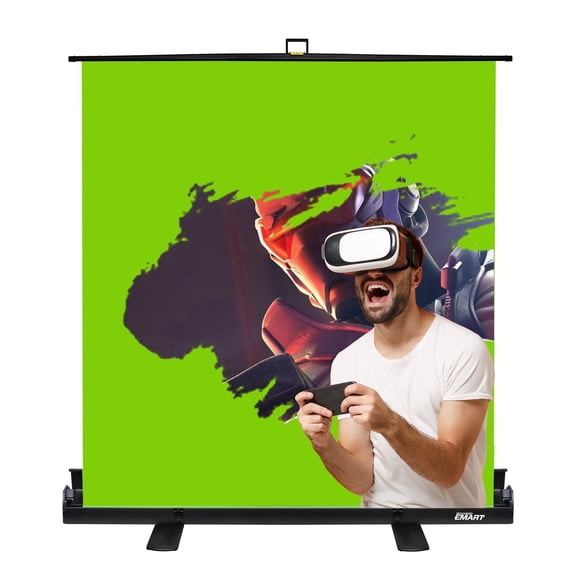 EMART 58x74 Inch Portable Retractable Green Screen Backdrop Stand – Collapsible Chroma Key Background for Photography, Video, and Live Streaming$139.99current price $139.99
WORGEOUS Seamless Video Backdrop Paper 87x58CM Background for Photography and Video Studio
 WORGEOUS Seamless Video Backdrop Paper 87x58CM Background for Photography and Video Studio$13.57current price $13.57
IPEWLEX High-Density Polyester Green Screen for Professional Photography and Video Shooting
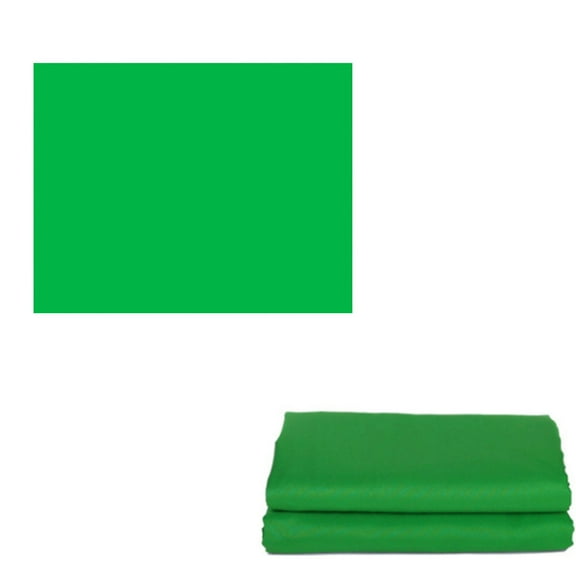 IPEWLEX High-Density Polyester Green Screen for Professional Photography and Video Shooting$9.50current price $9.50
Savage 53"x18' Widetone Seamless Background Paper, Super White, 2-Pack, Bundle with 4x 1-1/4x1" Steel Spring Clamp, Orange
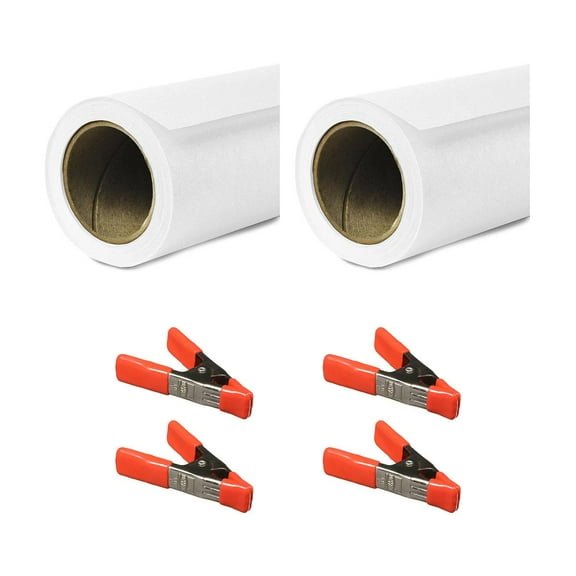 Savage 53"x18' Widetone Seamless Background Paper, Super White, 2-Pack, Bundle with 4x 1-1/4x1" Steel Spring Clamp, Orange$124.37current price $124.37
