


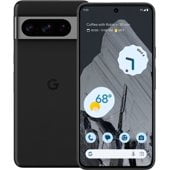
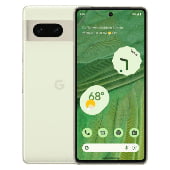
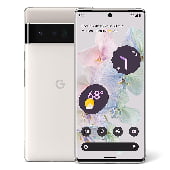

Google Pixel Phone Options at Walmart


![Verizon Google Pixel 6A, 128GB, Black - Prepaid Smartphone [Locked to Verizon Prepaid]](https://i5.walmartimages.com/seo/Verizon-Google-Pixel-6A-128GB-Black-Prepaid-Smartphone-Locked-to-Verizon-Prepaid_2c9b6c9b-6fa7-4f02-a135-0bde743ca1fa.1103314e9999f9b7953a8894f6f441c9.jpeg?odnHeight=576&odnWidth=576&odnBg=FFFFFF)





















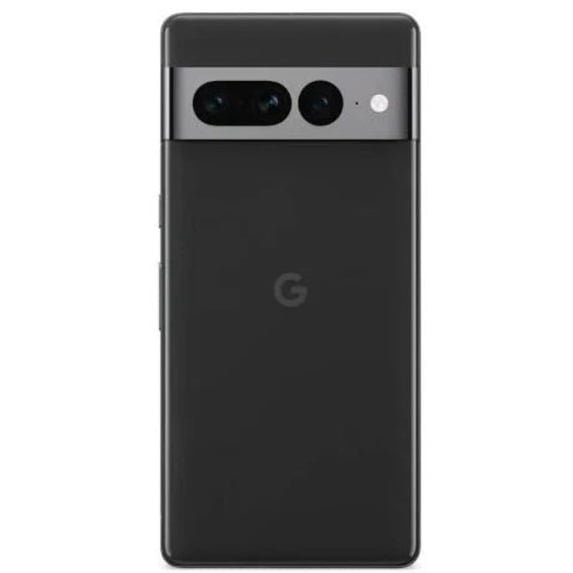


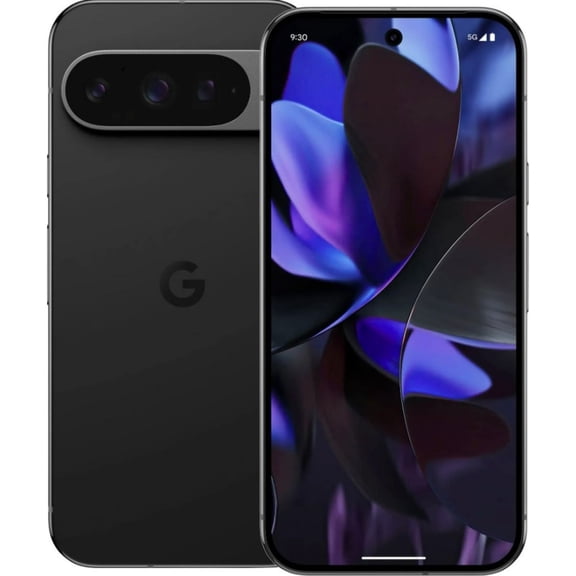
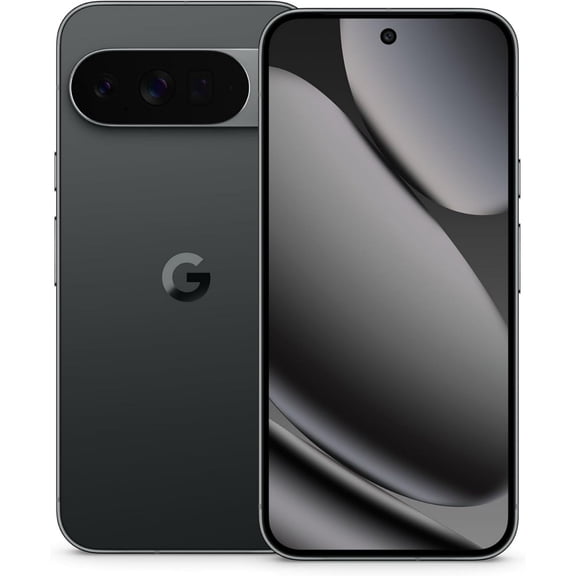
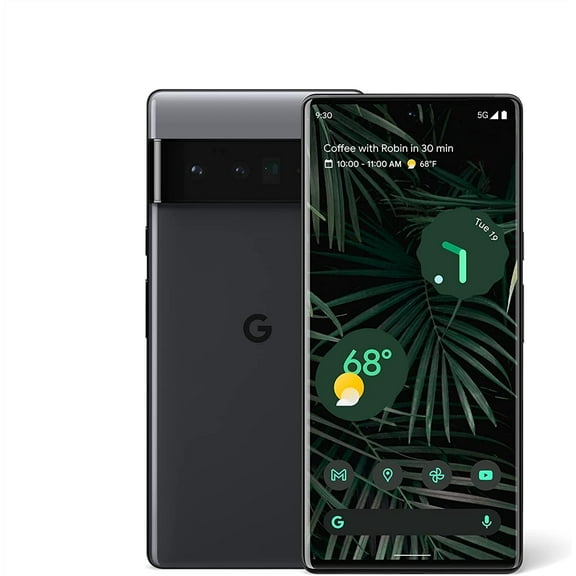


About Google Pixel Phone Options at Walmart - Walmart.com
Google Pixel phones help you compare model series, carrier flexibility, storage sizes, and camera tools in one place. You can narrow your options by finish and condition for a more informed upgrade.
How to choose google pixel phones by model
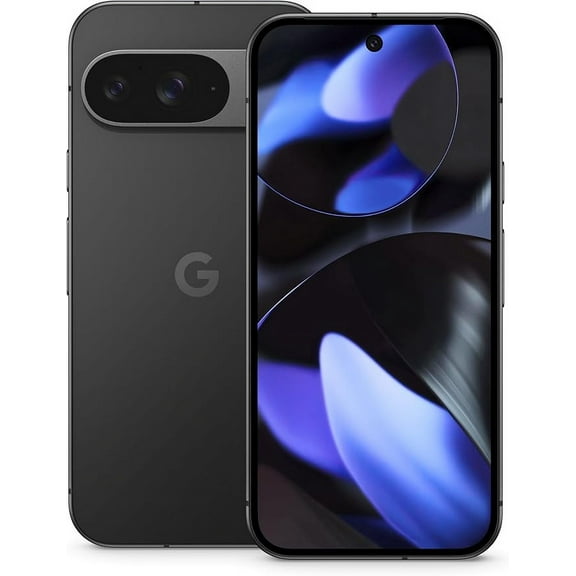
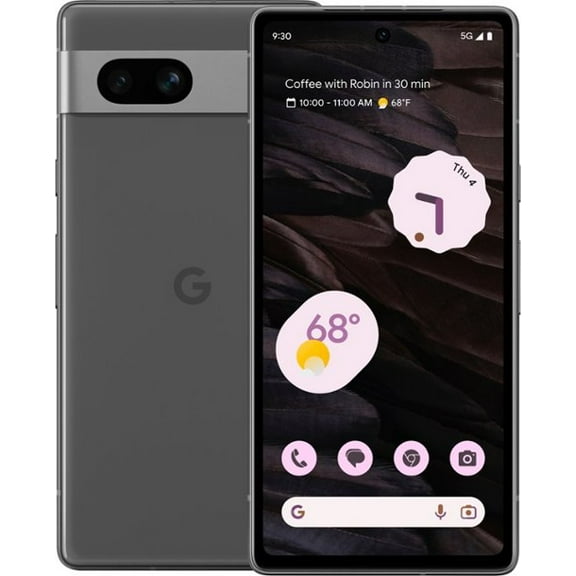
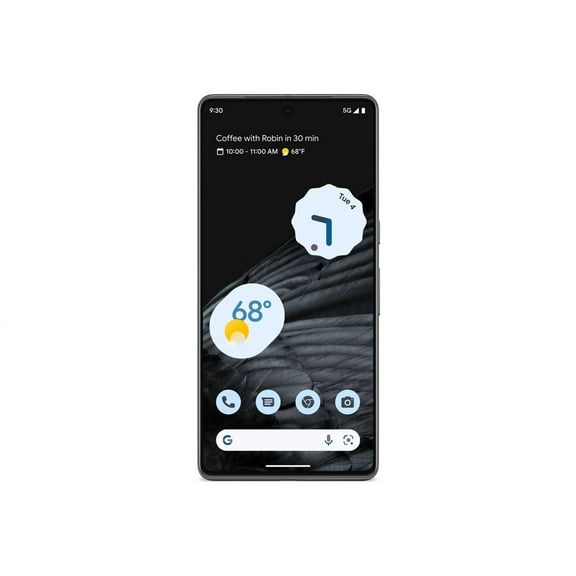
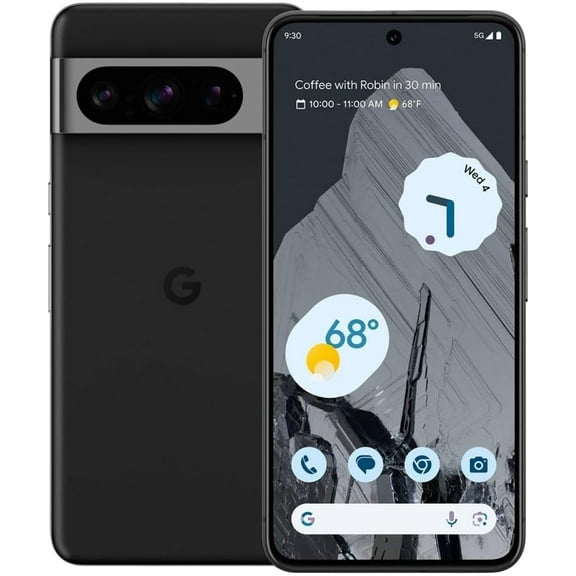
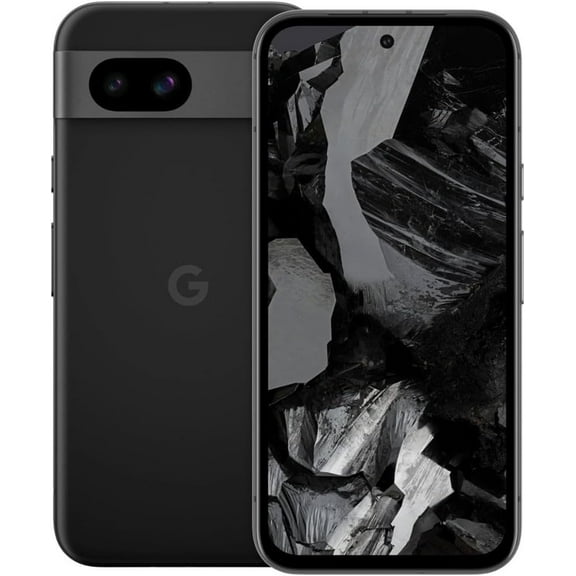
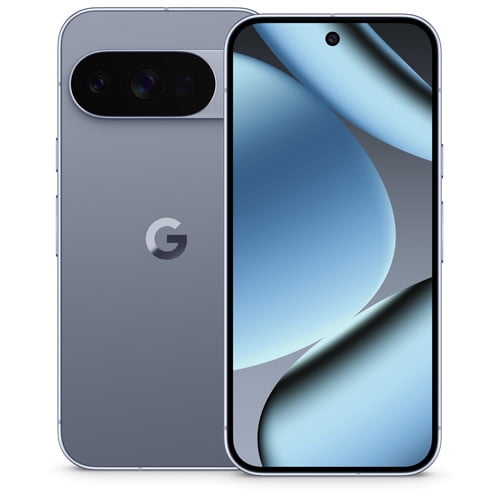
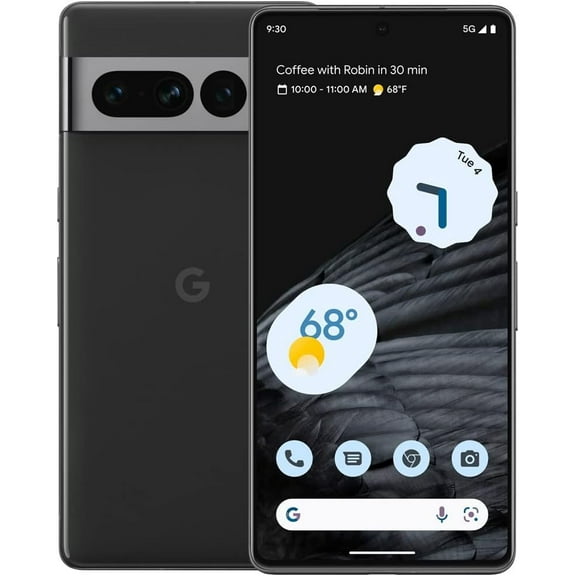
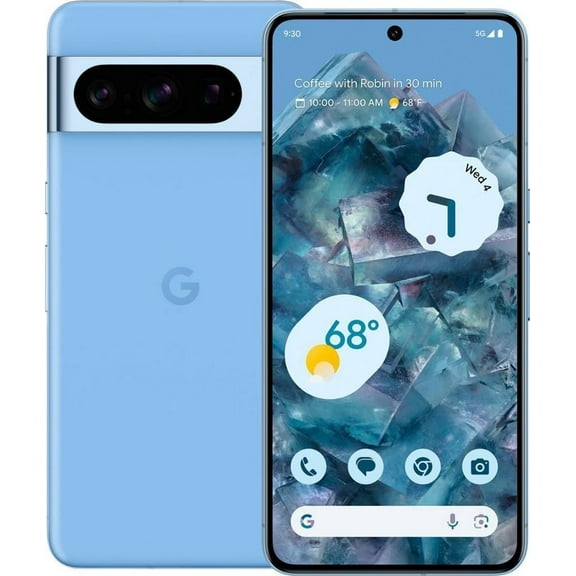
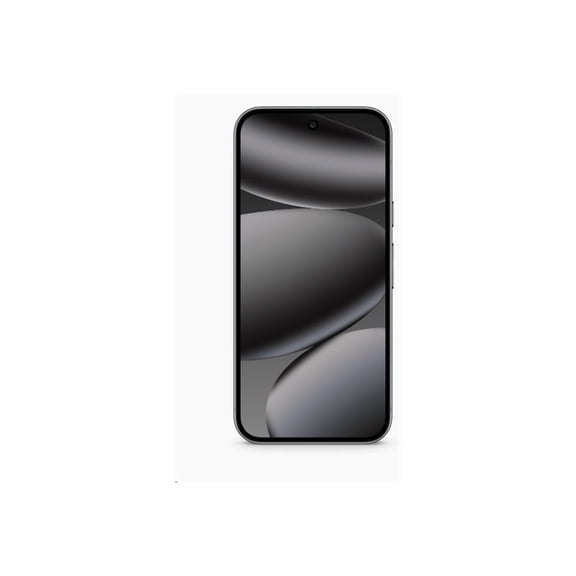
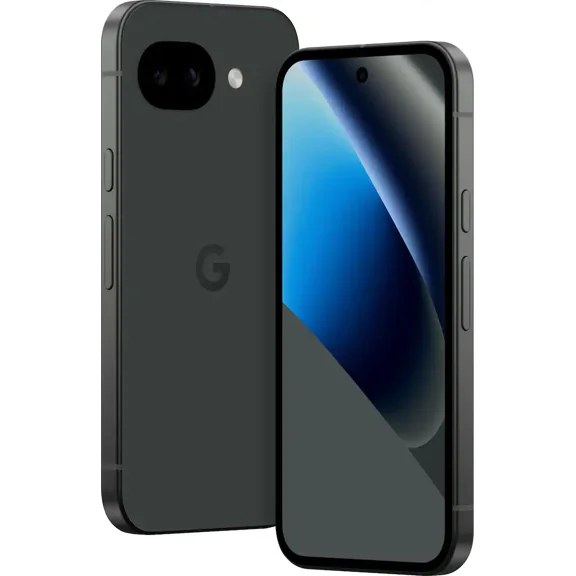
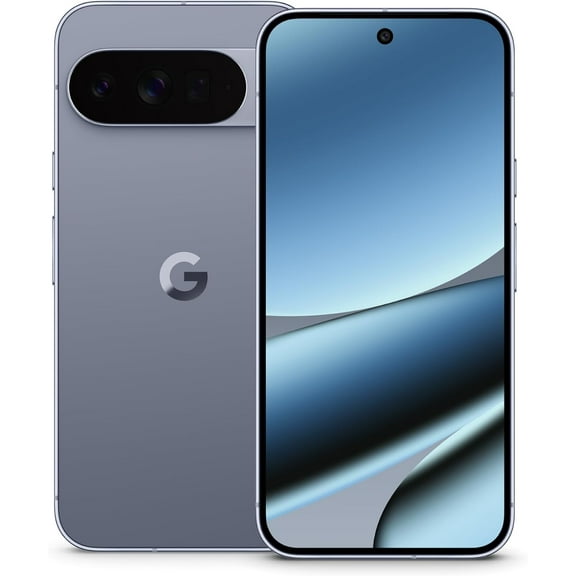
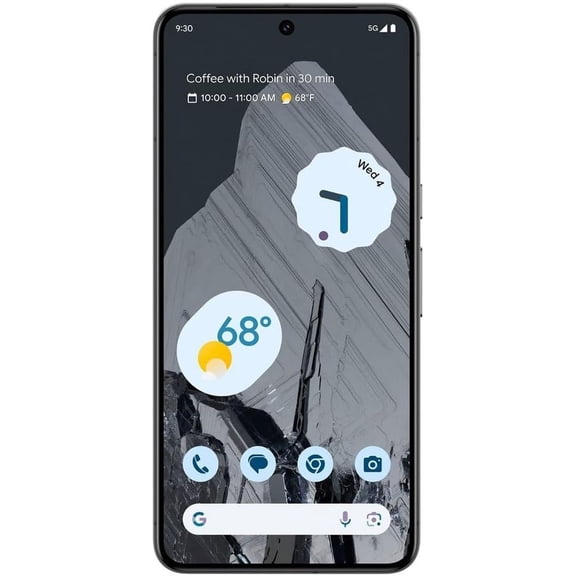
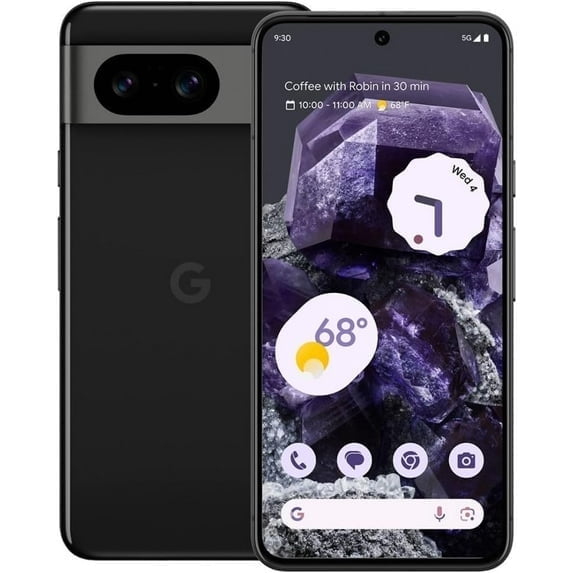
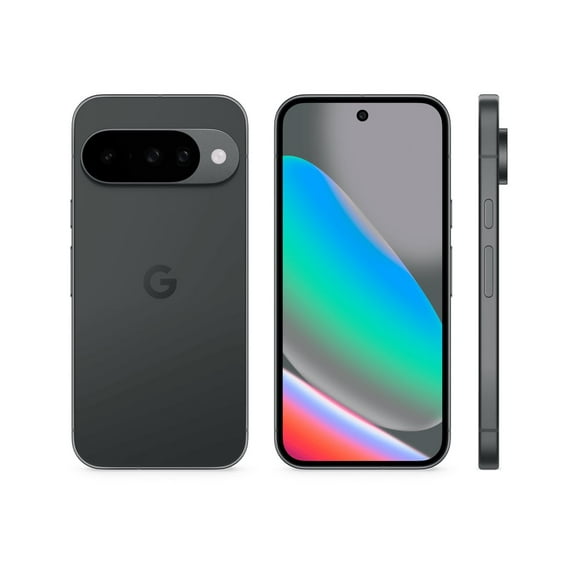
When you compare google pixel phones, you should start with the model series that matches your daily habits. You can look at Pixel 8 Pro, Pixel 8, Pixel 7a, and Pixel Fold as distinct paths.
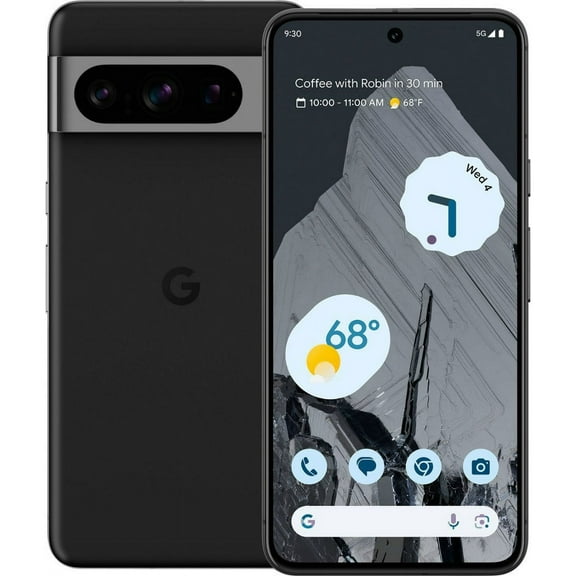
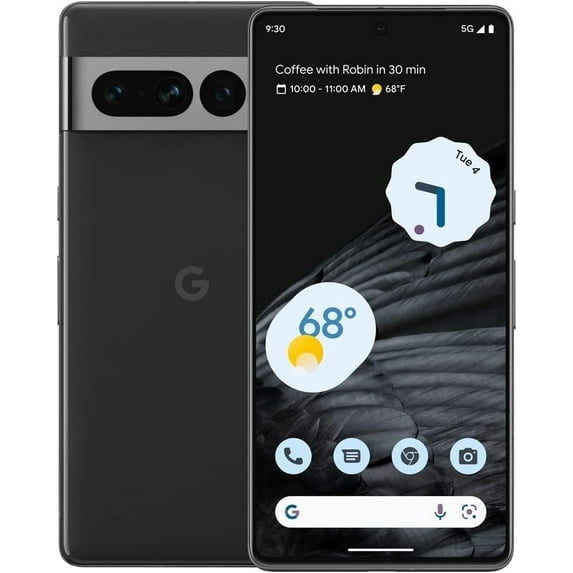
If you want expanded camera controls and a larger screen, you may lean toward Pixel 8 Pro. If you want a compact everyday pick, you may prefer Pixel 8 or Pixel 7a.
For a device that opens to a larger display, you can consider Pixel Fold. You should compare screen size, camera setup, and portability before you choose.
- You can pick Pixel 8 Pro when your photos, zoom shots, and larger display are your primary focus.
- You can choose Pixel 8 when you want current features in a simpler everyday format.
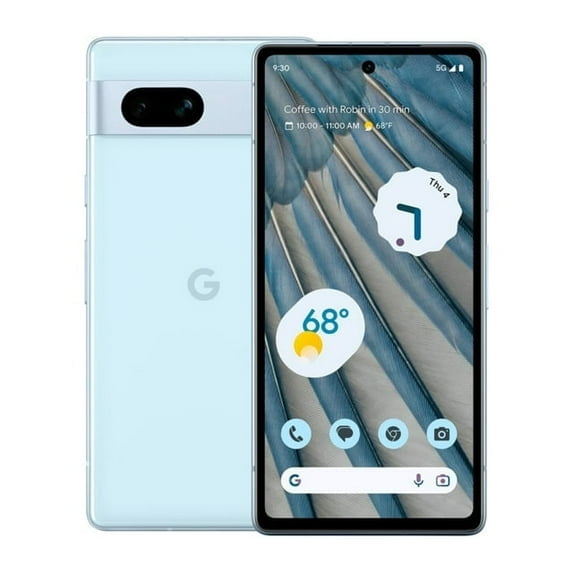
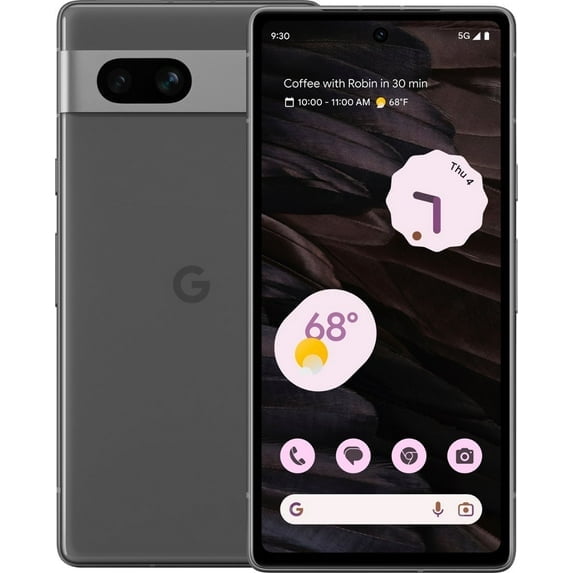
- You can consider Pixel 7a when you want familiar Pixel software and balanced essentials.
- You can look at Pixel Fold when your multitasking and expanded screen space matter.
Choosing an unlocked google pixel and carrier compatibility
An unlocked google pixel gives you flexibility when you want to switch eligible carriers or keep your options open. You should compare unlocked, Verizon, T-Mobile, and AT&T listings before you commit.
When you review compatibility, you need to check whether your phone works with your preferred network standards. You can use GSM and CDMA details as shopping clues for supported carrier setups.
If you travel often or change plans over time, you may prefer an unlocked model. If you want carrier-specific activation steps, you may prefer a carrier-ready listing.
What to look for in storage, finish, and condition
Your storage choice affects how many photos, videos, apps, and downloads you can keep on your device. You can start with 128GB for lighter use, while 256GB or 512GB suits heavier media habits.
If you capture frequent video clips or store large app libraries, you should compare google pixel storage options closely. You may notice that extra storage gives you more room for editing, offline content, and long trips.
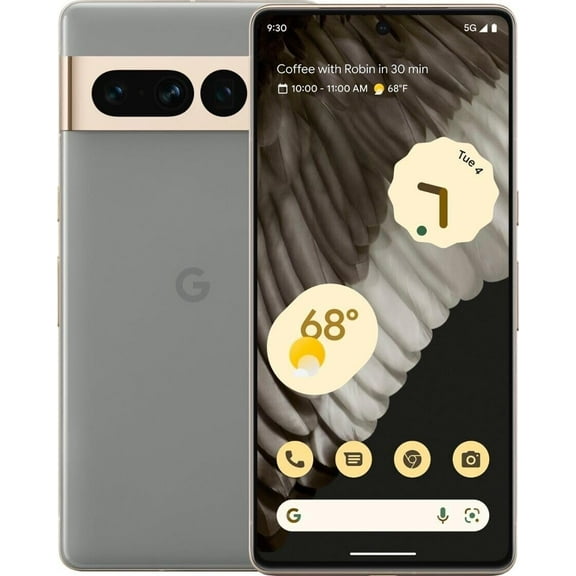
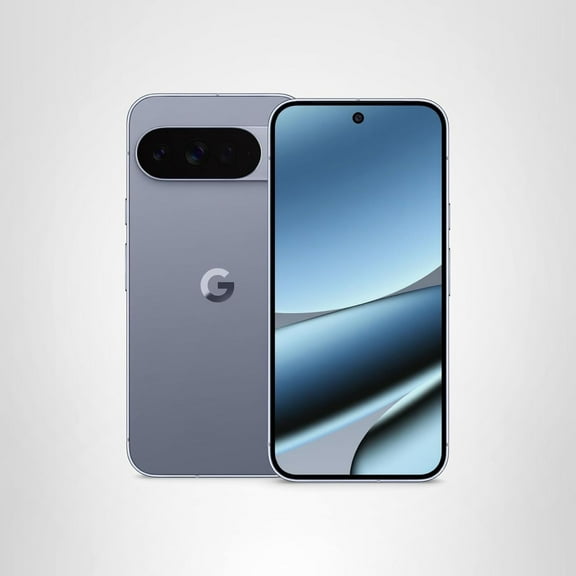
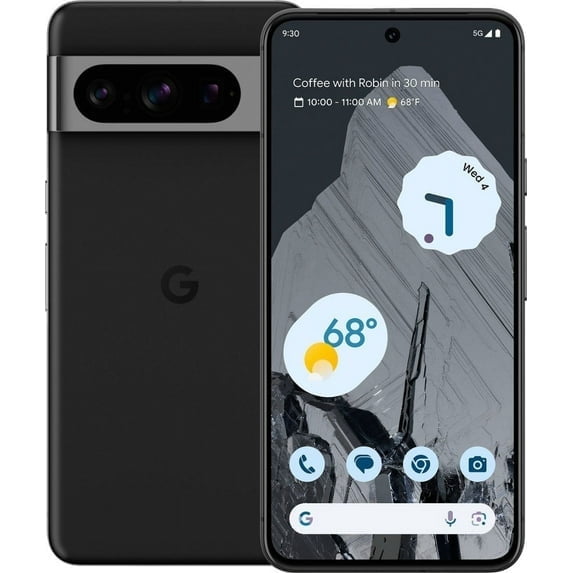
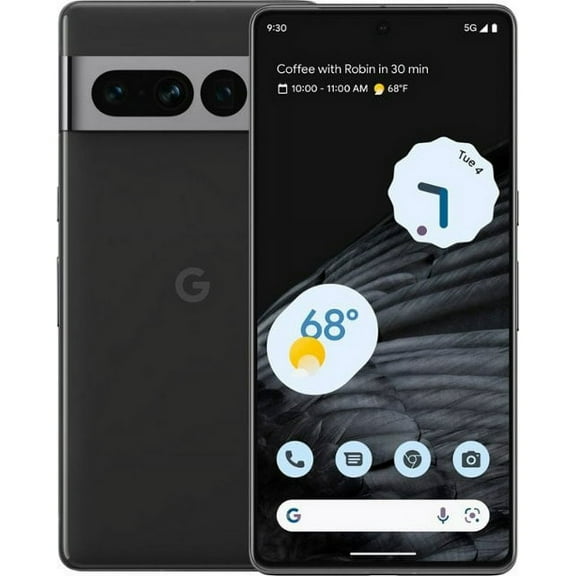
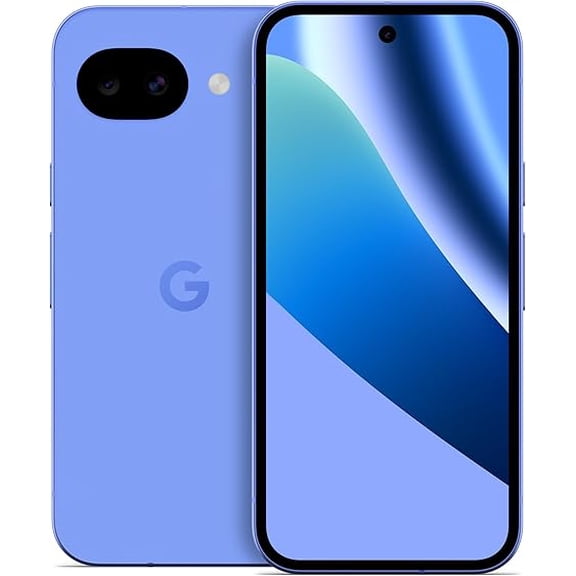
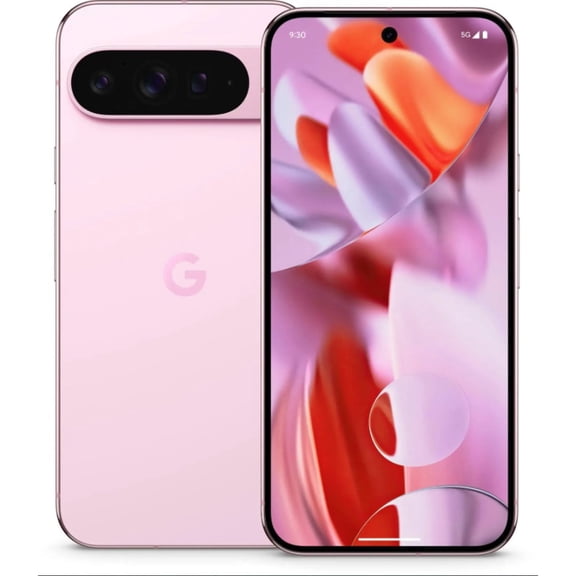
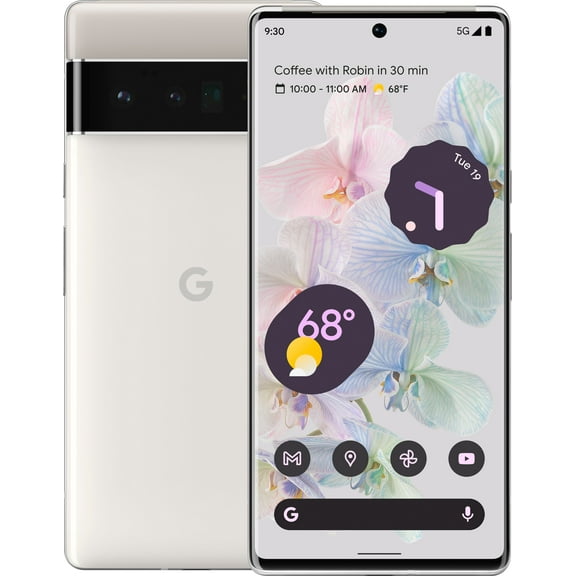
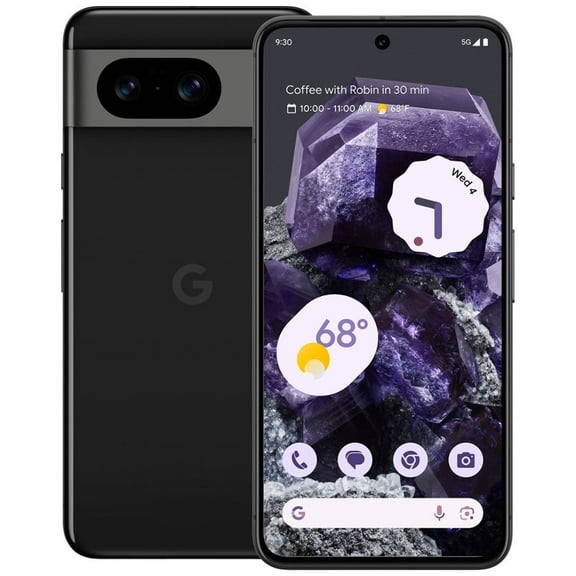
Your finish also shapes the look you carry every day, so you should compare Obsidian, Porcelain, Bay, and Hazel. You can match a darker finish to a subtle style or choose a lighter tone for contrast.
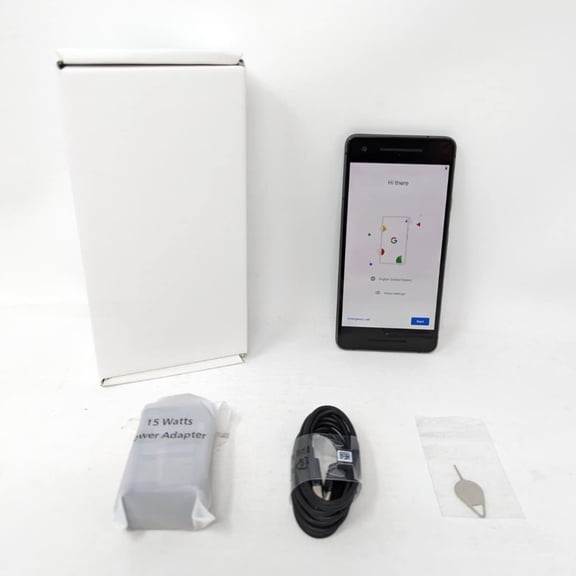
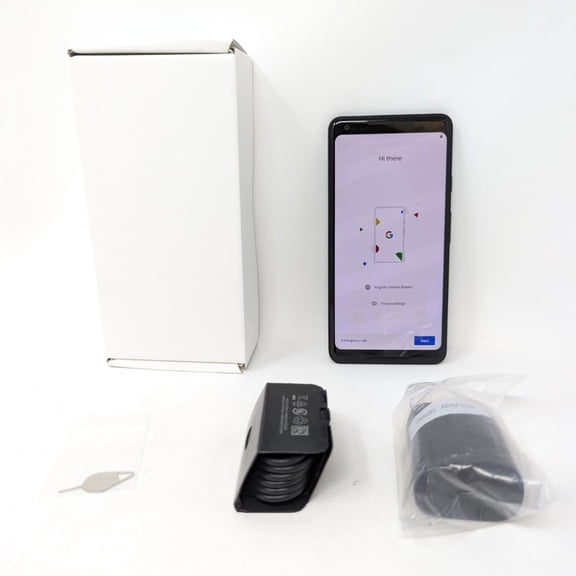
Condition matters too, because you may want new, restored, or refurbished models depending on your comfort level. You should read each listing carefully so your expectations match the included accessories and cosmetic details.
Comparing cameras and battery life across google pixel smartphones
When you compare google pixel smartphones, you should pay close attention to camera tools that fit your routine. You can review google pixel camera specs for zoom range, low-light shooting, and editing features.
If you take distant photos often, you may want optical zoom support for clearer detail. If you mostly share casual shots, you may find standard camera setups easier to match to your needs.
Night photography also matters, especially when you capture city scenes, indoor moments, or evening events. You should look for Night Sight style features if low-light photos are part of your routine.
Battery life shapes how long your phone stays ready through work, streaming, maps, and photos. You can compare google pixel battery life across models to match longer days and charging habits.
If you use navigation, video, and social apps throughout the day, you may want a model built for longer sessions. If you use lighter daily tasks, you may feel comfortable with a simpler battery setup.
Matching your google pixel phones to everyday use
You can match Pixel 8 Pro with 256GB or 512GB when you create lots of photos and videos. You may pair an unlocked version with carrier flexibility if your plan changes often.
You can choose Pixel 8 with 128GB when your daily use includes messaging, photos, streaming, and apps. You may prefer Obsidian or Hazel if you want a clean, understated finish.
If you want a lighter entry into the lineup, you can consider Pixel 7a for everyday communication and casual photos. You can also compare restored or refurbished options when condition is part of your decision.
For multitasking, split-screen use, and a larger opened display, you may focus on Pixel Fold. You should compare foldable form, storage size, and carrier status together before deciding.
With these decision points in view, you can choose a Pixel model that aligns with your screen needs, camera habits, and storage demands. You can feel more confident when your phone fits your carrier setup and daily routine.