

Gen Viper(3)
Black Friday Deal, Razer Viper Ultimate Lightweight Wireless Gaming Mouse & RGB Charging Dock: HyperSpeed Wireless Technology - 20K DPI Optical Sensor - 78g Lightweight - Optical Mouse Switch - 70 Hr Battery - Mercury $69.99 Was $79.99
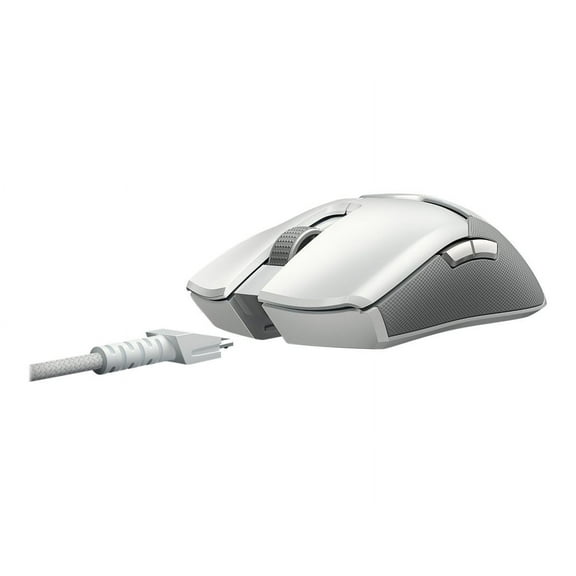
Razer Viper Ultimate Lightweight Wireless Gaming Mouse & RGB Charging Dock: HyperSpeed Wireless Technology - 20K DPI Optical Sensor - 78g Lightweight - Optical Mouse Switch - 70 Hr Battery - Mercury
In 25+ people's carts, STORMCRAFT Gaming PC VIPER INTEL Core i5- 14400F NVIDIA GeForce RTX 5060 Ti- 8GB 1TB SSD 16GB DDR4 3200MHz RGB Windows 11 Home - VI1440FBB-56TN1 $1,199.99

STORMCRAFT Gaming PC VIPER INTEL Core i5- 14400F NVIDIA GeForce RTX 5060 Ti- 8GB 1TB SSD 16GB DDR4 3200MHz RGB Windows 11 Home - VI1440FBB-56TN1
(Open Box) Razer Gaming Mouse Wireless Vi $71.00 Was $106.00
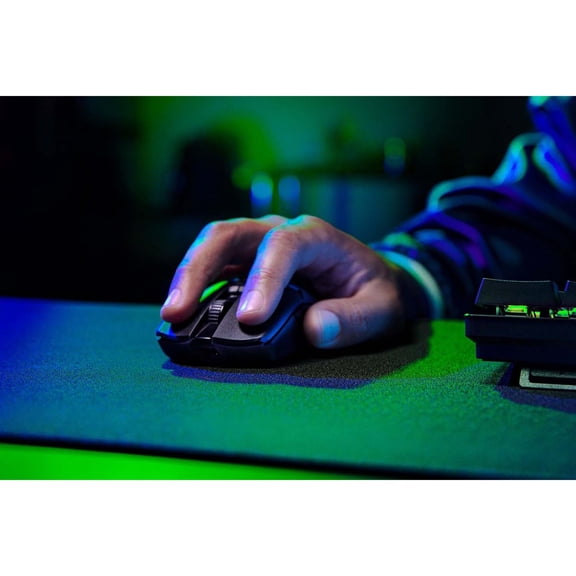
(Open Box) Razer Gaming Mouse Wireless Vi
Other options to consider(11)
Razer Viper V4 Pro Wireless Gaming Mouse – 49g Ultra Lightweight, 50K DPI Optical Sensor, 8K Polling Rate, USB-C Charging – Black From $134.99
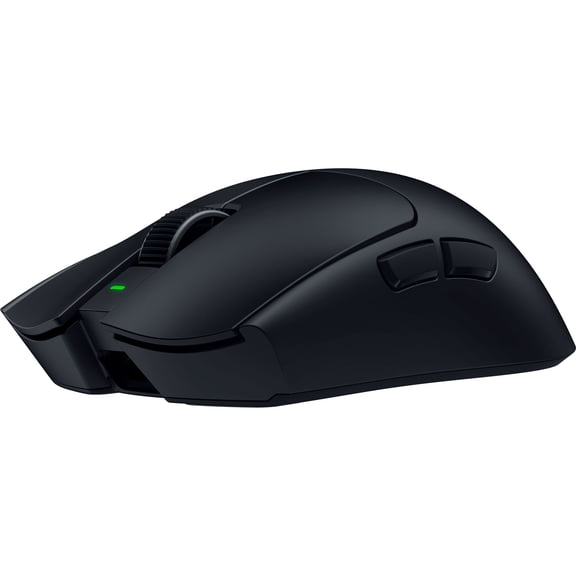


Razer Viper V4 Pro Wireless Gaming Mouse – 49g Ultra Lightweight, 50K DPI Optical Sensor, 8K Polling Rate, USB-C Charging – Black
(Open Box) Razer Gaming Mouse Wireless Vi $71.00 Was $106.00
(Open Box) Razer Gaming Mouse Wireless Vi
Razer - Viper V3 Pro Ultra Lightweight Optical Gaming Mouse, 95 Hour Battery Life, 8k Polling Rate - Wireless - Faker Edition $129.99 Was $179.99
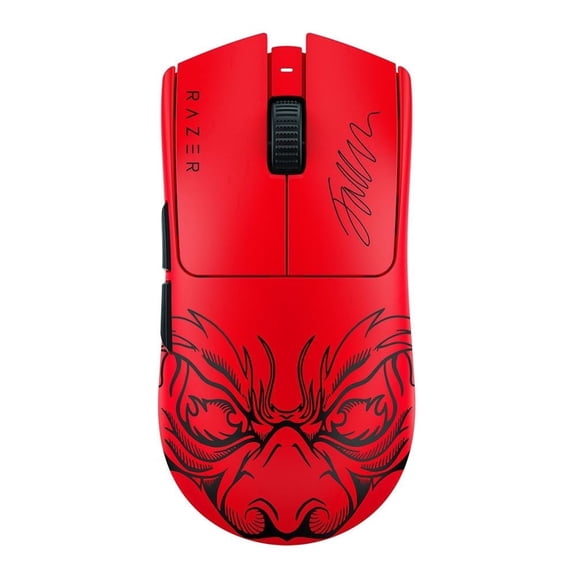
Razer - Viper V3 Pro Ultra Lightweight Optical Gaming Mouse, 95 Hour Battery Life, 8k Polling Rate - Wireless - Faker Edition
In 25+ people's carts, Razer Viper V3 HyperSpeed Wireless Esports Mouse for PC, 82g, Black $48.99 Was $59.99
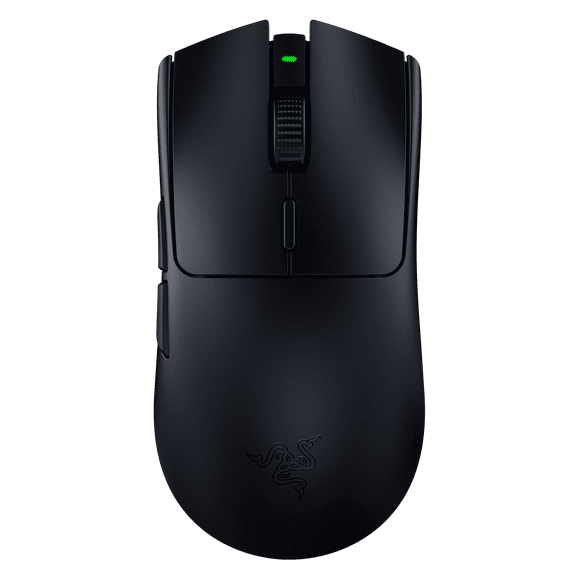
Razer Viper V3 HyperSpeed Wireless Esports Mouse for PC, 82g, Black
Razer Viper V3 Pro Ultra-Lightweight Wireless Esports Gaming Mouse Special Edition $99.97

Razer Viper V3 Pro Ultra-Lightweight Wireless Esports Gaming Mouse Special Edition
Restored Razer Viper V3 Pro Wireless Esports Gaming Mouse, White, 1 Each $95.69
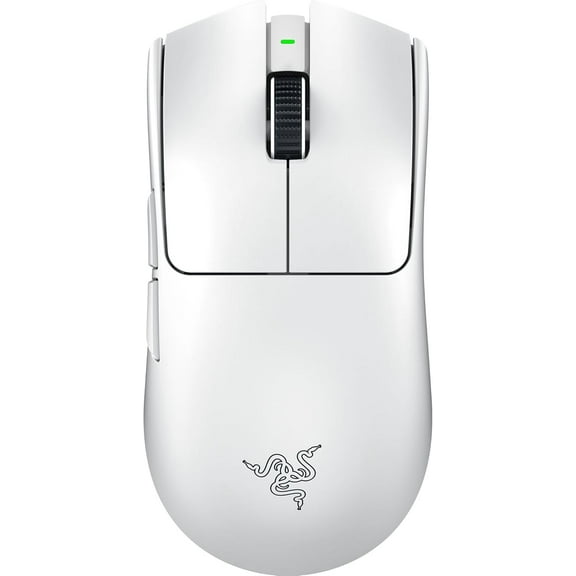
Restored Razer Viper V3 Pro Wireless Esports Gaming Mouse, White, 1 Each
Restored Razer Viper V3 Pro Wireless Esports Gaming Mouse, Black, 1 Each $95.99
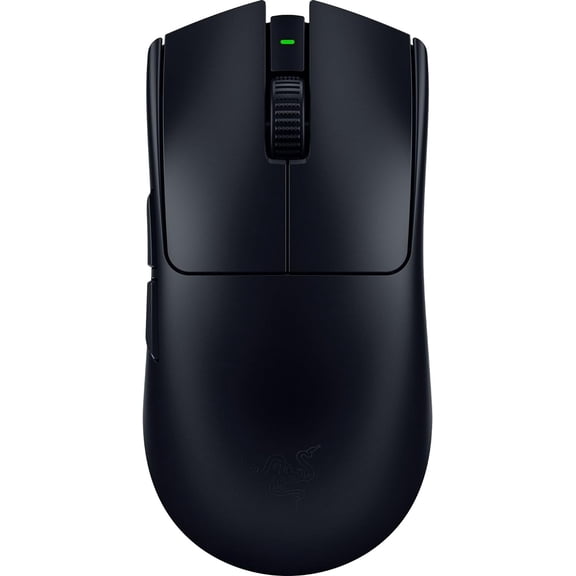
Restored Razer Viper V3 Pro Wireless Esports Gaming Mouse, Black, 1 Each
In 25+ people's carts, STORMCRAFT Gaming PC VIPER INTEL Core i5- 14400F NVIDIA GeForce RTX 5060 Ti- 8GB 1TB SSD 16GB DDR4 3200MHz RGB Windows 11 Home - VI1440FBB-56TN1 $1,199.99
STORMCRAFT Gaming PC VIPER INTEL Core i5- 14400F NVIDIA GeForce RTX 5060 Ti- 8GB 1TB SSD 16GB DDR4 3200MHz RGB Windows 11 Home - VI1440FBB-56TN1
Razer Viper V3 Pro Lightweight USB Wireless Symmetrical Esports Gaming Mouse, 2.4Ghz, 55g, White From $119.99
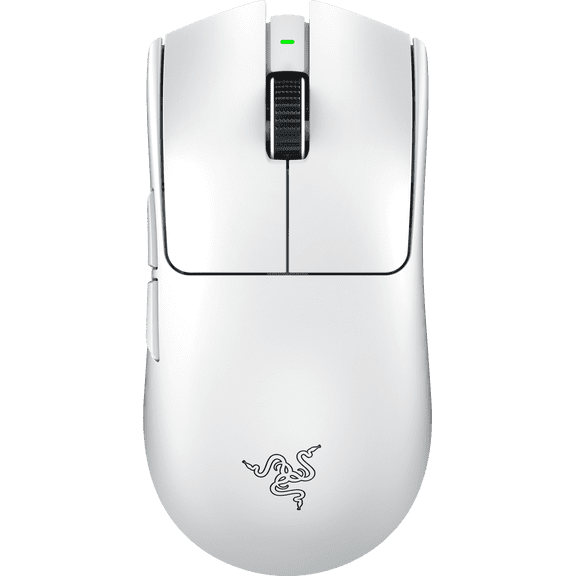


Razer Viper V3 Pro Lightweight USB Wireless Symmetrical Esports Gaming Mouse, 2.4Ghz, 55g, White
Vortex Optics SV-3 Switchview Throw Lever
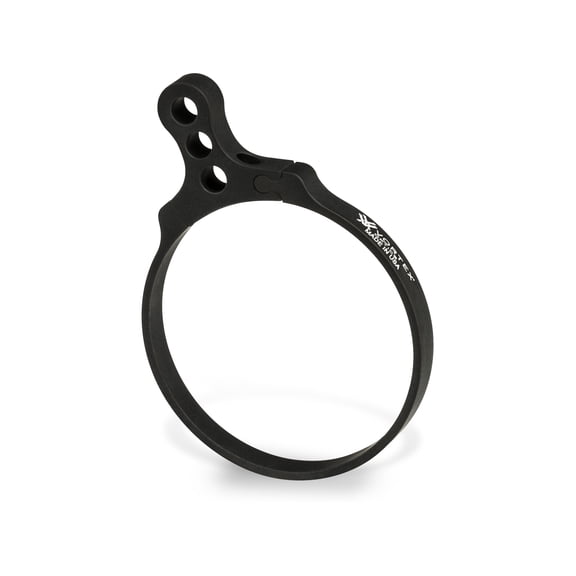
Vortex Optics SV-3 Switchview Throw Lever
Restored Razer Viper V3 Pro Wireless Mouse Counter Strike 2 Edition $134.99

Restored Razer Viper V3 Pro Wireless Mouse Counter Strike 2 Edition
FAQ
how does a gaming mouse improve gameplay?
A gaming mouse can offer more precise control and faster response times, which may help with challenging in-game moves. Many gaming mice include features like adjustable DPI and programmable buttons.
- Higher DPI settings allow for quicker cursor movements.
- Customizable buttons make accessing game functions easier.
- Ergonomic designs can reduce hand fatigue during long sessions.
These features can enhance your gaming experience, especially if you play fast-paced or competitive games.
what should I look for in a gaming PC?
Choosing a gaming PC depends on the types of games you want to play and your performance needs.
- Look for a fast processor to handle demanding games.
- A dedicated graphics card provides smoother visuals.
- Plenty of RAM helps with multitasking and running large games.
- Solid-state drives (SSD) can speed up load times.
Consider what matters most to you, like graphics quality or speed, and check the specs to find a PC that matches your preferences.
how do you set up a wireless gaming mouse?
Setting up a wireless gaming mouse is usually straightforward and can help reduce cable clutter.
- Charge the mouse fully or install batteries as directed.
- Plug in the wireless receiver to your computer's USB port.
- Turn on the mouse and follow any pairing instructions.
- Install any software for customizing settings, if available.
Once setup is complete, you can adjust sensitivity and button functions to suit your style.
can I upgrade parts in a gaming desktop?
Many gaming desktops are designed for easy upgrades, letting you improve performance over time.
- Common upgrades include adding more RAM, swapping out storage drives, or upgrading the graphics card.
- Check compatibility with your motherboard and power supply before purchasing new parts.
- Refer to the manufacturer's manual for guidance on installation.
Upgrading components can extend your PC's lifespan and keep it running current games smoothly.
how do you clean a gaming mouse safely?
Keeping your gaming mouse clean can help maintain its performance and longevity.
- Unplug or turn off the mouse before cleaning.
- Use a soft, slightly damp cloth to wipe the surface.
- A cotton swab can help remove dust around buttons and the sensor.
- Avoid harsh cleaners and excess moisture.
Regular cleaning can prevent buildup that might affect tracking or button clicks.
Popular in Gen Viper Wireless Gaming Mouse Electronics
Related Products
Keylessoption Y160 Transponder Chip Uncut Ignition Key Blank Replacement, 2 Pack
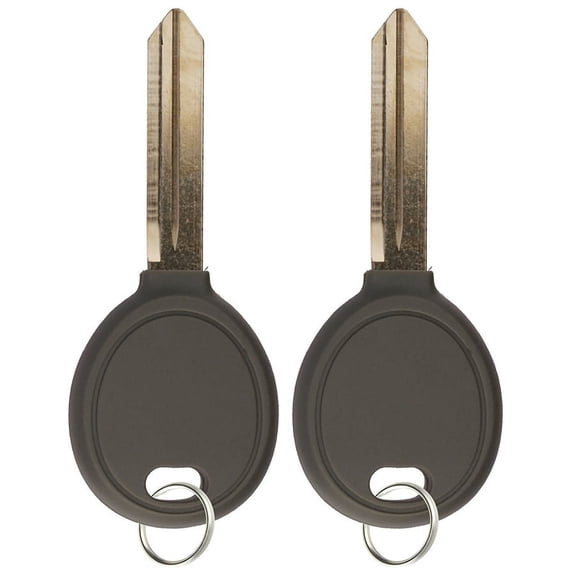 Keylessoption Y160 Transponder Chip Uncut Ignition Key Blank Replacement, 2 Pack$7.48current price $7.48
AKS KEYS Replacement New Uncut Blank Chipped Transponder Key Fits for Honda ID46 Chip "V" HO03-PT (10 Pack)
 AKS KEYS Replacement New Uncut Blank Chipped Transponder Key Fits for Honda ID46 Chip "V" HO03-PT (10 Pack)$40.99current price $40.99
CrimeStopper RS7G5, 2-Way Remote Starter, Operating Range for Automotive
 CrimeStopper RS7G5, 2-Way Remote Starter, Operating Range for Automotive$129.99current price $129.99
LOT Of 10 Uncut Transponder Chip Ignition Car Key Blade For GM Buick Cadillac
 LOT Of 10 Uncut Transponder Chip Ignition Car Key Blade For GM Buick Cadillac$48.93current price $48.93
2 New Uncut Ignition Chipped Key with Transponder Chip Blank for 46 Chip Transponder
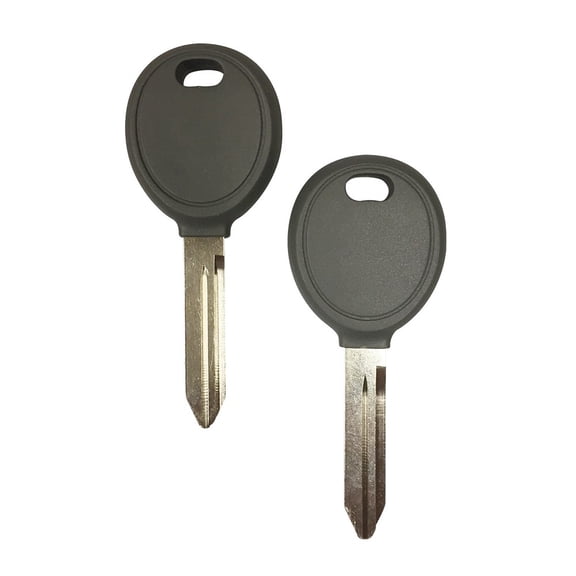 2 New Uncut Ignition Chipped Key with Transponder Chip Blank for 46 Chip Transponder$18.78current price $18.78
AKS KEYS New Uncut Chipped Transponder Key Fits for Honda ID13 Chip "F" HO01-PT (2 pack)
 AKS KEYS New Uncut Chipped Transponder Key Fits for Honda ID13 Chip "F" HO01-PT (2 pack)$22.50current price $22.50
CrimeStopper RS3-G5, 1 Way Remote Starter for Automotive (2 Count)
 CrimeStopper RS3-G5, 1 Way Remote Starter for Automotive (2 Count)$68.99current price $68.99
2 New Versa 2007-2018 N104 Transponder Chip Key (46) VLS
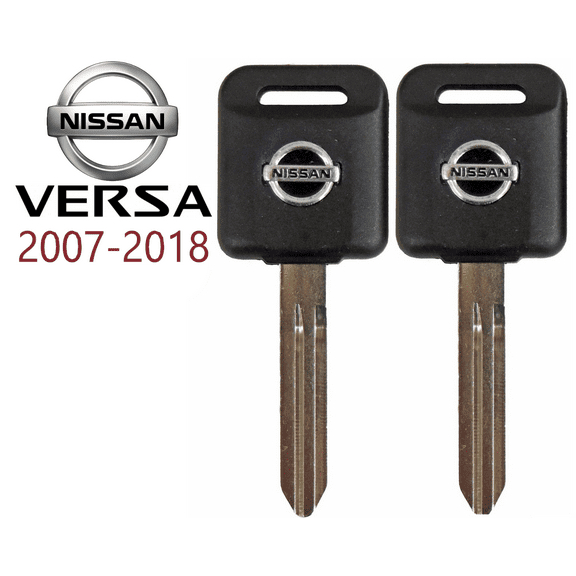 2 New Versa 2007-2018 N104 Transponder Chip Key (46) VLS$15.99current price $15.99
MyKey Premium Genesis G80 Remote Starter
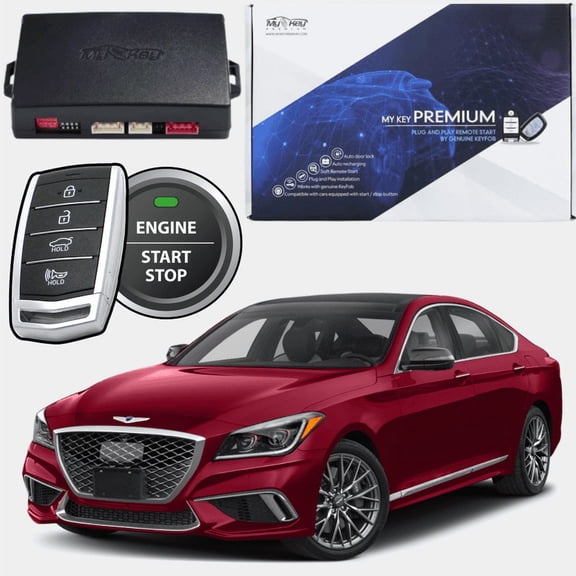 MyKey Premium Genesis G80 Remote Starter$309.99current price $309.99
AKS KEYS New Replacement Uncut Blank Chipped Transponder key for GM PK3 B97 Small Head
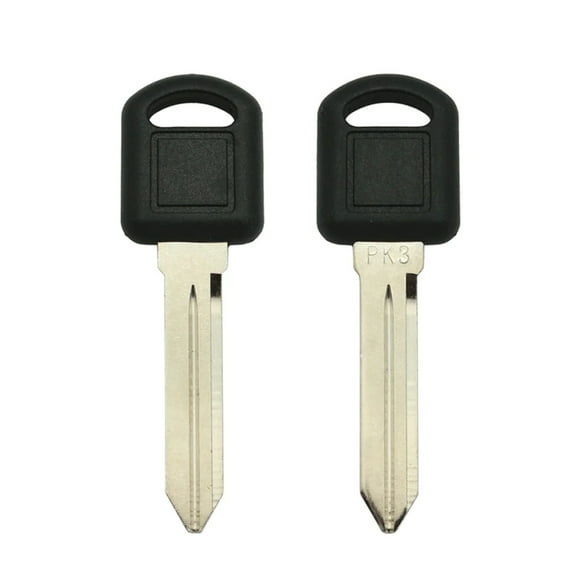 AKS KEYS New Replacement Uncut Blank Chipped Transponder key for GM PK3 B97 Small Head$10.50current price $10.50
Compustar 1WR3R-FM Replacement Remote, 1-Button, 3000 Feet Range
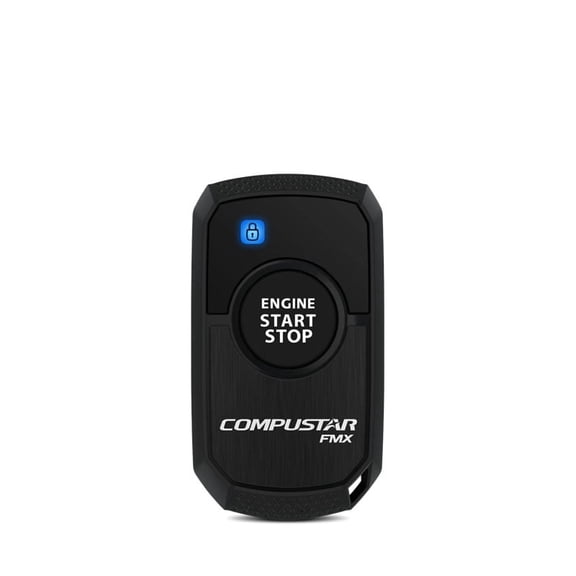 Compustar 1WR3R-FM Replacement Remote, 1-Button, 3000 Feet Range$29.99current price $29.99
New DIRECTED 7143L/7654V SuperCode SST 1-Way Companion Remote
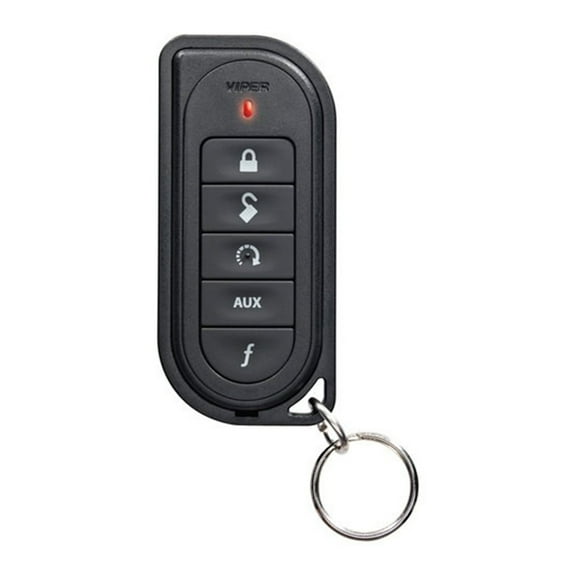 New DIRECTED 7143L/7654V SuperCode SST 1-Way Companion Remote$69.99current price $69.99
Compustar 2WG15R-SS 2-Way LED Replacement Remote, 4-Button, 2 Mile Range
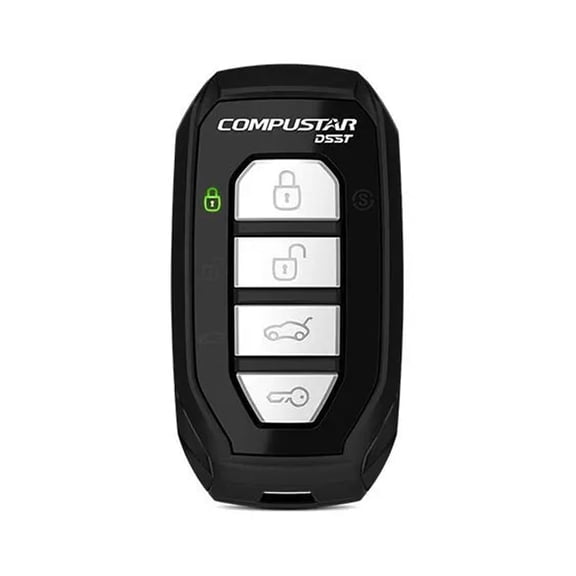 Compustar 2WG15R-SS 2-Way LED Replacement Remote, 4-Button, 2 Mile Range$84.50current price $84.50