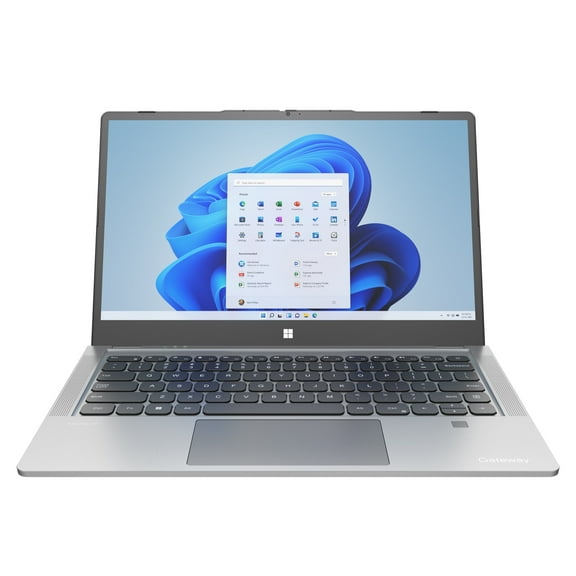
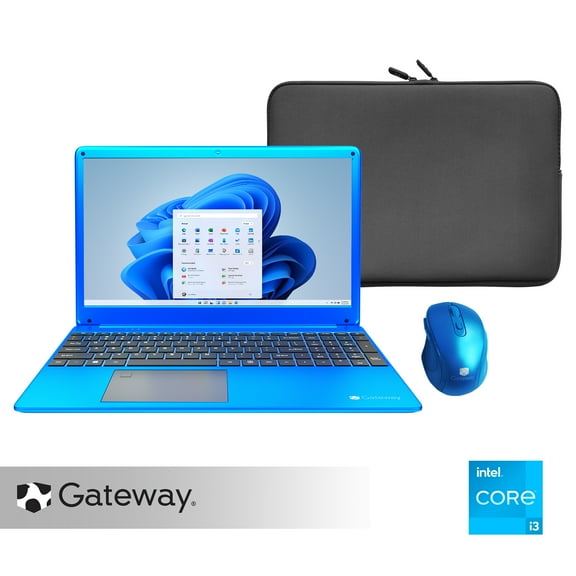
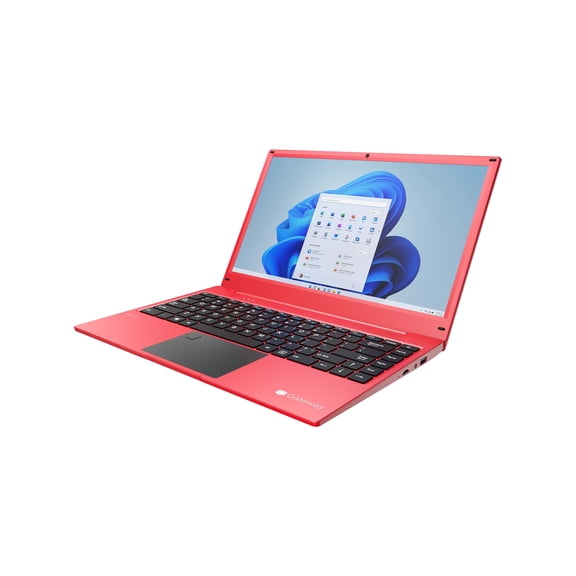
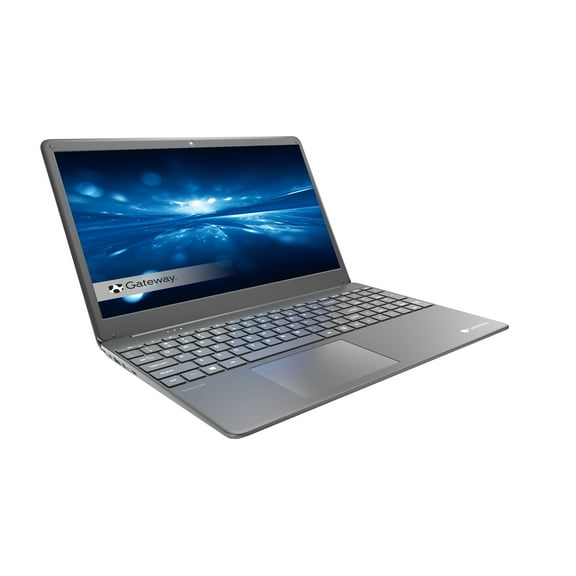
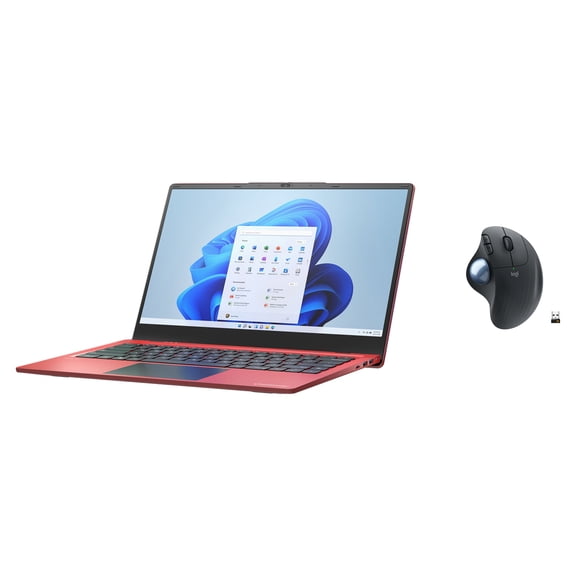
Gateway Notebook Laptop | Gateway Laptops - Walmart
About Gateway Notebook Laptop | Gateway Laptops - Walmart - Walmart.com
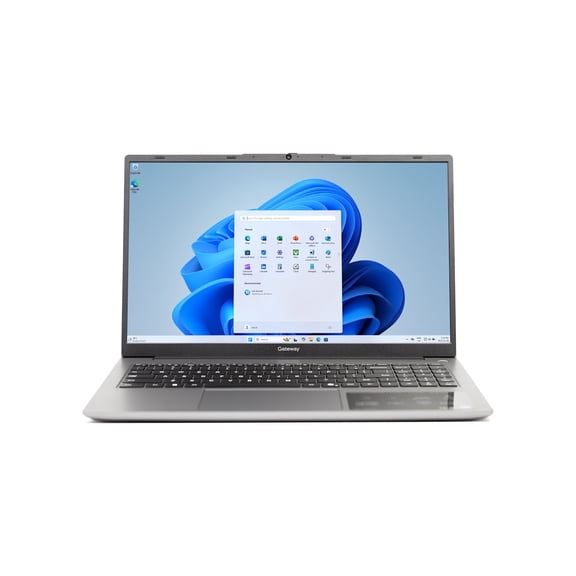
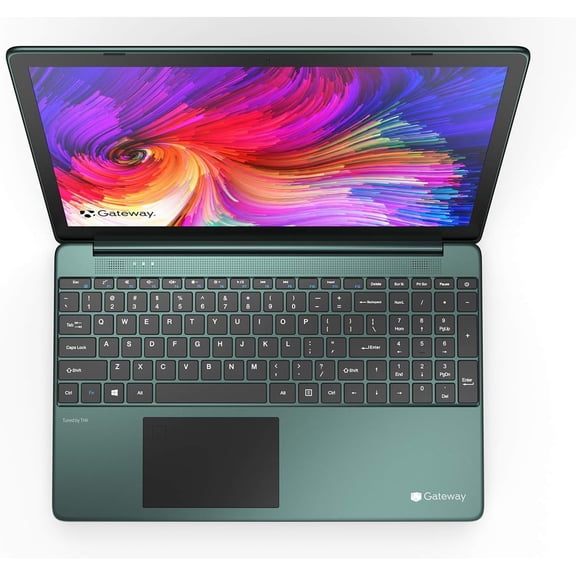
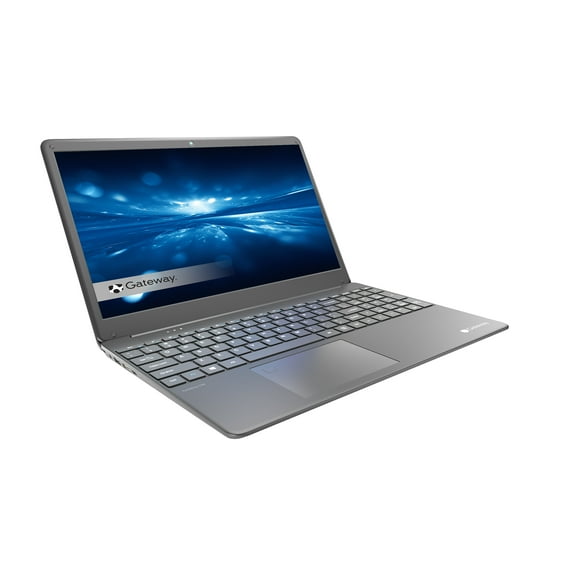
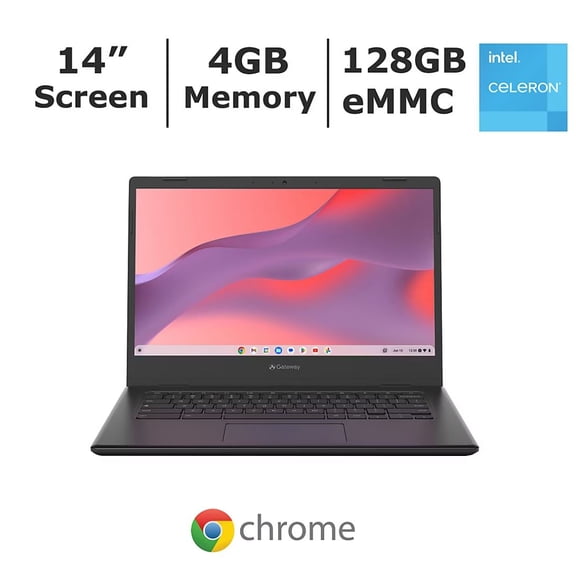
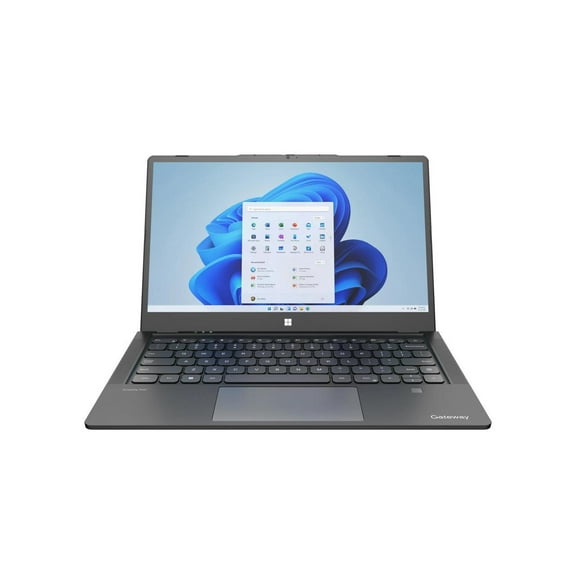
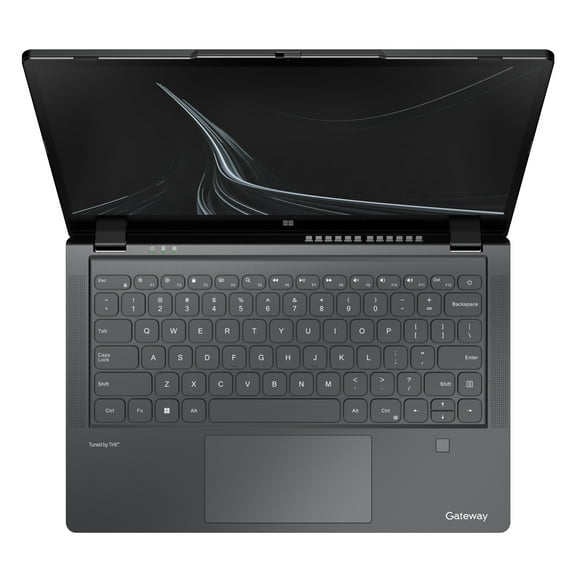
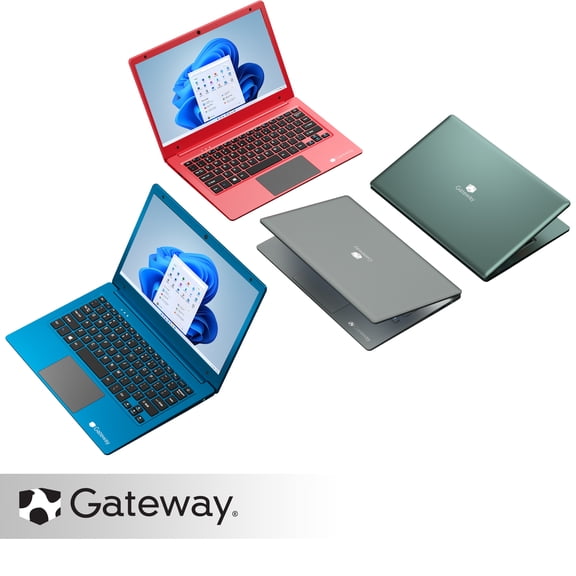
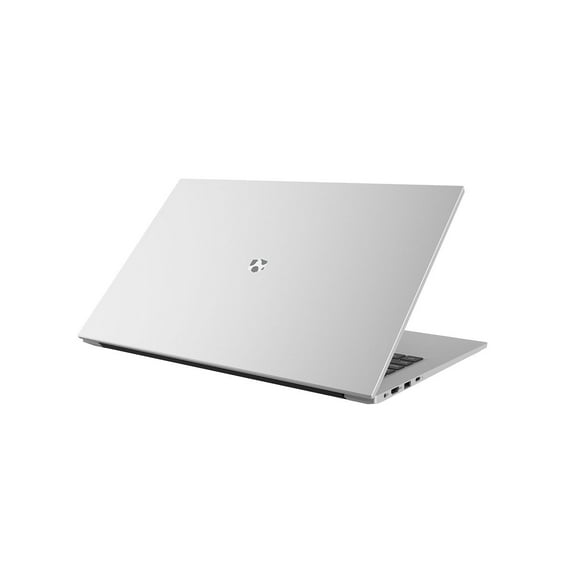
A gateway notebook laptop helps you handle schoolwork, home tasks, and everyday computing with clear brand-focused choices. This page keeps Gateway models together, so you can compare formats, screens, and operating system details faster.
Use this page to compare notebook, mini, and standard laptop formats for your daily routine. You can also review Windows 11 readiness, touchscreen options, and model variety in one place.
Choosing a gateway notebook laptop for everyday use
Start with how you use the laptop during a normal week. Gateway laptops help you browse, work on documents, stream video, and manage email.
Use this page as a practical guide when you compare Gateway notebooks for home and school. The right match depends on portability, display style, and operating system details.
- Notebook designs support classes, commutes, and shared tables.
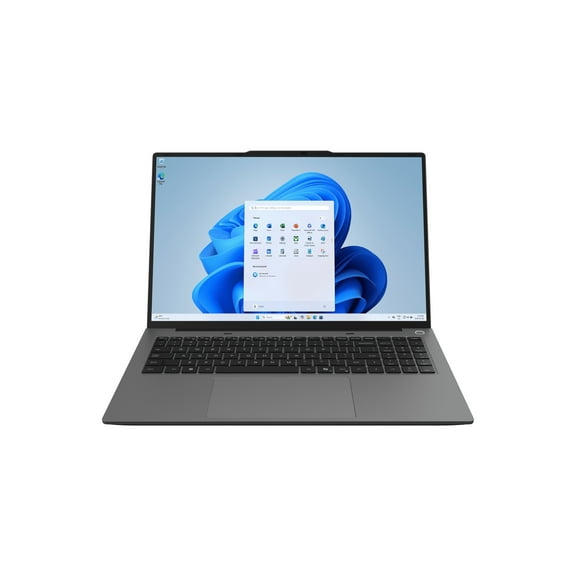
- Windows 11 options make current OS-ready shopping easier.
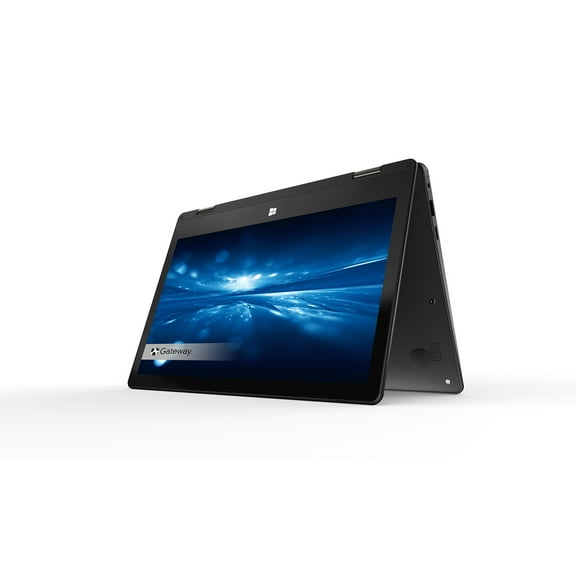
- Touchscreen models add tap and swipe control for navigation.
- Mini laptop formats fit smaller bags, desks, and shelves.
- Multiple configurations help you match daily tasks to the right setup.
Consider how often you carry the device during the week. Frequent carry makes weight, overall size, and bag fit more important.
Also compare how you interact with the screen each day. Keyboard-first use may suit a standard display, while touch input feels more direct.
Comparing gateway laptop models by operating system and display
Begin with the operating system because it shapes your starting list. A gateway laptop windows 11 option can simplify model selection when you want a current interface.
Check product details for software information, system notes, and model descriptions. Those details help you confirm whether a Windows laptop matches your routine.
Next, compare display and input type for daily use. A gateway touchscreen laptop supports tapping through menus, photos, and everyday apps.
Standard displays fit writing, spreadsheets, browsing, and routine keyboard work. Portable display sizes also change how the laptop fits backpacks, tables, and work areas.
Model range matters when you narrow choices by memory, storage, and screen size. Gateway laptop models can vary across entry models, everyday computing models, and multiple configurations.
Those differences affect how the laptop handles research tabs, document work, streaming, and household planning. Checking the details helps you choose a setup that fits repeated tasks.
Deciding between gateway laptops by form factor
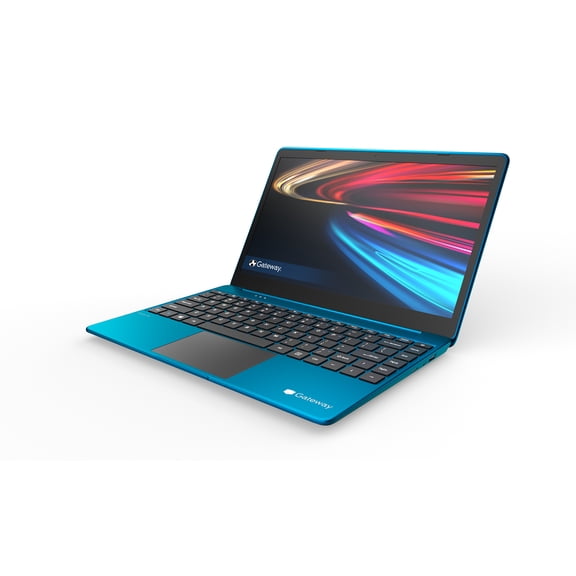
Form factor changes how the device fits your schedule and workspace. Notebook styles balance carry-friendly design with enough screen room for common tasks.
A gateway mini laptop works well when compact dimensions matter most. It fits smaller backpacks, side tables, and quick daily carry between rooms or classes.
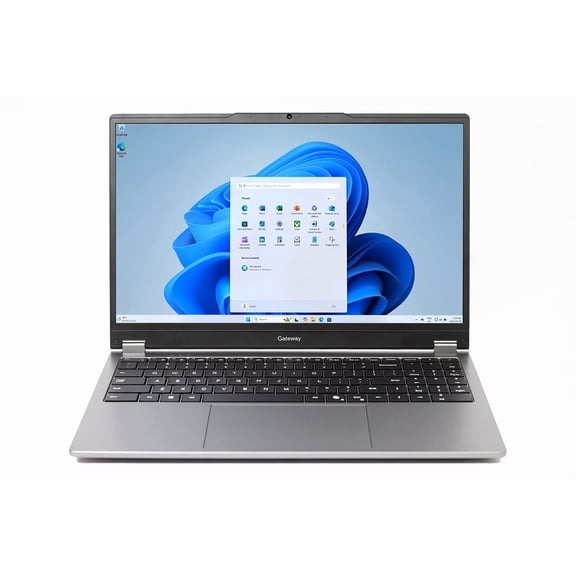
Standard laptop designs suit desks, counters, and study areas with more room. They can feel more comfortable when you type for longer stretches.
Check listed dimensions and weight before you choose a model. Those specs make it easier to compare portability across notebook, mini, and standard designs.
What to look for in gateway computers laptops
Brand reassurance can matter when you narrow a focused electronics purchase. This page groups current Gateway options together, which supports easier review of current brand availability.
When you ask whether Gateway still makes laptops, you usually want shopping clarity. A brand-specific browse page helps you compare current U.S. availability without unrelated results.
The same goes for questions about whether Gateway computers are still in business. Current listings on a focused page give you a clearer picture of brand continuity.
You can then compare gateway computers laptops by features that shape daily use. Windows 11 availability, touchscreen control, and portable sizes are key differences on this page.
If you searched for a gateway computadora, the goal is still straightforward model discovery. Keeping Gateway laptops together makes size, feature, and format comparison easier.
How to choose the right gateway laptop
Measure where you plan to use the device most often before comparing models. A lighter notebook or mini format suits movement, while a larger laptop suits a steady workspace.
Then compare operating system details, screen size, and input type. Check whether touch control, standard display use, or carry-friendly dimensions matter most to you.
Review model descriptions for everyday computing, schoolwork, home use, and basic productivity. A focused Gateway selection gives you a clearer path to the features you’ll actually use.
When you compare gateway notebook laptop options this way, the category becomes easier to sort. You can land on the right mix of portability, Windows setup, and screen style.