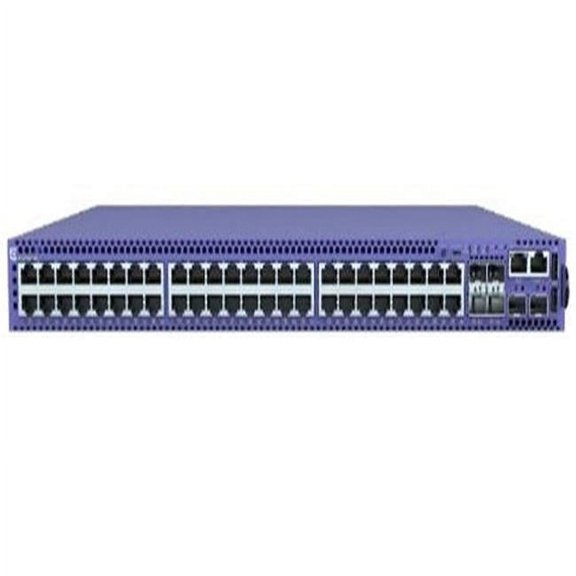
Ex3400 Juniper(1)
Restored Juniper EX3400-48T-AFO 48 Port Gigabit 4x10GbE SFP+ 2x 40GbE QSFP Switch (Refurbished) $349.00

Restored Juniper EX3400-48T-AFO 48 Port Gigabit 4x10GbE SFP+ 2x 40GbE QSFP Switch (Refurbished)
FAQ
What does a refurbished network switch mean?
A refurbished network switch is a pre-owned device that's been professionally inspected, tested, and restored to full working condition. Refurbished switches often go through a thorough cleaning and may have worn parts replaced. While they aren't brand new, they can offer reliable performance for those looking to save on costs. At Walmart, refurbished electronics are typically resold by trusted partners, and you can review the product details for information on warranty and return policies. This can be a great option if you're looking for value and functionality without paying full price.
How many devices can I connect to this switch?
This type of network switch usually features 48 Gigabit Ethernet ports, allowing you to connect up to 48 wired devices like computers, printers, or access points.
- Each port supports a single wired connection.
- Additional uplink ports (such as SFP+ or QSFP) can be used for high-speed connections to other switches or network equipment.
Is this switch good for home or office use?
This type of switch is designed for business or enterprise environments, but it can be used in a home setting if you need to connect many devices or want advanced network features.
- For most homes, a smaller switch may be more practical.
- In offices, this switch offers robust connectivity and management options for multiple users and devices.
Do I need special cables for the SFP+ ports?
The SFP+ ports on this switch are designed for high-speed fiber or copper connections.
- To use these ports, you'll need compatible SFP+ modules and the right cables (fiber optic or direct attach copper, depending on your network).
- Standard Ethernet cables (like Cat5e or Cat6) are used for the regular Gigabit ports.
How do I set up a refurbished switch safely?
To set up a refurbished switch, start by reading any included documentation and inspecting the device for visible damage.
- Place the switch on a stable, ventilated surface.
- Connect your devices using compatible Ethernet cables.
- Plug in the power cord and turn on the switch.
- Access the management interface (if available) to configure network settings.
Popular in Juniper EX3400 Series Network Switches
Related Products
MokerLink 11 Port Gigabit PoE Switch with 3 Uplink Port, 120W, Support IEEE802.3af/at, Fanless, Unmanaged Switch
 MokerLink 11 Port Gigabit PoE Switch with 3 Uplink Port, 120W, Support IEEE802.3af/at, Fanless, Unmanaged Switch$68.99current price $68.99
5 Port 2.5GB Web Managed Ethernet Network Switch | 5 x 2.5 Gigabit | 1 x 10Gb SFP+ | Multigig Switch 10-100-1000Mbps | 45G Bandwidth | Fanless Metal Internet Switch | NOT Support VPN
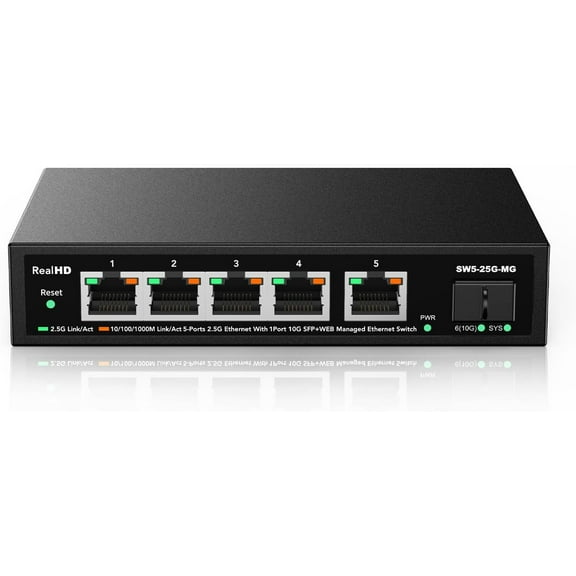 5 Port 2.5GB Web Managed Ethernet Network Switch | 5 x 2.5 Gigabit | 1 x 10Gb SFP+ | Multigig Switch 10-100-1000Mbps | 45G Bandwidth | Fanless Metal Internet Switch | NOT Support VPN$36.54current price $36.54
TP-Link 5-Port Fast Ethernet Desktop Switch (TL-SF1005D)
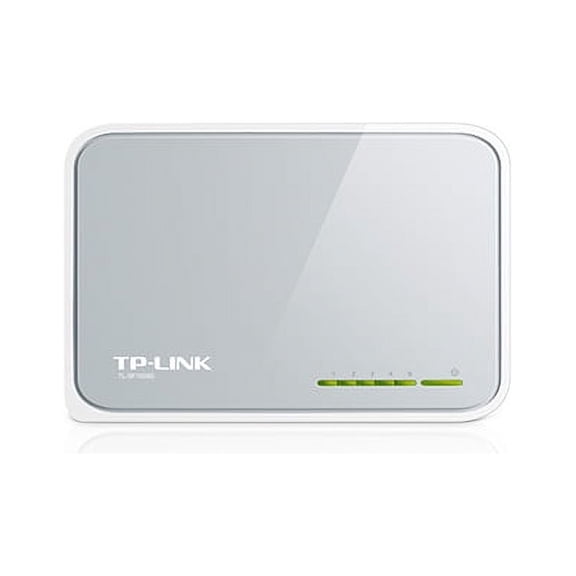 TP-Link 5-Port Fast Ethernet Desktop Switch (TL-SF1005D)$24.98current price $24.98
24 Port 2.5Gb PoE+ Managed Ethernet Network Switch 24 PoE+ Port @500W | PoE++ Port 1-4 Up to 90W Each | 2 x 10G SFP+ | IEEE 802.3bt/ at/ af | 160G Bandwidth | Metal Internet Switch | 19In Rack Mount
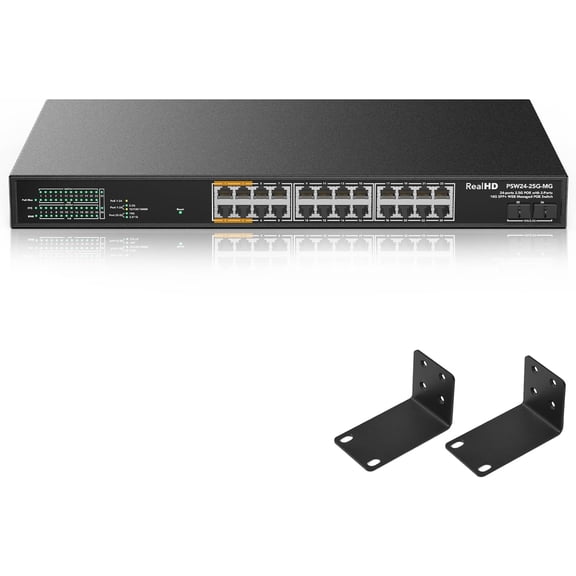 24 Port 2.5Gb PoE+ Managed Ethernet Network Switch 24 PoE+ Port @500W | PoE++ Port 1-4 Up to 90W Each | 2 x 10G SFP+ | IEEE 802.3bt/ at/ af | 160G Bandwidth | Metal Internet Switch | 19In Rack Mount$329.00current price $329.00
Cisco Small Business SG500-28MPP - switch - 28 ports - managed - rack-mountable
 Cisco Small Business SG500-28MPP - switch - 28 ports - managed - rack-mountable$799.00current price $799.00
24PORT GIGABIT SMART POE SWITCH SWITCH WITH 4 SFP SLOTS
24PORT GIGABIT SMART POE SWITCH SWITCH WITH 4 SFP SLOTS
10-Port Gigabit Ethernet Managed PoE Plus Switch
 10-Port Gigabit Ethernet Managed PoE Plus Switch$543.80current price $543.80
TRENDnet TPE-1620WS, 20-Port Gigabit Web Smart PoE+ Switch
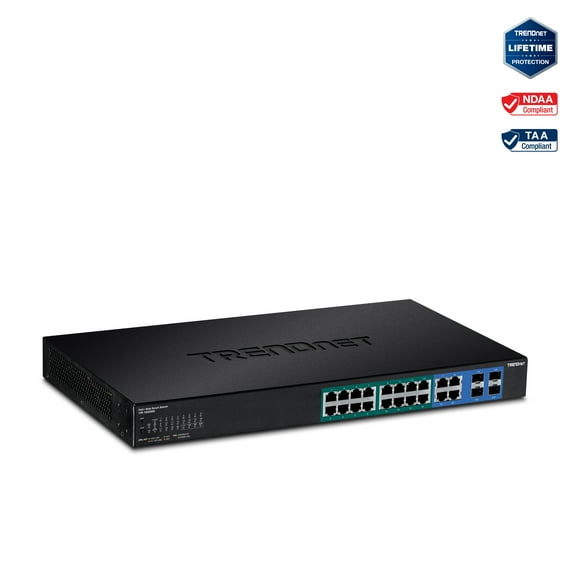 TRENDnet TPE-1620WS, 20-Port Gigabit Web Smart PoE+ Switch$324.99current price $324.99
28 Port Gigabit Managed PoE Plus Switch
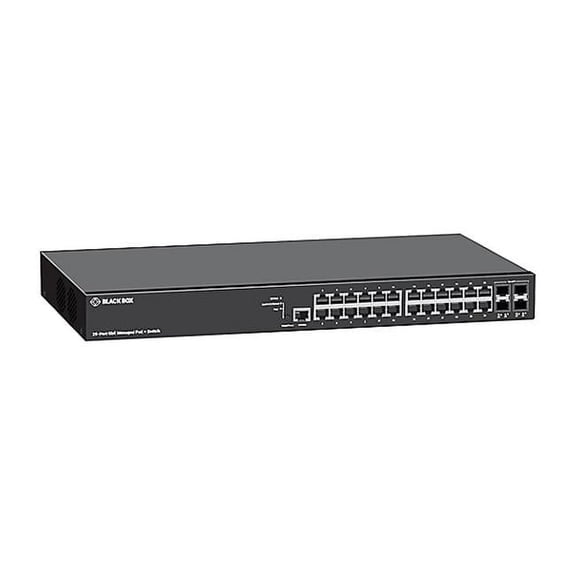 28 Port Gigabit Managed PoE Plus Switch$1473.82current price $1473.82
TRENDnet TPE-TG611 6-Port Gigabit PoE+ Switch
 TRENDnet TPE-TG611 6-Port Gigabit PoE+ Switch$99.99current price $99.99
GIGABIT ETHERNET (1000-MBPS) EXTREME TEMPERATURE POE+ SWITCH - (8) 10/100-MBPS C
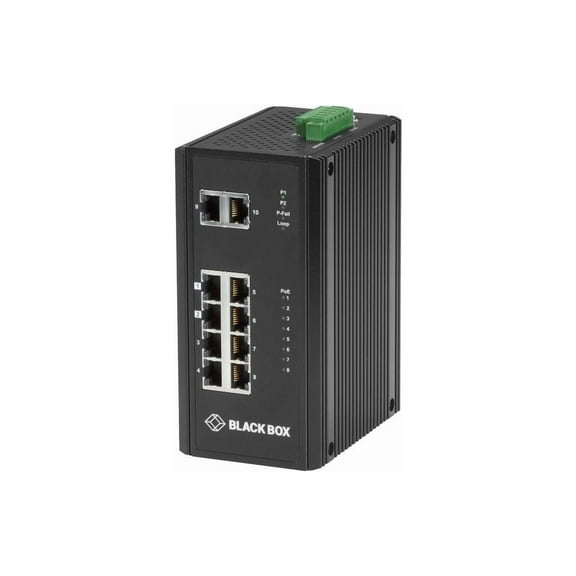 GIGABIT ETHERNET (1000-MBPS) EXTREME TEMPERATURE POE+ SWITCH - (8) 10/100-MBPS C$789.67current price $789.67
TRENDnet TPE-B541 5-Port Gigabit PoE++ Powered Managed Switch with PoE Passthrough
 TRENDnet TPE-B541 5-Port Gigabit PoE++ Powered Managed Switch with PoE Passthrough$84.99current price $84.99
48 Port 802.3BT 90W Universal Edge Poe Switch
 48 Port 802.3BT 90W Universal Edge Poe Switch$9070.58current price $9070.58
ZYXEL GS1350-12HP 8-Port Gigabit Smart Nebula Cloud Managed PoE Switch | 8 PoE+ Ports at 130W with 2 SFP Uplinks
 ZYXEL GS1350-12HP 8-Port Gigabit Smart Nebula Cloud Managed PoE Switch | 8 PoE+ Ports at 130W with 2 SFP Uplinks$269.41current price $269.41
Transition Networks Unmanaged Hardened Gigabit Ethernet PoE+ Switch
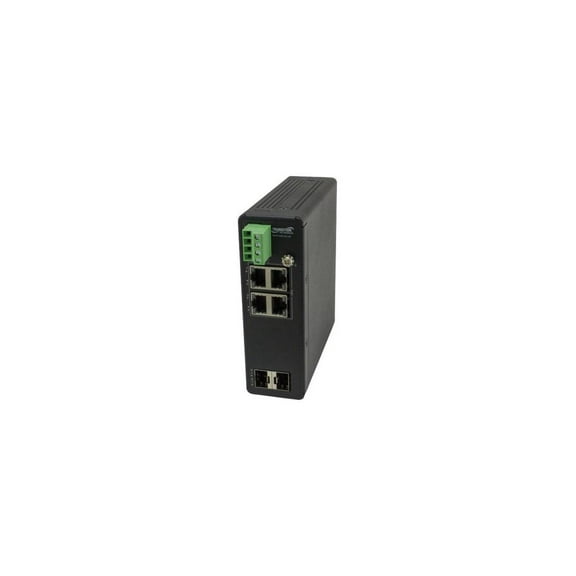 Transition Networks Unmanaged Hardened Gigabit Ethernet PoE+ Switch$329.30current price $329.30